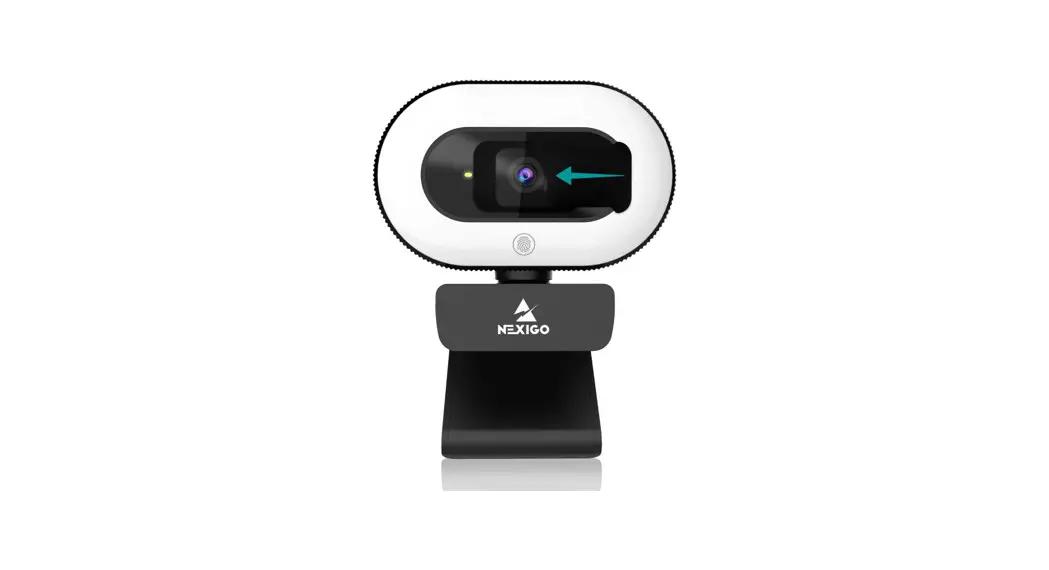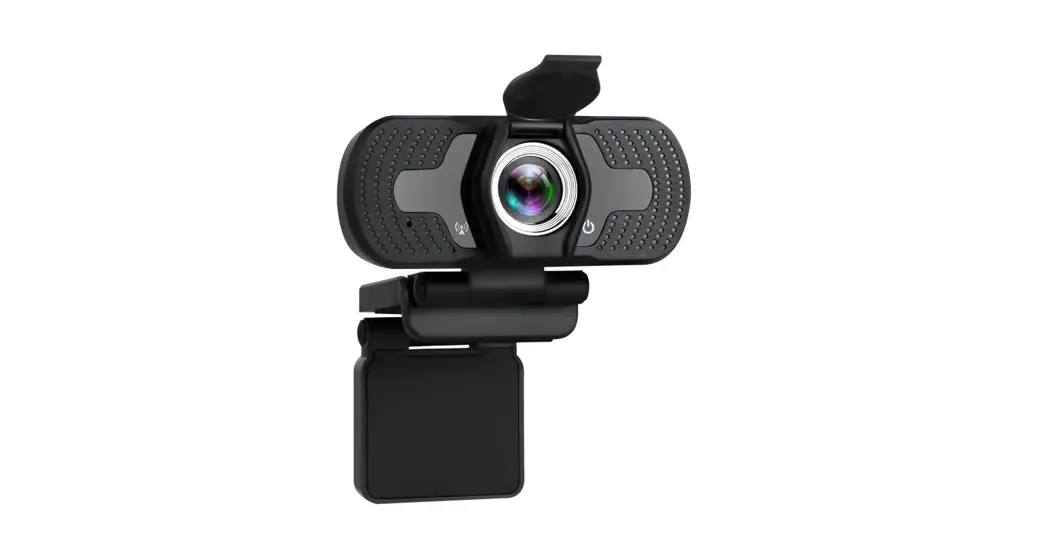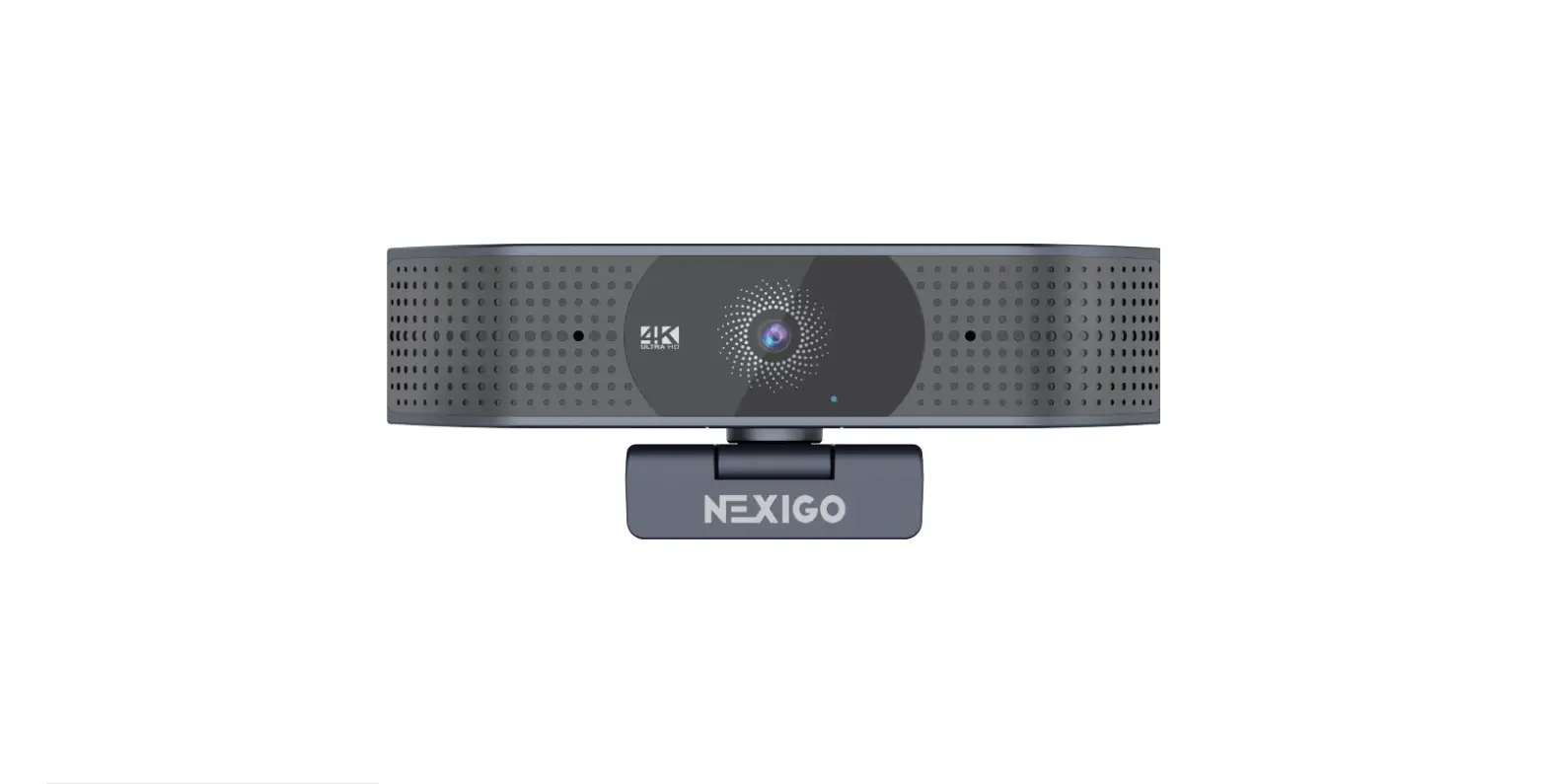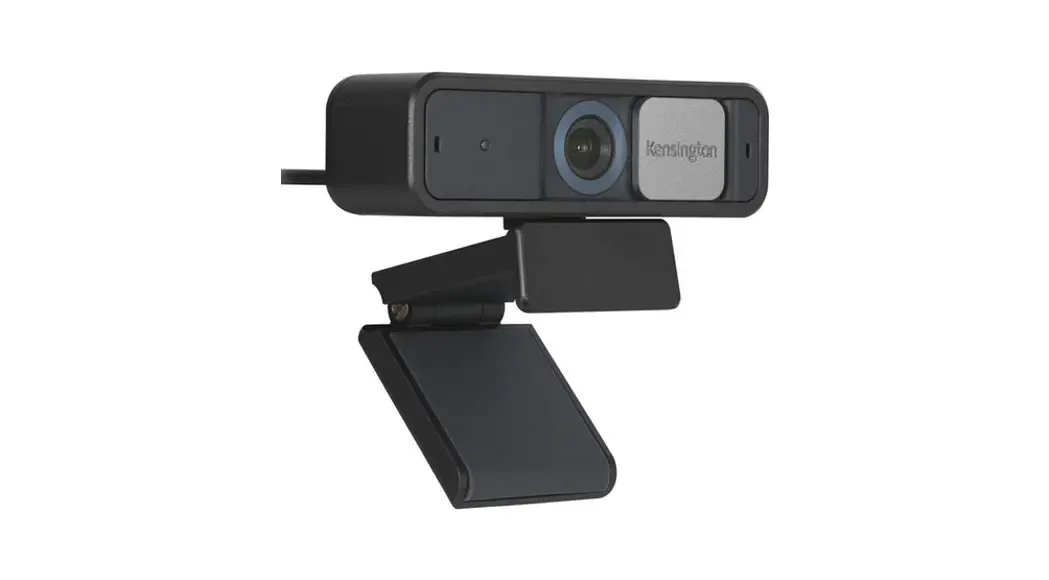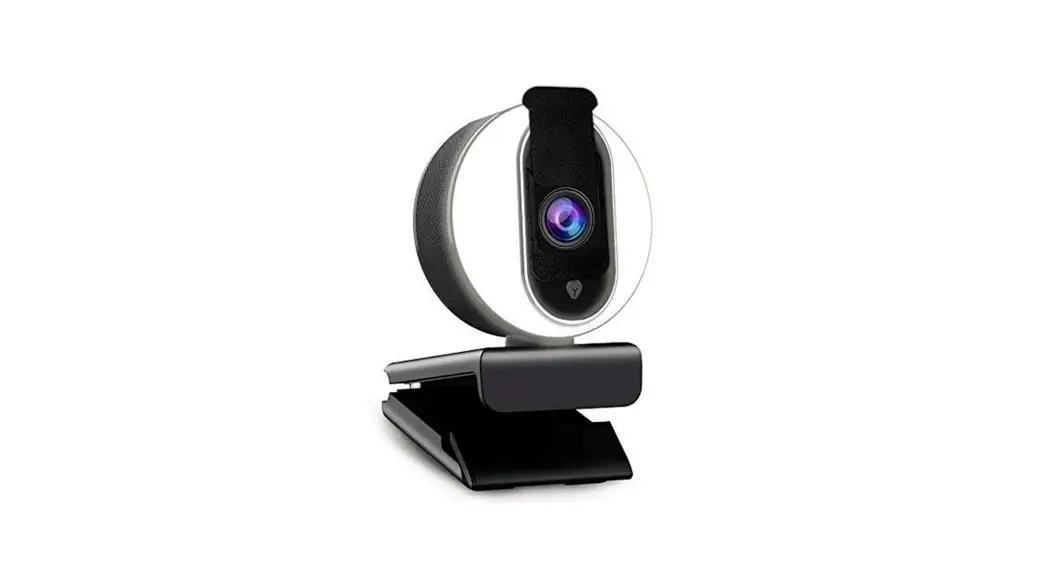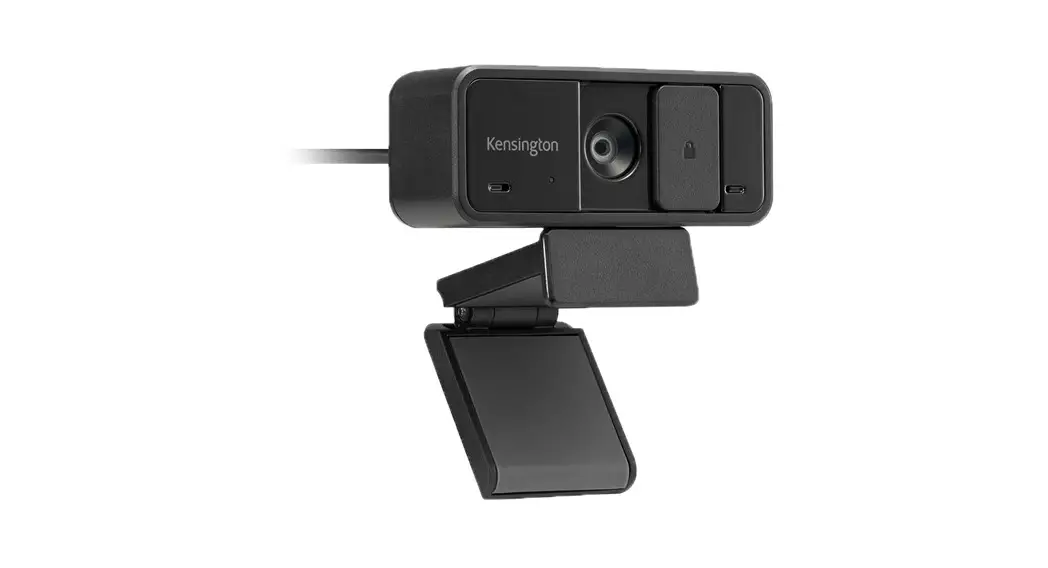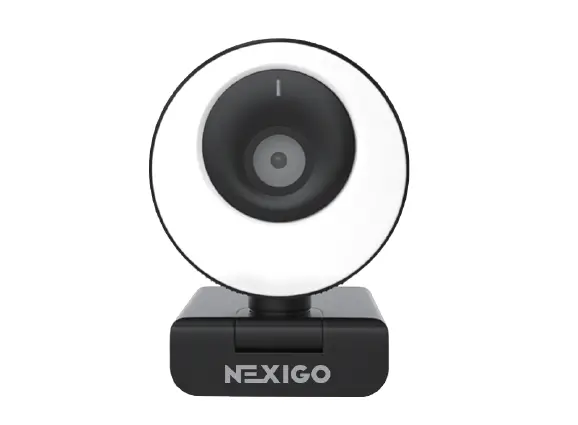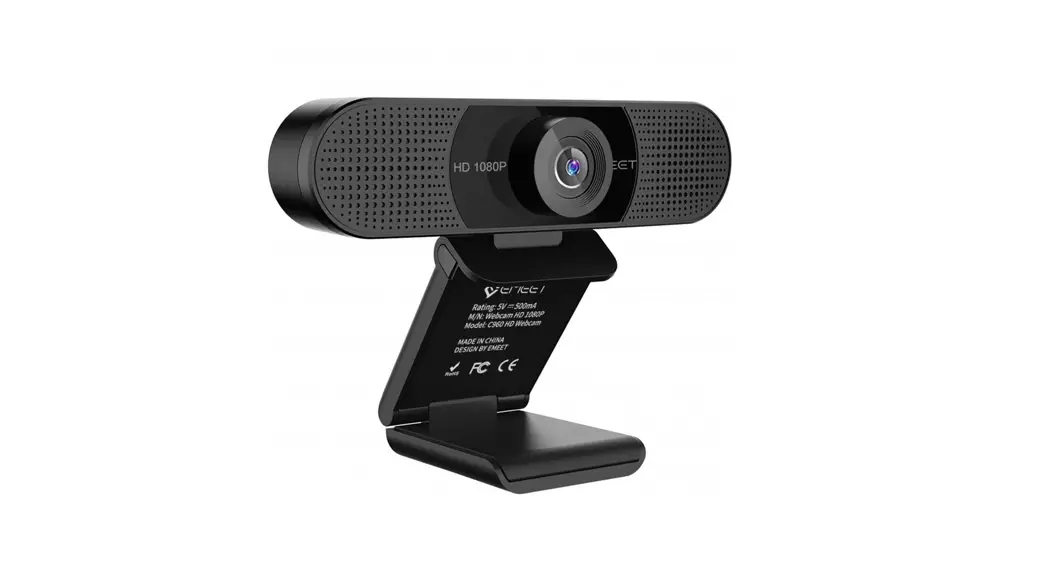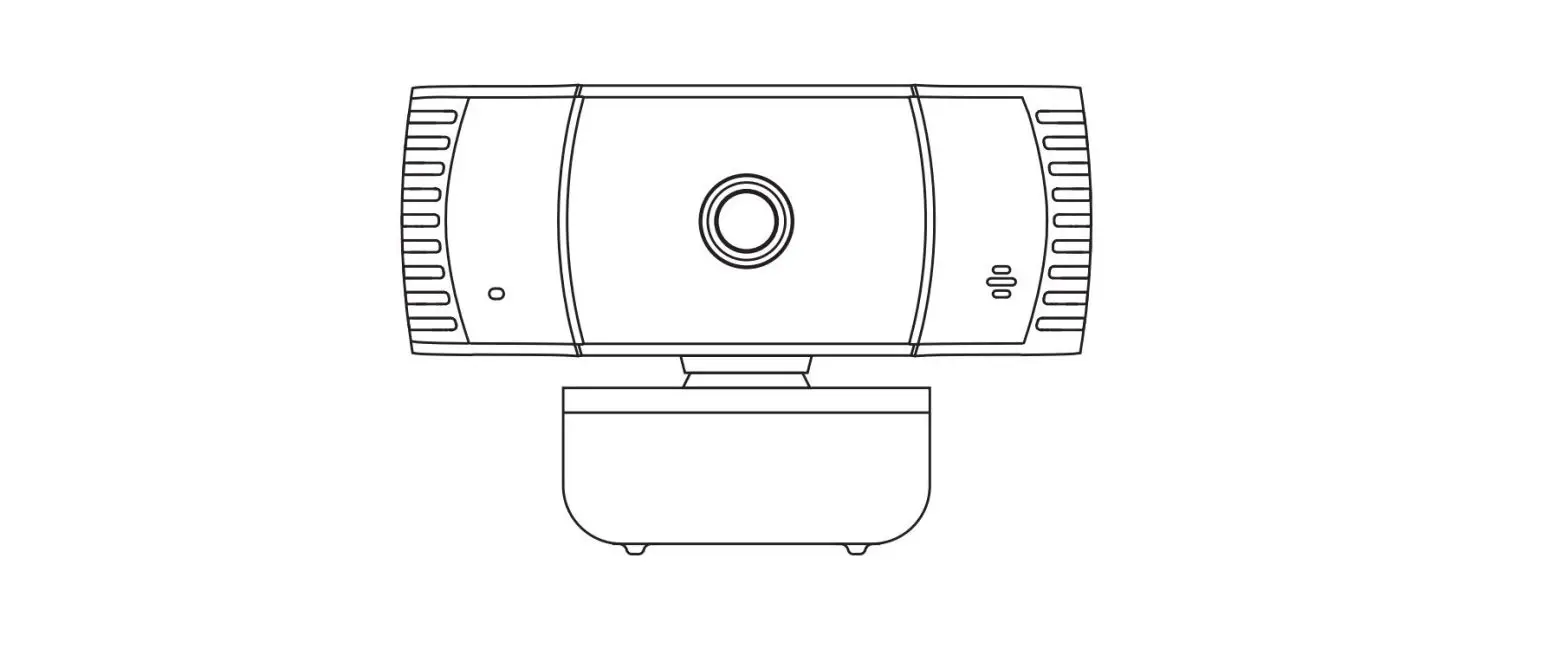

wansviewe 106JD Autofocus Webcam
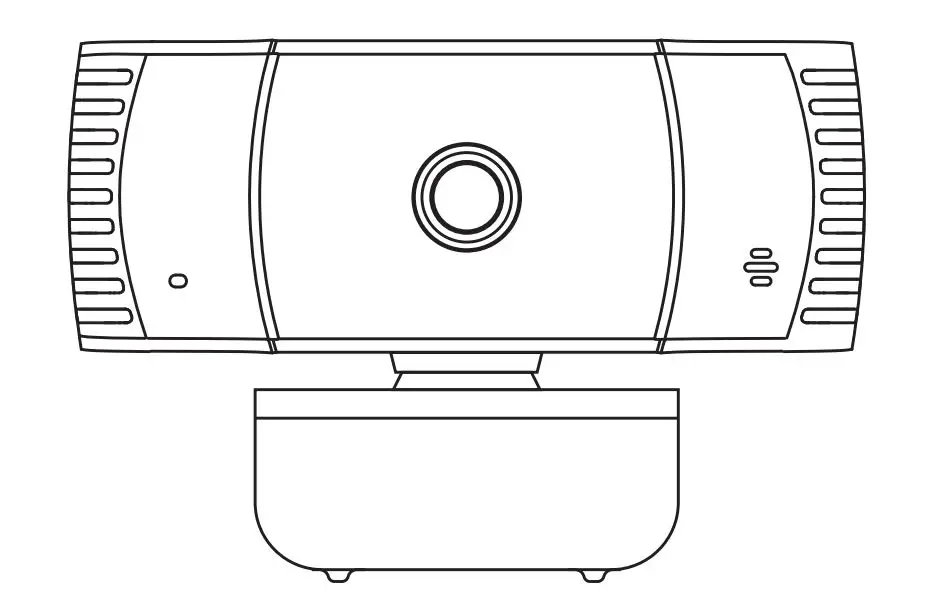
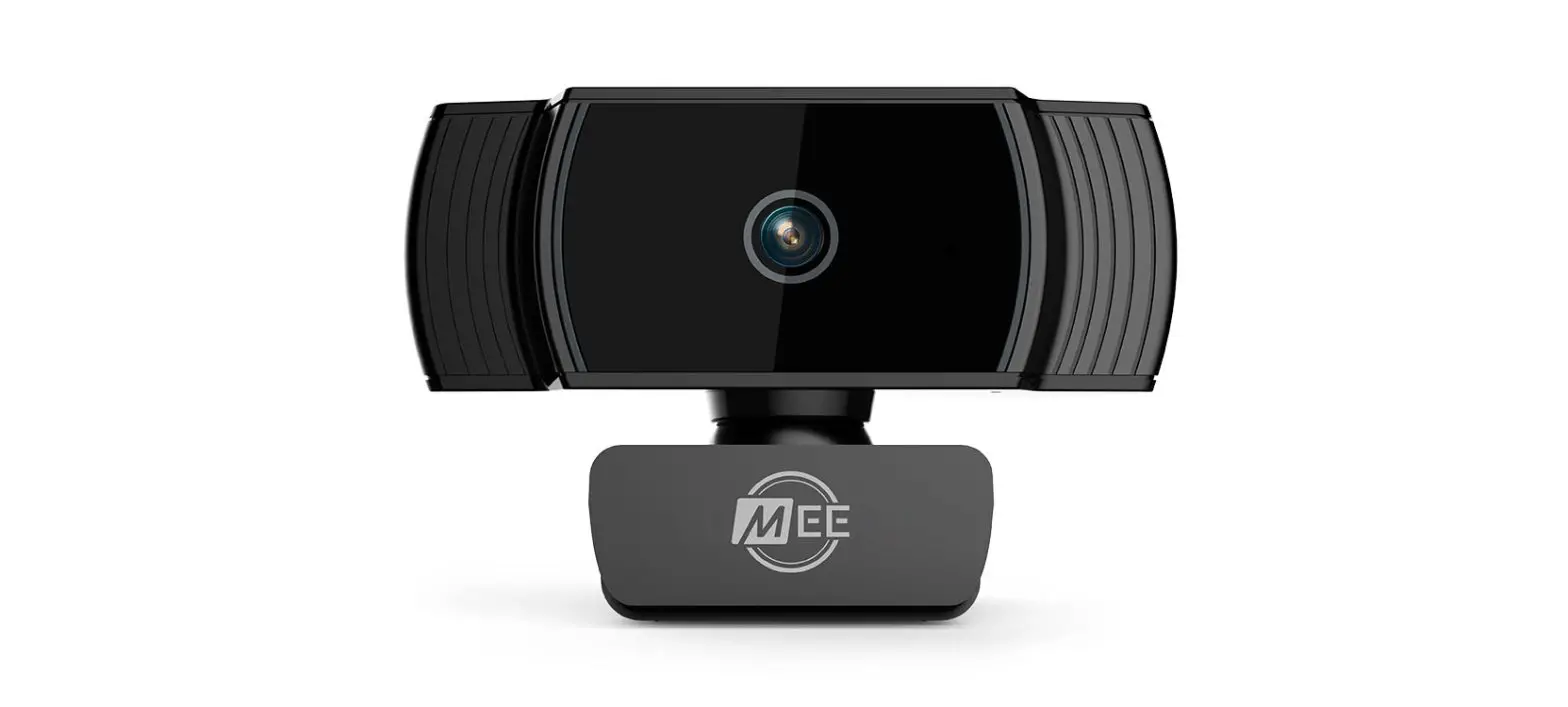
Product structure diagram
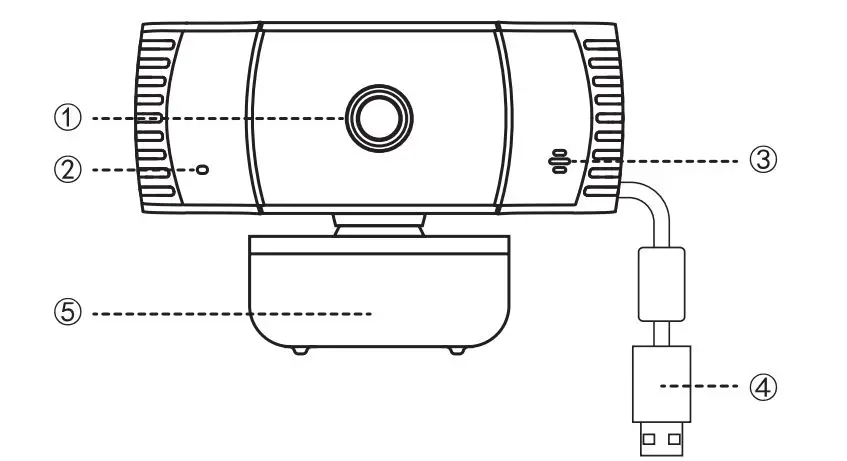
- 1080P auto focus module lens
- Indicator light
- Mic Interface
- USB Port
- Supporting bracket
Product accessories

- Webcam*1
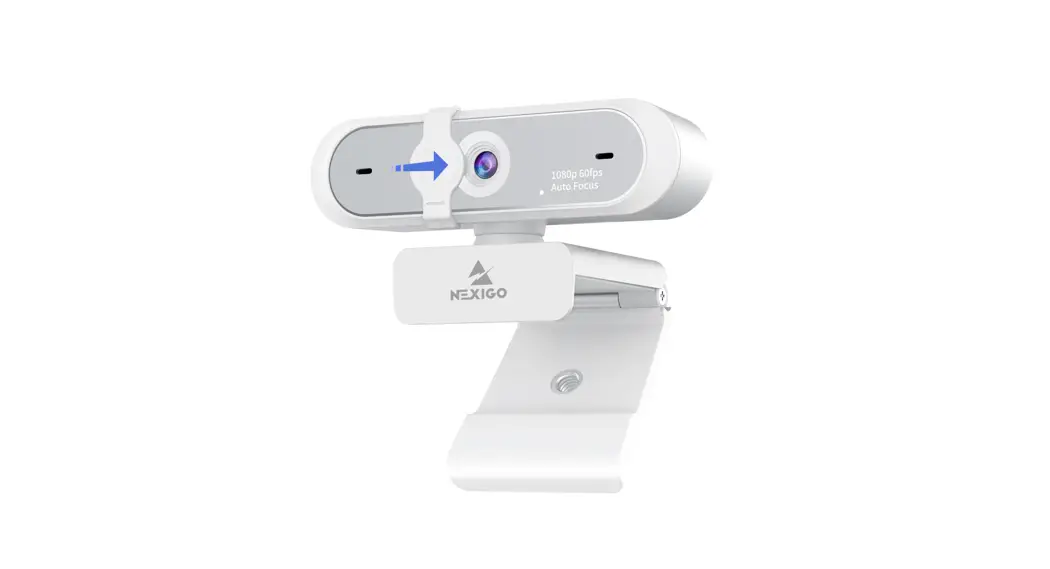
- Privacy cover*1
- Webcam instructions*1
Installation Steps
- Remove the privacy cover’s tape, and stick it onto the camera lens
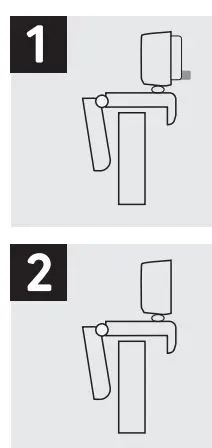
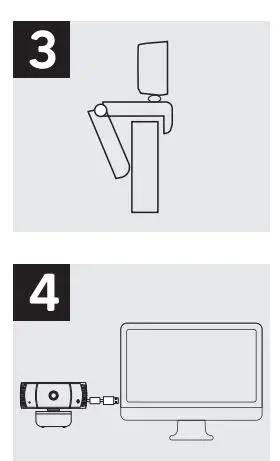
- Unfold the supporting bracket of the webcam,and put the webcam at the top of the computer, PC or Laptop, The camera side of the webcam towards the screen of the computer, PC or Laptop.

- Then install the supporting bracket, fix the webcam bracket onto the computer, PC or laptop
- Last, connect the USB power cable with your computer USB port accordingly.

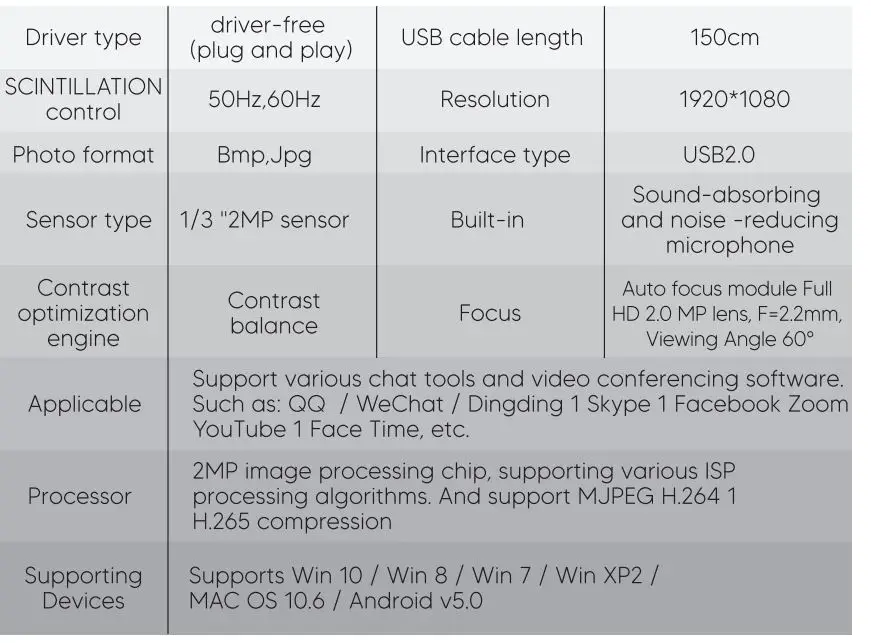
Detail parameter