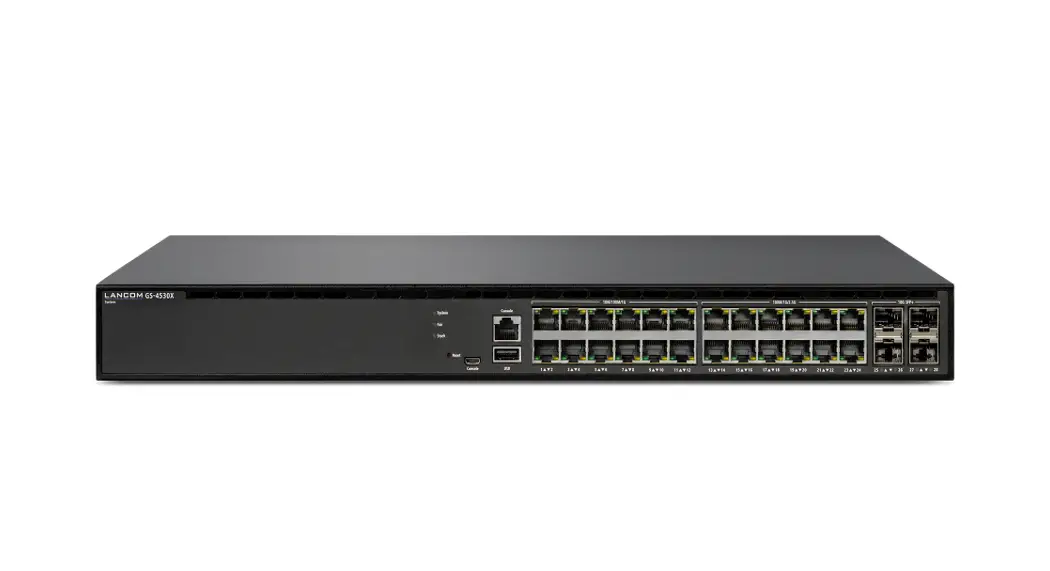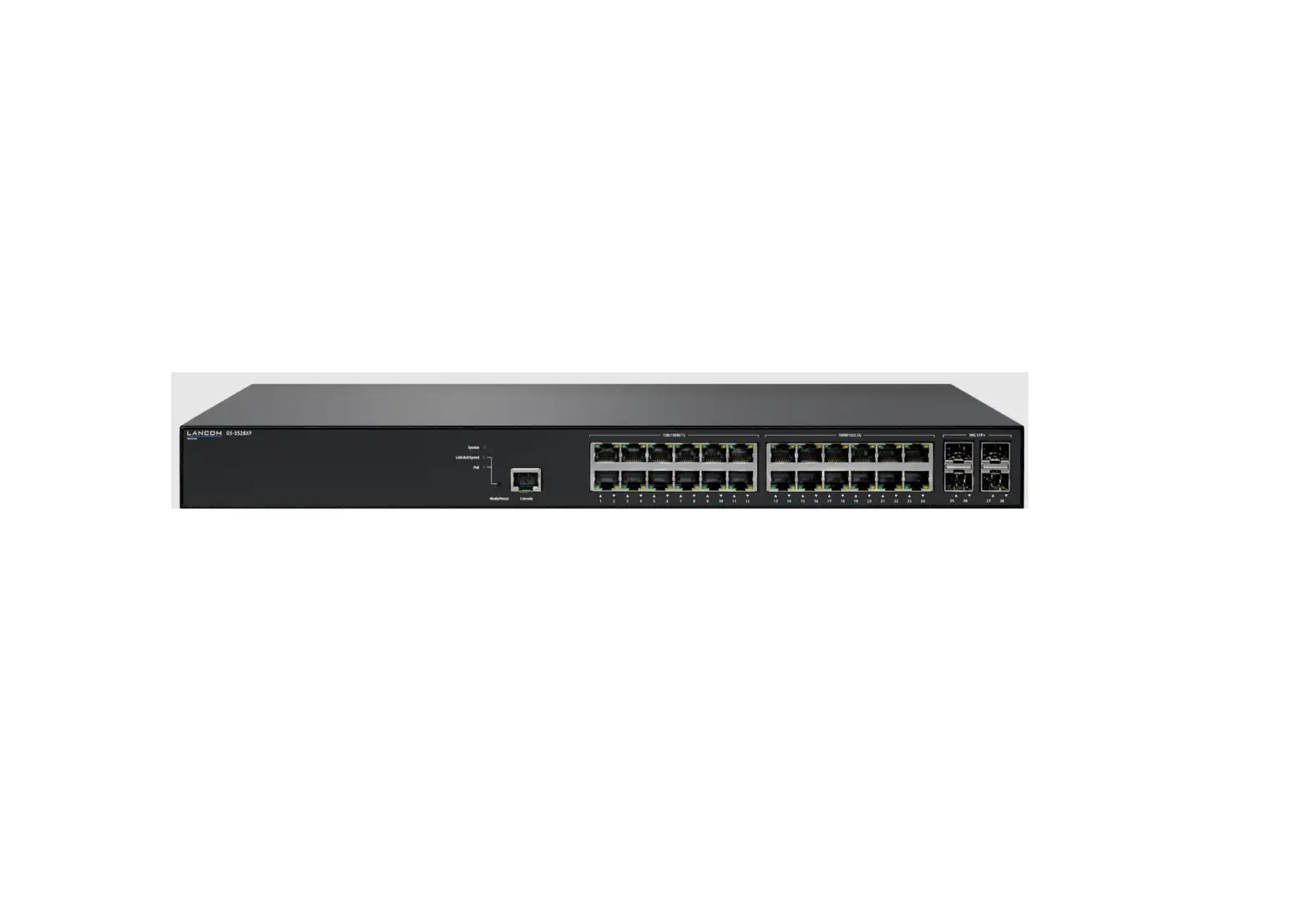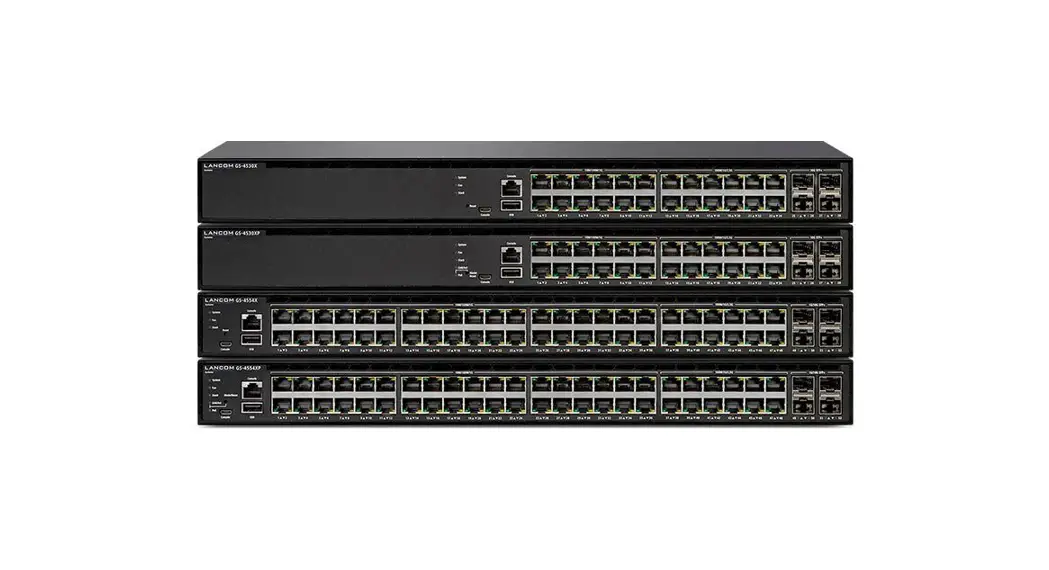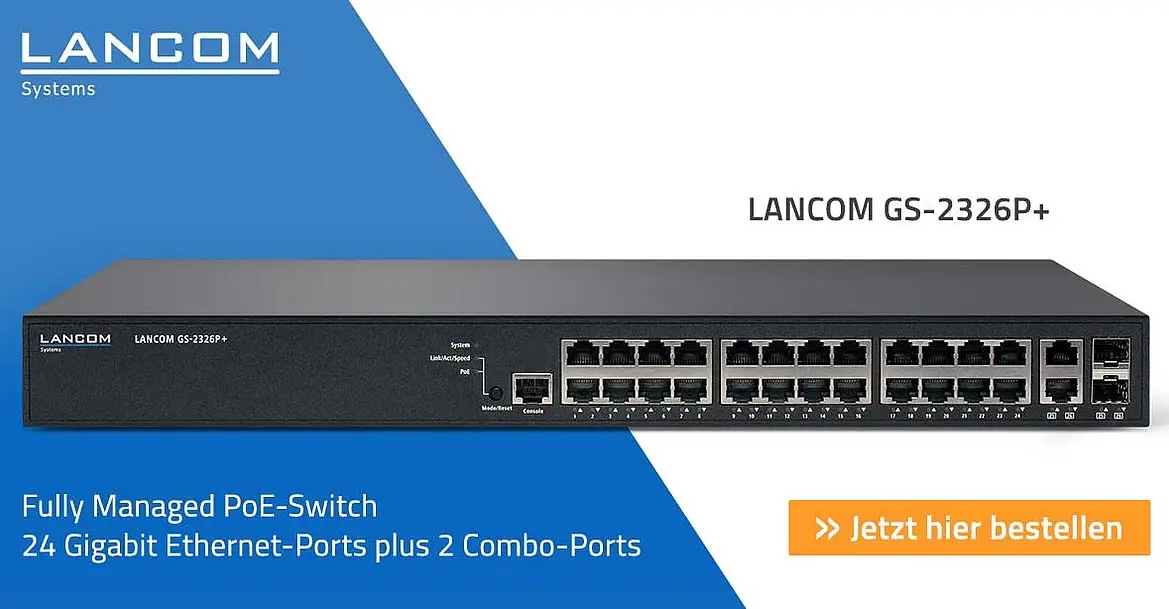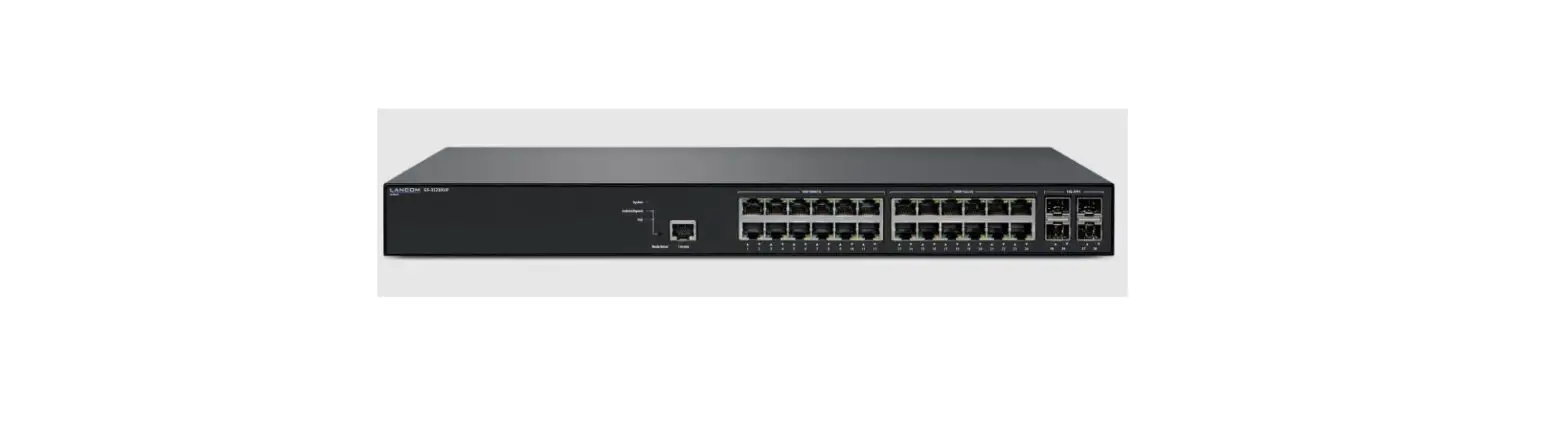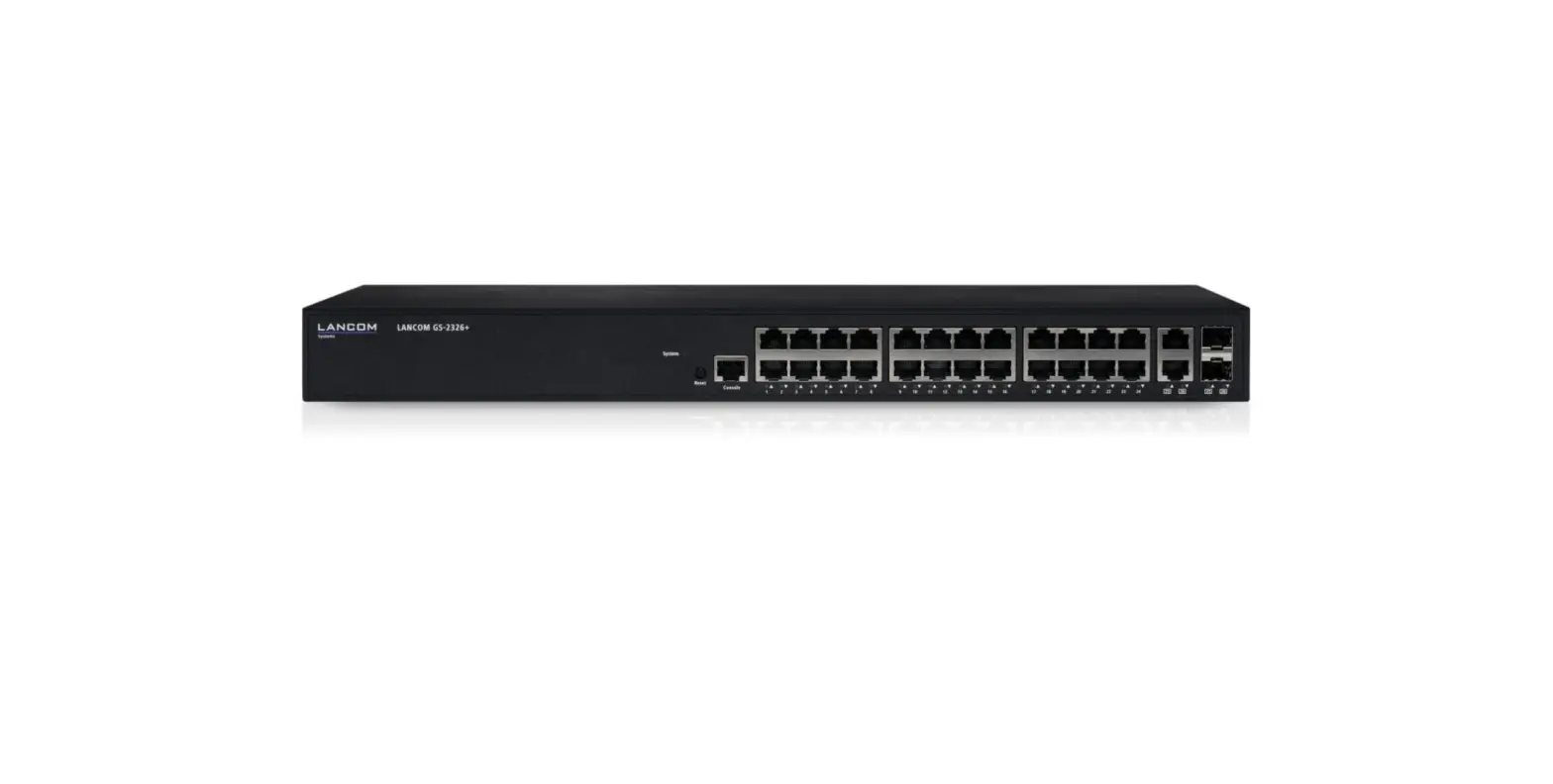
LANCOM GS-2326+ Medium Sized Networks Reliable Switch
Hardware Quick Reference

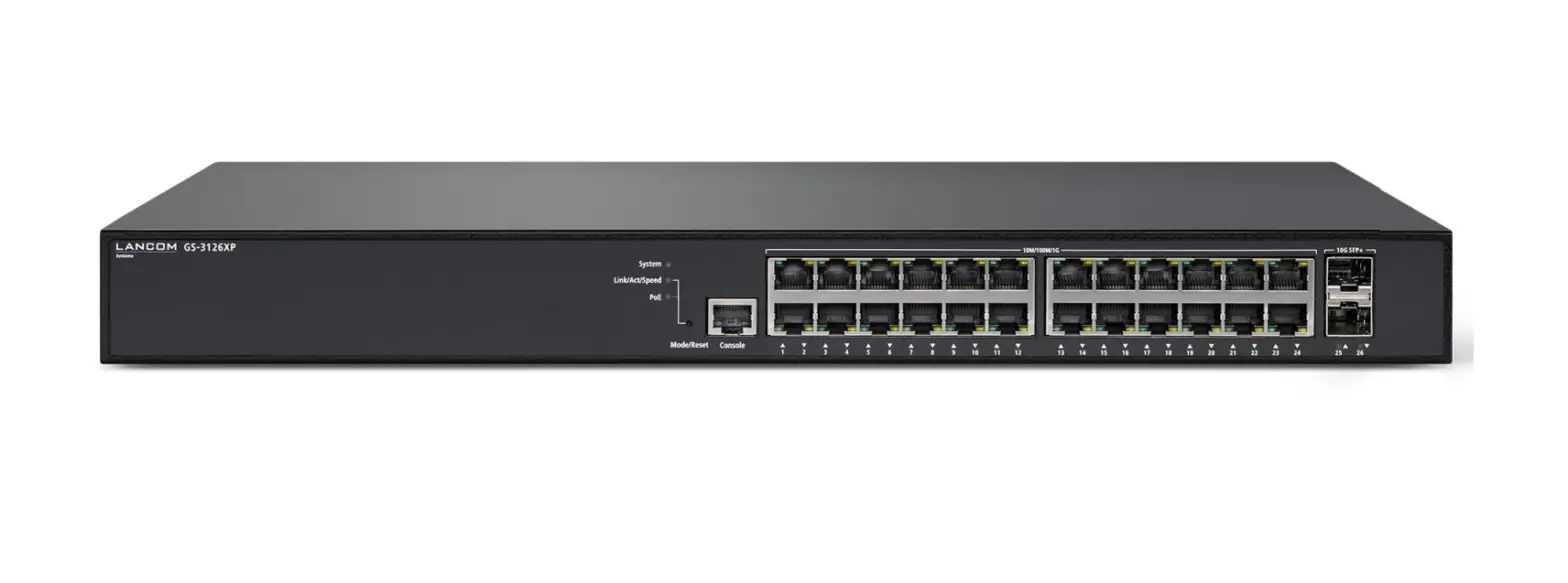
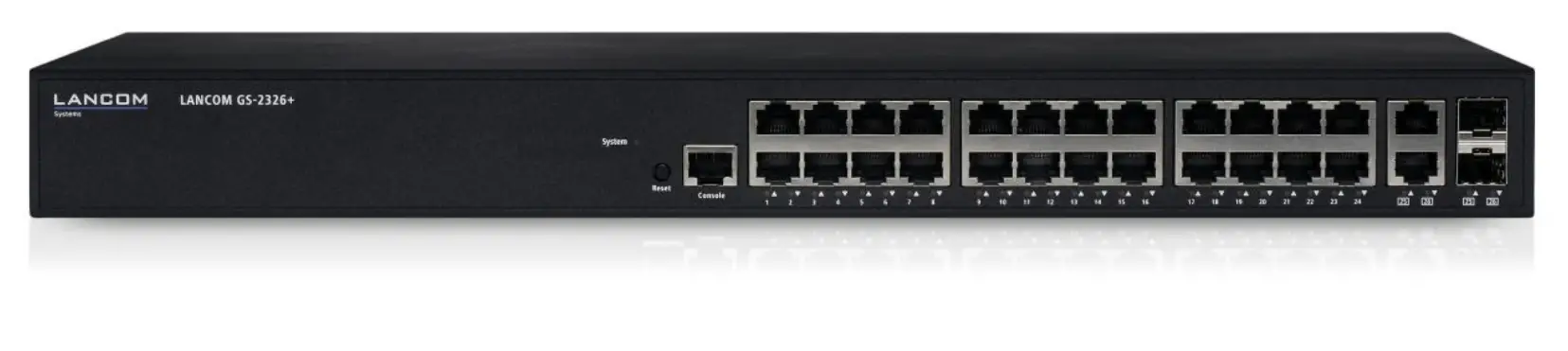
➀ Configuration interface
Connect the serial interface (Console) via the included serial configuration cable to the serial interface of the device you want to use for configuring / monitoring the switch.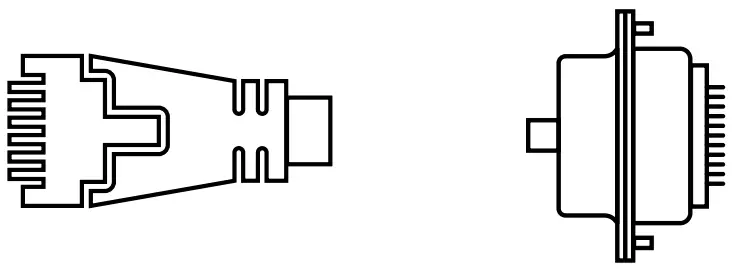
➁ TP Ethernet interfaces
Use Ethernet cables to connect the interfaces ETH 1 to ETH 24 to your PC or a LAN switch.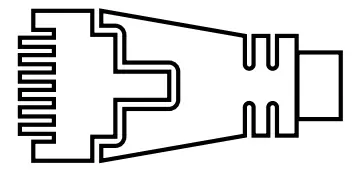
➂ TP Ethernet interfaces (combo ports)
Use Ethernet cables to connect the interfaces ETH 25 and ETH 26 to your end device or another LAN switc
➃ SFP interfaces (combo ports)
Insert suitable LANCOM SFP modules into the SFP combo ports 25 and 26. Choose cables which are compatible with the SFP modules and connect them as described in the module’s documentations.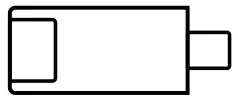
➄ Power connector and grounding point (device back side)
Supply power to the device via the power connector.
Please use the IEC power cable supplied (separately available for WW devices).
➅ ATTENTION: High touch current possible! Connect to earth before connecting the power supply.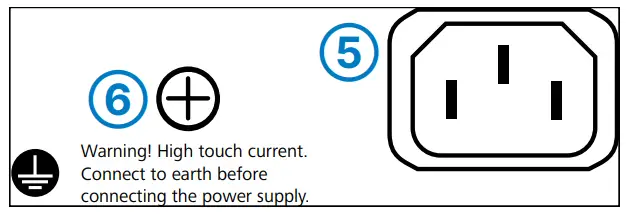

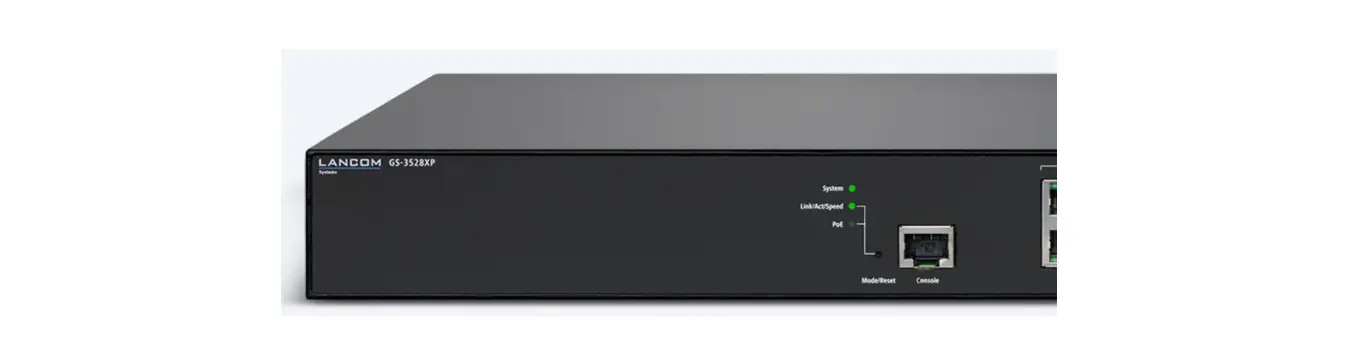
| ➀ System / Link/Act/Speed | |
| System: off | Device powered off |
| System: green | Device operational |
| Link/Act/Speed: green | Port LEDs show link / activity status or port speed |
| ➁ Mode/Reset button | |
| Short press | Port LED display switch |
| 5 seconds pressed | Restart of the device |
| 10 seconds pressed | Reset and restart of the device |
| ➂ TP Ethernet ports | |
| Off | Port inactive |
| Green | Link 1000 Mbps |
| Orange | Link ≤ 100 Mbps |
| ➃ SFP ports | |
| Off | Port inactive |
| Green | Link 1000 Mbps |
| Orange | Link ≤ 100 Mbps |
Before initial startup, please make sure to take notice of the information regarding the intended use in the enclosed installation guide!
Operate the device only with a professionally installed power supply at a nearby power socket that is freely accessible at all time
 | Please observe the following when setting up the device →The power plug of the device must be freely accessible. |
This product contains separate open-source software components which are subject to their own licenses, in particular the General Public License (GPL). The license information for the device firmware (LCOS) is available on the device‘s WEBconfig interface under “Extras > License information“. If the respective license demands, the source files for the corresponding software components will be made available on a download server upon request.
Hereby, LANCOM Systems GmbH | Adenauerstrasse 20/B2 | D-52146 Wuerselen, declares that this device is in compliance with Directives 2014/30/EU, 2014/35/EU, 2011/65/EU, and Regulation (EC) No. 1907/2006. The full text of the EU Declaration of Conformity is available at the following Internet address: www.lancom-systems.com/doc

 DoC - LANCOM Systems GmbH