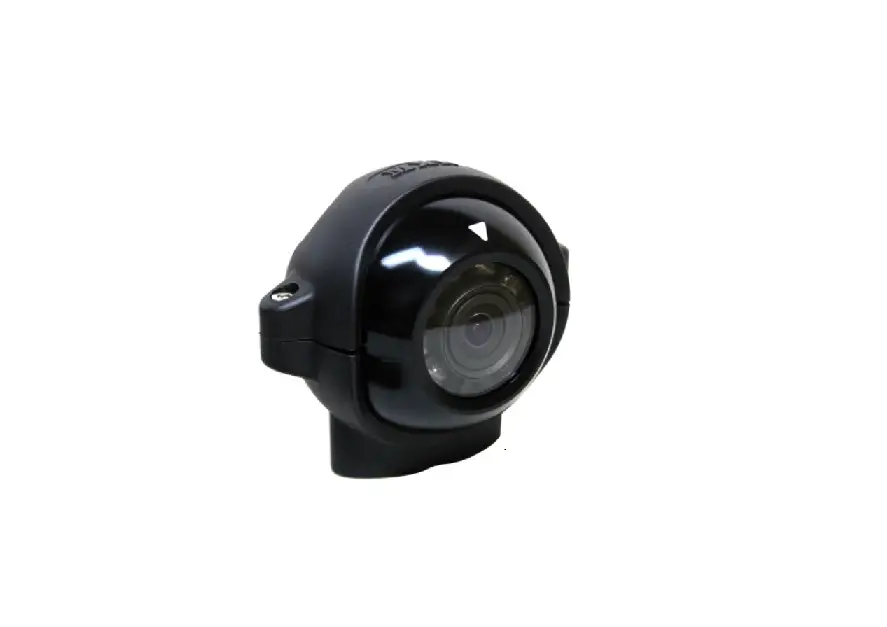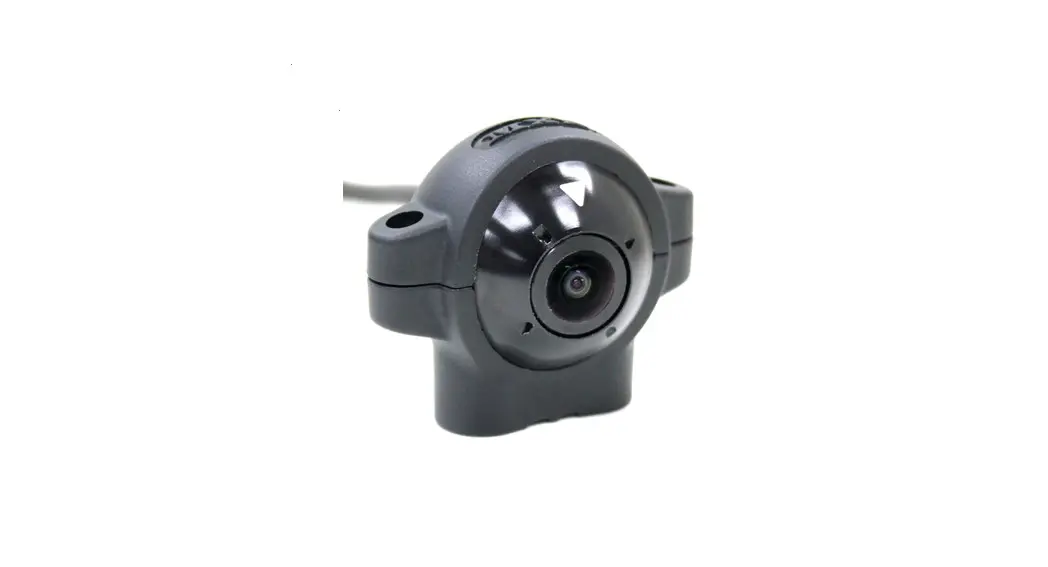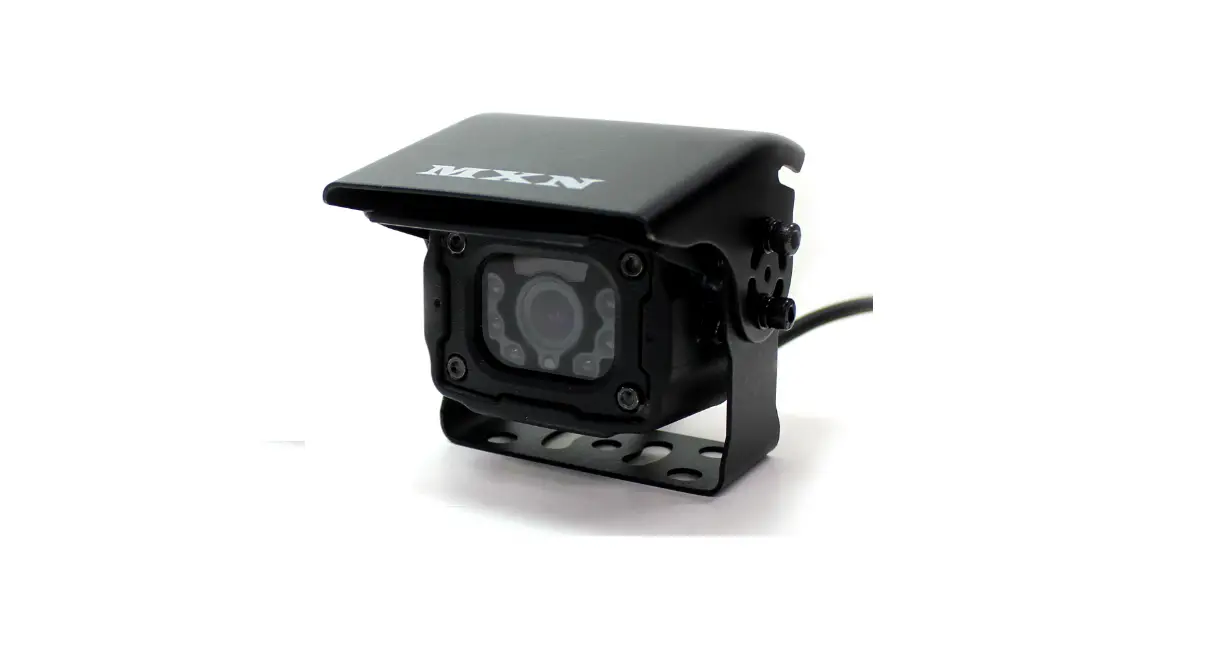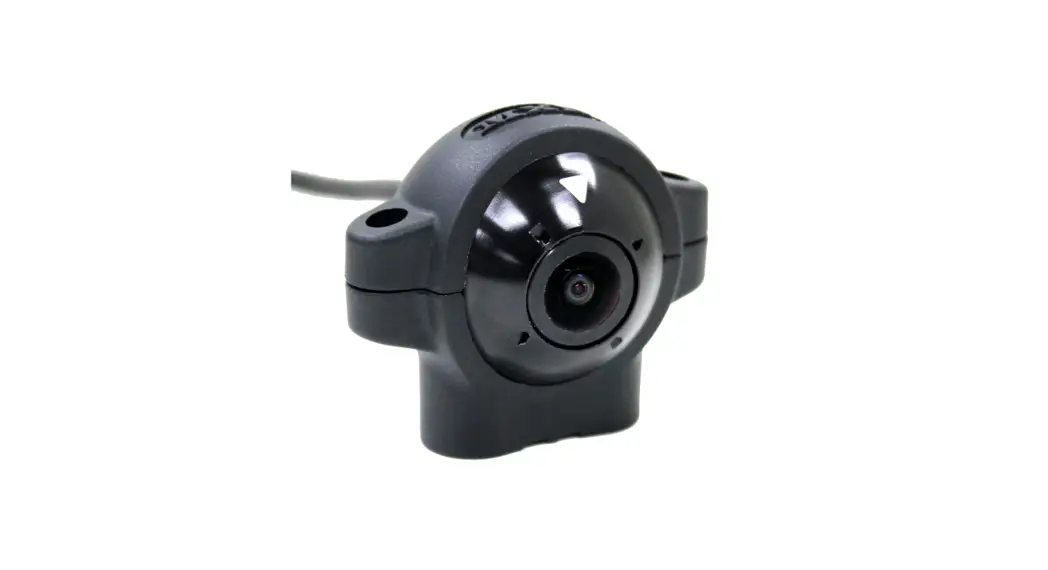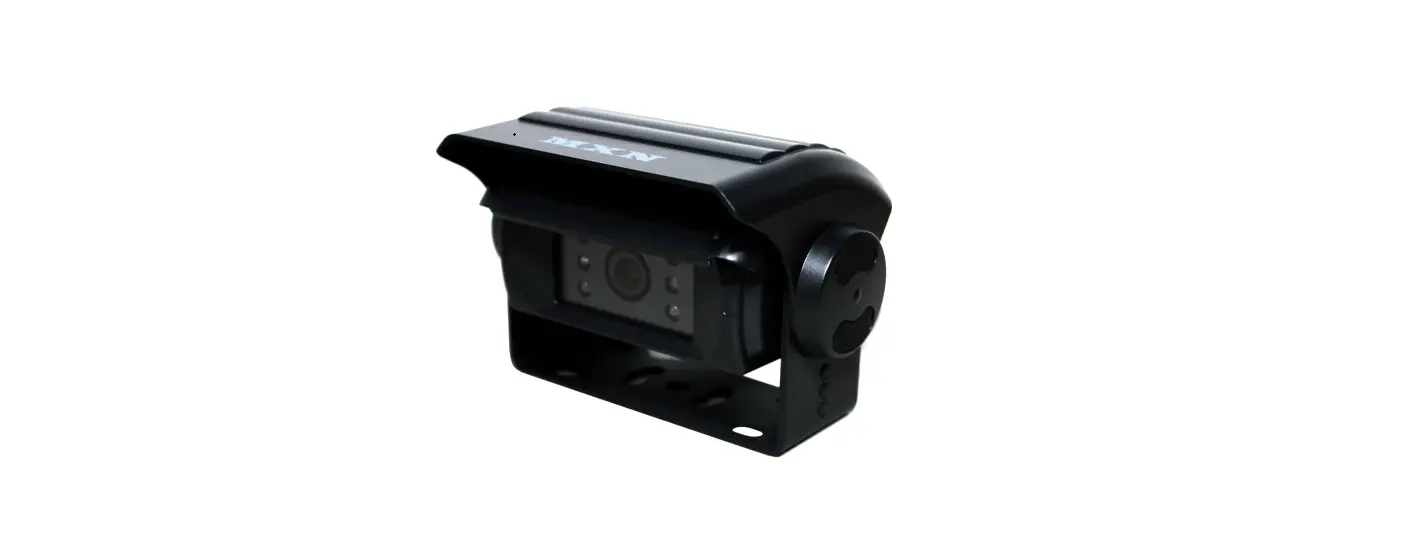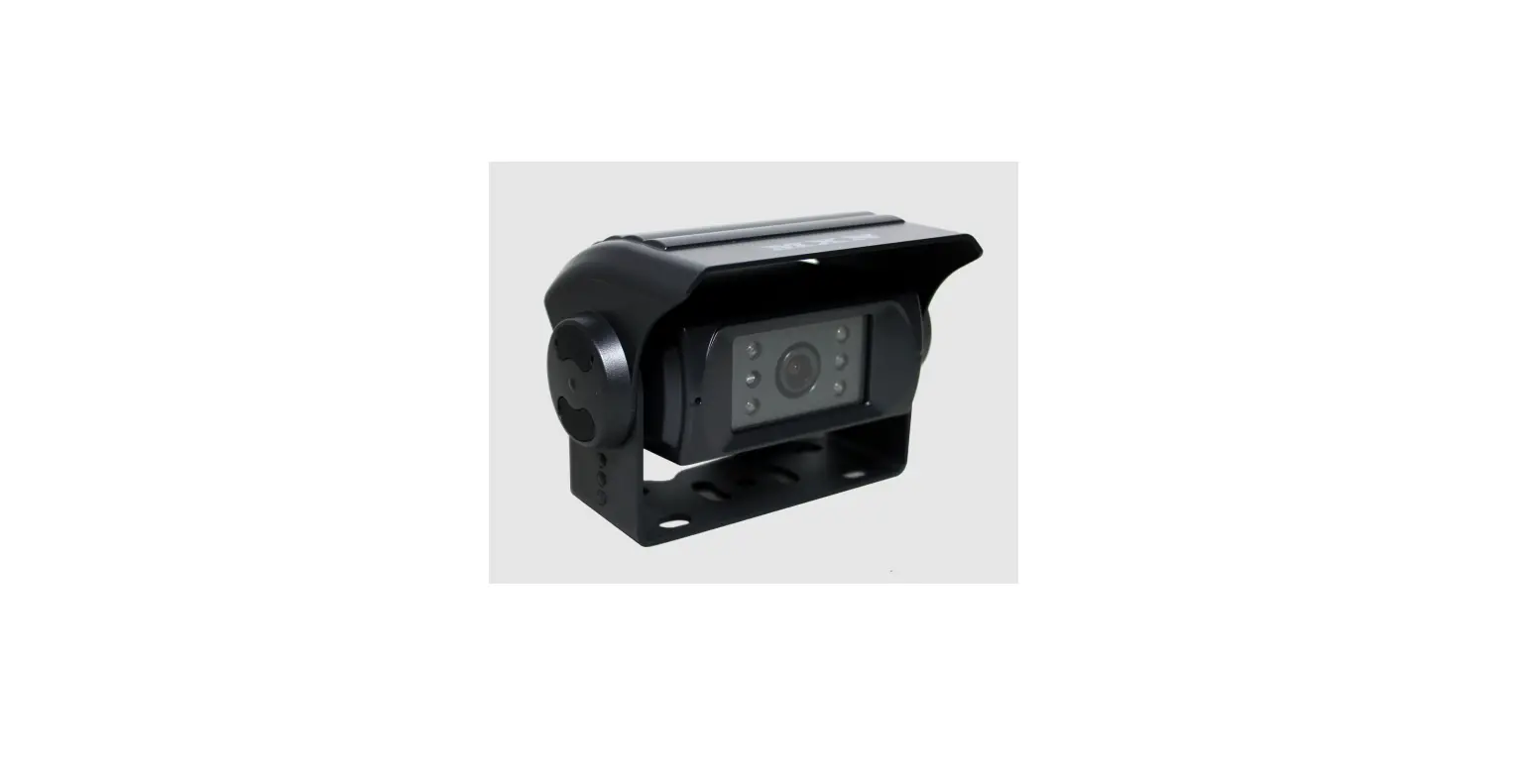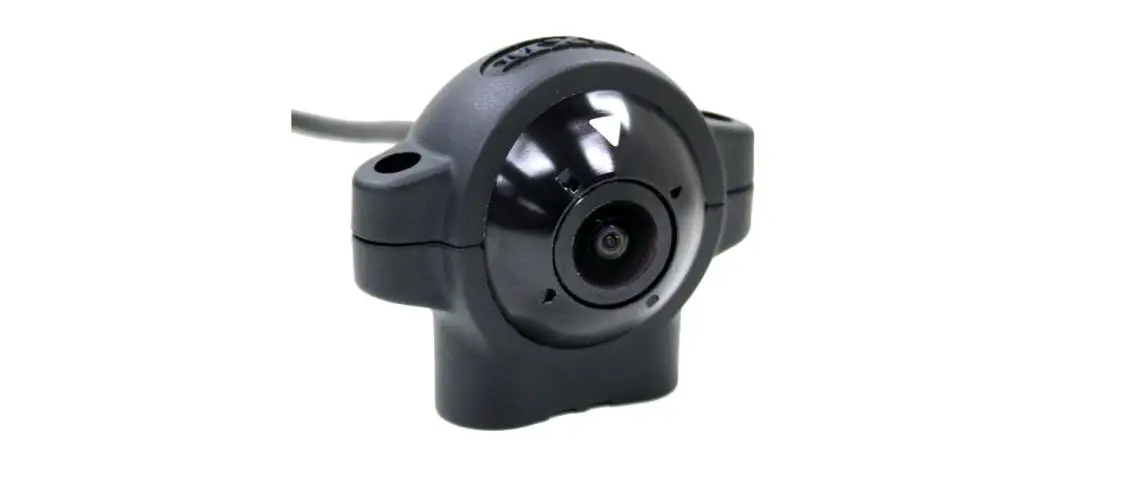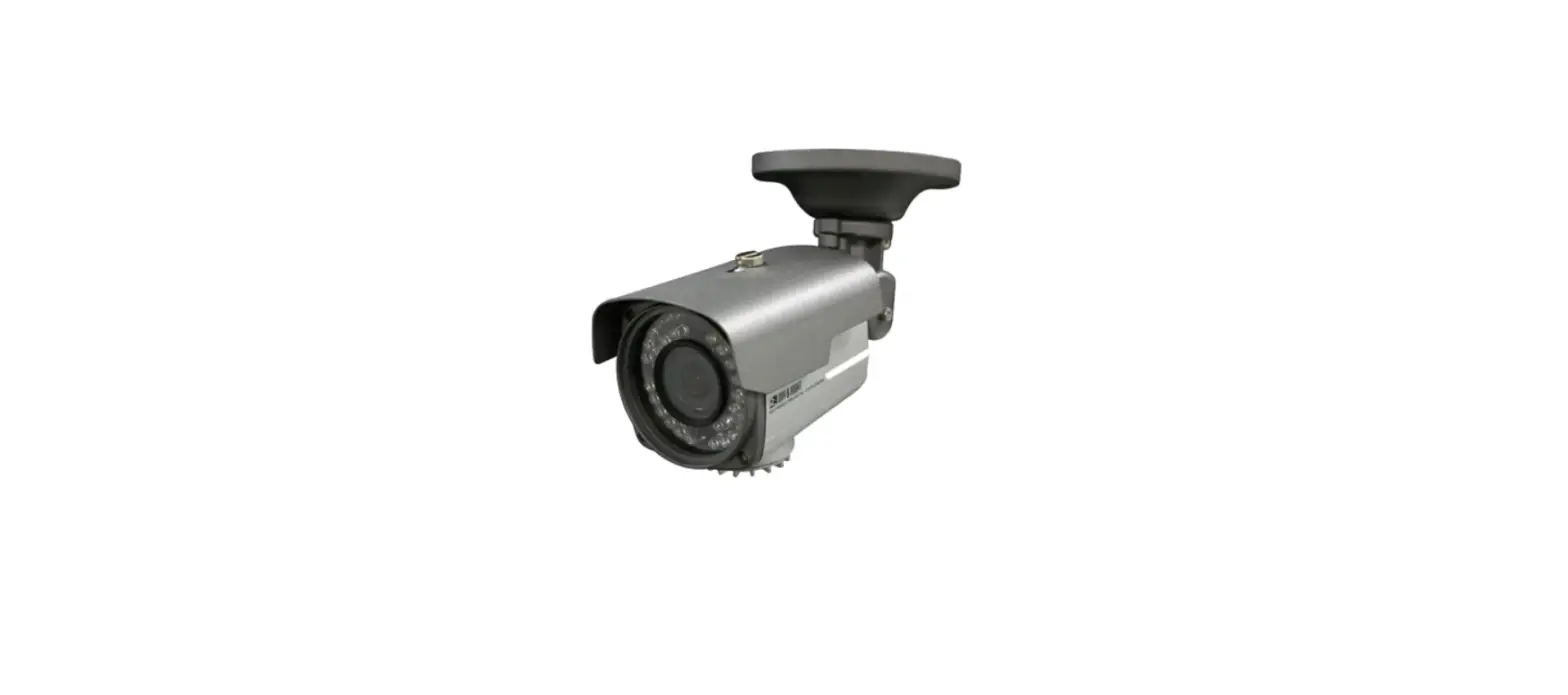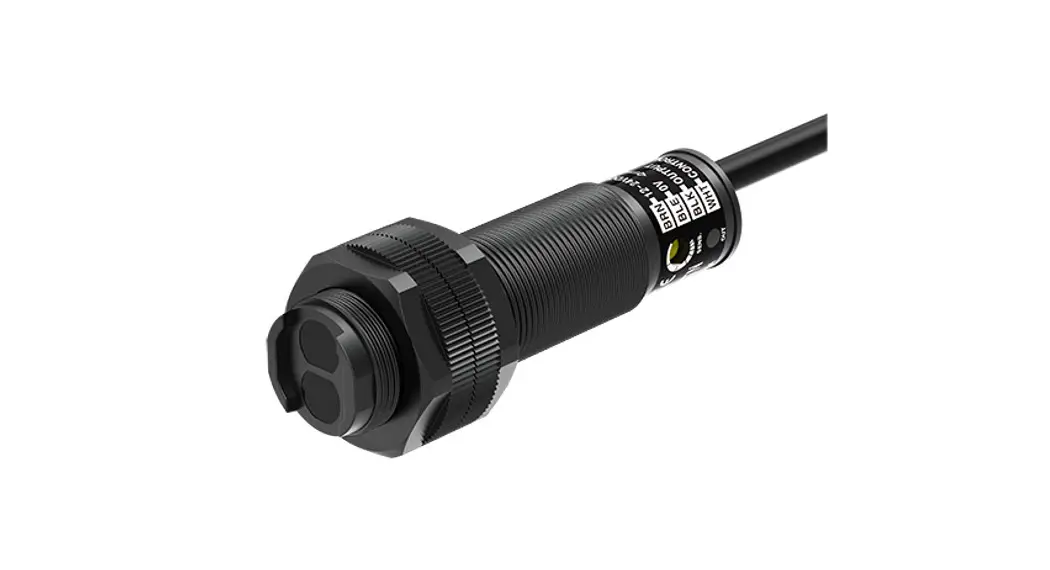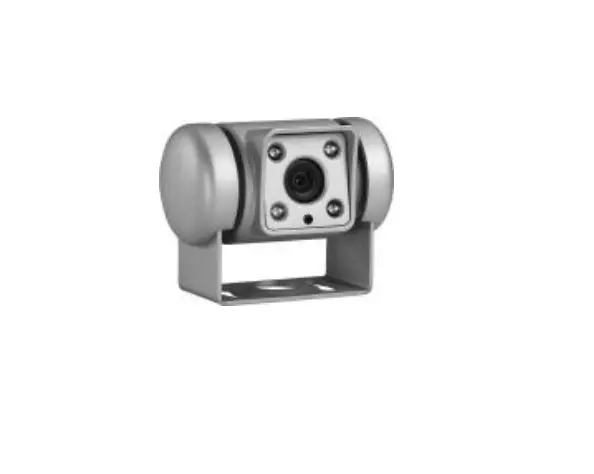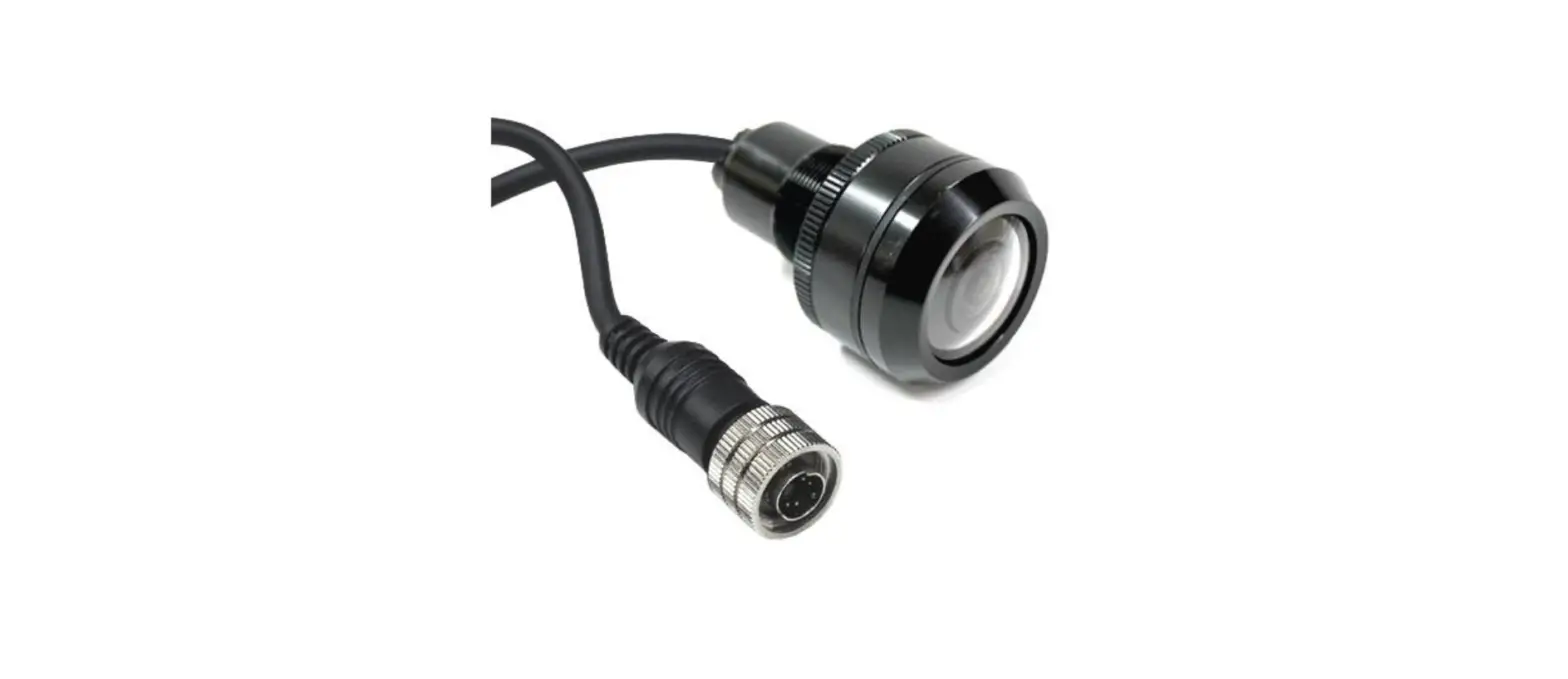

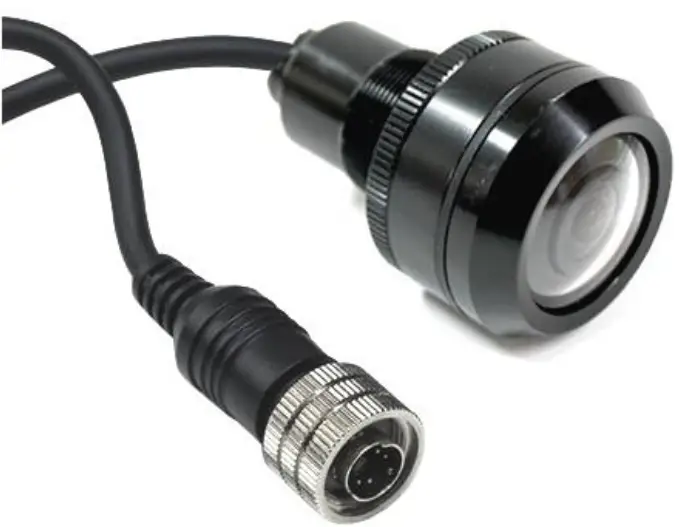
MXN12 Series Color Cylindrical Observation Camera
Contents
Features.
- High resolution CMOS camera (1.23 Mega pixels)
- 1/3.2” Color CMOS high resolution image sensor
- Waterproof Housing (IP69K rating)
- Automatic Electronic Iris
- Mirror Image (or Normal image via loop wire)
- 40˚/ 78˚/ 130˚ / 160˚ Viewing angle (optional)
- Compact Aluminum Housing
- Easy installation (flushmount)
- Temperature Range -40˚C to +80˚C
- Vibration resistant (5G)
- Extra thick glass window (3mm)
- Suitable for Φ 25mm drilling hole
- Waterproof screw type connector, 4- pin mini-DIN
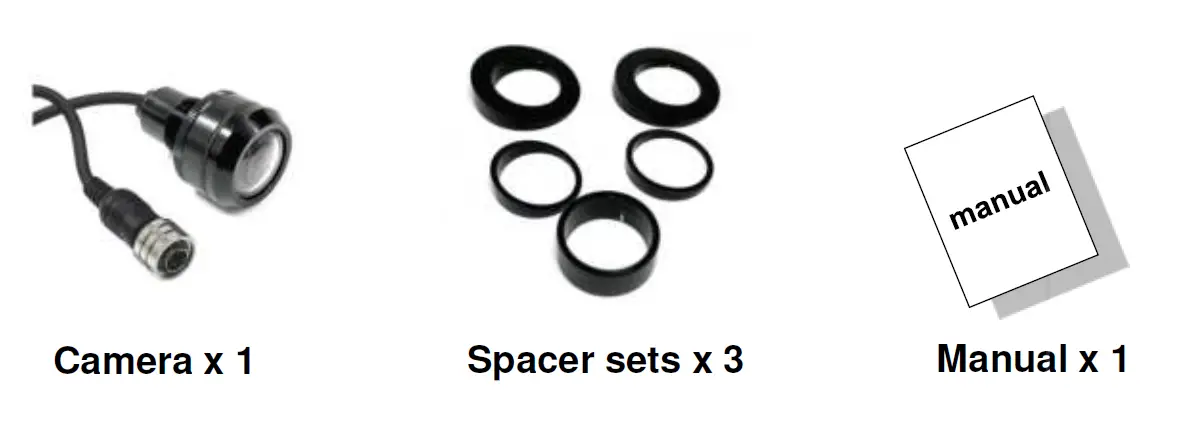
- Various angled spacers included
- ECE R10.05 approved (EMC)
* Available models: Lens Viewing angle per model:
- MXN12C-040: 40˚ (Diagonal) x 30.9˚ (Horizontal) x 23.2˚ (Vertical)
- MXN12C-078:78˚ (Diagonal) x 62˚ (Horizontal) x 45˚ (Vertical)
- MXN12C 130˚ (Diagonal) x 102˚ (Horizontal) x 76˚ (Vertical)
- MXN12CW 160˚ (Diagonal) x 115˚ (Horizontal) x 86˚ (Vertical)
- MXN12CN (NTSC)130˚ (Diagonal) x 102˚ (Horizontal) x 76˚ (Vertical)
Installation
Camera Installation
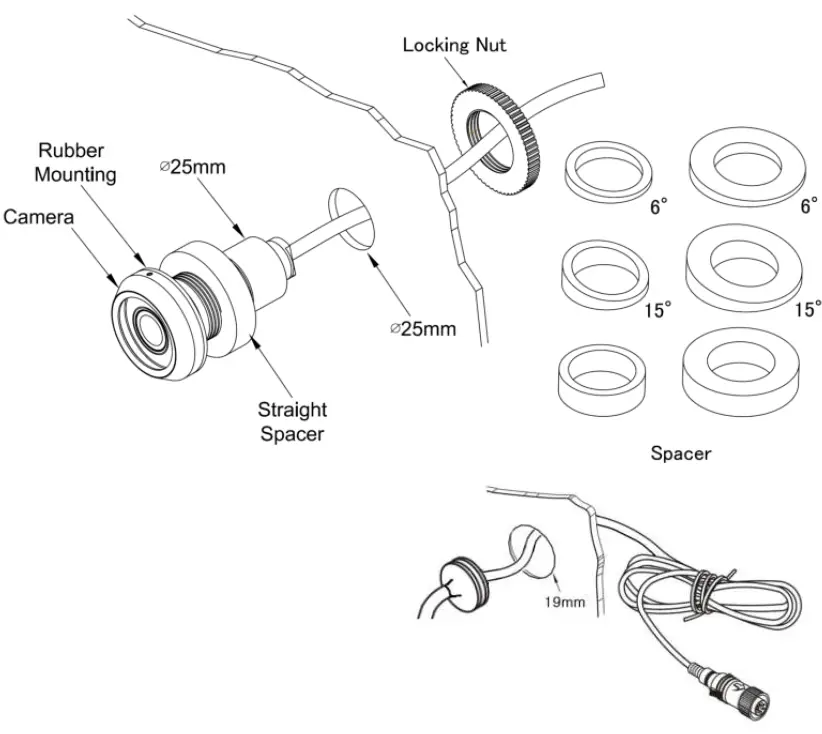
Cable grommet
Drill a suitable hole (approx. Ø 19mm) and insert the cable grommet. Just before final fixation, please apply a proper sealant (for prevention) between the hole and the grommet and also between the cable and the grommet.
Securing cable connection
- Match the arrow marks and press the connectors together.
- Screw the camera connector up clockwise.
- Tighten cable connection firmly in order to prevent water ingress.

Technical Specifications
| Image Sensor | 1/3.2” Color Sony CMOS (Exmor) |
| Effective Pixels | CVBS – PAL (or NTSC), 1.23 MP, 1280(H) x 960(V) |
| Minimum Illumination | 1 lux |
| Video Output | 75Ω, 1.0Vp-p |
| Power Range | DC 9V ~ 32V |
| Power Consumption | DC 12V, 70mA |
| Operation Temperature | -40˚C to +80˚C |
| Lens Viewing Angle | Diagonal 40˚/ 78˚/ 130˚ / 160˚ (subject to camera model) |
| Material | Compact Aluminum Housing |
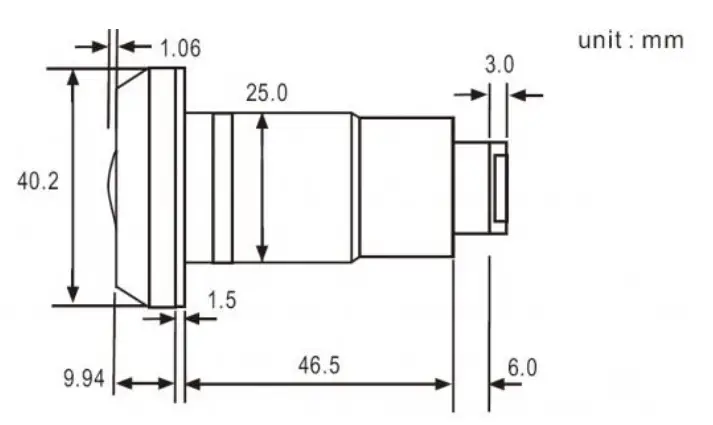
| Dimensions | Head part : Φ 40.2 mm Main body : Φ 25.0 mm Total length : 66.50 mm Flushmount depth: approx. 55.50 mm |
| Weight | Approx. 155g |
| Accessories | 2 sets 15˚ spacers, 2 sets 6˚ spacers, 1 pce straight spacer |
Connections & Dimensions
Wiring to Monitor
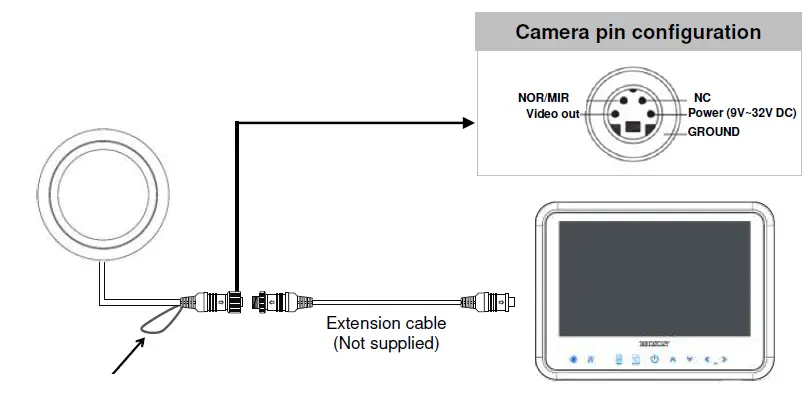
Normal / Mirror Image adjustment
The Normal / Mirror image can be changed via the GREEN loop wire:
- Green loop wire un-cut = MIRROR image
- Green loop wire cut= NORMAL image
Dimensions
Caution
- Before making the connection, disconnect the ground terminal from the battery to avoid short circuits.
- The plugs should be fully inserted into the connectors or jacks.
- A loose connection may cause malfunctioning of the unit.
- A damaged cable may affect the operation of the camera and may even cause a malfunction of the camera or monitor: Avoid a damaged cable!
- Protect the cable by using a guide tube, pipe or run the cable inside the vehicle as much as possible. Caution! Run the cable in natural shapes in order to prevent cable breaks.
- Preferably use an acid free grease in between the waterproof screw type connectors and tighten them firmly eachother