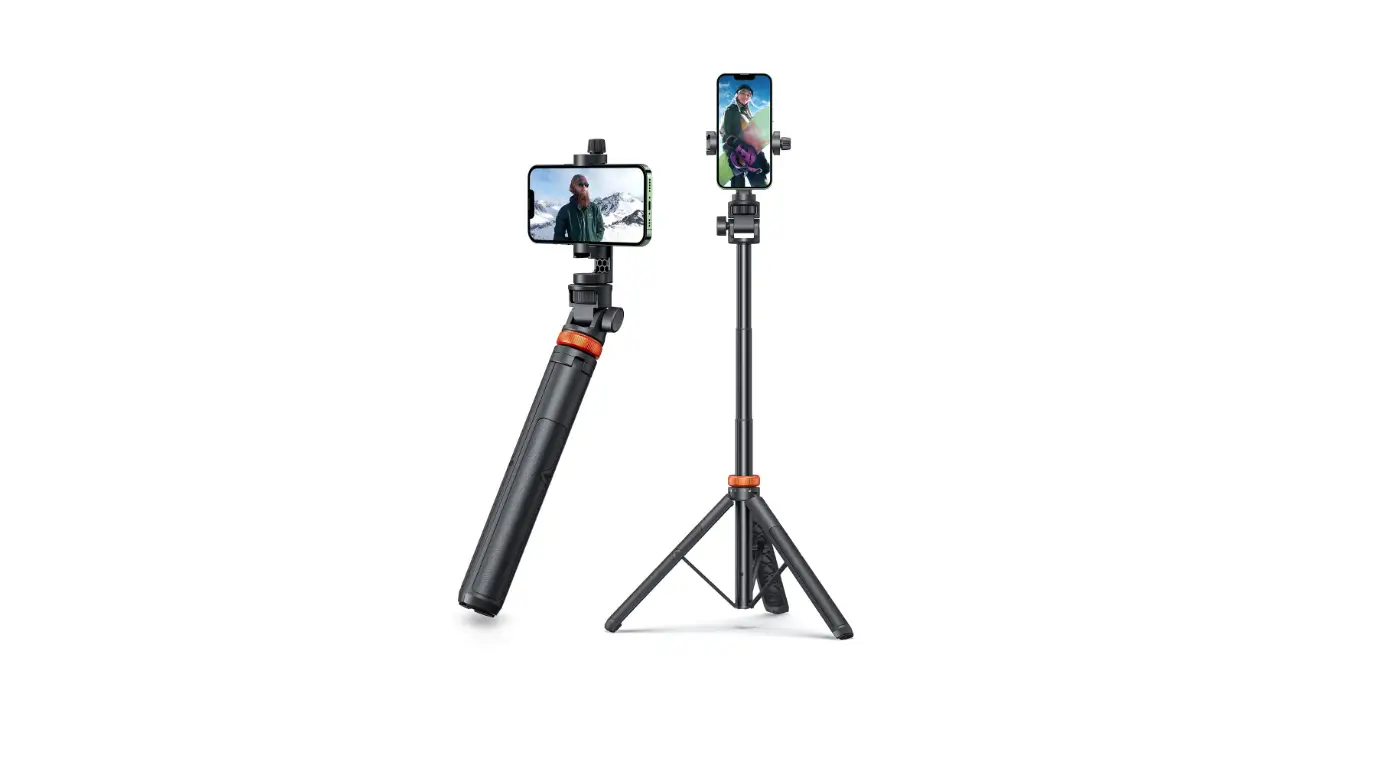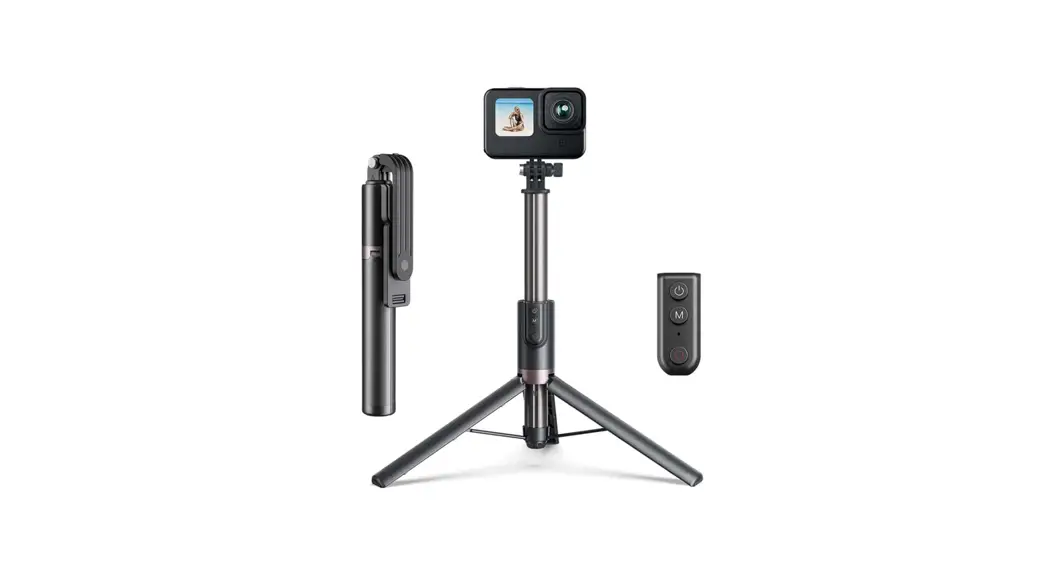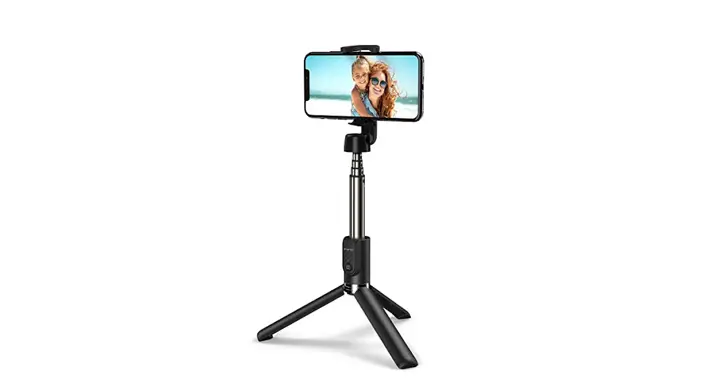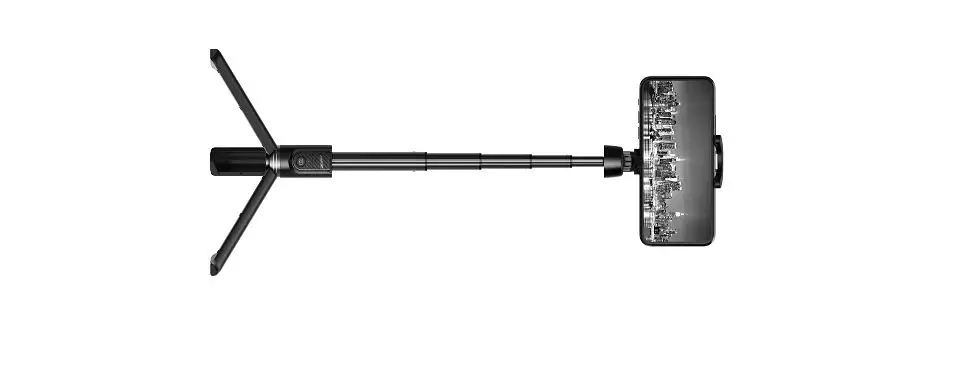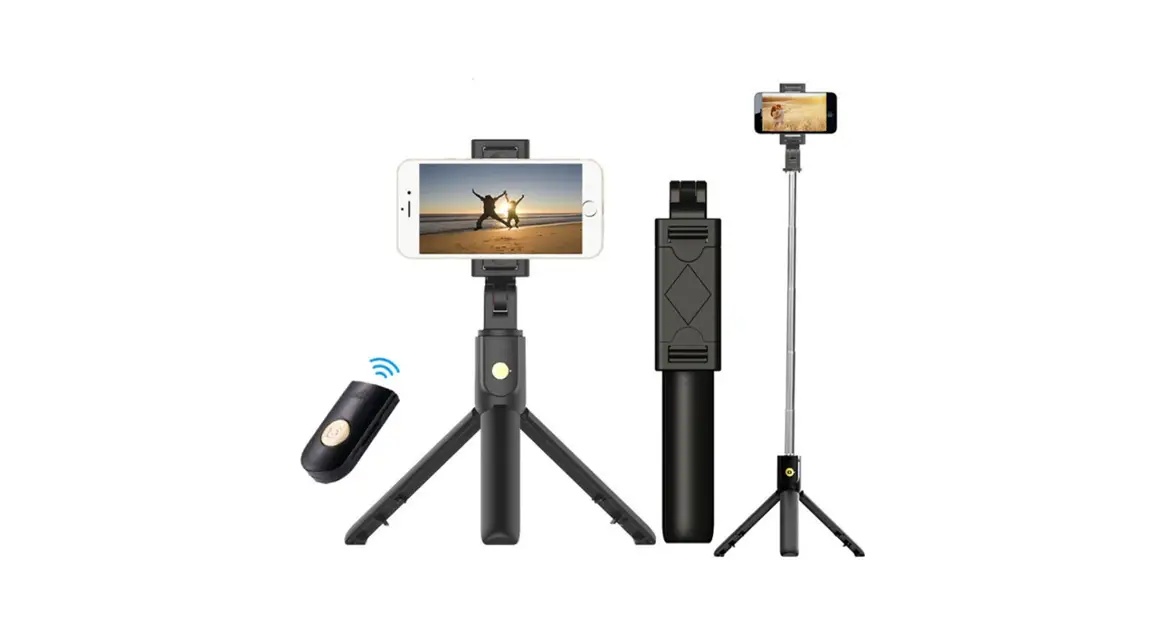

apeman SS200 Action Camera Rechargeable Selfie Stick
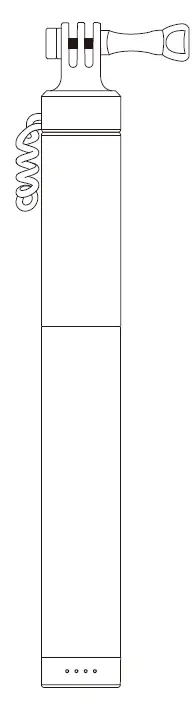
Package Contents
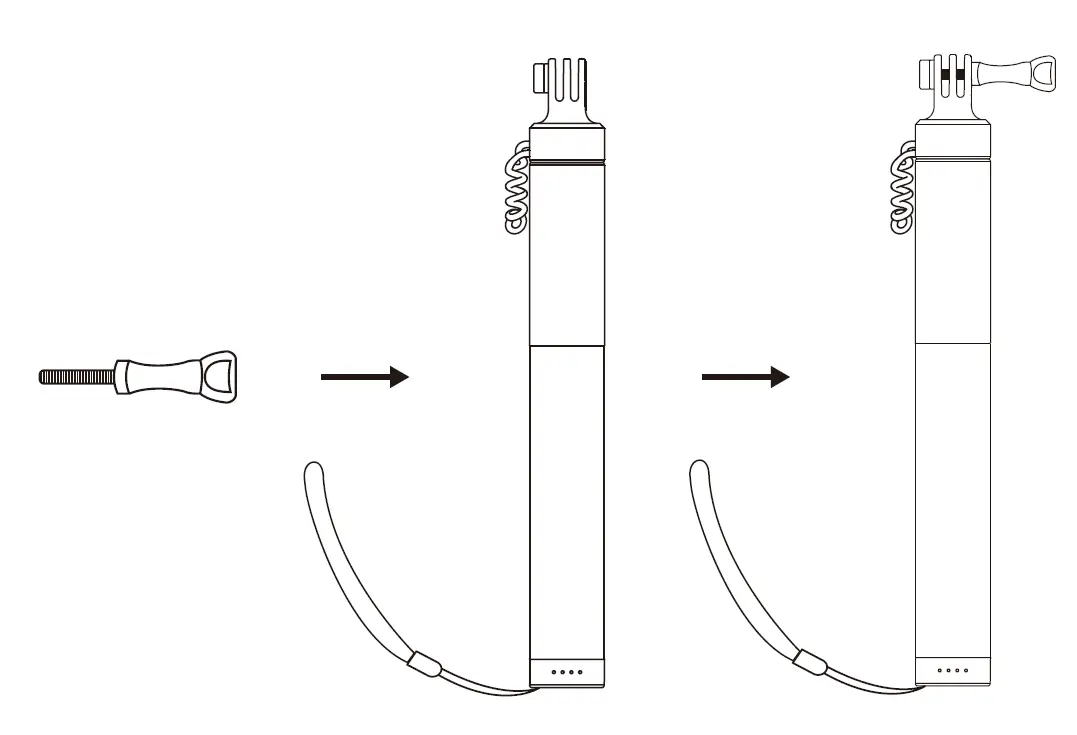
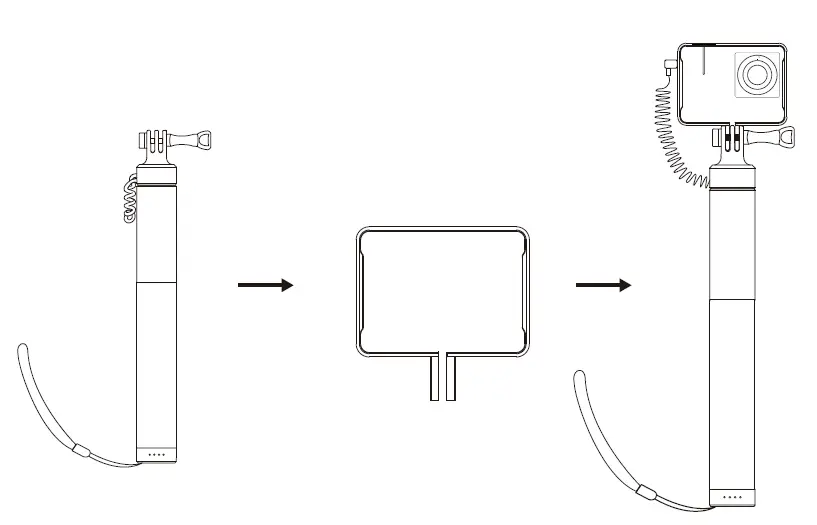
Instruction manual
Specifications
| Product Name | APEMAN Rechargeable Selfie Stick |
| Model | SS200 |
| Battery type | lithium polymer battery LG18650 |
| Capacity | 2600mAh/9.62Wh lithium battery |
| Standard voltage | Input 5V/2A; Output 5V/1A |
| Full charge time | 3 Hours |
| Interface type | Type C (Input) / Micro USB (Output) |
| Maximum length | 74 cm |
Input power indicator
- When connecting the Type-C port to charge the power supply, the first green light starts to blink slowly.
- When the charging capacity reaches 25%, the first green light is always on, and the second green light blinks slowly.
- When the charging capacity reaches 50%, the third green light blinks slowly.
- When the charging capacity reaches 75%, the fourth green light flashes blinks slowly.
- When the charging power reaches 100%, all four charging indicators are always on.
Output power indicator
- Connect the Micro USB/or Type-C output port to the external device charging port to start charging the external device.
- The four green lights are always on when the battery capacity remains 100%.
- When the battery capacity remains 75%, the fourth green light goes out.
- When the battery capacity remains 50%, the third and fourth green lights go out.
- When the battery capacity remains 25%, the second, third, and fourth green lights go out. When the remaining battery capacity is less than 15%, the first charging indicator
- blinks and then goes out, and it needs to be charged in time.
Precautions
The product has a temperature detection function, when the temperature is abnormal, the input and output of the power will be stopped.
Package
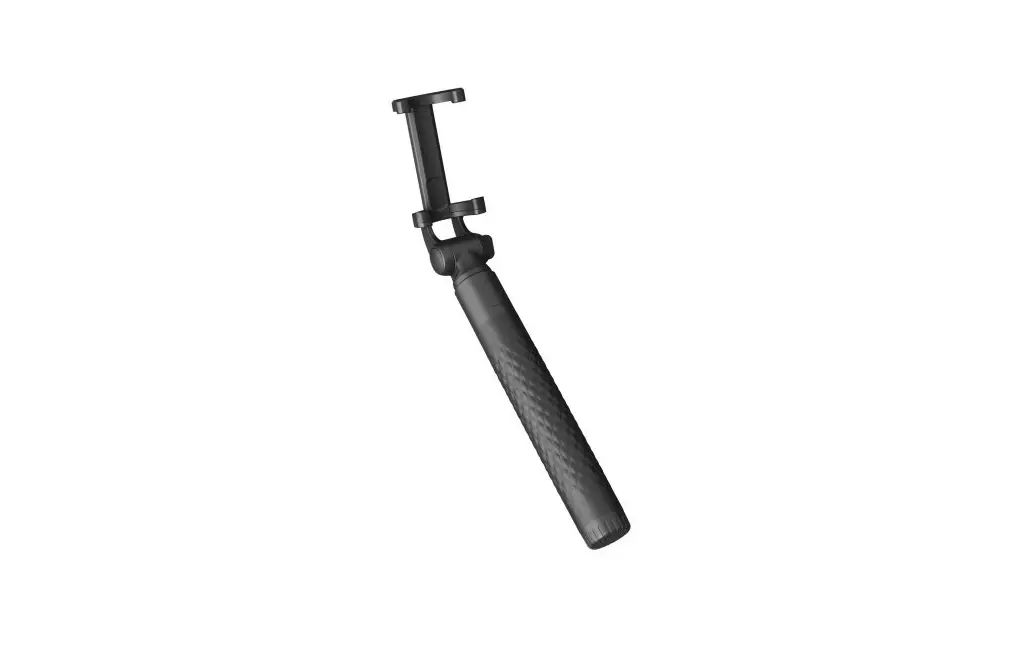
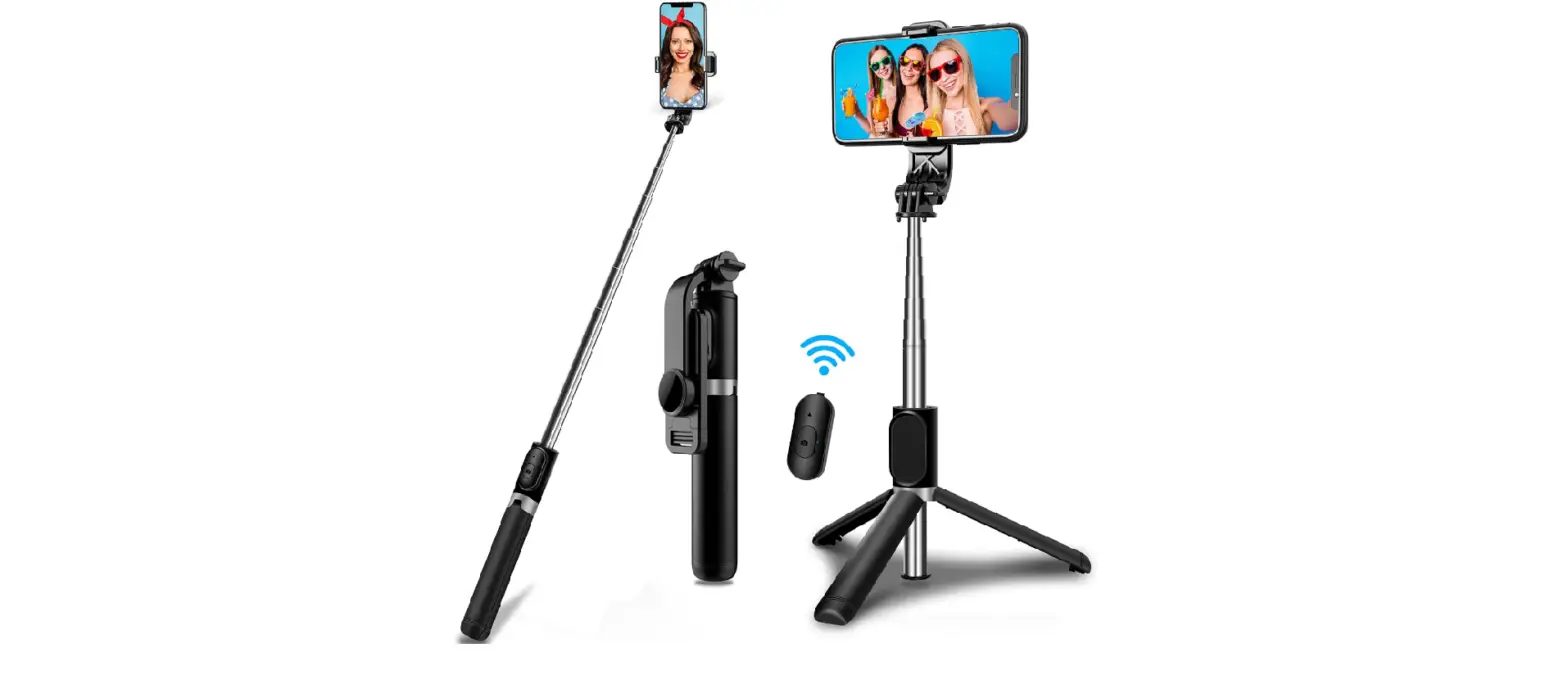
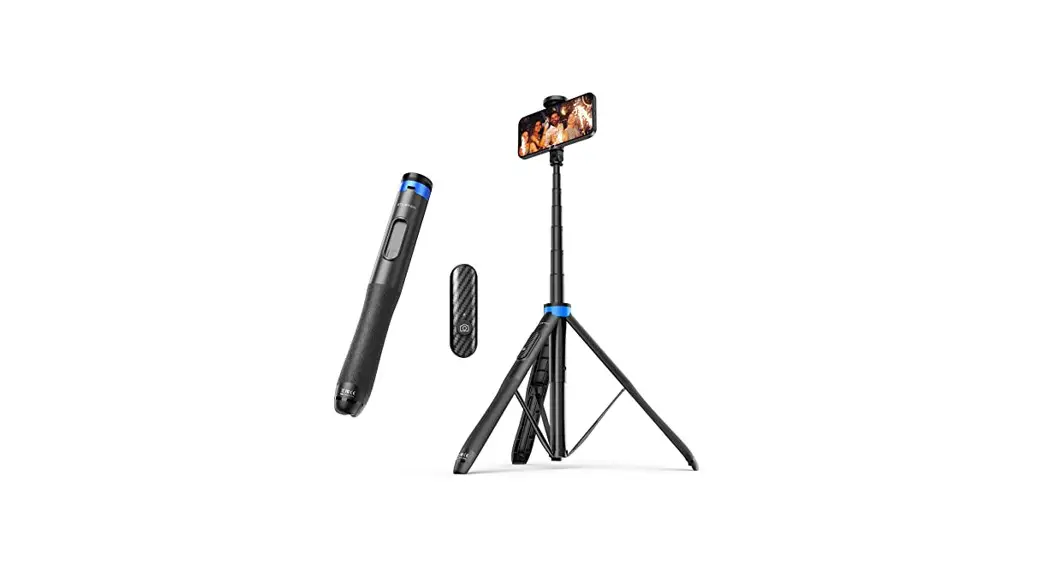
- Selfie stick
- Operation guide
Customer service
- Email: [email protected]
- Facebook: Apeman Action Camera Club