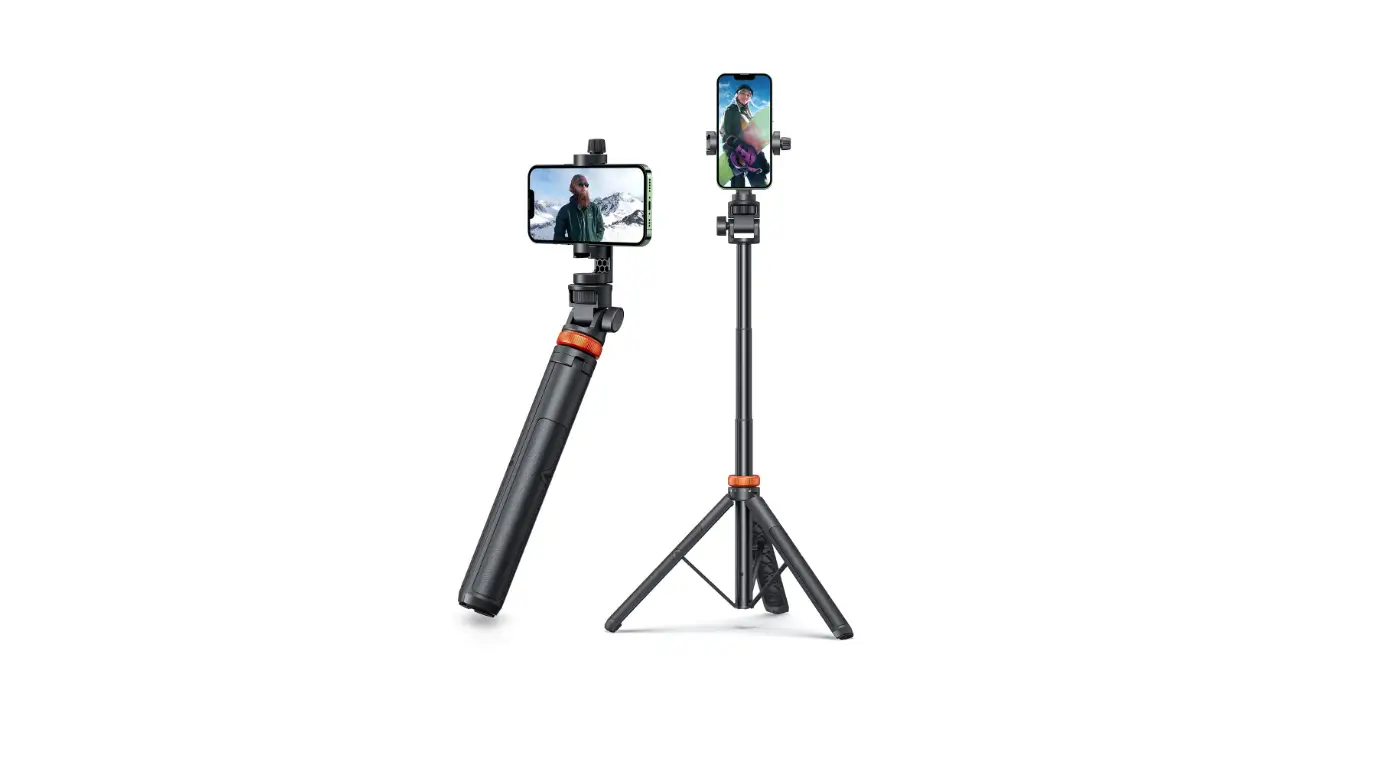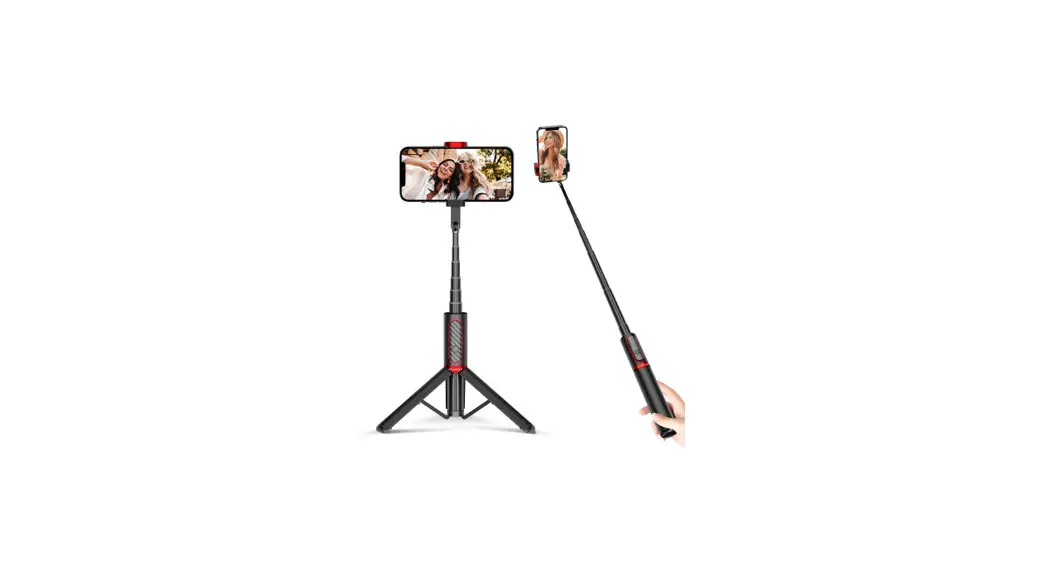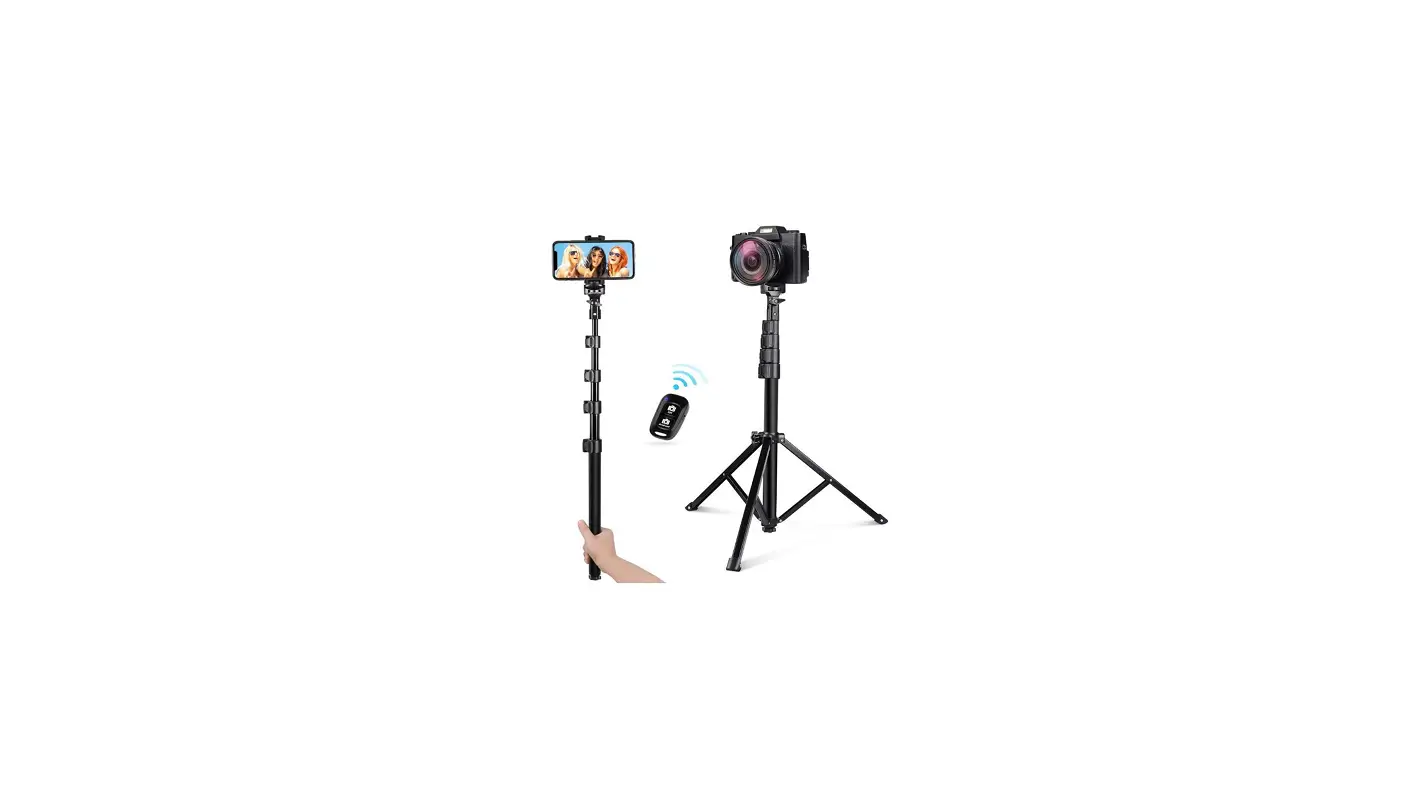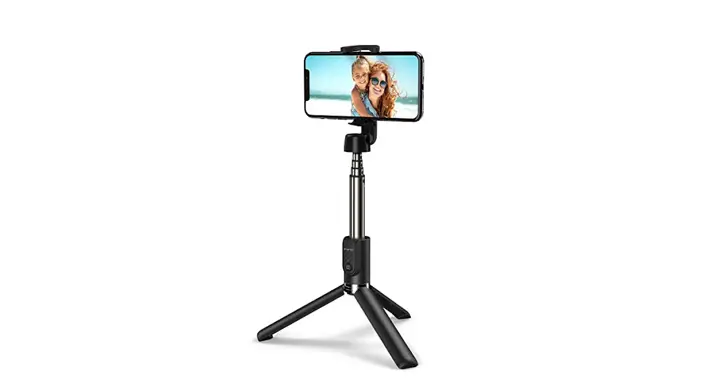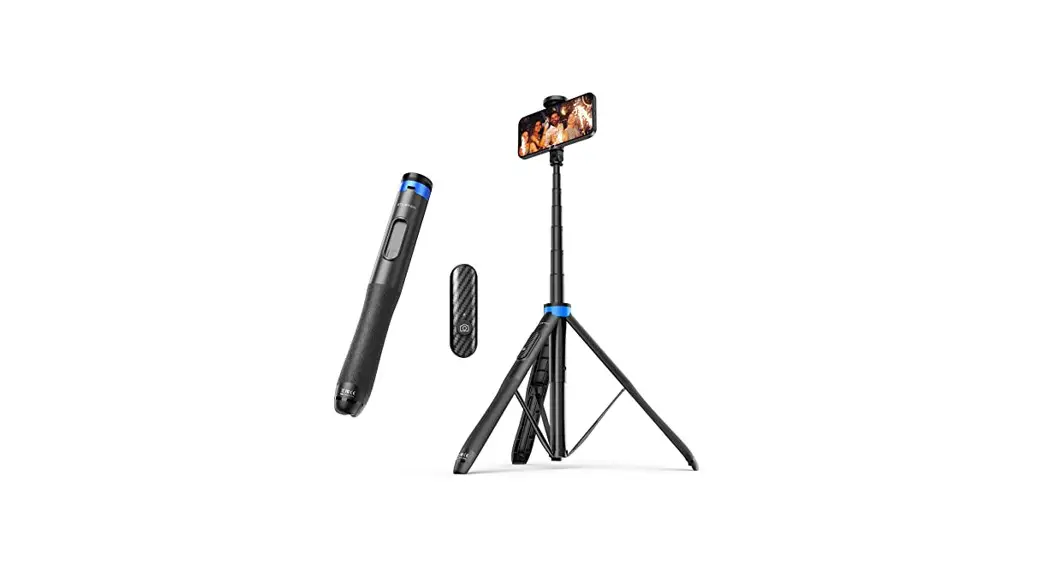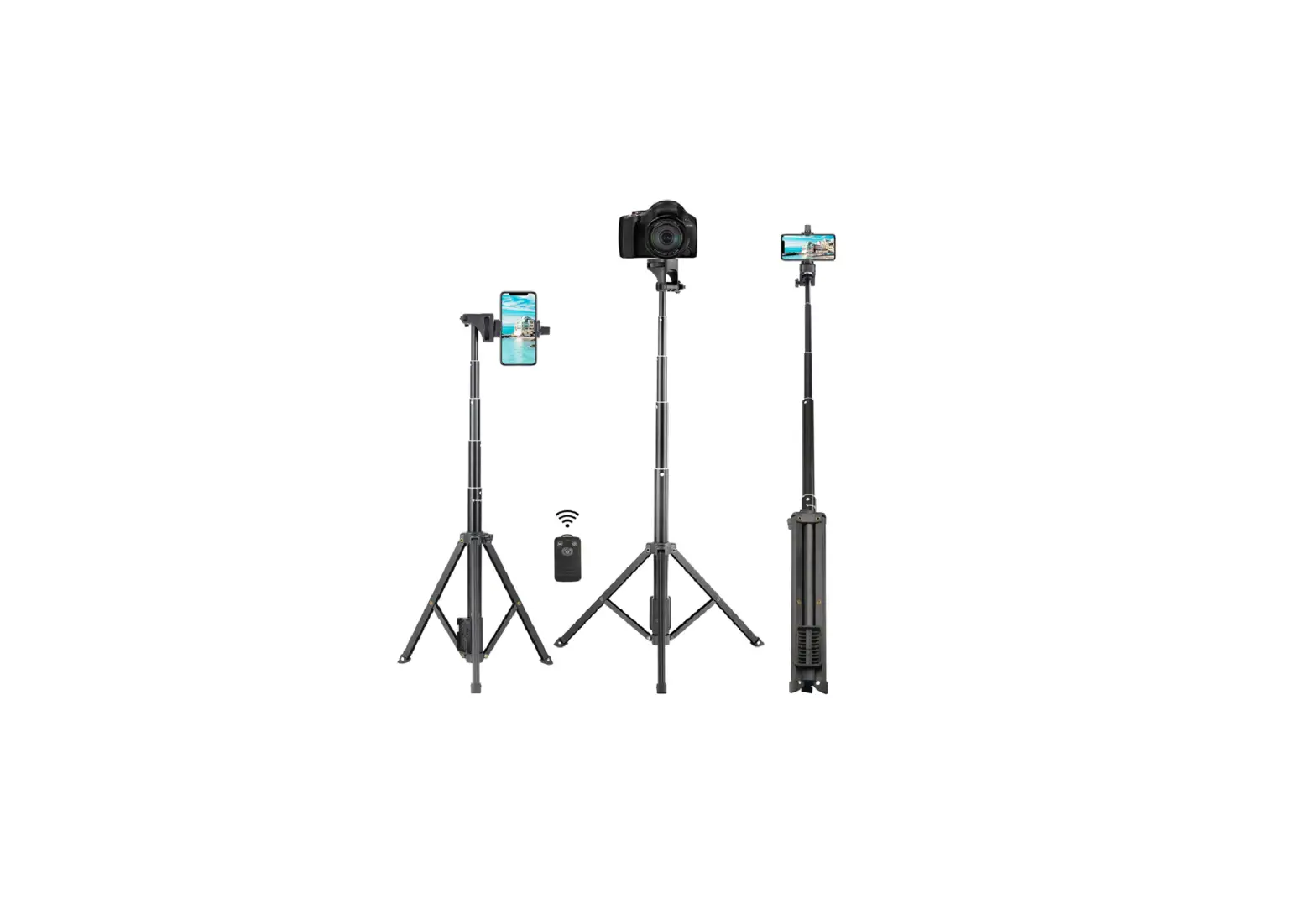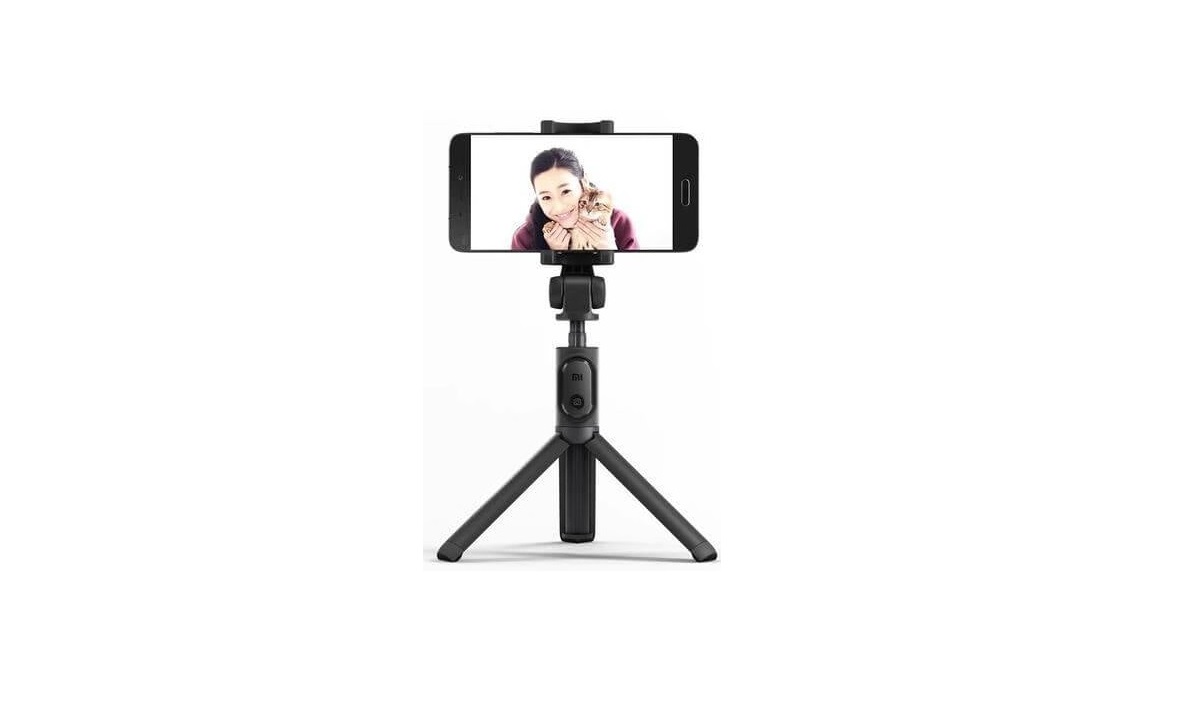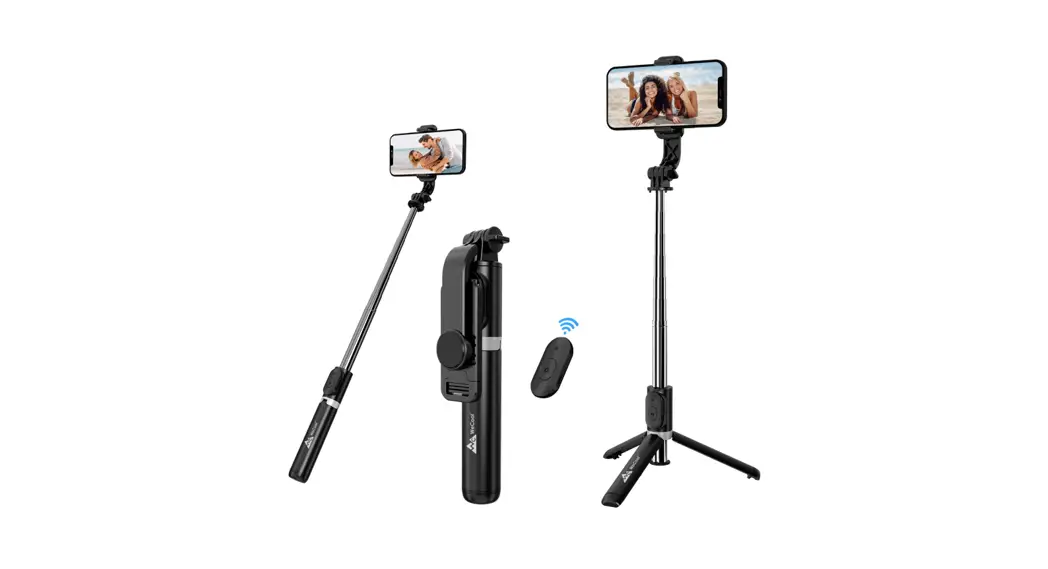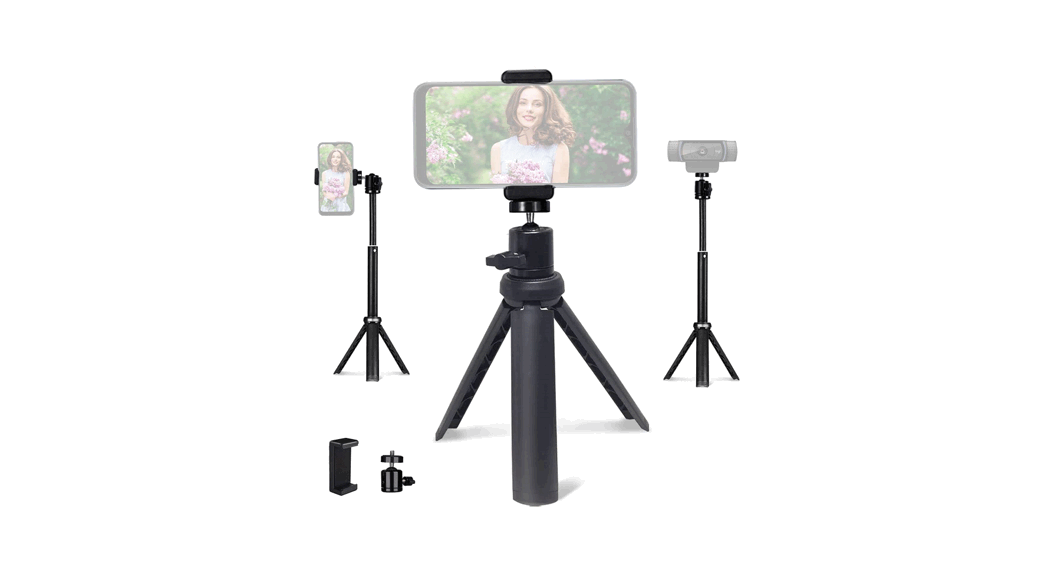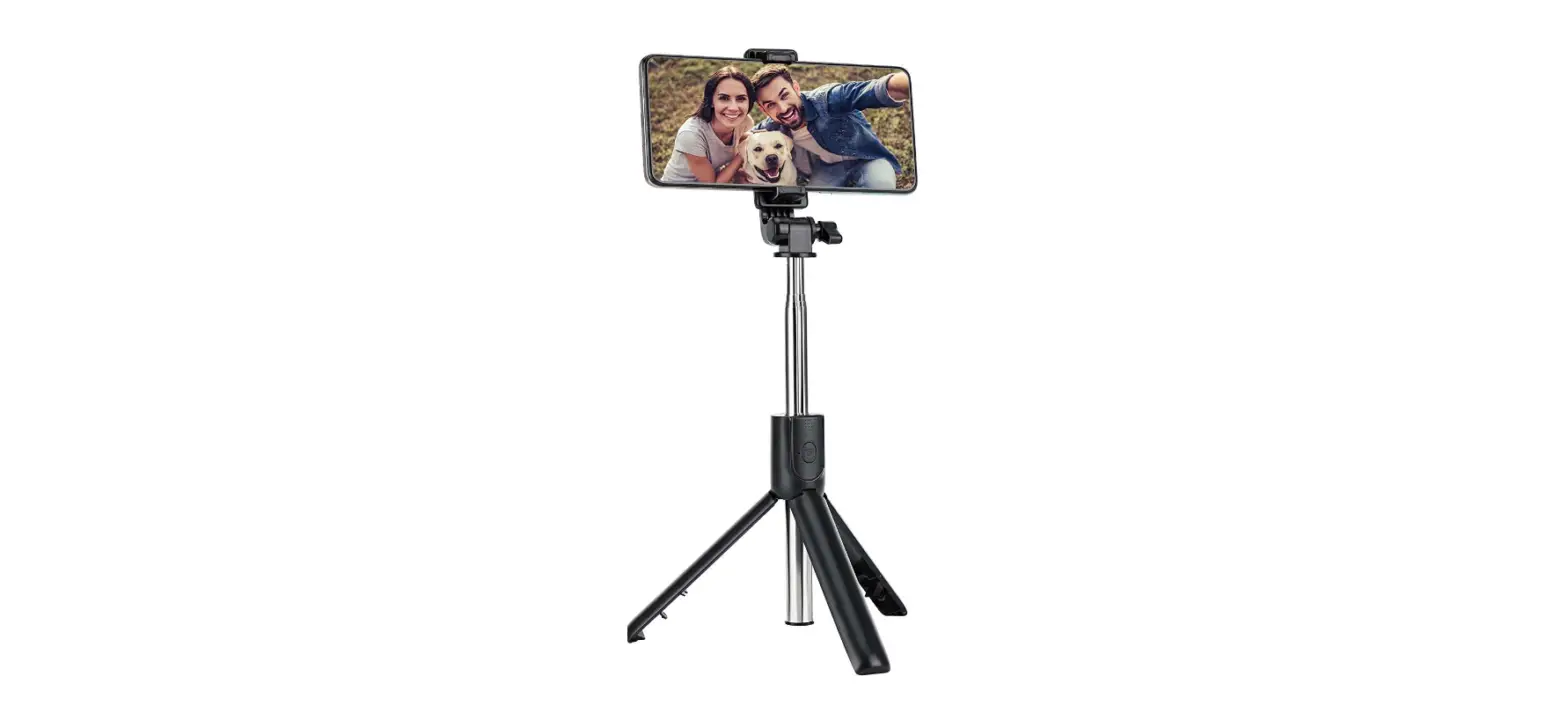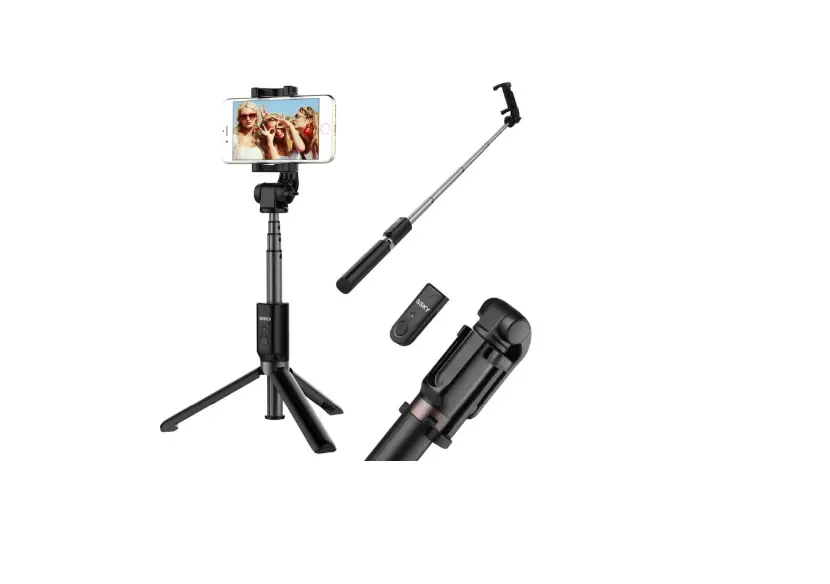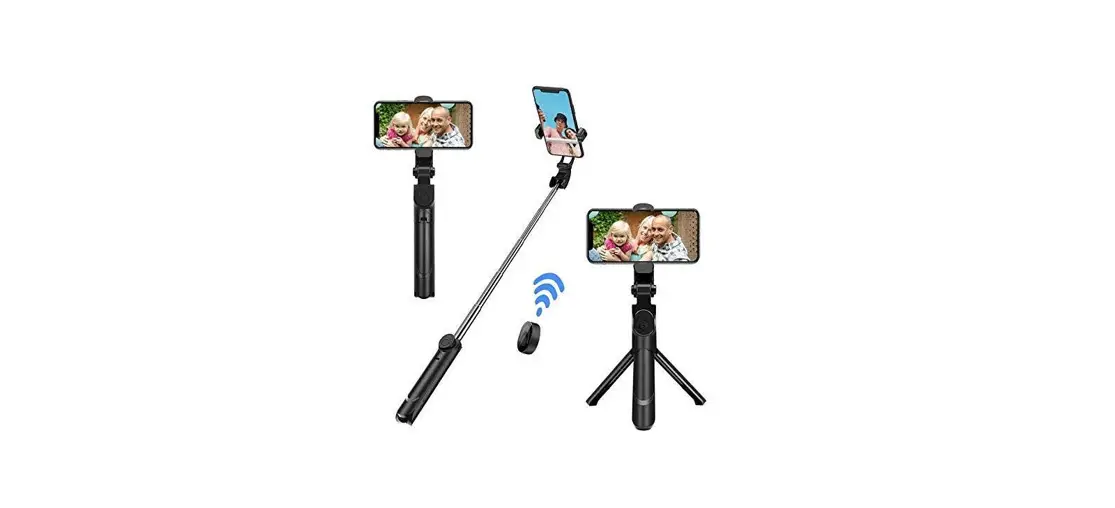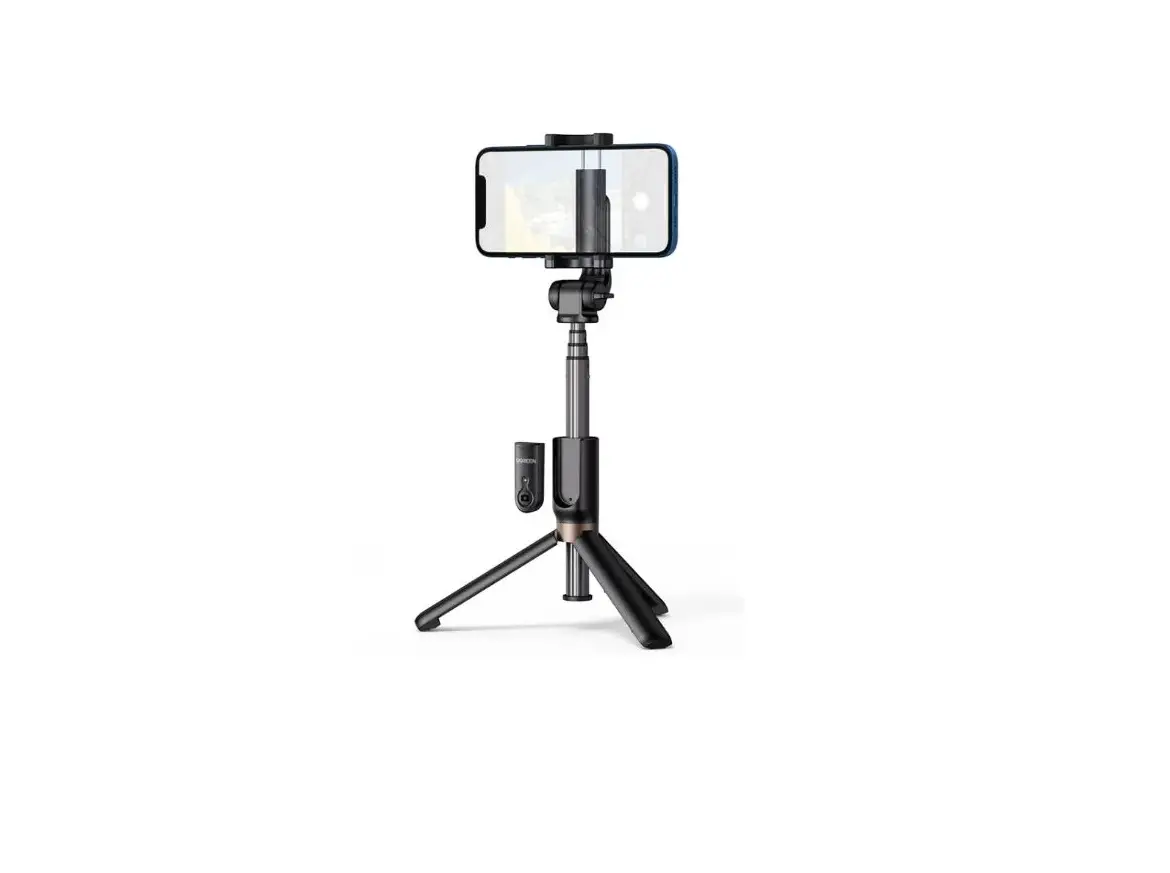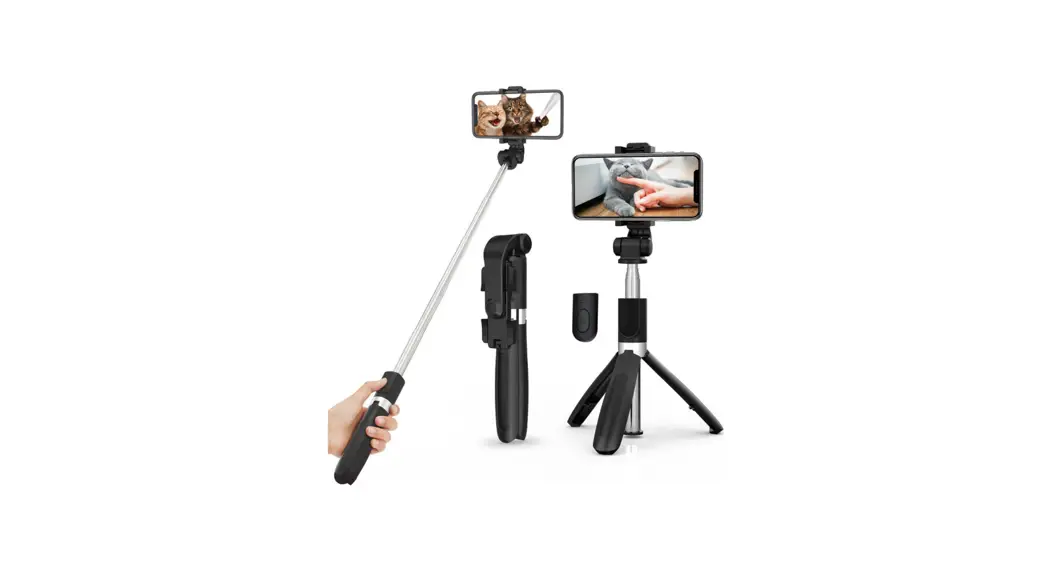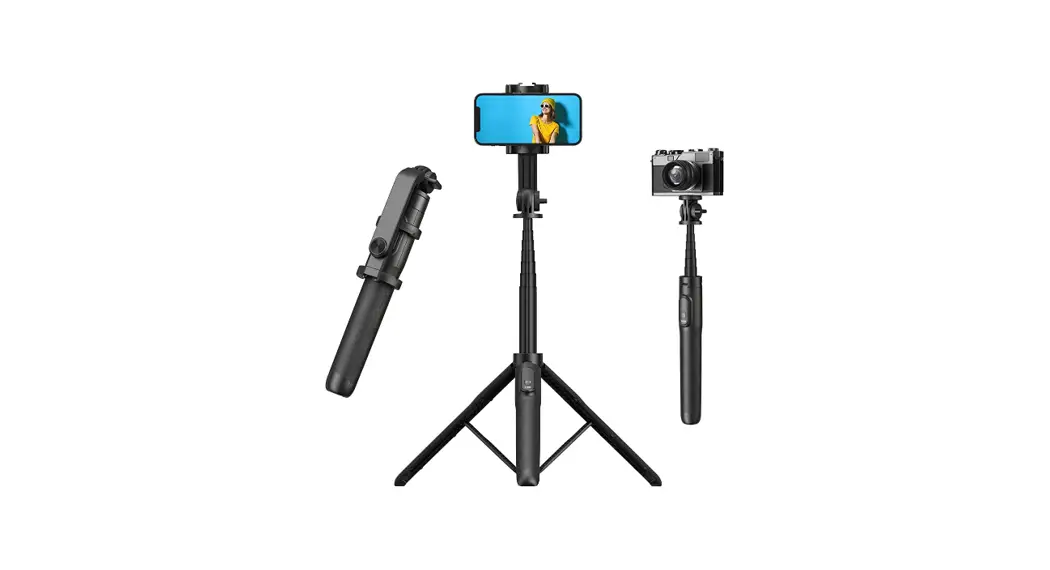
 TP06 62 Inch Selfie Stick Tripod
User Manual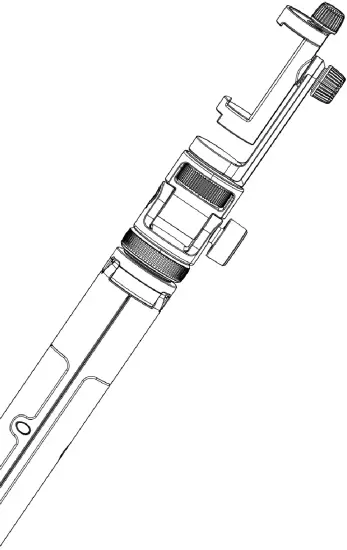
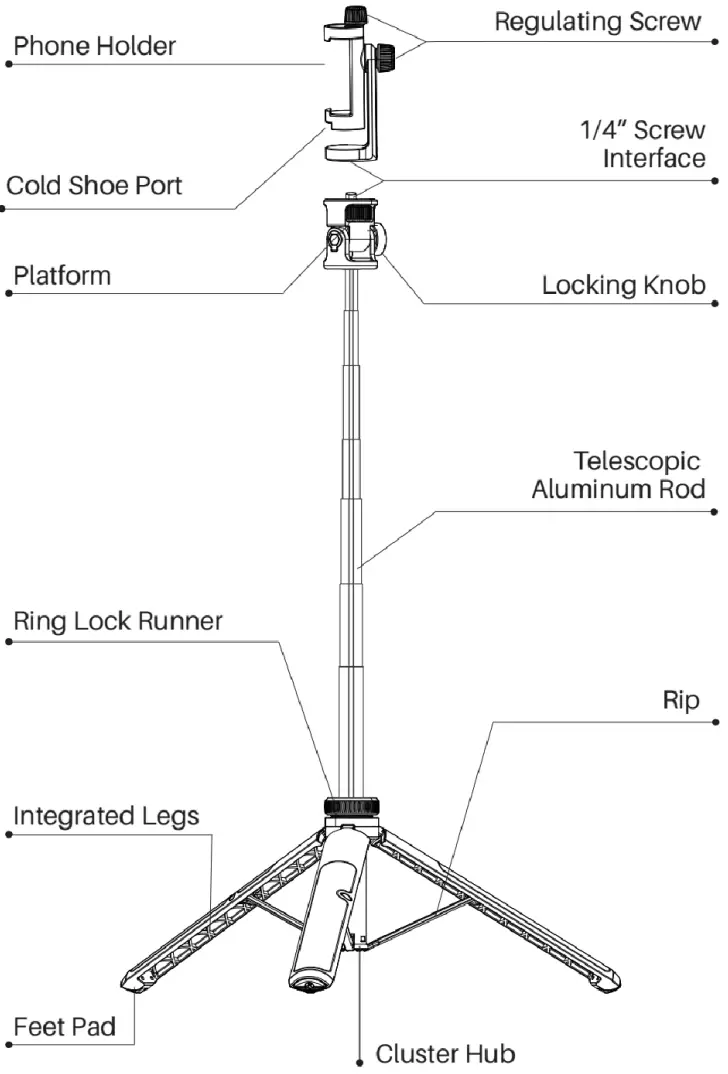
Overview
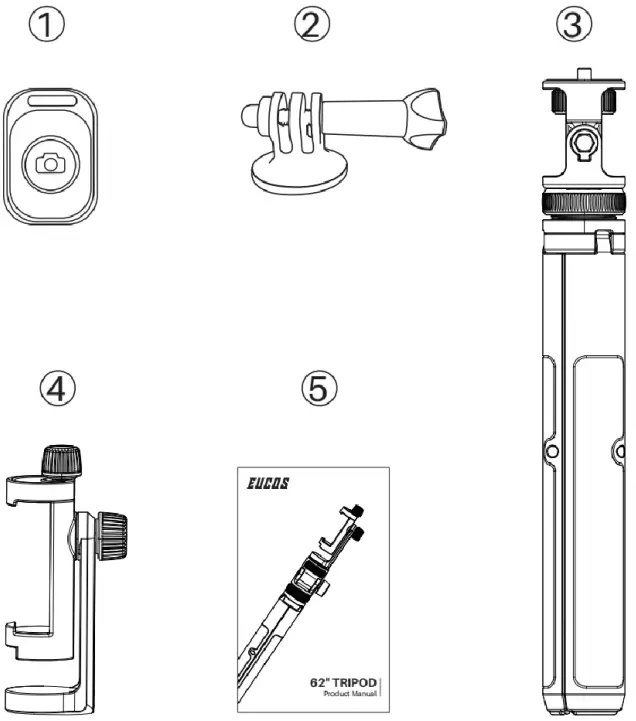
Package Contents
- Bluetooth Remote *1
- Gopro Attachment *1
- Tripod Stand *1
- Phone Holder *1
- User Manual *1
Product Parameters
| Model: | TP-06 |
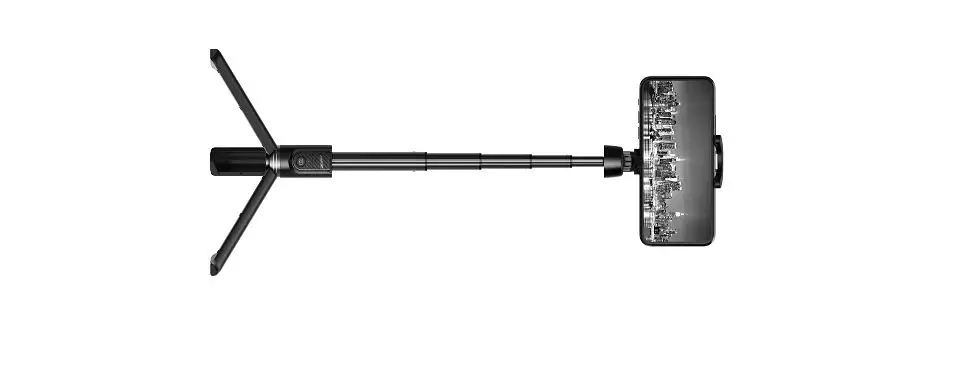
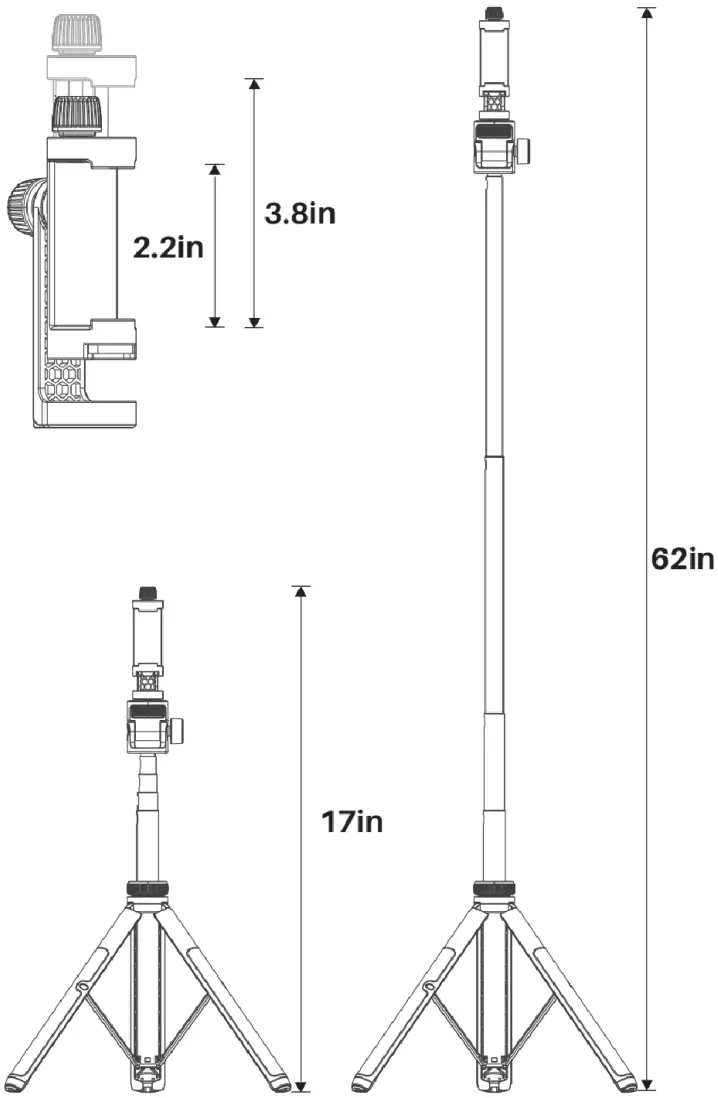
| Length: | 12in |
| Height: | 62in |
| Phone holder width: | 2.2-3.8in |
| Weight: | 12.7 oz |
| Remote Battery: | CR2032 |
| Bluetooth version: | Bluetooth 5.0 |
| Compatible phones: | iOS 5.0, Android 4.3 and above |
| Remote distance: | < 33 ft |
Product Size
Bluetooth Connection
How to Connect Smartphone?
(NOT Support GoPro)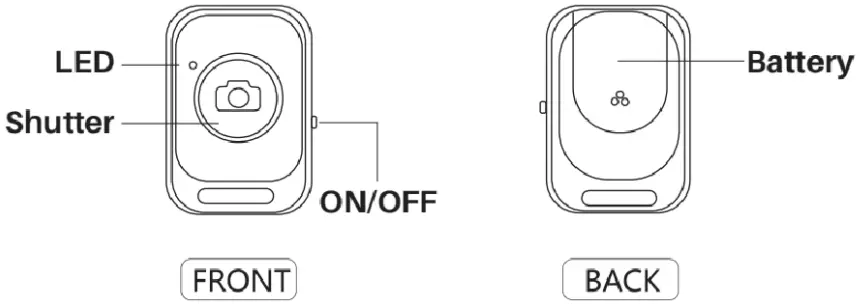 Please install the battery with the positive electrode facing up
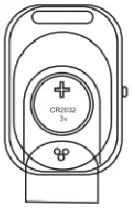 Step 1
Turn on the side switch and the blue indicator light will begin flashing.
Step 2
Turn on the phone Bluetooth and enter the Bluetooth setting interface.
Step 3
Find “AB Shutter3” and press “AB Shutter3”. The process may take up to 3 seconds.
Step 4
Open the Camera APP on the phone and press button of the Bluetooth remote to take photos.
How to Use the Phone Tripod?
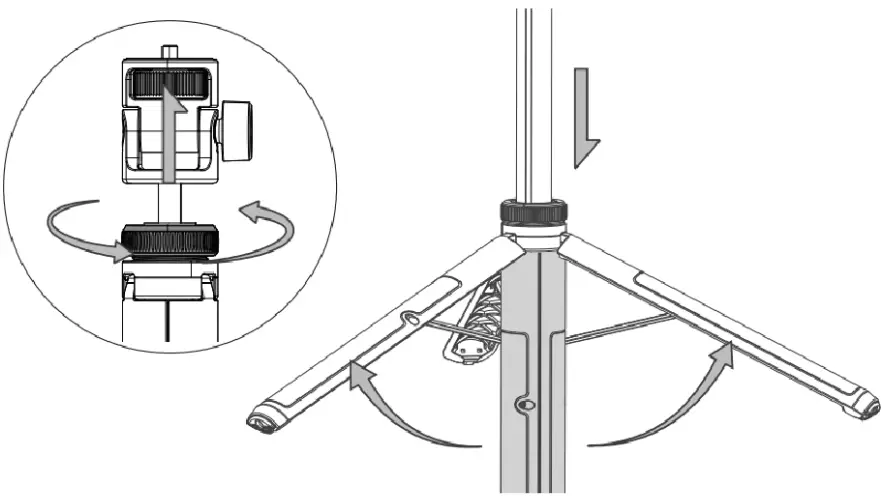
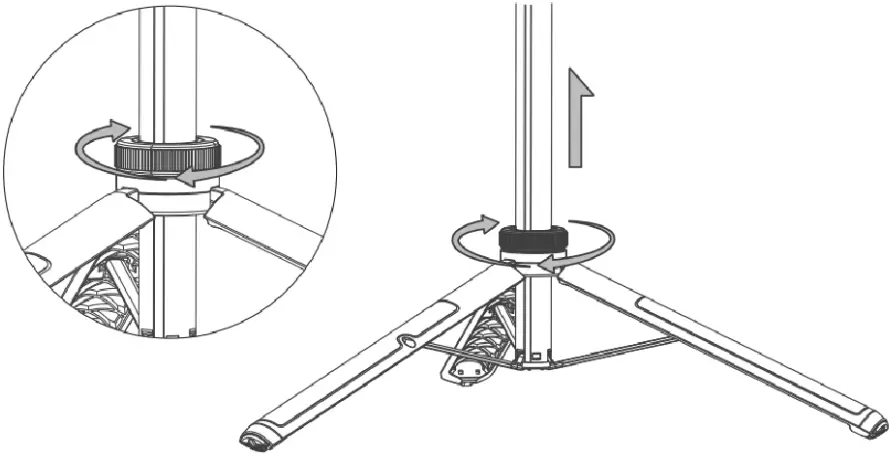
- Rotate the locking ring counterclockwise to release i, pull open the tripod legs out of the bottom pivot point, and press down on the tripod to the desired angle (More opening angle more stable it is).

- Rotate the ring locking tripod clockwise,directly stretch the tripod pole and adjust the tripod to the appropriate height.

How to Use the Phone Holder?
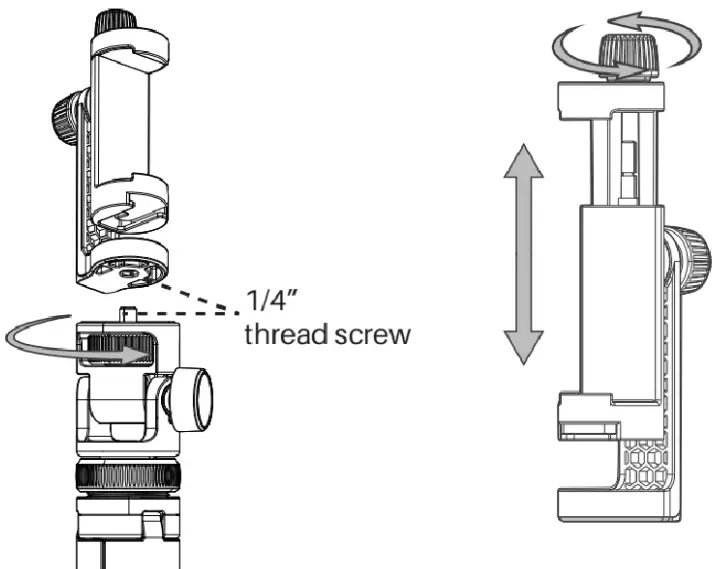
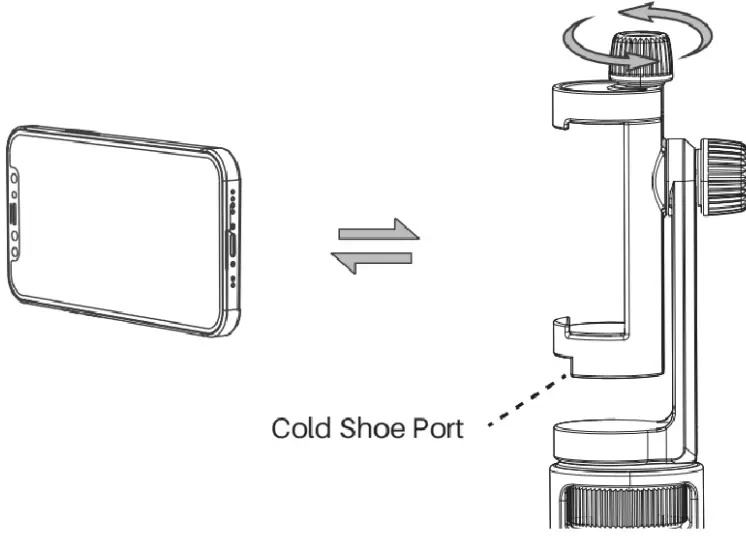
- Install the phone holder to the tripod.
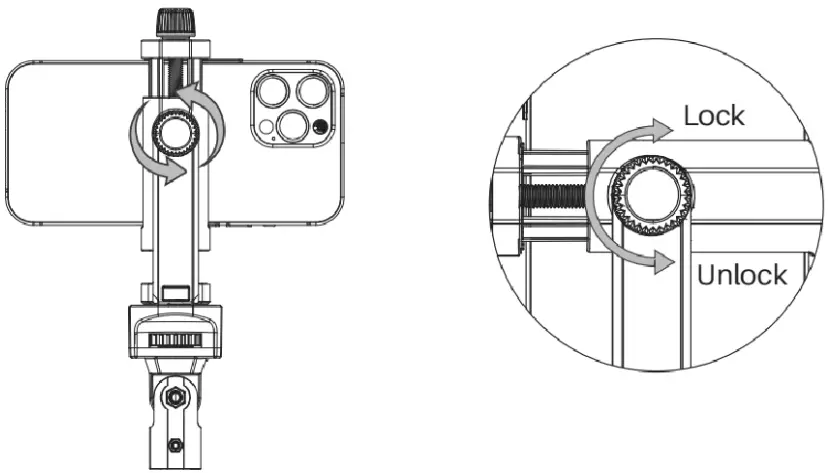
- Rotate right to find the best position for the size of your phone.

- Extensible.

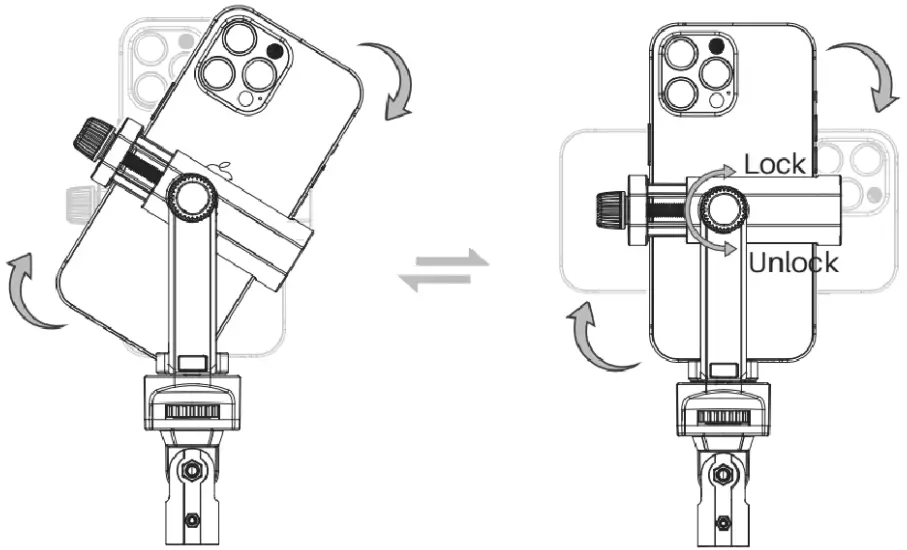
- Loosen the knob on the back of the phone holder to adjust the phone clip to horizontal or vertical.


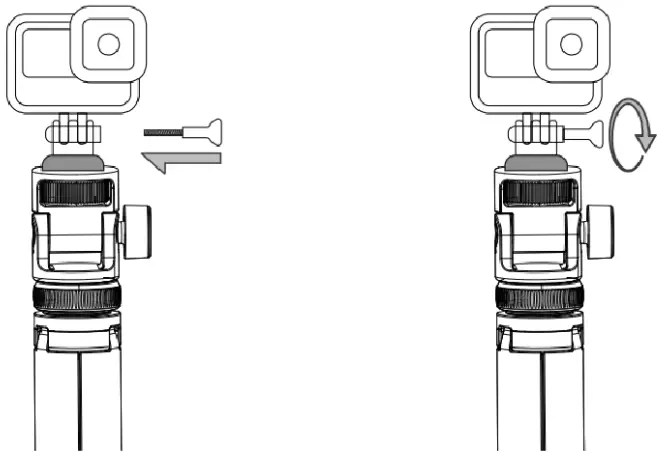
How to Mount GoPro ?
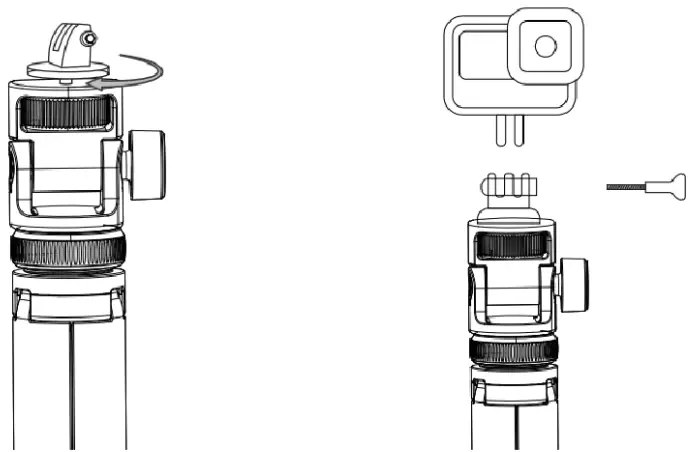
- Screw the Base on.
- Embed GoPro.

- Mouting the Thumbgcrew.
- Clockwise to Tight.

Battery Statement
 | 1. The use of unapproved or incompatible batteries may cause fire, explosion or other hazards. |
 | 2. Do not expose the battery to high temperature or around heating devices, such as sunlight, heaters, microwave ovens, ovens or water heaters. Overheating of the battery may cause an explosion. |
 | 3. Do not throw the battery into the fire, otherwise it will cause the battery to catch fire and explode. |
 | 4. Please dispose of batteries according to local regulations, and do not dispose of batteries as household waste. |
 | 5. Do not allow children or pets to swallow the battery to avoid injury. |
 Safety and Warranty
- Be careful not to pinch your hands when opening or closing the tripod.
- Do not place the tripod near heat sources or exposed fire sources, such as electric heaters, microwave ovens, ovens, water heaters, stoves, candles or other places that may generate high temperatures.
- This tripod and its accessories may contain some small parts, please keep the product and its accessories out of the reach of children. Children can inadvertently damage its accessories, or swallow small parts that could cause choking or other hazards.
- The tripod should not be used near water, such as a bathtub, swimming pool, faucet or basin, which may cause risks.
- Avoid placing the tripod in water, and do not use it close to chemicals or corrosive liquids and gases.
- The Bluetooth remote control may be interfered by external sources such as transformers, motors or other electronic devices. Keep these disturbed places as far away as possible during use.
- Use this machine only forits intended use as described in this manual.
- Close supervision is necessary when this appliance is used by or near children, invalids or disabled persons.
- We strive to build our products with the highest attention to detail and craftsmanship. However, sometimes there may be occurrences of defect. We are happy to offer a 24-month hassle-free warranty to all our products as we continue to support our customers and make amazing products.Please contact us if you have any questions about our devices.
FCC Statement
This device complies with Part 15 of the FCC Rules.
Operation is subject to the following two conditions: (1) This device may not cause harmful interference, and (2) this device must accept any interference received, including interference that may cause undesired operation. Warning: Changes or modifications not expressly approved by the party responsible for compliance could void the user’s authority to operate the equipment.Note: This equipment has been tested and found to comply with the limits for a Class B digital device, pursuant to Part 15 of the FCC Rules. These limits are designed to provide reasonable protection against harmful interference in a residential installation.
Disclaimer
Please using the item under the guide of the caution/note.
DO not use the item in situations or with equipment hat requires extremely high reliability or safety, such as he following:
- Medical equipment that directly affects human life.
- Equipment that may result in personal injury (such as equipment directly related to the operation and control of aircraft, ships, railroads, elevators, etc., or equipment that may be subject to constant vibration, such as automotive and marine equipment).
The product is not for use in high-risk activities. The product is not designed or intended for use in hazardous environments requiring fail-safe performance, or for use in any circumstance in which the failure of the product could lead directly to death, personal injury, severe physical or property damage, or that would affect the operation or safety of any medical or life support device (collectively, “High-Risk Activities”).
We expressly disclaims any express or implied warranty of fitness for High-Risk Activities. We does not authorize use of any product in any High-Risk Activities. Any such use is improper and is a misuse of the product.