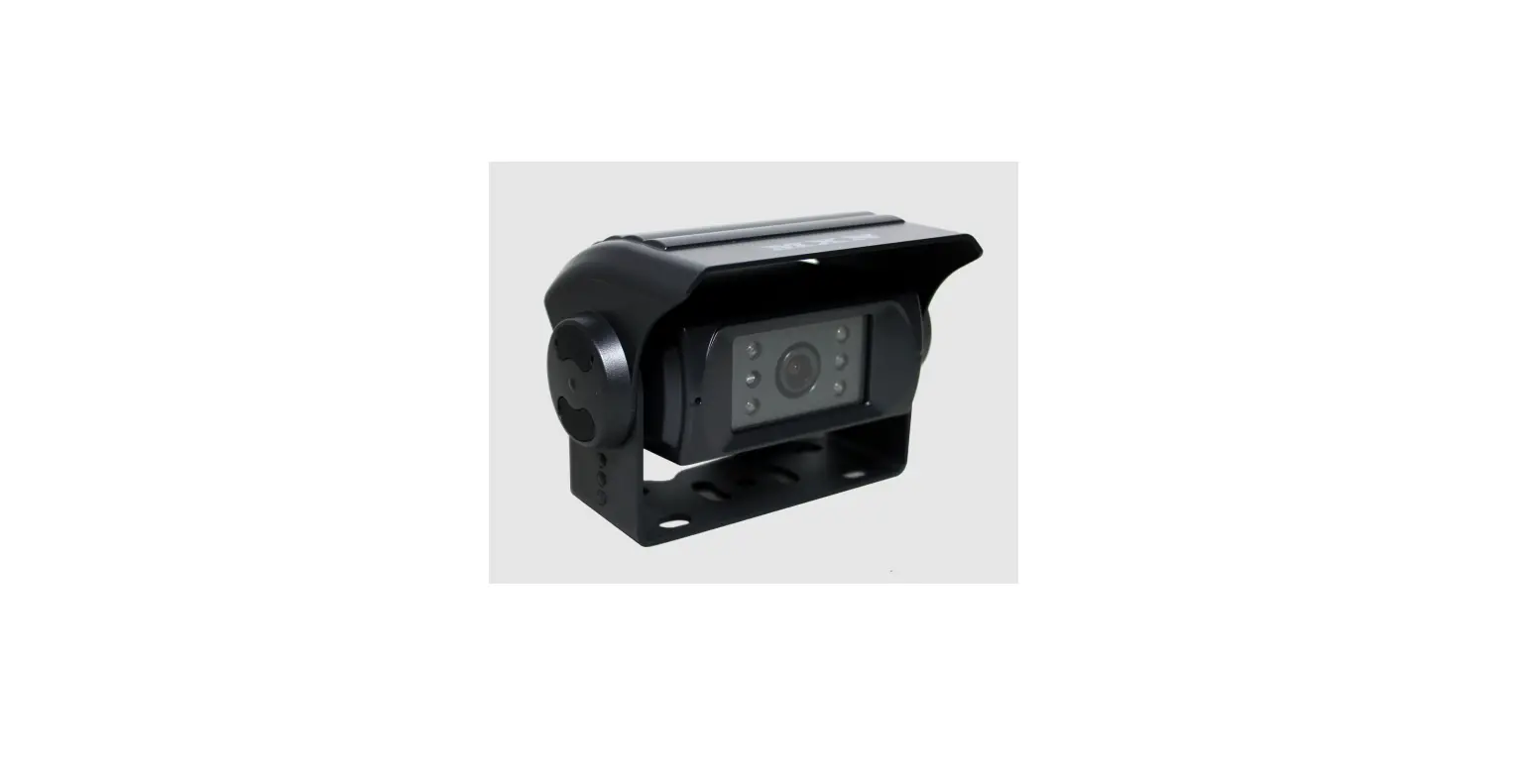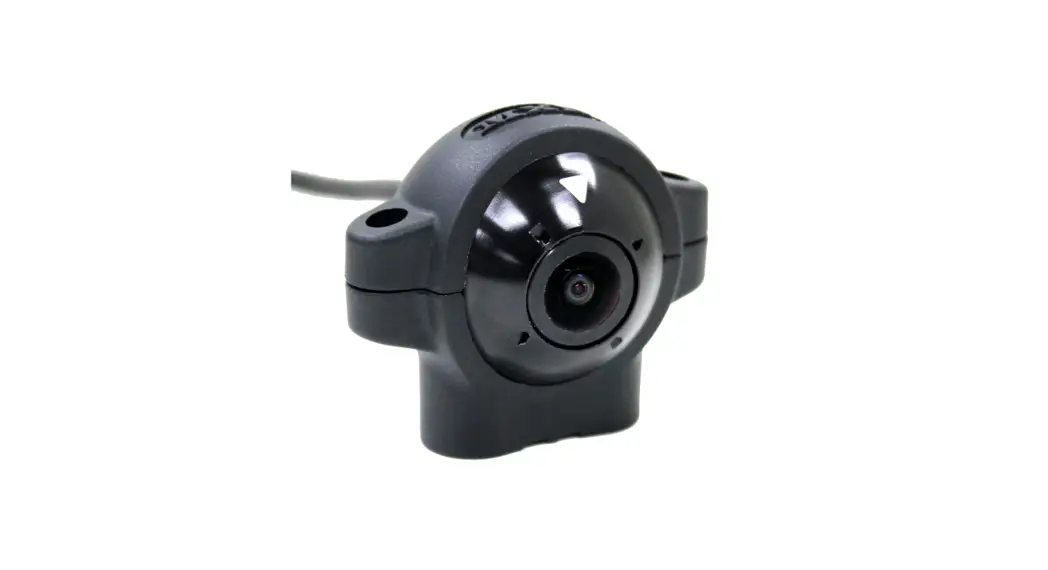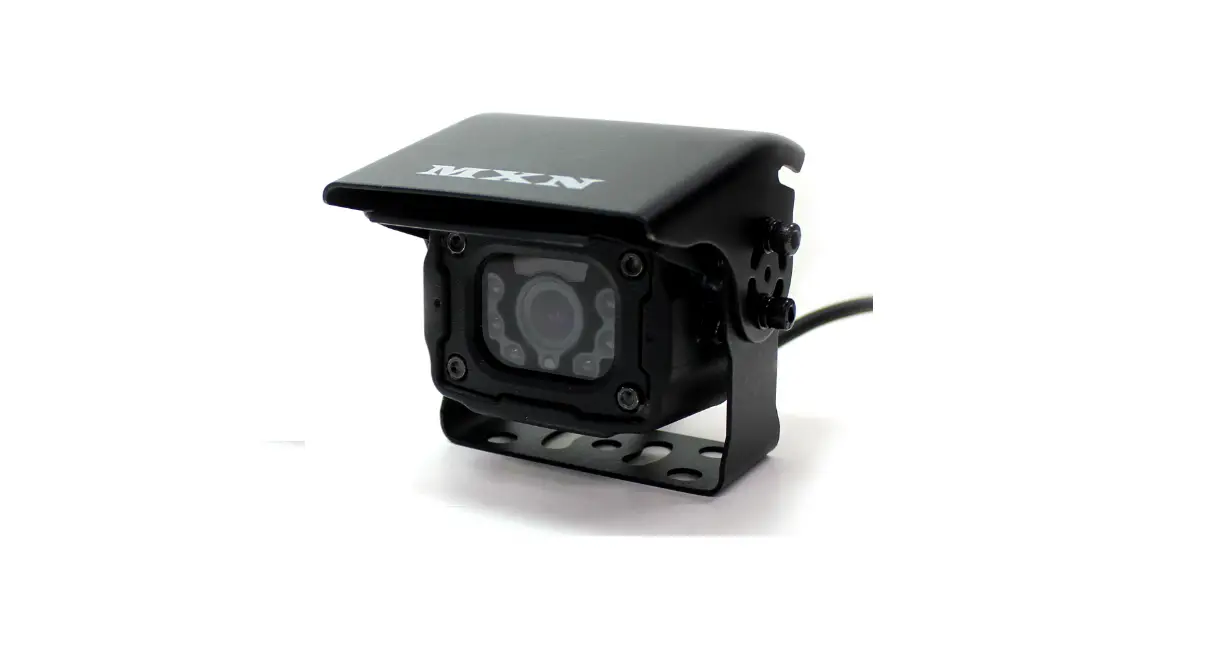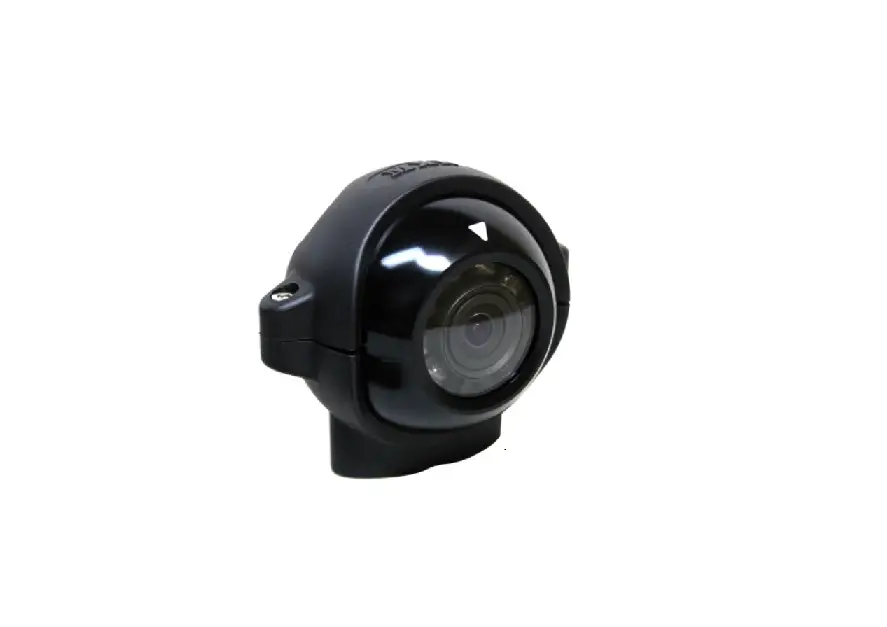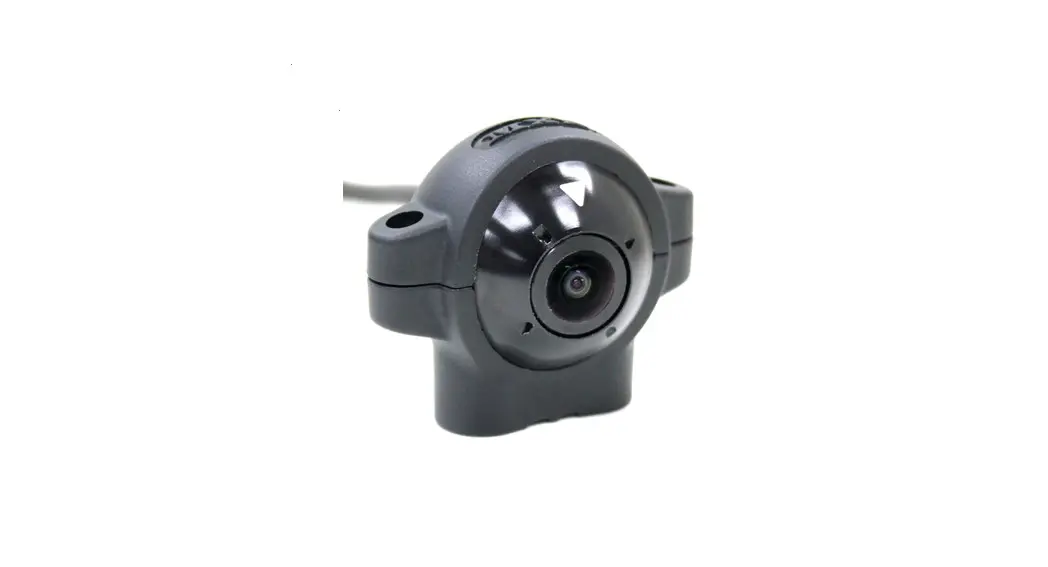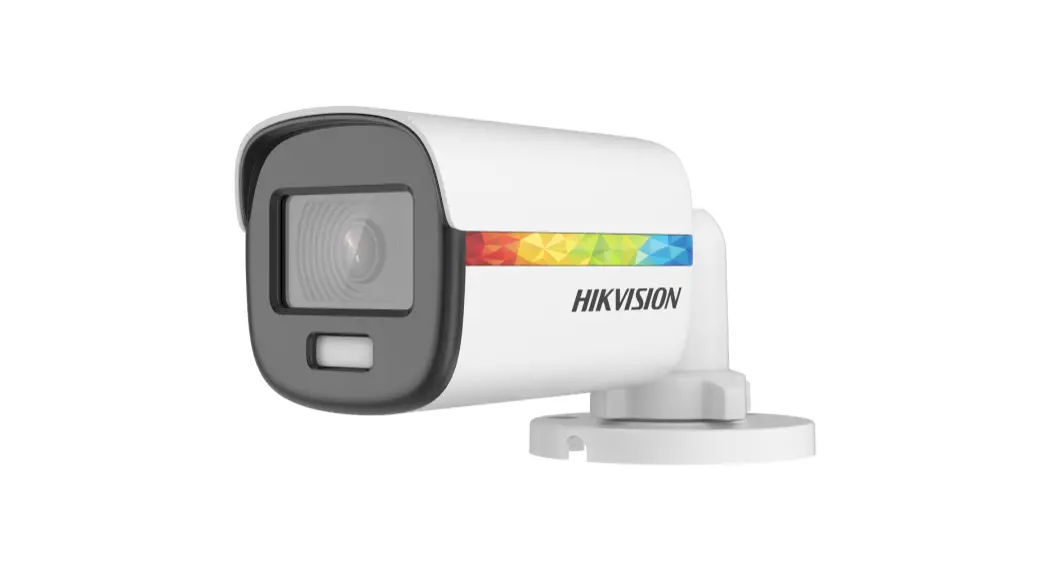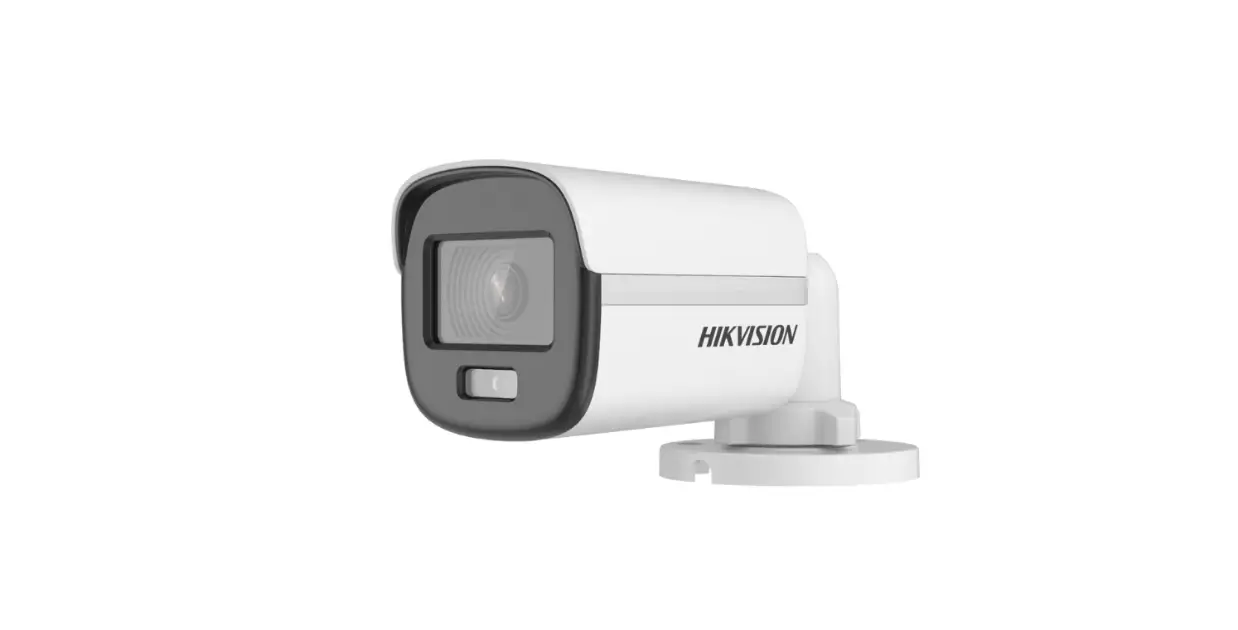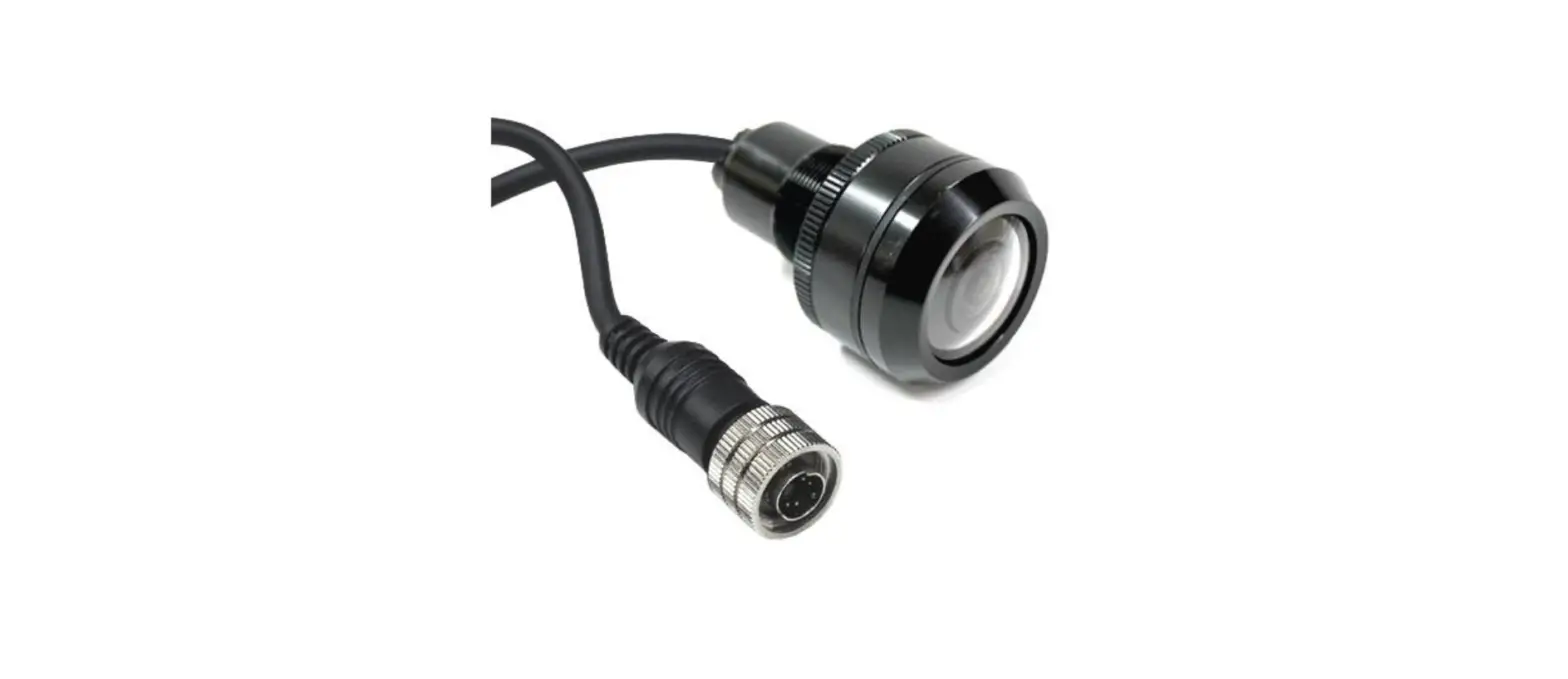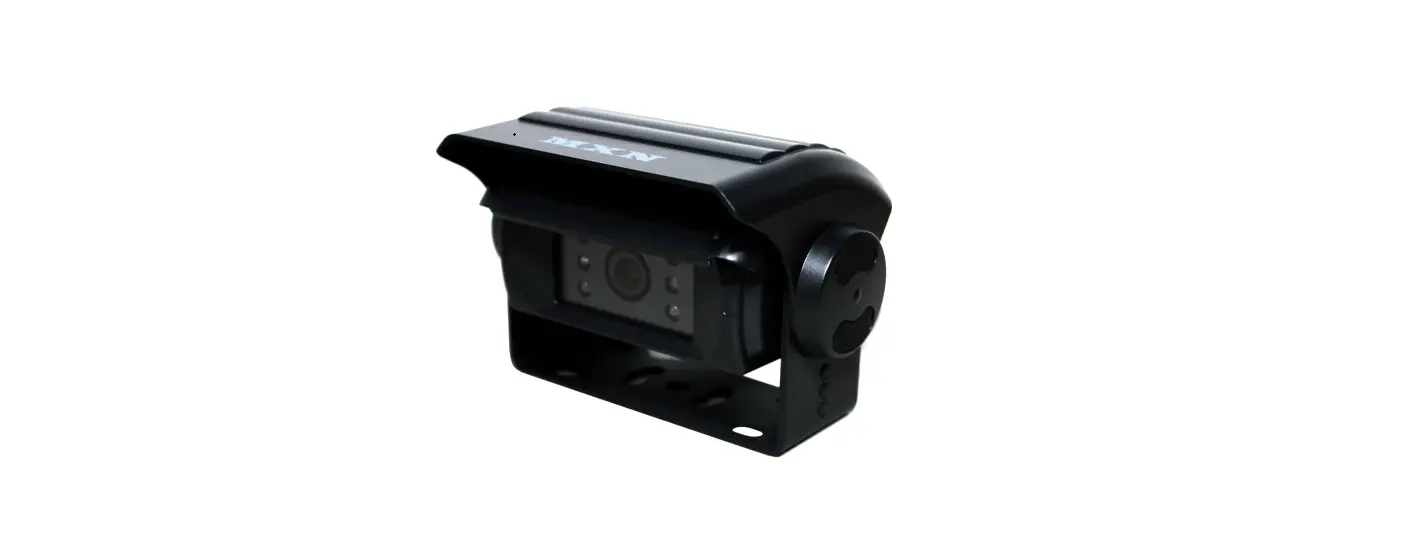

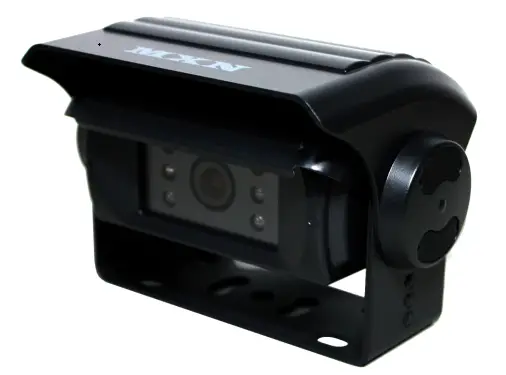
MXN80C-TVI Heated, Auto Shutter, HD-TVI Color Camera
Contents

Features
- 2.07 Mega pixels Full HD SONY CMOS Color camera
- 1/2.8” Color CMOS high resolution image sensor (STARVIS)
- HD-TVI 4.0, 1080P/30fps
- IP69K Waterproof Rating
- Diagonal 136˚ Viewing
- Normal/Mirror Image switching
- Ultra low light performance ,Built in ICR filter block
- Automatic Electronic Iris ,WDR Function
- Built-in Microphone
- Built-in IR LED’s
- Built-in Automatic Heater (below +10˚C)
- Temp. -40˚C ~ 80˚C
- Vibration resistant (10G)
- Auto shutter heating camera
- Motorized shutter (to protect the lens surface)
- Waterproof screw type connector (IP67), 4-pin mini-DIN
- ECE R10.05 approved (EMC)
Technical Specifications
| Image Sensor : | 1/2.8” SONY CMOS Sensor (STARVIS) |
| Effective Pixels : | 2.07 Mega pixels 1920(H) X 1080(V) |
| Resolution : | 1080 TV lines |
| Scanning System : | Progressive |
| Video Output : | HD-TVI 4.0, 1080P/30fps |
| Audio Input : | High Sensitive C-Microphone |
| S/N ratio : | Minimum 48dB (at AGC off) |
| Minimum illumination : | 0 Lux (IR LED’s on) |
| Power consumption : | DC 12V, 420mA (Heater on) DC 12V, 332mA (Heater off) |
| Power range : | DC 9 ~ 48V |
| Operating temperature : | -40ºC to +80ºC |
| Viewing angle : | 136˚(Diagonal) x 120˚(Horizontal) x 66˚(Vertical) |
| Dimensions : | 95.9(W) x 43(H) x 67.6(D) mm 109.2(W) x 85.5(H) x 80(D) mm (incl.bracket & sunvisor) |
| Weight : | 386g (total weight incl. bracket & sunvisor: 524g) |
Front View
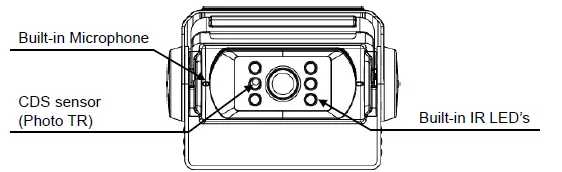
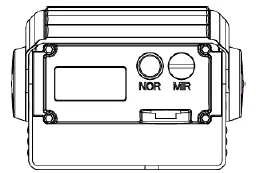
REAR VIEW
Installation
Camera Assembly
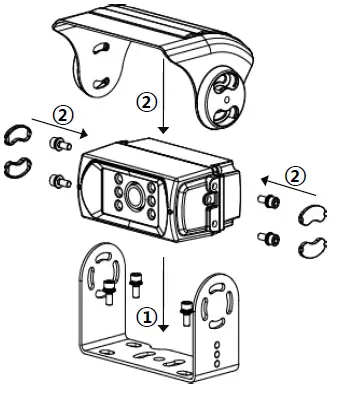
- Fix the supplied mounting bracket to the vehicle.
- Fix the bracket with camera and sun sun-shield according to drawing.
- Adjust the viewing angle of the camera and fasten the screws firmly.
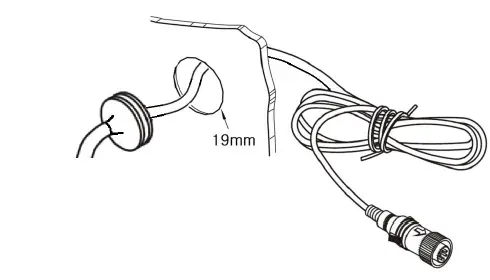
Cable grommet
Drill a suitable hole (approx. Ø 19mm) and insert the cable grommet. Just before final fixation, please apply a proper sealant (for prevention) between the hole and the grommet and also between the cable and the grommet.
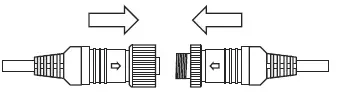
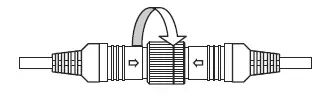
Securing cable connection
- Match the arrow marks and press the connectors together.

- Screw the camera connector up clockwise.

- Tighten cable connection firmly in order to prevent water ingress.
Note!
The warranty will not be valid if the problem is related to moist / corrosion in the connector.
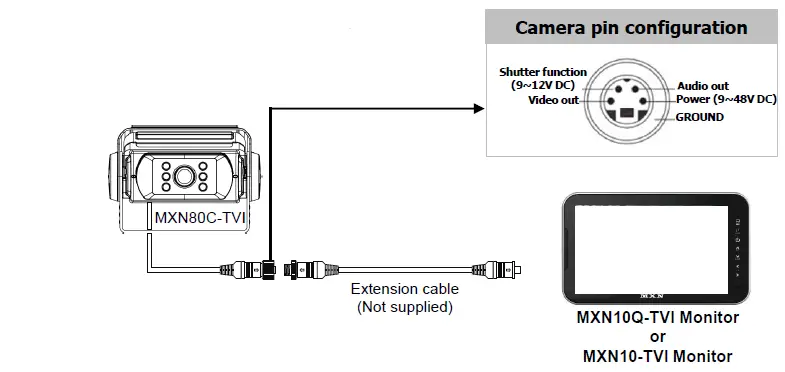
Wiring to Monitor
Run the cable from the camera to the monitor.
Caution !!
- Before making the connection, disconnect the ground terminal from the battery to avoid short circuits.
- The plugs should be fully inserted into the connectors or jacks. A loose connection may cause malfunctioning of the unit.
- A damaged cable may affect the operation of the camera and may even cause a malfunction of the camera or monitor: Avoid a damaged cable!
- Protect the cable by using a guide tube, pipe or run the cable inside the vehicle as much as possible. Caution! Run the cable in natural shapes in order to prevent cable breaks.
- Preferably use an acid free grease in between the waterproof screw type connectors and tighten them firmly eachother.
Design And Specifications Are Subject To Change Without Notice.