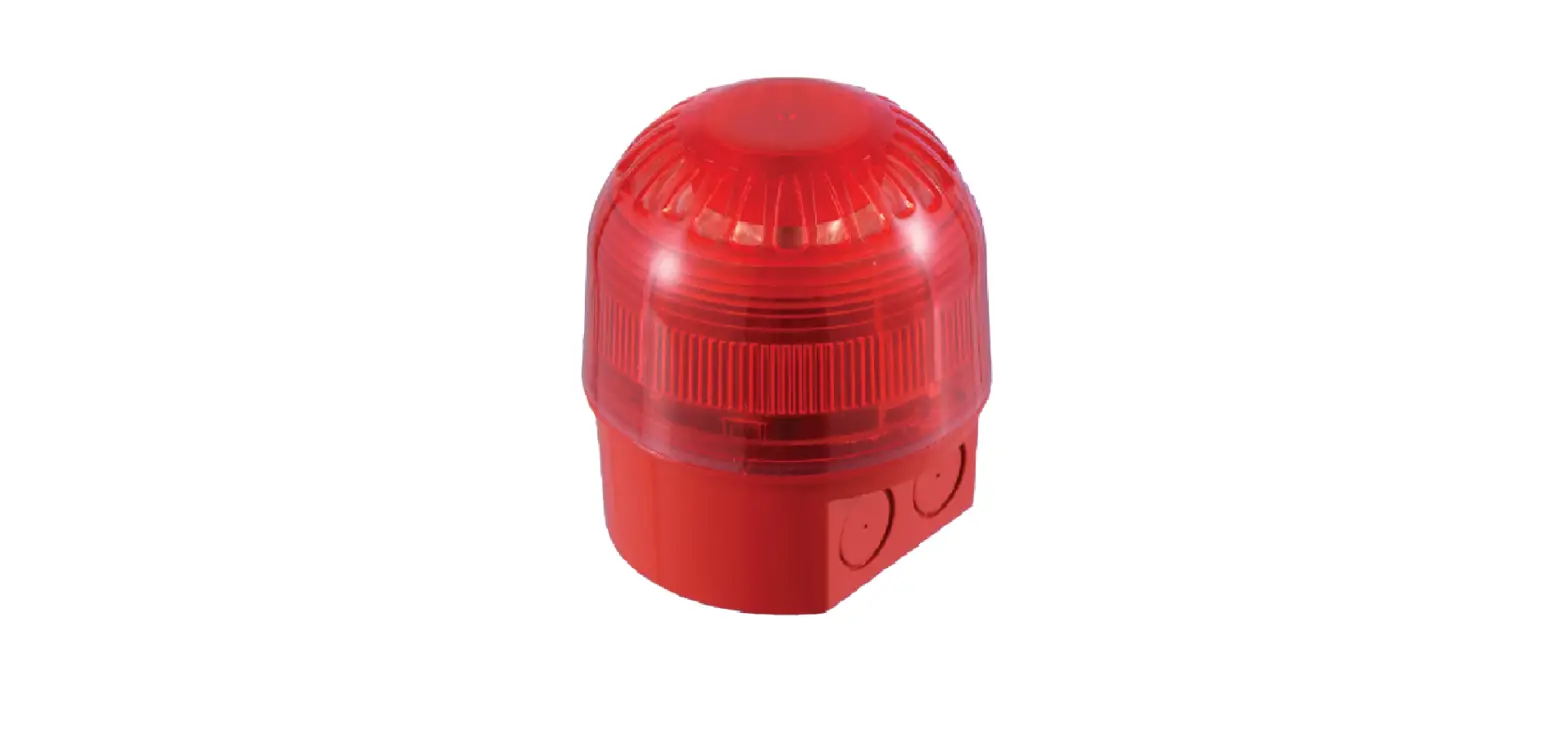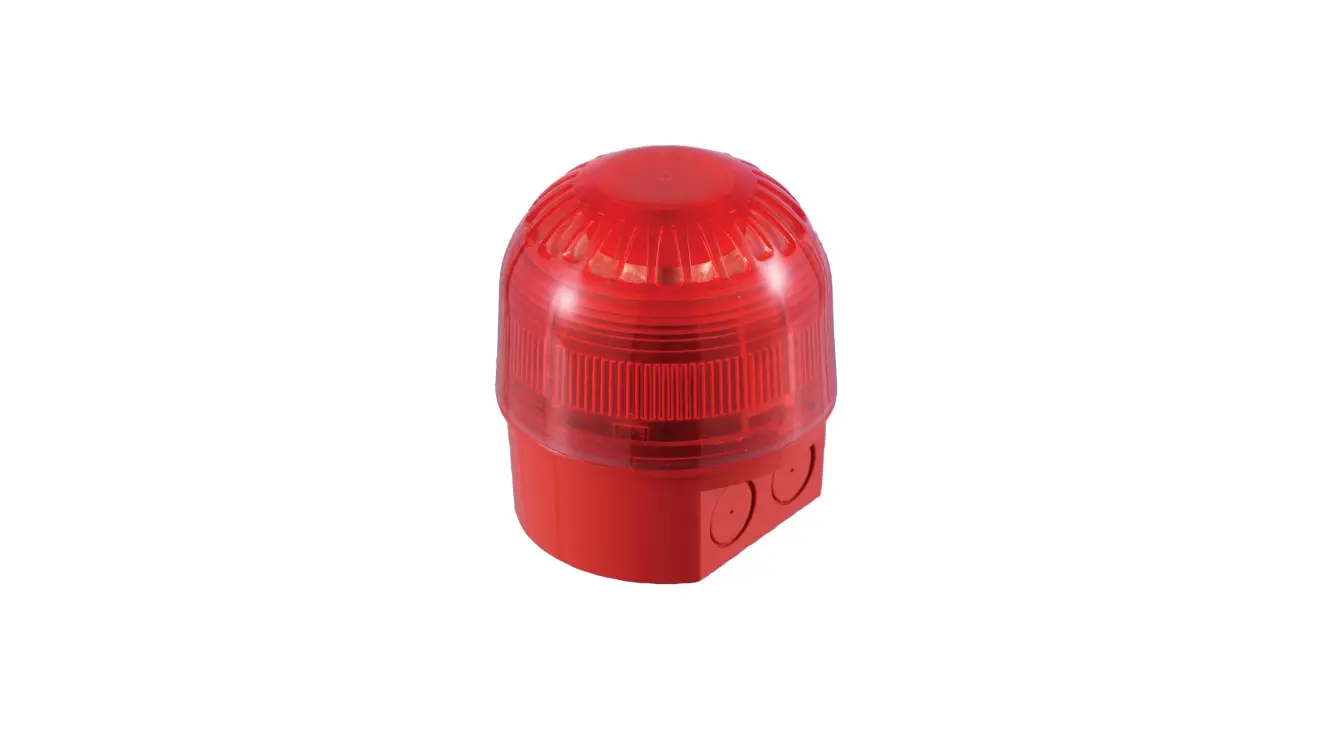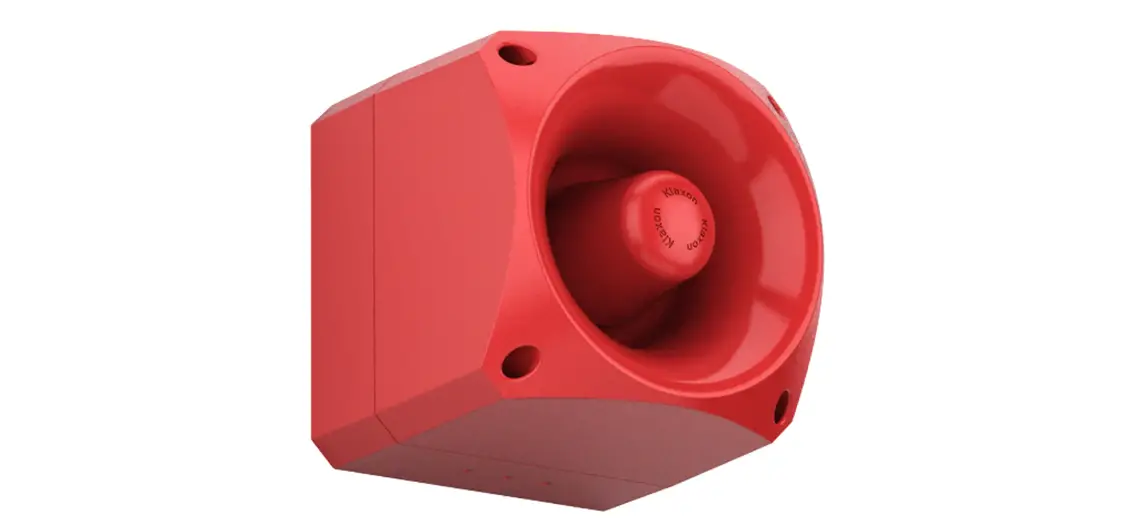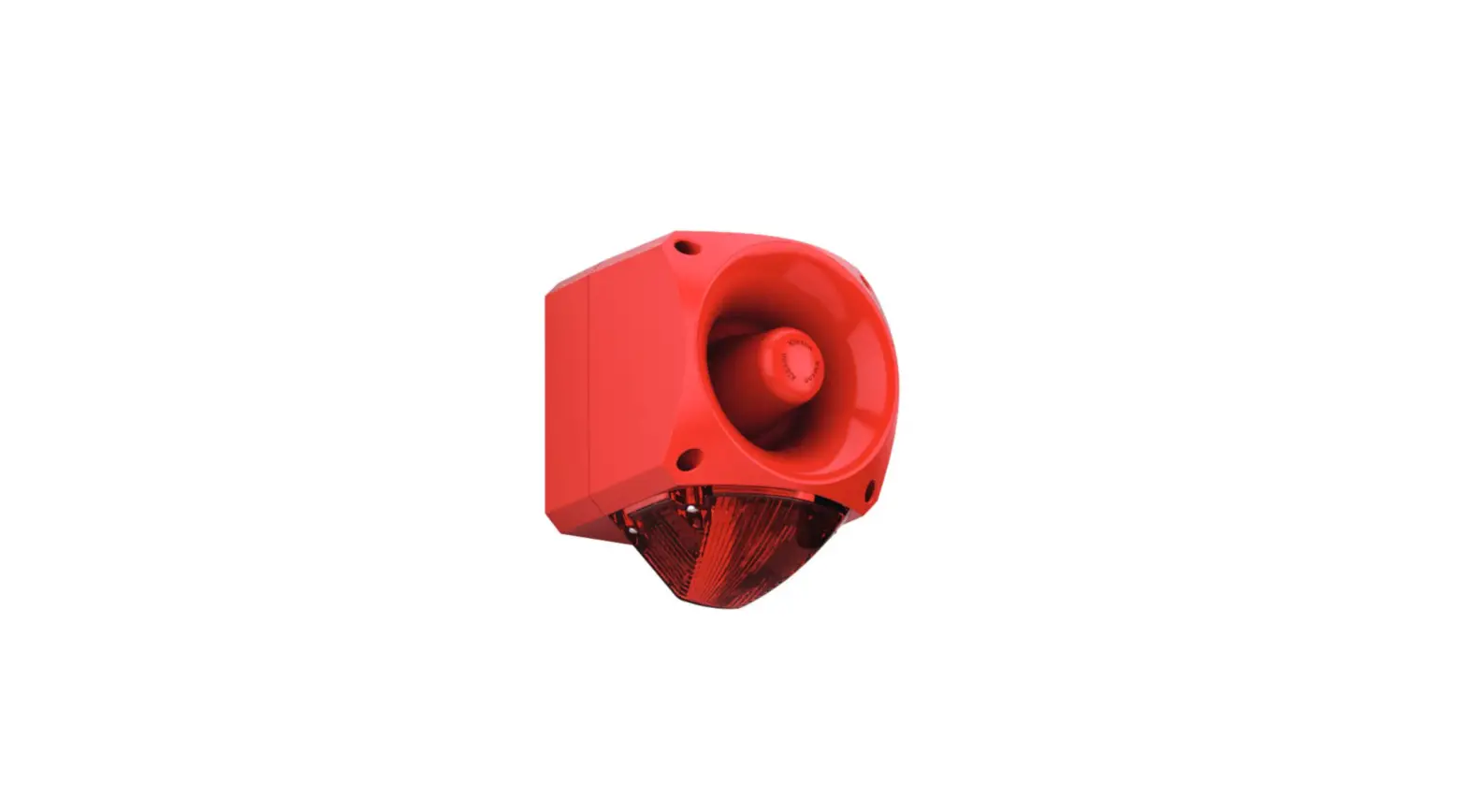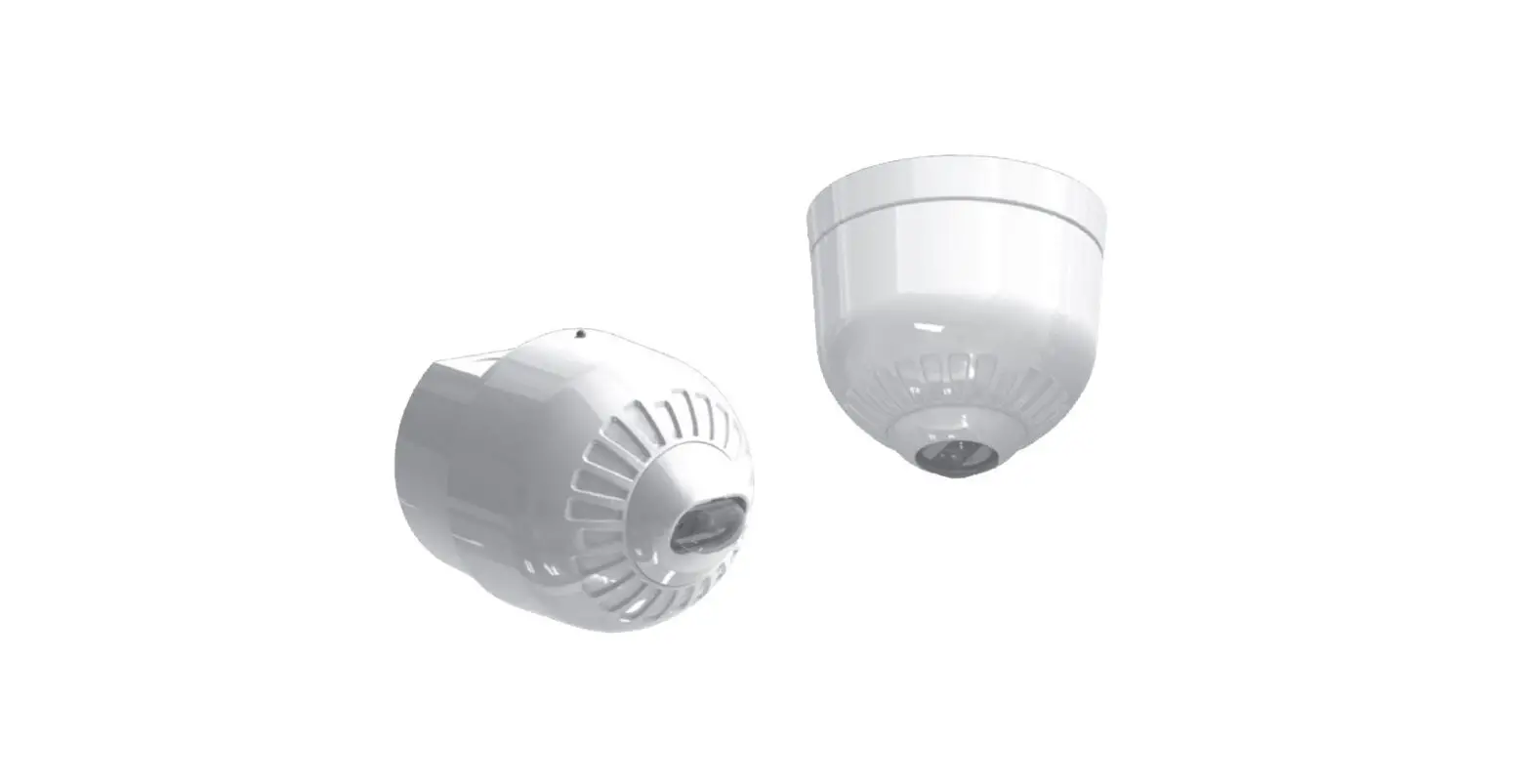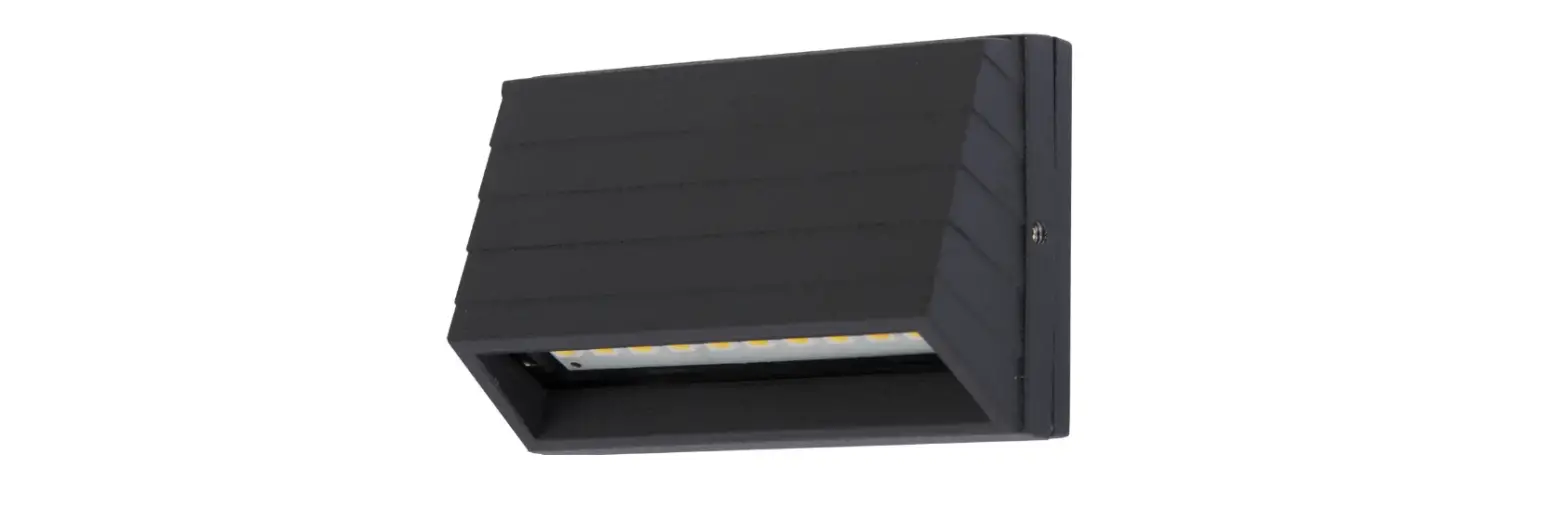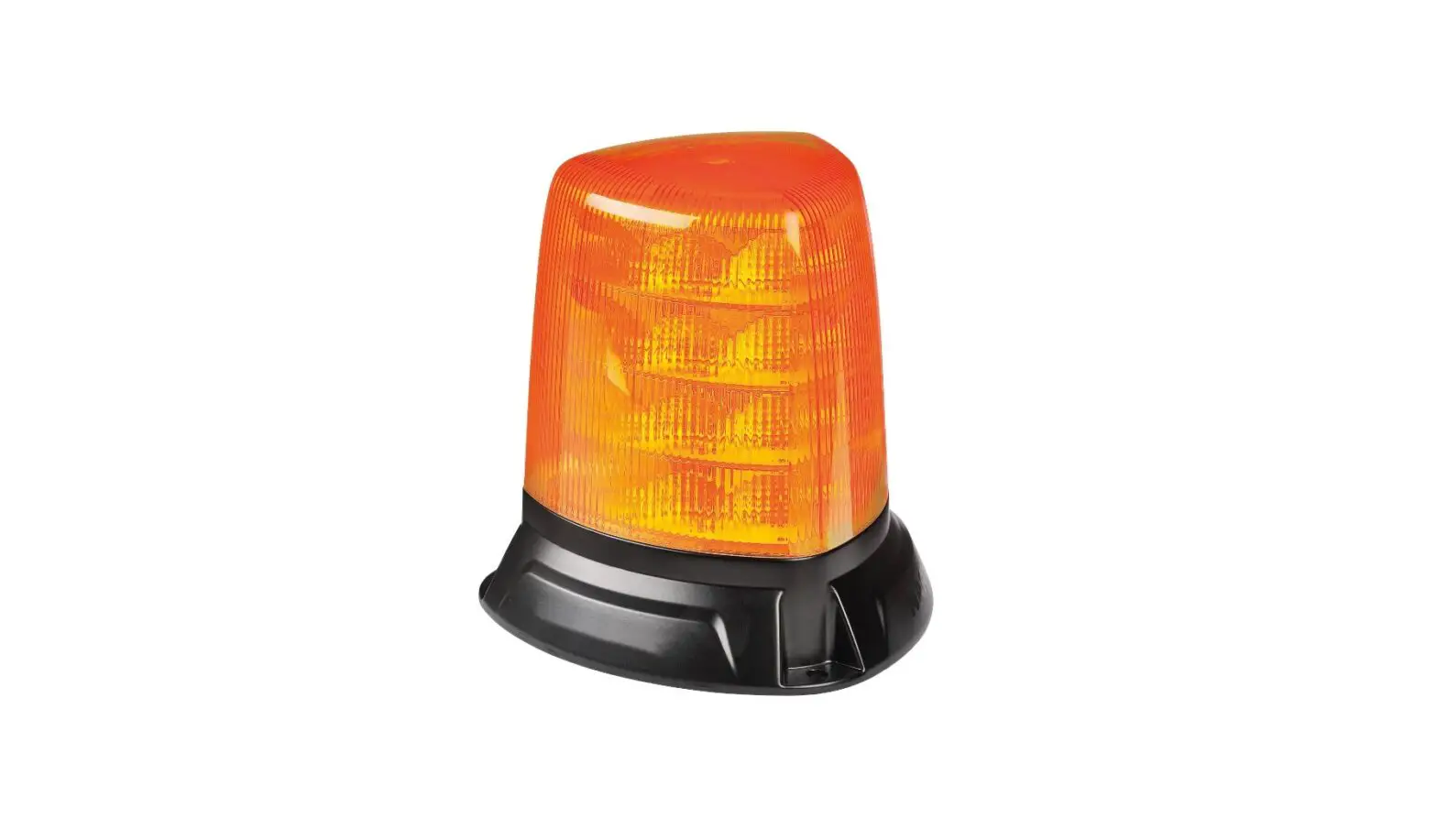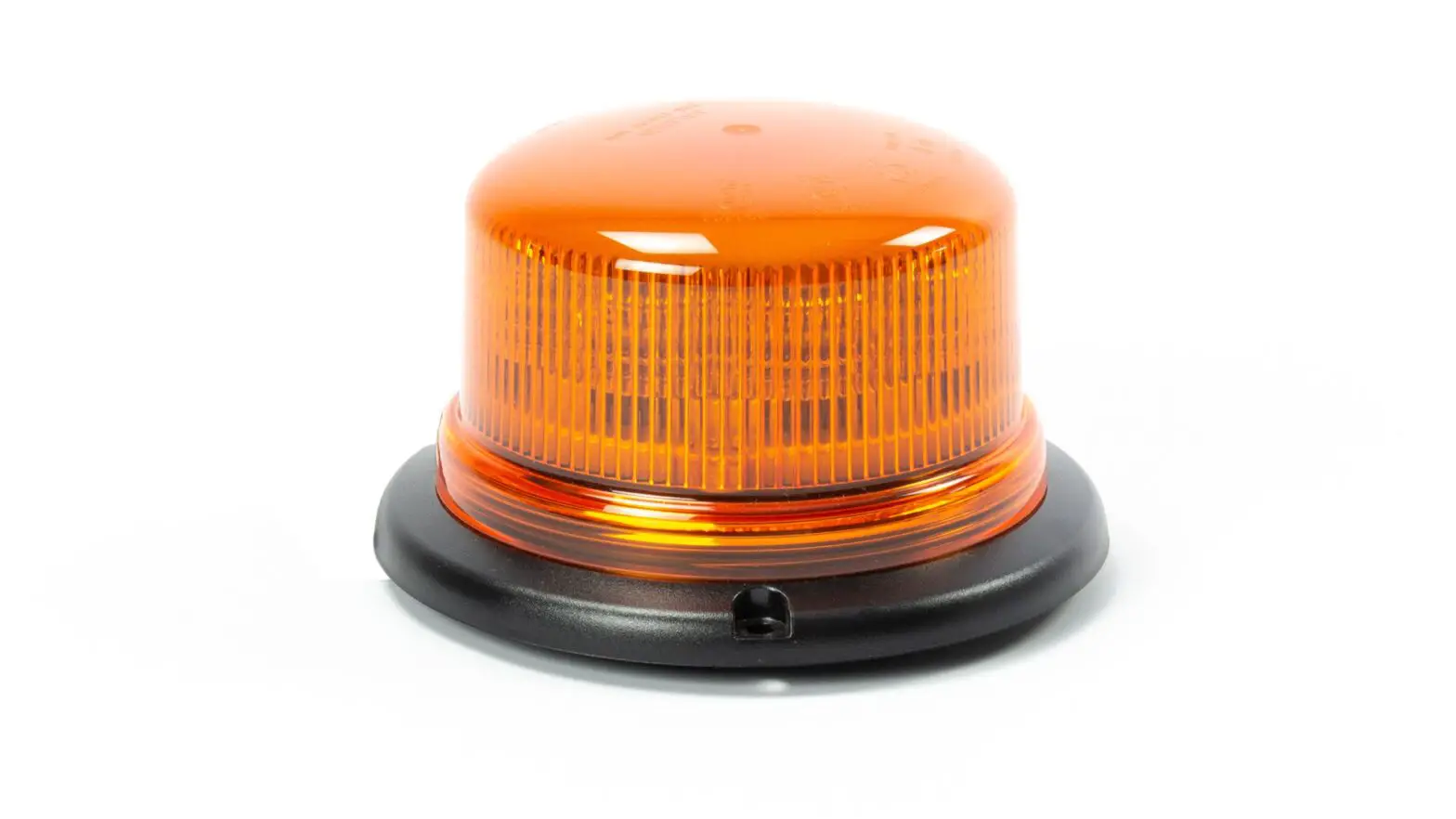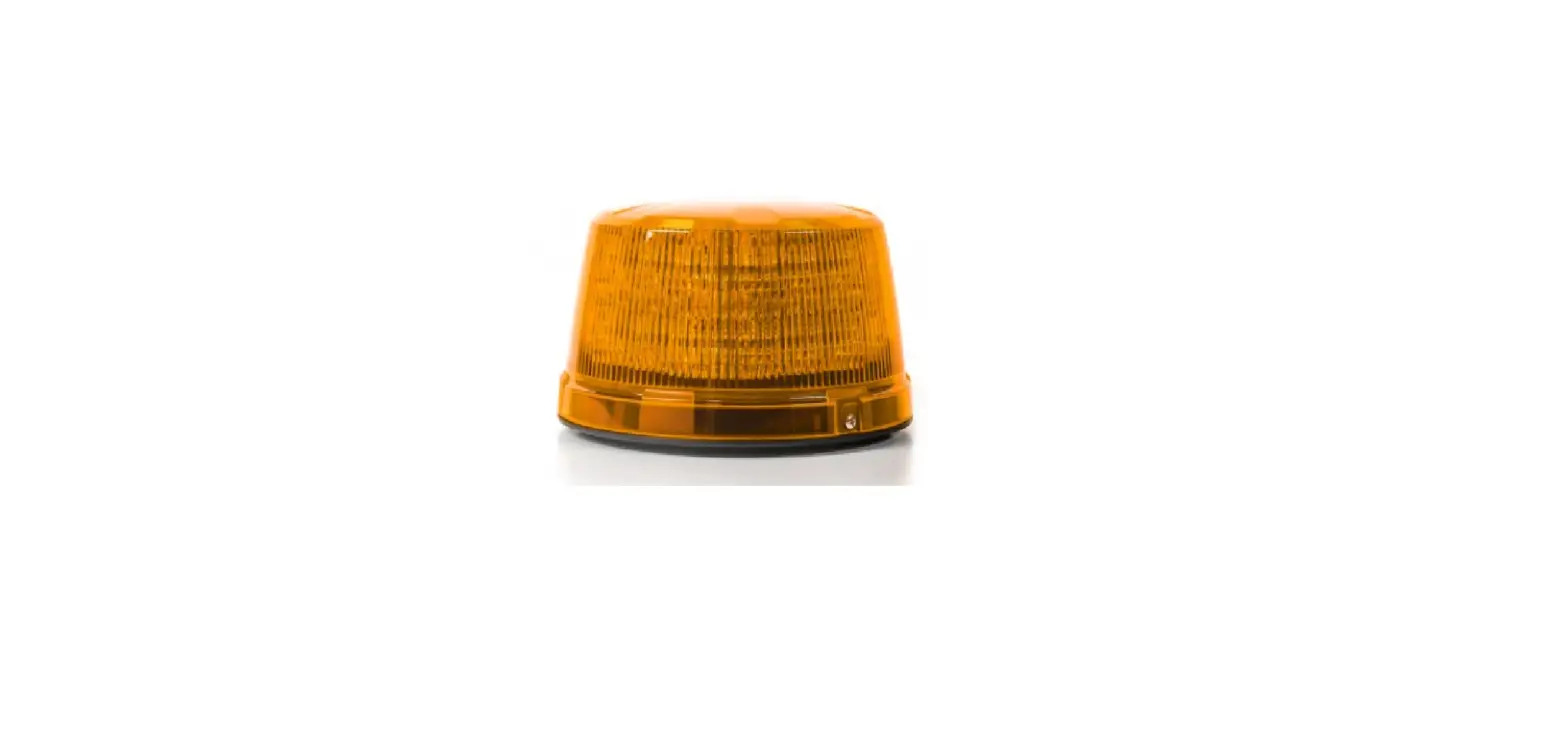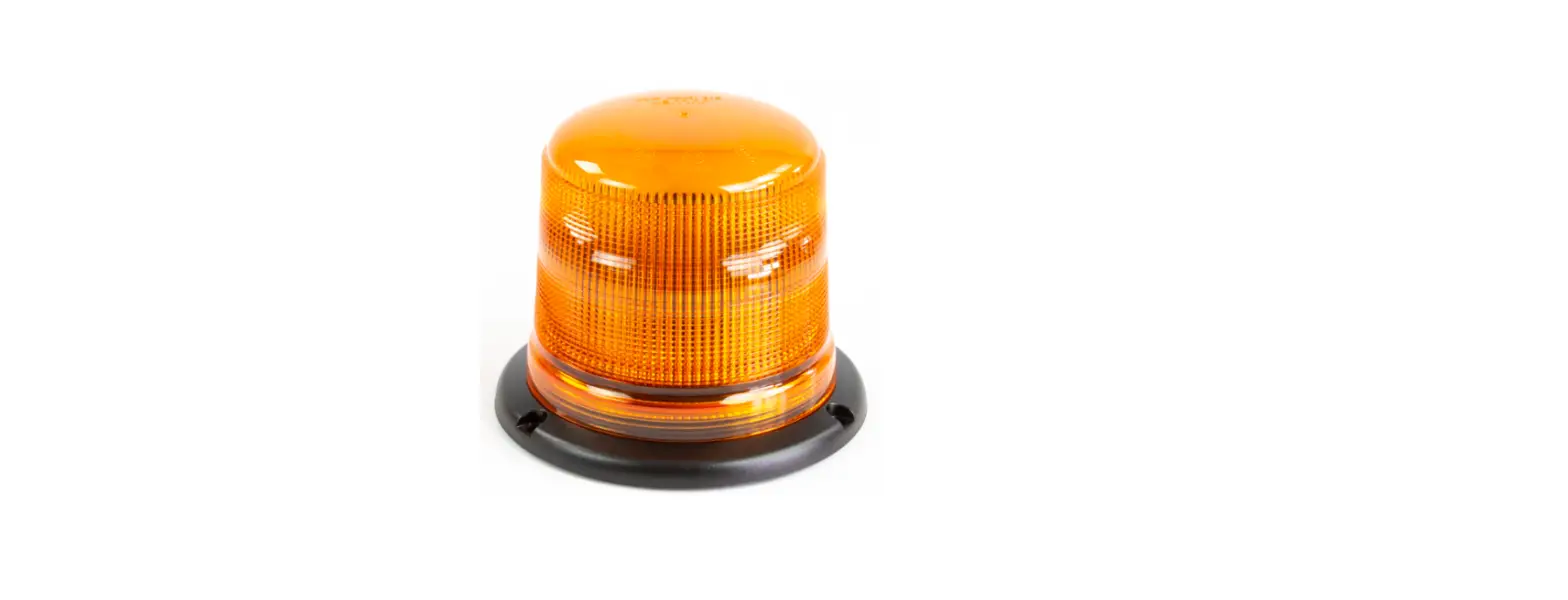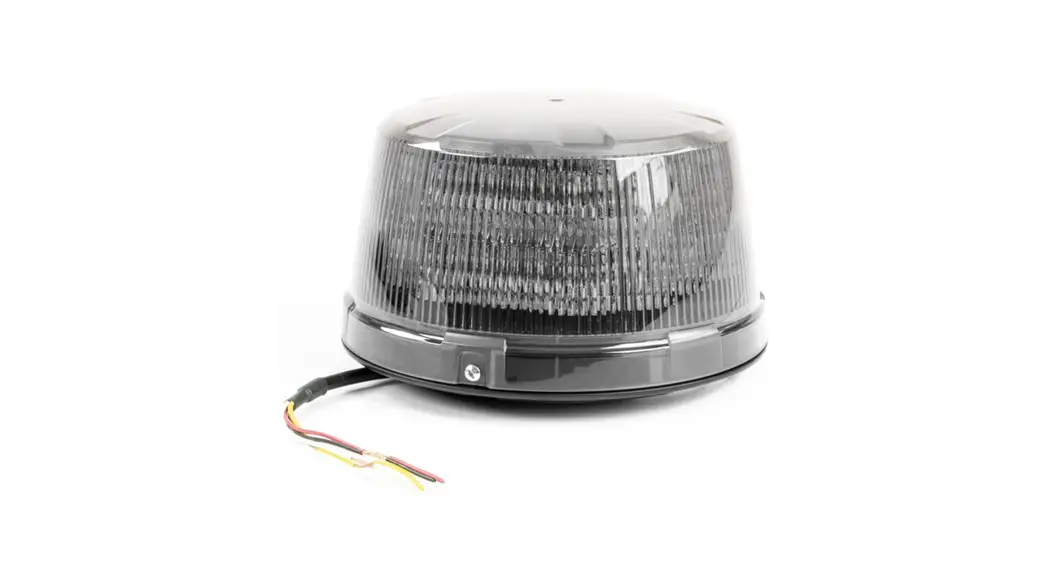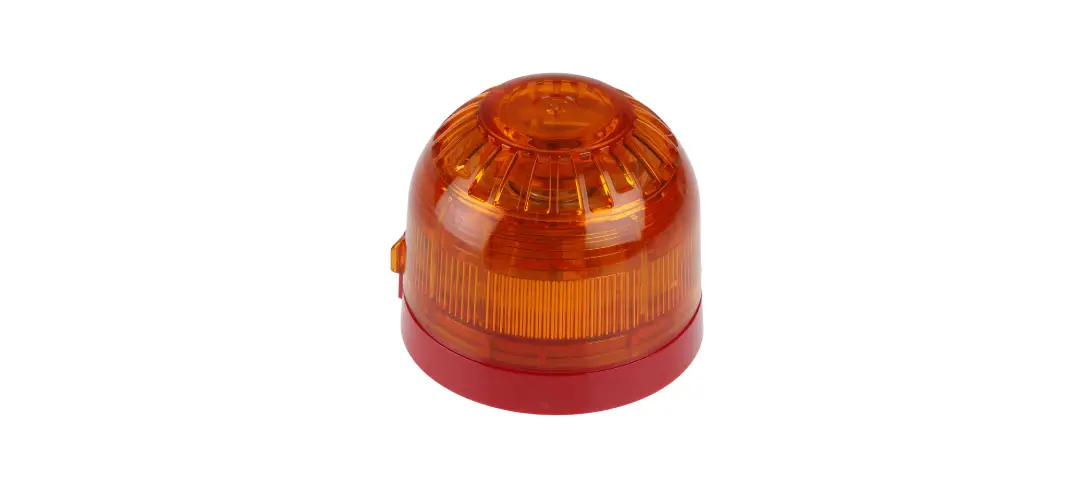

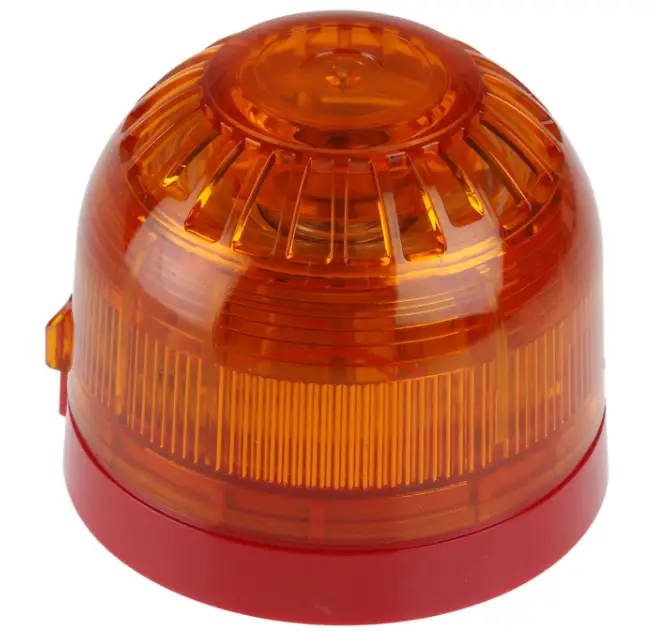
KLAXON Sonos DC LED Beacon
Installation
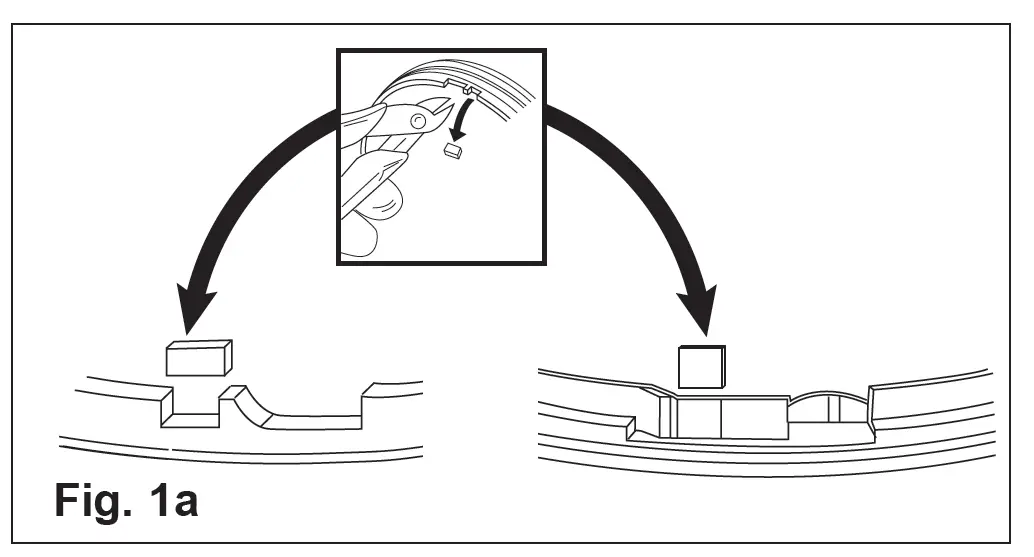
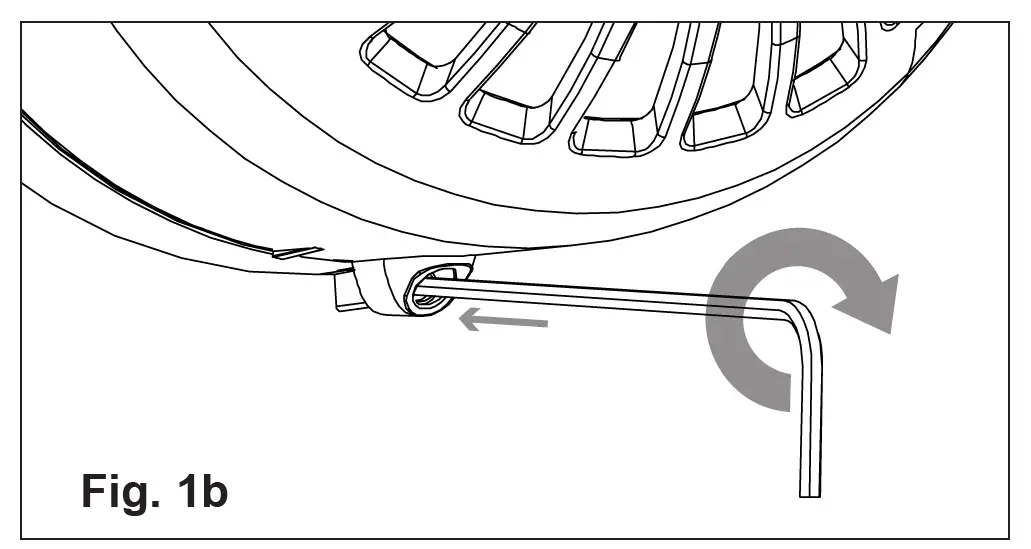
If required, the mechanism for locking the beacon to the base can be activated by removing the thin section of plastic shown in Fig. 1a with side cutters or a similar tool. To open a locked head, remove the small rubber bung from the hole on the side of the sounder, insert a tool into the hole and depress the clip whilst twisting the head. The O-ring and bung must be re-fitted to maintain the weatherproofing. An alternative locking method is shown in Fig. 1b. Drive the hexagonal locking screw forward by turning a 1.5mm hexagonal key clockwise until the head is locked
Wiring
| Line Terminal Marking | |
| Common Positive Supply | (3) IN+ |
| Beacon Negative Supply | (1) |
A separate earth terminal is provided on the deep base for connecting the screen or functional earth. On the shallow base, terminal 5 can be used for this purpose.
| Technical Specification | |
| Supply Voltage | 17 – 60V DC |
| Current | 5mA |
| Flash rate | 60 per minute |
| Operating Temperature | – 25˚C to + 70˚C |
| Casing | High Impact Polycarbonate |
| IP Rating | IP21/IP65 (deep base) |
 Products marked with this symbol cannot be disposed of as unsorted municipal waste in the European Union. For proper recycling, return this product to your local supplier upon the purchase of equivalent new equipment, or dispose of it at designated collection points. For more information see: www.recyclethis.info.
Klaxon Signals is a registered trademark of Texecom Ltd. St Crispin Way, Haslingden, BB4 4PW, UK
Tel: +44 1706 233879 Email: [email protected]
Issue 7 (April 2014) INS602-7 Copyright © Texecom Ltd www.klaxonsignals.com
 Homepage - Klaxon Signalling Solutions
 HOME
HOME