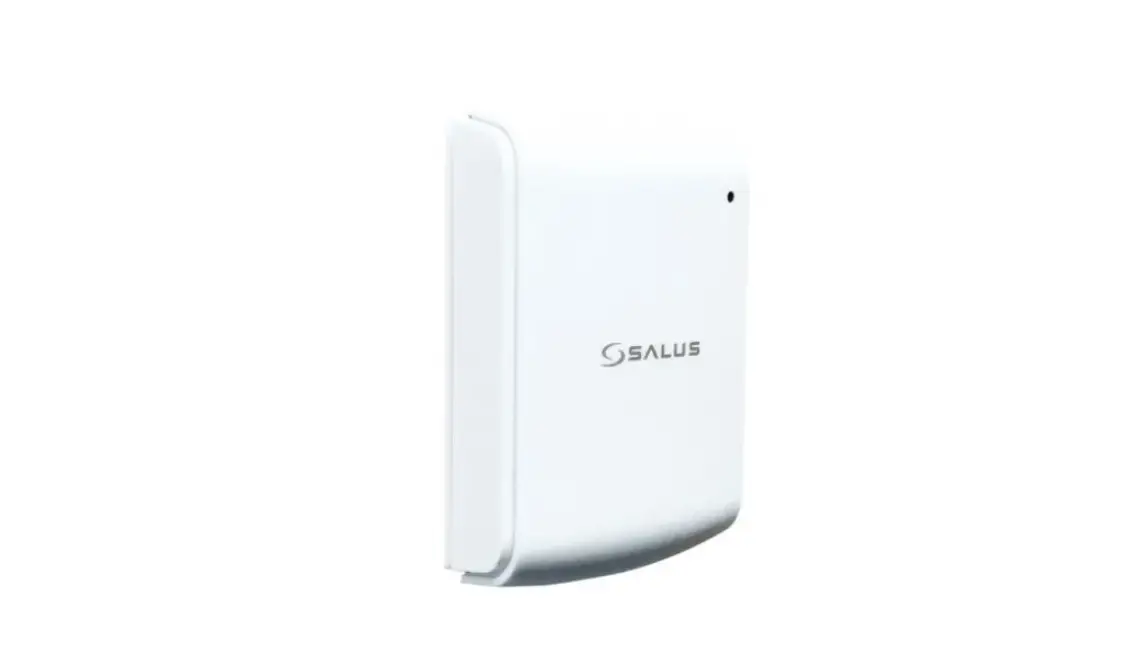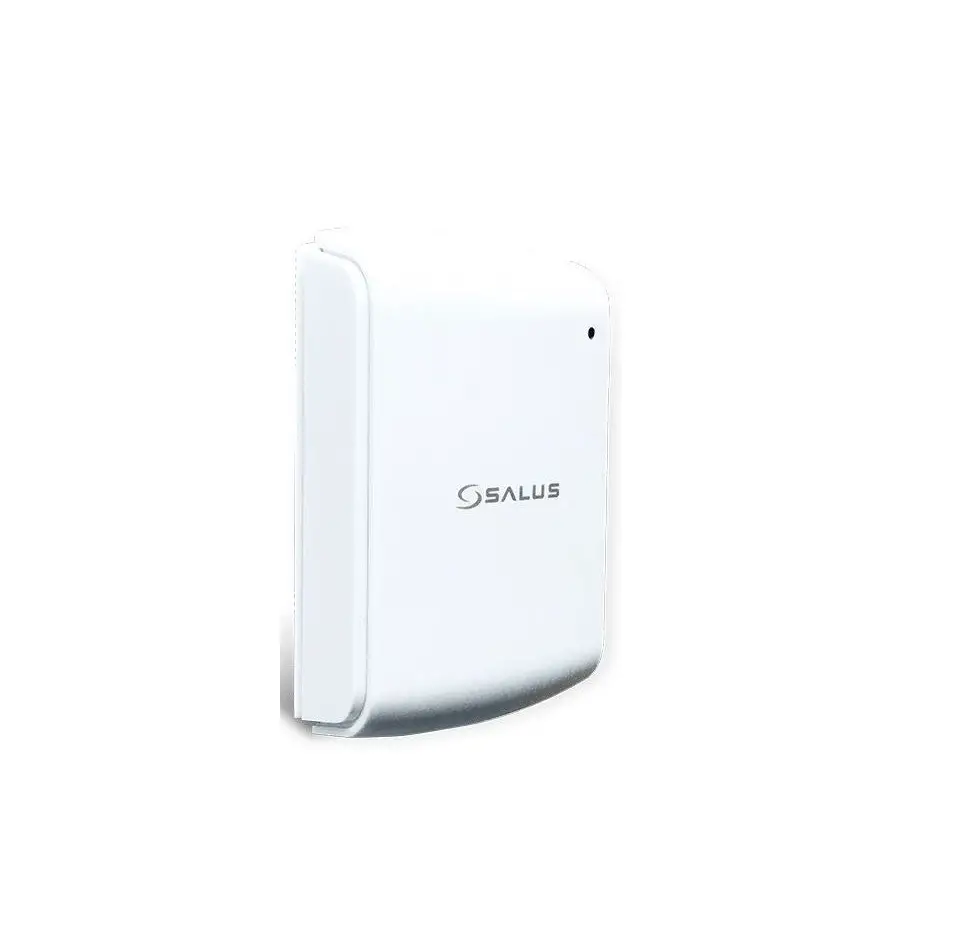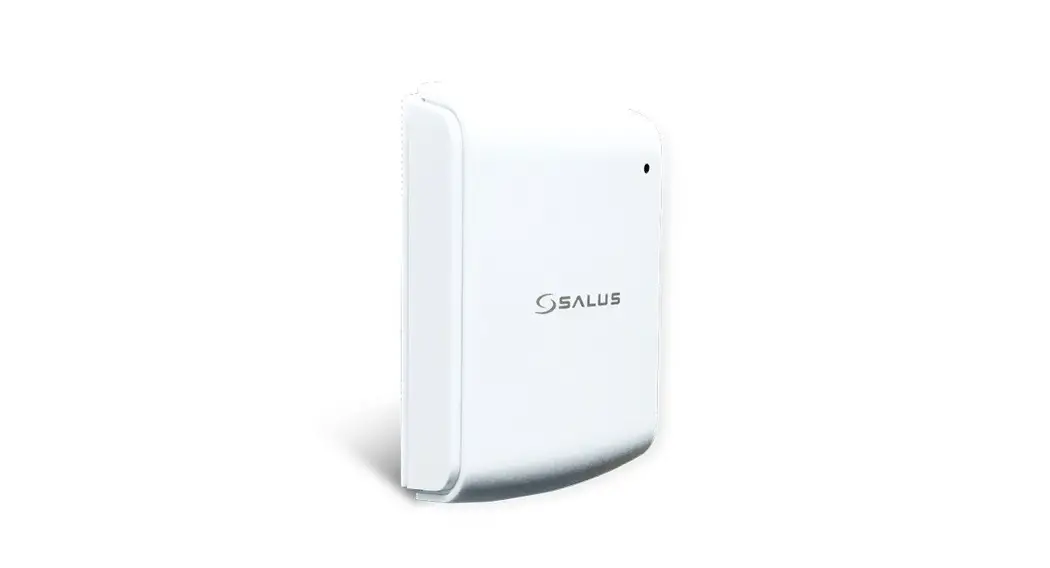
 Model: TS600
Quick Guide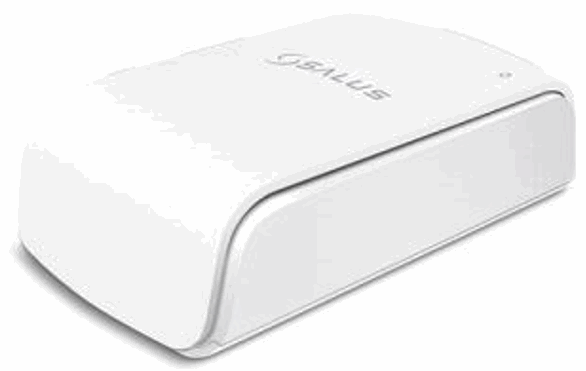
Introduction
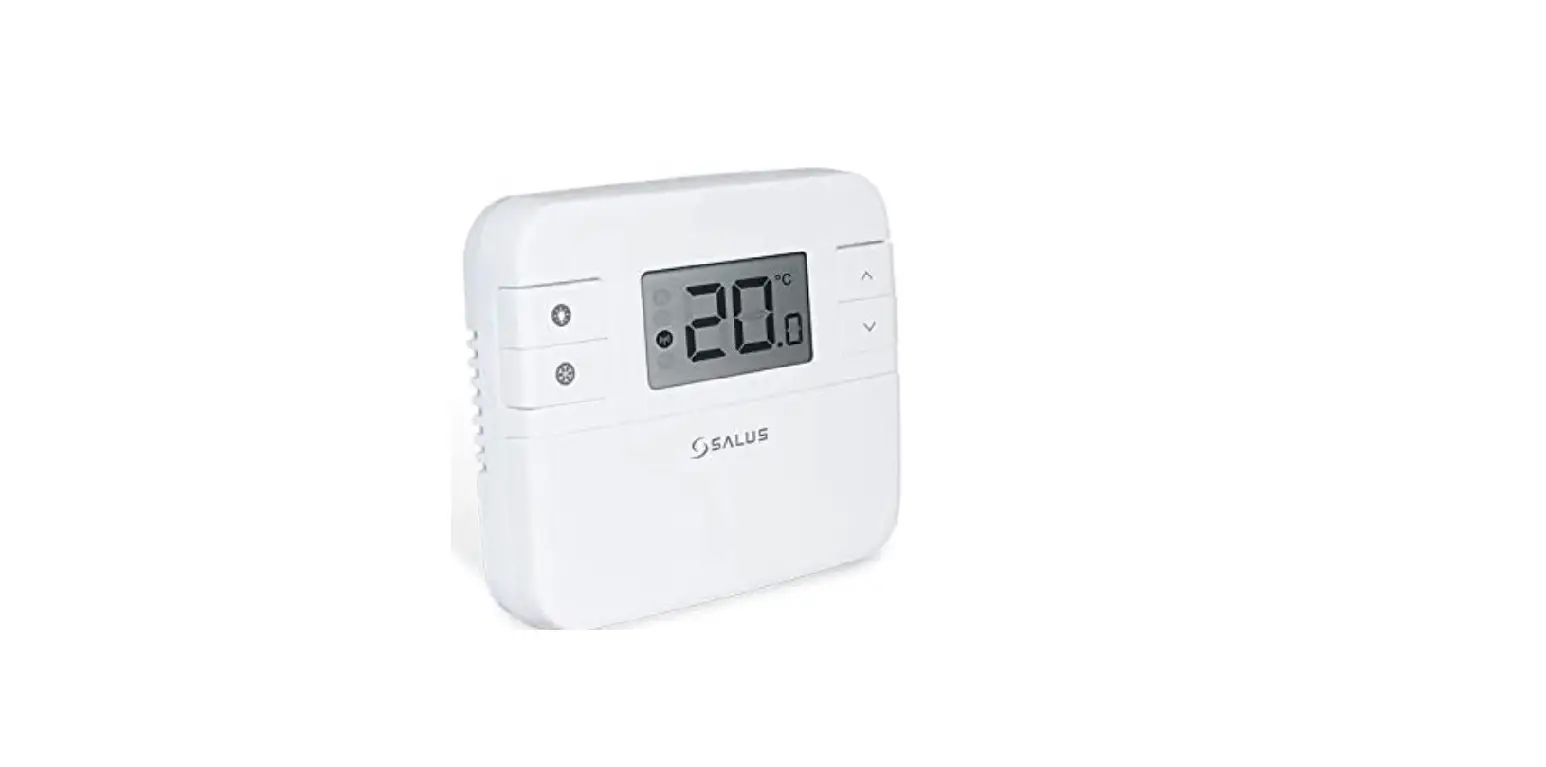
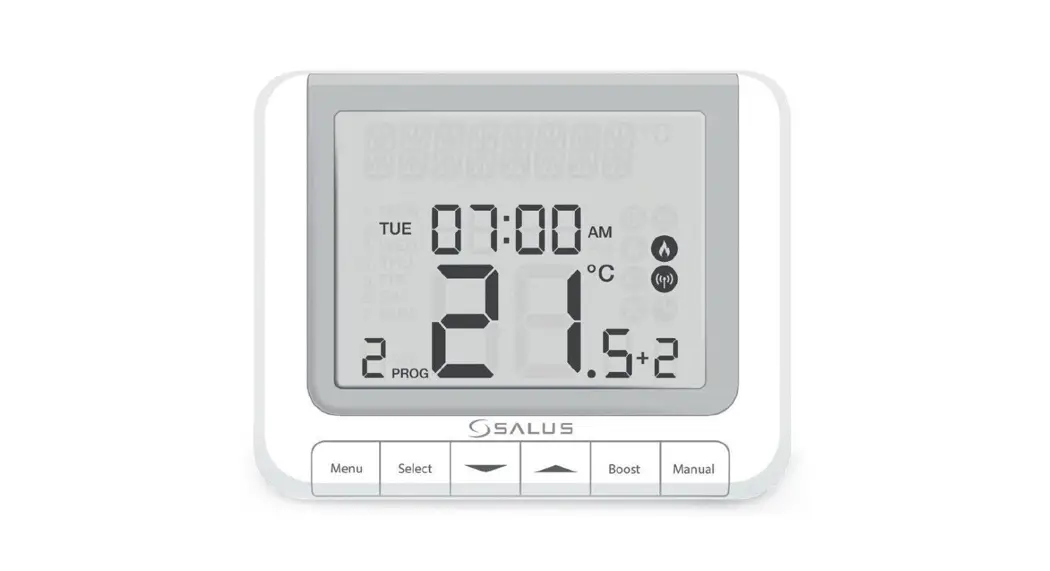
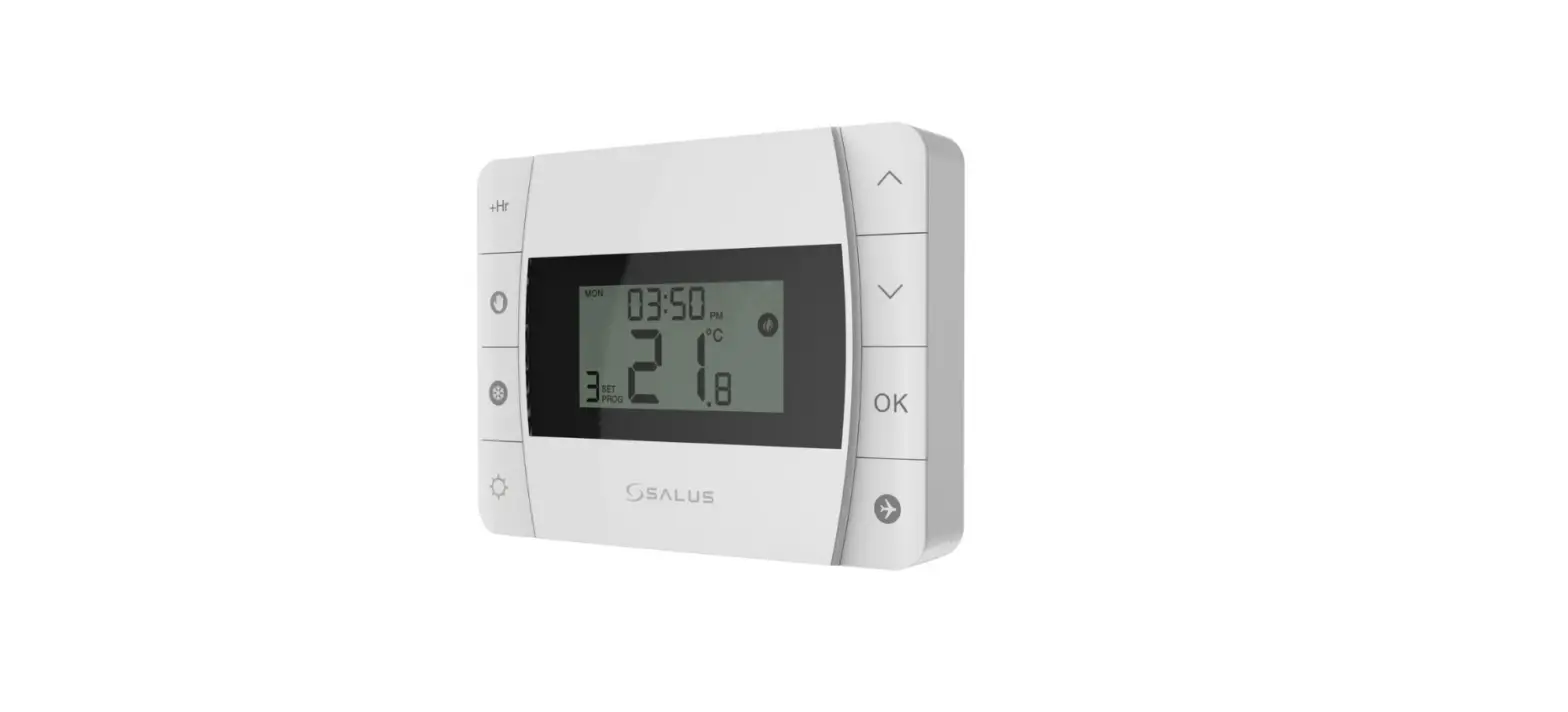
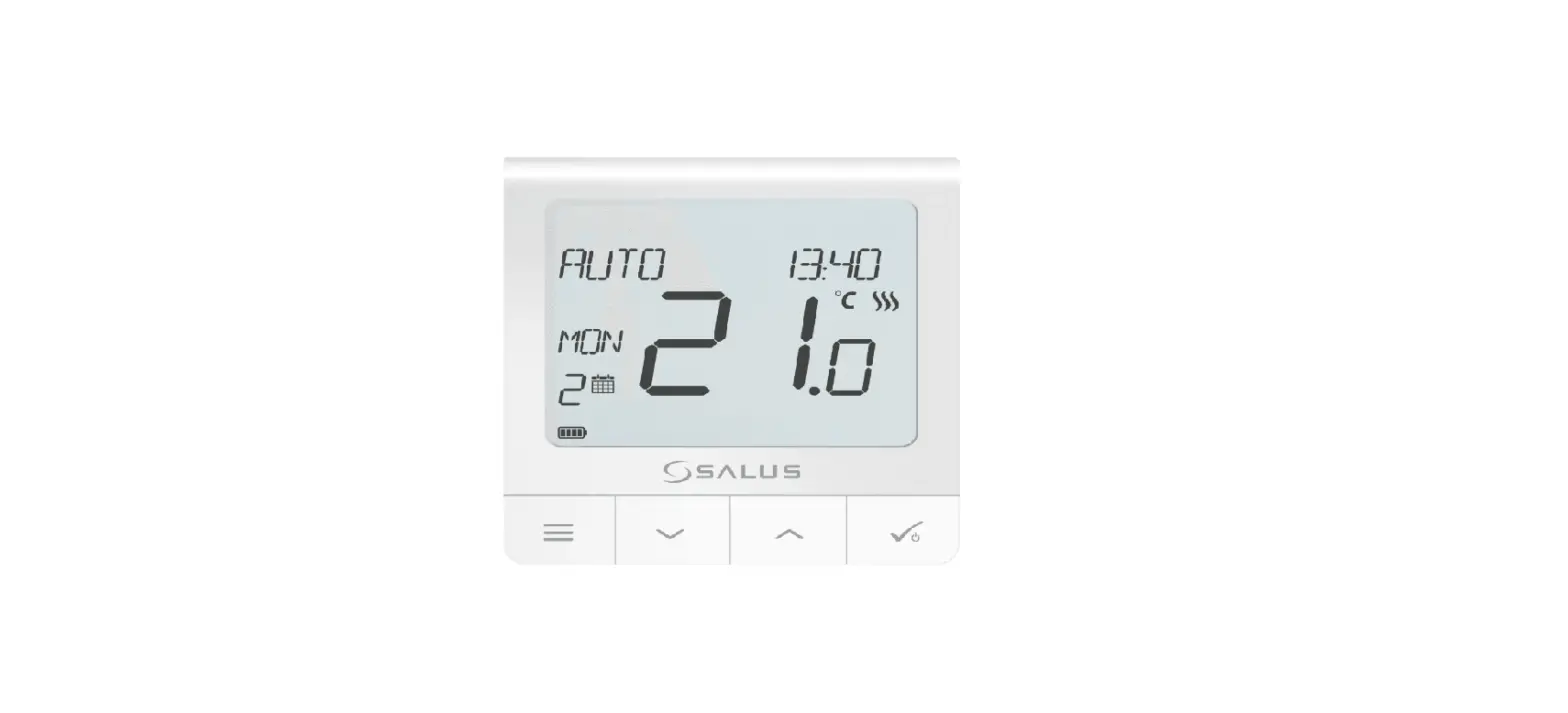
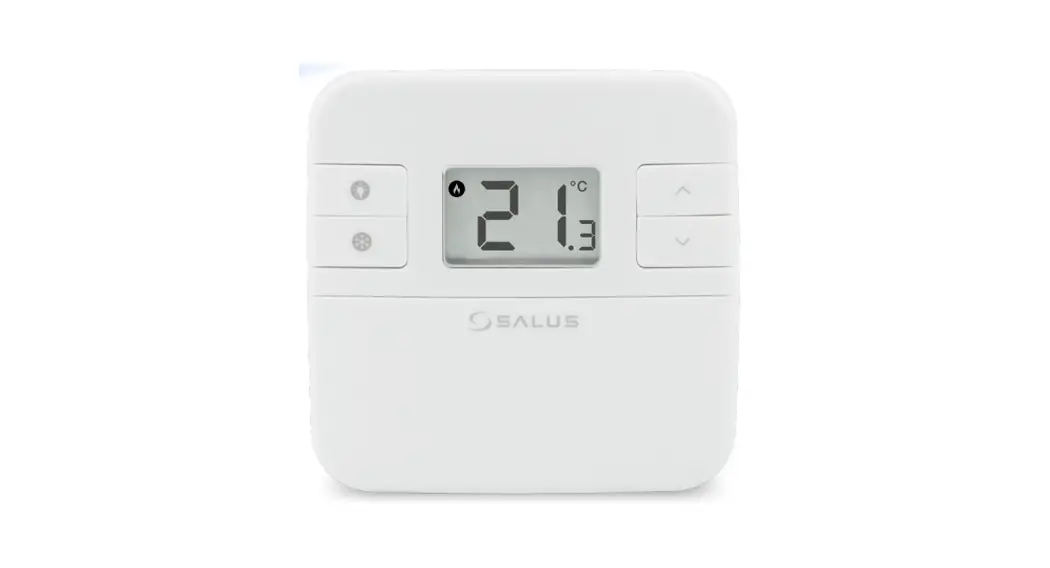
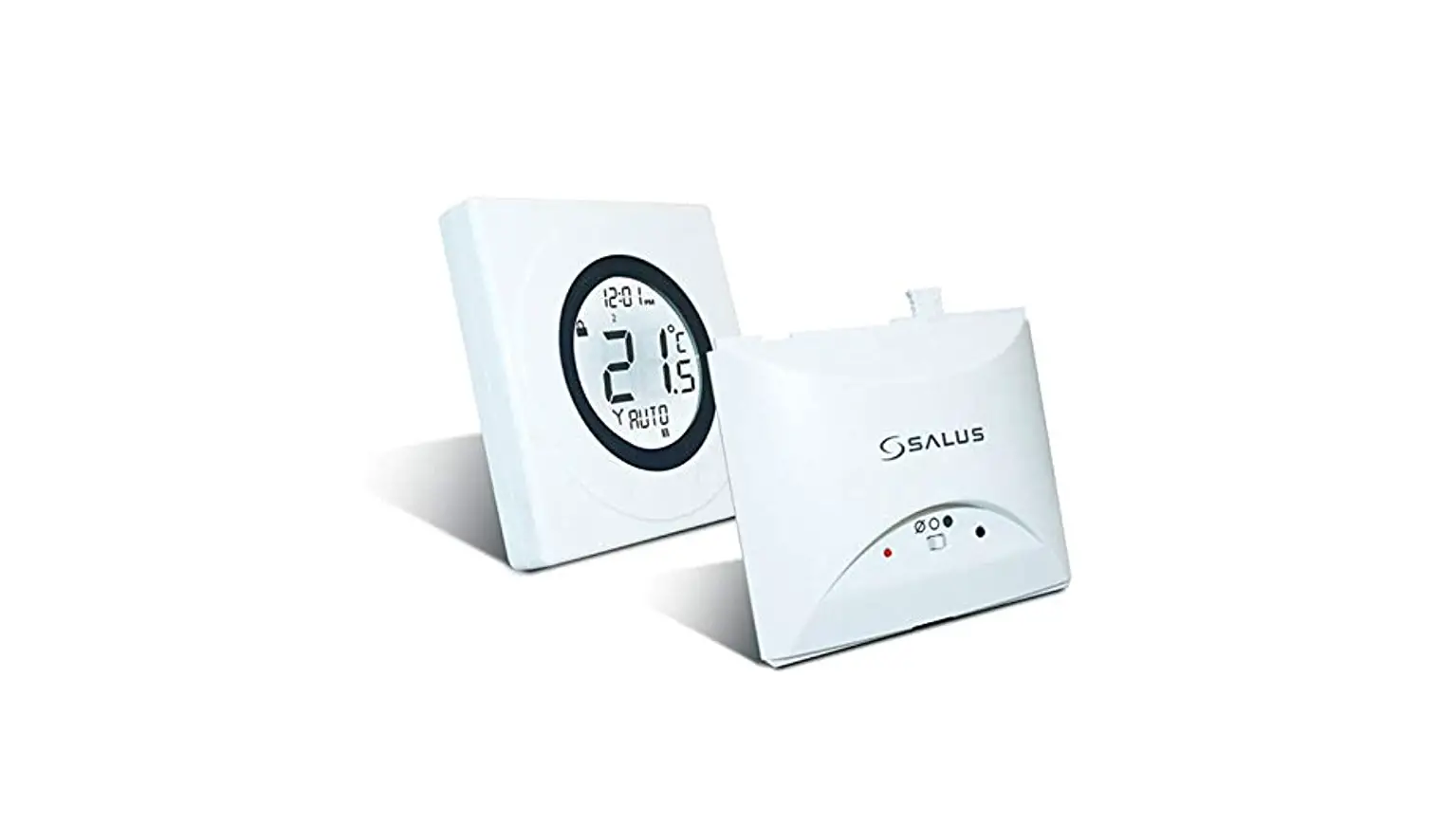
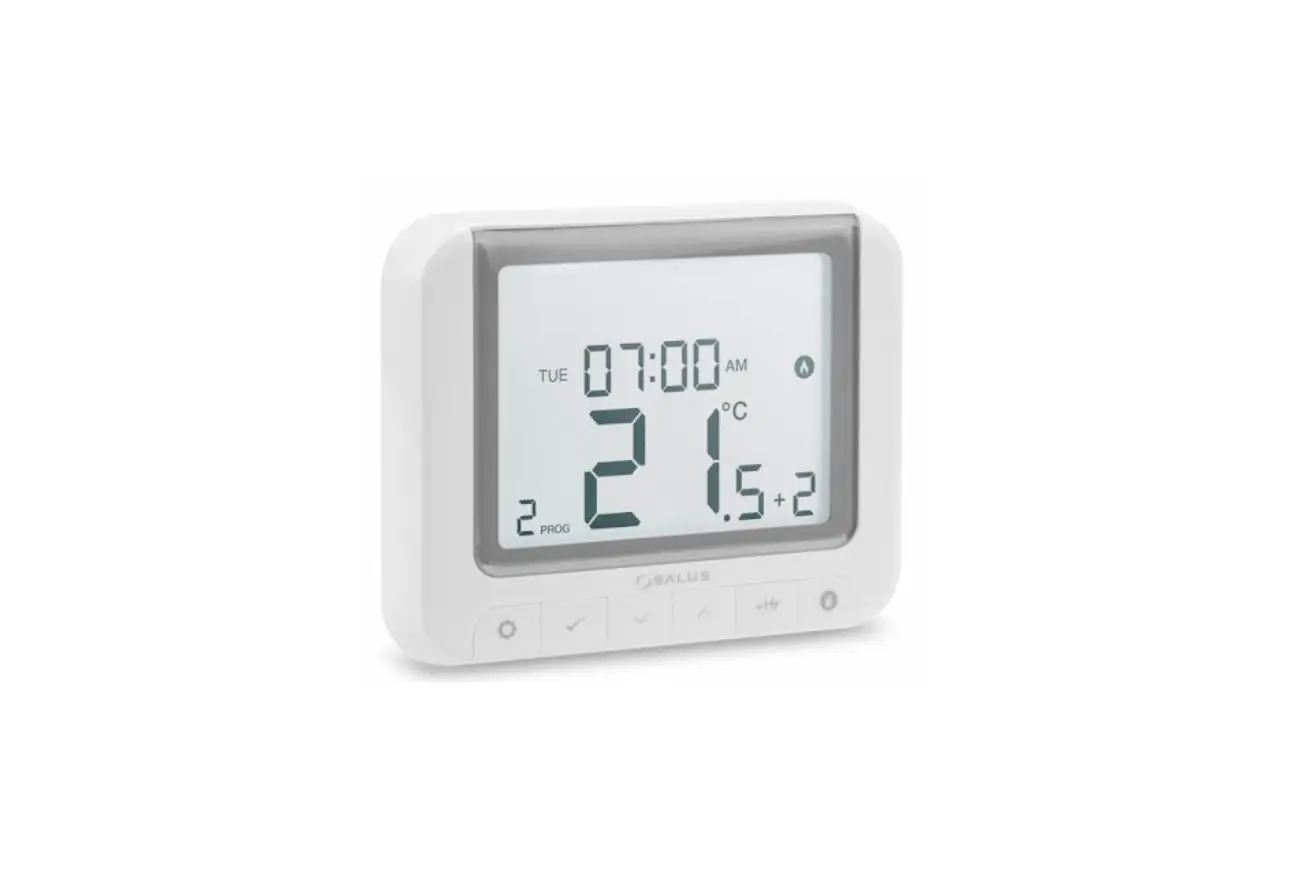
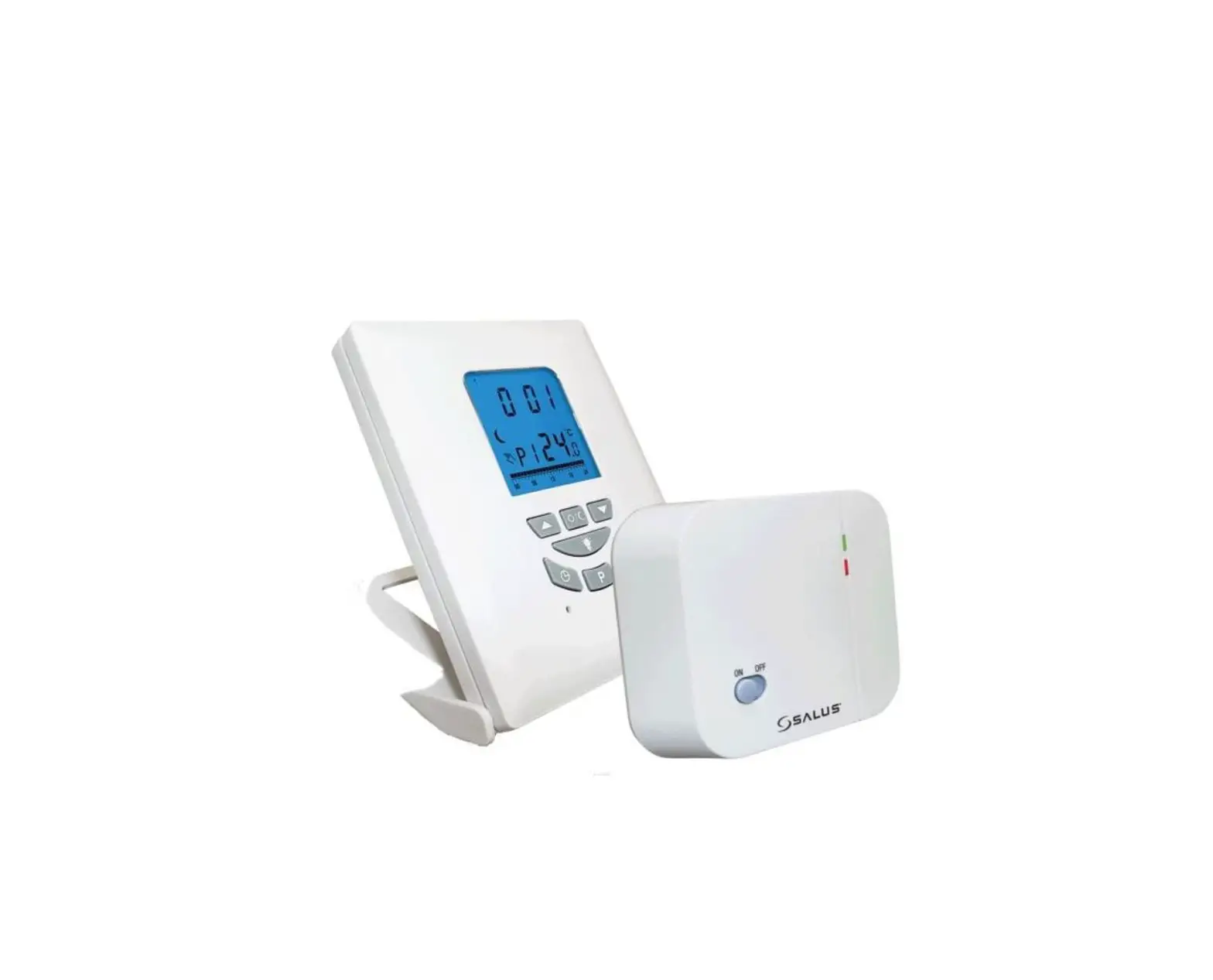
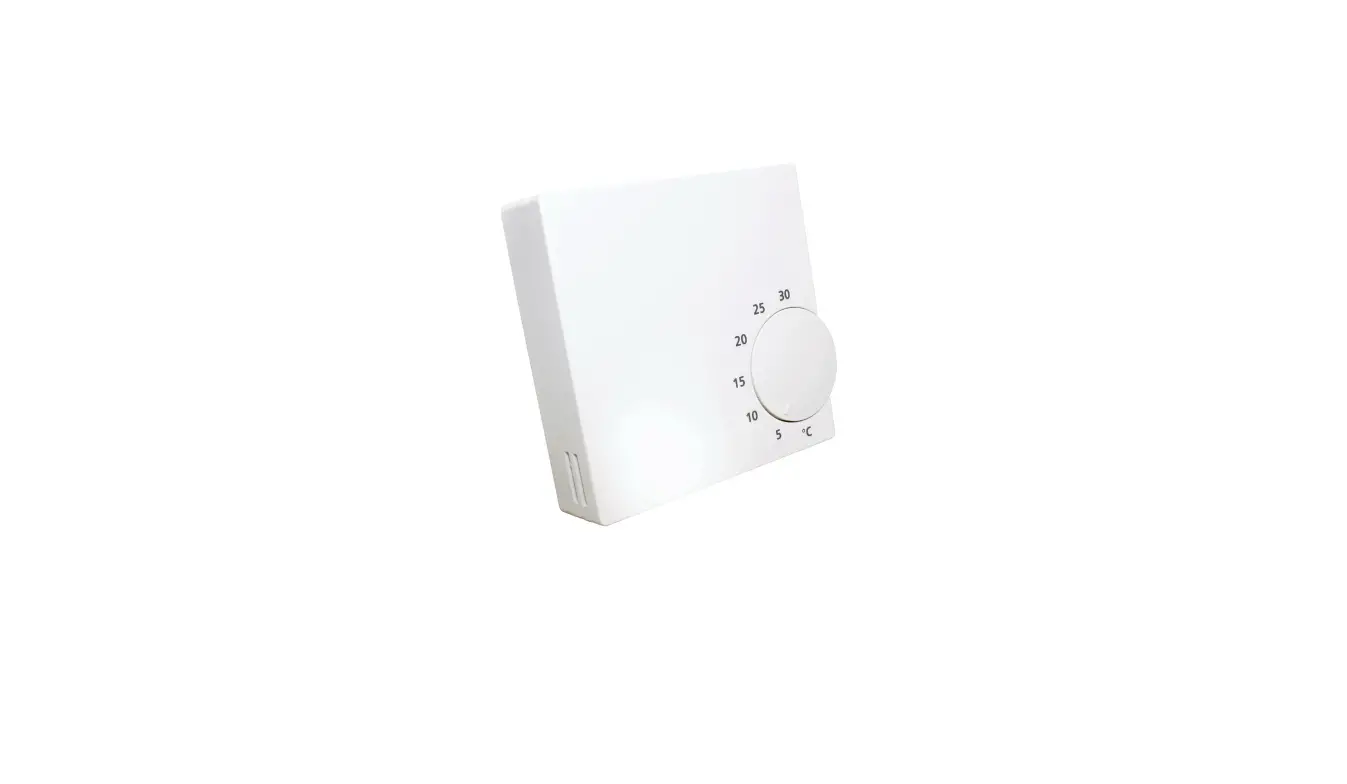
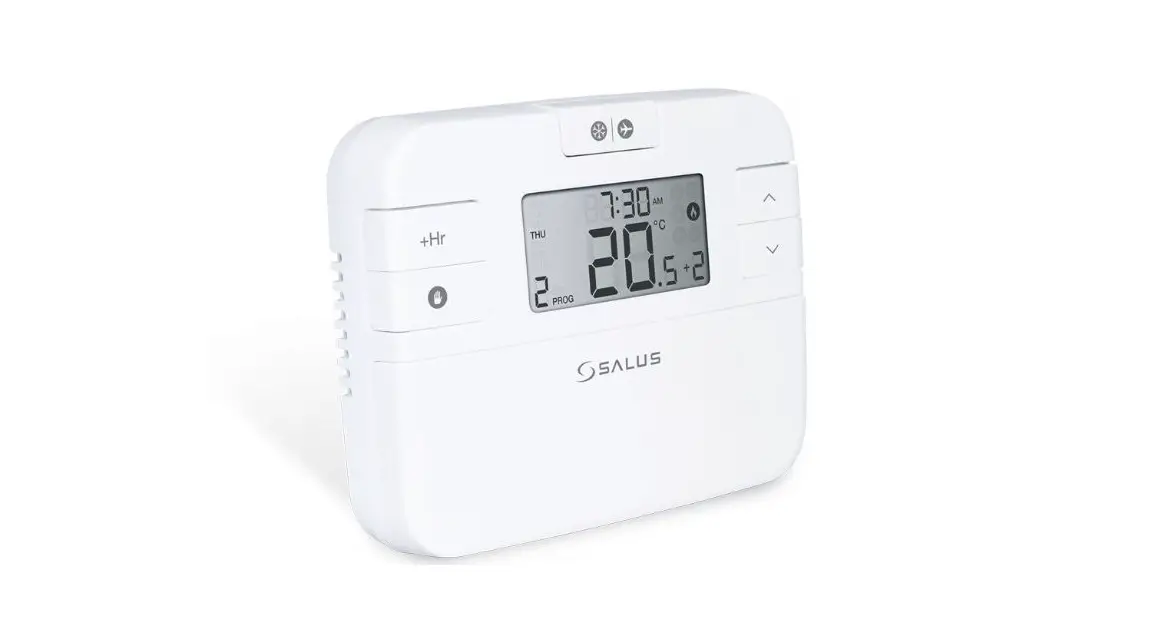
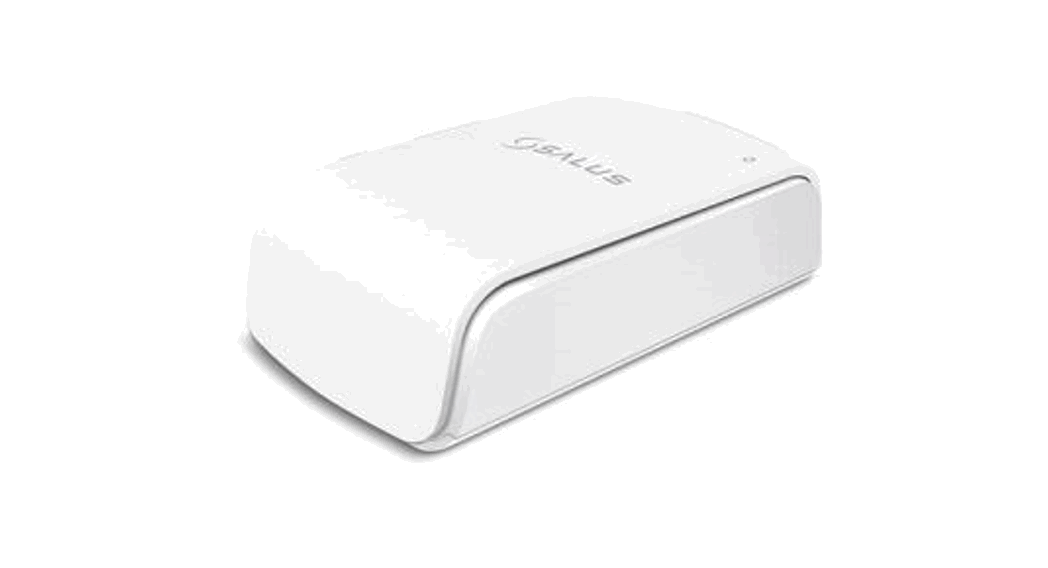
TS600 is a multi-functional device that can be configured to be a programmable room thermostat or a hot water timer built into a smart designed casing and it is compatible with the SALUS Smart Home system.
Product Compliance
This product complies with the essential requirements and other relevant provisions of Directives 2014/53/EU and 2011/65/EU. The full text of the EU Declaration of Conformity is available at the following internet address: www.saluslegal.com 2405-2480MHz; <14dBm
 Safety Information
 Safety Information
Use in accordance with the regulations. Indoor use only.
Keep your device completely dry. Disconnect your device before cleaning it with a dry cloth.
Box content
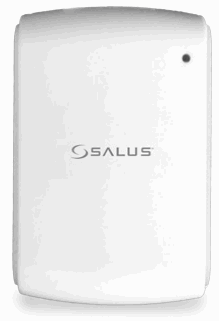 | 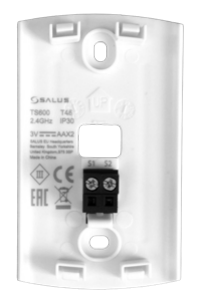 |
| Front case | Back case |
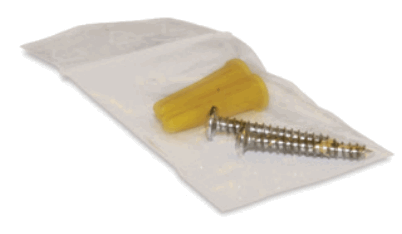 |  |
| 2x fixing scews | Quick Guide |
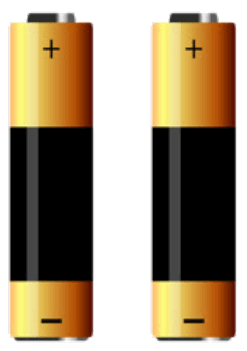 | 2x 2AA alkaline batteries |
Mounting
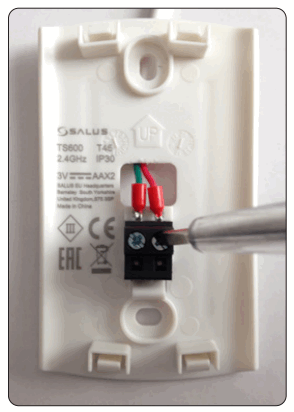
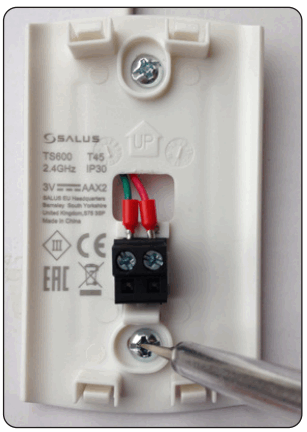
| An external sensor can be connected to the S1 and S2 terminals. Purchased separately. | Mount the back case on the wall. |
 |  |
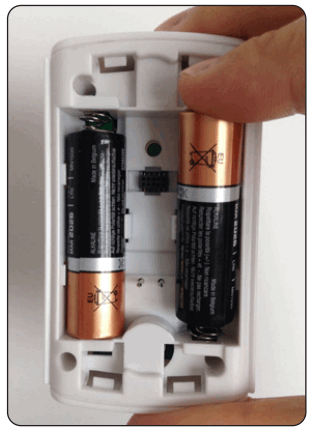
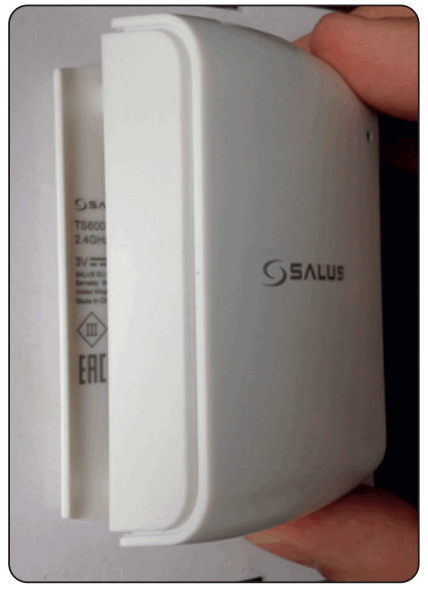
| Insert the batteries. TS600 will automatically go into pairing mode. | Add the front case. |
 |  |
LED Indication
| LED | Meaning |
| Red LED on for 5 seconds | Factory Reset |
| Green LED flashes 0.25s on and 0.75s off | Identify Mode |
| Red LED flashes 0.3s on and 0.3s off(3.5s off last cycle) for 10 minutes | Joining network |
| Amber LED flashes 0.3s on and 0.3s off (3.5s off last cycle) for 10 minutes | Pairing device |
| Green LED on for 0.5 seconds | Calling heat/cool if the button is pressed |
| Red LED on for 0.5 seconds | No calling heat/cool if the button is pressed |
| Red LED flashes 3 times every 10 seconds | Low Battery |
| Red LED flashes 4 times every 10 seconds | Lost link with parent |
| Red LED flashes twice every 10 seconds | Error |
Pairing
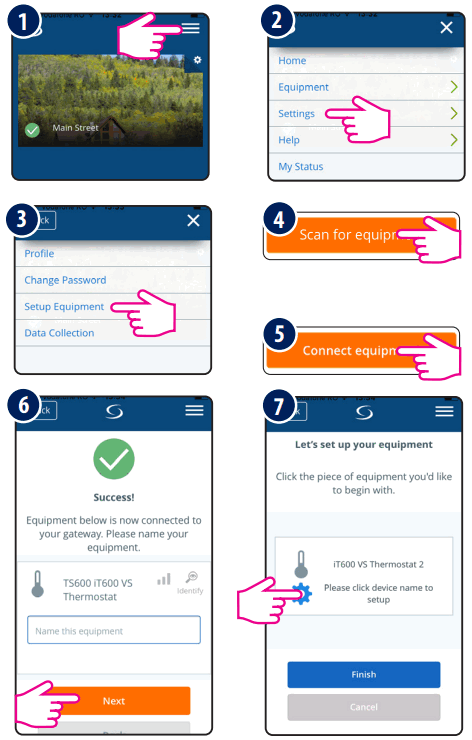 | 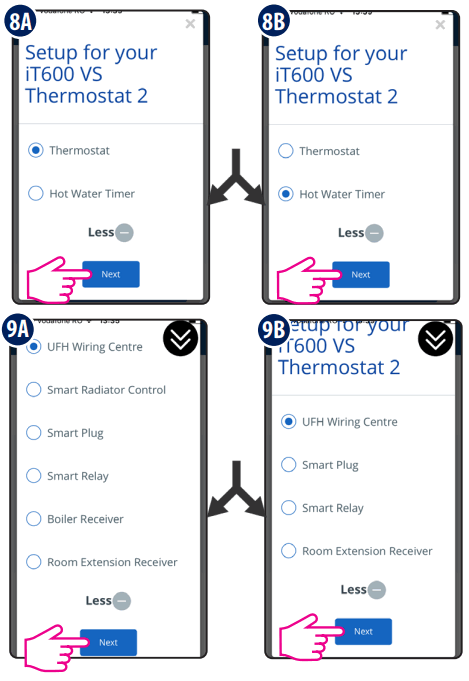 |
Follow the onscreen instructions to complete the setup.
Touch sensor area
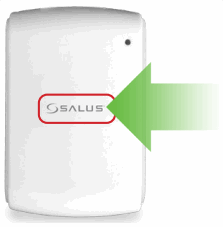
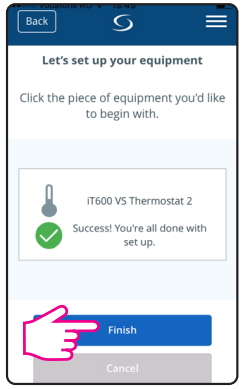
Press the touch button to see the status of the device. If TS600 is calling for HEAT, the LED will be GREEN. If TS600 is SATISFIED, the LED will be RED.
If TS600 is paired, press and hold the touch button for 3 seconds. TS600 will enter Identify mode and will send Identify command to all related devices.
TS600 can be locked or unlocked via the app. To unlock the device manualy, you need to reset the device first and then press and hold the touch button for 10 seconds during the first minute after reboot. The device will reset again and unlock.
To perform a reset, press and hold the touch button for 10 seconds. The LED will turn red for 5 seconds. TS600 will leave the network and reset. Once completed, the TS600 will re-enter pairing mode.
[email protected]
tel: +49 6108 8258515
Head Office:
SALUS Controls plc
SALUS House
Dodworth Business Park South,
Whinby Road, Dodworth,
Barnsley S75 3SP , UK.
T: +44 (0) 1226 323961
E: [email protected]
www.salus-controls.com Computime
 SALUS Controls is a member of the Computime Group
Maintaining a policy of continuous product development SALUS Controls plc reserve the right to change specification, design and materials of products listed in this brochure without prior notice.
Issue date: Jan 2018
Version: V002
 Choose your country – Salus
 Salus – Smart Technology for your comfort