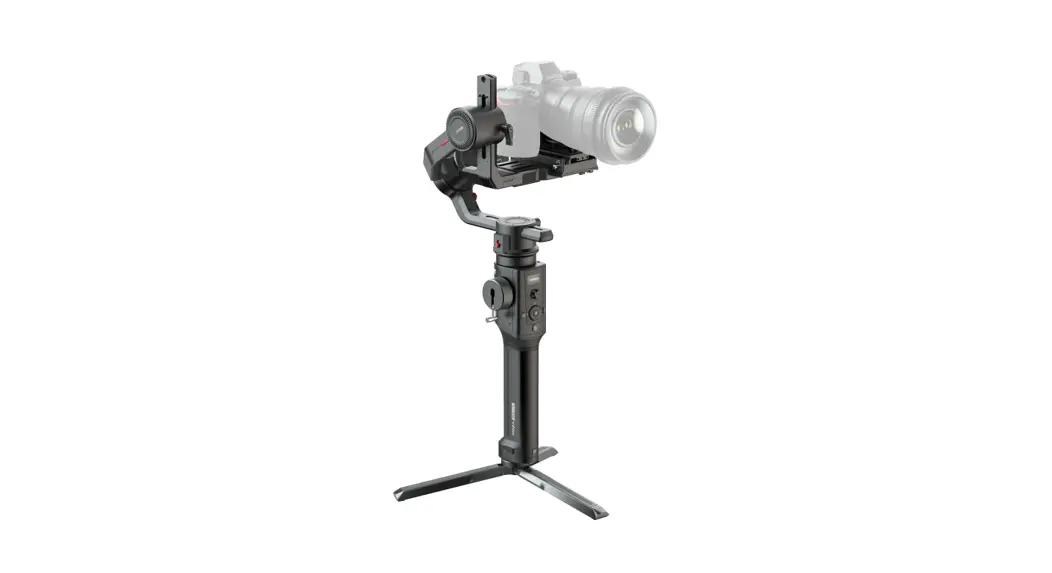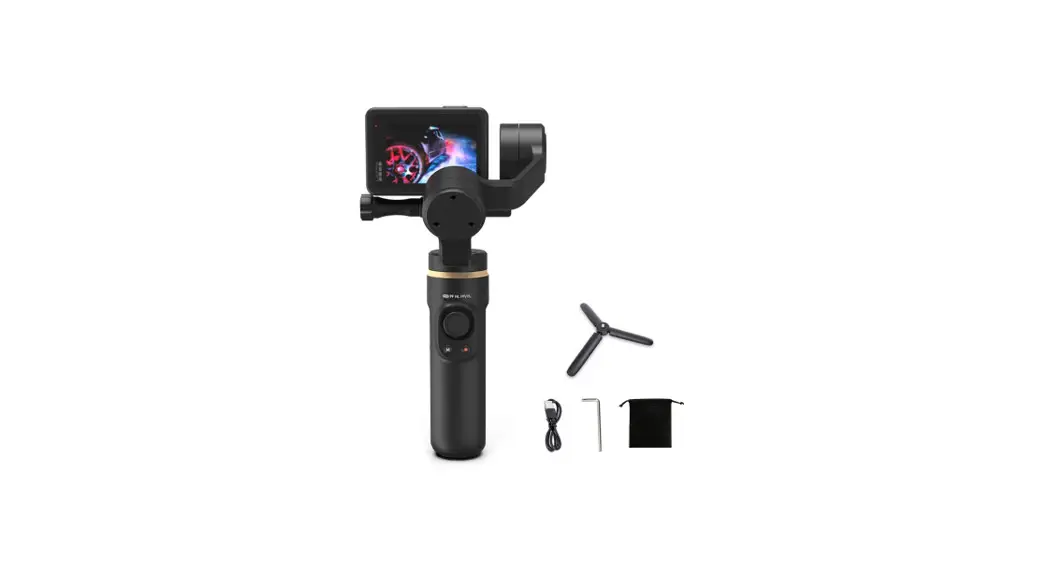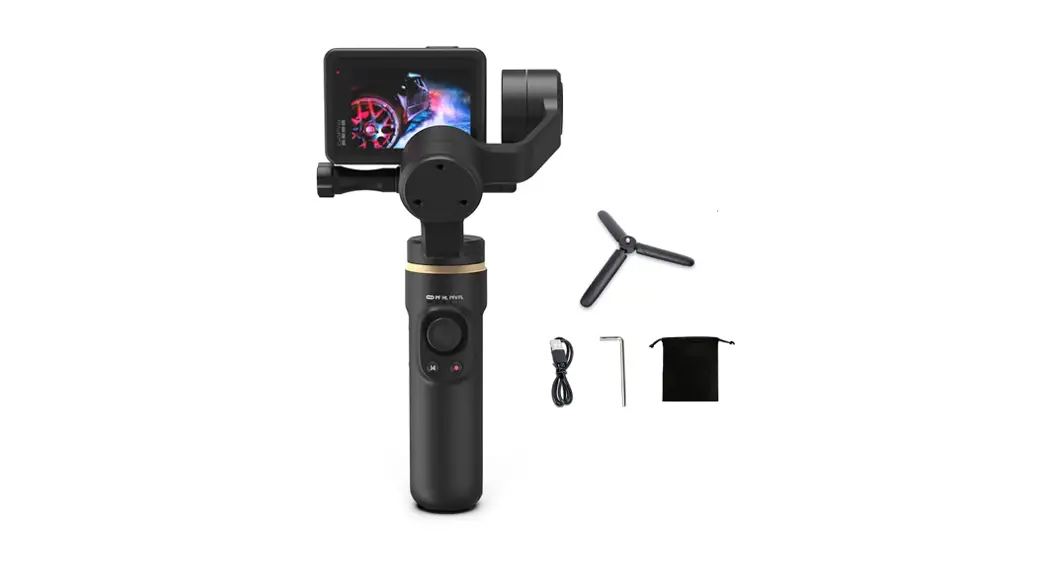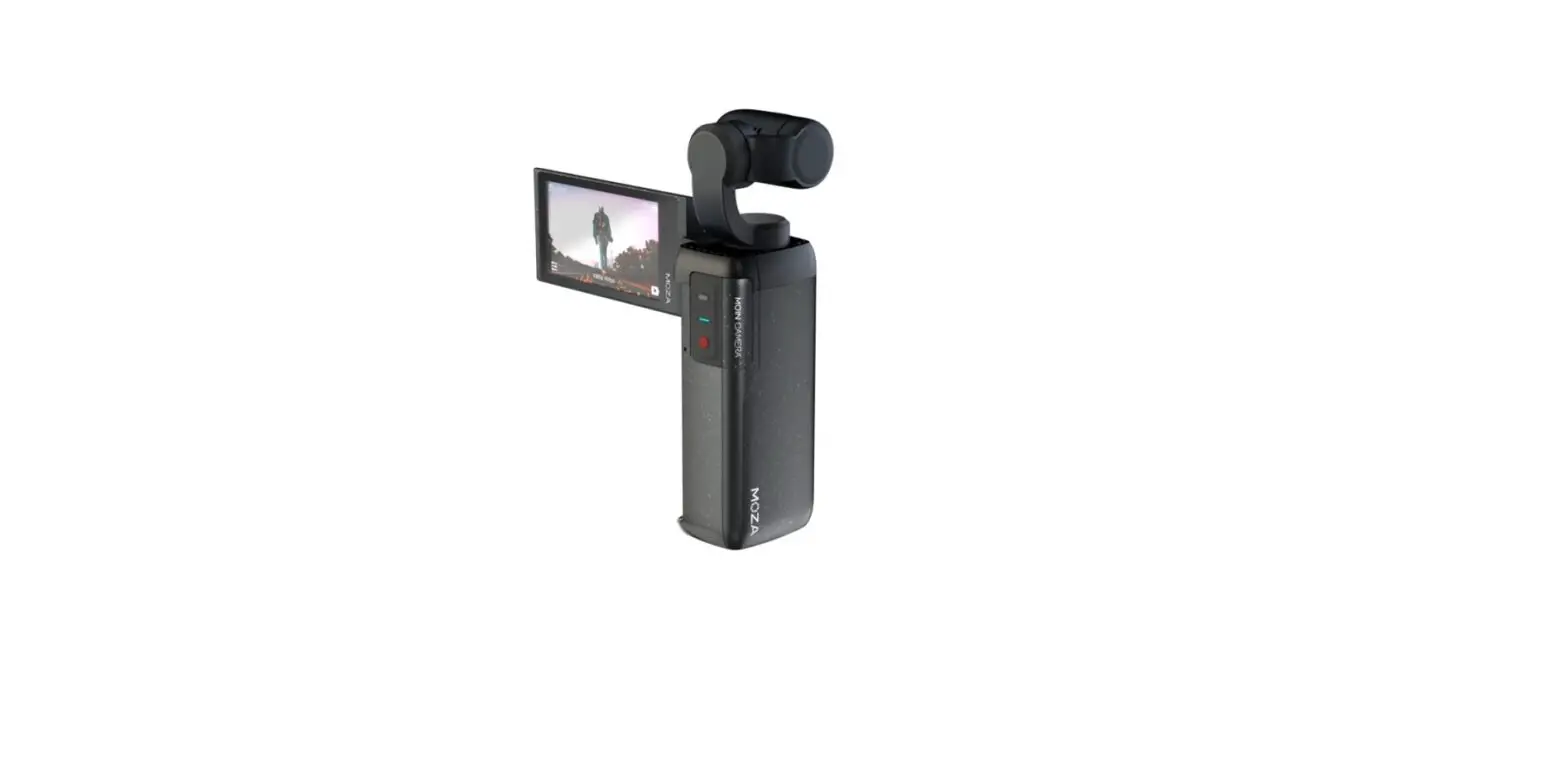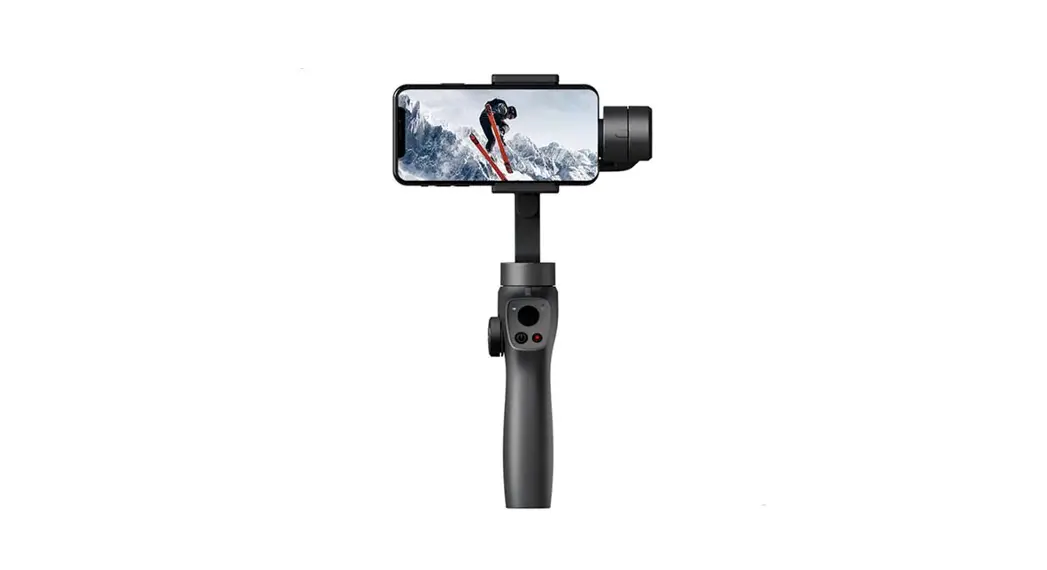
MOZA AirCross S Professional Camera Gimbal Stabilizer User Manual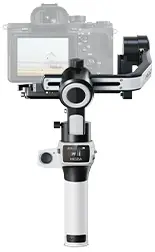
Battery and charging:
The AirCross S has a built-in lithium battery. Fully charge the battery before use. The LED power indicator blinks when the battery level is less than 20%. Charge it with an universal USB-C cable, AirCross S can be charged through a phone charger and mobile power supplier. The charging stops automatically when the battery is fully charged.
Note:
- Please do not over-charge or over-discharge the battery. Otherwise the battery will be damaged.
- Recharge and discharge the battery every 3 months to keep it intact if it is left unused for a long time.
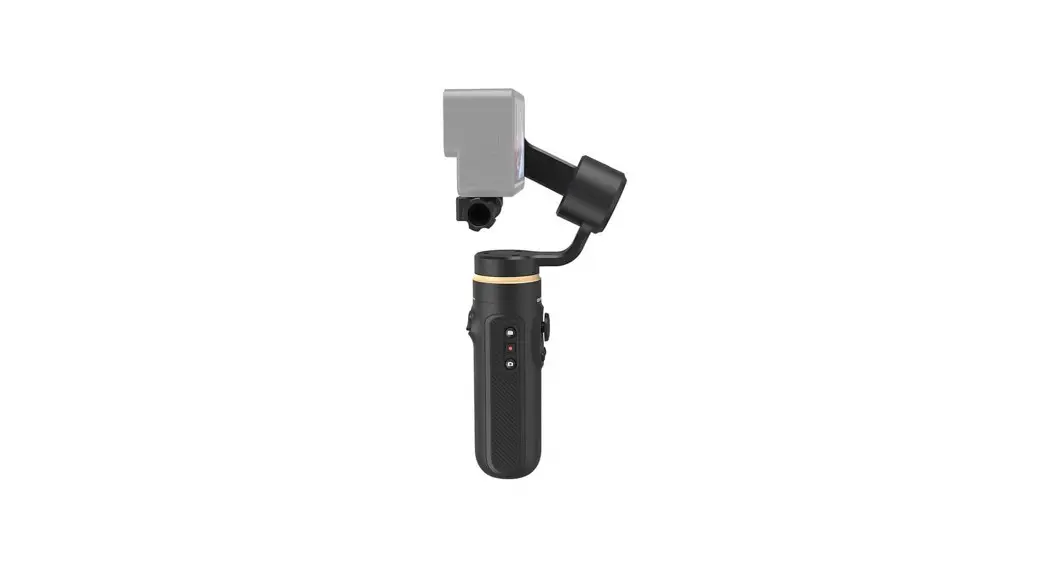
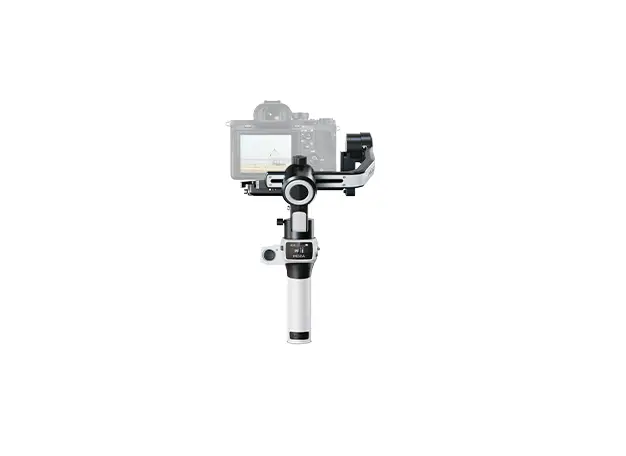
Acquaint AirCross S
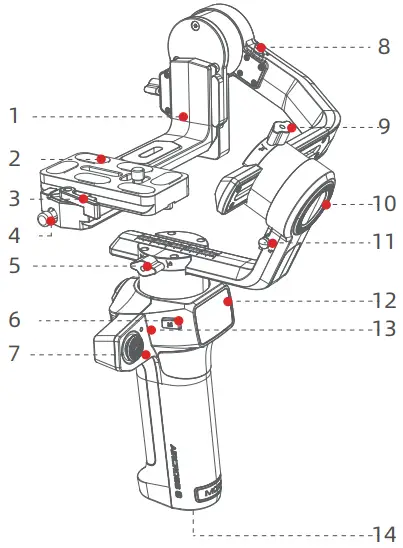
- L-shaped Quick Release
- Quick Release Pad
- Quick Release Knob
- Bolt
- Pan Knob
- Menu Button
- Joystick
- Tilt Storage Lock
- Roll Knob
- Roll Motor
- Roll Storage Lock
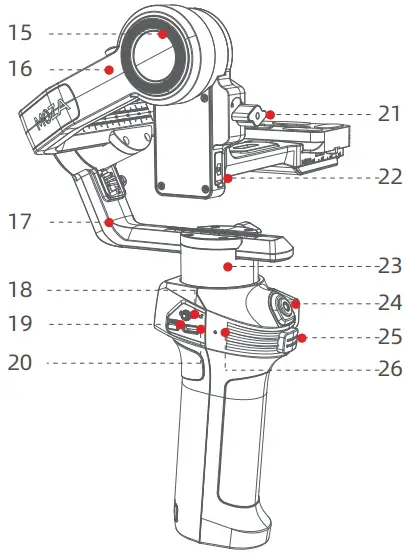
- Screen
- Indicator
- 1/4″ Port
- Tilt Motor
- Roll Arm
- Pan Arm
- Pan Storage Lock
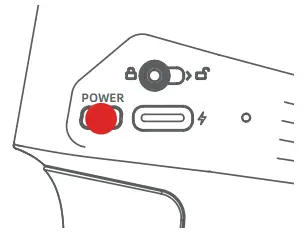
- Power Button
- USB-C Port
- Tilt Knob
- Camera control Port
- Pan Motor
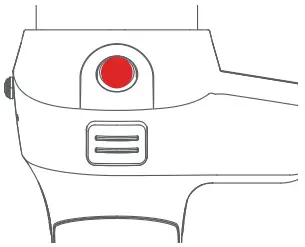
- Record Button
- Trigger Button
- Reset Hole
Store and Expand the AirCross S
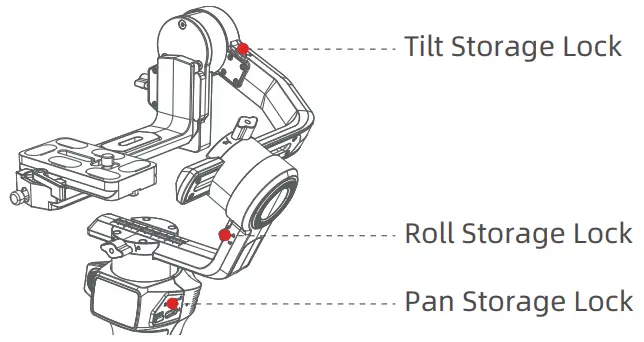
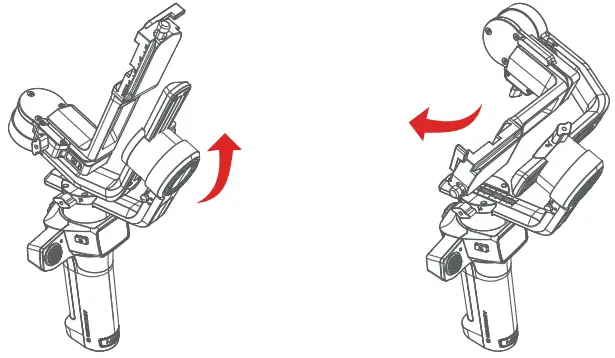
AirCross S is equipped with a three-axes storage lock for gimbal storage and leveling.
- Unlock the pan storage lock, roll storage lock and tilt storage lock to turn on the three-axes motor.

- Rotate the roll arm 90° counterclockwise, and then lock the roll storage lock.

Mounting and Balancing the Camera
Tilt Axis Leveling
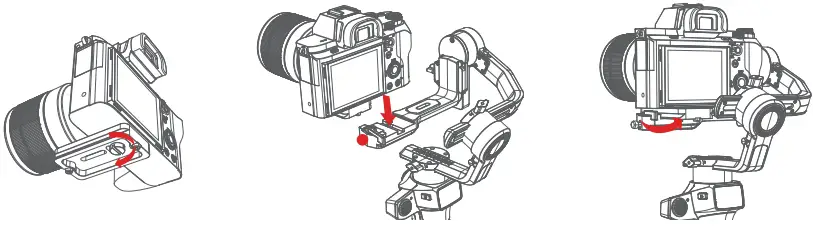
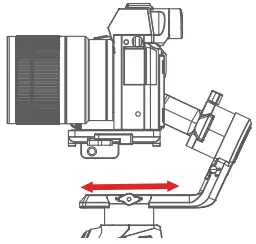
- Place the longer side of the quick release plate under the camera, and secure the camera with a 1/4”screw.
- Loosen the quick release plate lock knob, slider the shorter side of the quick release plate into center of the quick-release base, then lock the knob.
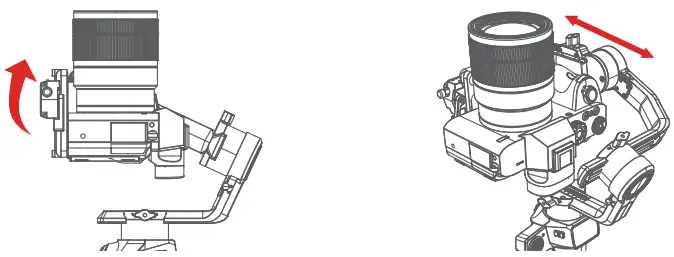
- Fine-tune the quick-release plate back and forth until the
- lens is horizontally forward, then lock the knob.

- (From a left view,) Rotate the tilt arm 90° clockwise, loosen the tilt knob, adjust the tilt arm left and right until the lens is straight up (leveled), then lock the knob.

Note: How to judge whether the tilt axis is leveled?
Answer: Once the tilt axis is leveled, the lens can maintain balance and stability at any angle
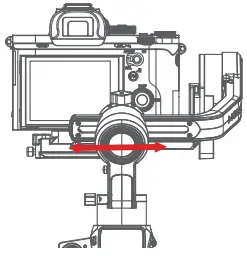
Roll Axis Leveling - (From a front view,) Unlock the roll storage lock, loosen roll lock, adjust the roll arm left and right until it is balanced horizontally, and then lock the knob.

Note: How to adjust the arm smoothly
Answer: For precise adjustment, it’s recommended to keep the arm with your hand when leveling.
Pan Axis Leveling - Unlock the pan storage lock, loosen pan lock, rotate the pan arm 90° clockwise, adjust the pan arm left and right until it is balanced horizontally, and then lock the knob.

- Joystick
Move upwards: phone camera turns up
Move downwards: phone camera turns down
Move leftwards: phone camera turns left Move rightwards: phone camera turns right The speed of camera moving increases with the larger moving range of joystick
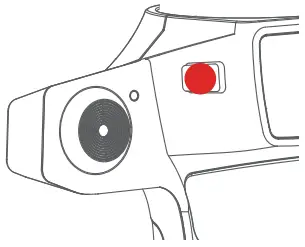
- Menu
Single Click:Menu
Double Click:Inception - Trigger
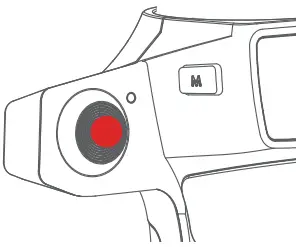
Double press: Re-center
Single press: Auto focus (some cameras are not supported)
Triple press: Switch to selfie mode
Hold: Switch to tilt follow mode
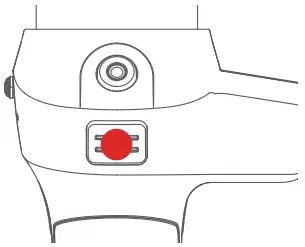
Triple press and hold: Switch to All-locked mode - Record
Single click:Start/End recording
Double Click:Shoot - Power Button
Single Click:Switch following speed(When power is on)
Double Click:Sleep/Awake
Long Press:Turn on/off
Specification
Specs | ||
| Payload | 130g~1500g | |
| Weight | 750g | |
| Dimensions (mm) | Gimbal(Unfold):164.2*265.1*147.5 | |
| Gimbal (Fold) | Without Quick Release :77.4*261.2*163.7 | |
| With Quick Release :77.4*301.9*163.7 | ||
| Supported Phone Size | 58 ~ 88 mm | |
| Battery Life | 12 (h) | |
| Battery Specs | Standard Voltage:11.1 V | |
| Battery Capicity :1000 mAh | ||
| Charging Time | 1 (h) | |
| Mechanical Endpoint Range | Pan :360° | |
| Roll :330° | ||
| Tilt :330° | ||

 Gudsen MOZA | Professional Camera Gimbal Stabilizer Provider