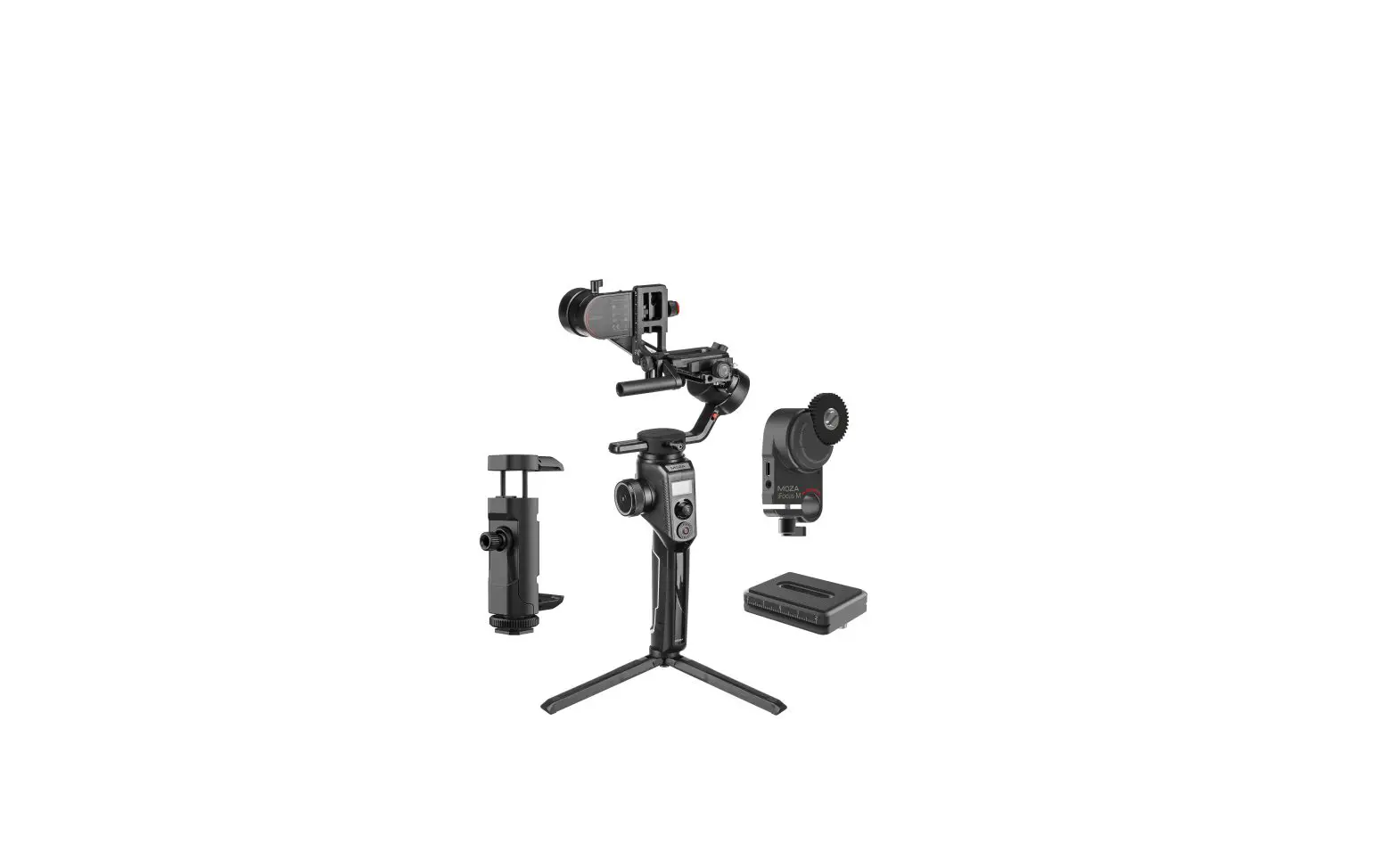
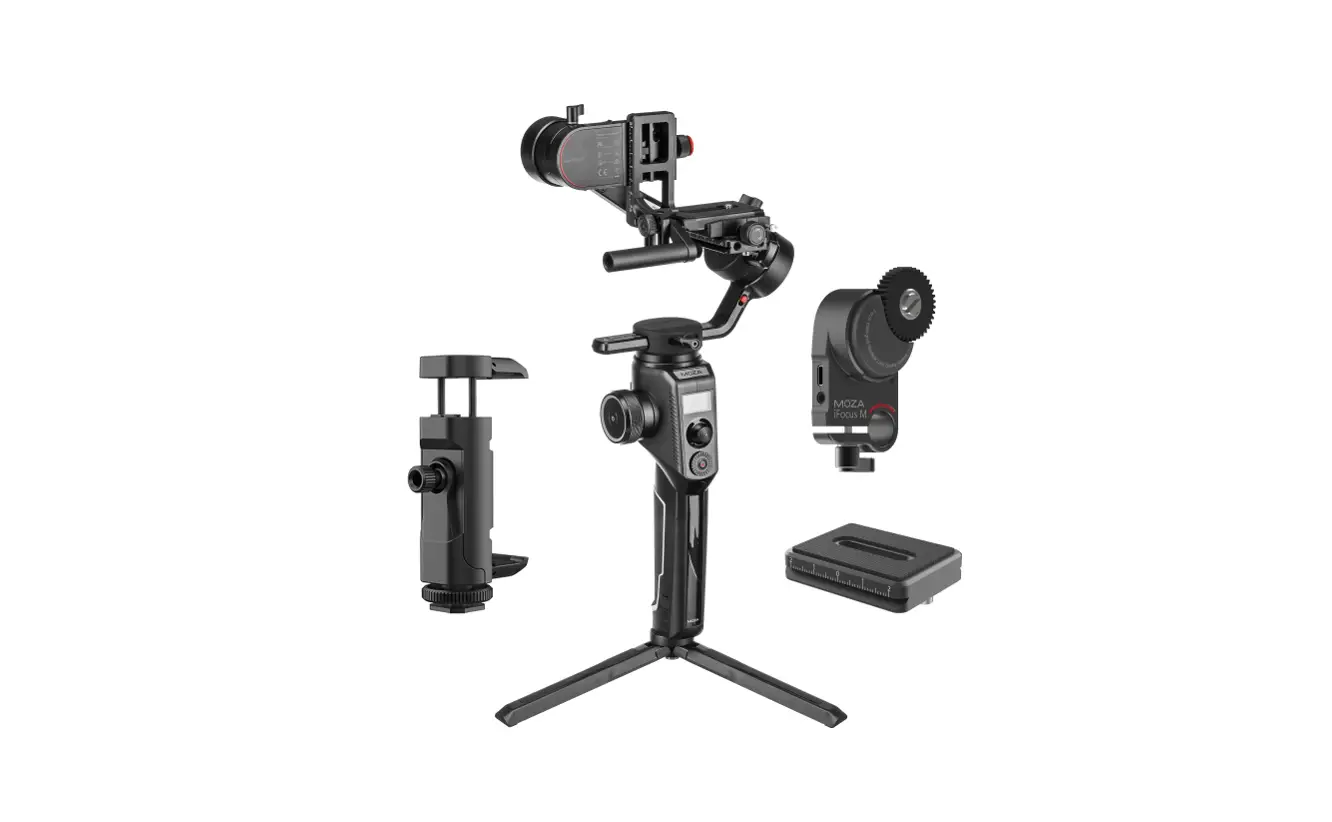
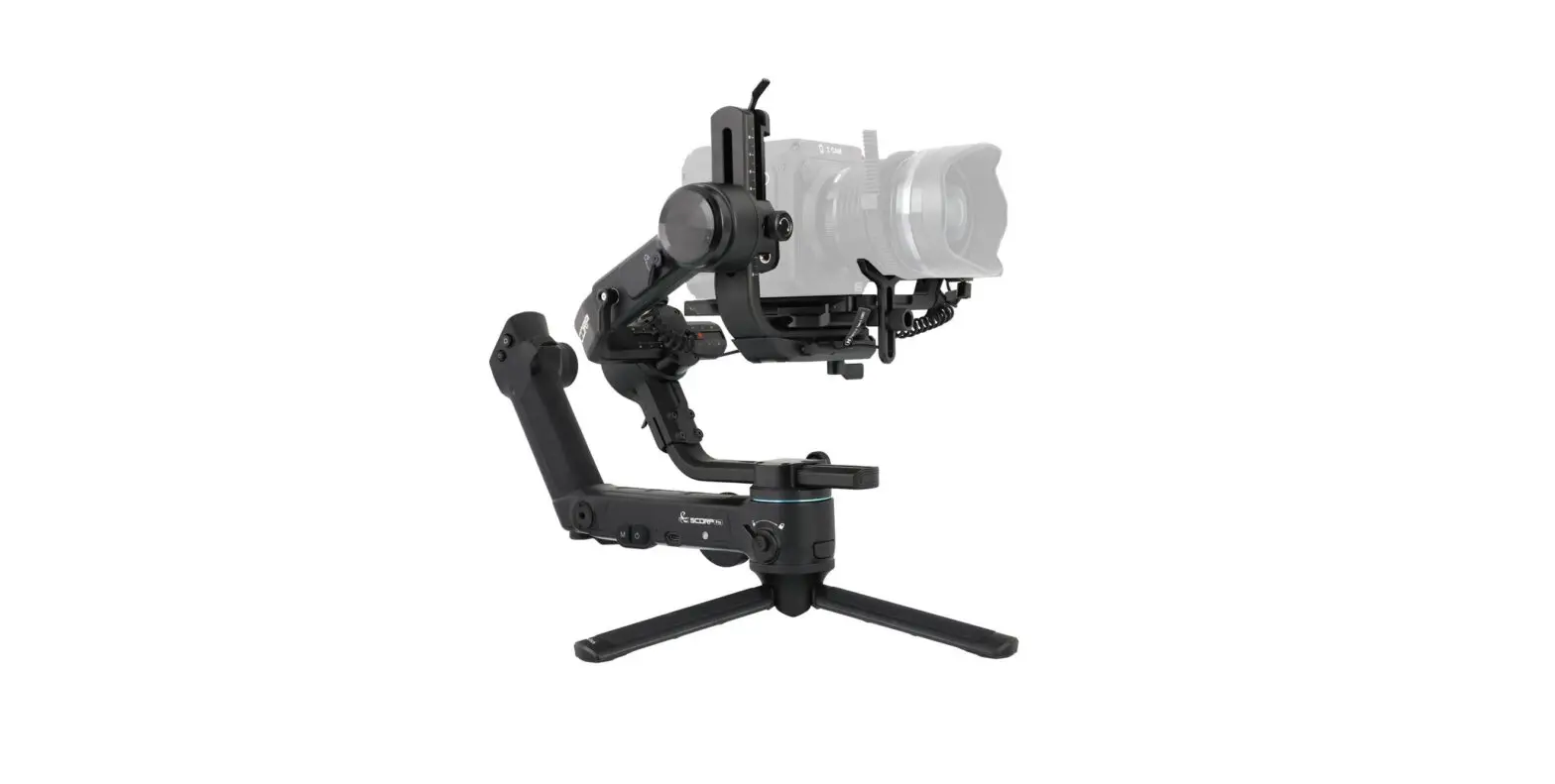
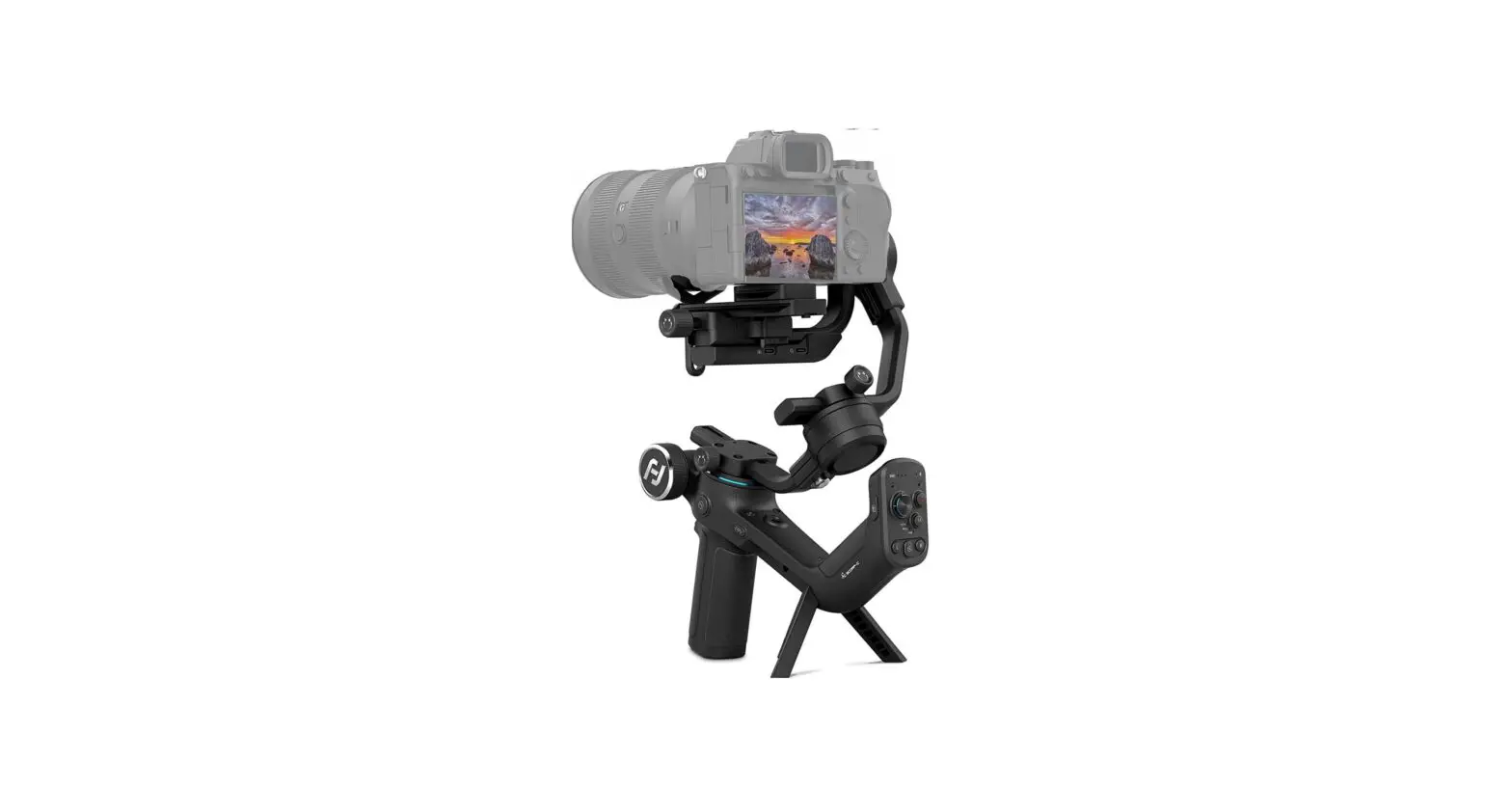
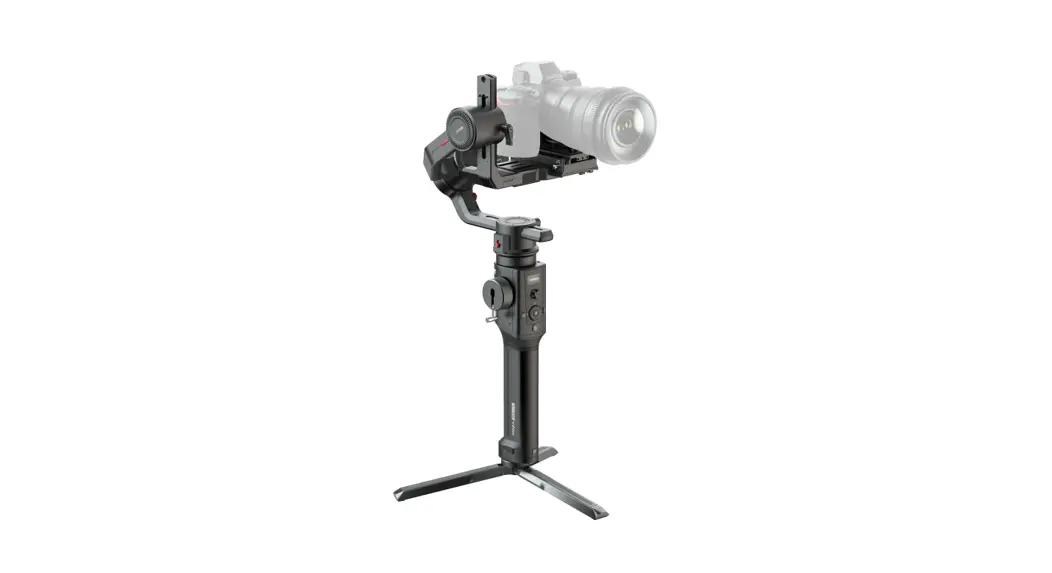
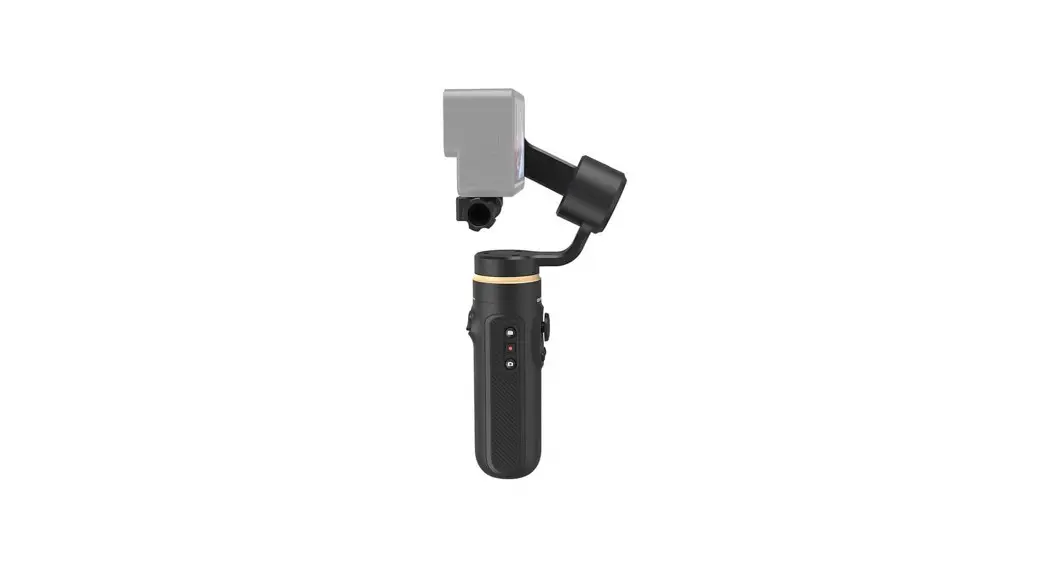
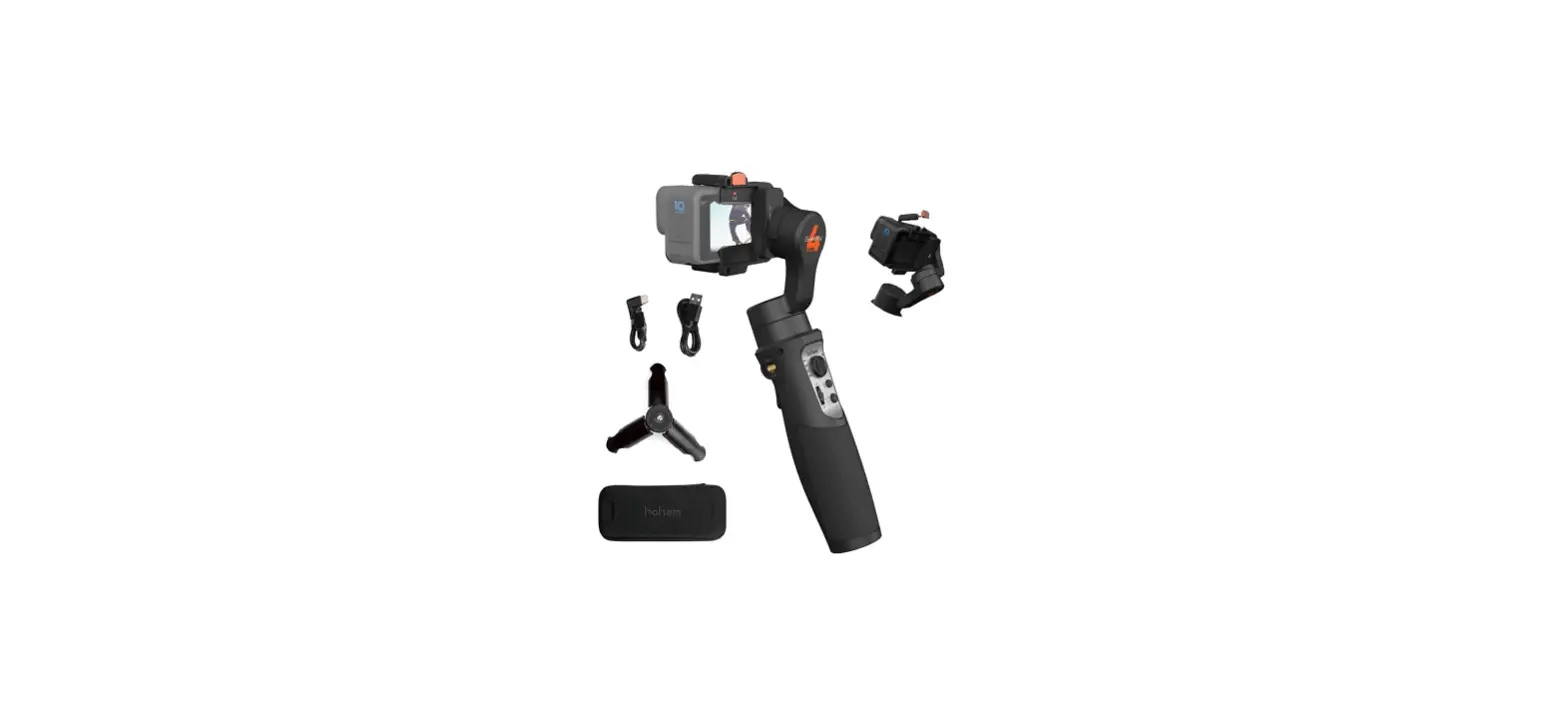
AIRCROSS-S Camera Stabilizer
Product Information
- Product Name: AirCross S
- Model: AirCross S Type-C
- Product Version: PdfEditor 4.0.0
- Weight: 130g~1500g
- Dimensions (unfolded): 164.2mm x 265.1mm x 147.5mm
- Dimensions (folded, without quick release): 77.4mm x 261.2mm x
163.7mm - Dimensions (folded, with quick release): 77.4mm x 301.9mm x
163.7mm - Supported Phone Size: 58mm ~ 88mm
- Battery Life: 12 hours
- Standard Voltage: 11.1V
- Battery Capacity: 1000mAh
- Charging Time: 1 hour
Product Usage Instructions
- Unfold the AirCross S gimbal to its full size.
- If using a quick release, attach it to the folded gimbal.
- Adjust the gimbal to fit your phone size, making sure it falls
within the supported range of 58mm to 88mm. - Press the POWER button once to turn on the gimbal.
- To access the menu, double click the MENU button.
- To enter Inception mode, double click the INCEPTION
button. - Use the mechanical endpoint range to adjust the gimbal’s
movement limits. - Follow the numbered steps in the user manual for specific
functions and features of the AirCross S. - Connect the gimbal to a compatible device using the USB
cable. - Refer to the user manual for detailed instructions on using the
USB connection for different purposes.
Button Functions
· Joystick Move upwards: phone camera turns up Move downwards: phone camera turns down Move leftwards: phone camera turns left Move rightwards: phone camera turns right The speed of camera moving increases with the larger moving range of joystick
· Menu
Single ClickMenu Double ClickInception
· Trigger Double press: Re-center Single press: Auto focus (some cameras are not supported) Triple press: Switch to selfie mode Hold: Switch to tilt follow mode Triple press and hold: Switch to All-locked mode
· Record Single clickStart/End recording Double ClickShoot
· Power Button Single ClickSwitch following speedWhen power is on Double ClickSleep/Awake Long PressTurn on/off
4
POWER
PdfEditor 4.0.0.
Specification
Payload Weight
Dimensions (mm)
Specs
130g~1500g
750g
Gimbal(Unfold) 164.2*265.1*147.5
Gimbal (Fold)
Without Quick Release :77.4*261.2*163.7 With Quick Release :77.4*301.9*163.7
Supported Phone Size
58 ~ 88 mm
Battery Life 12 (h)
Standard Voltage11.1 V Battery Specs
Battery Capicity 1000 mAh
Charging Time 1 (h)
Mechanical Endpoint Range
Pan 360° Roll 330° Tilt 330°
PdfEditor 4.0.0.
5
: AirCross SAirCross S AirCross S Type-CAirCross S
PdfEditor 4.0.0. 1.
2. 3
6
AirCross S
1. L
2.
8
3.
4.
1
9
5.
2
6.
3
10
7.
4
11
5
8.
12
9.
6
13
7 10.
11.
12.
13.
14. 1/4
14
15
15.
16
16.
21
17.
18.
22
19.
17
20. USB
23
21.
18 19 20
24
22.
25
23.
26
24.
25.
26.
PdfEditor 4.0.0.
7
AirCross S 1.
2.90°
· 1. 1/4 ) 2. 3.
PdfEditor 4.0.0.
8
 PDFs ändern, bearbeiten, zusammenfügen und editieren mit dem Editor