
kinetic technologies KTB8331 I2C Programmable Buck Regulator Eval Kit

EVAL Kit Physical Contents
| Item # | Description | Included | Download |
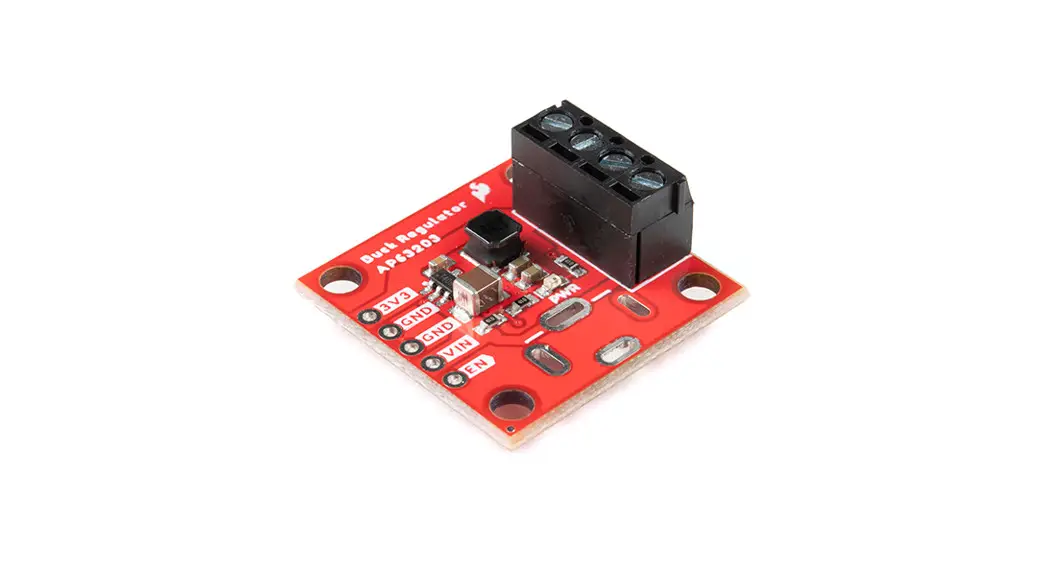
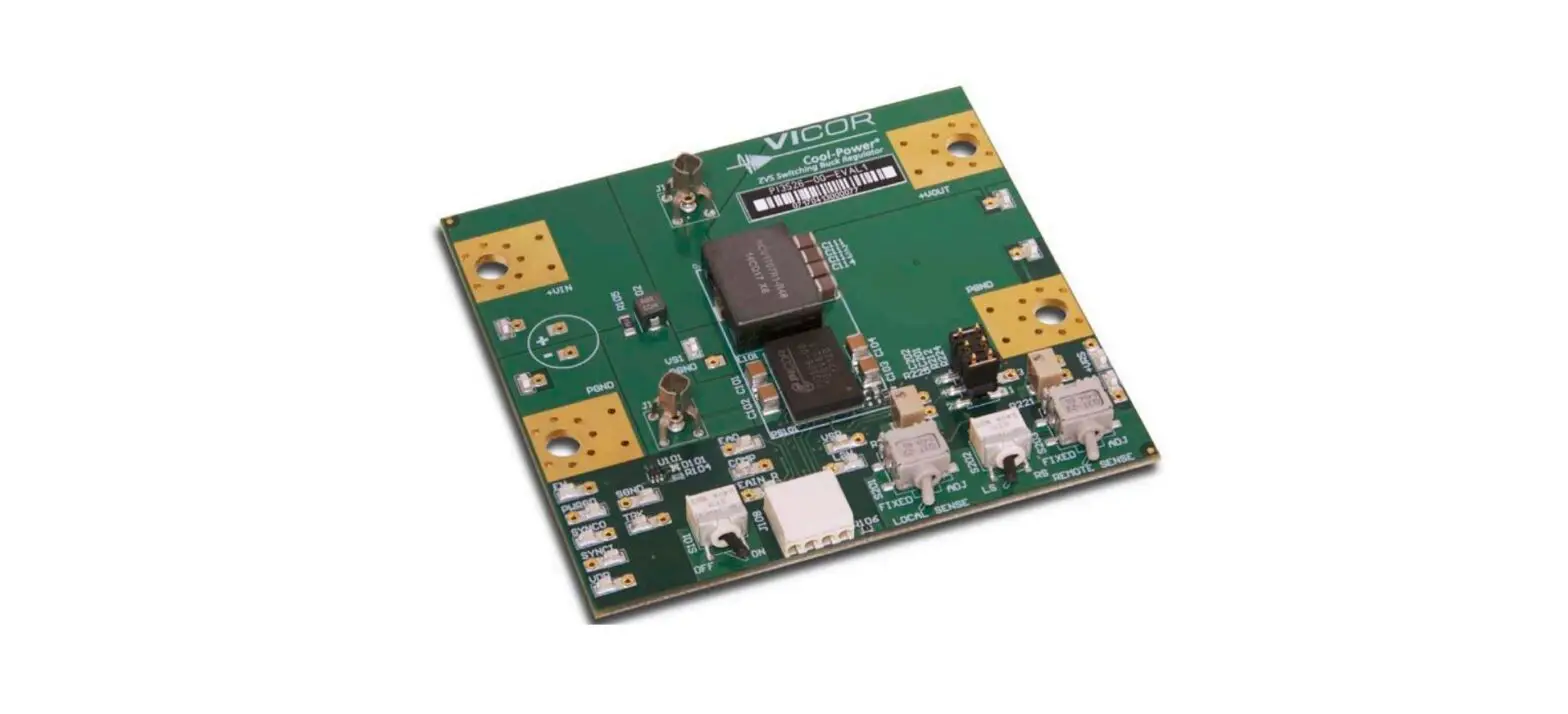
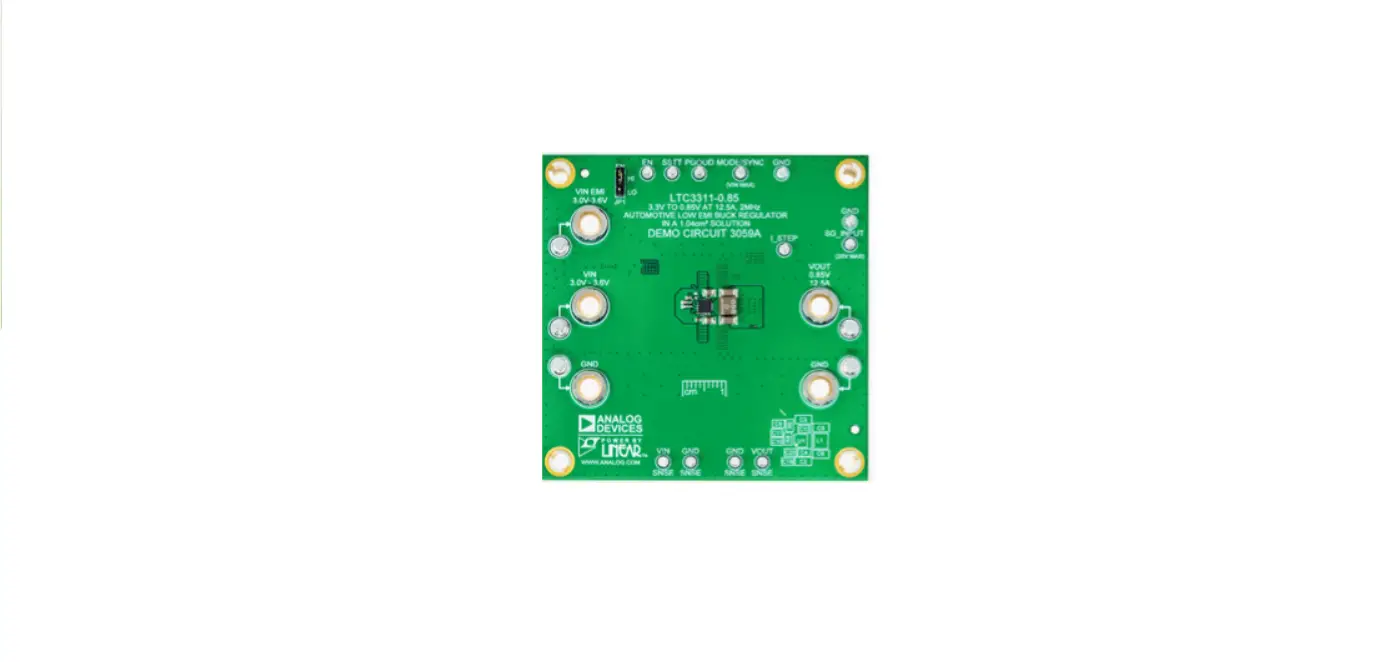
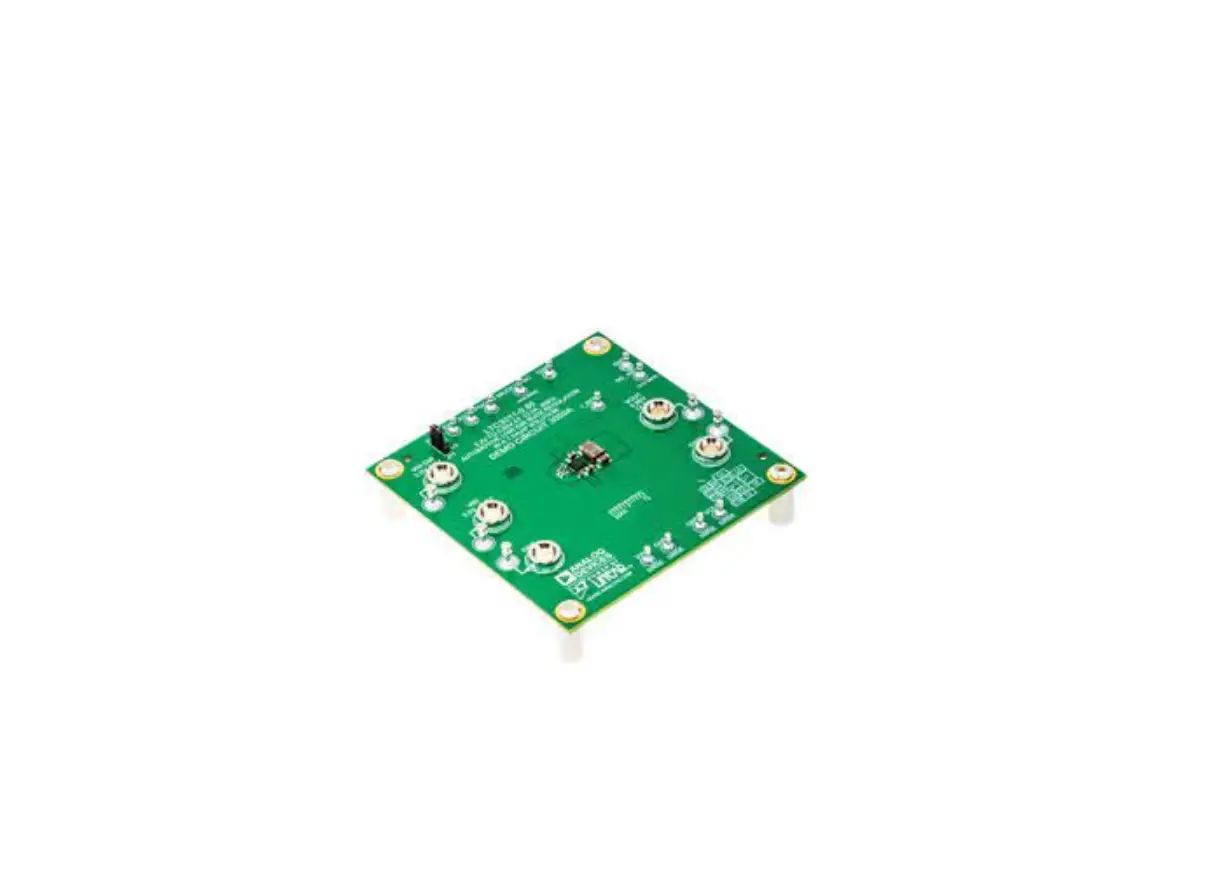
| 1 | KTB8331 EVAL fully assembled PCB in Anti-static bag | 1 | |
| 2 | I2C Adaptor: Adafruit MCP2221A General Purpose USB to GPIO ADC I2C | 1 | |
| 3 | Connecting Cable | 1 pair | |
| 4 | Hard copy for the Quick Start Guide, 1 page (A4 or US Letter) | 1 | |
| 5 | EVAL Kit box | 1 | |
| 6 | EVAL Kit Manual, available at clickable URL | 1 |
QR Links for Documents
| IC Landing Page | EVAL Kit Landing Page |
 https://www.kinet-ic.com/ktb8331/ https://www.kinet-ic.com/ktb8331/ |  https://www.kinet-ic.com/ktb8331dedaa-mmev02/ https://www.kinet-ic.com/ktb8331dedaa-mmev02/ |
User-Supplied Equipment
Required Equipment
1. Bench Power Supply for VIN 5V/9V and 3A as needed for the intended application.
2. Digital Multimeter used to measure input/output voltages and currents.
3. Load either power resistors, an E-Load, or an actual system load.
Quick Start Procedures
- Install GUI file located on EVAL Kit Landing page (https://www.kinet-ic.com/ktb8331dedaa-mmev02/).
- Check the Jumpers for default setting.
- Connect one pair of power cables to the connector of EVAL Kit at VIN and GND.
- Before connecting the EVAL Kit to the VIN bench supply, turn on the supply and adjust the voltage as close to 0V as possible. Then turn off the supply. While off, connect the power cables ends to the VIN bench supply.
- Turn on the VIN bench supply and very slowly ramp its voltage to an appropriate voltage, such as 3.6V. While ramping VIN slowly, use the bench supply’s output current indication (or a digital multimeter) to monitor the VIN current. If the current becomes high, reduce the VIN voltage quickly to prevent damage. Then inspect the setup for any wiring errors.
- To hardware shutdown the buck regulator, simply use a jumper at P2 to connect EN to GND.
- Connect a voltage meter to the output KVOUT and KGND test pins, it should measure the voltage of the buck regulator, which is specified on Page 4 in the datasheet.
 KTB8331 - 3A, 2.4MHz, Low-Voltage, I2C Programmable Buck Regulator