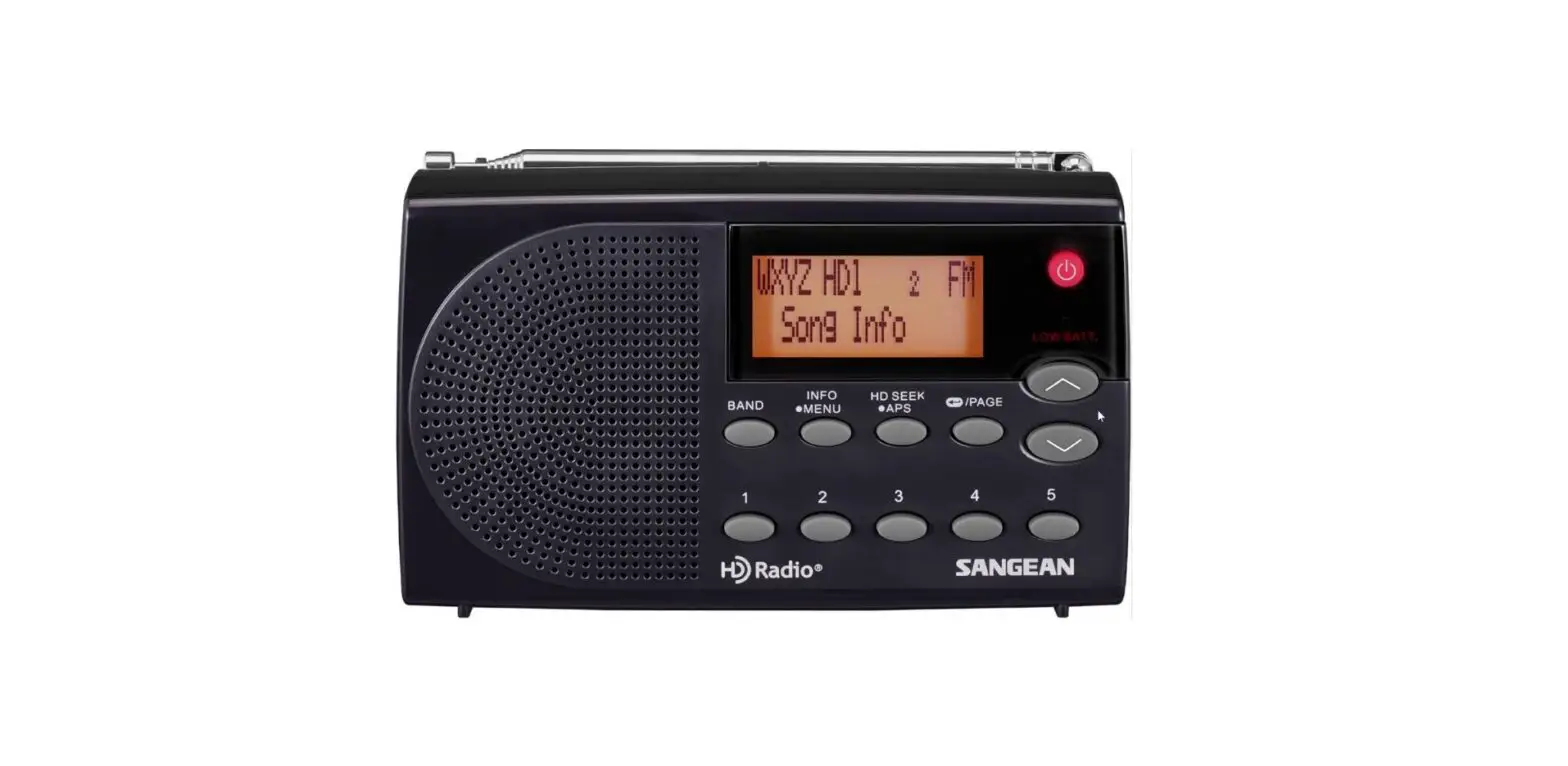
AFHD-4 AM FM HD Radio Antenna
Product Information
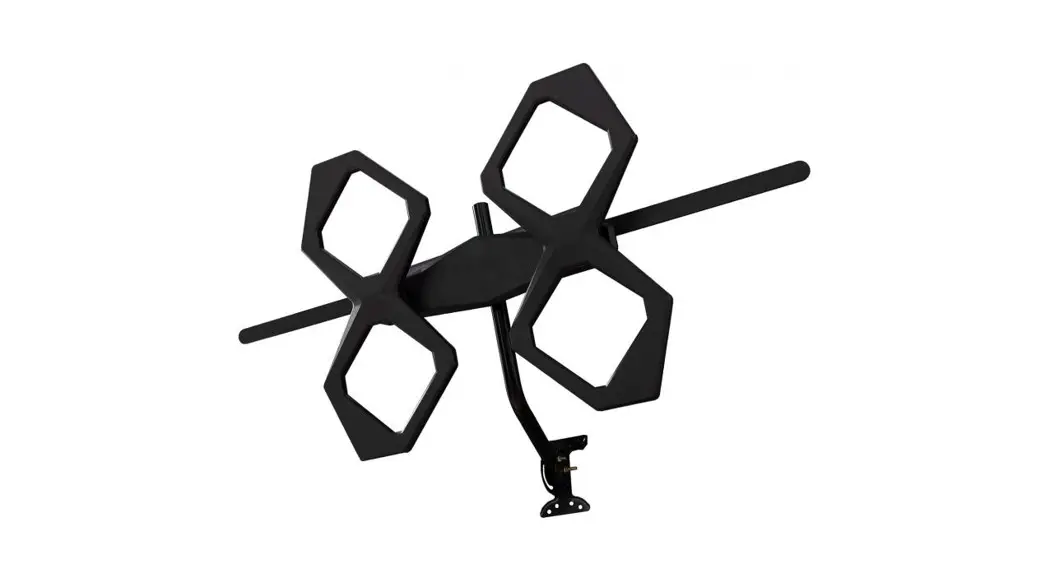
The AFHD-4 AM/FM Antenna is supplied with various components
including AM/FM antenna, L-mounting bracket, weather boot, surge
protector, attenuators, RG-6 cables, band separator, U bolts with
washers and nuts, pole mount saddle brackets, mounting screws with
plastic inserts, F-female to twin-lead adapter, and push-on
F-female to DIN adapter. The antenna length is 48 inches and its
frequency of operation is AM Band 500 KHz to 1750 KHz and FM Band
88 MHz -108 MHz. The antenna beam width is omni-directional and no
ground plane is required.
Product Usage Instructions
- Antenna Location: The antenna location is very
important. Place the antenna in a location where it can receive a
clear signal. - Cable Length, Type, and Routing: Use the
supplied RG-6 cables and route them properly to avoid any signal
loss. - Antenna Mounting: Mount the antenna using the
supplied L-mounting bracket, pole mount saddle brackets, or wall
mount as shown in Figure 1, Figure 2, and Figure 3. Do not tighten
or remove the nut assembly from the L-bracket as it may cause the
antenna to not function properly. - Wiring: Wire the AM/FM antenna as shown in the
user manual. Make sure the wiring is correct and that the wire from
the AM/FM band separator to twin-lead is connected properly.
Connect the AM Twin Lead Adapter to the receiver’s AM input. - Attenuator Selection: Use the supplied coaxial
10 dB (FAM-10) and 20 dB attenuators (FAM20) on the outputs of the
AM/FM band splitter to determine the best amount of attenuation
that provides optimal reception. To do this, first tune the radio
manually across the entire AM band one step at a time and note the
station frequencies that you are receiving well. Repeat this with
first a 10 dB and then a 20 dB attenuator to determine if the
attenuators help or hurt overall reception. The attenuators can be
combined to achieve different amounts of attenuation. In most
cases, no attenuation is required and the best reception is
achieved. Once the reception for the AM band is optimized, repeat
these steps for the FM band to determine the best attenuator
setting.
AFHD-4 – AM / FM Antenna Installa on Instruc ons
SUPPLIED COMPONENTS:
(1) AM I FM antenna (1) L-moun ng bracket (1) Weather boot (1) Surge protector (2) 20 dB a enuator (1) L-Moun ng Bracket (1) AMIFM 48″ Antenna Rod (2) 10 dB a enuator (2) 3 RG-6 cables (1) AMIFM band separator (2) U bolts with washers and nuts (2) Pole mount saddle brackets (4) Moun ng screws with plas c inserts (1) F-female to twin-lead adaptor (1) Push-on F-female to DIN adapter
Antenna Loca on (Very Important !)
For op mum results the antenna should be mounted outdoors as high above ground and roof level and as far away as possible from any AM interference sources (see Table 1). It can also be mounted in an a c, but recep on will depend on the roofing material and the insula on and siding materials. Thermal insula on that uses aluminum foil backing or metal roofing/siding material will shield the antenna from achieving good recep on. Most stone and stucco siding has wire mesh reinforcement that will also block signal recep on indoors. Before finalizing the moun ng loca on it is recommended to experiment with a few different temporary loca ons. AM and FM recep on can vary greatly as func on of the antenna’s loca on.
Cable length, Type and Rou ng
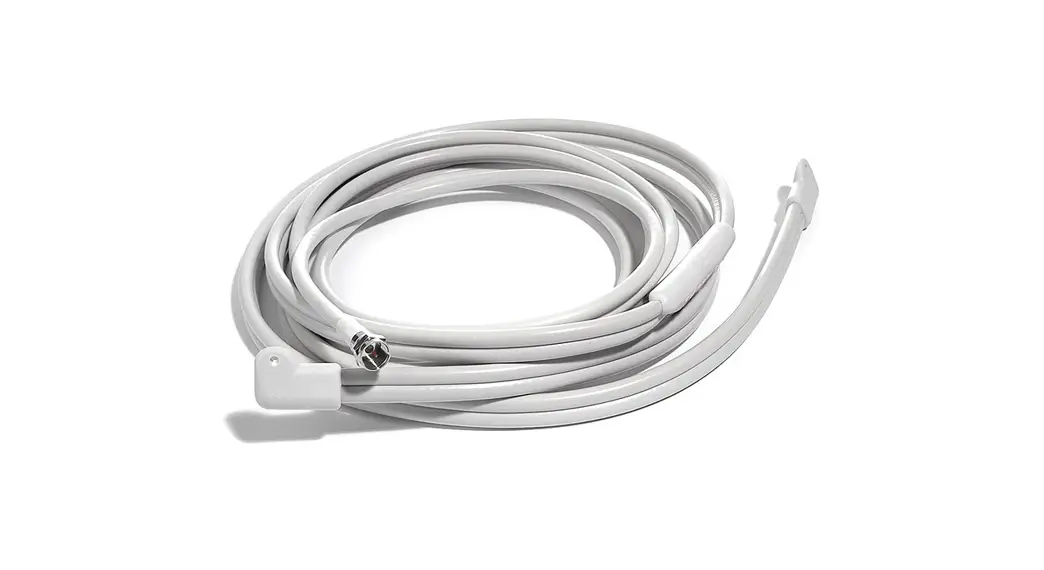
Always use good quality RG-6 cable and do not run the cable more than 200 . (The shorter the be er for best FM recep on). (RG-6 cable has a loss of about 2.8 dB I 100 at the high end of the FM band (108 MHz)). For runs longer than 200 , a special wide-band line-amplifier (Model SBA-WB) is available to amplify the signal. For AM recep on, RG-6 cable loss is not an issue (only 0.33 dB per 100 at 1.7 MHz) but for best rejec on of local AM interference, Quad-shielded RG-6 should be considered. In addi on, do not run the cable in parallel with cat 5 cables carrying digital signals or in parallel with AC power lines.
Antenna Moun ng
The antenna L-bracket (Figure 1) should be first mounted in place to either a wall, chimney or a pole (not larger than 2 inches in diameter) with the supplied hardware as shown in Figures 2 and 3. The antenna should be as high above ground level as prac cal and as far away as possible from local AM interference sources and any structure ( including aluminum siding) that could block recep on. A er moun ng the L-bracket, screw the antenna rod into its base and ghten with a wrench. Use the included weather boot with the lead-in RG-6 cable or other weather proofing means to seal the outdoor Fconnector from moisture ingress.
Pixel Technologies, Inc. | www.pixelsatradio.com | [email protected] | (800) 595-0845 | Page 1
Figure 1: L-Bracket
Figure 2: Pole Mount
Figure 3: Wall Mount
Wire the
as
in
4.
sure the
is
and that the
wire from the
to- twin lead
is
AM
to the
of the AM
to the
AM Twin Lead Adapter
A enuator Selec on
Occasionally nearby high-power transmi ers (TV, AM or FM) can overload your receiver’ s front-end causing crossmodula on distor on, audio distor on or noise. Use the supplied coaxial 10 dB (FAM-10) and 20 dB a enuators (FAM20) on the outputs of the AM /FM band spli er to determine the best amount of a enua on that provides op mum recep on.
To do this, first tune the radio manually across the en re AM band one step at a me (do not use the channel scan or search func on of the receiver) and note the sta on frequencies that you are receiving well. Repeat this with first a 10 dB and then a 20 dB a enuator to determine if the a enuators help or hurt overall recep on. The a enuators can be combined to achieve different amounts of a enua on. In most cases no a enua on is required and the best recep on is achieved. Once the recep-
on for the AM band is op mized, repeat these steps for the FM band to determine the best a enuator se ng. These are standard cable-TV type a enuators that can be obtained from Pixel and many other sources if addi onal a enua on is required.
Pixel Technologies, Inc. | www.pixelsatradio.com | [email protected] | (800) 595-0845 | Page 2
AM Interference:
Unfortunately in this age of digital entertainment, AM radio has become the “weak sister” of features included in most entertainment systems. Most receiver manufacturers are spending the minimum possible amount on their AM tuning sec ons and the number of household source of AM radio interference has increased exponen ally (see Table 1 below). Fortunately the emergence of Hybrid Digital (HD) AM radio technology is helping to cure some of these problems but the best strategy for good AM recep on is to first eliminate as many of the interference sources as is prac cal and then locate the receiving antenna as far away as possible from the remaining interference sources. Using high quality well- shielded, Quad RG-6 lead-in wire from the antenna to the receiver will help reduce interference and op mize recep on.
· Dimmer switch · Neighbors dimmer switch · Florescent light · Computer · Touch lamp (even when turned off) · Automa c on/off niQht liQhts · Automa c outdoor yard lights · Electronic bug and pest controllers · Light bulb that is about to burn out · Faulty electrical switch · Nearby television, plasma or LCD displays · Neighbor using florescent lights · Christmas tree lights & other blinking bulbs · Neighbors dimmer switch (apt. complex) · Cell phone chargers · Dirty insulators on nearby power pole · Electric blanket · 120V AC smoke detectors (ba ery operated OK) · Ionic Breese or other electrosta c air purifier · Ultrasonic mo on detectors · Appliances with motors · Lap top computer power supply · Almost any wall mounted power supply that uses a “switching design” · Computer network “Cat 5 or Cat 6” wiring
Specifica ons:
Antenna length: 48 inches
Frequency of opera on: AM Band 500 KHz to 1750 KHz FM Band 88MHz -108 MHz
Ground plane required: None
AM capture length: 300 inches
AM I FM Band Separator Performance: FM rejec on in AM band: > 50 dB AM rejec on in FM band: > 60 dB AM/FM Pass-band loss: < 1dB AM load impedance: 300 ohms FM load impedance: 75 ohms
Antenna Beam width: Omni-direc onal
Pixel Technologies, Inc. | www.pixelsatradio.com | [email protected] | (800) 595-0845 | Page 3
Recep on Performance: These results will vary as func on of the antenna’s height above ground, the power of the transmi ng sta on, the transmi er’s antenna beam pa ern, the local terrain and the quality of the receiver u lized. Table 2 shows actual recep on test results for the antenna mounted 20 feet above ground over flat terrain, using a Sangean Model HDT-1X as the receiver with 200 of cable between the antenna and receiver.
IMPORTANT ! – THE ANTENNA BRACKET ASSEMBLY COMES TIGHTENED TO THE PROPER TENSION. DO NOT TIGHTEN THE NUT ASSEMBLY OR REMOVE THE NUT ASSEMBLY FROM THE L-BRACKET. TIGHTENIG OR REMOVING THE NUT ASSEMBLY ON THE L-BRACKET MAY CAUSE THE ANTENNA TO NOT FUNCTION PROPERLY.
Table 2. Recep on Capability
Receiver Mode
FM Stereo FM HD AM (Mono) AM HD
Reliable Good Quality Day me Recep on 80 Miles 50 Miles 90 Mile 50 Mile
Receiver Cable Length (antenna to receiver): Antenna height above ground: Terrain:
Sangean HDT-1X 200 feet RG-6 cable 20 feet Flat
Pixel Technologies, Inc. | www.pixelsatradio.com | [email protected] | (800) 595-0845 | Page 4
 Pixel Technologies a SiriusXM Satellite Radio Antenna Manufacturer