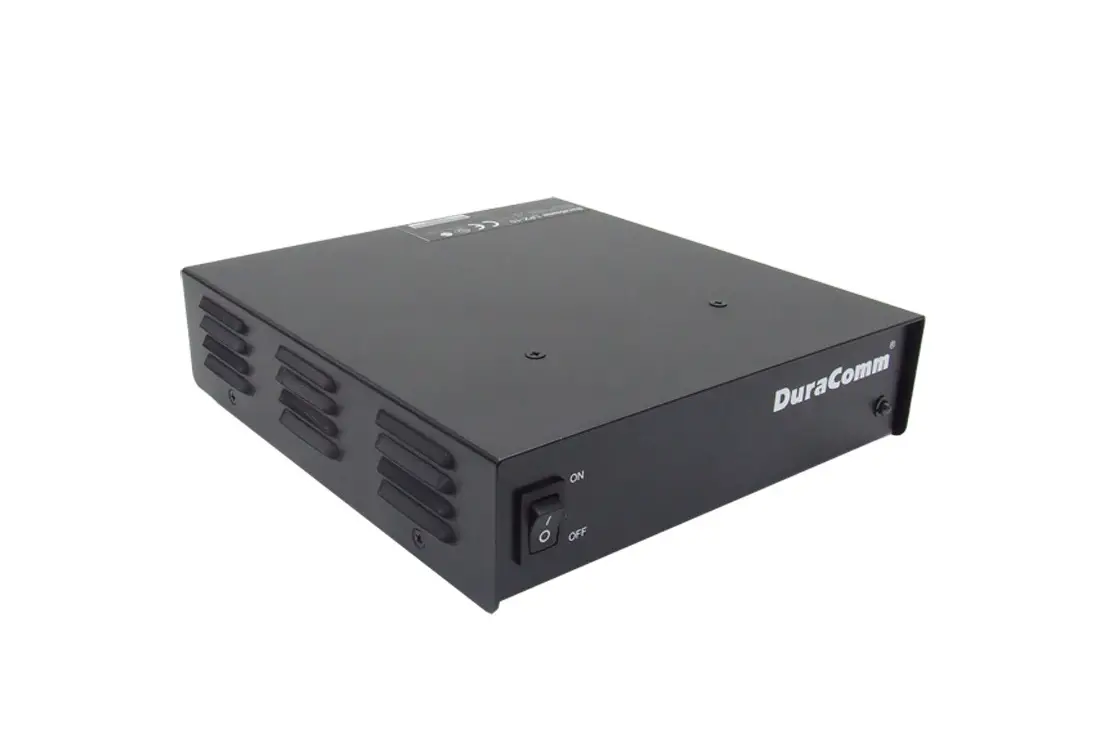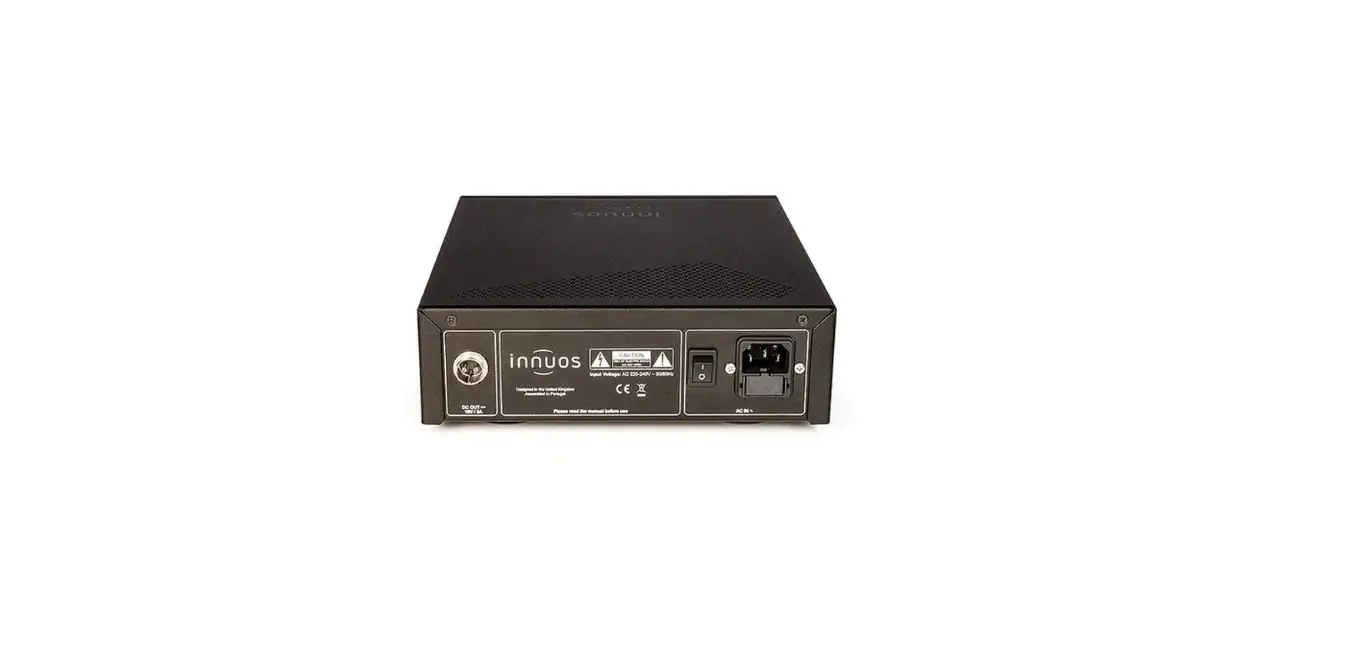
ZEN MINI LPSU Linear Power Supply
 ZEN MINI LPSU
Linear Power Supply
Quick Start Guide
Document version 1.0
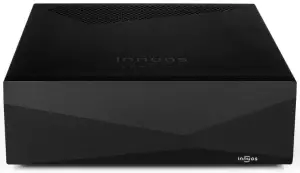
Thank you for buying our LPSU.
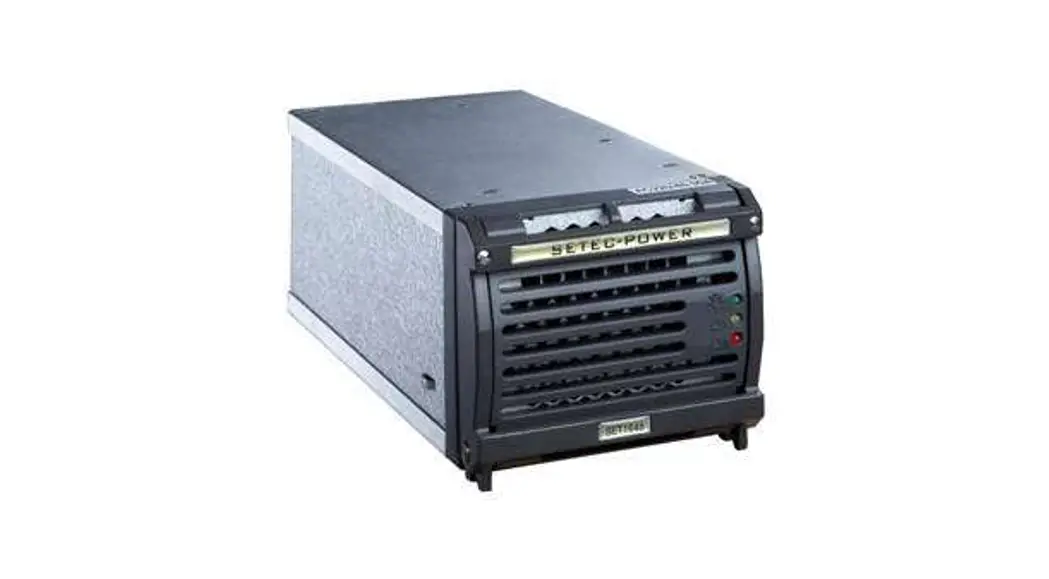
This quick start guide will show you how to get started with your new Linear Power Supply (LPSU) for ZENmini MkII & Mk3.
Should you have problems please contact [email protected] and we’ll be happy to assist you.
Box Contents
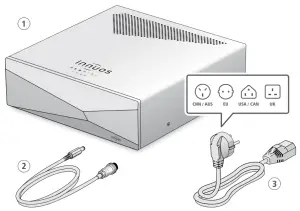
| 1. Innuos ZENmini LPSU 2. DC Power Cable | 3. Mains Cable |
Installation with ZENmini
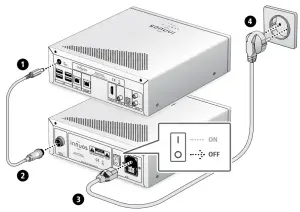
 Make sure your ZENmini is powered off and its included power adapter is unplugged from the DC plug.
Power On
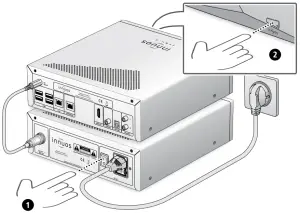
Notes: _______________________________________________________________
_____________________________________________________________________

For more information and for the latest version of this quick start guide please visit:
innuos.com/support