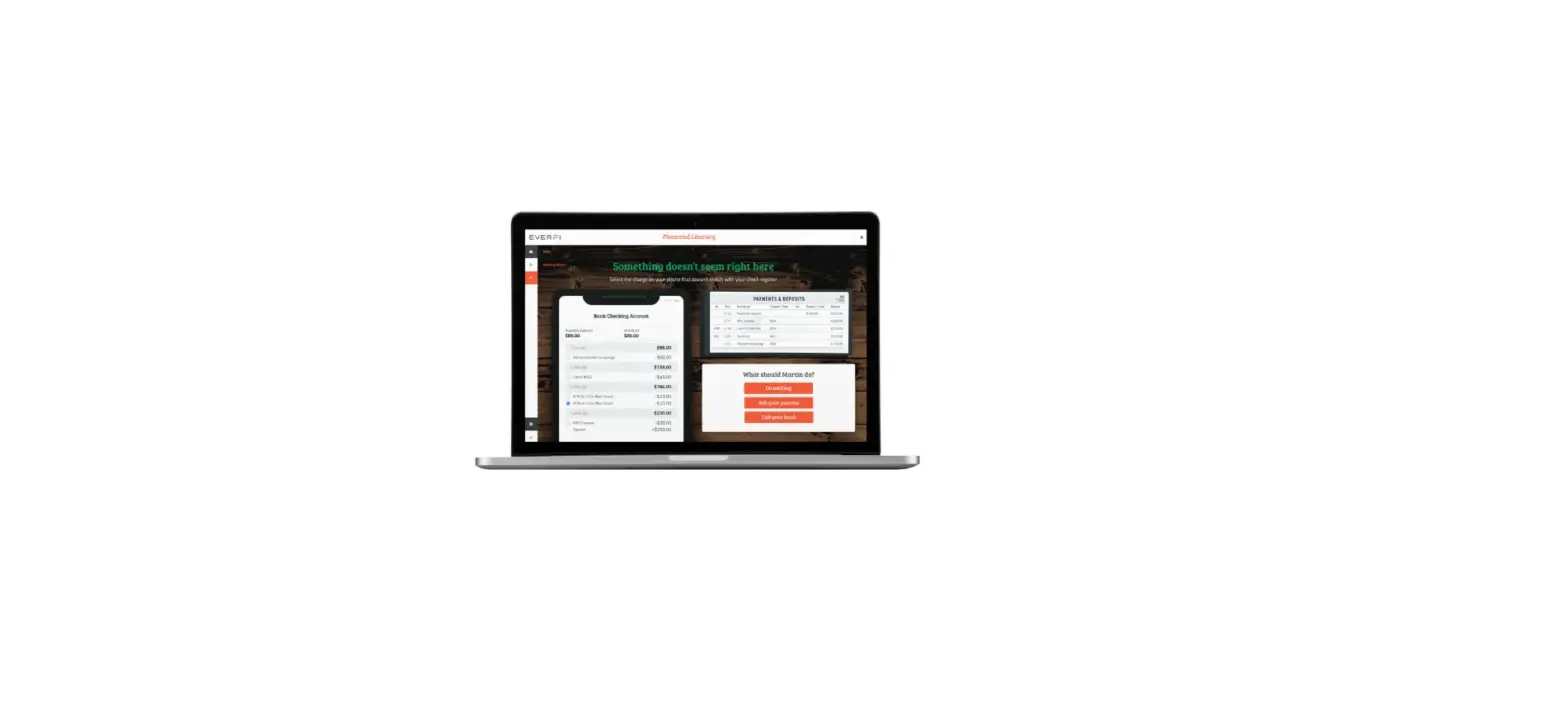
Educator Quick Start Guide
Go to EVERFI.com/newteacher to begin

1. Locate Your School
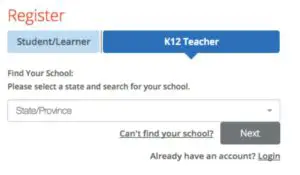
- Find your state/province
- Enter your school name
(if your school isn’t listed, select “Can’t find your school?”)
2. Create Your Profile
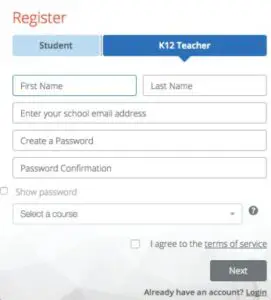
- Enter your first & last name
- Enter your school email address
- Create & confirm your password
- Select a course from the drop-down
- Agree to terms of service
3. Create Your Classes
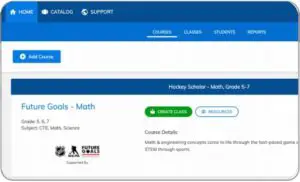
- Click “Create Class”to create a class code for each class section
- Assign a course or multiple courses to the class code
- Register students in one of two ways:
- Allow students to self-register with course code at EVERFI.com/register
- Mass upload student accounts under the “Students” tab.
Everfi Educator User Manual – Optimized PDF
Everfi Educator User Manual – Original PDF