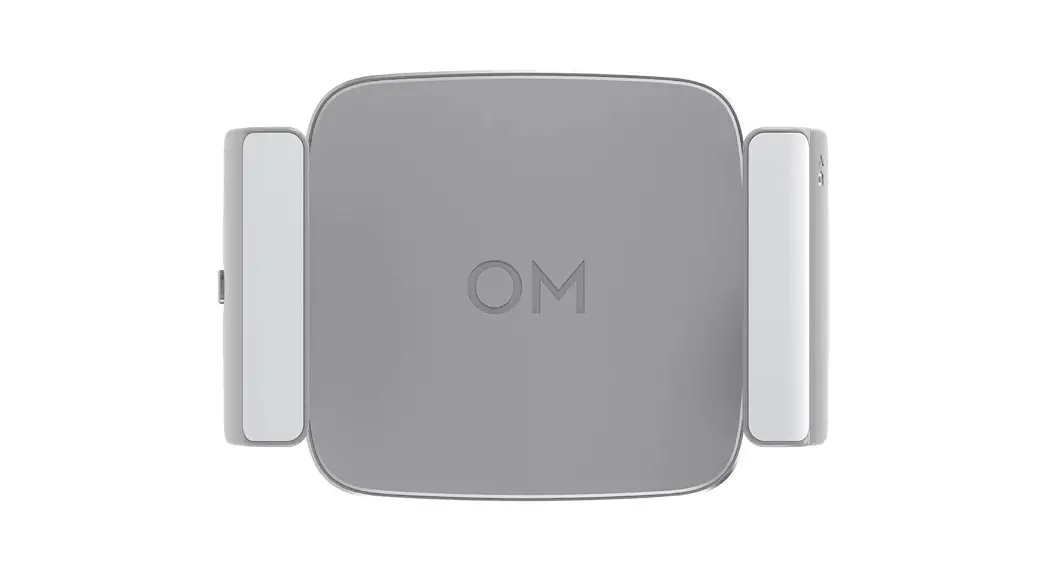

Fill Light Phone Clamp
User Guide
Disclaimer
Congratulations on purchasing your new DJI OSMO™ product. Carefully read this entire document and all safe and lawful practices provided by DJI OSMO before use. Failure to read and follow instructions and warnings may result in serious injury to yourself or others, damage to your DJI OSMO product, or damage to other objects in the vicinity. By using this product, you hereby signify that you have read this document carefully and that you understand and agree to abide by all terms and conditions of this document and all relevant documents of this product. You agree to only use this product for proper purposes. You agree that you are solely responsible for your own conduct while using this product and for any consequences thereof. DJI OSMO accepts no liability for damage, injury, or any legal responsibility incurred directly or indirectly from the use of this product.
OSMO and DJI OM™ are trademarks of SZ DJI OSMO TECHNOLOGY CO., LTD. (abbreviated as “DJI OSMO”) and its affiliated companies. Names of products, brands, etc., appearing in this document are trademarks or registered trademarks of their respective owner companies. This product and document are copyrighted by DJI OSMO with all rights reserved. No part of this product or document shall be reproduced in any form without the prior written consent or authorization of DJI.
This document and all other collateral documents are subject to change at the sole discretion of DJI OSMO. This content is subject to change without prior notice. For up-to-date product information, visit http://www.dji.com and click on the product page for this product.
Warning
- The DJI OM Fill Light Phone Clamp consists of magnets. Keep it away from magcards, IC cards, pacemakers, hard disks, RAM chips, and other devices to avoid interference.
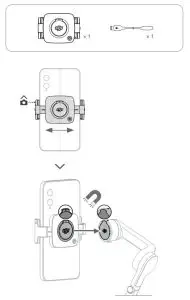
- Make sure to align the marks on the phone clamp and gimbal when attaching. Otherwise, the phone may fall off.
- The phone clamp is magnetically attached to the gimbal. DO NOT move the gimbal too fast or make any sudden movements.
- The near-field communication and wireless charging functions of the phone may be affected when the phone clamp is attached. These functions will no longer be affected once the phone clamp has been removed from the phone.
- The phone clamp will turn off automatically when the temperature gets too high or low.
- The color temperature button only works when the fill light is on.
Introduction
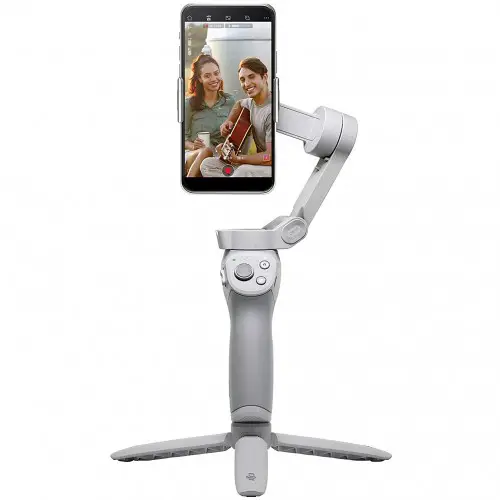
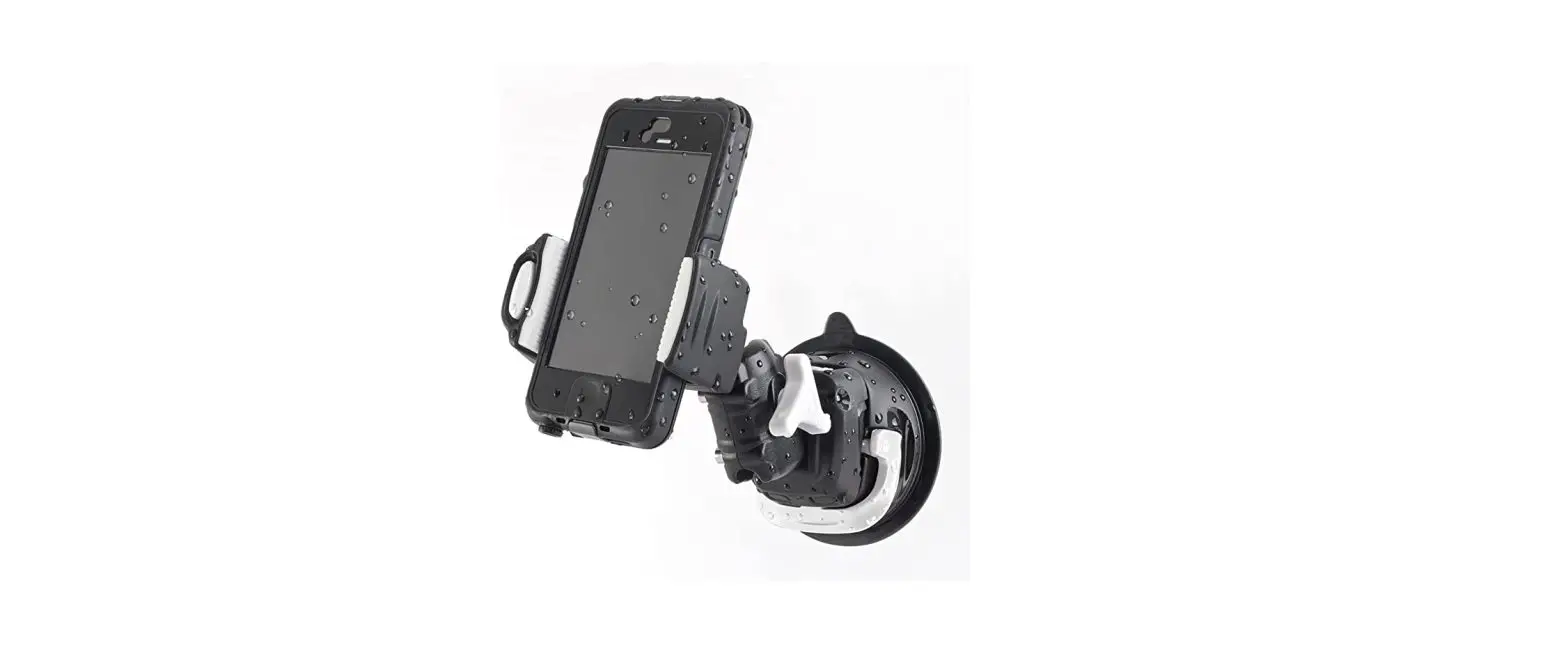
Capture the perfect selfie with the DJI OM Fill Light Phone Clamp. The phone clamp boasts a magnetic design and built-in battery and can be connected to DJI OM 5, DJI OM 4 SE, and DJI OM 4.
Usage
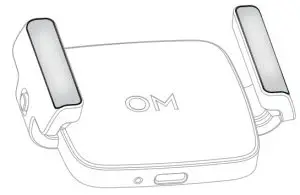
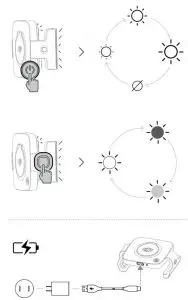
- Press the power button to select brightness level (low, medium, high, or off).
- When the fill light is on, press the color temperature button to select the lighting mode (cool, warm, or neutral).
- The phone clamp has a built-in battery. Connect a USB adapter to the USB-C charging port using a charging cable. The indicator indicates the battery level and charging status.
Indicator Status Description
| Battery Level | Blinking Pattern | Description |
| Solid green | Battery level ≥ 50% | |
| Solid yellow | 20% ≤ battery level <50% | |
| Solid red | 0% < battery level < 20% | |
| Off | Battery level is 0% or the temperature is too high/low | |
| Charging Status | Blinks green, yellow, and red alternately | Charging |
| Solid green | Battery fully charged (when fill light is on) | |
| Solid green for 6 seconds and turns off | Battery fully charged (when fill light is off) | |
| Solid red or off | Charging error due to high/low temperature |
Specifications
| Name | DJI OM Fill Light Phone Clamp |
| Model | OL100 |
| Dimensions | 74.13x53x26.55 mm 105.91x53x26.55 mm (Extended) |
| Weight | 73 g |
| Illuminance | 20/30/40 lux @0.5 m |
| Color Temperature | Cool light (5000±200 K) Warm light (2700±200 K) Neutral light (3500±200 K) |
| Battery Type | Li-ion |
| Battery Capacity | 296 mAh |
| Power Consumption | 0.38 W (min illuminance); 0.79 W (max illuminance) |
| Operating time | 3 hours (min illuminance); 1.5 hours (max illuminance) |
| Charging Time | 35 minutes (Measured with a 10W charger with an environment temperature of 25° C) |
| Operating Temperature | 0° to 40° C (32° to 104° F) |
| Charging Temperature | 5° to 40° C (41° to 104° F) |
| Supported Battery Charger | DC 5 V/1 A or higher |

SUBSCRIBE FOR MORE INFO

OSMO is a trademark of DJI OSMO.
Copyright © 2021 DJI OSMO All Rights Reserved.
YCBZSS00173502