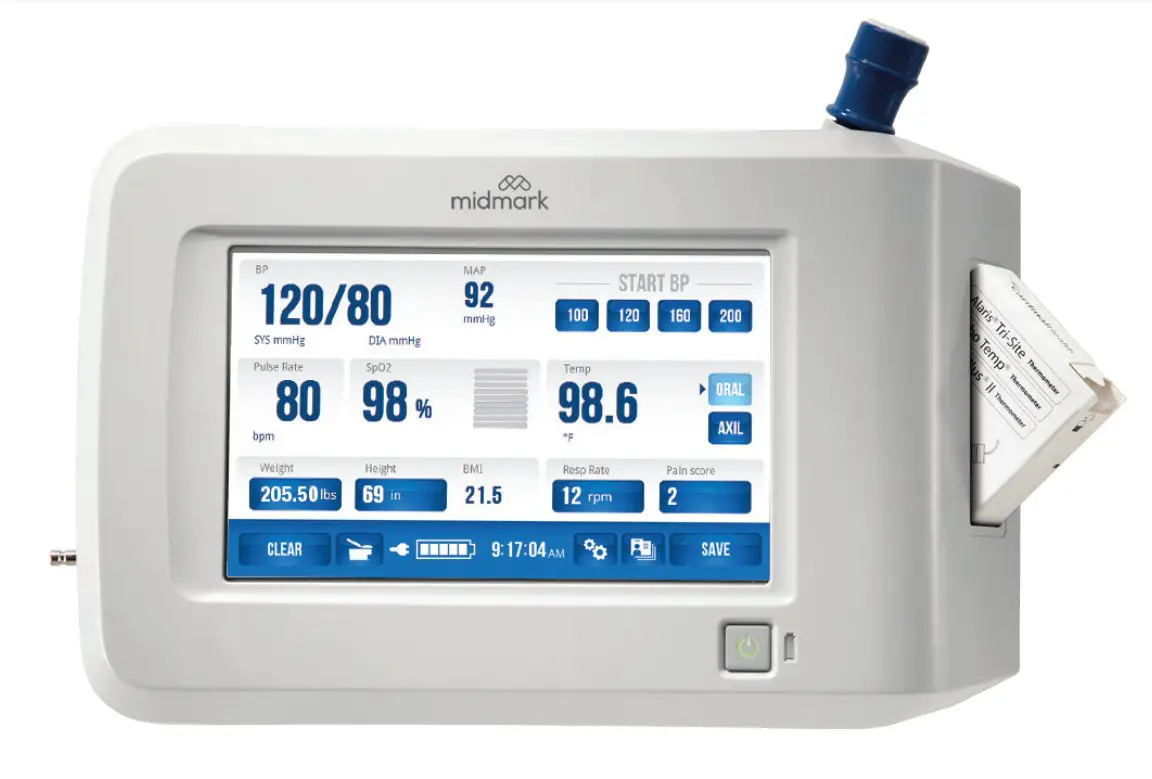

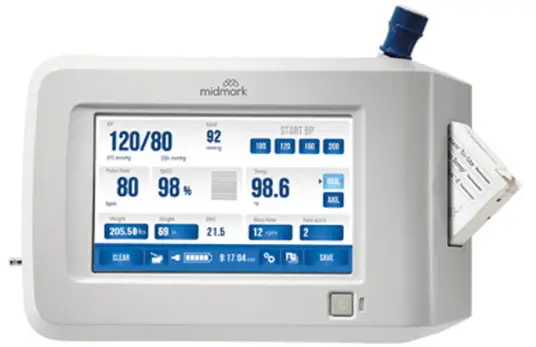
Midmark Digital Vitals Signs Device Clamp
INSTALLATION
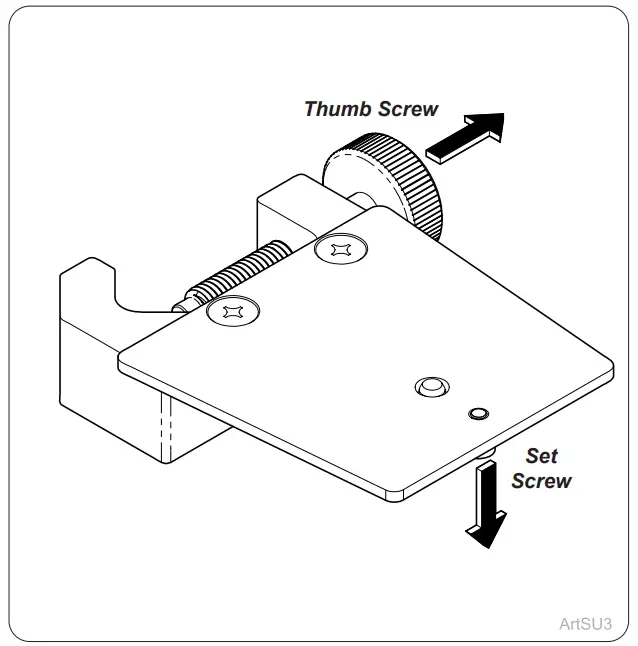
- Step 1:
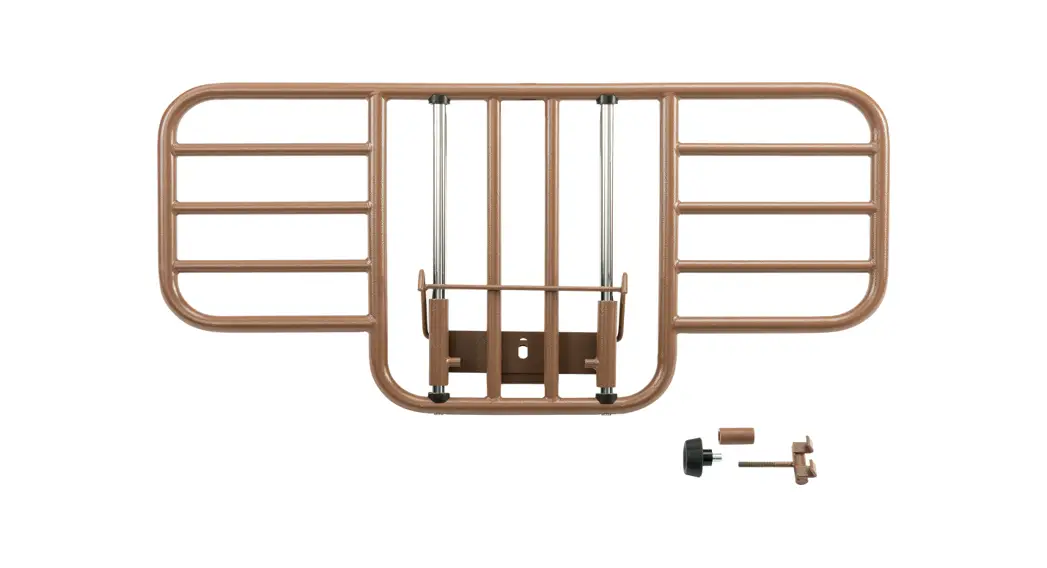
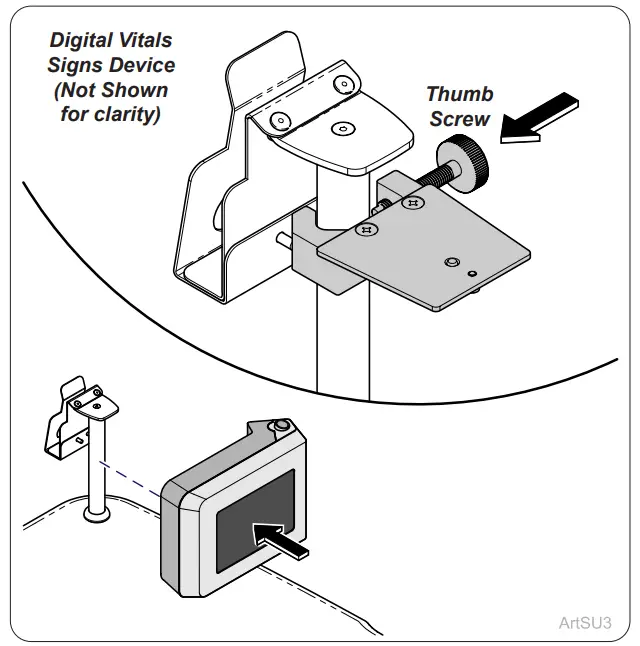
Loosen the thumb screw and set the screw on the clamp.
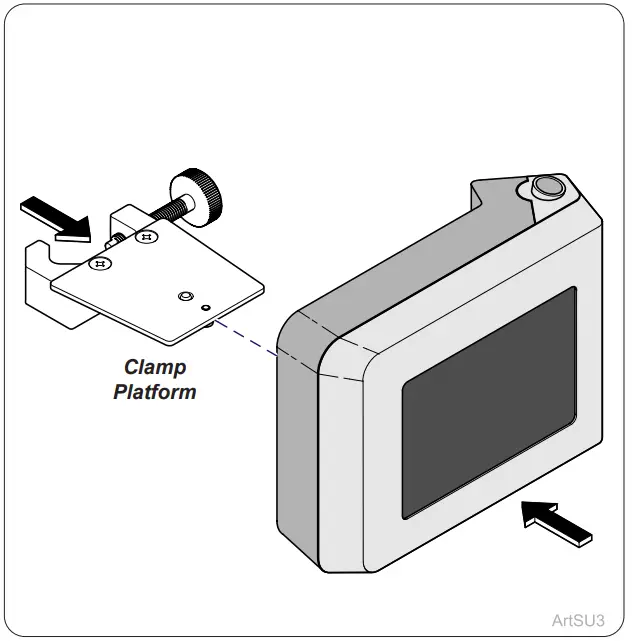
- Step 2:
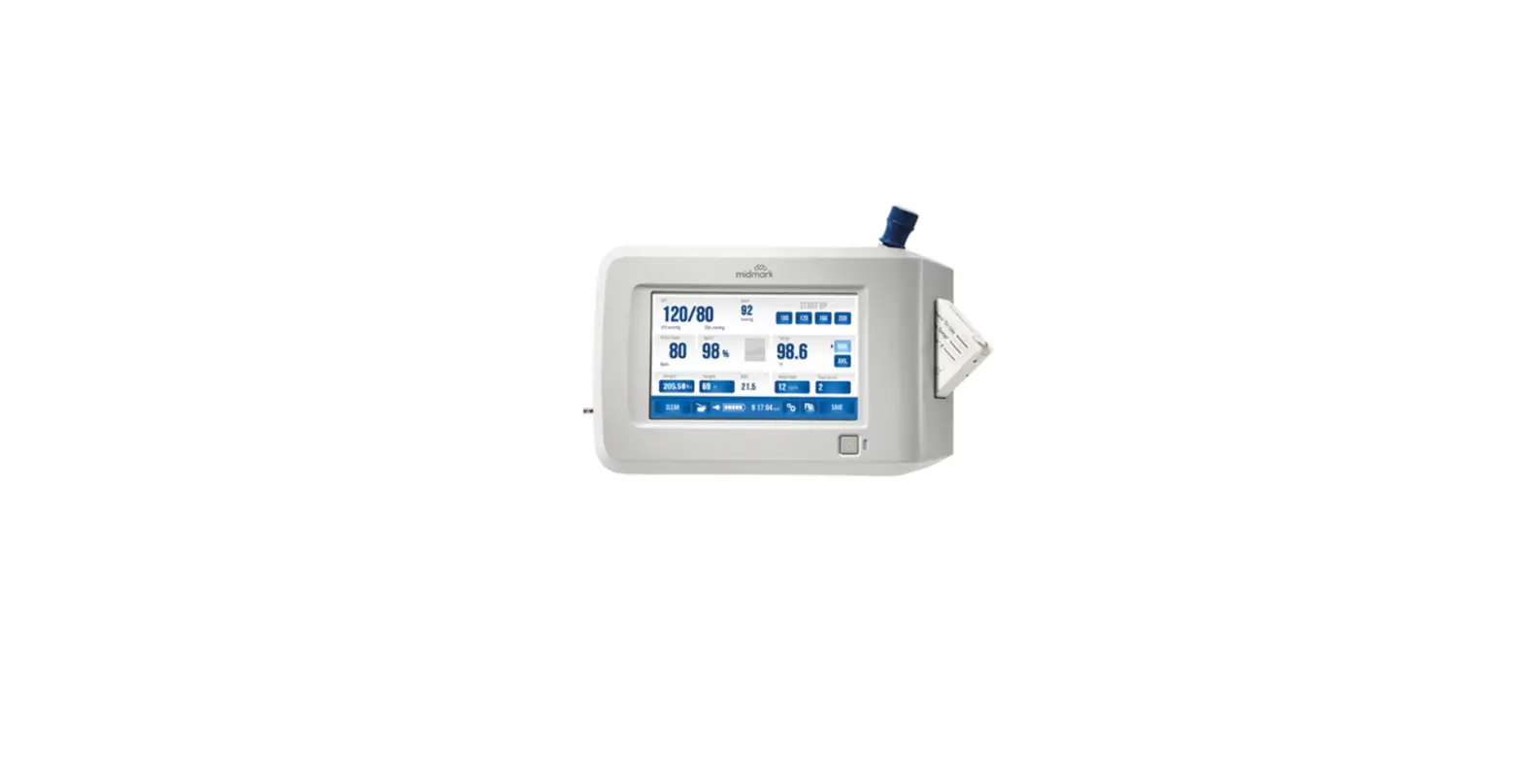
Assemble the Clamp and Digital Vitals Signs Device by sliding it onto the clamping platform.
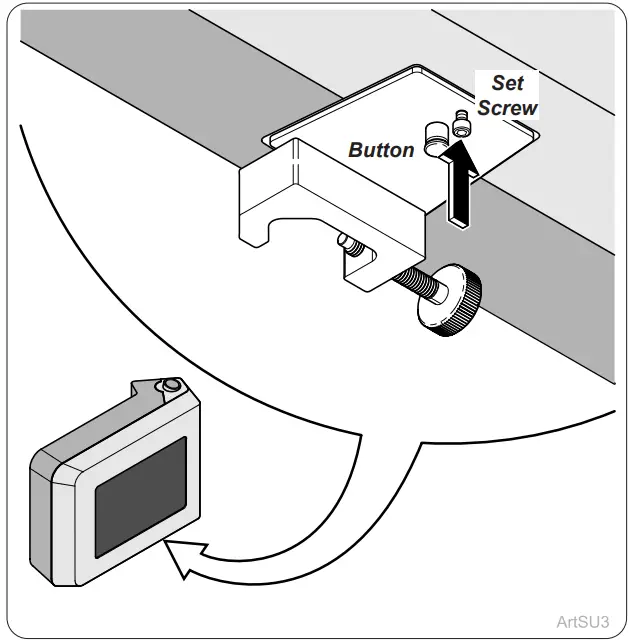
- Step 3:
Ensure the button snaps into the bottom of the device and hand tighten set screw may need to tighten with an Allen wrench.
- Step 4:
Place the clamp onto the cuff holder pole and tighten the thumb screw.
© 2021 Midmark Corp. | 60 Vista Drive Versailles, OH 45380 USA | 1.800.643.6275 | 1.937.526.3662 | www.midmark.com
TP212 20-42-FO-00023 Rev A1 C2169 003-10467-00 Rev. AA1 (8/24/2021)