
Operating Instructions
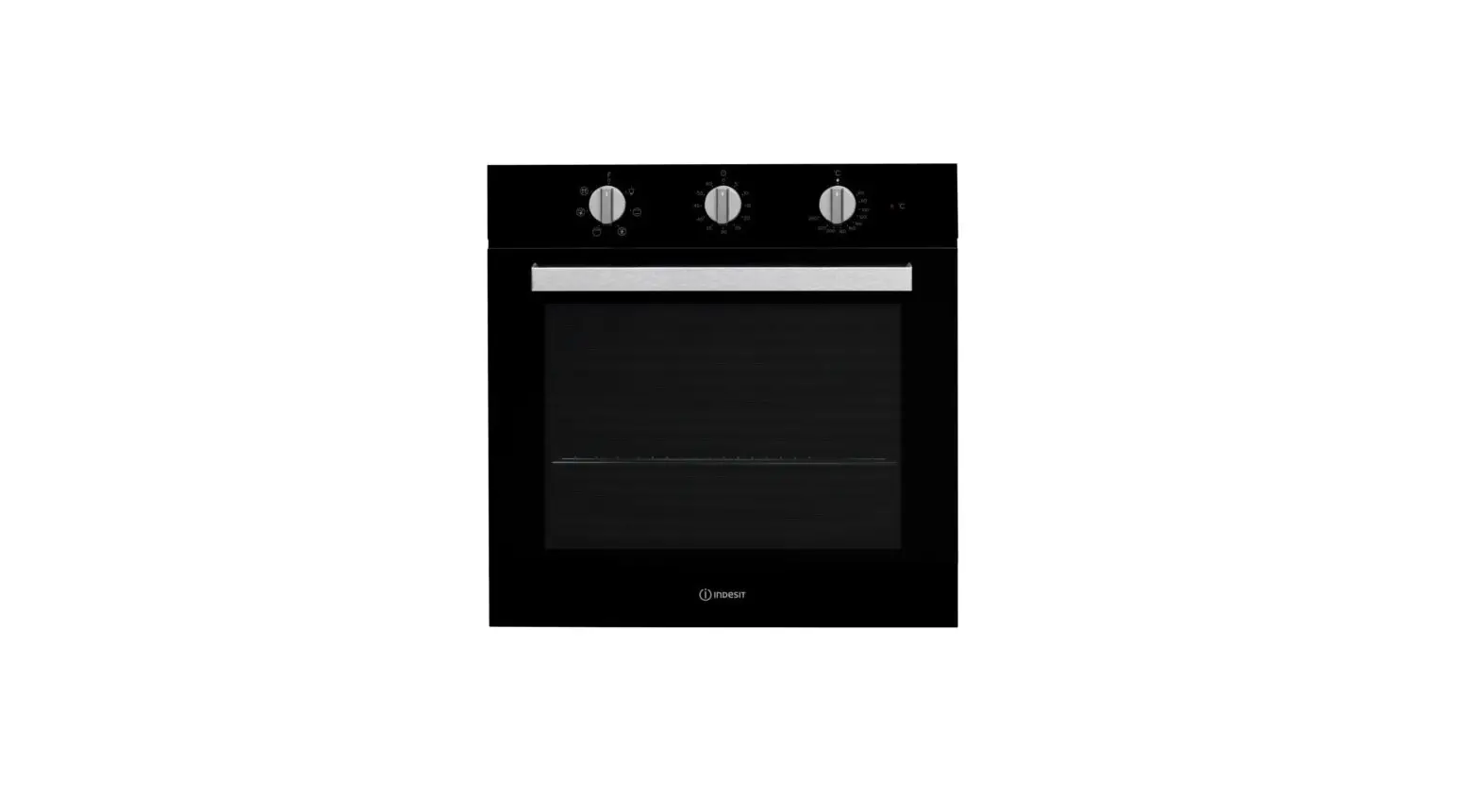
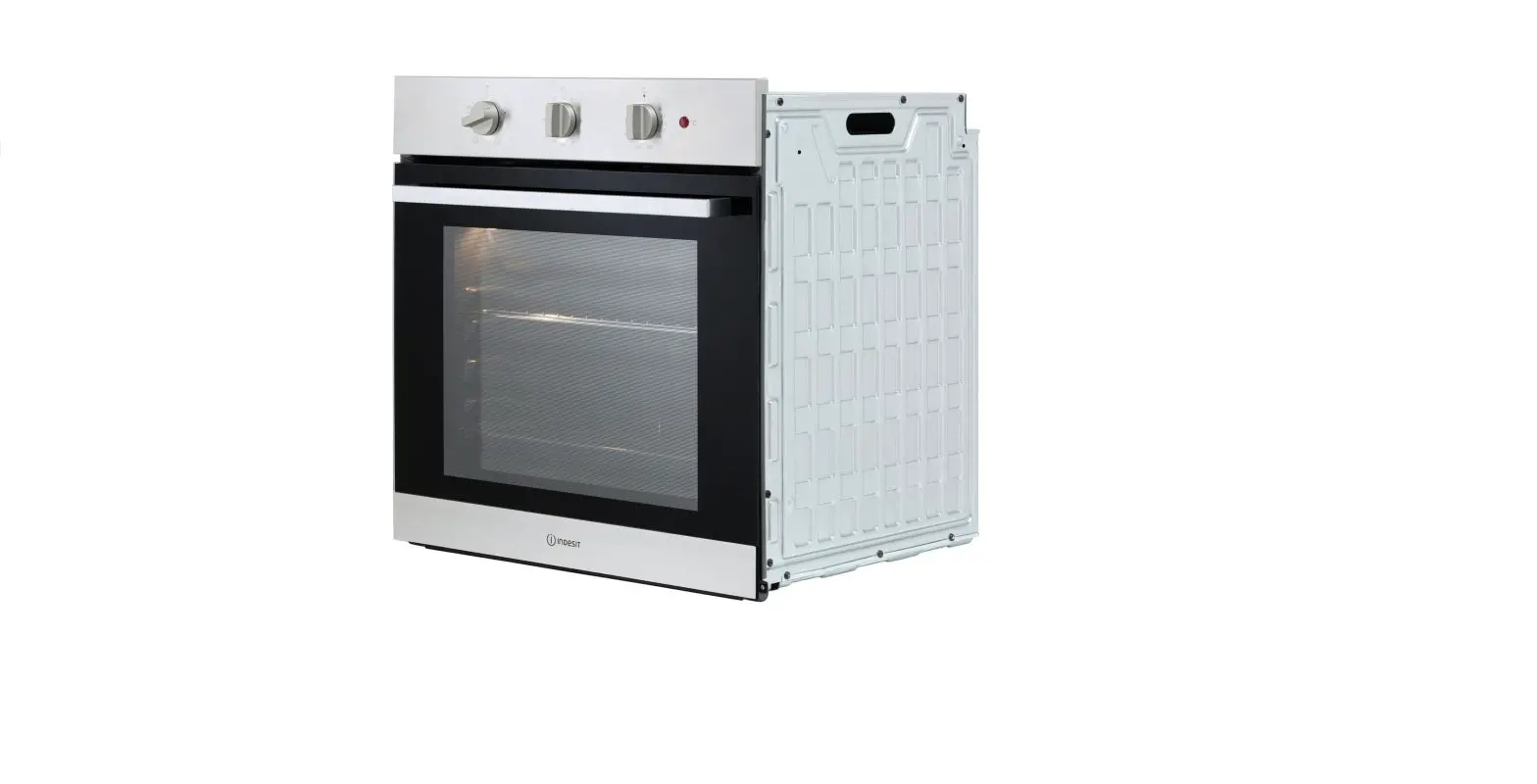
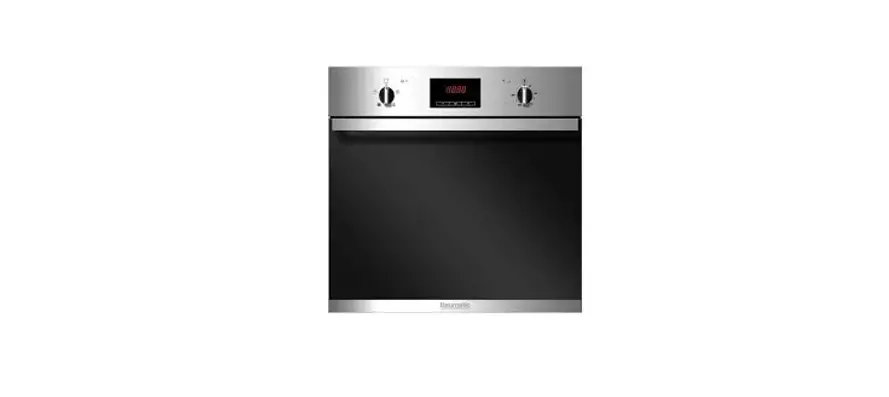
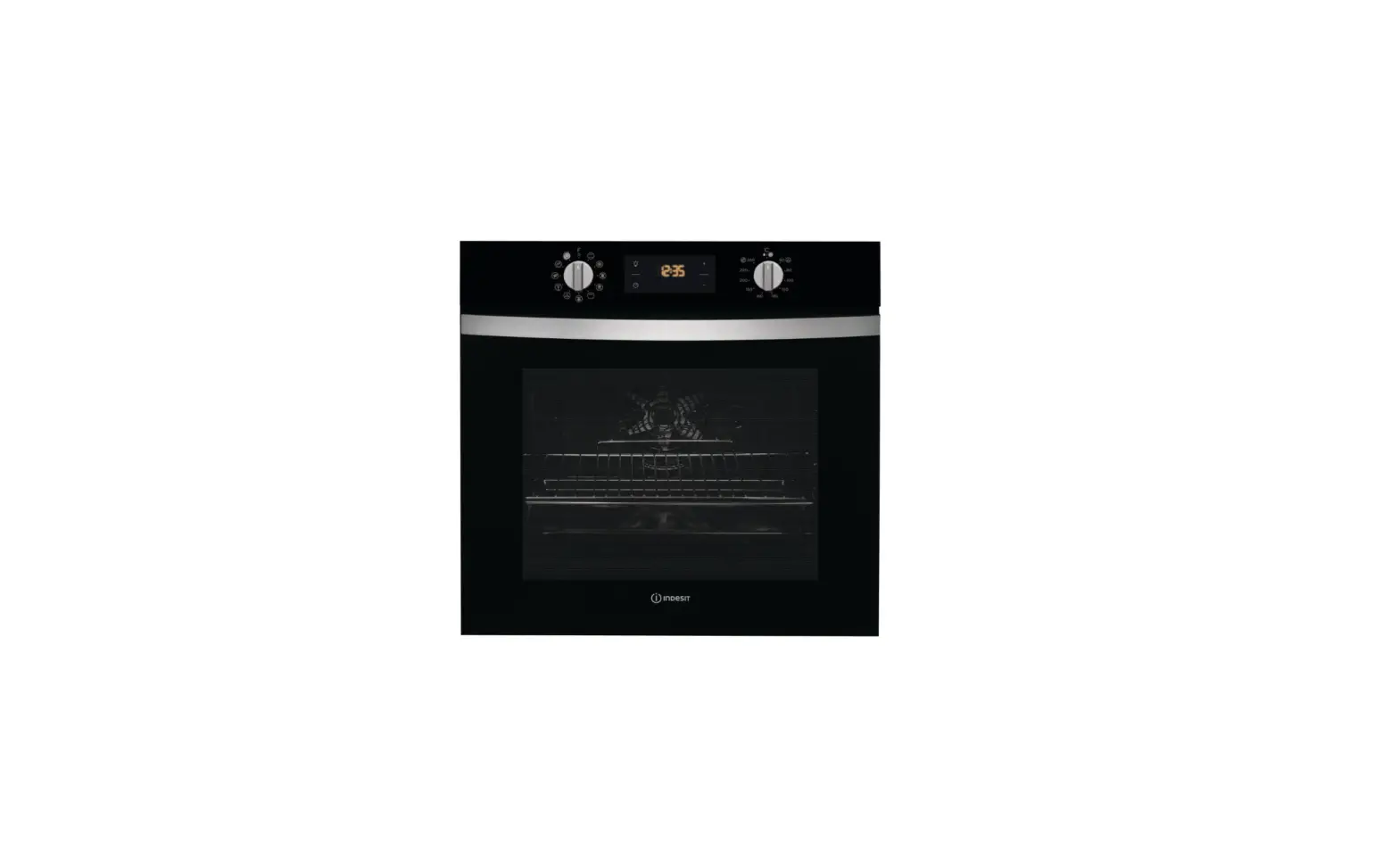
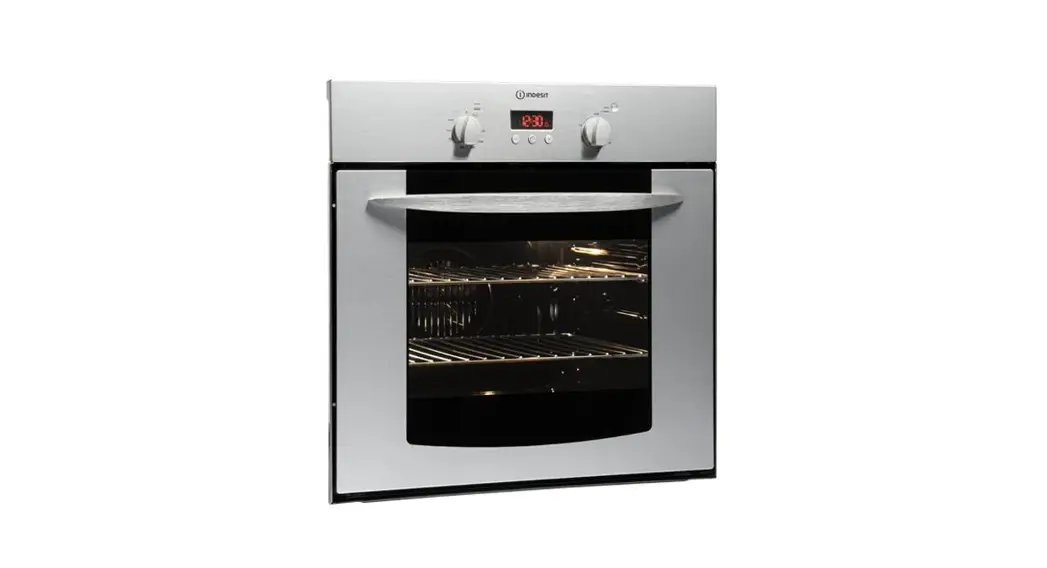
Oven Indesit FIE36KB
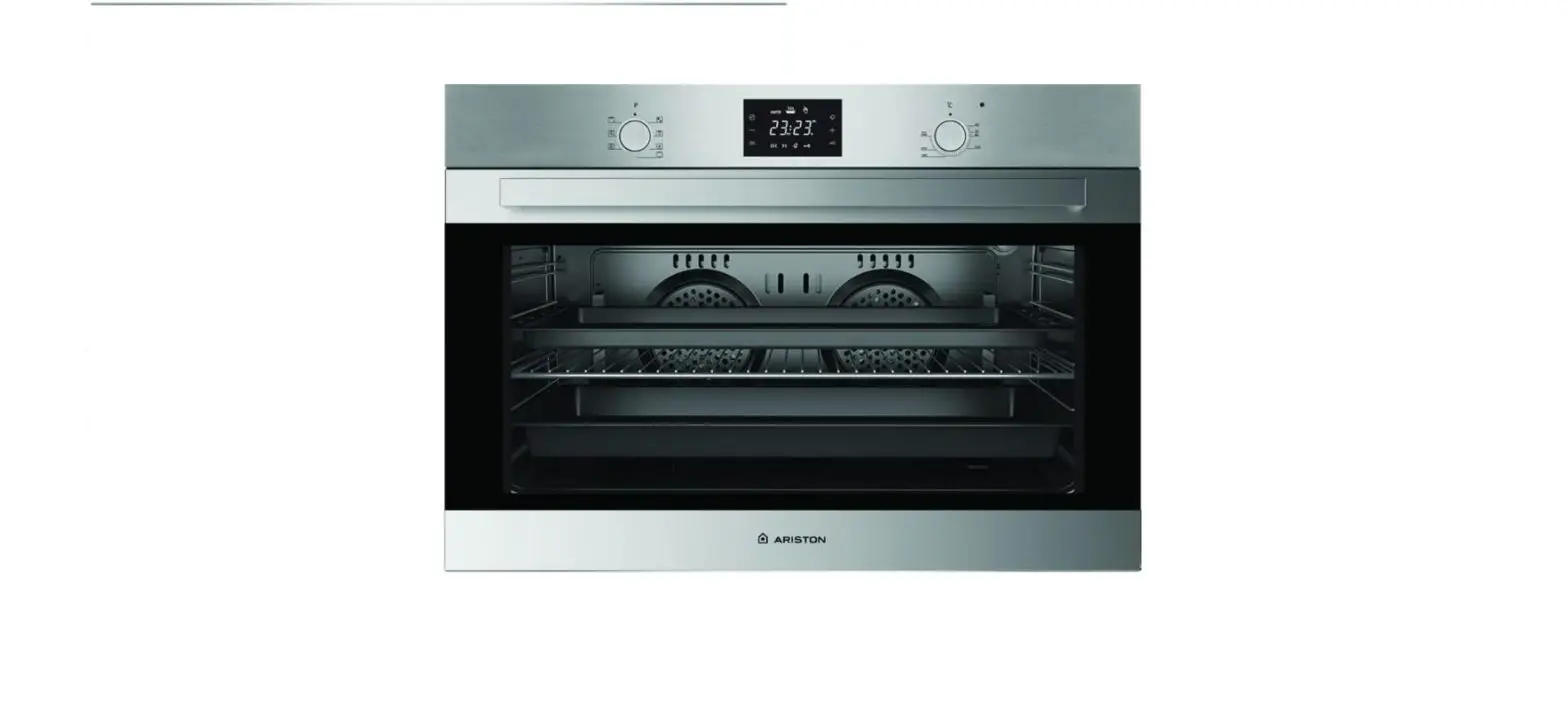
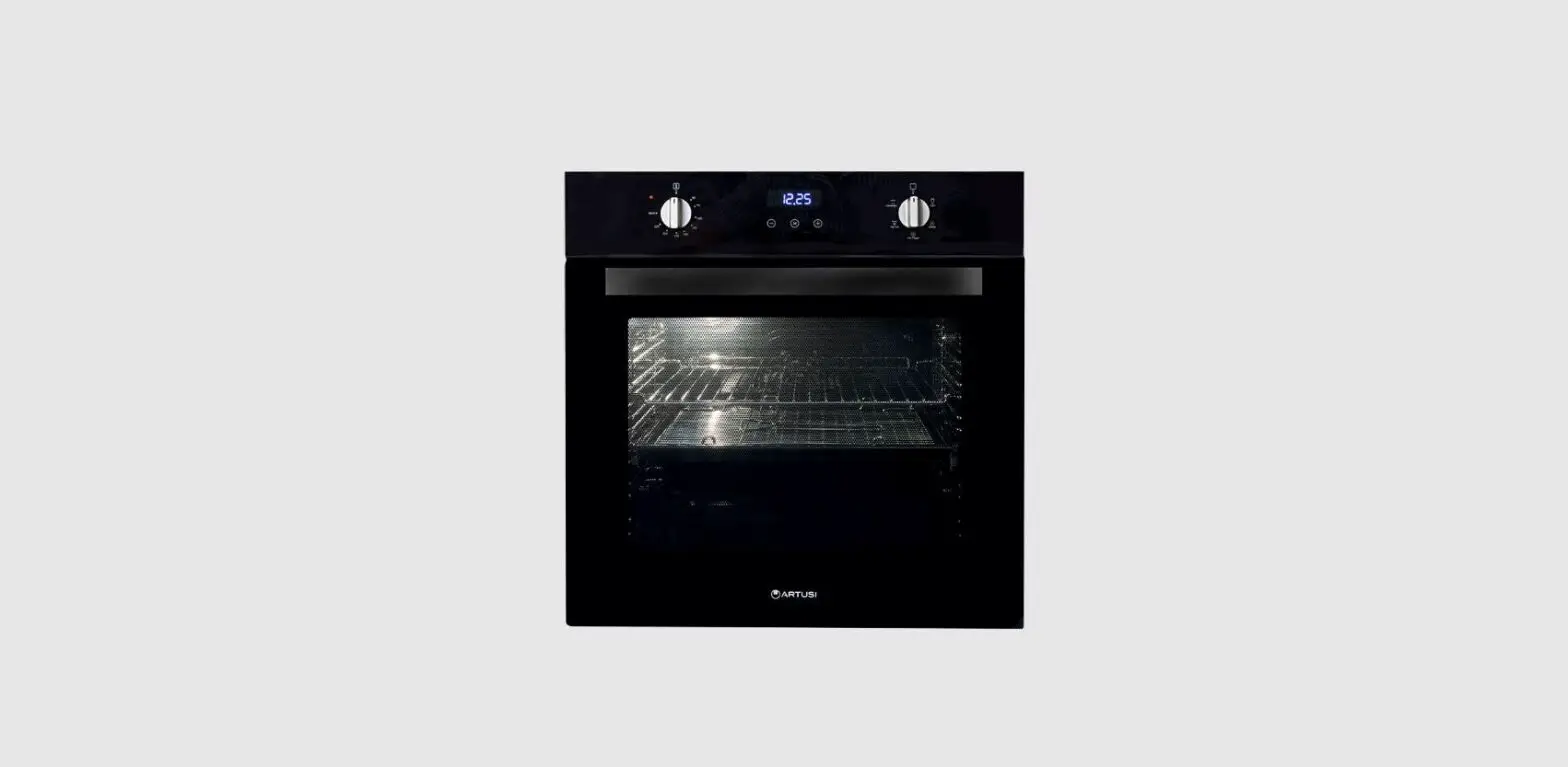
Description of the Appliance
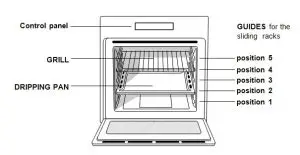
Control Panel
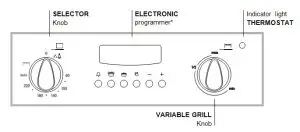
Starting the oven
- Select the desired cooking mode by turning the SELECTOR knob.
- Select the desired temperature with the VARIABLE GRILL knob.
- When preheating is finished, the THERMOSTAT indicator light will stay on, place the food in the oven.
- You may do the following during cooking:
– Change the cooking mode by turning the SELECTOR knob.
– Change the temperature by turning the VARIABLE GRILL knob.
– Stop cooking by turning the SELECTOR knob to the “0″ position.
- Never put objects directly on the oven bottom to avoid damaging the enamel coating.
- Always place cookware on the rack(s) provided.
CooIing ventilation
In order to cool down the external temperature of the oven, some models are fitted with a cooling fan that blows out air between the control panel and the oven door.
- Once the cooking has been completed, the cooling fan remains on until the oven has cooled down sufficiently.
Oven Iight
It will come on when selecting  with the SELECTOR knob. It stays on when a cooking mode is selected.
Cooking Modes
- GRILL (recommended: set only to MAX power IeveI);
ThermostaticaIIy controlled oven (Fan Assisted Mode)
When the SELECTOR knob is turned in a clockwise direction to the symbol the fan and oven light will come on to assist in the defrosting of frozen food. Rotating further to the complete range of temperatures shown on the dial you can choose which is most suitable for the food you are going to cook. The temperature is reached automatically and controlled by the oven thermostat (from 60°C to MAX).
- WhiIst using tag oven for conventional VARIABLE GRILL knob must be set with “MAX” in line with the reference mark on the control panel.
Grill Mode
The top heating  element comes on. The extremely high and direct temperature of the grill makes it possible to brown the surface of meats and roasts while locking in the juices to keep them tender. The grill is also highly recommended for dishes that require a high temperature on the surface. Always cook in this mode with the oven door partially open.
To operate the grill:
- Turn the oven SELECTOR knob clockwise until the required grieving symbol is in line with the mark on the control panel. The element is now “on”.
- The VARIABLE GRILL knob can now be operated to select the required heat.
The electronic cooking programmer
This feature allows you to program the oven or the grill as follows:
- delayed cooking time for a specified period;
- immediate start for a specified period;
- timer
Timer with hours and minutes 
Cooking time 
End cooking time
Manual change
Set cooking time (to count down) 
Set cooking time (to start from zero) 
How to set the digital clock
Press the and buttons consecutively and then reset the time (within 4 seconds) using the – and + buttons.
Manual operation of the oven
Once the time has been set, the programmer automatically switches to manual mode.
Note: Press the button to restore the manual mode after every “Automatic” cooking session.
Delayed cooking time for a specified period
- The total cooking time, as well as the time at which the cooking will finish must be set. If we assume that the time display reads10:00.
- Turn the oven control knob to the setting and temperature desired (example: static oven mode at 200°C).
- Press the button
 and then set the cooking time (within four seconds) using the – and + buttons. Supposing the cooking time is set to 30 minutes, 0:30.
 - Release the button, and within 4 seconds, the current time will reappear with the ‘m’ symbol along with the word “auto”.
- Press the button
 and then use the – and + buttons to set the time for when the cooking program should end.
Let us imagine this time to be 1:00 p.m, 13:00. - After the button has been released, the current time will be displayed after approximately 4 seconds, 10:00.
- When “auto” is on, it indicates that the length of cooking time and the time it is due to finish have been programmed in automatic mode. At this point, the oven will turn on automatically at 12:30 and turn off after 30 minutes. When the oven is turned on, the symbol ‘m’ will be displayed for the entire cooking time. The cooking duration can be displayed at any time by pressing the button and the time it is due to finish may be displayed by pressing the button . Once cooking is completed, the timer will ring; to turn it off, simply press any button except the – and + buttons.
Immediate start for a specified period
By programming just the duration (points 1 and 2 of the “Delayed cooking time for specified period” section), cooking will begin immediately.
To cancel a cooking schedule already programmed
Press the button, and use the – button to set the time to 0:00, then press the manual cooking mode button
Timer Feature
The timer feature allows you to enter a specific amount of time and begins to count down. This feature does not turn the oven on or off; it merely sounds when the time has elapsed.
- When the button
 has been pressed, the display will read 0:00.
 - Then use the – and + buttons to set the desired time. As soon as the button has been released, the timer will start to count down and the current time will be displayed, 10:00.
- After the time has expired, an audible signal will be emitted, which can be turned off by pressing any button (except the – and + buttons). At this point the symbol will also turn off.