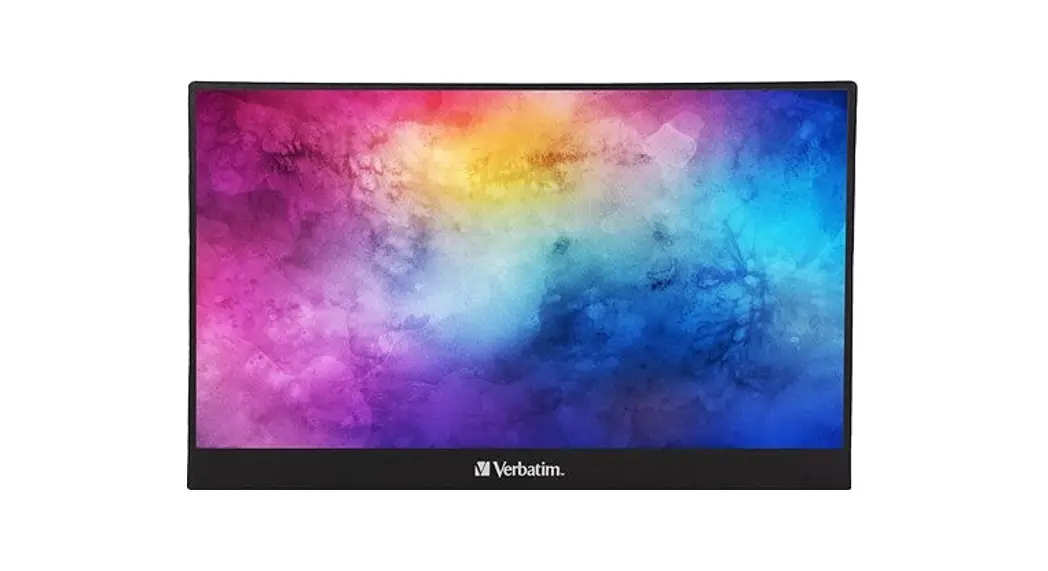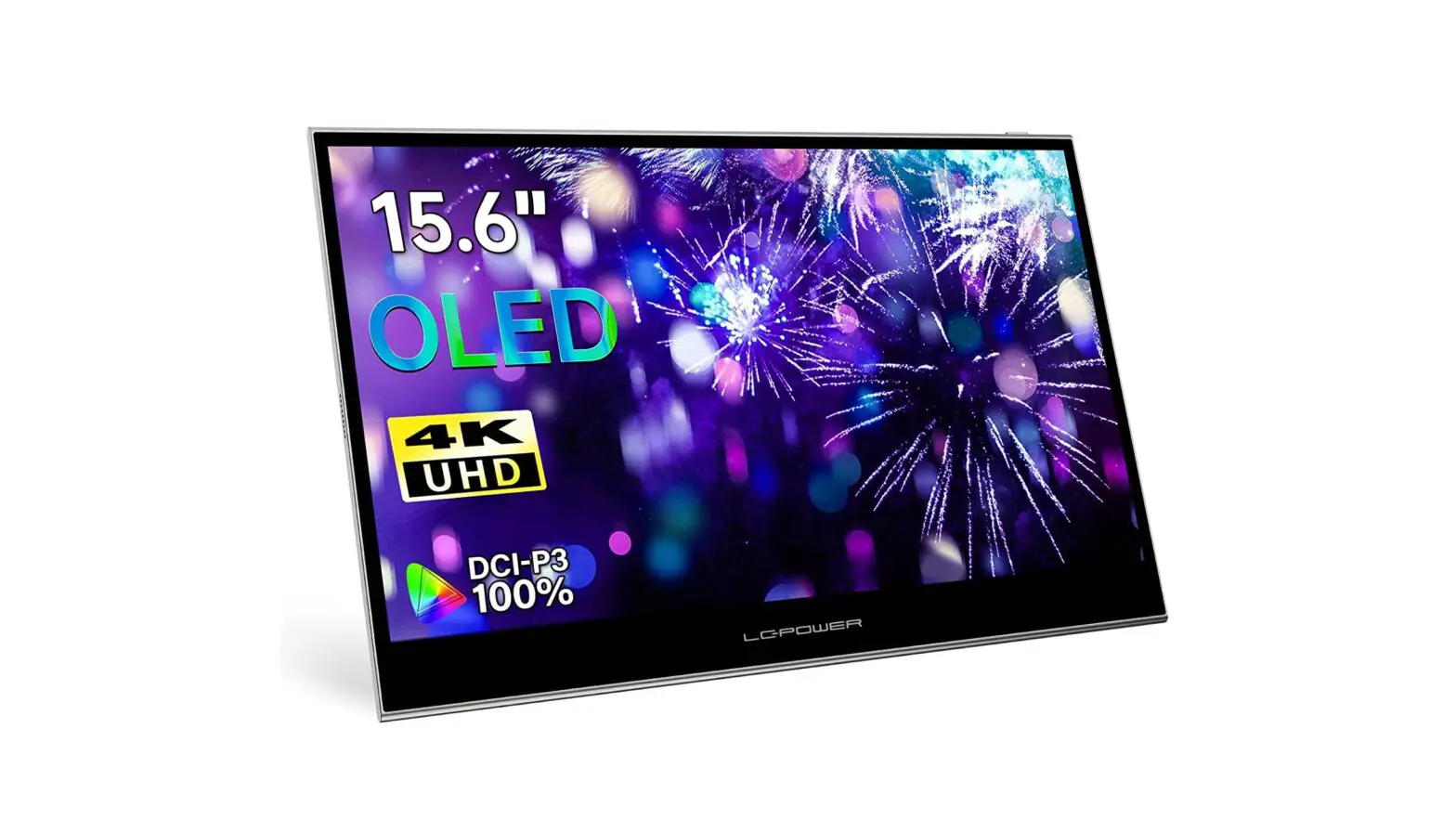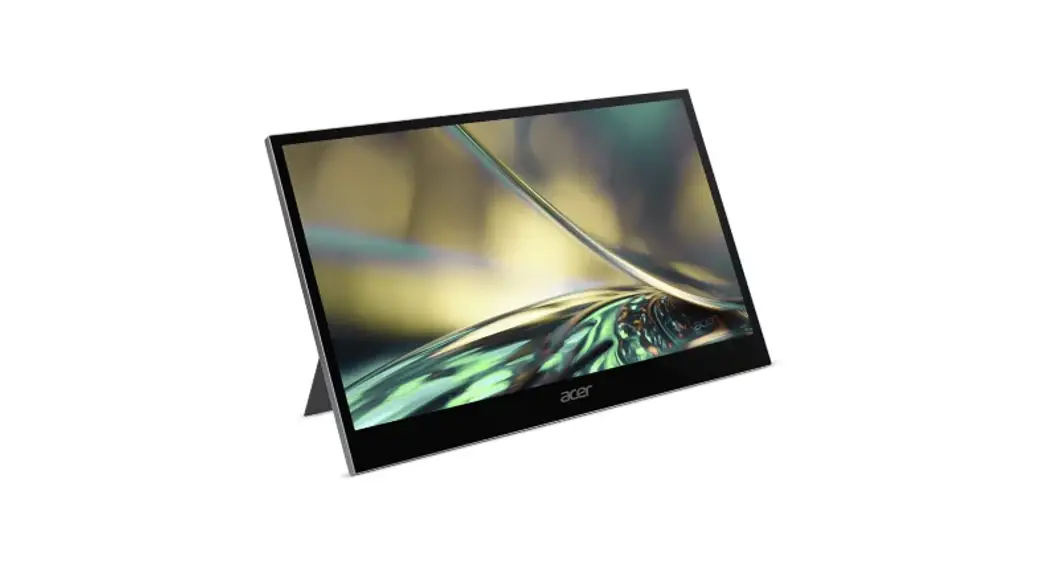
 PM168QT PM8 Series Portable OLED Touch Monitor
User Guide
OLED Monitor PM8 Series/ PM168QT
PM168QT PM8 Series Portable OLED Touch Monitor
ACER OLED Monitor Quick Start Guide (QSG)
Important safety instructions Please read the following instructions carefully.
- To clean the OLED monitor screen: Be sure that your monitor is electrically rated to operate with the AC power available in your location.
• Turn off the OLED monitor and unplug the power cord.
• Spray a non-solvent cleaning solution onto a rag and clean the screen gently. - NEVERSPRAY OR POURANY LIQUID DIRECTLY ONTOTHE SCREEN OR CASE.
- PLEASE DO NOT USE ANY AMMONIA OR ALCOHOL-BASED CLEANERS ON THE L OLED DISPLAY SCREEN ORCASE.
- AOPEN will not be liable for damage resulting from use of any ammonia or alcohol-based cleaners.
- Do not place the OLED monitor near a window. Exposing the monitor to rain, moisture or sunlight can severely damage it.
- Do not apply pressure to the OLED screen. Excessive pressure may cause permanent damage to the display.
- Do not remove the cover or attempt to service this unit yourself. An authorized technician should perform servicing of any nature.
- Store the OLED monitor in a room with a temperature of -20° to 60°C (-4° to 140°F). Storing the OLED monitor outside this range may result in permanent damage.
- Immediately unplug your monitor and call an authorized technician if any of the following circumstances occur:
• Monitor-to-PC signal cable is frayed or damaged.
• Liquid spills onto the OLED monitor or the monitor is exposed to rain.
• The OLED monitor or case is damaged. - The adapter is only used for this monitor, do not use it for other purpose. Please make sure to connect the adapter to main socket with protective earthing
Package contents
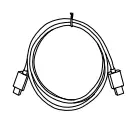
Monitor | Power cord (Optional) | Adapter | Mini HDMI cable (Optional) | Type-C cable (Optional) | Quick start guide |
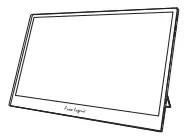 | 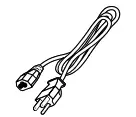 | 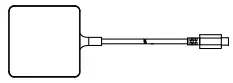 | 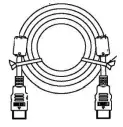 |  |  |
Connecting Your Monitor to a Computer
- Plug the power cords of you monitor into a nearby electrical outlet.
- Use the adapter to connect to the monitor’s Type-C port 1 or 2.
- Connect the Type-C cable to the another Type-C port.
- Connect the Mini HDMI to HDMI cable to the computer or Notebook
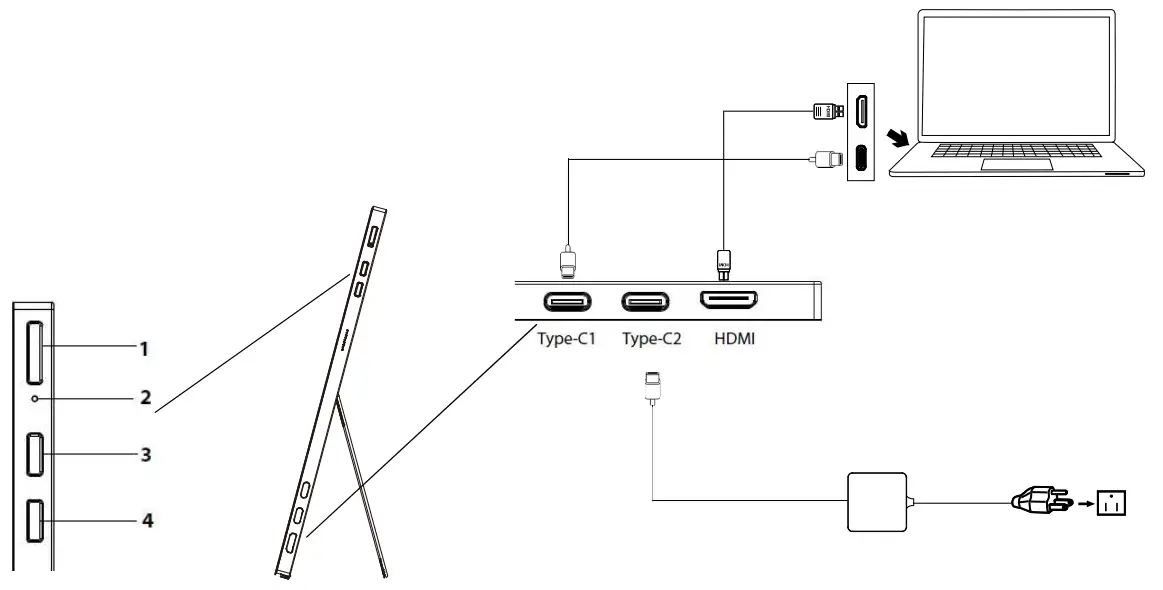
 Please make sure your device (mobile/PC) has a Type-C port supporting video-out (DP ALT) when extending your display.
External controls
| No. | Icon | Item | Description |
| 1 |  | Power /Menu | a. Long press for 5 sec to turn on/off Monitor. b. Press the MENU key to display the OSD menu and enter the next menu c. Press and hold for is to return to the previous layer of the OSD |
| 2 | • | LED Indicator | White indicates power on. Orange indicates standby mode. |
| 3 |  | UP/Brightness | a. Press the UP button to shown Brightness Hot key, press again to adjust value b. Press UP and Down to select the desired item when in OSD menu. |
| 4 |  | DOWNNolume | a. Press the Down button to shown Volume Hot key, press again to adjust value b. Press UP and Down to select the desired item when in OSD menu. |
Regulations and Safety Precautions
FCC WARNING: This equipment may generate or use radio frequency energy. Changes or modifications to this equipment may cause harmful interference unless the modifications are expressly approved in the instruction manual. The user could lose the authority to operate this equipment if an unauthorized change or modification is made.
This equipment complies with RF radiation exposure limits set forth for an uncontrolled environment. This equipment should be installed and operated with a minimum distance of 20 centimeters between the radiator and your body
NOTE: This equipment has been tested and found to comply with the limits for a Class B digital device, pursuant to part 15 of the FCC Rules. These limits are designed to provide reasonable protection against harmful interference in a residential installation. This equipment generates, uses and can radiate radio frequency energy and, if not installed and used in accordance with the instructions, may cause harmful interference to radio communications. However, there is no guarantee that interference will not occur in a particular installation. If this equipment does cause harmful interference to radio or television reception, which can be determined by turning the equipment off and on, the user is encouraged to try to correct the interference by one or more of the following measures:
- Reorient or relocate the receiving antenna.
- Increase the separation between the device and receiver.
- Connect the device into an outlet on a circuit different from that to which the receiver is connected.
- Consult the dealer or an experienced radio/television technician for help.
CE declaration of Conformity
Hereby, Acer Inc., declares that this monitor is in compliance with the essential requirements and other relevant provisions of Radio Equipment Directive 2014/53/EC, and RoHS Directive 2011/65/EU and Directive 2009/125/ EC with regard to establishing a framework for the setting of eco-design requirements for energy-related product. Notice: Shielded cables
All connections to other computing devices must be made using shielded cables to maintain compliance with EMC regulations.
Notice: Peripheral devices
Only peripherals (input/output devices, terminals, printers, etc.) certified to comply with the Class B limits may be attached to this equipment. Operation with non-certified peripherals is likely to result in interference to radio and TV reception.
Operation conditions
This device complies with Part 15 of the FCC Rules. Operation is subject to the following two conditions: (1) this device may not cause harmful interference, and (2) this device must accept any interference received, including interference that may cause undesired operation.
Notice: Canadian users
CAN ICES-003(B)/NMB-003(B)
Disposal of Waste Equipment by Users in Private Household in the European Union
 This symbol on the product or on its packaging indicates that this product must not be disposed of with your other household waste. Instead, it is your responsibility to dispose of your waste equipment by handing it over to a designated collection point for the recycling of waste electrical and electronic equipment. The separate collection and recycling of your waste equipment at the time of disposal will help to conserve natural resources and ensure that it is recycled in a manner that protects human health and the environment. For more information about where you can drop off your waste equipment for recycling, please contact your local city office, your household waste disposal service or the shop where you purchased the product.
In order to prevent damage to the monitor, do not lift the monitor by its base. AOPEN monitor is purposed for video and visual display of information obtained from electronic devices. The terms HDMI and HDMI High-Definition Multimedia Interface, and the HDMI Logo are trademarks or registered trademarks of HDMI Licensing Administrator, Inc. in the United States and other countries.
OLED Monitor Quick Setup Guide
SPECIFICATION
| Model Name | Version | 16PM8Q |
|
Panel | Size | 15.6” |
| Pixel pitch | 0.18mm | |
| Brightness | Native 400nits; HDR400 mode: Peak 400nits | |
| Contrast | 100000000:1 Max (ACM) | |
| Viewable angle | 170°(H),170°(V) | |
| Response time | 1ms | |
| Panel Type | OLED | |
| H/V Frequency | H-Frequency | HDMI:68-160KHz |
| Type-C:68-160KHz | ||
| V-Frequency | HDMI 48-60Hz | |
| Type-C 48-60Hz | ||
| Speaker | 1 W x 2 | |
| Audio | N/A | |
| Display Colors | 1074 M Colors | |
| Dot Clock | 600MHz | |
| Max. Resolution | HDMI:1920×1080@60Hz Type-C:1920×1080@60Hz | |
| Plug & Play | VESA DDCCI/DDC2B | |
| Power consumption | On Mode | 15W |
| Sleep Mode | 0.5W | |
| Off Mode | 0.3W | |
| Input Connector | HDMI Type-C | |
| Input Video Signal | Type-C(Only Type-C Input Model) HDMI (Only HDMI Input Model) | |
| Maximum Screen Size | Horizontal: 3 4mm Vertical:194mm | |
| Power Source | DC 20V/2.25A Use only the adaptor provided | |
| Environmental Considerations | Operating Temp: 0°to 40°C Storage Temp: -20°to60°C Operating Humidity: 10% to 85% | |
| Dimensions | 359(W)x226(H)x8(D) mm | |
| Weight (N. W.) | 0.83kg | |
| Mechanism spec | Tilt:12.5°to45° Pivot: No Swivel: No Detachable foot stand: No Height adjustment: No | |
| External Controls: | Functions | Brightness User Contrast Hue Volume Saturation Custom Sharpness Text TYPE-C Movie HDMI Game OSD exit time Adobe OSD menu transparency sRGB Locked Eye protection Rotation from Android Device HDR Rotation from Window Device Color Temp. Language 6500 Reset 9300 Exit |
| *Specifications vary depending on model and/or region. | ||
Find manuals and other documents for your Acer product on the official Acer support website.
Declaration of Conformity
We,
ACER Incorporated
7F.-5, NO. 369, FUXING N. RD., SONGSHAN DIST., TAIPEI CITY 10541
And,
Acer Italy s.r.o.
Vaile dell Industry 1/A, 20020 Arese (MI), Italy
Tel: +39-02-939-921 ,Fax: +39-02 9399-2913 www.acer.it
| Product: | OLED Monitor |
| Trade Name: | ACER |
| Model Number: | PM168QT |
| SKU Number: | PM168QT xxxxxx (“x” = 0-9, a – z, A – Z, or blank) |
We, ACER INC., hereby declare under our sole responsibility that the product described above is in conformity with the relevant Union harmonization legislations as below Directive and following harmonized standards and/or other relevant standards have been applied:
 MEMC Directive: 2014/30/EU EN55032:2015+AC:2016 Class BEN55035: 2017 EN61000-3-2:2014 Class DL EN61000-3-3:2013LVD Directive: 2014/35/EU EN 62368-1: 2014/A11: 2017RoHS Directive: 2011/65/EU EN IEC 63000: 2018ErP Directive: 2009/125/EC(EU) 2019/2021; EN 50564:2011
The frequency, mode and the maximum transmitted power in EU are listed below:
– 2400-2483.5MHz: < 20 dBm (EIRP) ( for 2.4G product only)
– 5150-5250MHz: < 23 dBm (EIRP)
– 5250-5350MHz: < 23 dBm (EIRP)
– 5470-5725MHz: < 30 dBm (EIRP)
– 5725-5875MHz: < 13.98 dBm (EIRP)
The device is restricted to indoor use only when operating in the 5150 to 5350MHz frequency range.
 | AT | BE | BG | HR | CY | CZ | DK |
| EE | Fl | FR | DE | EL | HU | IE | |
| IT | LV | LT | LU | MT | NL | PL | |
| PT | RO | SK | SI | ES | SE |
Year to begin affixing CE marking: 2022.
RU Jan / Sr. Manager Acer Incorporated (New Taipei City)
Jul. 13, 2022 Date
 Federal Communications Commission
Declaration of Conformity
This device complies with Part 15 of the FCC Rules. Operation is subject to the following two conditions: (1) this device may not cause harmful interference, and (2) this device must accept any interference received, including interference that may cause undesired operation.
The following local Manufacturer /Importer is responsible for this declaration:
| Product: | OLED Monitor |
| Brand: | ACER |
| Model Number: | PM168QT |
| SKU Number: | PM168QTxxxx (“x” = 0-9, a — z, A — Z or |
| `Name of Responsible Party: | Blank) Acer America Corporation |
| Address of Responsible Party: | nest San Carlos St. Suite 1500 San Jose, CA 95110 U. S. A. |
| Contact Person: | Acer Representative |
| Phone No.: | 254-298-4000 |
| Fax No.: | 254-298-4147 |