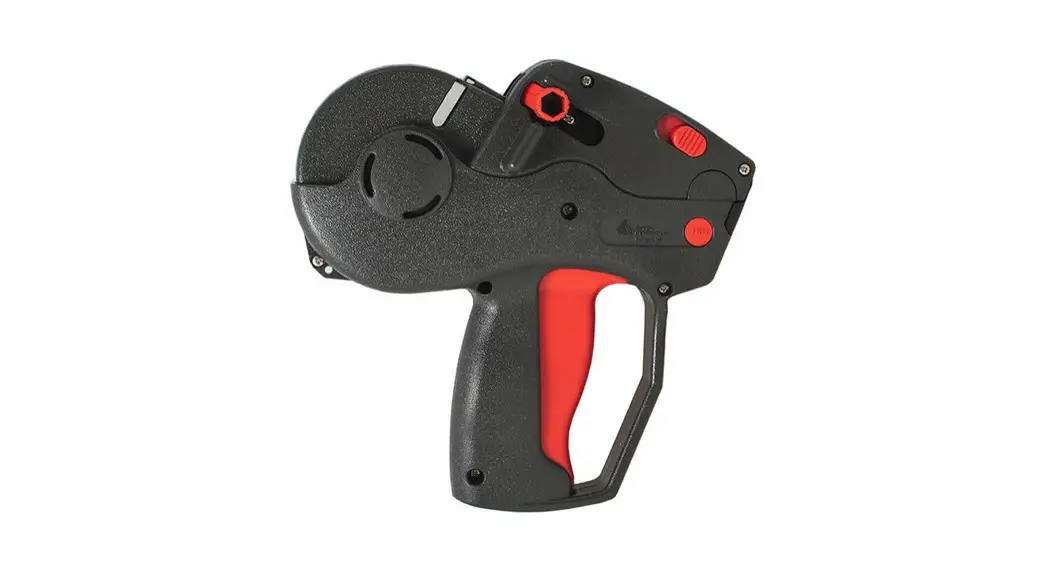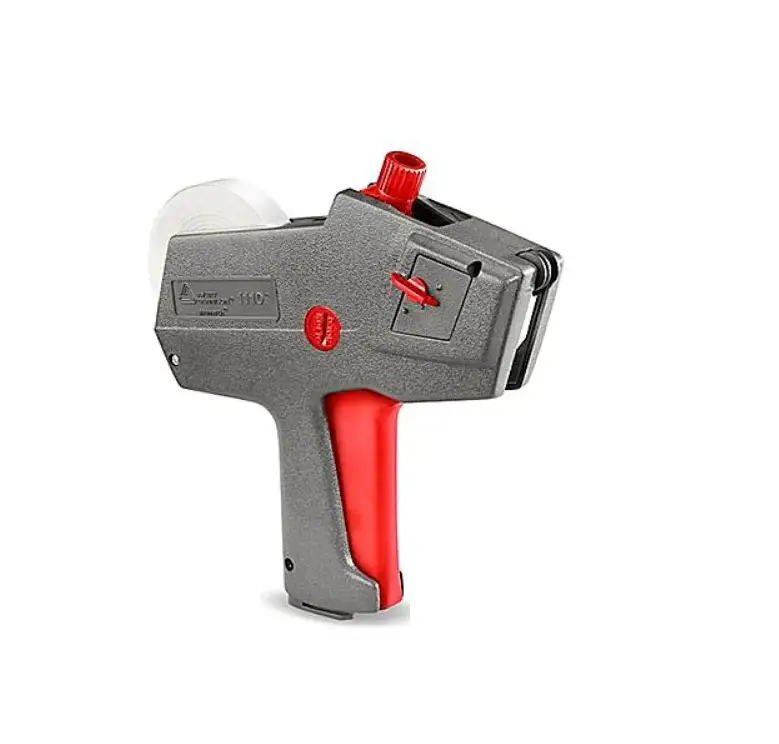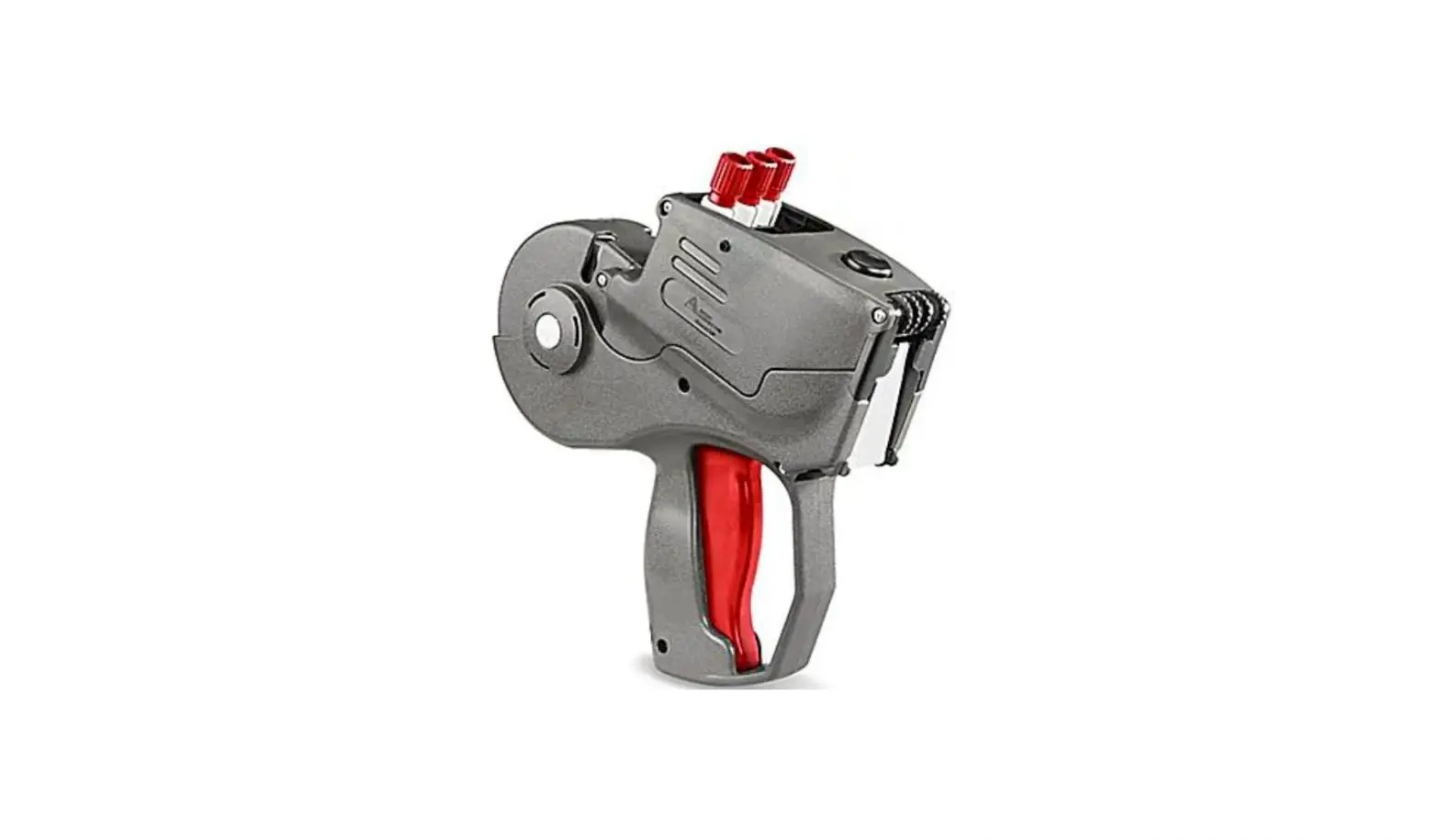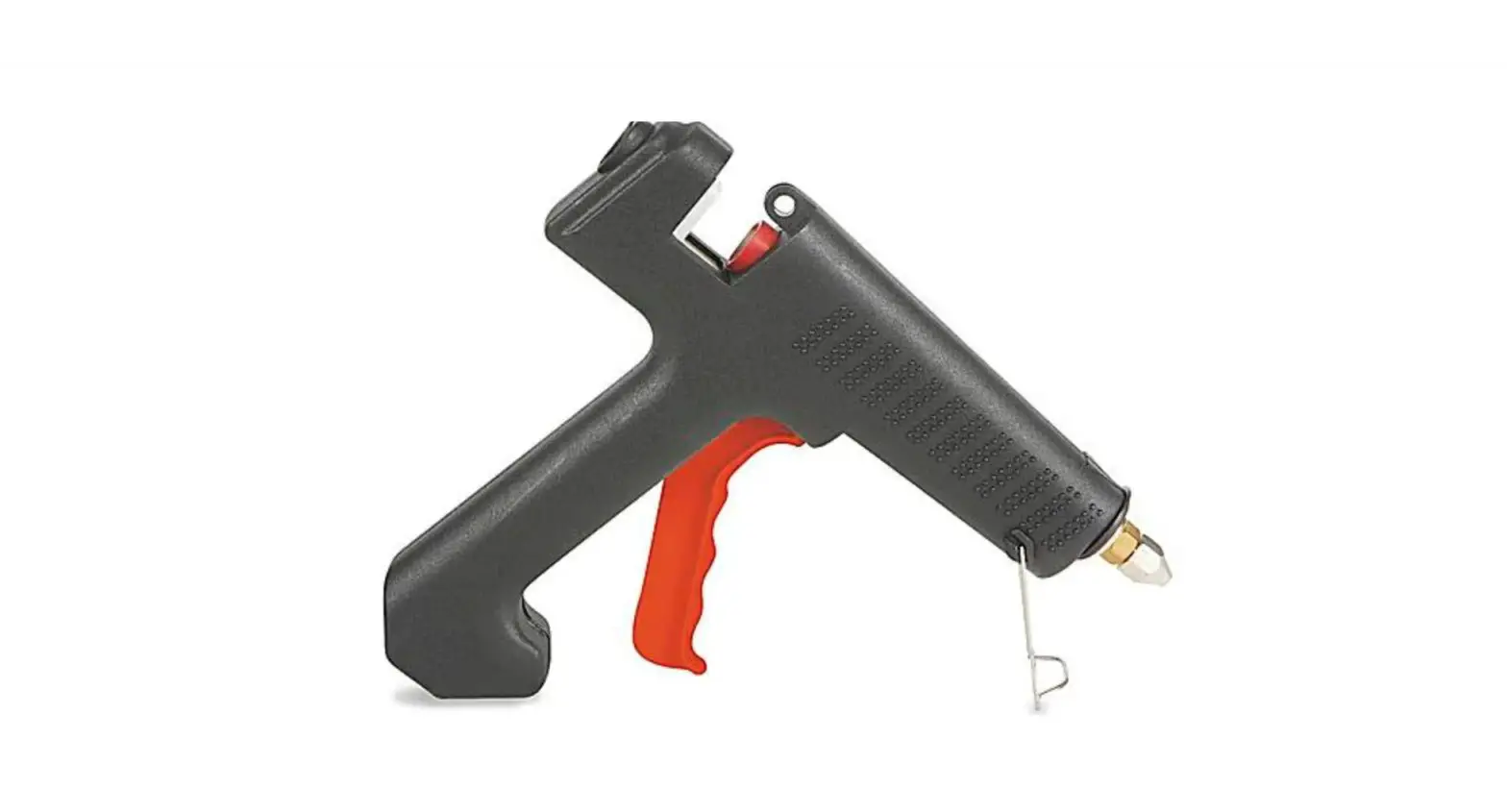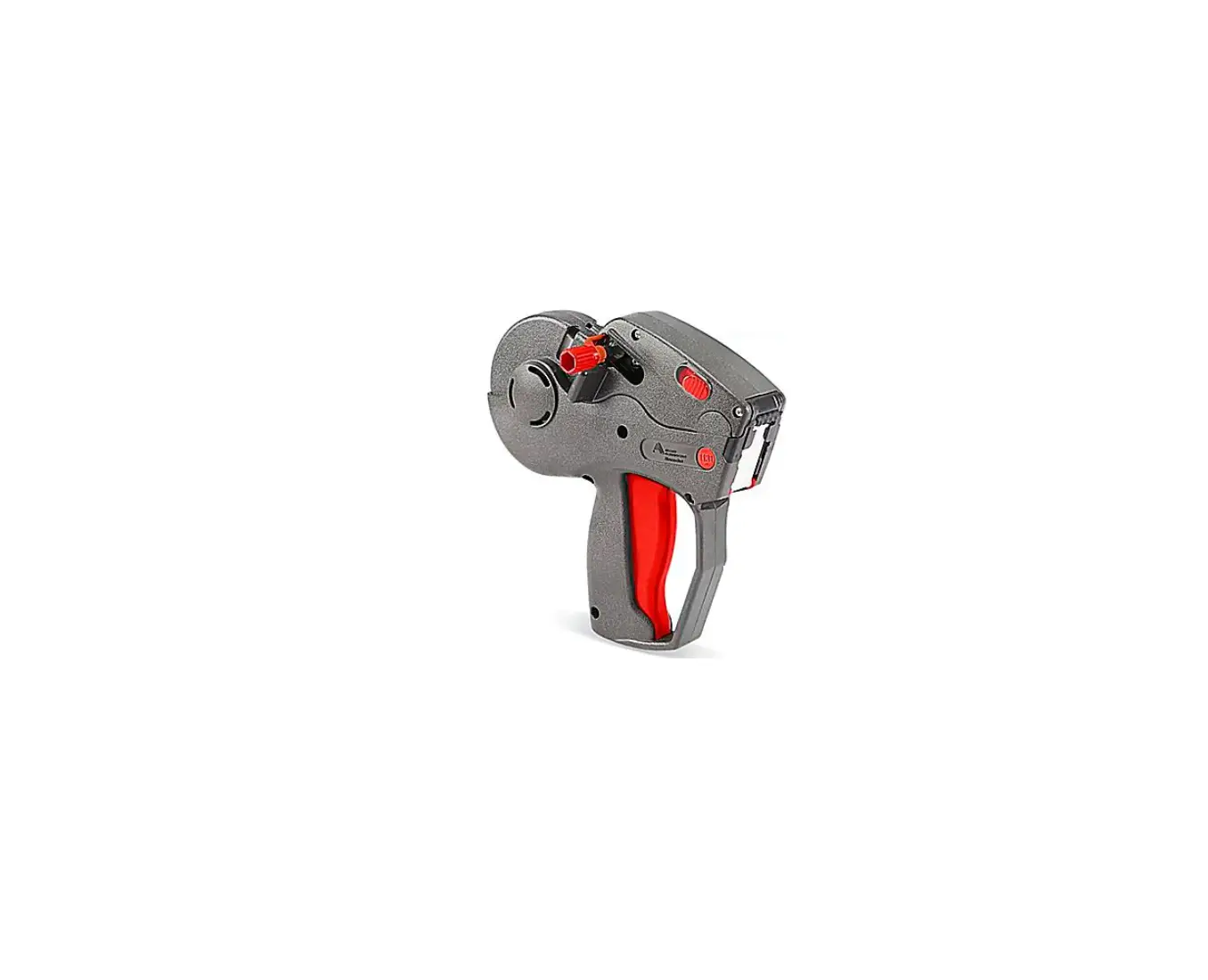
ULINE H-7894 Monarch 1131 Date/Numeric One Line Label Gun Instructions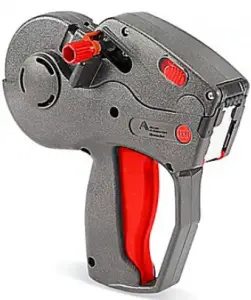
INSTRUCTIONS
CHANGING THE INK ROLLER
- Pull the latches back and swing the cover open completely. You should hear a click
 NOTE: Do not force the cover past the click position.
 - Hold the labeler sideways over a trash can while pushing the button to release the ink roller. (See Figure 1)

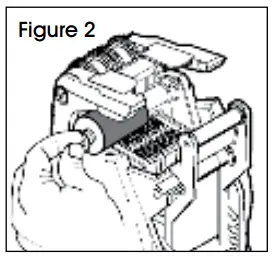
- Hold the new ink roller by the stem. (See Figure 2)
- Slide it onto the post, snapping it into place. (See Figure 2)
- Close the cover completely
 NOTE: Do not force the cover past the click position.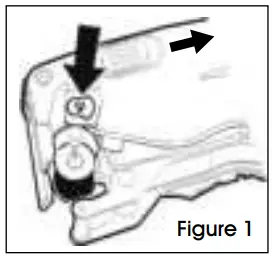
SETTING PRINT CHARACTERS
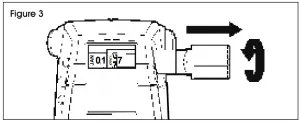
- Pull the knob until the indicators are on the desired band.
- Turn the knob until the desired character appears black on a white background between the indicators. To print a blank, select the blank space for that band. (See Figure 3)

- Repeat steps 1-2 for each band.
- Push in the knob when you are done.
LOADING LABELS
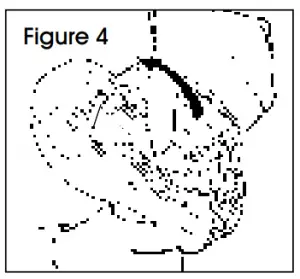
- Pull the latches back and swing the cover open completely. You should hear a click. (See Figure 4)
 NOTE: Do not force the cover past the click position.
 - For loading a new roll of labels, tear off and discard the first 10 inches of label and liner.
- To prevent jamming, peel the first 12 labels from liner and discard.
INSTRUCTIONS CONTINUED
LOADING LABELS CONTINUED
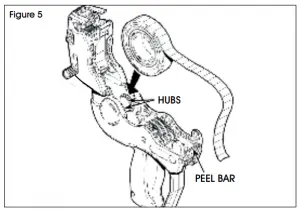
- Place the label roll between the hubs and click into place. (See Figure 5)

NOTE: Do not thread label strip through any rollers. - Drape the supply across the labeler and center it over the peel bar. The supply should hang out 5-6 inches past the peel bar.
- Close the cover.
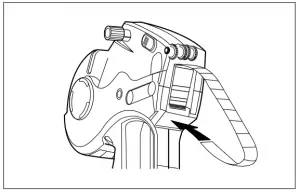
- Squeeze and hold the trigger while feeding the label strip under the roller and into the large slot above the arrow until it stops/hits the back. (See Figure 6)

- Hold the strip in place and squeeze the trigger eight times or until the label strip feeds through the rear exit.
- Remove any loose labels.
CLEARING LABEL JAMS, CLEANING AND LUBRICATION
- Open the cover and remove the label roll.
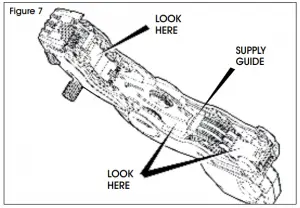
- Remove any loose labels from the inside of the labeler. (See Figure 7)

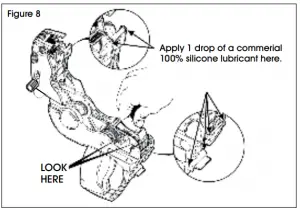
- Pull up on the supply guide to expose the backing paper path and remove loose labels. (See Figure 8)

- Snap the supply guide back into place.
- Use a commercial adhesive solvent to clean adhesive buildup.
- Remove the ink roller to expose the print bands and brush them off with a toothbrush.
- Reload, then close the cover.

1-800-295-5510
Web: uline.com