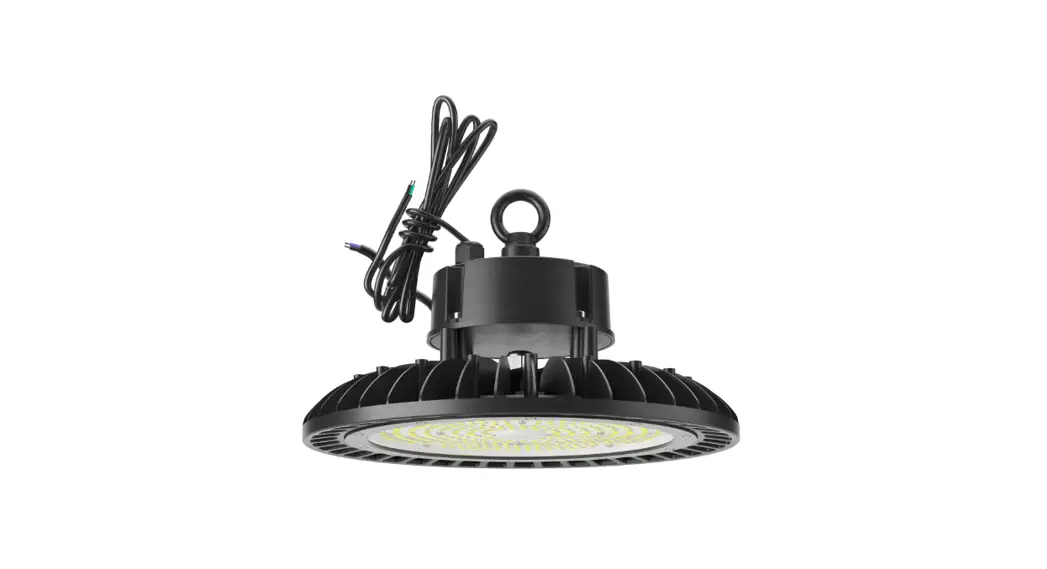
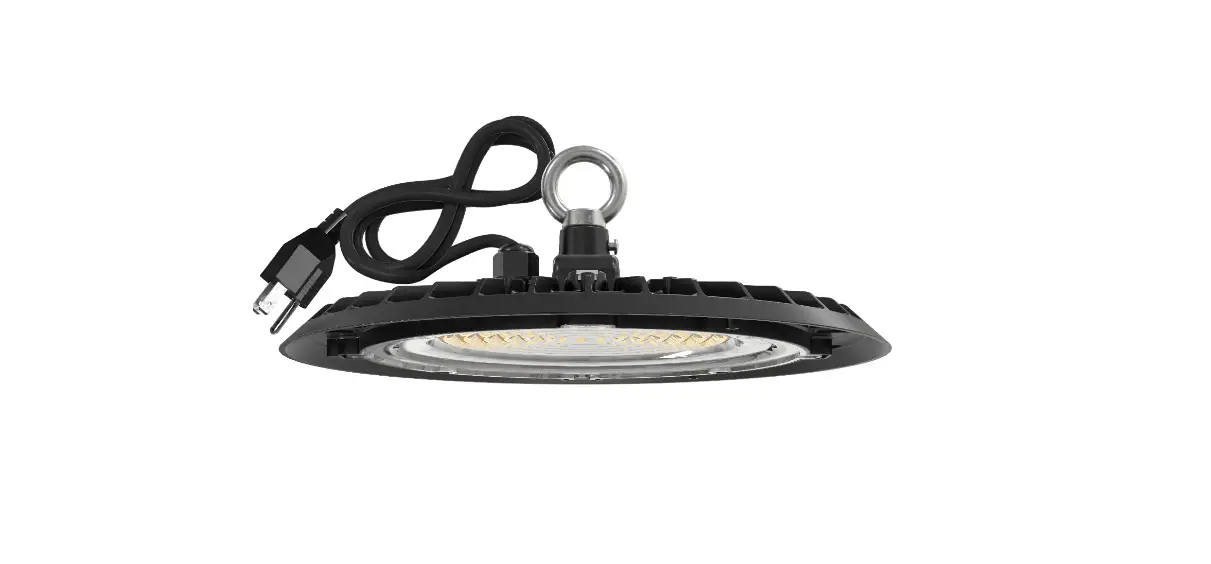
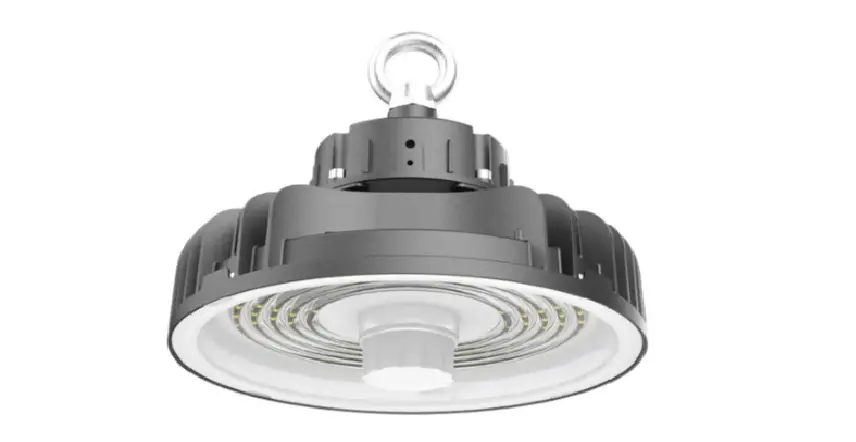
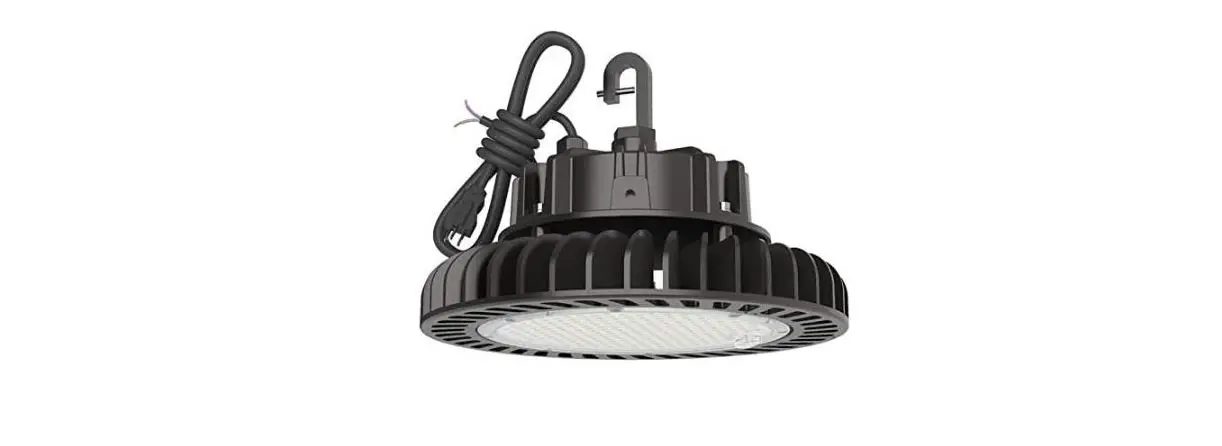
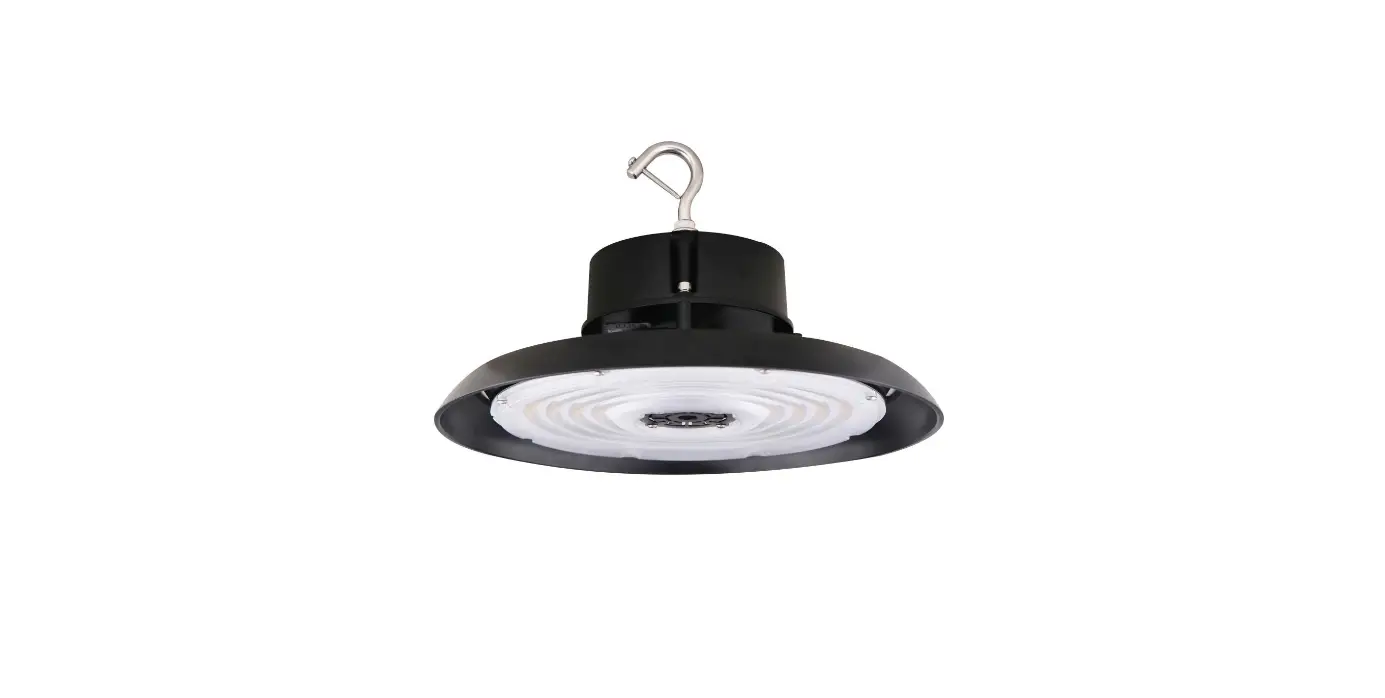
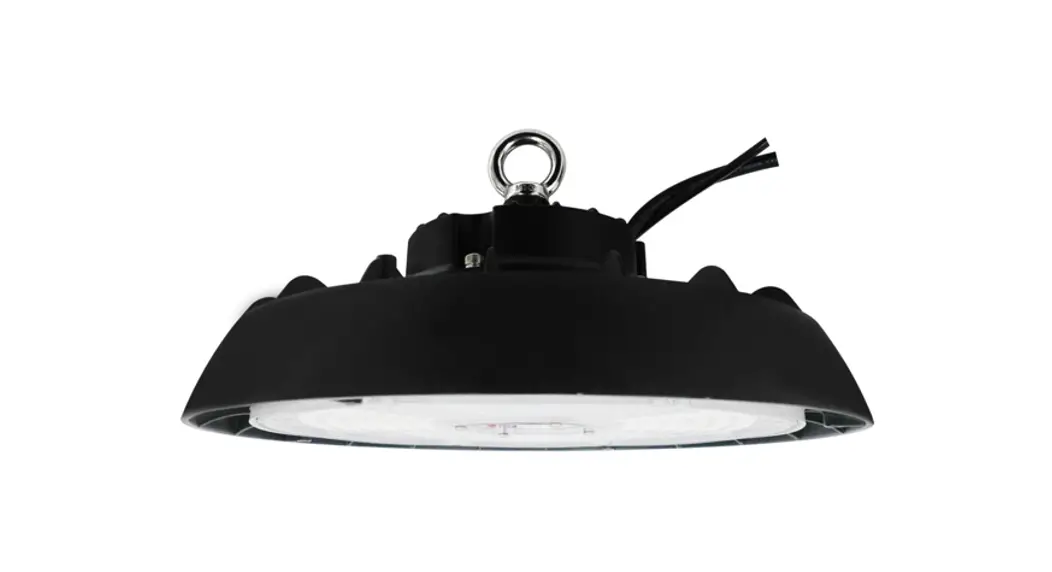
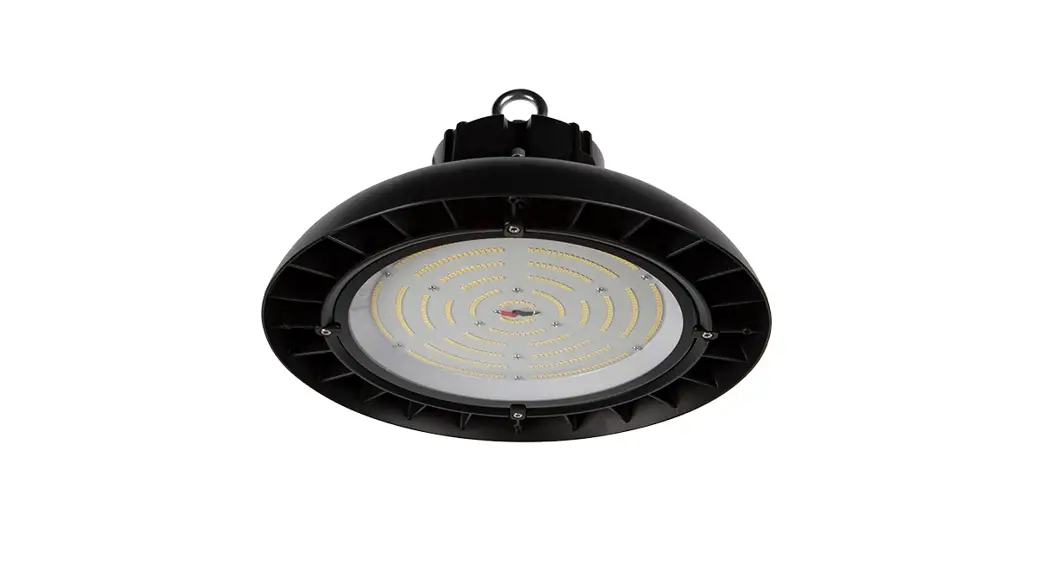
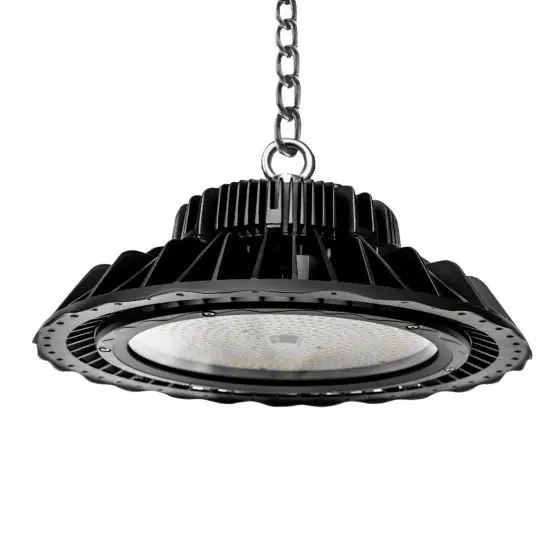
HB08 UFO LED High Bay
High Bay – HB08 Installation Guide
The High Bay – HB08 is a lighting fixture that can be installed
using different methods, including hook installation, trunnion
installation, and emergency power installation. The following are
the installation instructions:
Hook Installation
1. Tighten the hook into the 3/4 NPS screw hole of the
fixture.
2. Tighten the PM4x6 screw beside the hook.
3. Connect the wire according to the wiring diagram.
4. Installation is done.
Note: The PM4x30 Screw and Hook are required for this
installation method.
Trunnion Installation (Optional)
1. Secure the fixture to the mounting position, then adjust the
desired angle and lock the angle adjustment screw.
2. Connect the wire according to the wiring diagram.
3. Installation is done.
Note: The PM4x6 Screw is required for this installation
method.
Emergency Power Installation (Optional)
1. Hang up the safety rope firstly, tighten the hook into the
3/4-14NPS hole of the fixture.
2. Tighten the PM4x6 screw beside the hook.
3. Connect the wire according to the wiring diagram.
4. Installation is done.
Note: The PM4x6 Screw and Accessory pocket are required for this
installation method.
HIGH BAY – HB08
Installation Guide
—————1: [L WARNING :1—————
PLEASE READ ALL INSTRUCTIONS BEFORE ATTEMPTING INSTALLATION · To prevent personal injury or product damage only licensed electricians should install. · To avoid electric shock or component damage disconnect power before attempting installation or servicing. · This product must be installed in accordance with the national electric code (NEC) and all applicable federal, state and local electric codes and safety standards. · Disconnect product and allow cooling prior to servicing. · Any alteration or modification of this product is expressly forbidden as ii may cause serious personal injury, death, property damage and/or product malfunction. · To prevent product malfunction and/or electrical shock this product must be properly grounded. · This luminaire is designed to operate in ambient temperatures ranging from -40°F to 122°F and to be horizontally mounted with the LEDs facing down. · This product must be installed in accordance with the applicable installation code by a Person familiar with the construction and operation of the product and the
hazards involved. · Min 167°F supply conductors. · This product is not available for several special environments, such as places with corrosive gas liquids or high pressure water vapor.
Installation instructions
Hook installation
1. Tighten the hook into the 3/4 NPS screw hole of the fixture. 2. Tighten the PM4x6 screw beside the hook. 3. Connecting the wire according to the wiring diagram
then installation is done.
PM4x30 Screw
Hook
II
Trunnion installation (Optional)
1. Secure the fixture to the mounting position, then adjust the desired angle, lock the angle adjustment screw.
2. Connecting the wire according to the wiring diagram then installation is done.
PM4x6 Screw
With emergency power installation (Optional)
1. Hang up the safety rope firstly, tighten the hook into the 3/4-14NPS hole of the fixture.
2. Tighten the PM4x6 screw beside the hook. 3. Connecting the wire according to the wiring
diagram then installation is done.
Accessory pocket
/
I
I
(7- ;)11.-1:: ;
– – .—- -‘_-__-.._.-.__–__–__–_-_:::::;,1:._,>.1.._,;,, / I /
PM4x6 Screw
PM4><30-” H
11 Screw
3/4-14NPS
Power and CCT Selectable Version
1. Open the silicone plug of the fixture, select the appropriate power and color temperature in the actual application of the sliding dip switch, then install the silicone plug back. As shown in the following figure:
CCT
3K3000K 4K4000K
5K5000K
Please refer to the specific model for the color temperature adjustment range.
/ ,”
I
‘
I
,-__,—
I
I
POWER
LV1100%
LLVV23
80% 60%
LV440%
Warning: Dialing codes is prohibited when powered.
Silicone plug
2. When installing the sensor, remove the screw plug of the fixture, insert the sensor and tighten it clockwise, as shown in the following figure:
: Note: When the emergency function and sensor are used at the same time, the Sensor’s ‘
: stand-by time is less than 90 minutes, the sensor’s stand-by time prevails, if you need to
: prepare for the emergency 90 minutes, you need to set the sensor’s stand-by time to more :
: than 90 minutes.
‘
Screw plug Sensor
Wire Connection
Black
0 White
0 Green/Yellow
Purple
Green
Q
00 Pink
Line Neutral Ground
DIM+ DIM-