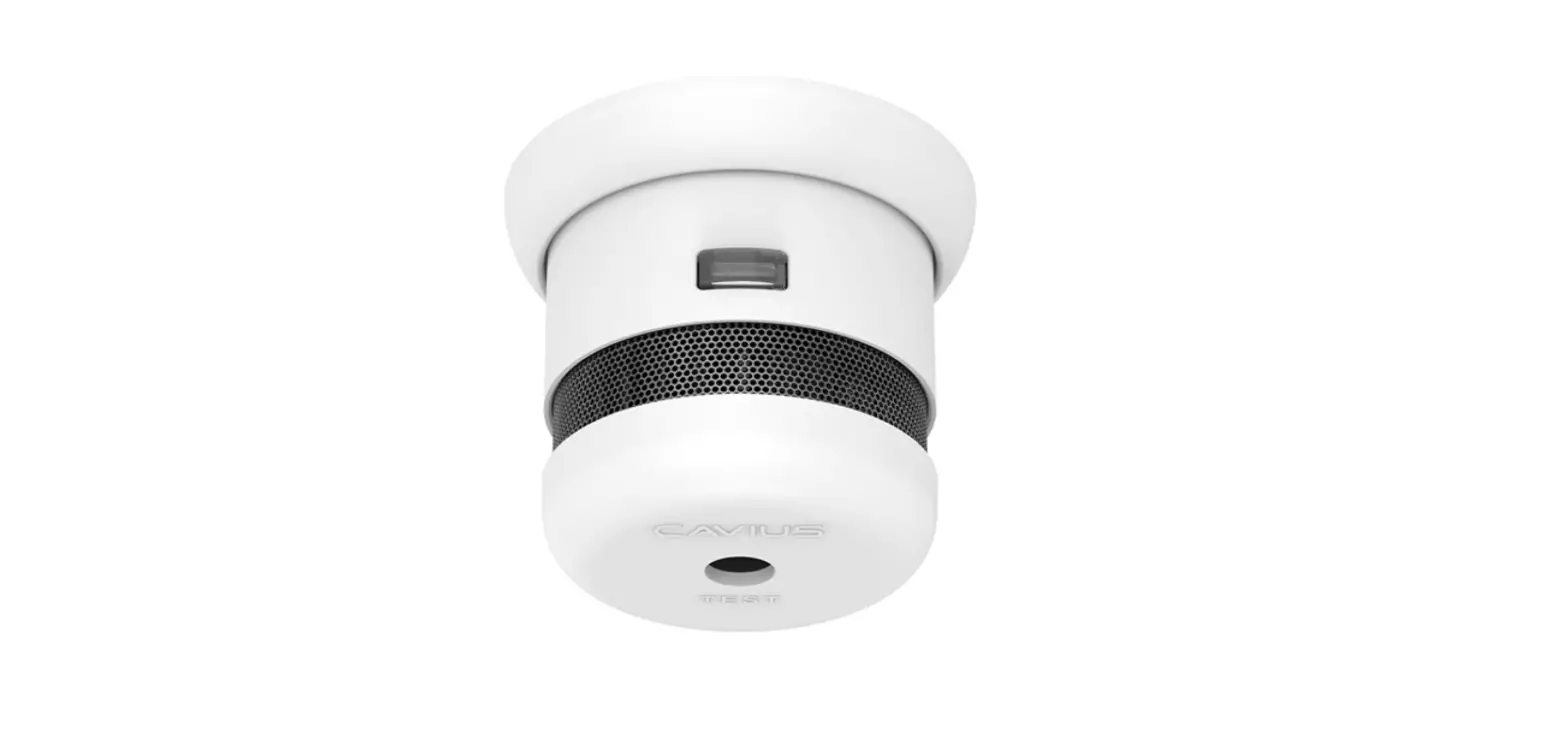
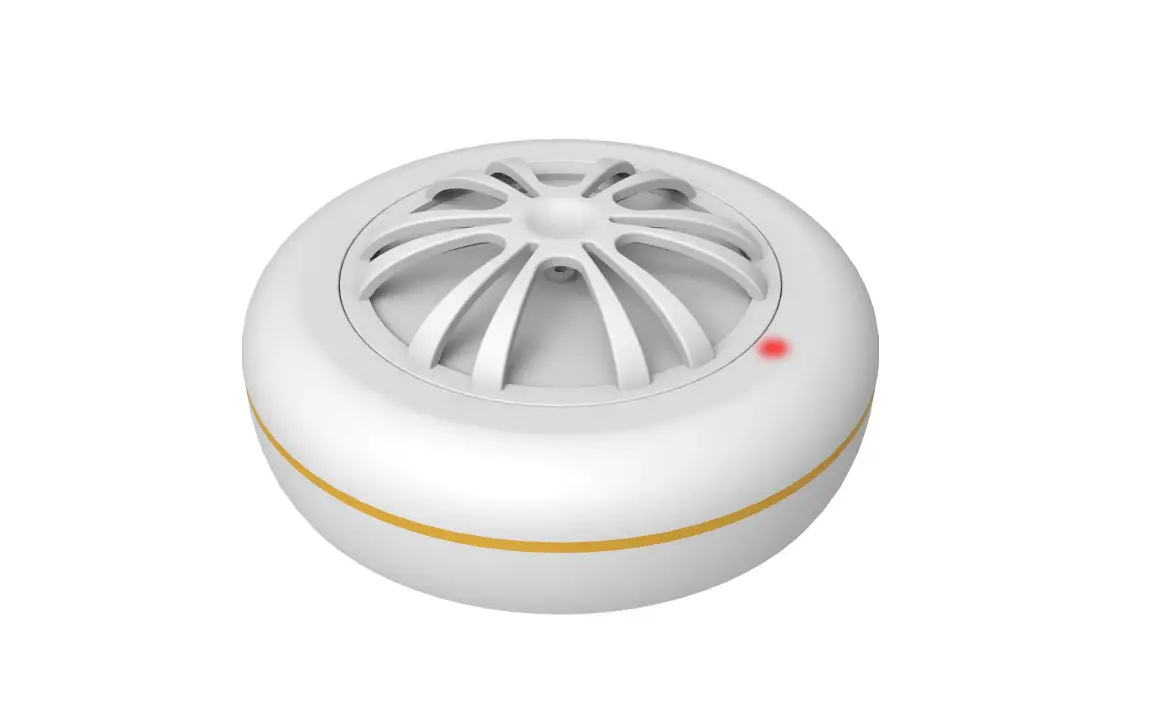
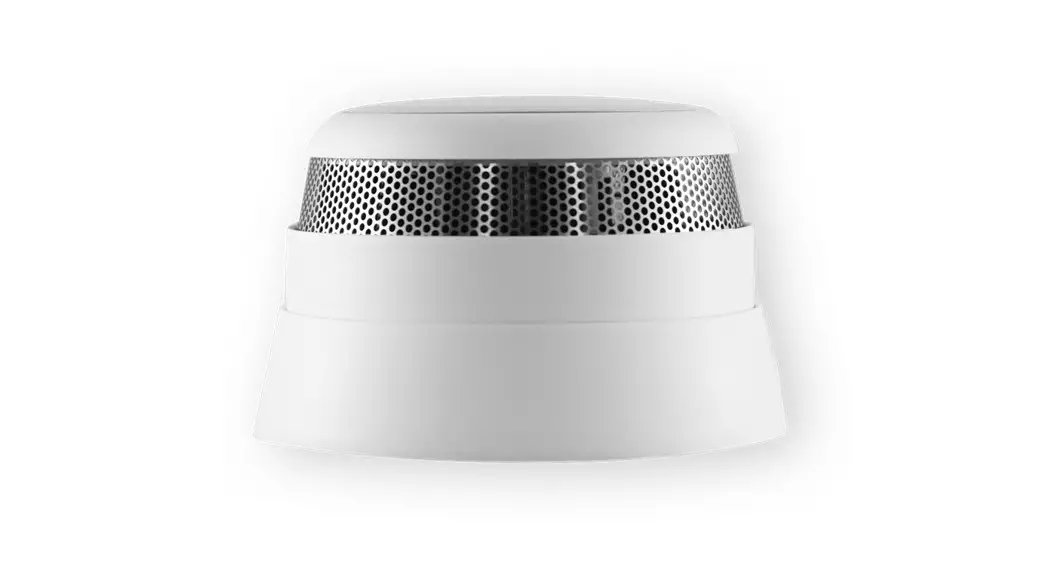
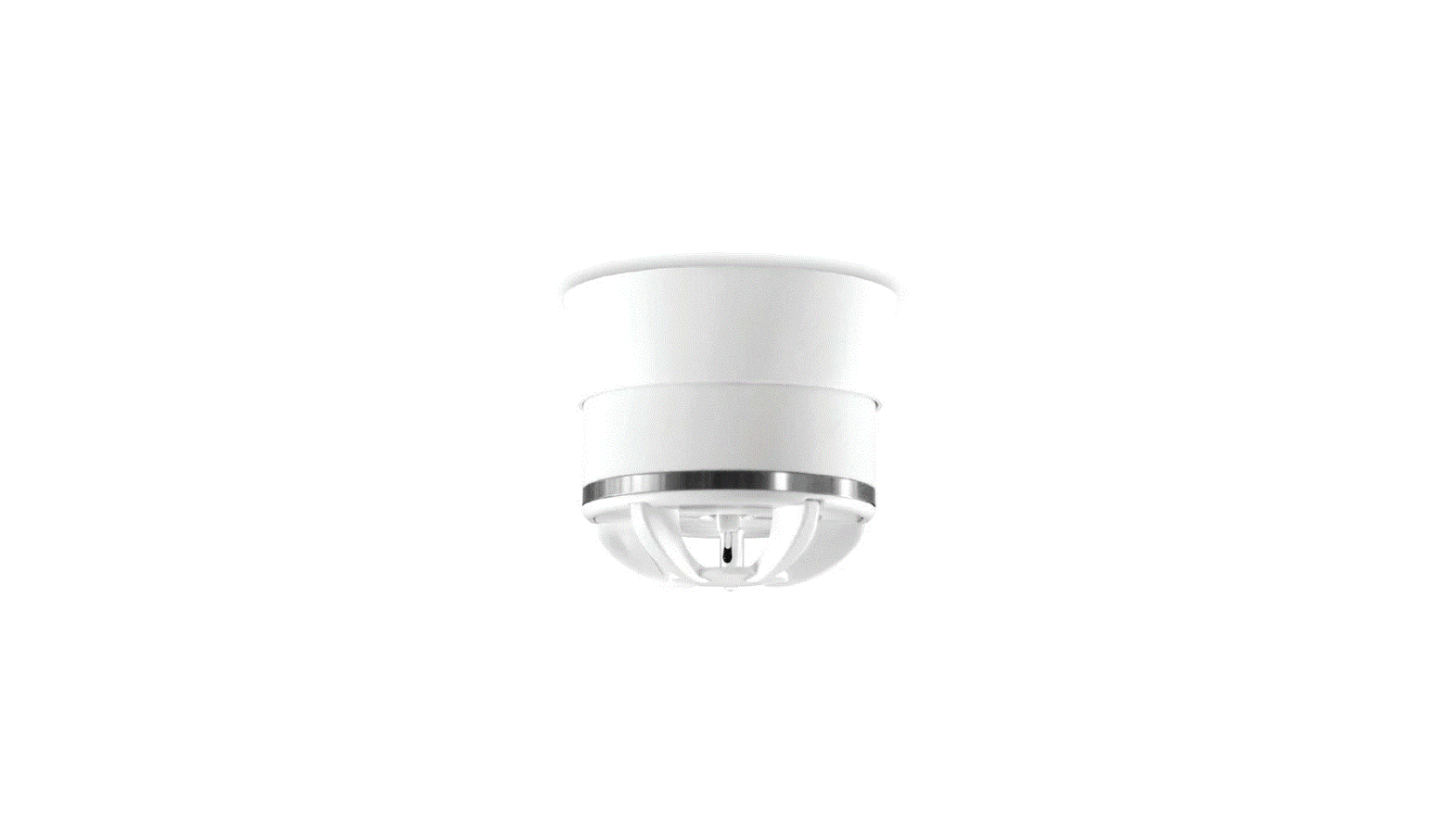
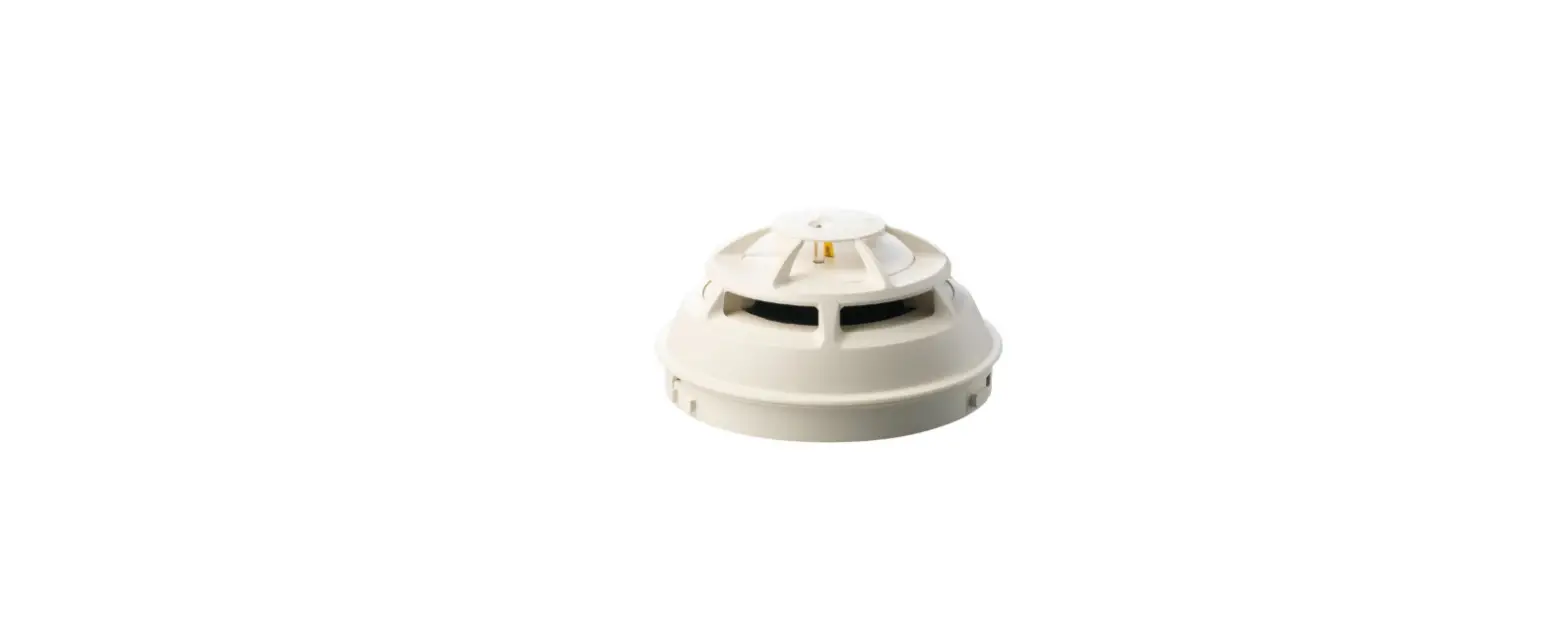
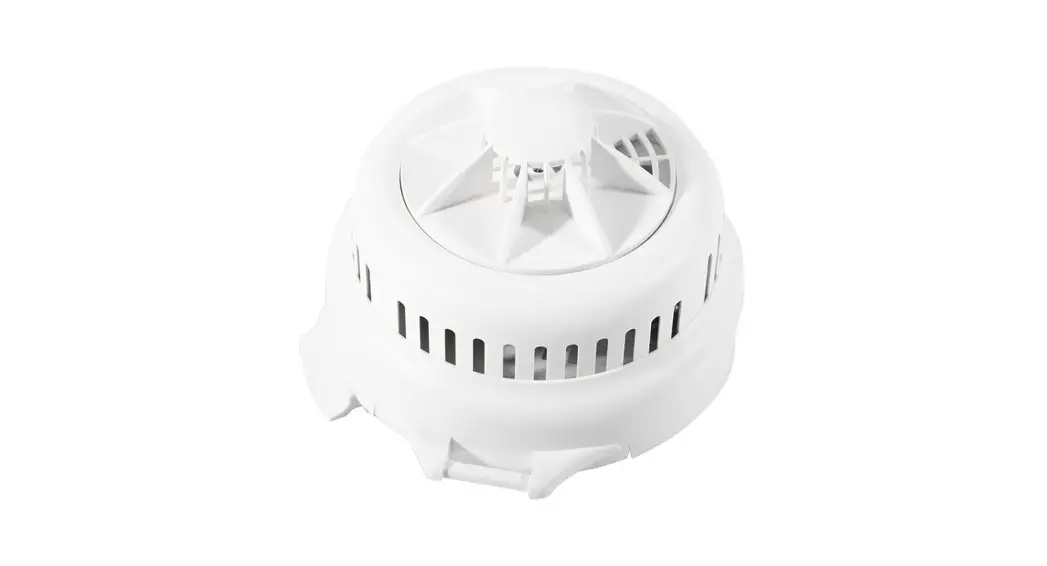
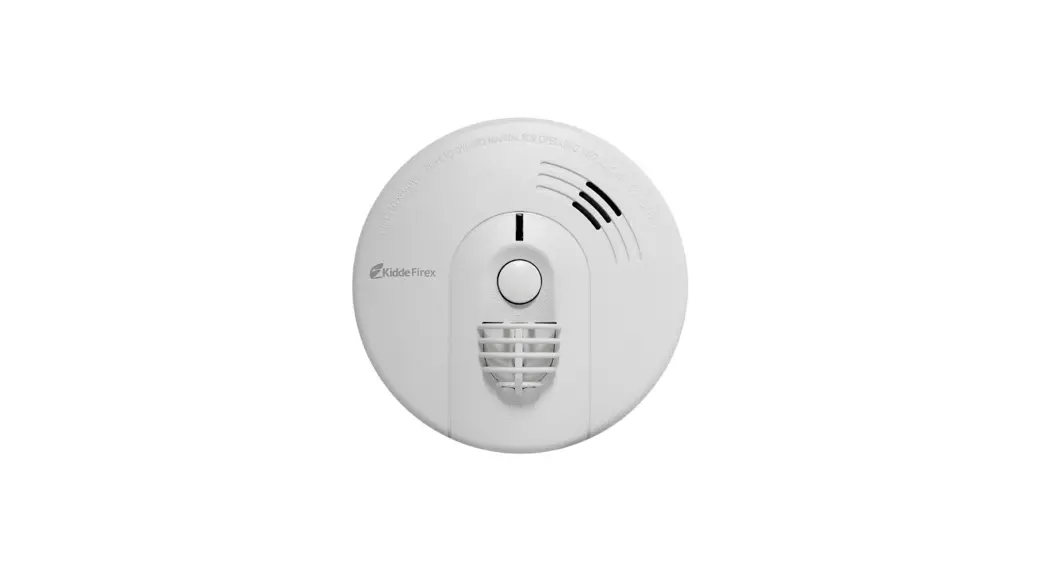
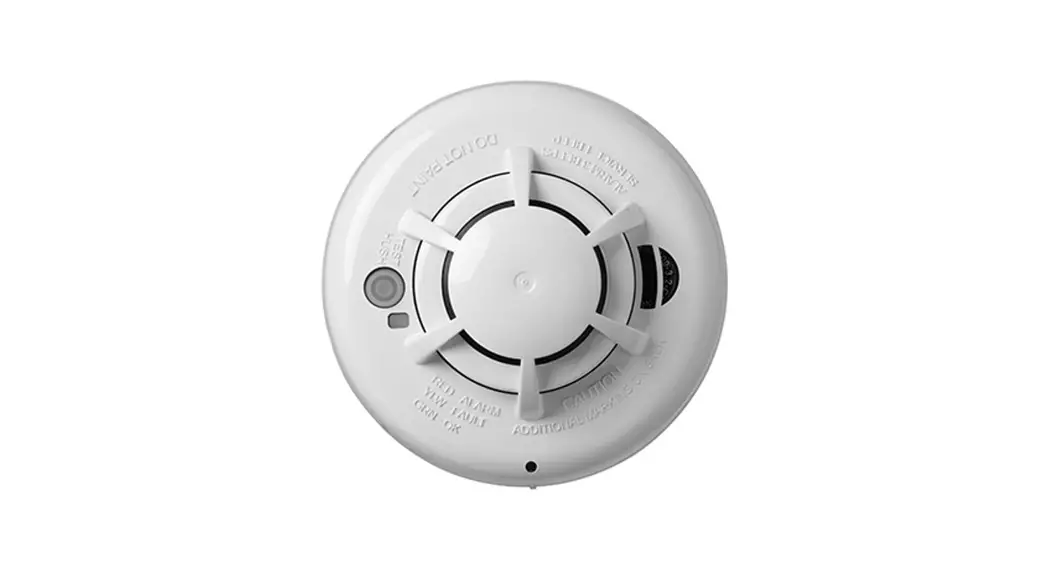
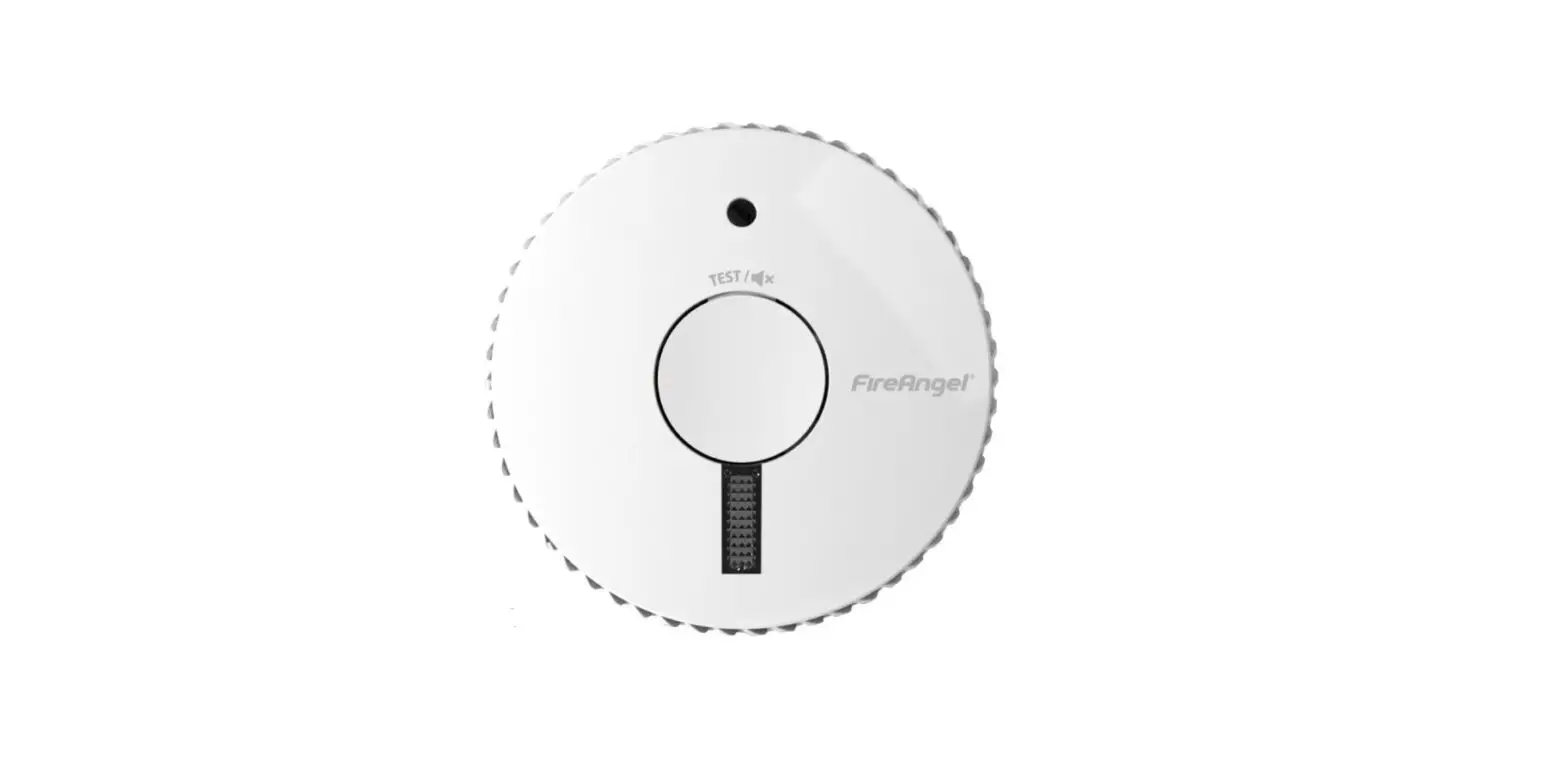
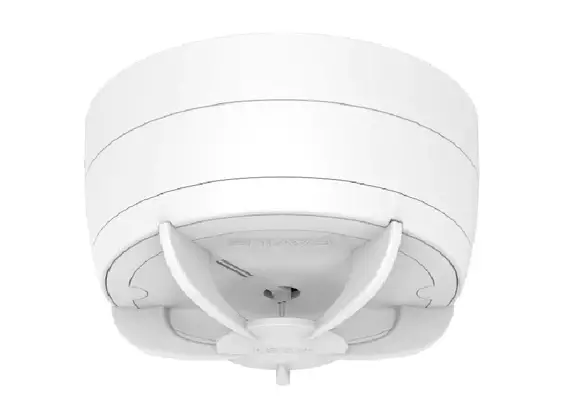
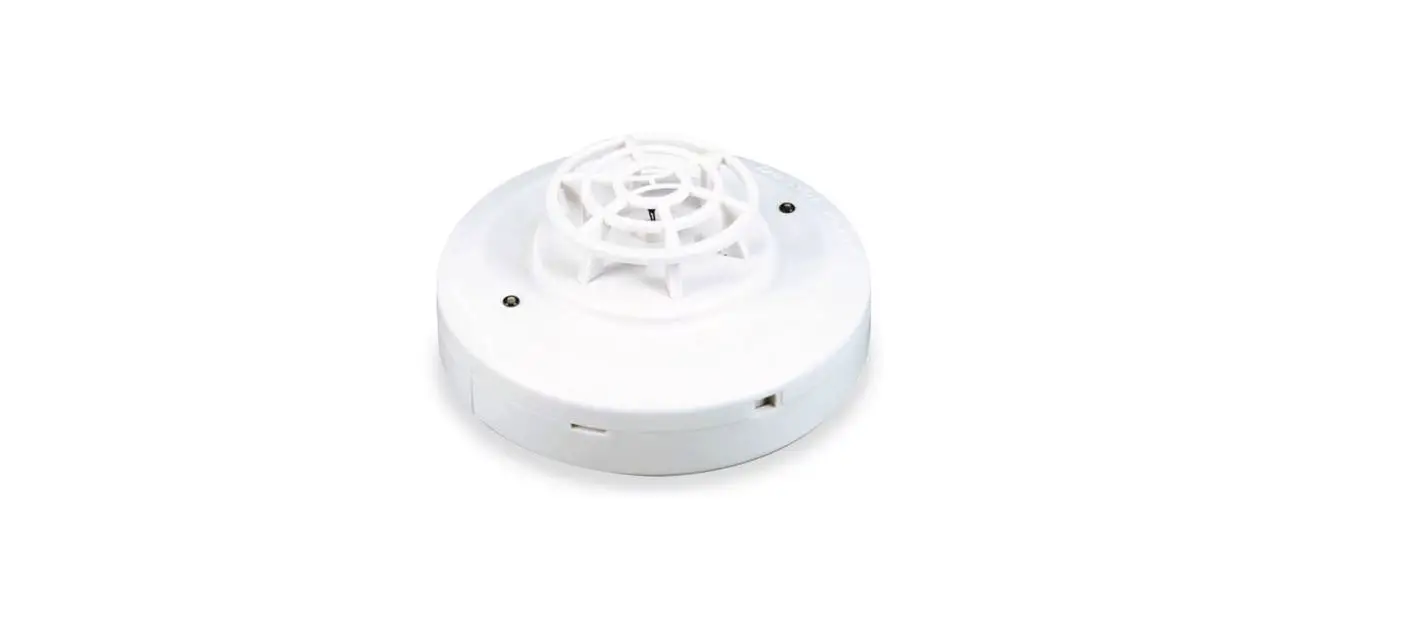
h6500153 Intelligent Heat Alarm
Product Information
Product Name: Intelligent Heat Alarm
Version: 3.0
Manufacturer: Develco Products A/S
Manufacturer Address: Tangen 6, 8200 Aarhus N,
Denmark
Website: www.develcoproducts.com
CE Certification: The CE mark on the product
indicates its compliance with European Directives and harmonized
standards.
Product Usage Instructions
- Pull out the battery isolation strip to activate the
Intelligent Heat Alarm. - The alarm will start searching for a Zigbee network to join.
This process may take up to 15 minutes. - Ensure that the Zigbee network is open for joining devices and
will accept the Intelligent Heat Alarm. - During the search for a Zigbee network, the LED button will
flash red. - When the LED button stops flashing, it means the Intelligent
Heat Alarm has successfully joined the Zigbee network. - The Intelligent Heat Alarm can be placed in various recommended
locations including the living room, bedroom, hallway, garage,
bathroom, and kitchen. - Ceiling Placement:
- The alarm should be mounted a minimum of 50 cm away from the
wall.
- The alarm should be mounted a minimum of 50 cm away from the
- Wall Placement:
- The alarm should be placed between 30 and 50 cm away from the
ceiling. - The alarm should be mounted using the enclosed screws and
plugs.
- The alarm should be placed between 30 and 50 cm away from the
- To mount the alarm, detach it from the mounting base by
twisting counterclockwise. - Use the mounting base ring to mark the screw holes on the
ceiling or wall. - Install the mounting base using the enclosed screws and
plugs. - Attach the alarm back to the mounting base by twisting
clockwise until it clicks. Ensure the battery is inserted
correctly. - Test the alarm once per week to ensure it is functioning
correctly. - To reset the alarm, detach it from the mounting base by
twisting counterclockwise. - Press and hold the LED button while the alarm is detached.
- The LED will flash a specific pattern, and when it flashes
numerous times in a row, release the button to complete the
reset. - For battery replacement, follow these steps:
- Detach the alarm from the mounting base by twisting
counterclockwise. - Take caution to avoid electrostatic discharge (ESD) while
removing the battery cover. - Dispose of the old batteries in accordance with the provided
instructions. - Replace the batteries with the correct type to avoid any risk
of explosion.
- Detach the alarm from the mounting base by twisting
- Dispose of the product and battery properly as electronic waste
at the end of its life.
Note: This manual is subject to change without notice. The
manufacturer assumes no responsibility for errors in this manual
and does not commit to updating the information contained
herein.
eng Intelligent Heat Alarm
INSTALLATION MANUAL
Version 3.0
Product description The Intelligent Heat Alarm can be installed where smoke or fumes are part of the atmosphere to prevent false alarms. The Intelligent Heat Alarm is specifically useful in environments where a traditional optical smoke sensor can cause false detections. The Intelligent Heat Alarm is designed for installation in private homes or garages with risk for smoky, dusty, or humid environment. Precautions · Do not remove the product label as it
contains important information. · Do not paint the alarm.
Getting started 1. Pull out the battery isolation strip as shown.
a.
LAPBREOLDUCT
CR123A
2. The Intelligent Heat Alarm will now start searching (up to 15 minutes) for a Zigbee network to join.
3. Make sure that the Zigbee network is open for joining devices and will accept this Intelligent Heat Alarm.
4. While searching for a Zigbee network to join, the LED button flashes red.
b.
5. When the LED button stops flashing, the Intelligent Heat Alarm has successfully joined the Zigbee network.
Placement · Place the alarm indoors at a temperature
between 0-50°C. · The distance between the Intelligent
Heat Alarm and walls, ventilation or other obstacles, should be at least 50 cm. · Place the Intelligent Heat Alarm at least 4 meters from a fireplace or stove. · Place the Intelligent Heat Alarm within reach for battery testing and maintenance.
RECOMMENDED LOCATION
Living Room
Bedroom
c.
Hallway
Garage
Bathroom Kitchen
Bedroom Hall d.
Living Room
Garage
Bedroom Bathroom Kitchen
CEILING PLACEMENT
The Intelligent Heat Alarm should be a minimum of 50 cm from the wall.
ceiling
e.
min 50 cm
wall
WALL PLACEMENT The Intelligent Heat Alarm should be placed between 30 and 50 cm from the ceiling.
ceiling
min 30 cm
f.
wall
max 50 cm
Mounting 1. Detach the alarm from the mounting base
by twisting counterclockwise. 2. Use the mounting base ring to mark the
screw holes on the ceiling or on the wall.
g.
3. Use enclosed screws and plugs to install the mounting base on the marked place.
h.
4. Attach the alarm by twisting clockwise until it clicks. If the battery is missing or inserted incorrectly, it will be impossible to click the alarm in the mounting base.
i.
Testing
· Always test the working order of the Intelligent Heat Alarm after installation or battery change.
· When pressing the alarm button, the alarm sound should be heard.
· A network alarm test can be performed by holding down the alarm button for at least 6.5 seconds (count 2 sets of 3 sound sweeps).
· A test message will be sent over the Zigbee network.
· Test all of your
alarms once per
week to ensure
j.
they are function-
ing correctly.
Resetting
Resetting is needed if you want to connect your Intelligent Heat Alarm to another gateway or if you need to perform a factory reset to eliminate abnormal behavior.
STEPS FOR RESETTING 1. Detach the alarm from the mounting base
by twisting it counterclockwise. 2. Press and hold the LED button. 3. While you are holding the button down, the
LED first flashes once, then two times in a row, and finally numerous times in a row.
k.
4. Release the button while the LED is flashing numerous times in a row.
5. After you release the button, the LED shows one long flash, and the reset is completed.
Modes SEARCHING GATEWAY MODE Red LED light in the back of the device is flashing every second (up to 15 minutes). NORMAL MODE Front LED is flashing every 45 seconds. ALARM MODE When heat is detected, the LED will speed up flashes, and simultaneously, the device will emit a loud alarm sound. Press the “button/ top” of the alarm to acknowledge and stop the siren. The following 10 minutes, it will block alarms, allowing time to address the heat.. LOW BATTERY MODE Simultaneous audible signals and front LED flashes every 45 seconds means that the battery should be replaced. REPLACE DEVICE MODE When audible signals and front LED flashes are not simultaneous, the device should be replaced. The life expectancy of heat alarms is generally 10 years, after which their sensors begin to lose sensitivity.
Fault finding · If the Intelligent Heat Alarm does not
work when the test button is pushed, the probable cause is a faulty battery. Replace the battery if it is worn out. · In case of a bad or weak signal, change the location of the Intelligent Heat Alarm. Otherwise you can relocate your gateway or strengthen the signal with a smart plug. · If the search for a gateway has timed out, a short press on the LED button will restart it.
Battery replacement CAUTION: RISK OF EXPLOSION IF BATTERIES ARE REPLACED BY AN INCORRECT TYPE. DISPOSE OF THE BATTERIES IN ACCORDANCE WITH INSTRUCTIONS. CAUTION: When removing cover for battery change – Electrostatic Discharge (ESD) can harm electronic components inside
l.
Disposal Dispose the product and battery properly at the end of life. This is electronic waste which should be recycled.
Other certifications · Zigbee 3.0 certified
CE certification The CE mark affixed to this product confirms its compliance with the European Directives which apply to the product and, in particular, its compliance with the harmonized standards and specifications.
Distributed by Develco Products A/S Tangen 6 8200 Aarhus N Denmark www.develcoproducts.com
IN ACCORDANCE WITH THE DIRECTIVES
· Radio Equipment Directive (RED) 2014/53/EU
· RoHS Directive 2015/863/EU amending 2011/65/EU
All rights reserved.
Develco Products assumes no responsibility for any errors, which may appear in this manual. Furthermore, Develco Products reserves the right to alter the hardware, software, and/ or specifications detailed herein at any time without notice, and Develco Products does not make any commitment to update the information contained herein. All the trademarks listed herein are owned by their respective owners.
Copyright © Develco Products A/S
1. To replace the battery, detach the Intelligent Heat Alarm from the mounting base by twisting counterclockwise.
2. Replace the battery respecting the polarities. The Intelligent Heat Alarm uses 1xCR123 battery.
3. Attach the alarm in the mounting base by twisting clockwise until it clicks, and test the alarm.
3102-002 (T00000045) v2.4
 Develco Products - White label products for security, home care, and energy management.