 PRODIRECT
Electric Heat Kit
Model: PHK**H
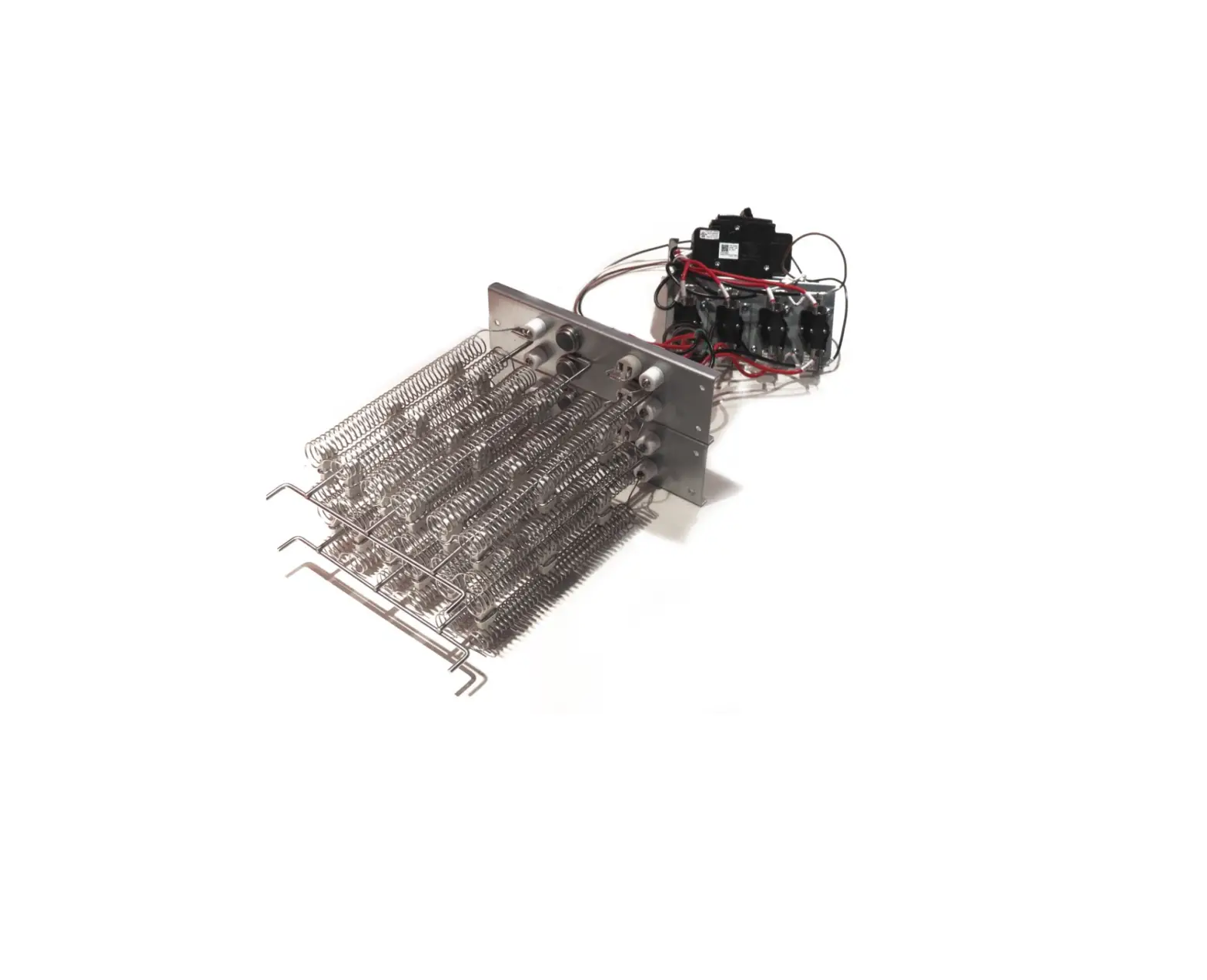
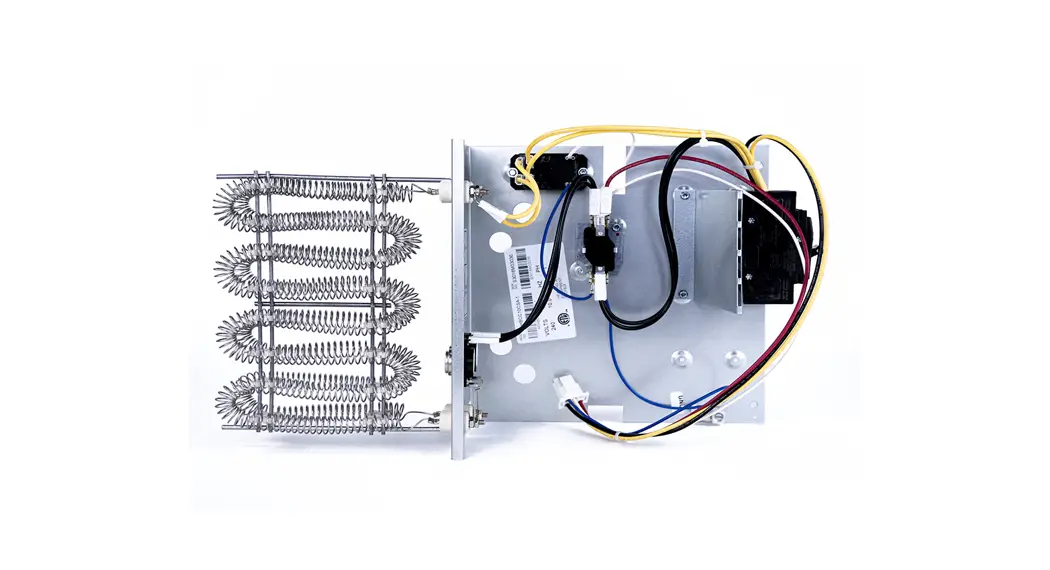
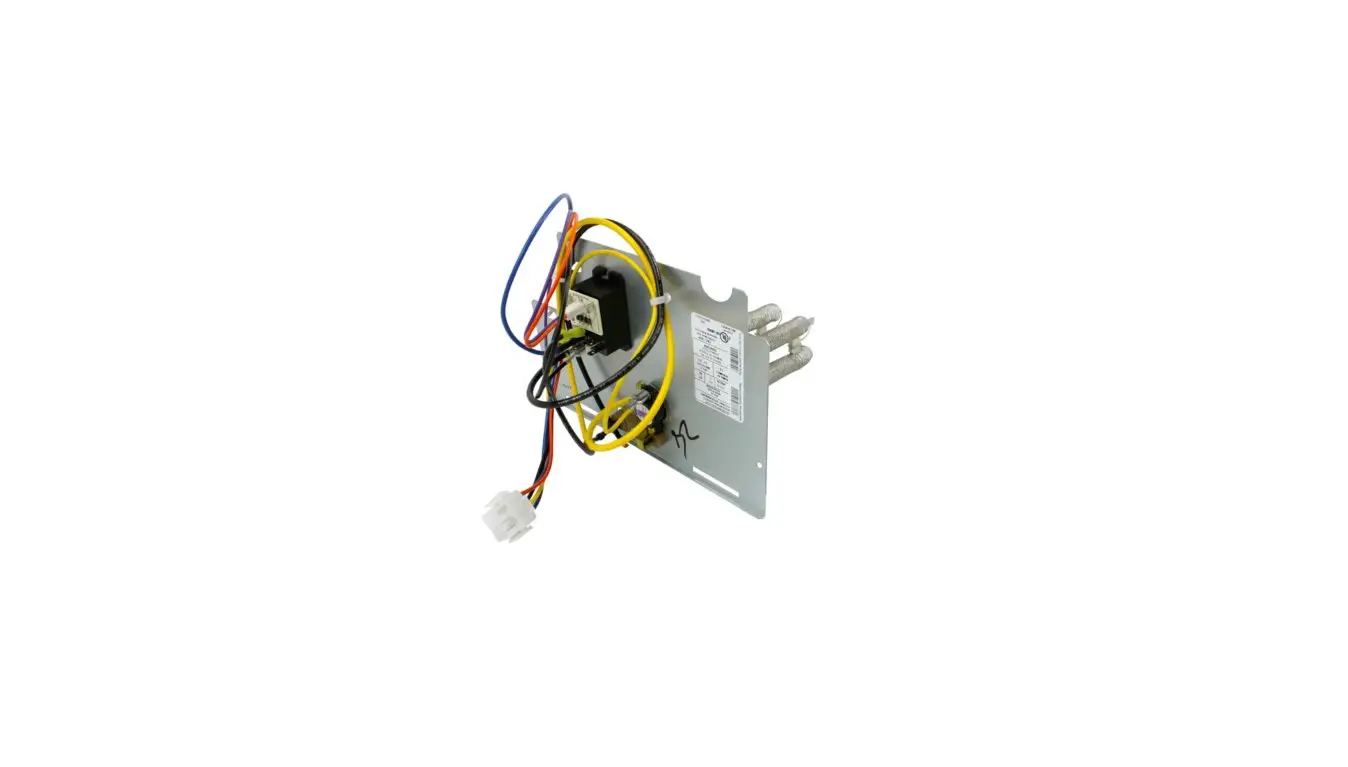
PHK05H Pro Direct Heat Kit
Due to updates and constantly improving performance, the information and instructions within this manual are subject to change without notice. Please visit www.mrcool.com/documentation to ensure you have the latest version of this manual.
Version Date: 6-22-22
Thank you for choosing MRCOOL. Please read this manual carefully before installation and keep it for future reference.
Copyright © 2021 MRCOOL, LLC
 CAUTION
- Ensure that all power supplies are disconnected prior to installing the heat kit.
- Check heat kit for physical damage. Do not install a damaged heat kit.
- A means of strain relief and conductor protection must be provided at the supply wire entrance into cabinet.
- Only use copper conductors.
- Installation must follow National Electric Code (NEC) and other applicable codes.
Compatible Heat Kits
| Kit #. | Description | Unit Capacity Compatibility |
| PHKO5H | 5kW heat strip | 18K/24K/30K/36K/42K/48K/60K |
| PHKO7H | 7.5kW heat strip | 18K/24K/30K/36K/42K/48K/60K |
| PHK1OH | 10kW heat strip | 24K/30K/36K/42K/48K/60K |
| PHK15H | 15kW heat strip | 36K/42K/48K/60K |
| PHK2OH | 20kW heat strip | 48K/60K |
 IMPORTANT
You must use a compatible heat kit listed in the chart above. Using an incorrectly sized heat kit could cause the unit to overheat and/or cause equipment damage.
Preparation Before Installation
- Remove the upper side panel of the air handler.
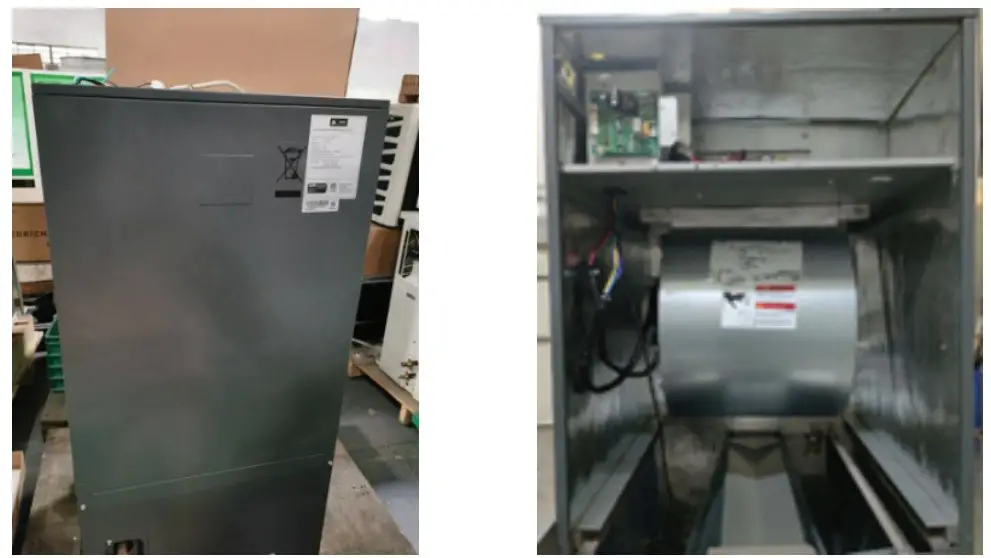
- Remove the air duct sealing plate by removing the 4 retaining screws.

- Knock out the covered hole on the front panel.
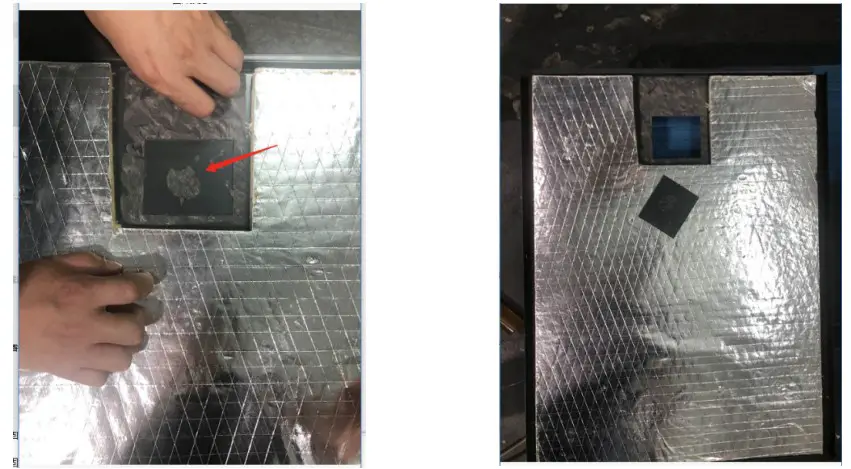
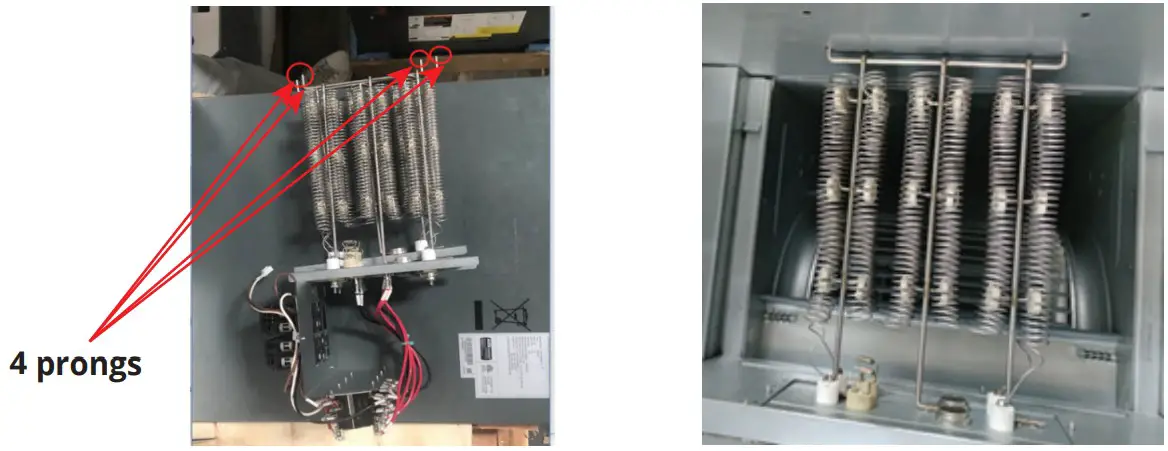
Install Electric Heating Components
- Insert the electric heat kit into the air duct installation hole and align the 4 prongs on the end of the heat kit with the corresponding 4 holes on the opposite side of the air duct hole.
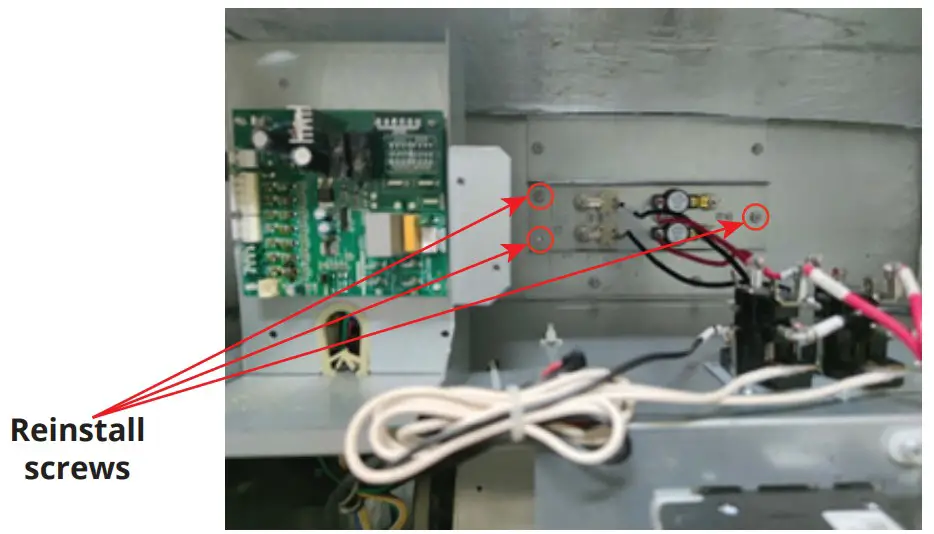
- Reinstall screws to fasten the heat kit element to the air duct.
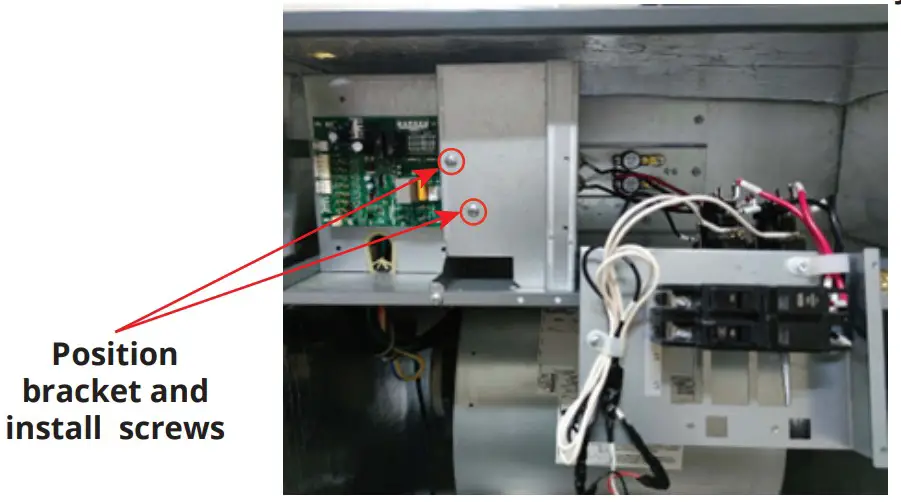
- Fasten heat kit electrical board bracket to air handler by installing 2 screws.
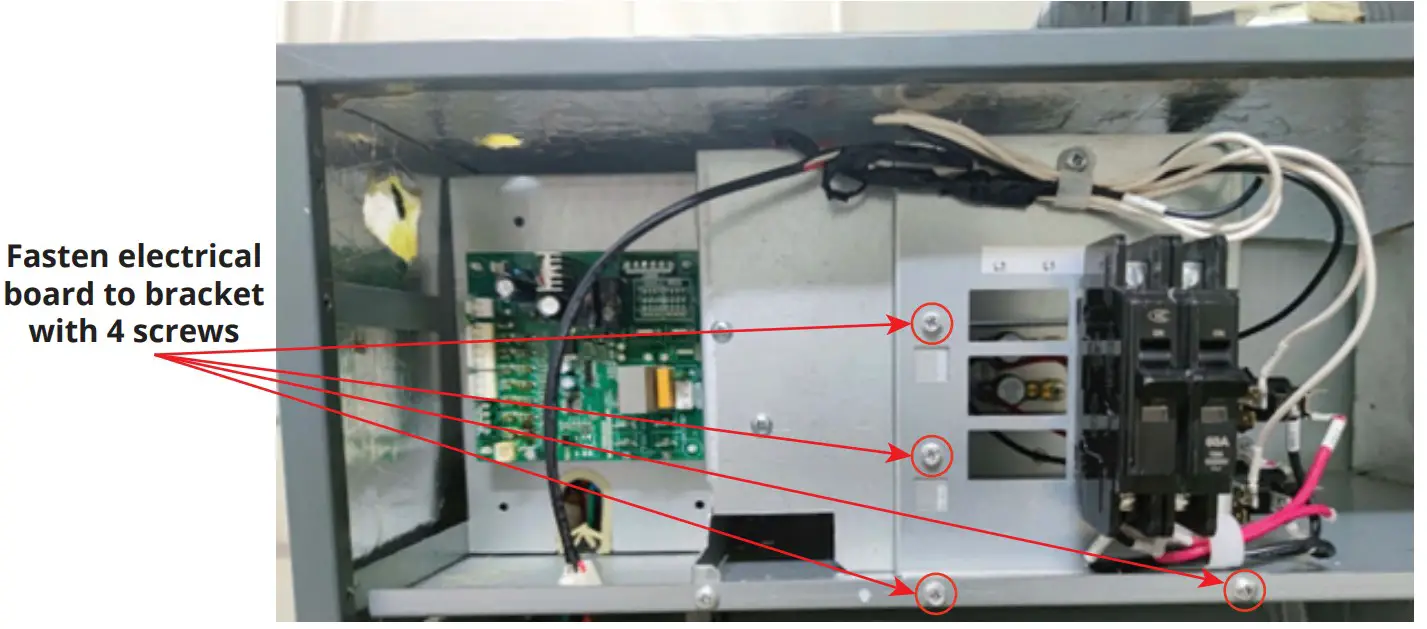
- Position the heat kit electrical board on the bracket and fasten with 4 screws.
 NOTE: When installing the electrical installation board, pay attention to the indoor unit power cord and make sure it does not hang or snag on the sharp edges of the sheet metal heat kit bracket. Please refer to the image below.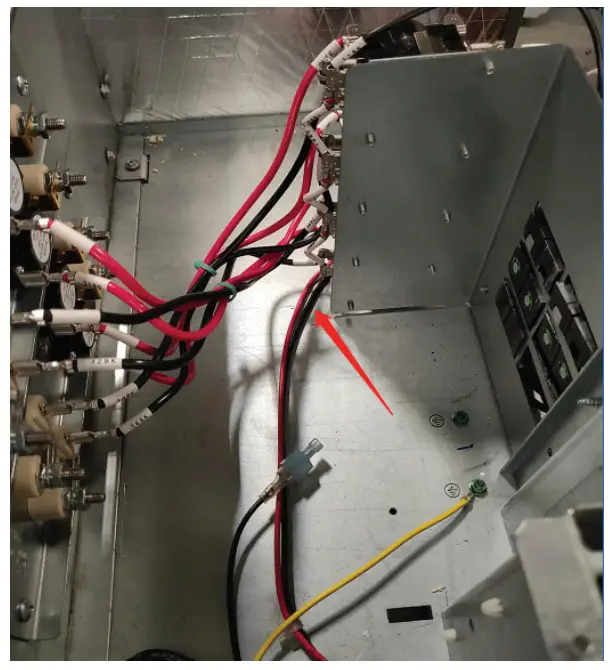
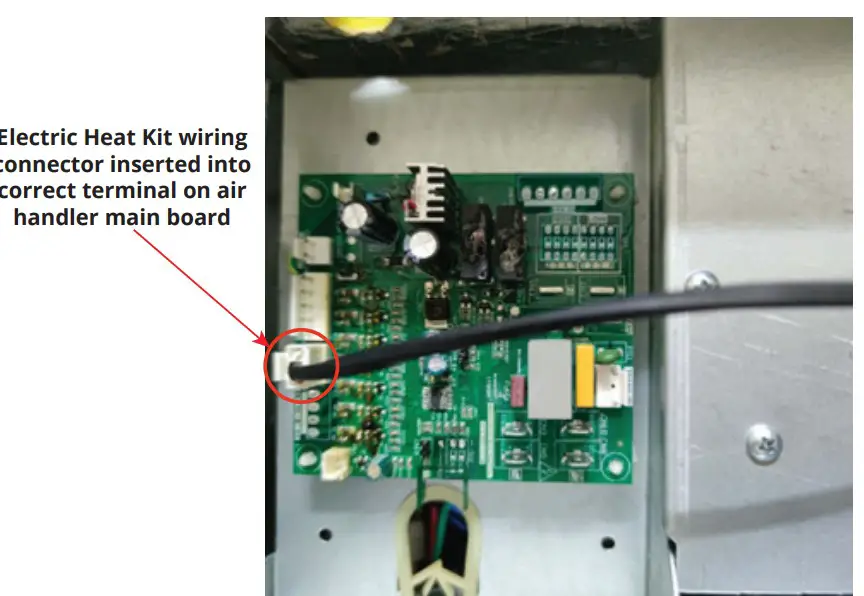
- Insert electric heat kit connector into the correct terminal on the air handler main board.
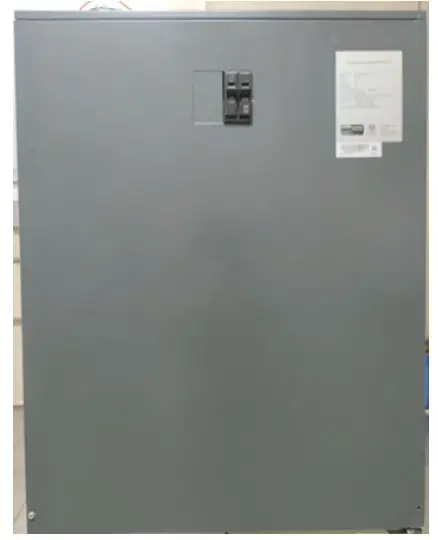
- Reinstall the upper side panel. The switches for the heat kit should protrude through the hole you knocked out of the panel. Then, turn on the power and check operation.
Wiring Diagrams
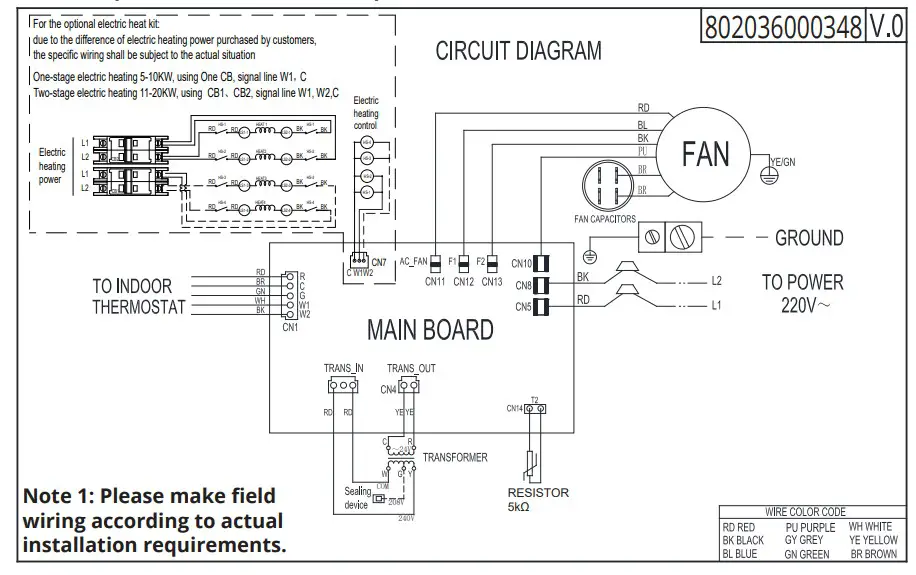
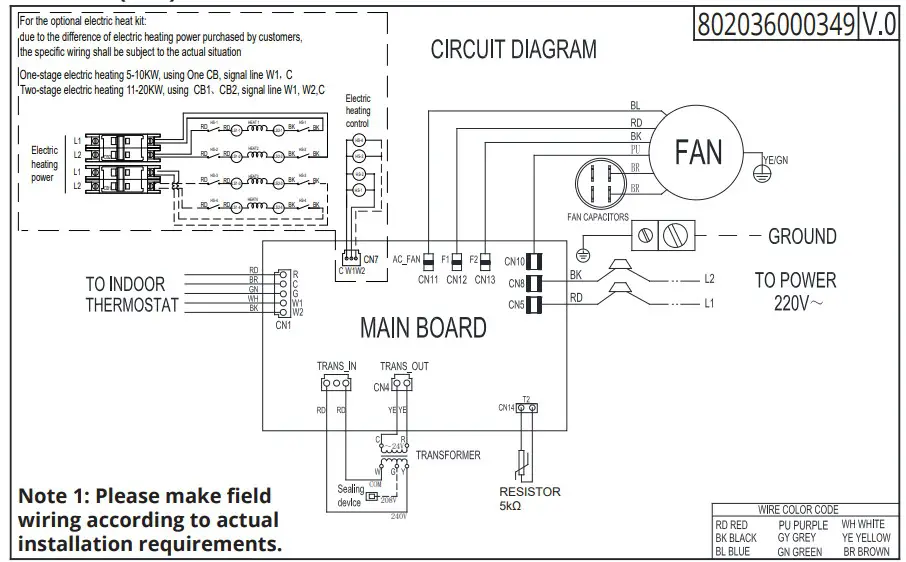
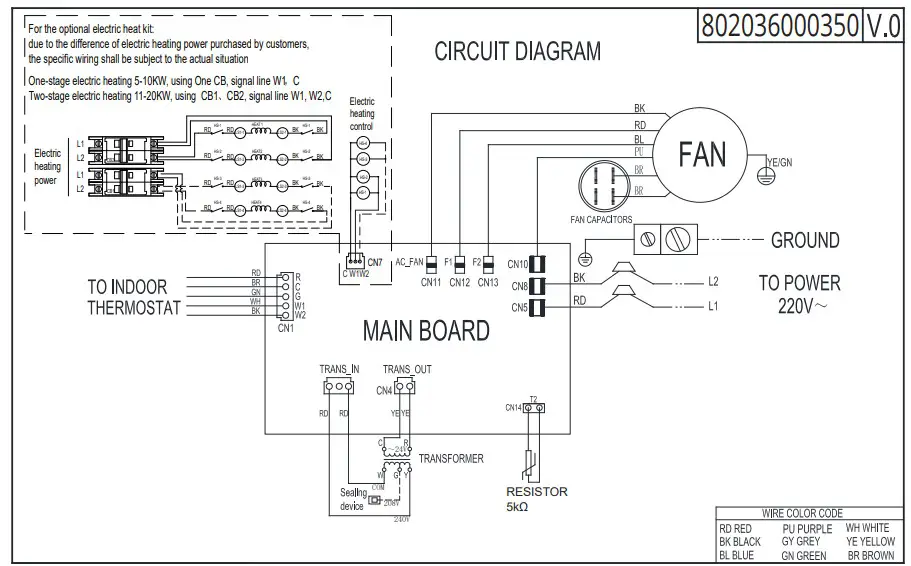
Wiring Diagrams for each model with Heat Kit Installed
- 53 Model (18K/24K/30K/36K/42K)
- 140 Model (48K)
- 160 Model (60K)
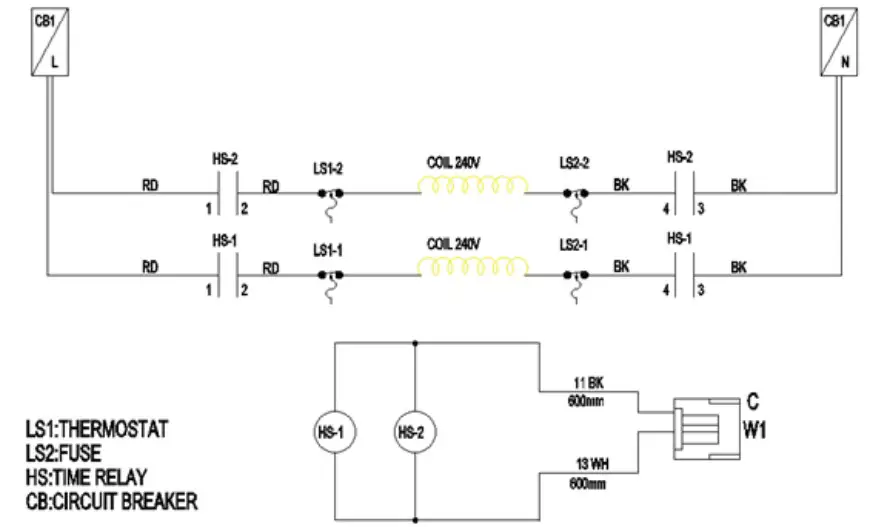
Schematic diagrams of electric heating components
- 5-10KW Heat Kit
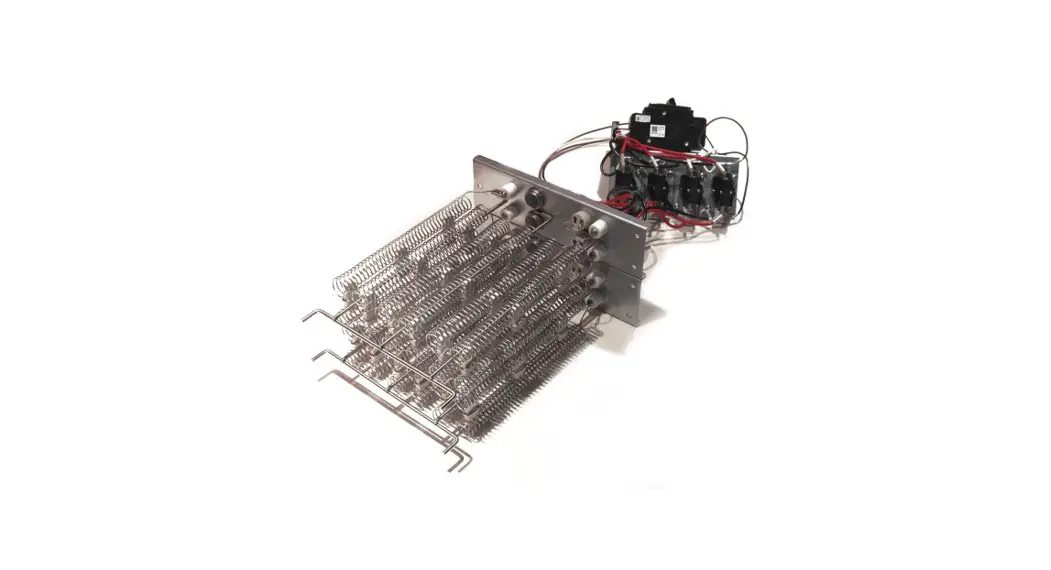
- 11-20KW Heat Kit
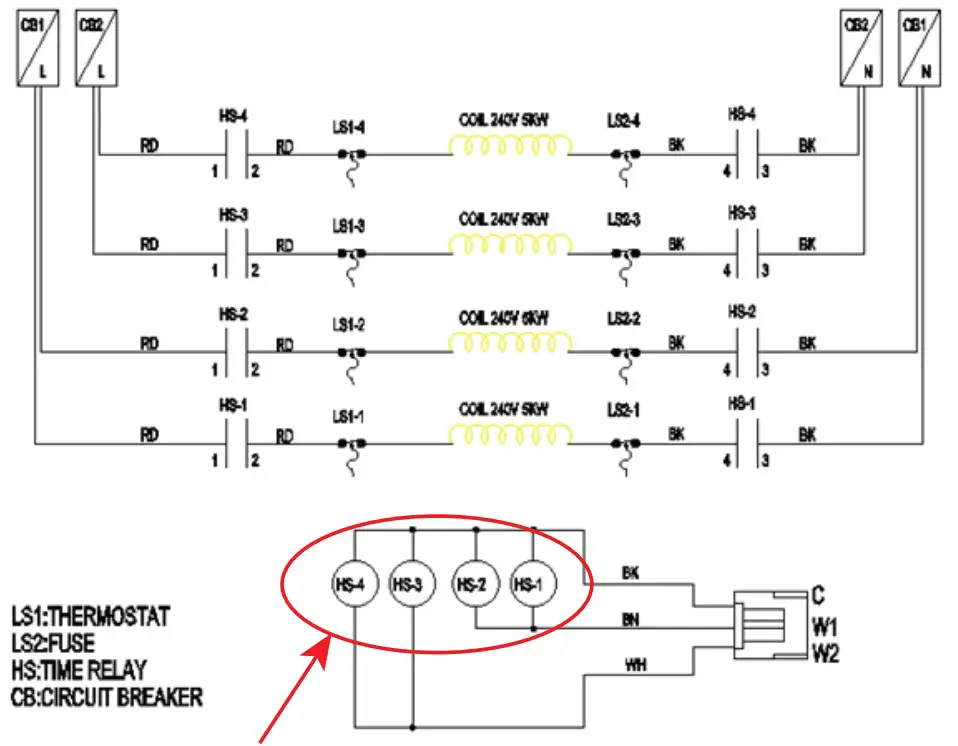 Note: The order of coils has been updated from previous electric heat kit.
PRODIRECT
Electric Heat Kit
The design and specifications of this product and/or manual are subject to change without prior notice. Consult with the sales agency or manufacturer for details.
 MRCOOL – Comfort Made Simple
 Documentation – MRCOOL