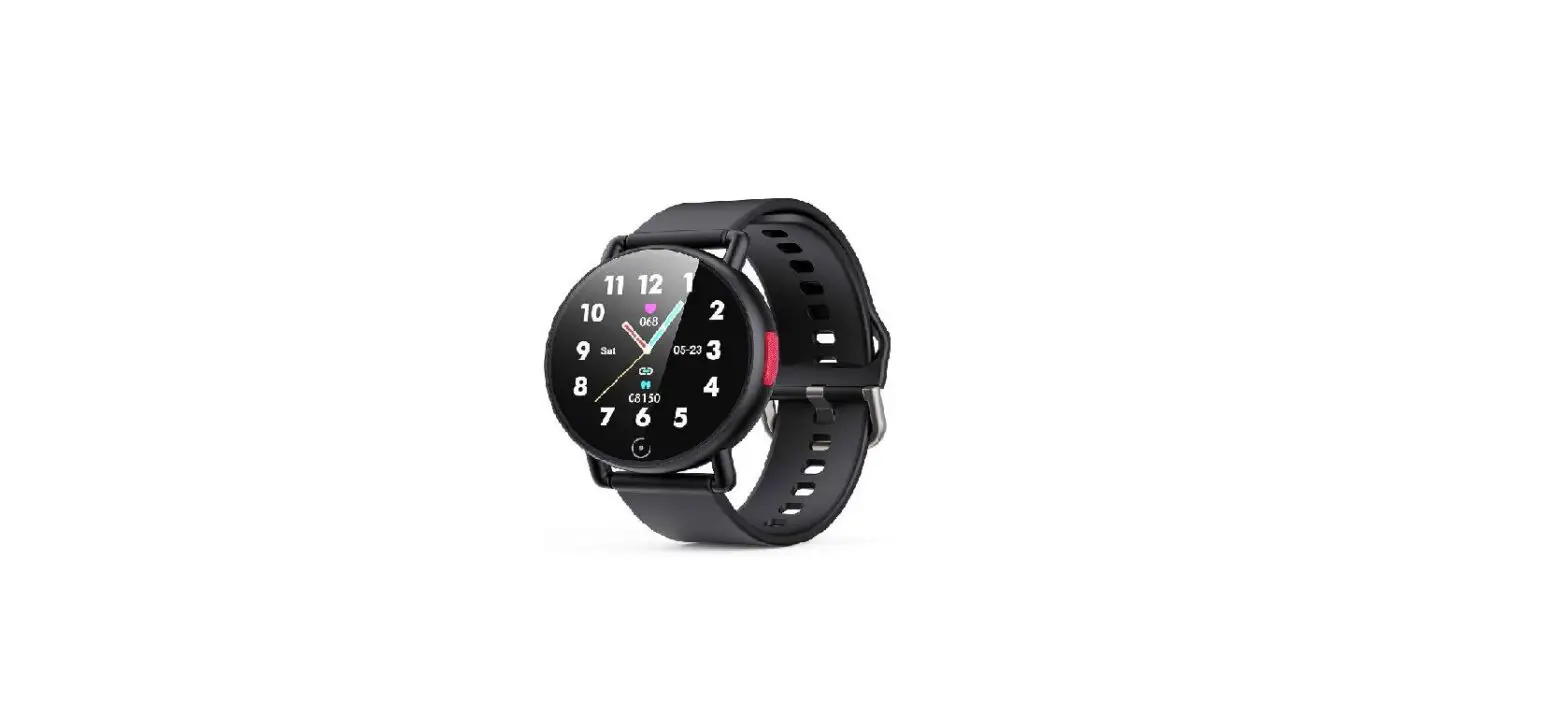
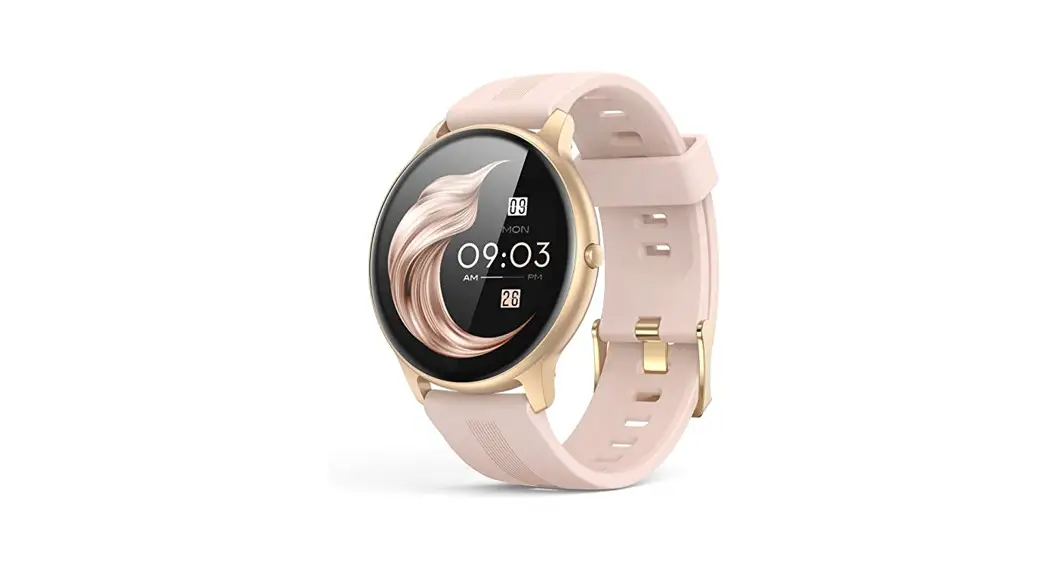
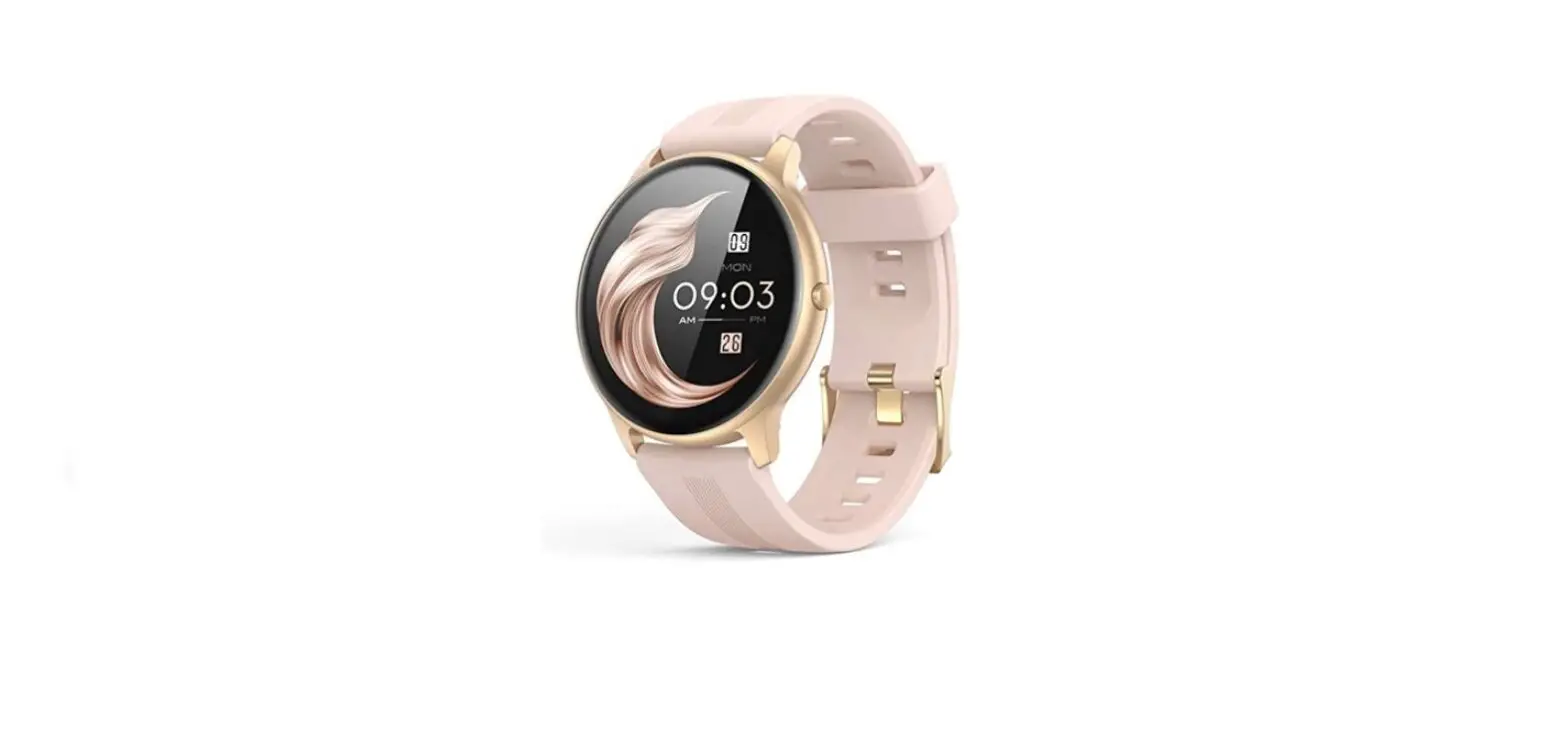
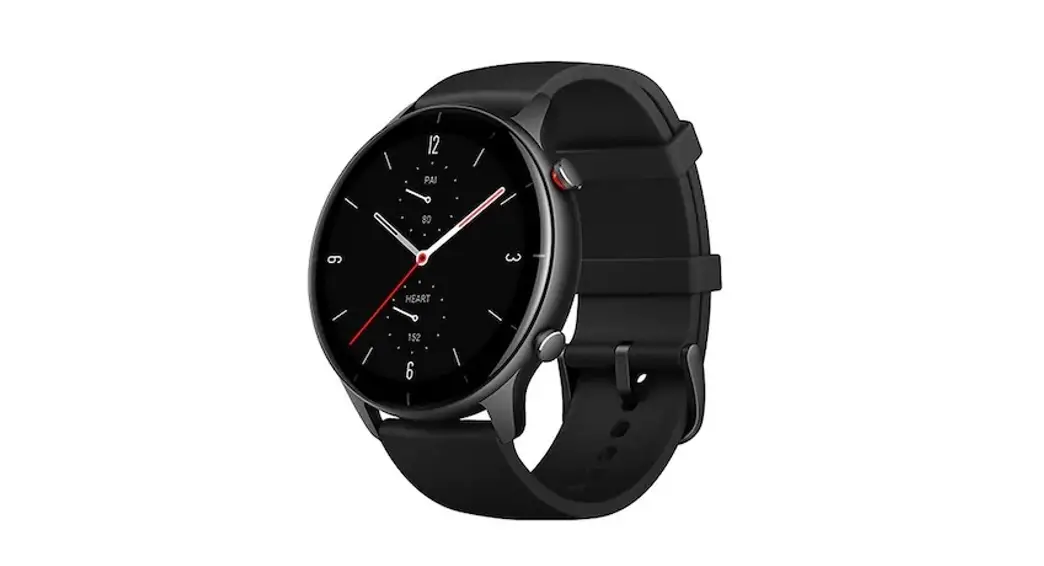
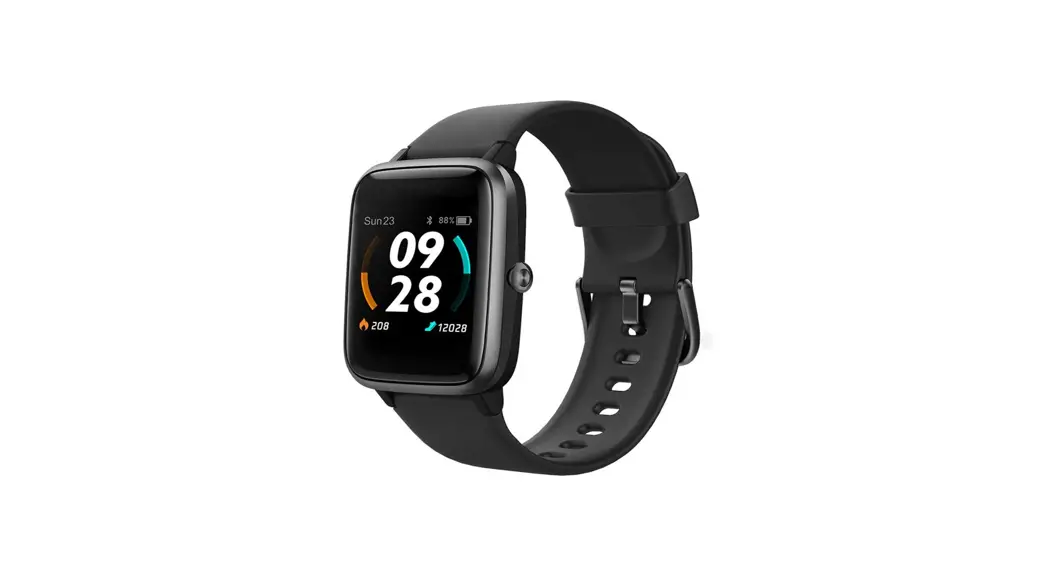
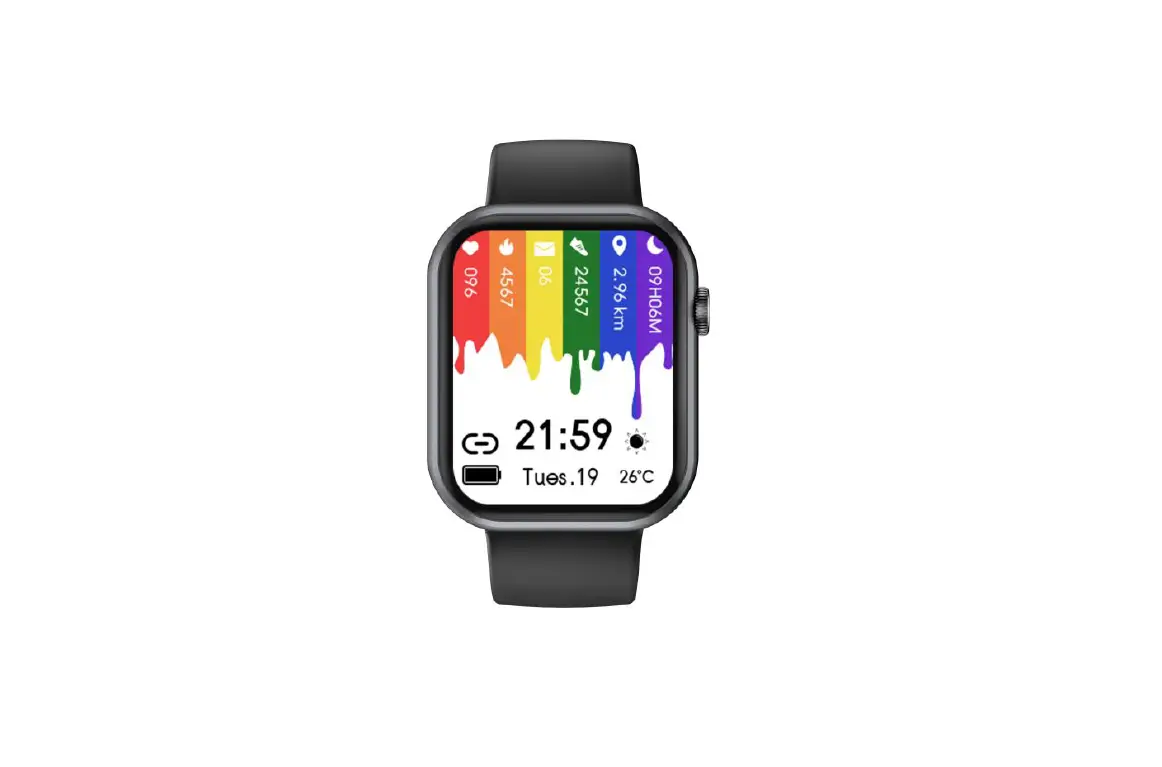
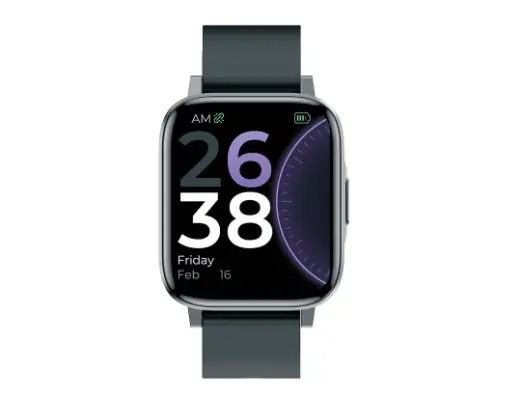
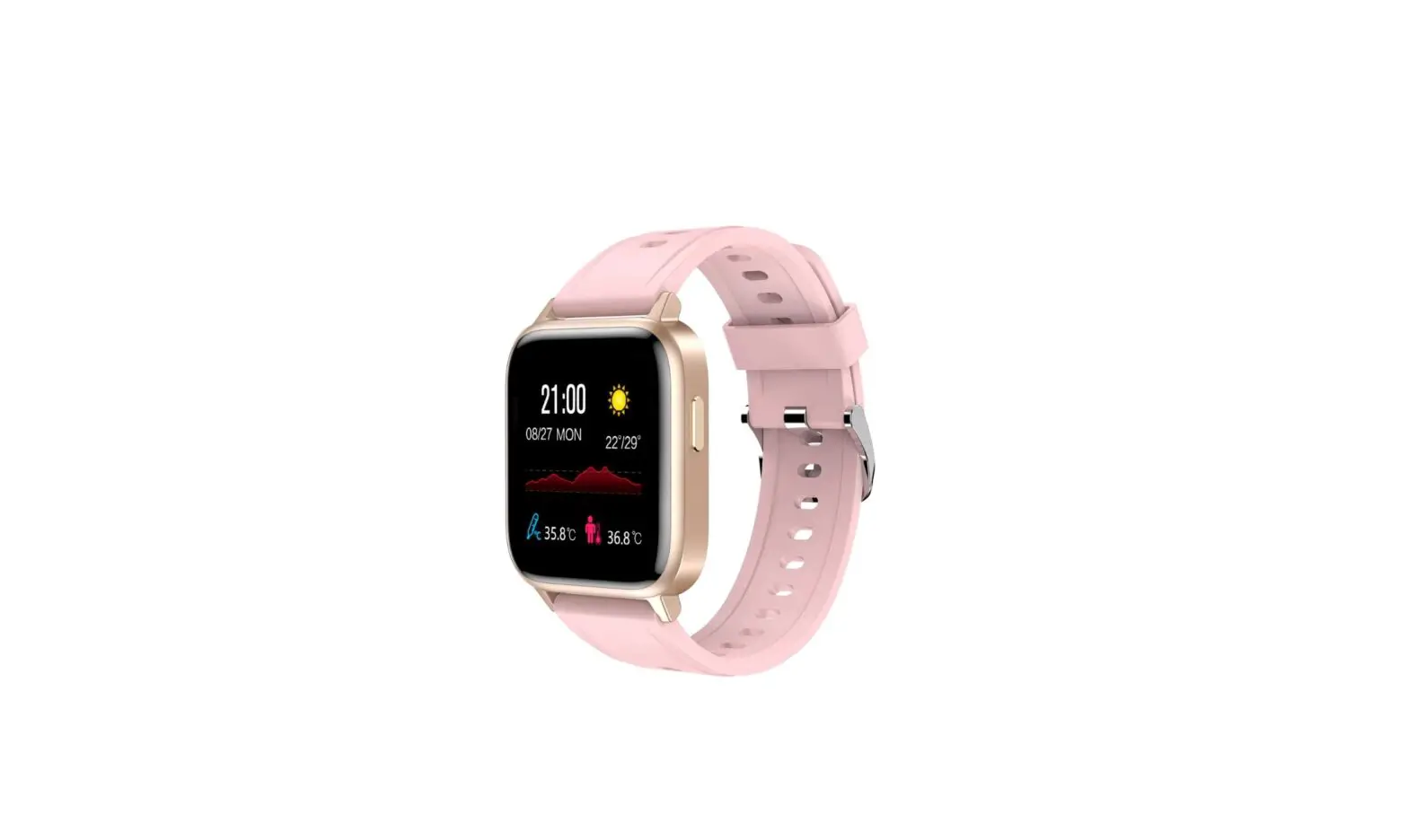
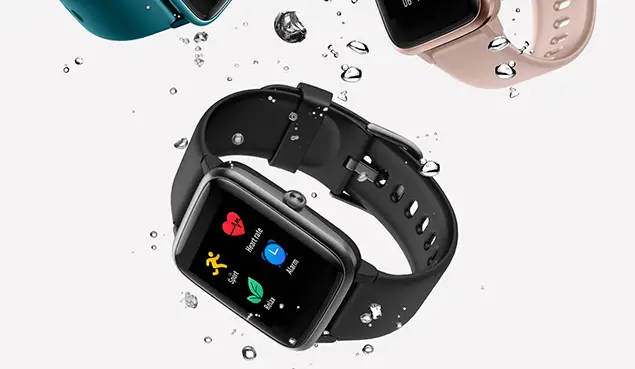
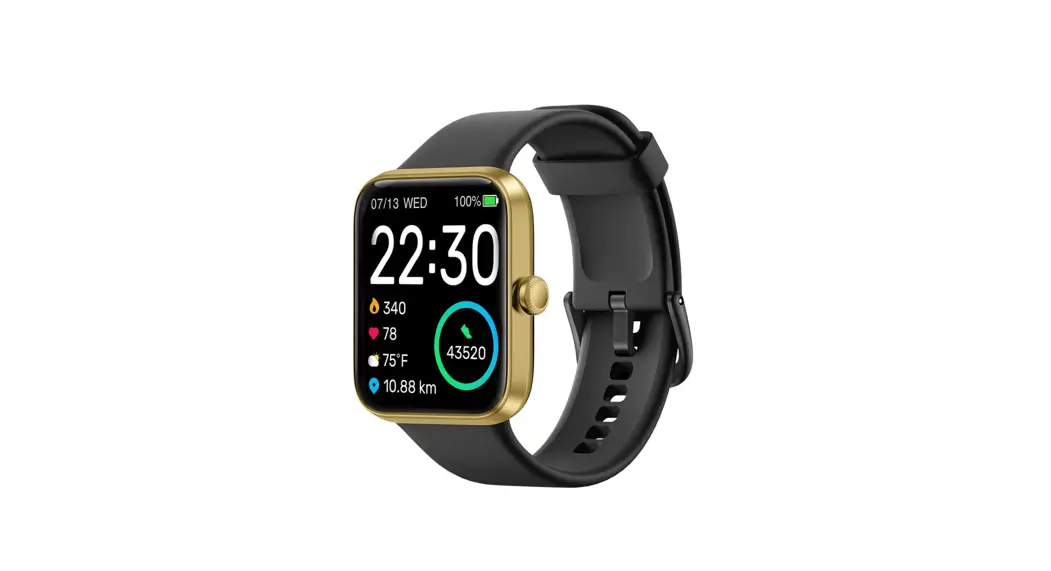
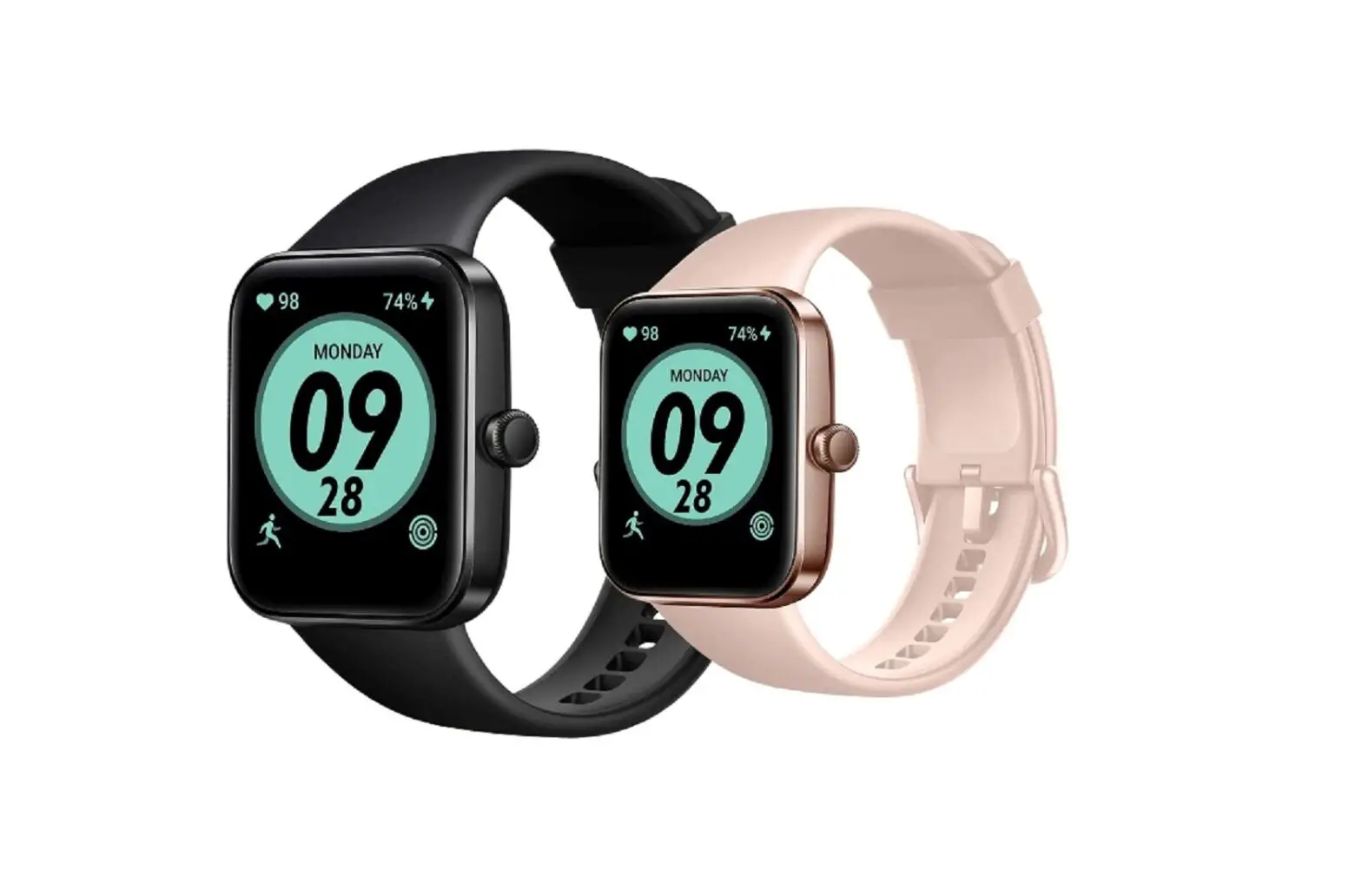
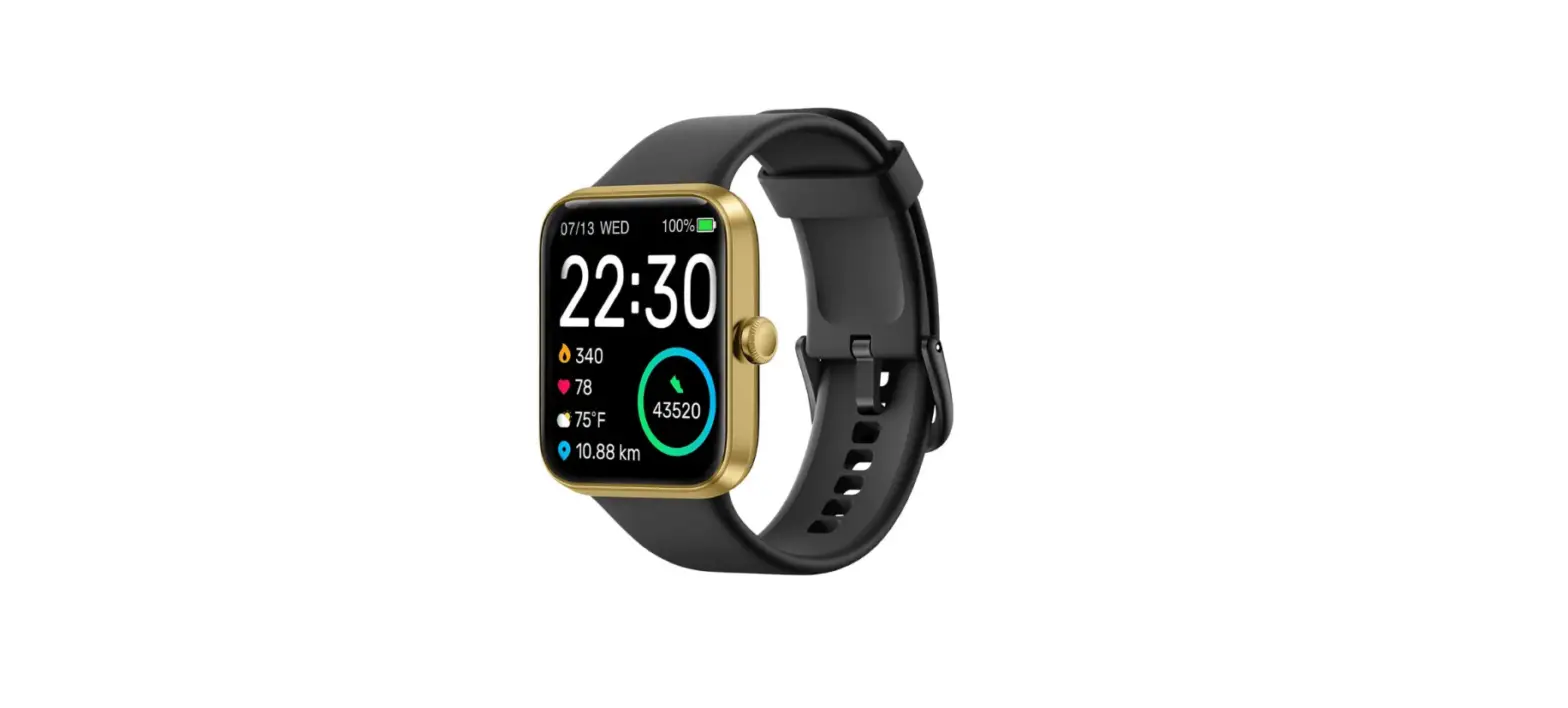
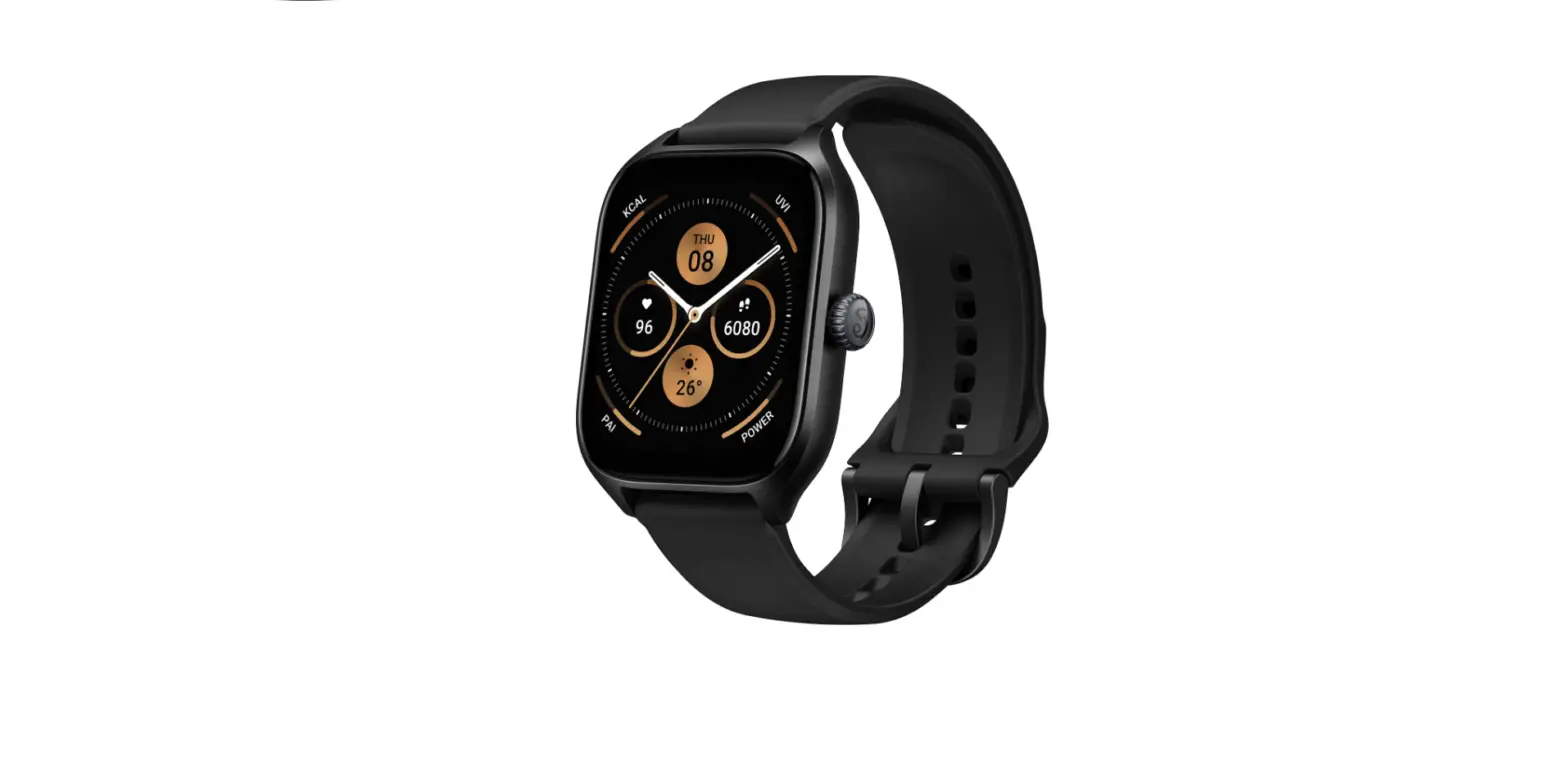
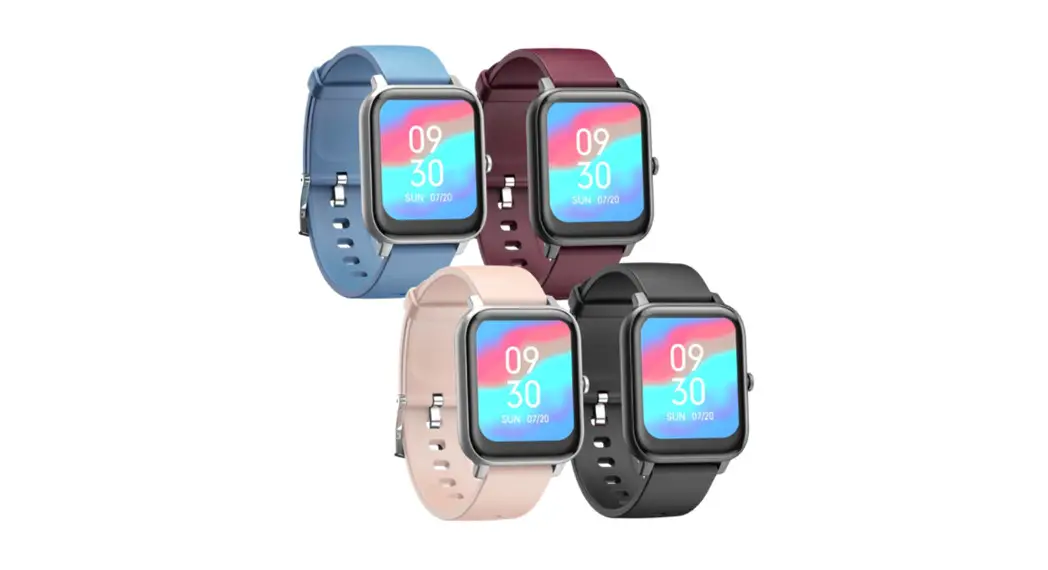
G20 Smart Watch
Product Information: G20 Smart Watch
The G20 Smart Watch is a wearable device designed to provide
various functions and features to enhance your daily life. With its
sleek design and advanced technology, it offers a range of features
including heart rate monitoring, blood pressure monitoring, blood
oxygen monitoring, pedometer, sleep monitoring, weather display,
message notifications, stopwatch, and more. It also has the ability
to connect to your smartphone through the GloryFit app, allowing
you to sync and analyze your data for a comprehensive overview of
your health and fitness.
Product Overview
- Long press the up button to power on the smart watch.
- Charging the watch is done by attaching the supplied magnetic
charger to the charging contact on the back of the watch. Insert
the other end of the charger into a USB wall charger or USB
interface of a computer.
Download App
- Download the GloryFit app from either the Apple App Store or
Google Play Store (for Android devices). - Scan the provided QR code using the app or search for
“GloryFit” in the respective app store. - Note: Your mobile phone must support Android 4.4/iOS 8.0+ and
Bluetooth 4.0+ in order to use the app.
Binding
- For first use, start the GloryFit app, register an account, and
log in. - In the app, go to [Device] > [Add a new device] > [Select
device]. - After searching, select and clip G20 to complete the connection
between the watch and the app.
The main menu of the G20 Smart Watch offers several options:
- Watch: There are 3 main interfaces available. Long press the
screen on the main interface to enter. Swipe left/right to switch,
and click to confirm. - App: Find [Device] > [Dash Board], and click [Custom Dial].
Choose your favorite picture as the main interface. - Pedometer: Records your steps, walking distance, and burned
calories in real-time. The data can be viewed after syncing to the
app. - Heart Rate & Blood Pressure Monitor: Provides real-time
monitoring of heart rate and blood pressure. The data will be
synchronized to the app for analysis. Note: Blood pressure
measurements are for reference only and should not be used for
medical purposes. - Blood Oxygen Monitor: Provides real-time monitoring of blood
oxygen levels. The data and analyzing chart are displayed on the
watch. - Exercise: Allows you to switch between 7 different sports and
start your preferred sport. Swipe right to exit the current
sport. - Weather: Displays the current weather. Requires successful
connection to the app for updated information. - Message: Allows you to view and read messages received on your
smartphone. Swipe right to exit the current message. - Stopwatch: Provides stopwatch functionality. Swipe right to
exit the recording time. - Other Functions: Includes reminders (Call, SMS, SNS) that can
be enabled in the app for vibrating notifications. Sleep Monitor
records your sleep data in the app. Sync and update data manually
through the app’s home page.
Attentions
- Do not use a power adapter with a voltage higher than 5V/2A to
charge the watch. - The detected data provided by the watch is for reference only
and should not be considered as medical advice. - For blood pressure monitoring, it is recommended to rest
quietly for at least 5 minutes before measurement. Avoid eating,
smoking, taking medicine, and drinking coffee for 2 hours prior to
measurement. - During the monitoring process, take a comfortable and restful
sitting position.
G20 Smart Watch
>>Welcome Guide
CONTENTS
English…………….01/09 Français…………..10/20 Italiano……………21/30 Español…………..31/40
Thanks for choosing this product. Please read this [user manual] carefully before use and keep this instruction for future reference. Any problem about this product, please feel free to contact us at [email protected].
Product Overview
NoteLong press the up button to power on.
Charging Watch
Attach the supplied magnetic charger to charging contact on the back of watch, and insert the other end of the charger into USB wall charger or USB interface of computer.
1
Download App
1. Download “GloryFit” from “Apple store” or “Google play store” (Android App store). 2. Scan the left QR code. Note: Mobile phone must support Android 4.4/iOS 8.0+ and Bluetooth 4.0+.
Binding
1. For first use, start App “GloryFit”, register and log in. 2. Go to [Device]>[Add a new device]>[Select device]. 3. After searching, select and clip “G20” to complete the connection.
Smart Watch – Main Menu
Main Interface 1. Watch: 3 Main interfaces are available. Long press the screen on the main interface to enter. Swipe left/right to switch, and click it to confirm.
2
2. App: Find [Device]>[Dash Board], and click [Custom Dial]. Choose your favorite picture as the main interface. Pedometer
24-hour real-time recording your steps, walking distance, and burned calories during that day. Also, They can be viewed after syncing to the App. Heart Rate & Blood Pressure Monitor 1. In the heart rate or blood pressure interface, it will enter into the real time monitoring. 2. These data will be synchronized to the App in
3
time and analyze the conditions of your heart rate and blood pressure in watch and App. Note: The data of blood pressure measurement are for reference only and cannot be used as a basis for medical related aspects. Blood Oxygen Monitor Go to the blood pressure interface-that is enter the real-time monitoring mode. These data and analyzing chart only display in watch.
Exercise Switch or press the down button to the Exercise interface, and swipe up/down to freely switch 7 different sports. Select one of your favorite sports, tap its icon to start it. If wanna exit the current sport, just swipe right the touch screen.
4
Weather
Display the current weather. Only the watch connects successfully to the App, the weather information will be shown or updated.
Message Switch to the message interface or swipe up on the main interface to the message interface, then select and click the message you wanna check. Click it to view the whole
content. Except viewing the whole content of the message, swiping right the current message also can exit the message. Stopwatch Tap the Stopwatch interface to access its function. Swipe right to exit the recording time. Find
5
Tap the Find interface to start searching for your mobile phone. If successfully searching, your phone will give a vibration or ringtone to remind of you. Note: Swipe down on the main interface help you to access to this interface quickly. Setting Find and tap this interface to access its function, a relative list will show: Reset, Info, Bright, Off. 1. Reset. Reset your watch. 2. Info. Check the firmware version and Bluetooth information. 3. Bright. Adjust the brightness of watch. 4. Off. Turn off the watch. Note: Setting, Info, Bright can be found quickly by swiping down on the main interface.
Other Functions
Reminder The reminders (Call, SMS, SNS) need to turn
6
on in the App and always stay connect between watch and App. All these reminder is to vibrate to notify. Sleep Monitor Record your sleep from 23:00 pm to 8:00 am. The detected data only show in the App, not the watch. Sync and update the data through manually pulling down the the “Home” page of App.
Attentions
DON’T use over 5V/2A power adapter to charge it. This device is is an electronic product, not for medical reference, so the detected data is for reference only. Blood pressure monitoring method: Quiet rest for over 5 minutes before monitoring. Do not eat, smoke, take medicine and drink coffee for 2 hours before monitoring. Monitoring process: Take a comfortable, restful sitting position and
7
keep your mind easeful. Forbidden to speak. Place the watch is at the same height as your heart (as shown on the left).
FAQ
Why is inaccurate the measurement of blood pressure? Affected by the external environment and the skin color of the individual, so it is only used to monitor changes in blood pressure, which can not really monitor the blood pressure of patients with hypertension. Why can’t I receive the notification? 1. Android: When you turn on the QQ/ Wechat reminder for the first time, the App will get the corresponding permissions automatically. 2. iOS: (Call, SMS, SNS) When the reminders in the App are turned on, your phone will automatically pop up the accessing request, you just need to select OK.
8
Specifications
Screen
1.3 IPS color screen
Resolution 240*240 dpi
Body Band
Zinc alloy+ABS+PC TPU*1; Microfiber +TPU*1
Battery
170mAh
Standby
20 days
Working
7-10 days
BT distance 10m (In the open space)
Charging
5V/500mA USB charger;
way
Computer USB
Charging
2 hours
Waterproof IP68
Support
QQ/Wechat/Linkedin/Line
App
/Skype/Facebook/Twitter/
Reminder WhatsApp/Viber…
Compati-
iOS8.0+/Android5.0+/S-
bility
martphones with BT 4.0+;
Tablet/HuaweiP8/Sams-
ungS7&S8&J3/LG/PC/iPad/
Phone/Desktop/Windows
9
Merci d’avoir choisi ce produit. Veuillez lire attentivement ce “manuel de l’utilisateur “avant l’utilisation et conservez ces instructions pour référence future. Pour tout problème concernant ce produit, n’hésitez pas à nous contacter à [email protected].
Présentation du Produit
Remarque: appuyez longuement sur le bouton haut pour allumer.
Charge de Montre
Fixez le chargeur magnétique fourni au contact de charge à l’arrière de la montre et insérez l’autre extrémité du chargeur dans le chargeur mural USB ou
10
l’interface USB de l’ordinateur.
Télécharger App
1. Téléchargez «GloryFit» dans «Apple Store» ou «Google Play Store» (Android App Store). 2. Scannez le code QR de gauche. Remarque: le téléphone portable doit prendre en charge Android 4.4 ou iOS 8.0+ et Bluetooth 4.0+.
Connexion
1. Pour la première utilisation, lancez l’application «GloryFit», enregistrez-vous et connectez-vous. 2. Accédez à [Appareil]>[Ajouter un nouvel appareil]> [Sélectionnez le bracelet]. 3. Après la recherche, sélectionnez et cliquez sur “G20” pour terminer la connexion.
Montre Intelligente – Menu Principal
Interface Principale 1. Montre: 3 interfaces principales sont
11
disponibles. Appuyez longuement sur l’écran de l’interface principale pour entrer. Balayez vers la gauche/droite pour basculer et cliquez dessus pour confirmer.
2. App: Recherchez [Appareil]>[Réglage du cadran] et cliquez sur [Cadran personnalisé]. Choisissez votre image préférée comme interface principale. Step
Enregistrement en temps réel de vos pas, de la distance de marche et des calories brûlées pendant cette journée, 24 heures sur 24. En outre, ils peuvent être affichés après la
12
synchronisation avec l’application.
Moniteur de Fréquence Cardiaque & de
Pression Artérielle
1. Dans l’interface de la
fréquence cardiaque ou de la
pression artérielle, il entrera
dans la surveillance en temps
réel.
2. Ces données seront
synchronisées
avec
l’application en temps voulu et
analyseront les conditions de
votre fréquence cardiaque et
de votre tension artérielle dans
la montre et l’application.
Remarque: Les données de mesure de la
pression artérielle sont fournies à titre
indicatif uniquement et ne peuvent pas être
utilisées comme base pour des aspects
médicaux.
Moniteur d’Oxygène Sanguin
13
Accédez à l’interface de pression artérielle, c’est-à-dire entrez en mode de surveillance en temps réel. Ces données et le graphique d’analyse s’affichent uniquement dans la montre. Sport Basculez ou appuyez sur le bouton bas pour accéder à l’interface d’exercice, et faites glisser votre doigt vers le haut/bas pour basculer librement entre 7 sports différents. Sélectionnez l’un de vos sports préférés, appuyez sur son icône pour le démarrer. Si vous voulez quitter le sport en cours, faites simplement glisser vers la droite l’écran tactile. Météorologie Affiche la météo actuelle. Seule la montre se connecte avec succès à l’application, les informations météo seront affichées ou mises à jour.
14
Message Basculez vers l’interface de message ou glissez vers le haut sur l’interface principale pour l’interface de message, puis sélectionnez et cliquez sur le message que vous souhaitez
vérifier. Cliquez dessus pour voir tout le contenu. Excepté l’affichage de tout le contenu du message, le fait de balayer vers la droite le message actuel peut également quitter le message. Minuteur Appuyez sur l’interface du Minuteur pour accéder à sa fonction. Balayez vers la droite pour quitter la durée d’enregistrement. Trouve-moi Appuyez sur l’interface Trouve-moo pour lancer la recherche de votre téléphone mobile. Si la recherche réussit, votre téléphone émettra une vibration ou une sonnerie pour vous rappeler.
15
Remarque: balayez vers le bas sur l’interface
principale pour vous aider à accéder
rapidement à cette interface.
Plus
Recherchez et appuyez sur cette interface
pour accéder à sa fonction, une liste relative
affichera:
Réinitialiser,
Information,
Luminosité, Désactiver.
1. Réinitialiser. Réinitialisez votre montre.
2. Information. Vérifiez la version du
firmware et les informations Bluetooth.
3. Luminosité. Réglez la luminosité de la
montre.
4. Désactiver. Éteignez la montre.
Remarque: Les paramètres, Information,
Luminosité peuvent être trouvés rapidement
en glissant vers le bas sur l’interface
principale.
Autres fonctions
Rappel
Les rappels (appel, SMS, SNS) doivent être
16
activés dans l’application et rester toujours connectés entre la montre et l’application. Tous ces rappels sont à vibrer pour notifier. Dossier de Sommeil Enregistrez votre sommeil de 23h00 à 8h00. Les données détectées s’affichent uniquement dans l’application, pas dans la montre. Synchronisez et mettez à jour les données en tirant manuellement la page principale de l’application.
Attentions
N’UTILISEZ PAS un adaptateur secteur de plus de 5 V/2 A pour le charger. Cet appareil est un produit électronique, pas pour référence médicale, donc les données détectées sont pour référence seulement. Méthode de surveillance de la pression artérielle: Repos tranquille pendant plus de 5 minutes avant la surveillance. Ne pas manger, fumer, prendre des médicaments et boire du
17
café pendant 2 heures avant la surveillance. Processus de Surveillance:
Prenez une position assise confortable et reposante et gardez l’esprit tranquille. Interdit de parler. Placez la montre à la même hauteur que votre coeur (comme illustré à gauche).
FAQ
Pourquoi la mesure de la pression artérielle est-elle inexacte? Affecté par l’environnement externe et la couleur de la peau de l’individu, il n’est donc utilisé que pour surveiller les changements de la pression artérielle, qui ne peuvent pas vraiment surveiller la pression artérielle des patients souffrant d’hypertension. Pourquoi je ne peux pas recevoir la notification? 1. Android: Lorsque vous activez le rappel QQ/Wechat pour la première fois,
18
l’application obtiendra automatiquement les
autorisations correspondantes.
2. iOS: (Appel, SMS, SNS) Lorsque les rappels
de l’application sont activés, votre téléphone
affiche automatiquement la demande d’accès,
il vous suffit de sélectionner OK.
Spécification
Écran
1.3 écran couleur IPS
Résolution 240*240 dpi
Corps
Alliage de zinc + ABS + PC
Bande
TPU*1; Microfibre+TPU*1
Batterie
170mAh
Mode Veille 20 jours
Travail
7-10 jours
BT distance 10m(Dans l’espace ouvert)
Manière de Chargeur USB 5V/500mA;
Charge
Ordinateur USB
Charge
2 heures
Étanche
IP68
Rappel de QQ/Wechat/Linkedin/Line
l’application /Skype/Facebook/Twitter/
19
de support Compatibilité
WhatsApp/Viber… iOS8.0+/Android5.0+/S martphones avec BT 4.0+; Tablette/HuaweiP8/Sa msungS7&S8&J3/LG/PC/iP ad/Phone/Desktop/Windo ws
20
Grazie per aver scelto questo prodotto. Leggere attentamente [questo manuale d’uso] prima dell’uso e conservare queste istruzioni per riferimenti futuri. Per qualsiasi problema relativo a questo prodotto, non esitate a contattarci all’indirizzo [email protected].
Panoramica del Prodotto
Nota: premere a lungo il pulsante su per accendere.
Orologio di ricarica
Collegare il caricabatterie magnetico in dotazione al contatto di ricarica sul retro dell’orologio e inserire l’altra estremità del caricabatterie nel
21
caricatore da muro USB o nell’interfaccia USB del computer
Scarica l’app
1. Scarica “GloryFit” da “Apple Store” o “Google Play Store” (App Store Android). 2. Scan il codice QR a sinistra. Nota: il telefono cellulare deve supportare Android 4.4 o iOS 8.0 o versioni successive e Bluetooth 4.0 o versioni successive.
Rilegatura
1. Per il primo utilizzo, avviare l’app “GloryFit”, registrarsi e accedere. 2. Accedere a [Dispositivo]>[Aggiungi un nuovo dispositivo]>[Seleziona dispositivo]. 3. Dopo la ricerca, selezionare e tagliare “G20” per completare la connessione.
Menu principale Smart Watch
Interfaccia principale 1. Guarda: sono disponibili 3 interfacce
22
principali. Premi a lungo lo schermo sull’interfaccia principale per accedere. Scorri verso sinistra/destra per passare e fai clic per confermare.
2. App: trova [Dispositivo]>[Dash Board] e fai clic su [Quadrante personalizzato]. Scegli la tua foto preferita come interfaccia principale. Pedometro
Registrazione in tempo reale 24 ore su 24 dei passi, della distanza percorribile a piedi e delle calorie bruciate durante quel giorno. Inoltre, possono essere visualizzati dopo la sincronizzazione con l’app.
23
Cardiofrequenzimetro e monitor della
pressione arteriosa
1. Nell’interfaccia
della
frequenza cardiaca o della
pressione sanguigna, entrerà
nel monitoraggio in tempo
reale.
2. Questi dati verranno
sincronizzati in tempo utile con
l’app e analizzeranno le
condizioni della frequenza
cardiaca e della pressione
sanguigna nell’orologio e
nell’app.
Nota: i dati della misurazione della pressione
sanguigna sono solo di riferimento e non
possono essere utilizzati come base per
aspetti medici correlati.
Monitor per ossigeno nel sangue
Vai all’interfaccia della pressione arteriosa,
ovvero alla modalità di monitoraggio in tempo
reale, che mostra i dati e il grafico di analisi
24
solo nell’orologio. Esercizio
Passa o premi il pulsante giù per l’interfaccia dell’esercizio e scorri verso l’alto/verso il basso per passare liberamente da uno sport all’altro 7. Seleziona uno dei tuoi sport preferiti, tocca la sua icona per avviarlo. Se vuoi uscire dallo sport attuale, scorri verso destra sul touchscreen. Tempo metereologico Visualizza il meteo corrente Solo l’orologio si collega correttamente all’app, le informazioni meteo verranno visualizzate o aggiornate.
Messaggio Passa all’interfaccia del messaggio o scorri verso l’alto nell’interfaccia principale nell’interfaccia del messaggio, quindi
25
seleziona e fai clic sul messaggio che desideri controllare. Fai clic per visualizzare l’intero contenuto. Tranne la visualizzazione dell’intero contenuto del messaggio, scorrendo a destra anche il messaggio corrente può uscire dal messaggio. Cronometro Tocca l’interfaccia Cronometro per accedere alla sua funzione. Scorri verso destra per uscire dal tempo di registrazione. Trova Tocca l’interfaccia Trova per iniziare a cercare il tuo telefono cellulare. Se la ricerca ha esito positivo, il telefono emetterà una vibrazione o una suoneria per ricordarti. Nota: scorrere verso il basso sull’interfaccia principale per accedere rapidamente a questa interfaccia. Setting Trova e tocca questa interfaccia per accedere
26
alla sua funzione, un relativo elenco mostrerà: Reset, Info, Luminoso, Off. 1. Ripristina. Ripristina l’orologio. 2. Info. Controlla la versione del firmware e le informazioni Bluetooth. 3. Luminoso: regola la luminosità dell’orologio. 4. Off. Spegni l’orologio. Nota: impostazione, informazioni, luminosità possono essere trovate rapidamente scorrendo verso il basso sull’interfaccia principale.
Altre funzioni
Promemoria I promemoria (chiamata, SMS, SNS) devono essere attivati nell’app e rimanere sempre connessi tra orologio e app. Tutti questi promemoria devono vibrare per avvisare. Monitoraggio del sonno Registra il sonno dalle 23:00 alle 8:00. I dati
27
rilevati vengono visualizzati solo nell’app, non nell’orologio. Sincronizza e aggiorna i dati tirando manualmente verso il basso la pagina “Home” dell’app.
Attenzioni
NON utilizzare un alimentatore oltre 5 V/2 A per caricarlo. Questo dispositivo è un prodotto elettronico, non per riferimento medico, quindi i dati rilevati sono solo per riferimento. Metodo di monitoraggio della pressione arteriosa: Riposo tranquillo per oltre 5 minuti prima del monitoraggio Non mangiare, fumare, prendere medicine e bere caffè per 2 ore prima del monitoraggio. Processo di monitoraggio:
Prendi una posizione comoda e riposante e mantieni la mente rilassata. Vietato parlare. Posiziona l’orologio alla stessa altezza del tuo cuore (come mostrato a
28
sinistra).
FQA
Perché la misurazione della pressione
sanguigna non è precisa?
Interessato dall’ambiente esterno e dal colore della pelle dell’individuo, quindi viene
utilizzato solo per monitorare i cambiamenti
della pressione sanguigna, che non può
davvero monitorare la pressione sanguigna
dei pazienti con ipertensione.
Perché non riesco a ricevere la notifica? 1. Android: quando attivi il promemoria
QQ/Wechat per la prima volta, l’app riceverà
automaticamente
le
autorizzazioni
corrispondenti.
2. iOS: (Chiama, SMS, SNS) Quando i
promemoria nell’app sono attivi, il telefono
farà apparire automaticamente la richiesta di
accesso, devi solo selezionare OK.
Specificazioni
Schermo
1.3 IPS schermo a colori
29
Risoluzione Corpo Band Batteria Standby Lavorando BT distanza effettiva Modo di ricarica ricarica Impermeab ile Supporta promemori a app compatibili tà bilità
240*240 dpi Zinc alloy+ABS+PC TPU*1; Microfiber +TPU*1 170mAh 20 giorni 7-10 giorni 10m (Nello spazio aperto)
5V/500mA USB Computer USB 2 ore IP68
charger;
QQ/Wechat/Linkedin/Line /Skype/Facebook/Twitter/ WhatsApp/Viber… iOS8.0+/Android5.0+/Smartphones with BT 4.0+; Tablet/HuaweiP8/SamsungS7&S8&J3/LG/PC/iPad/ Phone/Desktop/Windows
30
Gracias por elegir este producto. Lea este [manual del usuario] detenidamente antes de usarlo y guarde estas instrucciones para referencia futura. Cualquier problema con este producto, no dude en contactarnos en [email protected].
Descripción del Producto
Nota: Mantenga presionado el botón arriba para encender.
Cargar el Reloj
Conecte el cargador magnético suministrado al contacto de carga en la parte posterior del reloj e inserte el otro extremo del cargador en el cargador de
31
pared USB o la interfaz USB de la computadora.
Descargar App
1. Descargue “GloryFit” de “Apple store” o “Google play store” (tienda de aplicaciones de Android). 2. Escanee el código QR izquierdo. Nota: El teléfono móvil debe ser compatible con Android 4.4 o iOS 8.0 + y Bluetooth 4.0 +
Unión
4. Para el primer uso, inicie la aplicación “GloryFit”, regístrese e inicie sesión. 5. Vaya a [Dispositivo]>[Agregar un nuevo dispositivo]> [Seleccionar dispositivo]. 6. Después de buscar, seleccione y recorte “G20” para completar la conexión.
Reloj Inteligente – Menú Principal
Interfaz Principal 1. Reloj: 3 interfaces principales están
32
disponibles Mantenga presionada la pantalla en la interfaz principal para ingresar. Deslice hacia la izquierda/derecha para cambiar y haga clic para confirmar.
2. App: Busque [Dispositivo]>[Tablero de instrumentos] y haga clic en [Marcación personalizada]. Elija su imagen favorita como la interfaz principal. Podómetro
Registro en tiempo real de 24 horas de sus pasos, distancia a pie y calorías quemadas durante ese día. Además, se pueden ver después de sincronizar con la APP. Monitor de Frecuencia Cardíaca & Presión
33
rteria
1. En la
interfaz de
frecuencia cardíaca o presión
arterial, entrará en la
monitorización en tiempo real.
2. Estos
datos
se
sincronizarán con la aplicación
a tiempo y analizarán las
condiciones de su frecuencia
cardíaca y presión arterial en
el reloj y la APP.
Nota: Los datos de la medición
de la presión arterial son solo de referencia y
no pueden utilizarse como base para aspectos
médicos relacionados.
Monitor de Oxígeno en Sangre
Vaya a la interfaz de presión
arterial, es decir, ingrese al
modo de monitoreo en tiempo
real. Estos datos y el cuadro de
análisis solo se muestran en el
reloj.
34
Ejercicio Cambie o presione el botón hacia abajo a la interfaz de Ejercicio, y deslice hacia arriba/abajo para cambiar libremente 7 deportes diferentes. Seleccione uno de sus deportes favoritos, toque su icono para iniciarlo. Si quieres salir del deporte actual, simplemente desliza hacia la derecha la pantalla táctil. Clima
Muestra el clima actual. Solo el reloj se conecta con éxito a la aplicación, se mostrará o actualizará la información meteorológica.
Mensaje
Cambie a la interfaz de mensajes o deslice hacia arriba en la interfaz principal a la interfaz de mensajes, luego seleccione y haga clic en el
35
mensaje que desea verificar. Haga clic para ver
todo el contenido. Excepto ver todo el
contenido del mensaje, deslizar hacia la
derecha el mensaje actual también puede salir
del mensaje.
Cronómetro
Toque la interfaz del cronómetro para acceder
a su función. Deslice hacia la derecha para
salir del tiempo de grabación.
Buscar
Toque la interfaz Buscar para comenzar a
buscar su teléfono móvil. Si busca con éxito,
su teléfono emitirá una vibración o tono de
llamada para recordarle.
Nota: Deslizar hacia abajo en la interfaz
principal le ayuda a acceder a esta interfaz
rápidamente.
Configuración
Busque y toque esta interfaz para acceder a su
función, se mostrará una lista relativa:
Restablecer,
Información,
Brillante,
Desactivado.
36
1. Restablecer. Restablece su reloj. 2. Info. Verifique la versión del firmware y la información de Bluetooth. 3. Brillo. Ajusta el brillo del reloj. 4. Off. Apaga el reloj. Nota: Configuración, Información, Brillante se puede encontrar rápidamente deslizando hacia abajo en la interfaz principal.
Otras Funciones
Recordatorio Los recordatorios (Llamada, SMS, SNS) deben activarse en la aplicación y permanecer siempre conectados entre el reloj y la aplicación. Todo este recordatorio es vibrar para notificar. Monitor de sueño Grabe su sueño de 23:00 p.m. a 8:00 a.m. Los datos detectados solo se muestran en la aplicación, no en el reloj. Sincronice y actualice los datos mediante la extracción manual de la página “Inicio” de la APP.
37
Atenciones
NO use más de 5V/2A adaptador de corriente para cargarlo. Este dispositivo es un producto electrónico, no para referencia médica, por lo que los datos detectados son solo para referencia. Método de monitorización de la presión arterial: Descanso tranquilo durante más de 5 minutos antes de monitorizar. No coma, fume, tome medicamentos ni tome café durante 2 horas antes de monitorear. Proceso de Monitoreo
Toma una posición cómoda y tranquila y mantén la mente tranquila. Prohibido hablar. Coloque el reloj a la misma altura que su corazón (como se muestra a la izquierda).
FQA
¿Por qué es imprecisa la medición de la presión arterial?
38
Afectado por el entorno externo y el color de la piel del individuo, por lo que solo se utiliza para controlar los cambios en la presión arterial, que en realidad no puede controlar la presión arterial de los pacientes con hipertensión. ¿Por qué no puedo recibir la notificación? 1. Android: Cuando activa el recordatorio QQ/Wechat por primera vez, la aplicación obtendrá los permisos correspondientes automáticamente. 2. iOS: (Llamada, SMS, SNS) Cuando los recordatorios en la aplicación están activados, su teléfono mostrará automáticamente la solicitud de acceso, solo tiene que seleccionar Aceptar.
Especificaciones
Pantalla
1.3 Pantalla a color IPS
Resolución 240*240 dpi
Cuerpo
Aleación de zinc + ABS + PC
Banda
TPU*1; Microfibra +TPU*1
39
Batería Colocarse Trabajando BT Distancia Efectiva Forma de carga Cargar Impermeab le Recordatori o de la aplicación de soporte Compatibili dad
170mAh 20 days 7-10 days 10m (en el espacio abierto)
Cargador
USB
de
5V/500mA; USB de
computadora
2 horas
IP68
QQ/Wechat/Linkedin/Line /Skype/Facebook/Twitter/ WhatsApp/Viber…
iOS8.0+/Android5.0+/Smartphones con BT 4.0+; Tablet/HuaweiP8/SamsungS7&S8&J3/LG/PC/iPad/ Phone/Desktop/Windows
40