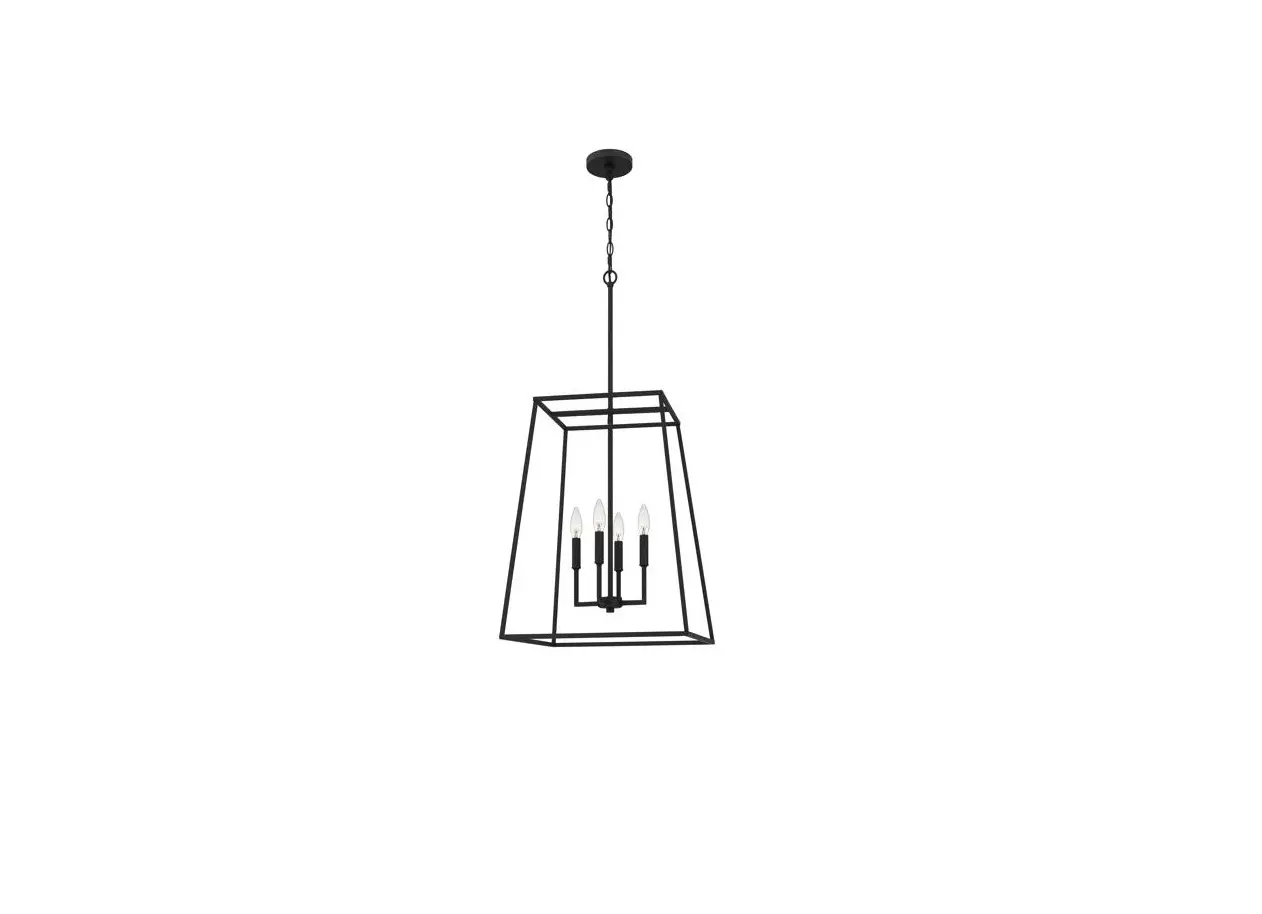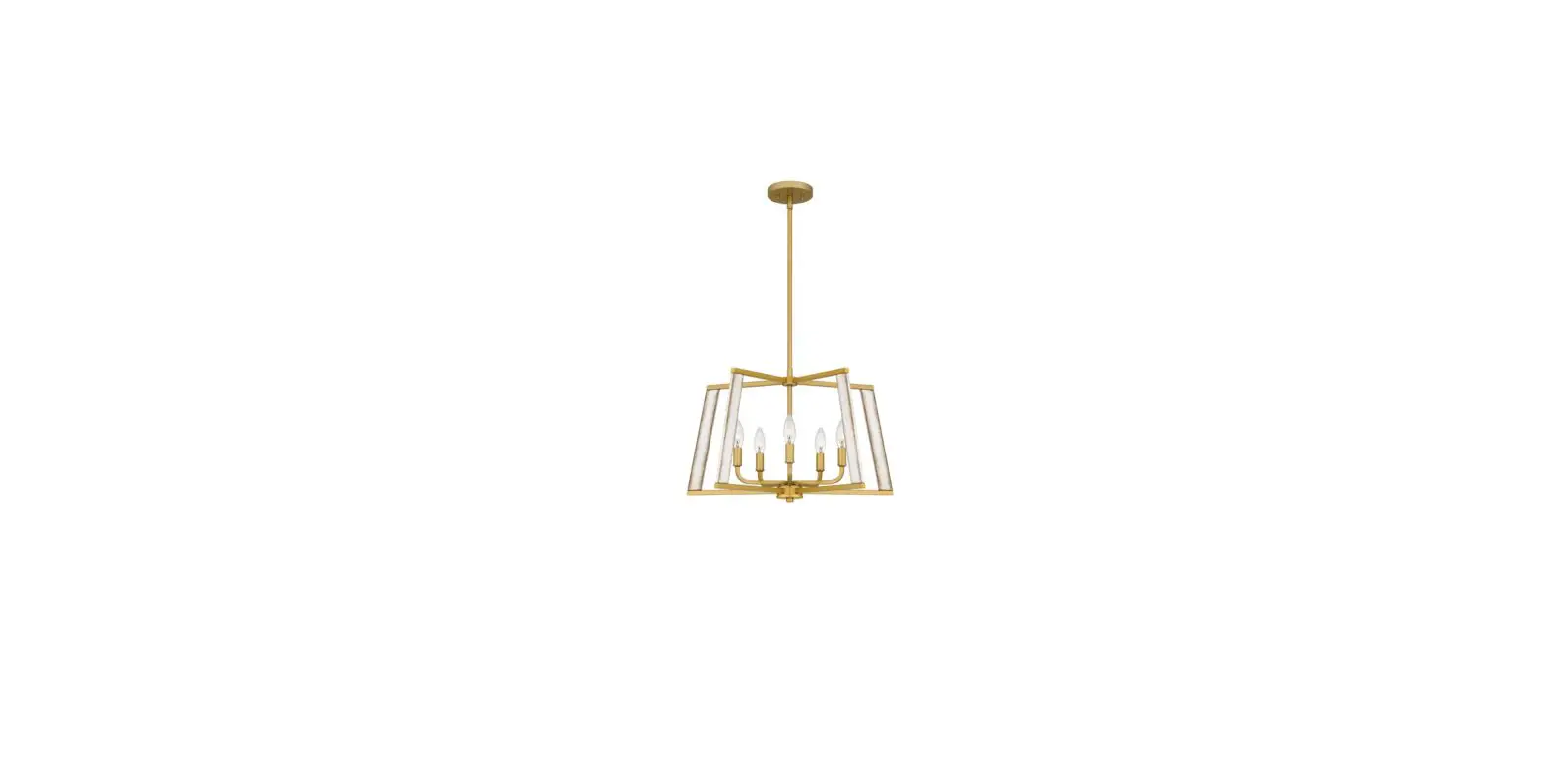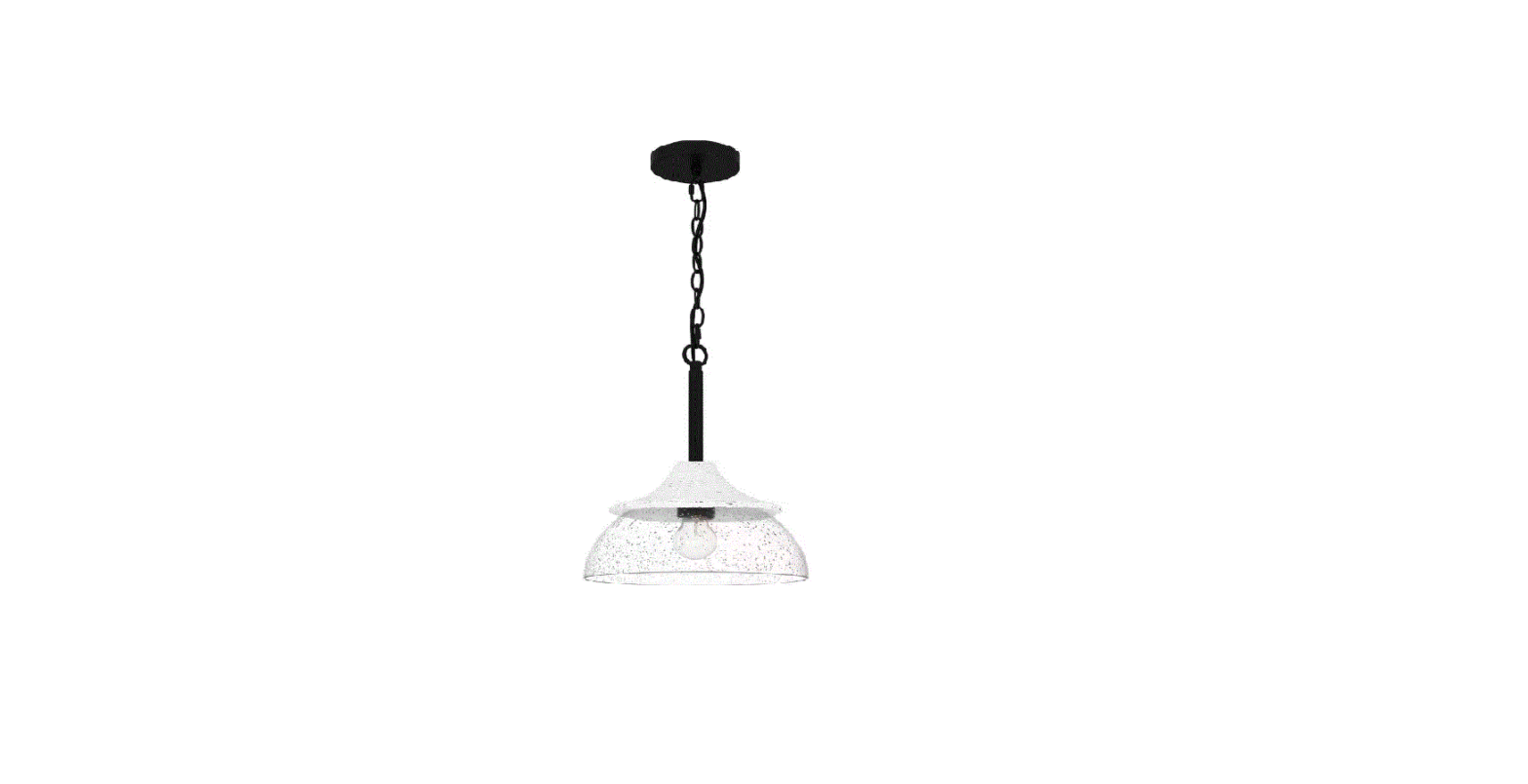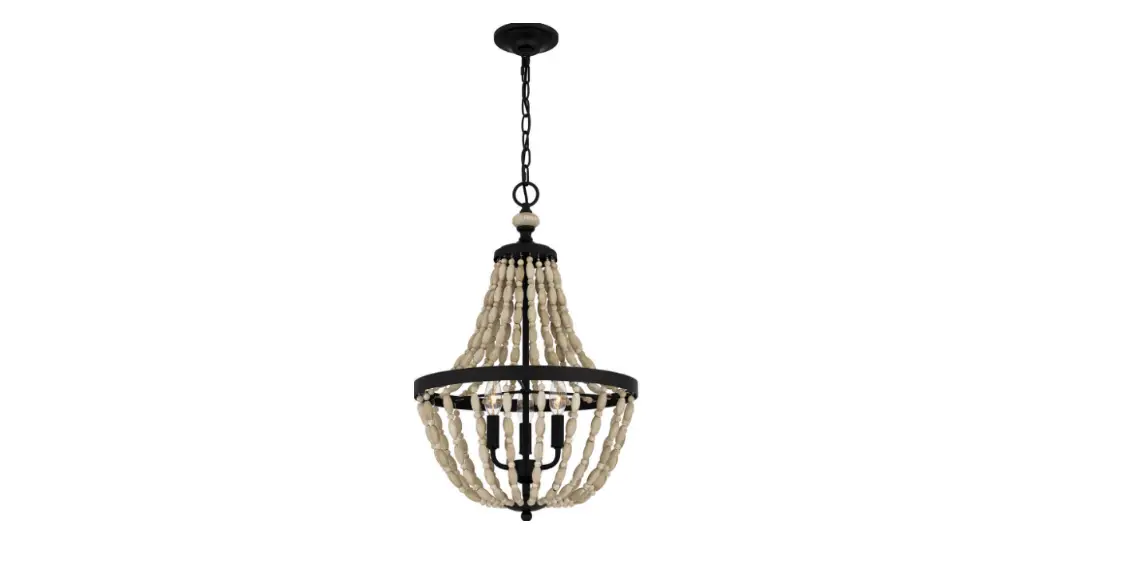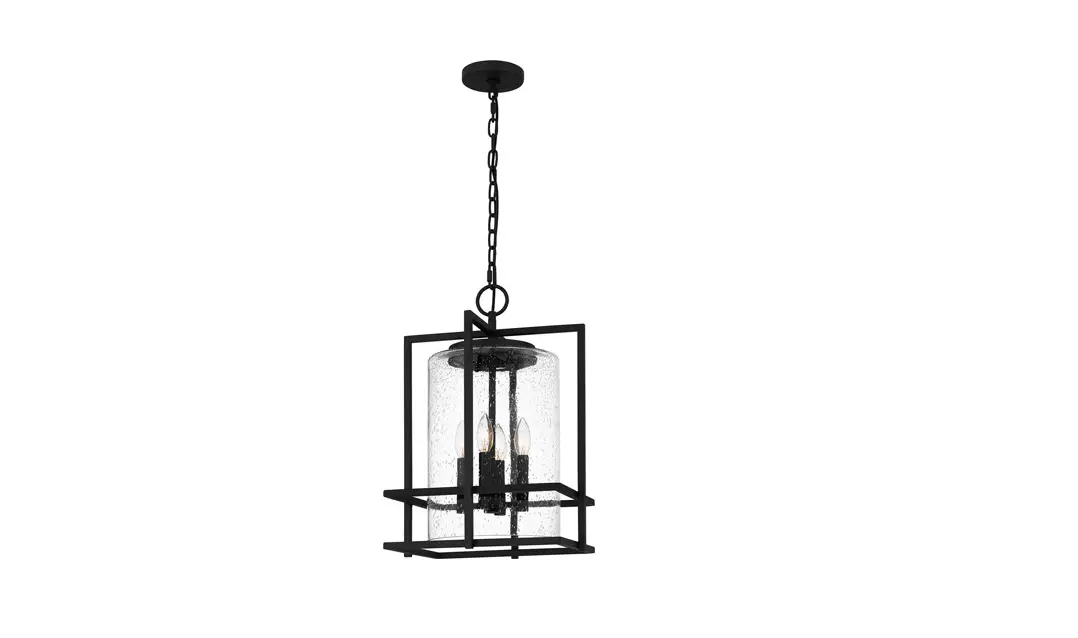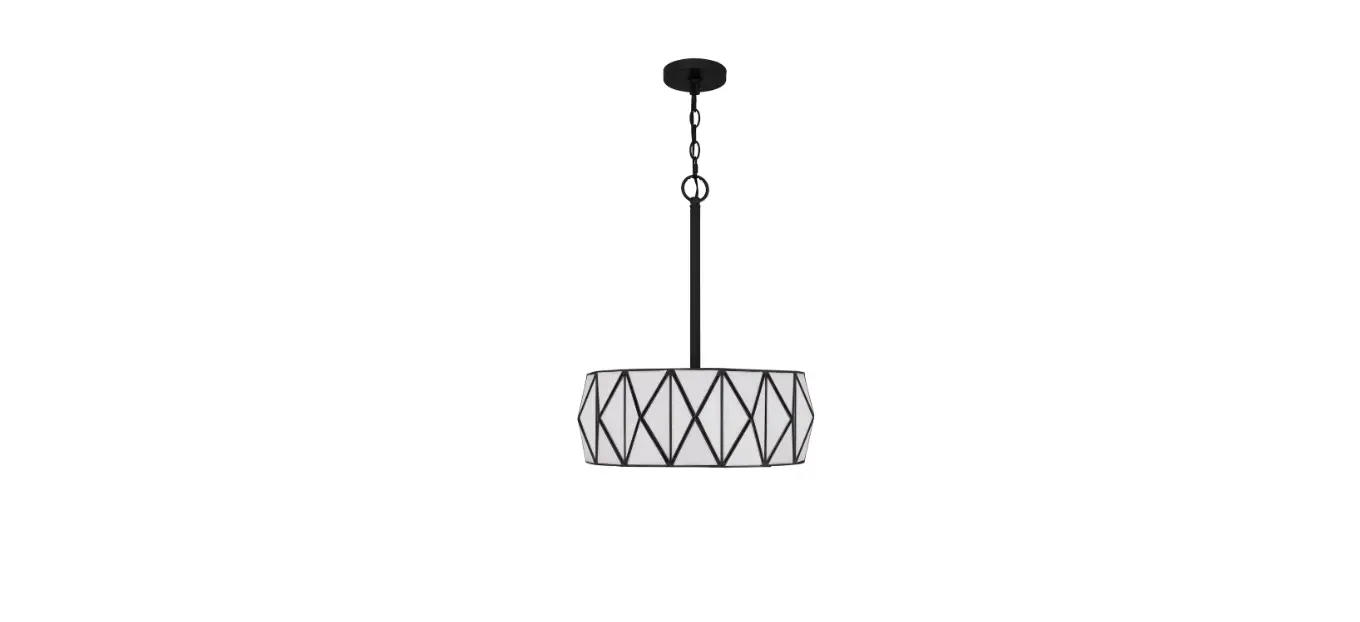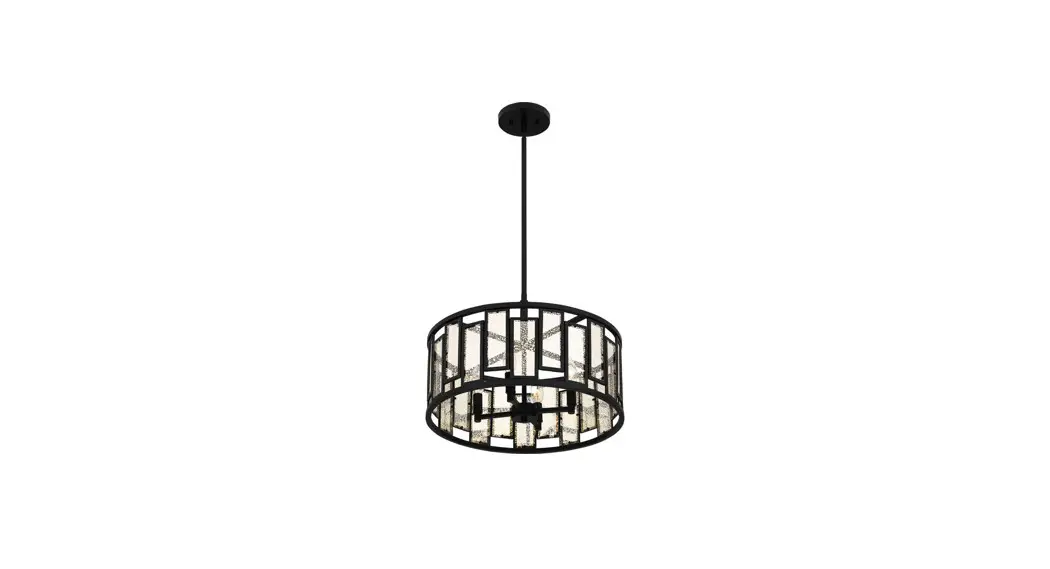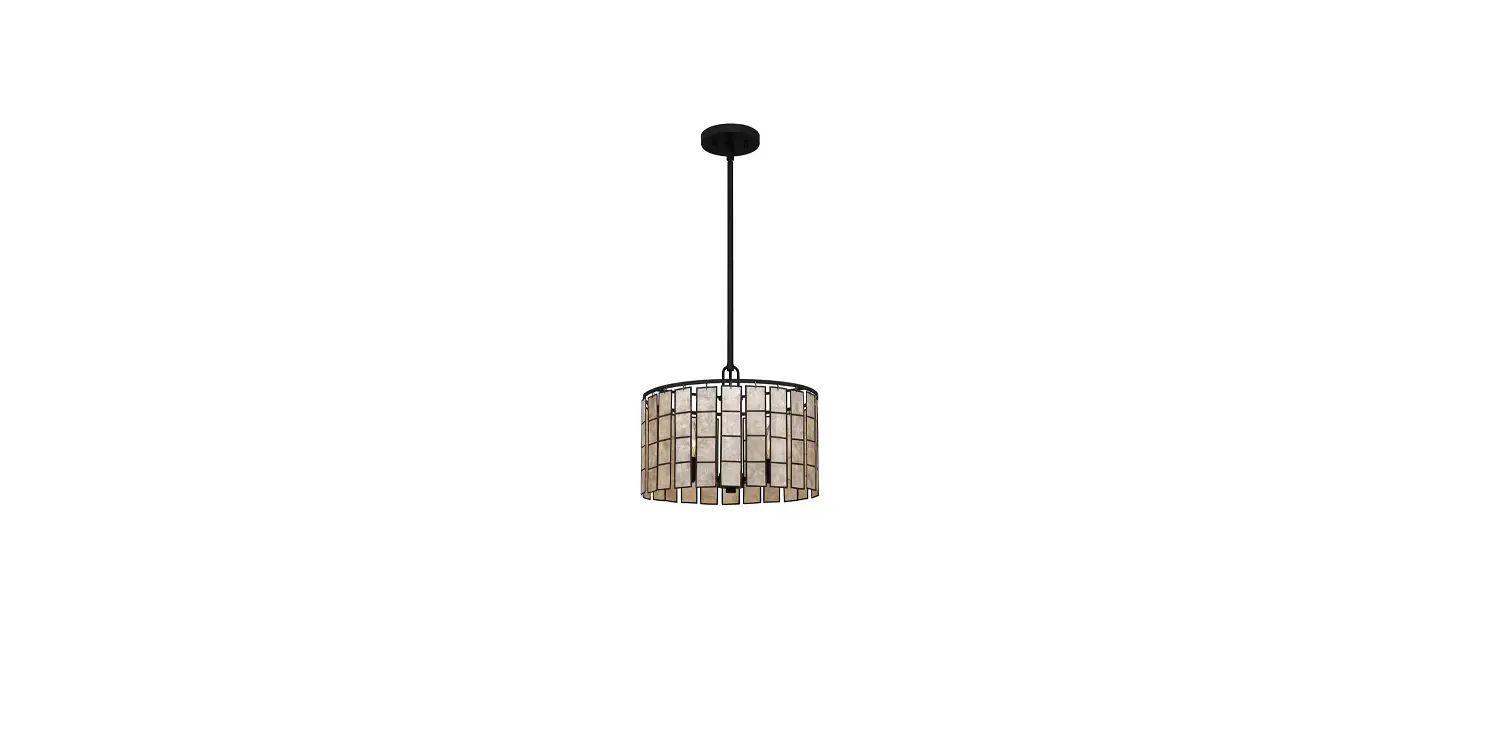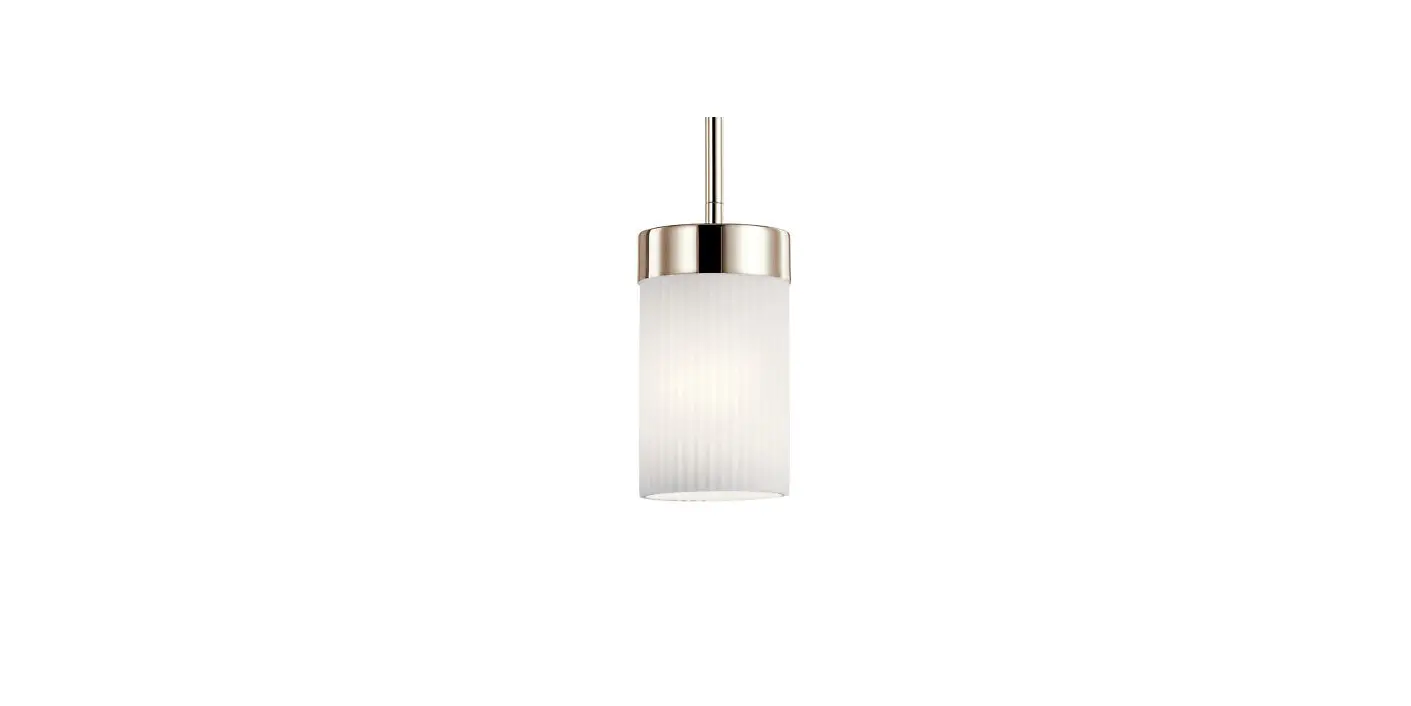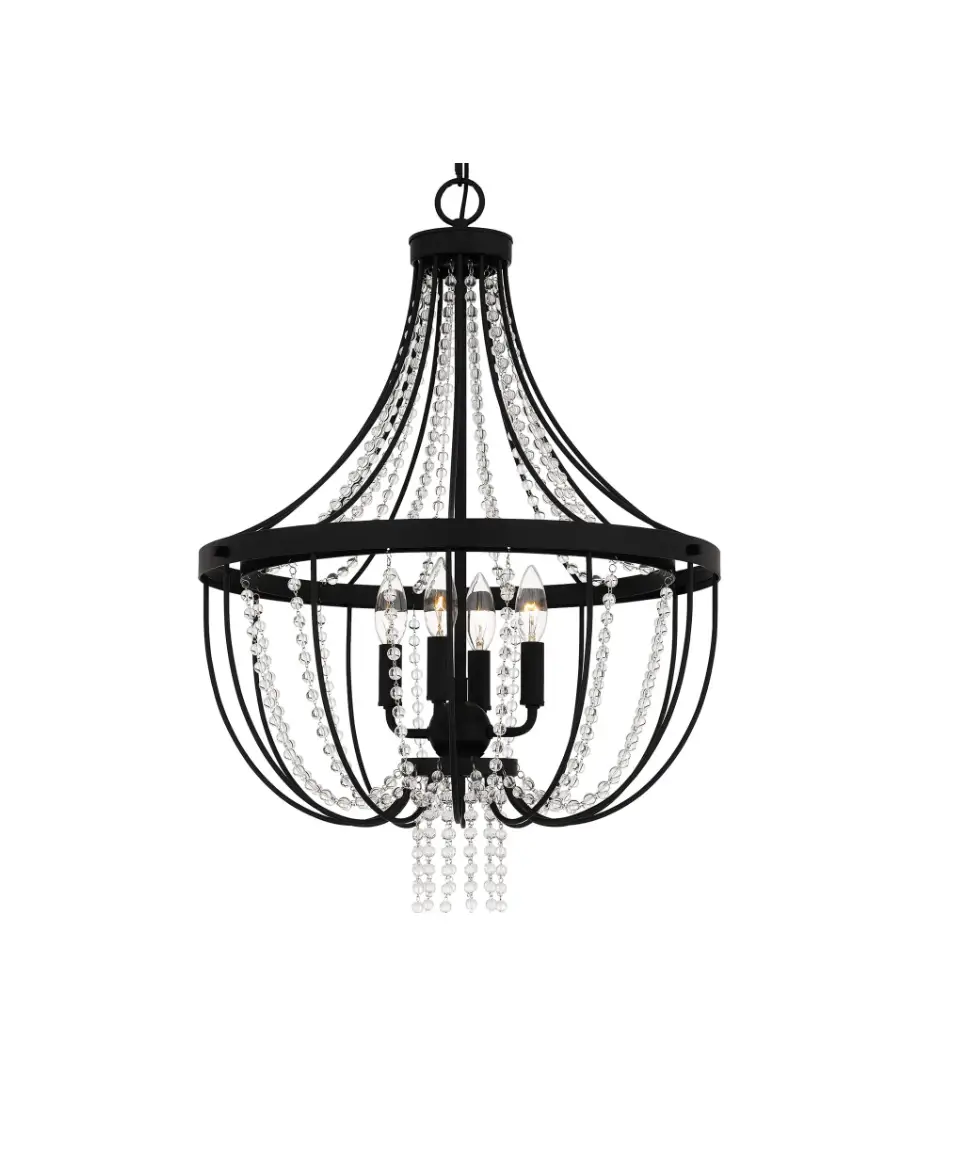
QUOIZEL ADL2820MBK 4 Light Pendant In Transitional
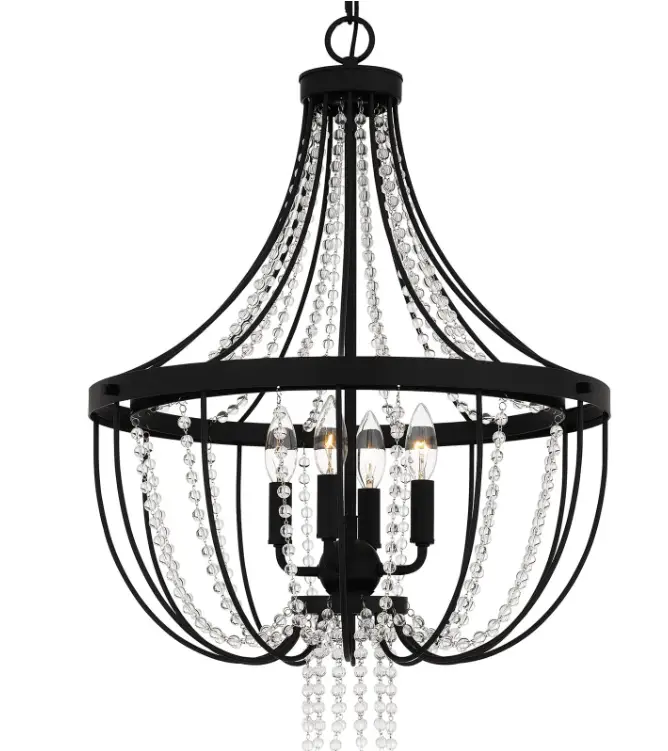
 SAFETY INFORMATION
Please read and understand this entire manual before attempting to assemble, install or operate the product.
WARNING
- RISK OF ELECTRIC SHOCK – Before beginning installation, turn off electricity at the circuit breaker box or the main fuse box.
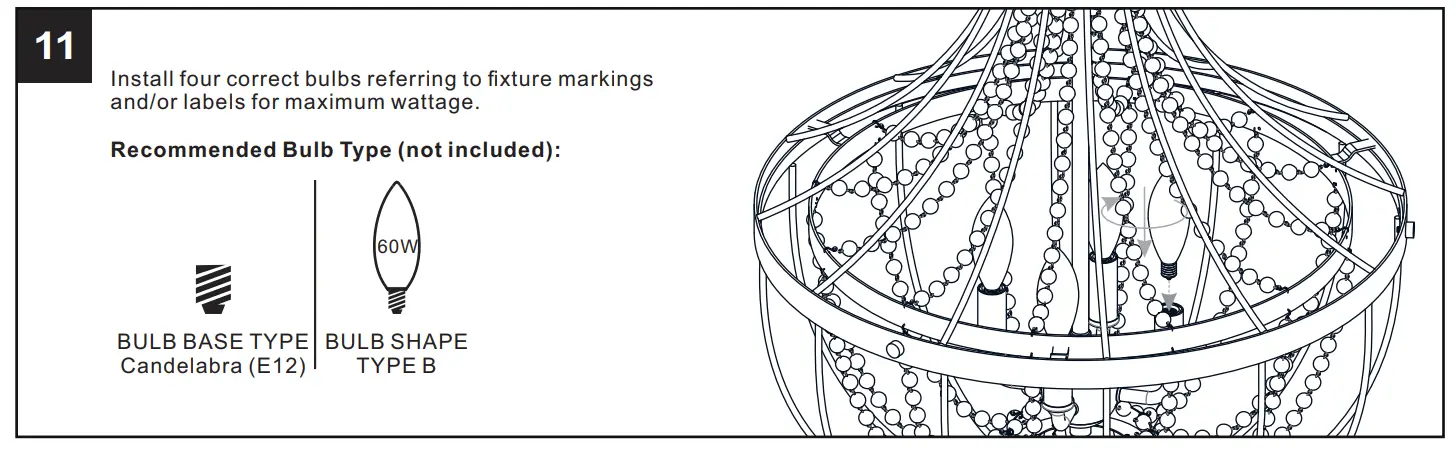
- RISK OF FIRE – Use bulbs specified by the markings and/or labels on the fixture.
CAUTION
- For your safety, read instructions completely before beginning installation.
- If in doubt about electrical installation, consult a licensed electrician.
- Turn off electricity to fixture before replacing the bulb(s).
TOOLS REQUIRED
CARE AND MAINTENANCE
- Wipe clean using soft, dry cloth or static duster. Always avoid using harsh chemicals and abrasives to clean fixture as they may damage the finish.
If you need further assistance call Quoizel Customer Care at 1-800-645-3184 (9:00am – 5:00pm EST), or visit us on-line at www.quoizel.com.
PACKAGE CONTENTS
| A |  | Bead String A ( Beads) 6 x 6 |
| B |  | Bead String B ( Beads) 7 x 6 |
| C |  | Bead String C (1 Beads) 7 x 12 |
| D |  | Bead String D ( Beads) 20 x 12 |
| E | 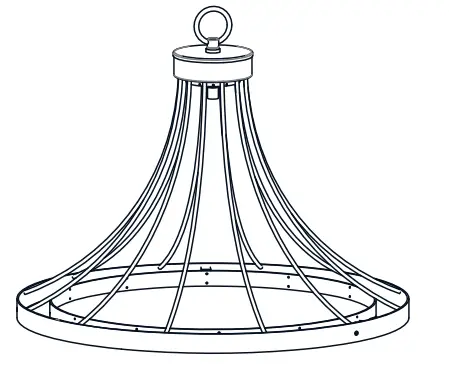 | Top Cage x 1 |
| F |  | Center Stem x 1 |
| G | 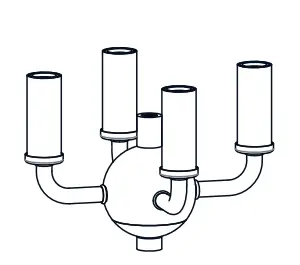 | Socket Assembly x 1 |
| H | 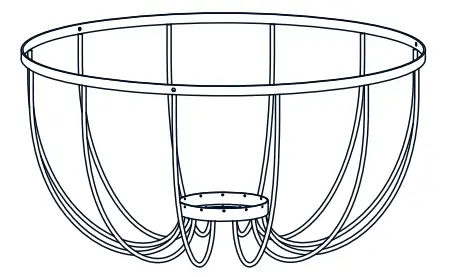 | Bottom Cage x 1 |
| I |  | Lock Screw x 3 |
MOUNTING HARDWARE
| AA | 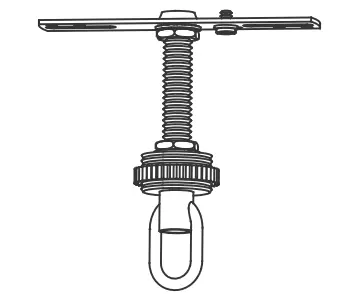 | Crossbar Assembly x 1 |
| BB | 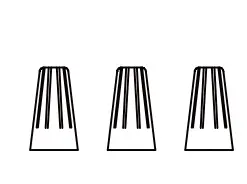 | Wire Connector x 3 |
| CC | 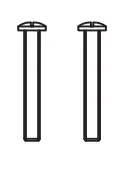 | Outlet Box Screw x 2 |
| DD | 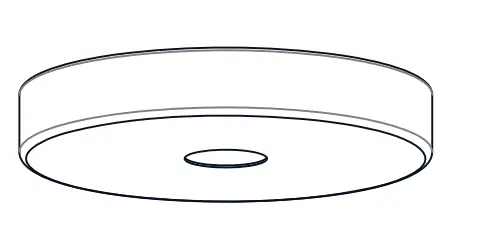 | Ceiling Canopy x 1 |
| EE | 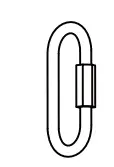 | Quick Link x 2 |
| FF | 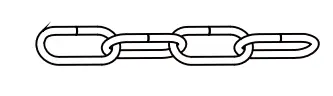 | Fixture Chain x 1 |
INSTALLATION
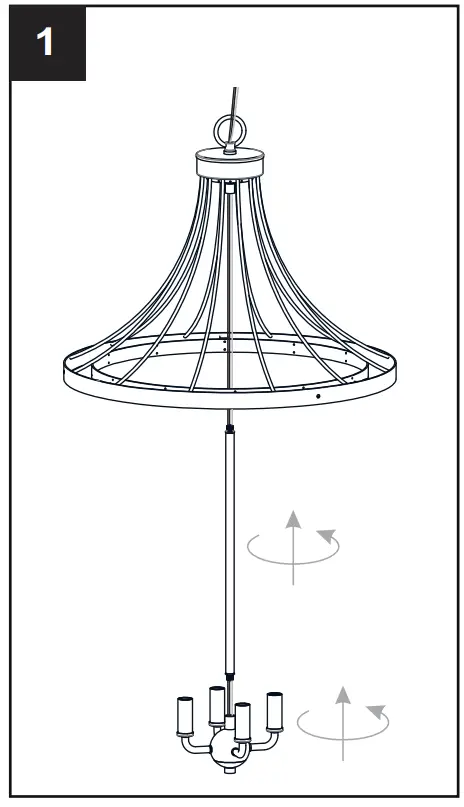
- Install Center Stem and Socket Assembly

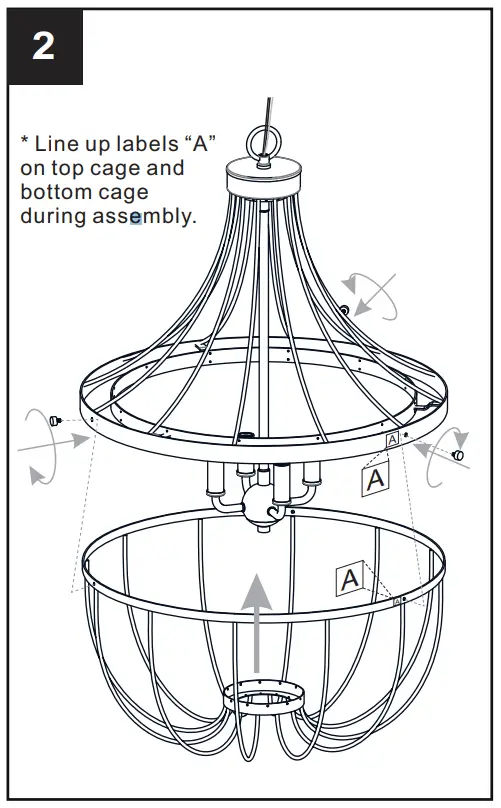
- Install Bottom Cage to Top Cage

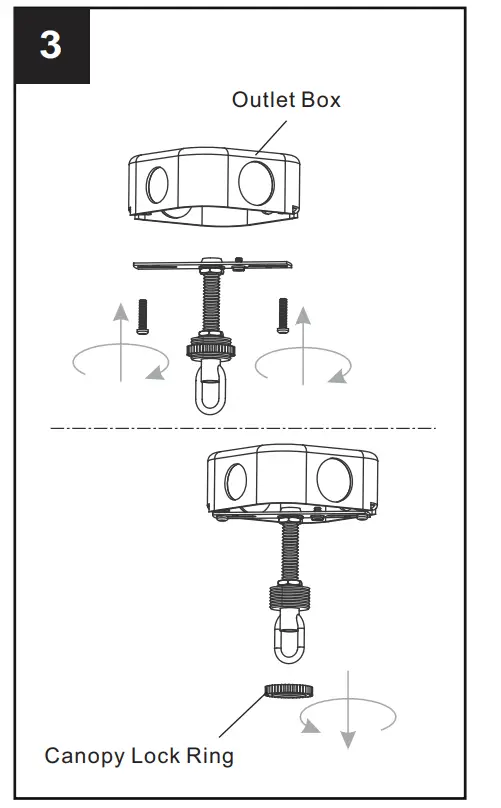
- Install Crossbar Assembly
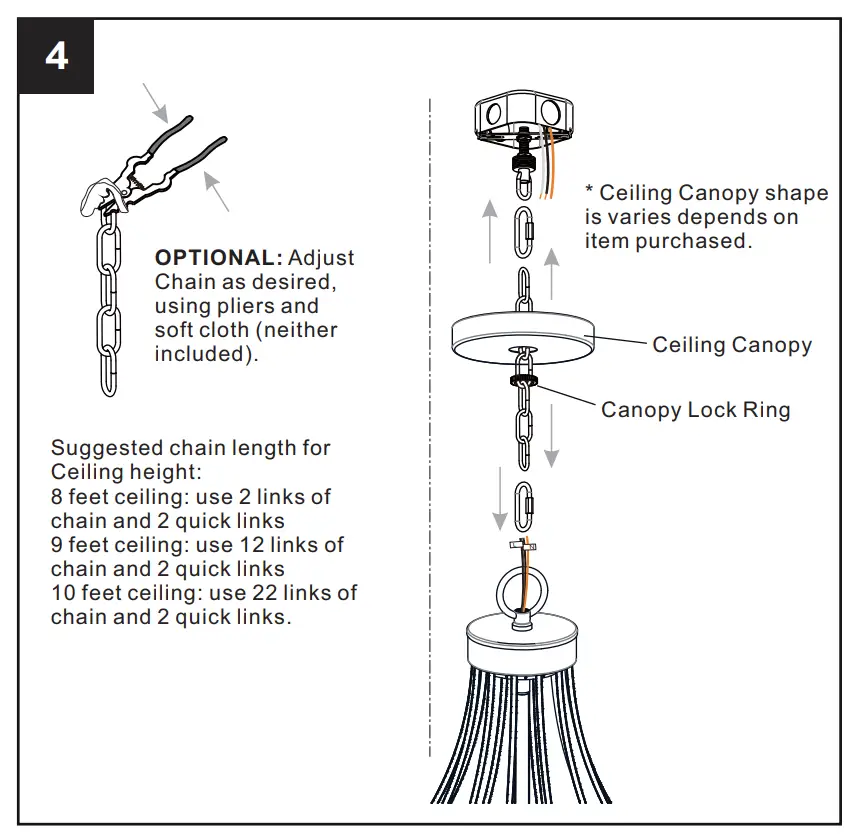
- Install Fixture Chain

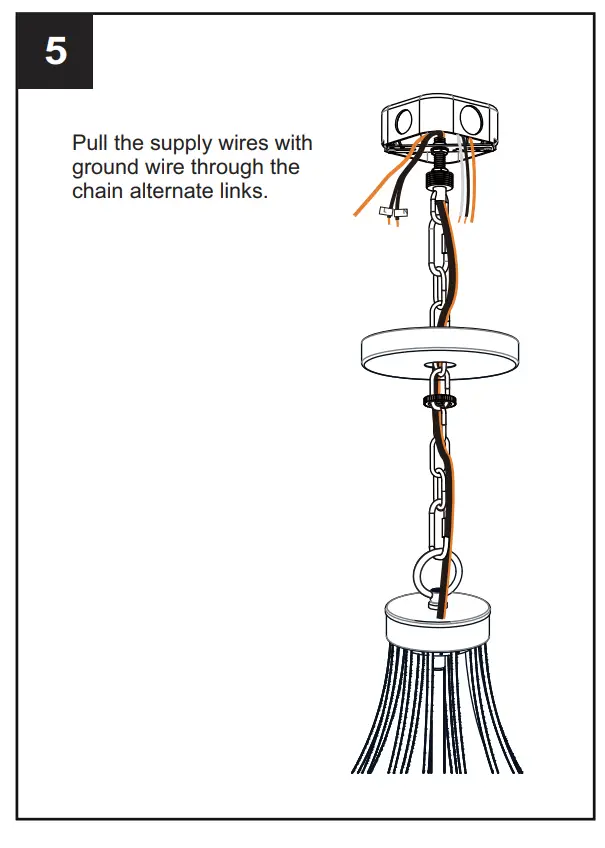
- Pull Supply Wires

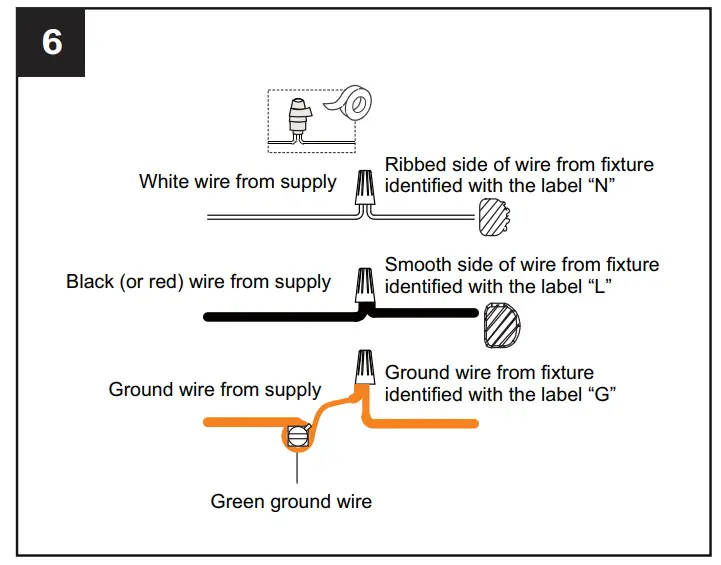
- Wiring

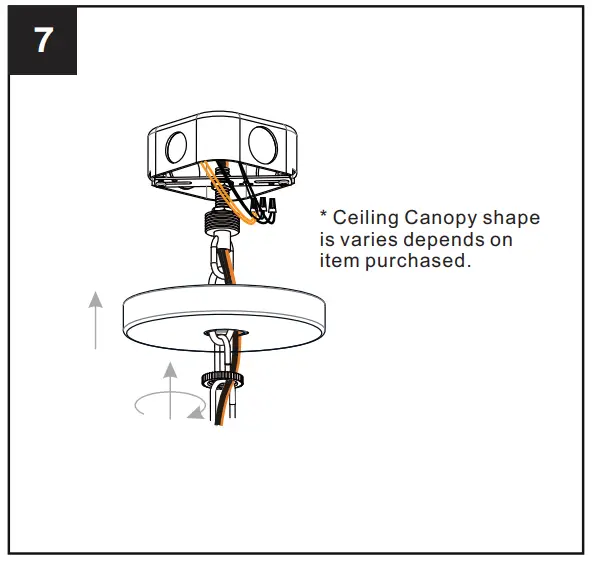
- Install Ceiling Canopy

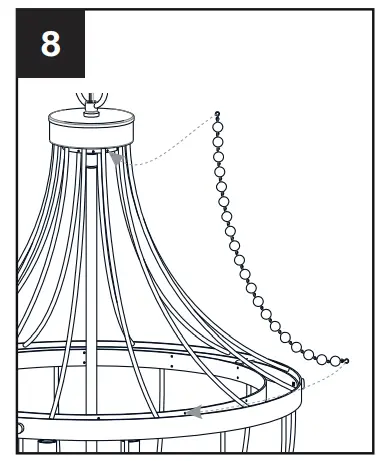
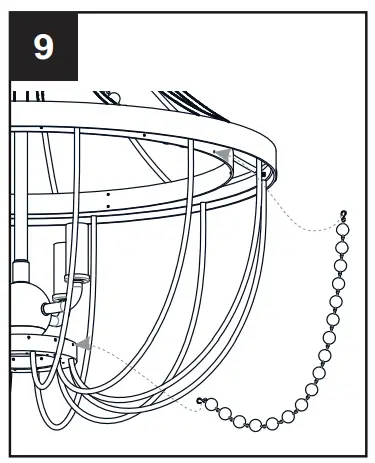
- Install Bead String D

- Install Bead String C

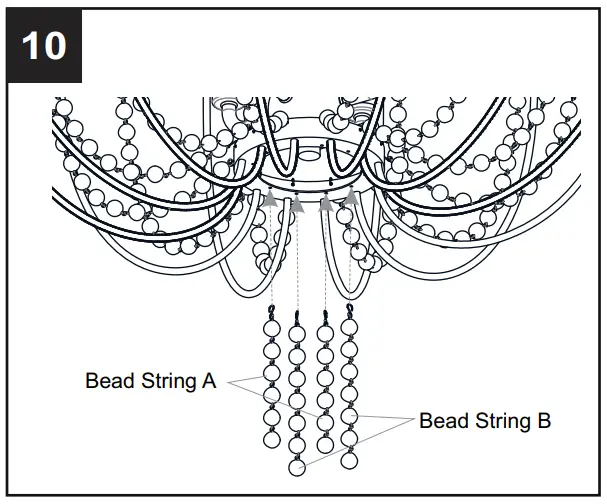
- Install Bead String A and B

- Install Bulbs

Your installation is now complete! Restore electricity and save this sheet for future reference.

 Quoizel | Artisans In Lighting