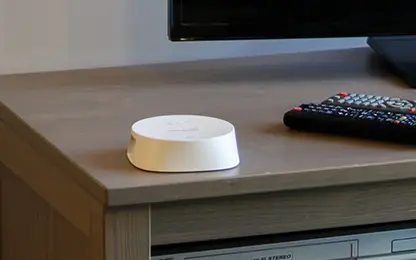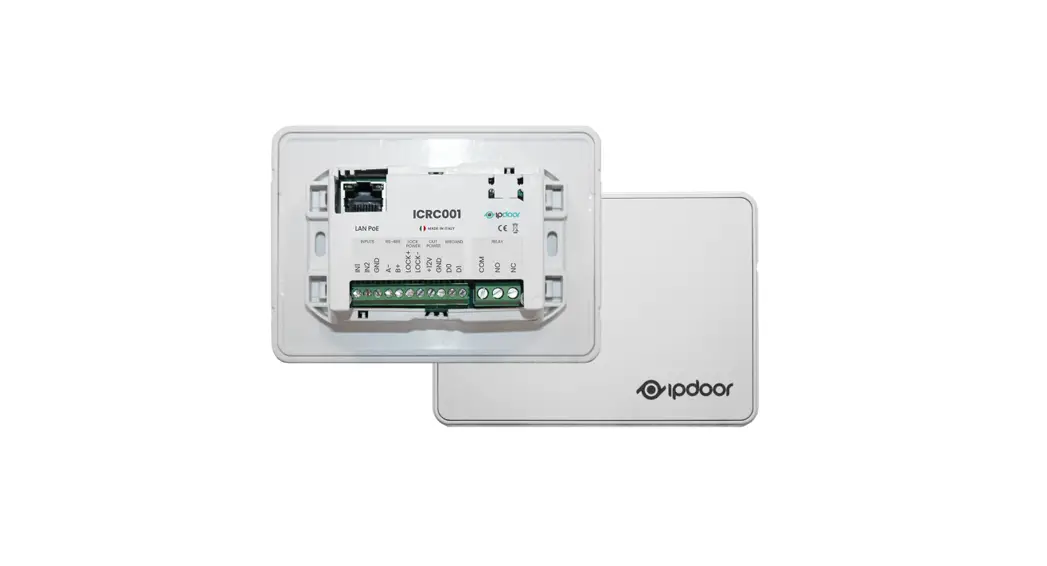
 Ethernet Controller
ICRC001 
Introduction
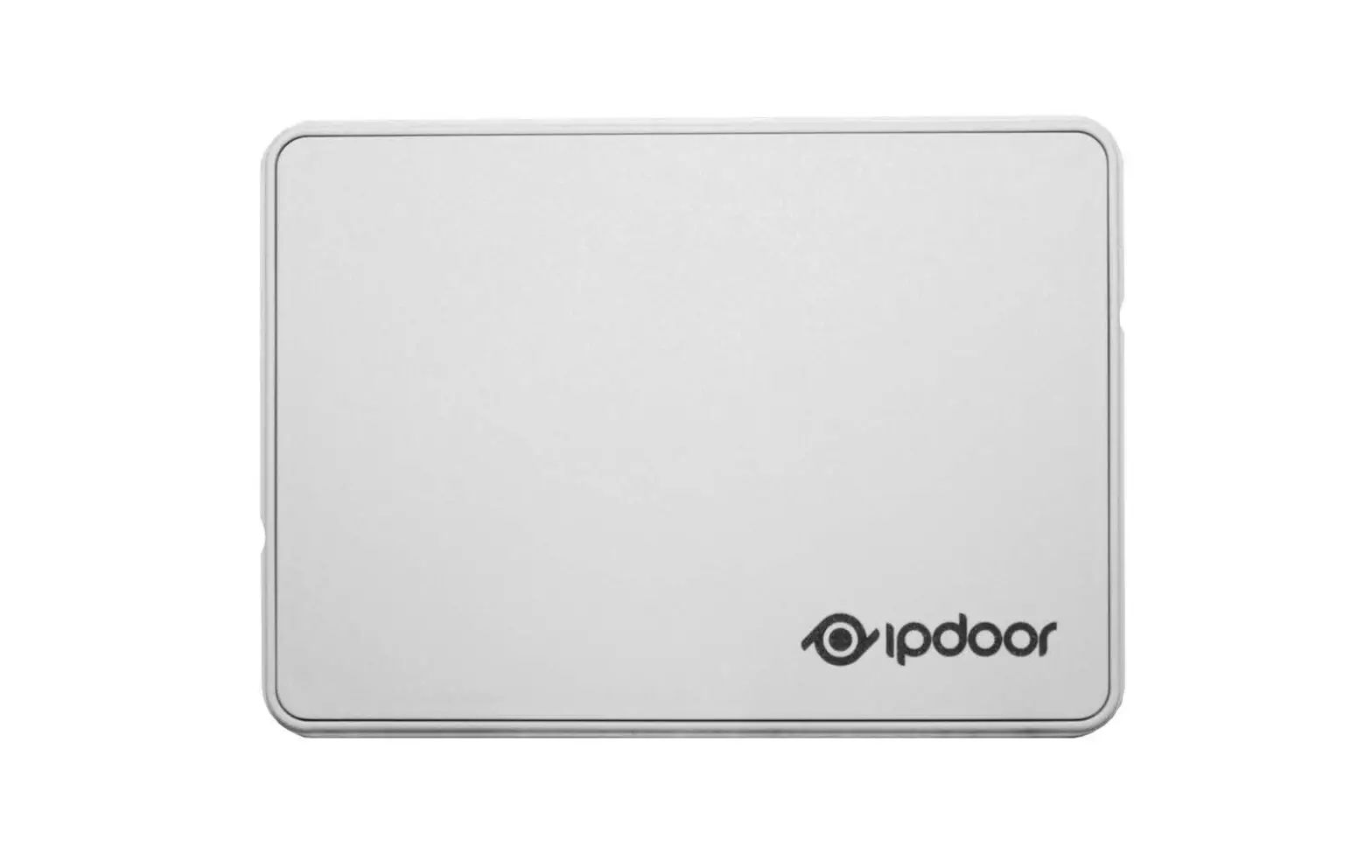
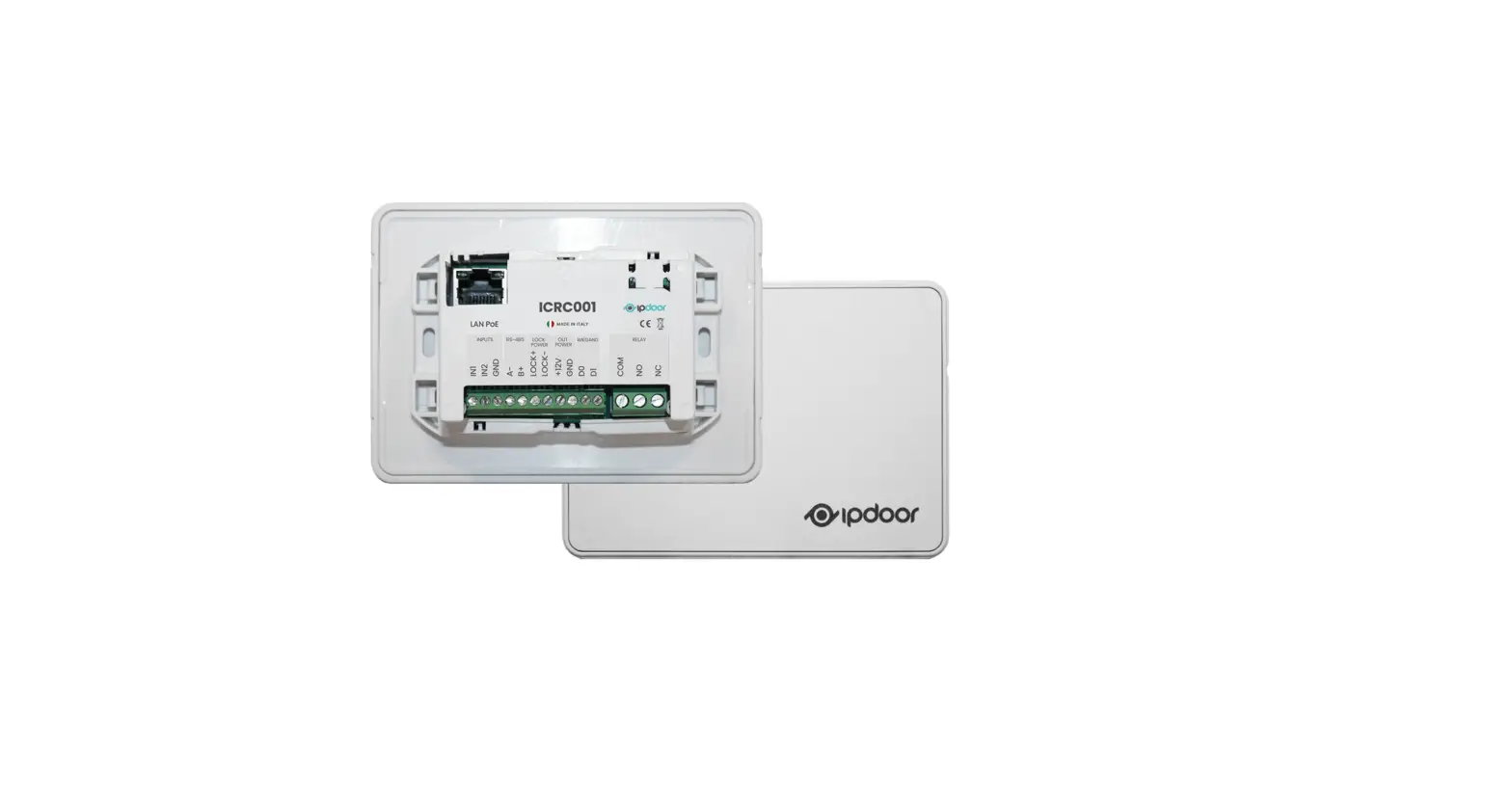
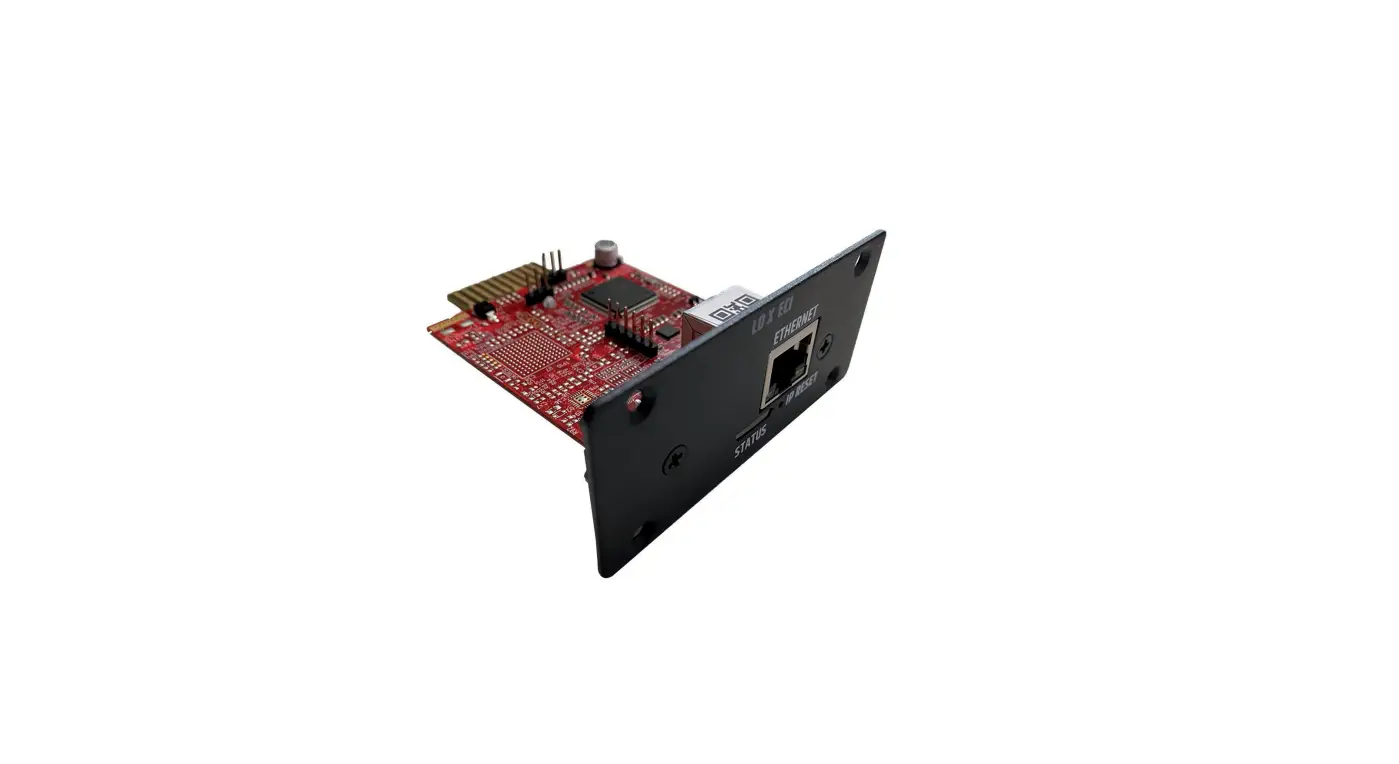
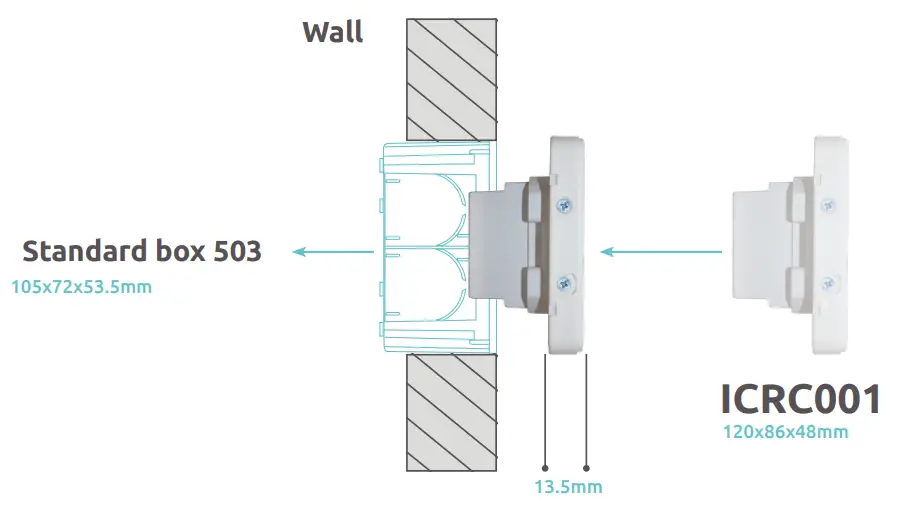
The ICRC001 controller is an electronic module to be installed inside a 503 electrical box. It is connected to the network via an Ethernet cable and is powered by the PoE switch.
The device brings multiple functionalities into the IpDoor infrastructure, through its standard interfaces and its inputs and outputs.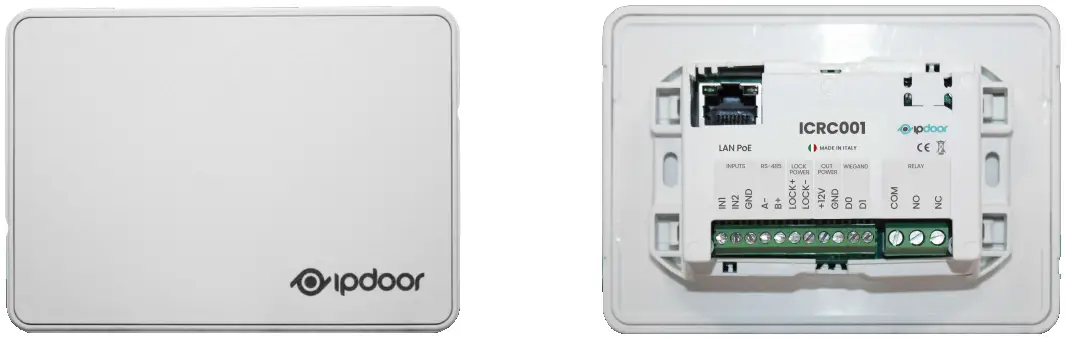
Description
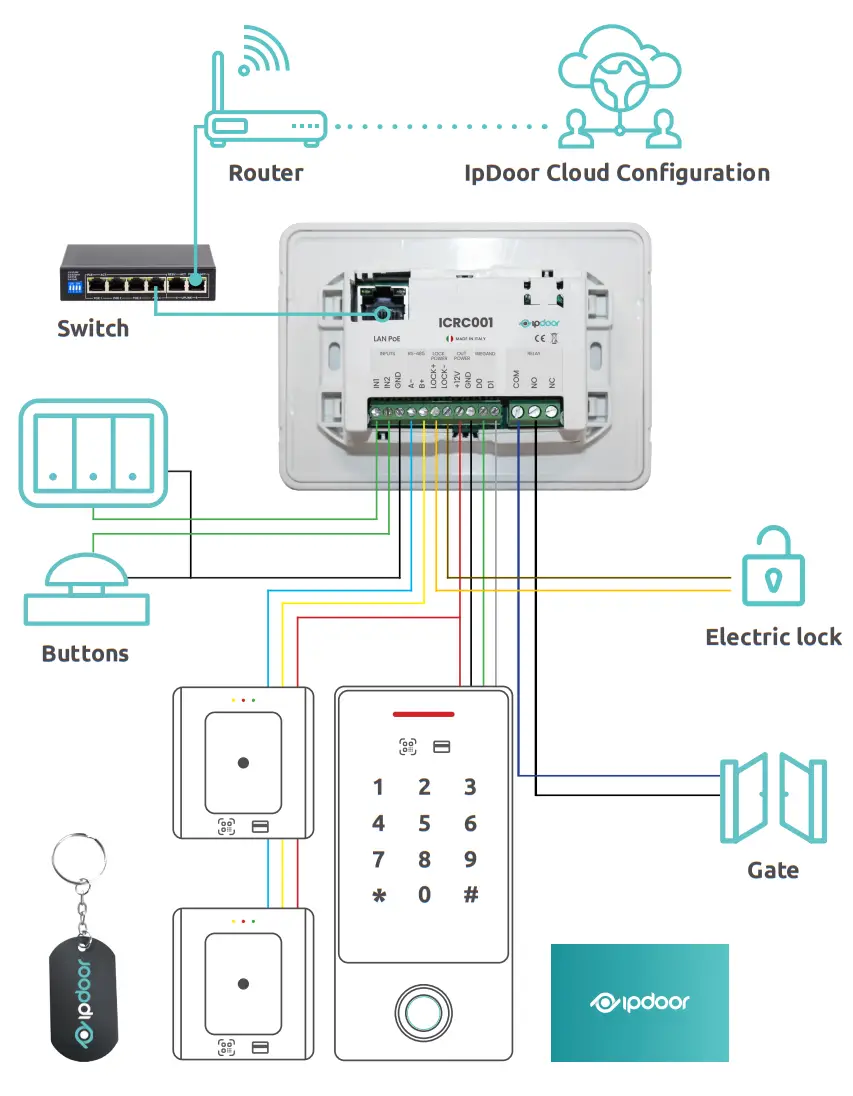
By connecting external devices with standard protocols to the controller, they can enter the IpDoor system configuration.
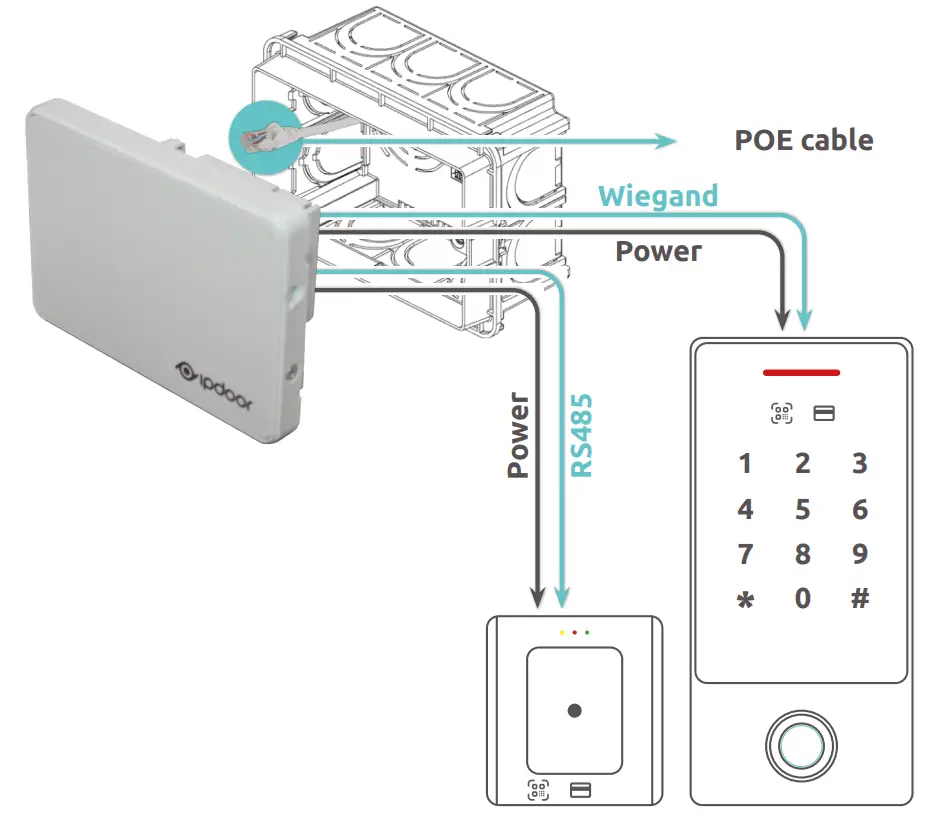
The Wiegand interface, an established standard in the world of access control, allows you to connect devices with multiple functions, in general almost all types of numeric keyboards and badge readers. The RS485 interface is a standard in the world of access control and home automation, and offers an almost infinite range of devices. This interface allows the use of standard third-party devices by bringing independent QR Code readers, keypads or pre-existing readers to be part of the IpDoor world, exploiting their functions.
The physical interfaces include inputs to be able to connect buttons or sensors to send notifications or activate functions, but also outputs to control doors or gates without having to worry about the power supply of the lock. The audio interface allows you to connect a loudspeaker, transforming it into a device to send synthesized messages or alarms and ringtones (functionality expected in future updates). The Bluetooth interface also allows you to use the device as an independent Bluetooth access control (feature expected in future updates).
The connectivity of the controller to the IpDoor cloud guarantees the interface to the outside wor- ld and allows you to configure and maintain it completely remotely. However, operation is guaranteed even without Internet connectivity.
Interfaces and features available
- Wiegand for 2 input devices (keypads and RFID readers)
- RS485 for up to 50 input devices (QR code readers, RFID readers or other)
- 2 inputs (call buttons, alarms or signaling, contacts, …)
- 1 relay output (gate command, activation, …)
- 1 power output (command and electric lock power supply)
- 1 loudspeaker output (ringtone, alarm, speech synthesis)
- Programmable sending of commands via IP
- Actions programmable by receiving commands via IP
- Bluetooth for secure connection
- Future expansions
Technical features
| Weight | 120 gr. |
| Material | Self-extinguishing ABS |
| Color | White |
| Dimensions outside the wall | 125 x 88 x 10 mm |
| Recessed box dimensions | 105 x 72 x 53.5 mm |
| Power supply | Poe 802.3af |
| Power consumption | 3.5 W |
| Operating temperature range | -10 <> +55 °C |
| Operating humidity range | 5 <> 85 % |
| Temperature range for storage | -25 <> +65 °C |
| Protection level | IP50 |
| Input | 2 optocoupled |
| Relay output | 1 output – 10A@250Vac (COM/NC/NO) |
| Lock output | 1 output – 12 VDC@1A |
| Power supply output for devices | 12 VDC,300 mA |
| Ethernet | RJ45 10/100 Mbps (PoE) |
| Bluetooth | 4.2 |
| Wiegand interface | 1 – Wiegand 26 bit |
| RS 485 interface | 1 – ASCII |
| Speaker interface | 1 – 3W/8 Ohm |
ICRC001 Scheme
Installation
InfinitePlay S.r.l.
Via G.A. Longhin, 131
35129 – Padova (PD)
(+39) 049 825 6725
[email protected]
www.ipdoor.com
IPDOOR IS PART OF THE XM WORLD GROUP
 IpDoor: Videocitofono Smart | IpDoor