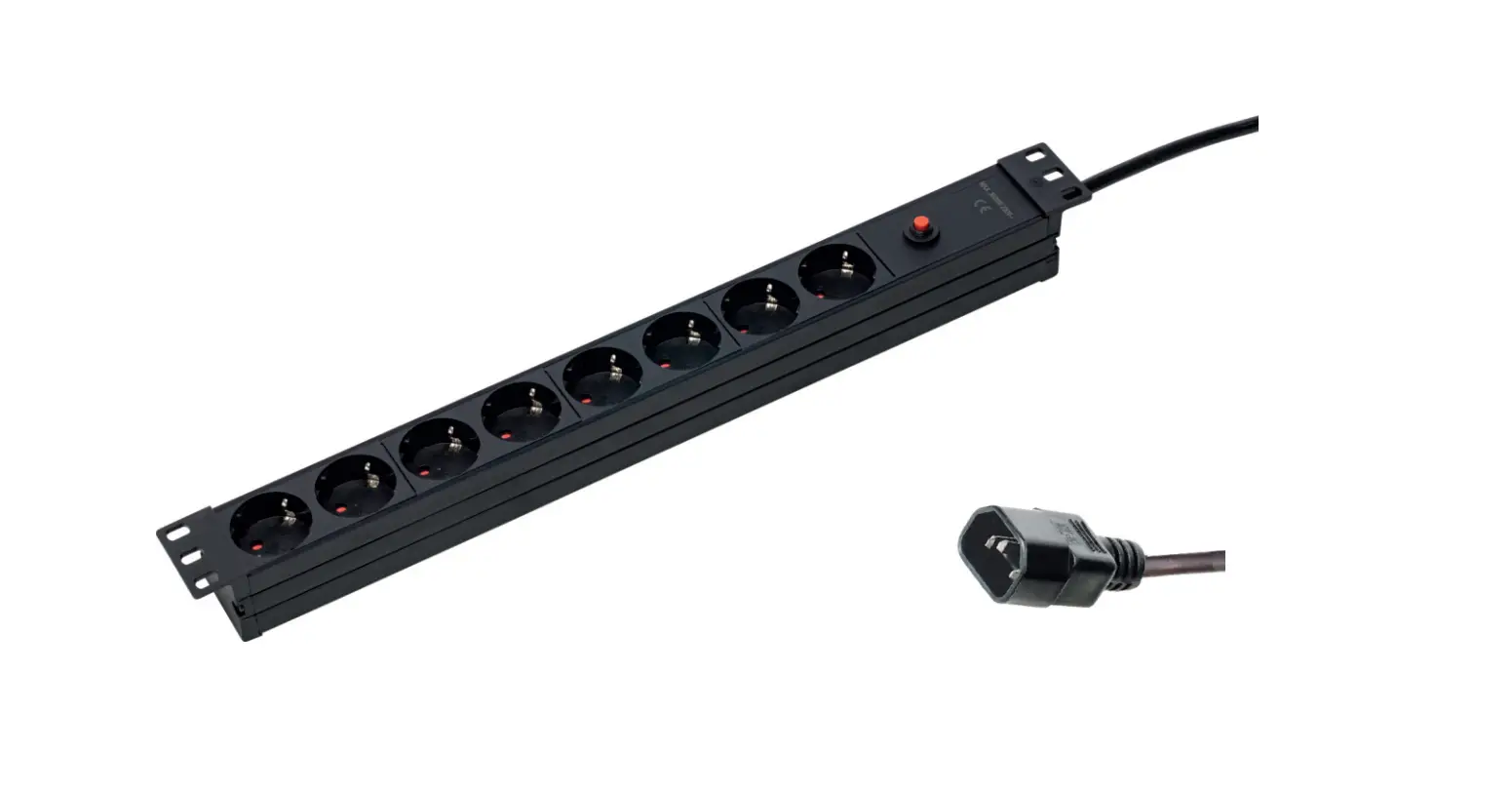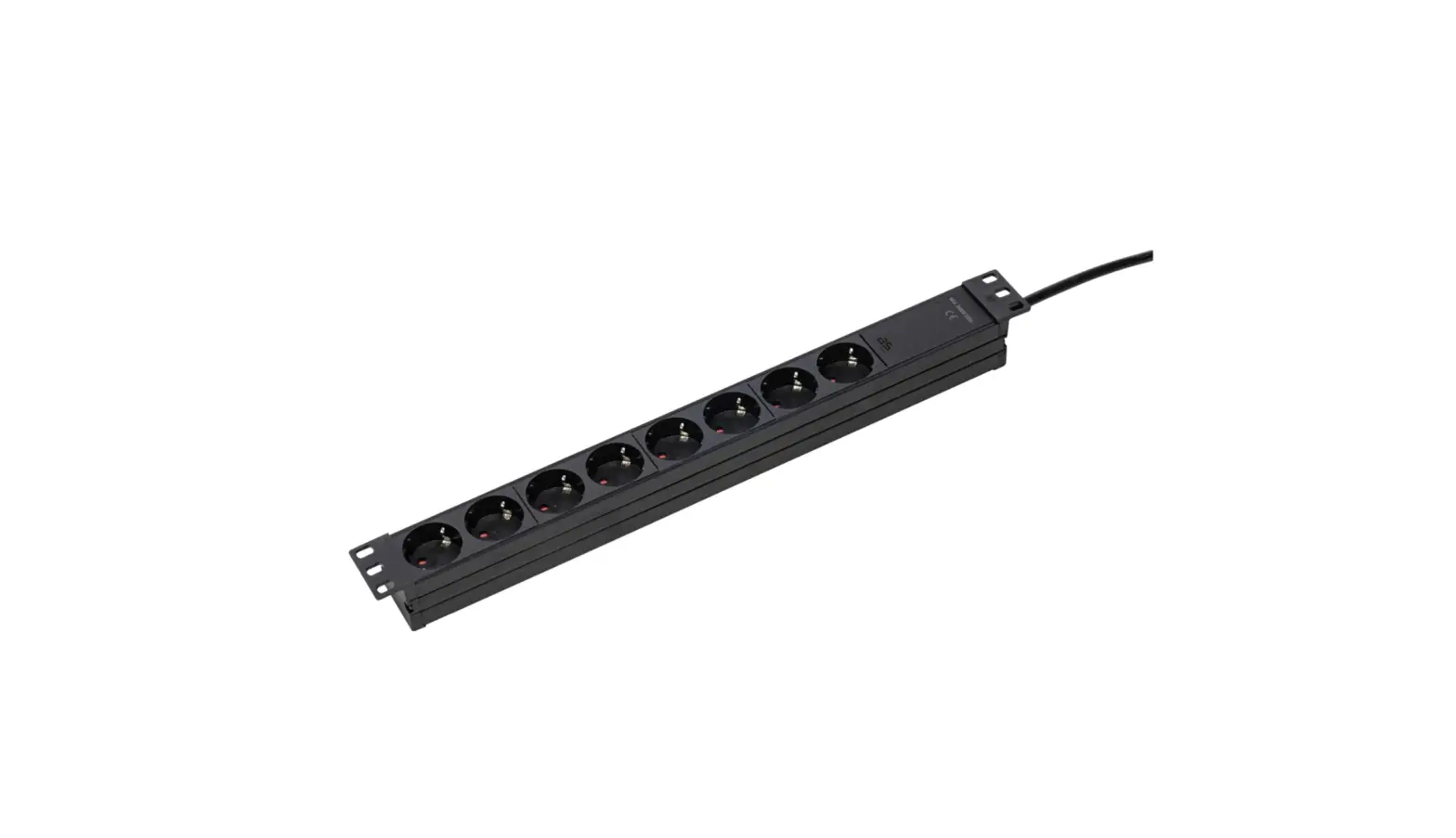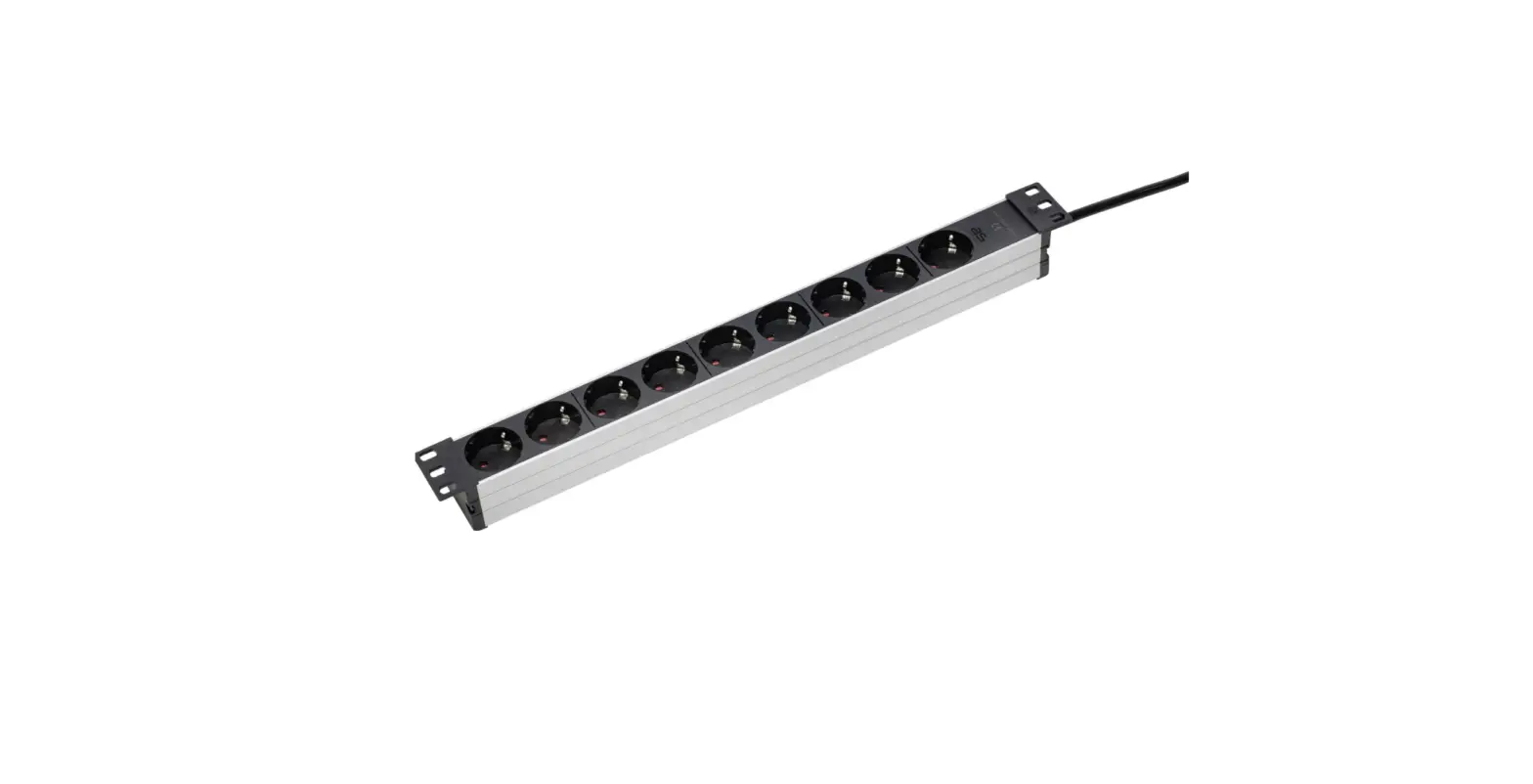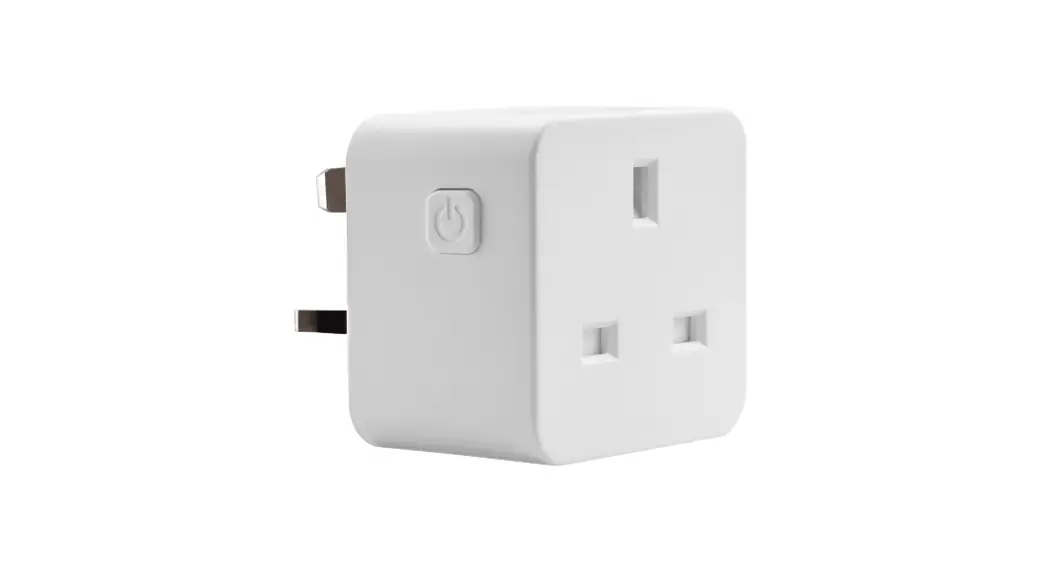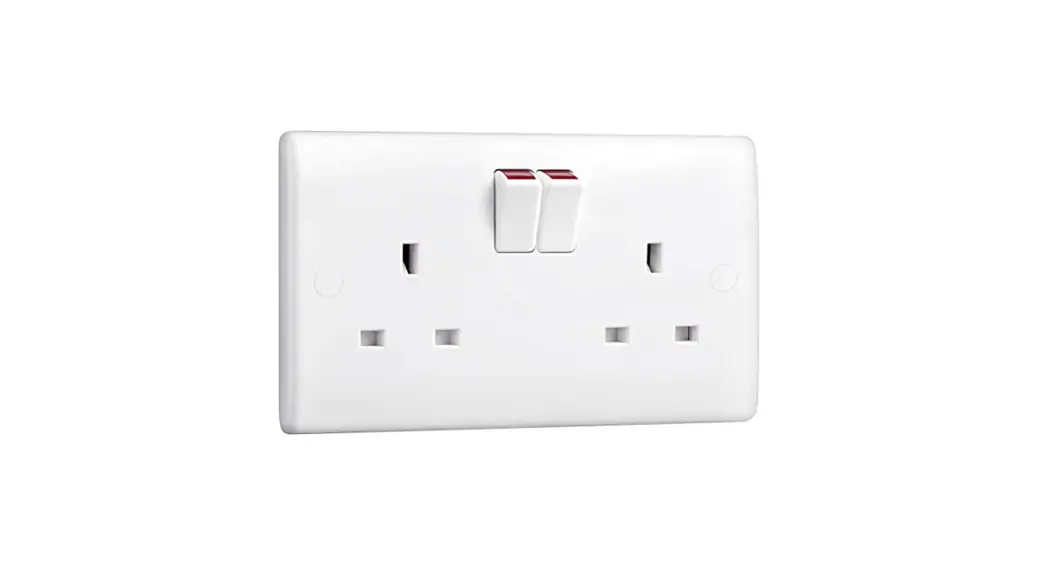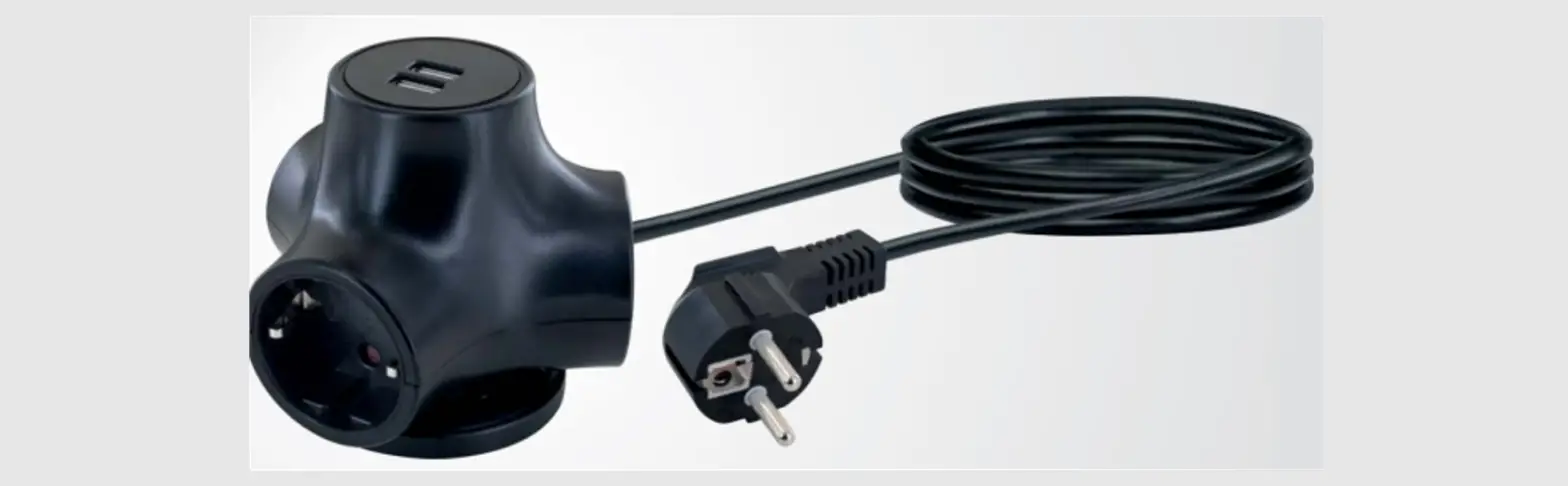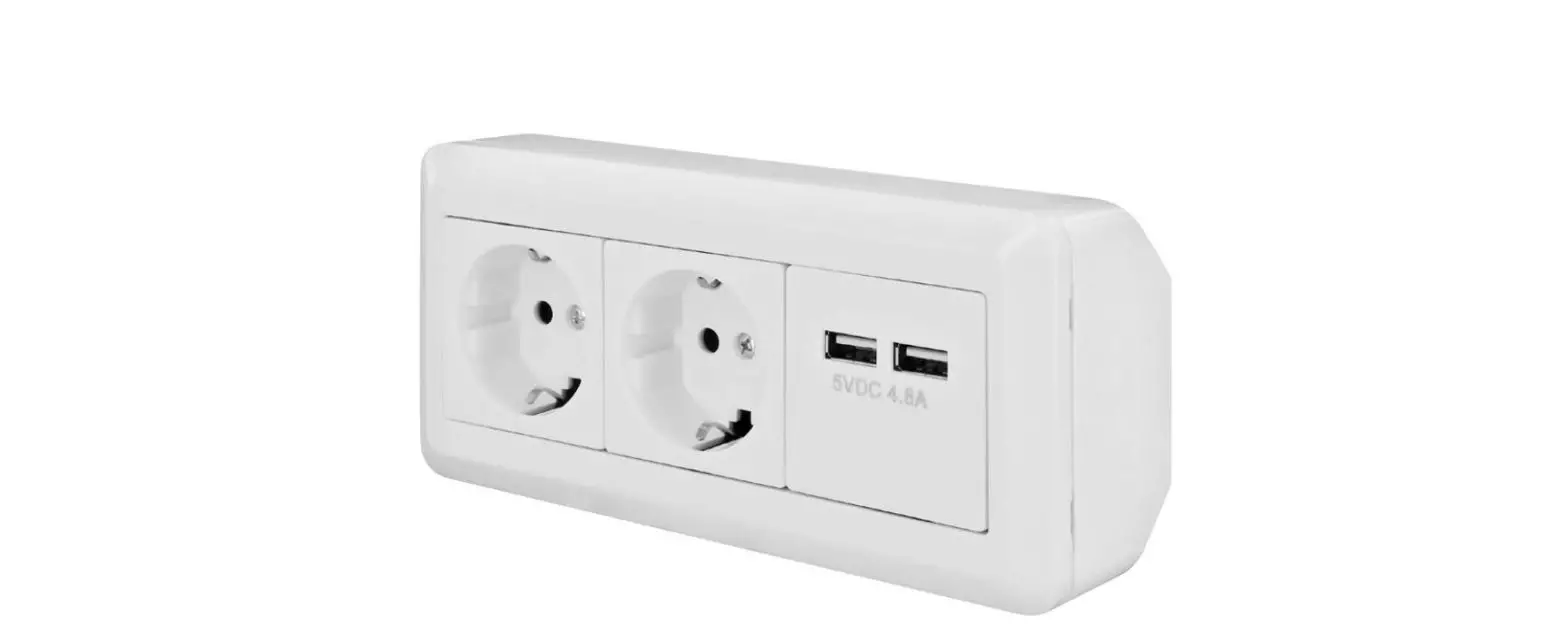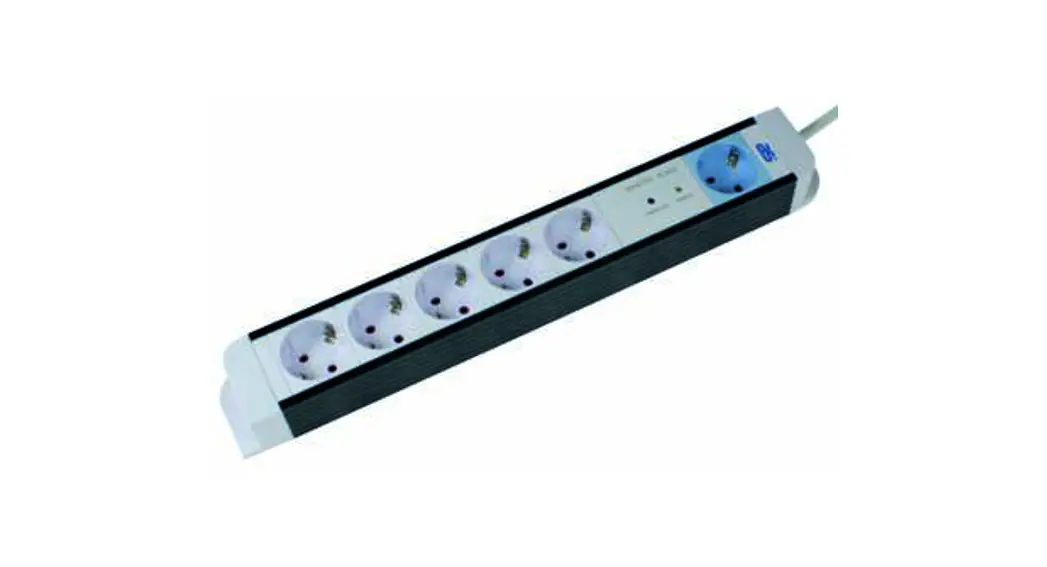
 18672 Master-Slave Socket Outlet
Instruction Manual
Master-Slave socket outlet
Art. 18672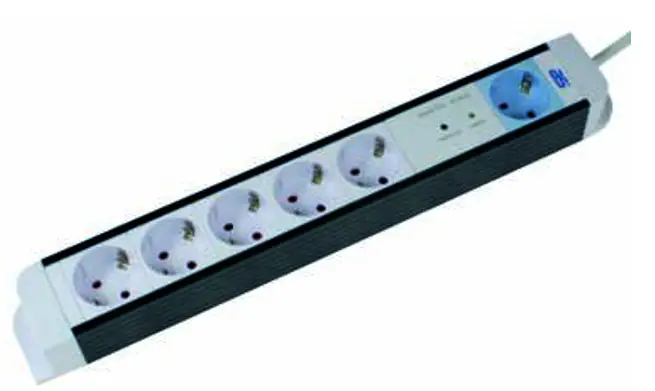
Operating instructions
Technical description of digital Master-Slave
With the switching on/off of one single device, which is plugged into the master socket, all further appliances in the slave sockets can also be automatically switched on/off. For example, you can use a computer as a master device, which can embrace slave appliances in the automatic control such as, for example, monitor, printer, modem, etc.
The power consumption of the master device must be >5W in the energized condition and in the de-energized condition (standby operation) it must be <100W. Master can be max. 500W
The switching threshold of this model is automatically set by the push of a button.
If you temporarily do not require the master-slave function, you may activate the permanent mode for the slave sockets. The multiple sockets then act as if the master-slave function was not available.
The switching threshold saved, or the permanent mode, also remains if the master-slave multiple sockets is temporarily switched off at the main switch.
Setup
Automatic threshold switching setting:
- Switch on the master-slave multiple sockets at the main switch.
- Plug the master device into the master socket.
- Set the master device to standby mode, or switched off mode if this is not already done.
- On the master-slave module, keep the “Learn” button pressed for approx. 3 secs., until the “Slave on” lamp begins to flash.
- The “Slave on” lamp now flashes for approx. 5-10 secs. During this time, the standby current consumption of the master device is automatically determined and the switching threshold is saved
- When the lamp “Slave on” stops flashing, the setting process is finished. The master-slave function can now be used.
Permanent mode for the slave sockets:
Activation
- Proceed to the automatic setting of the switching threshold.
- During the time that the “Slave on” lamp flashes (Point 5), push the button “Learn” again for approx. 3 secs. The automatic switching threshold setting is finished and the permanent mode for the slave sockets is activated.
Deactivation
- Simply carry out an automatic switching threshold setting again.
Technical data
| Nominal voltage: | 230V / 50Hz |
| Max. load: | 16A (3500W) for master and for slave sockets together |
| Switching threshold range: | 5W – 100W |
| Switching threshold adjustment: | Automatic adjustment by push button (see Setup) |
| Permanent mode: | Activation by push button (see Setup) |
| Zero crossing detection: | Relay switching only during zero crossing time |
| Standby power: | <0,9W |
as – Schwabe GmbH
Merkur. 10
72184 Eutingen
www.as-schwabe.de
 as-schwabe.de | as - Schwabe