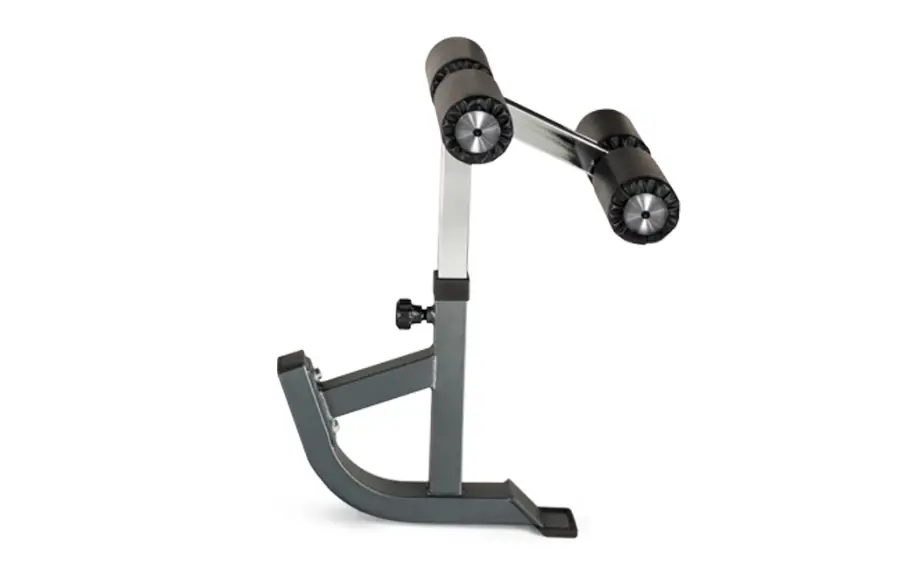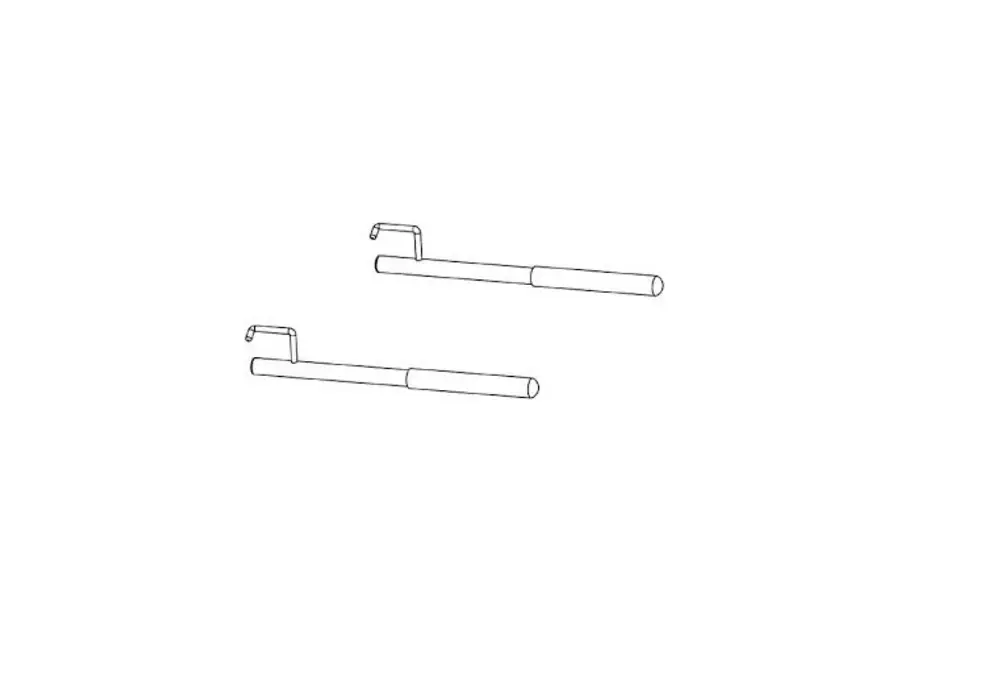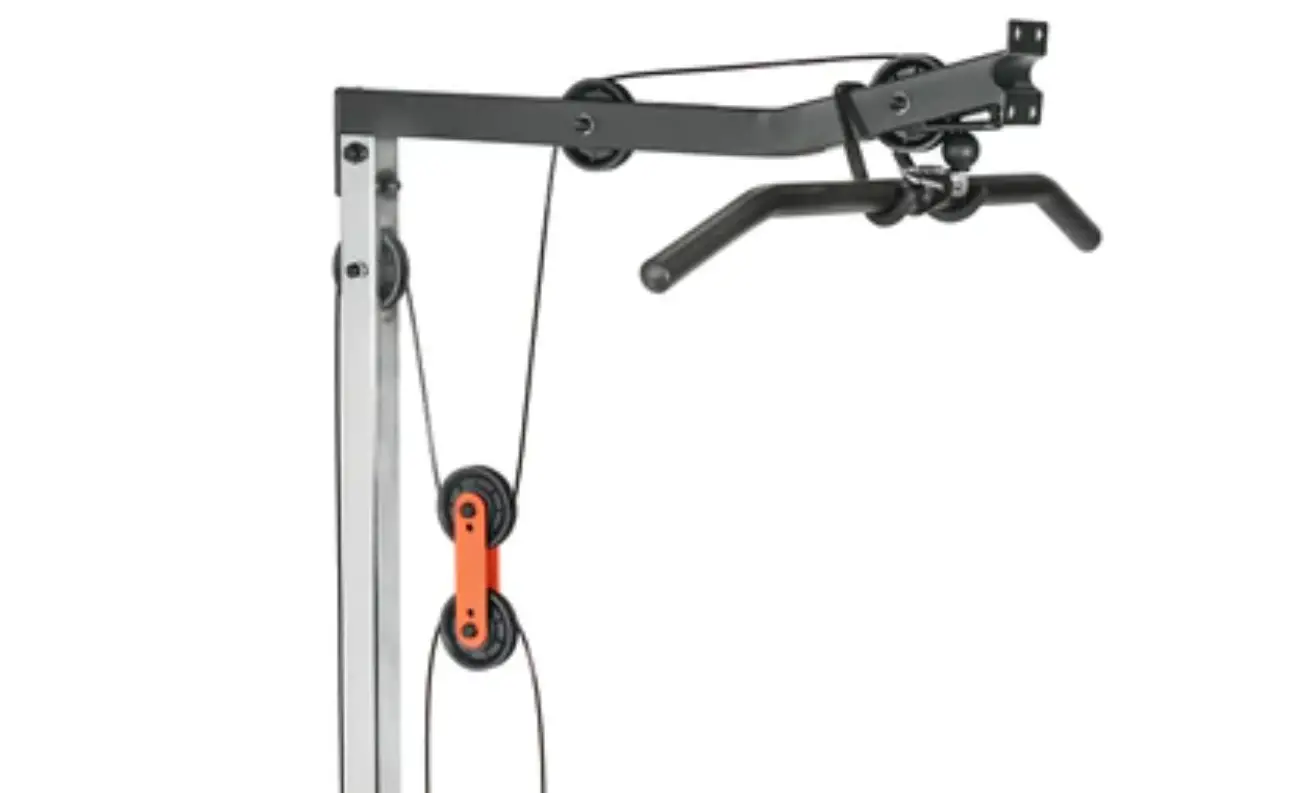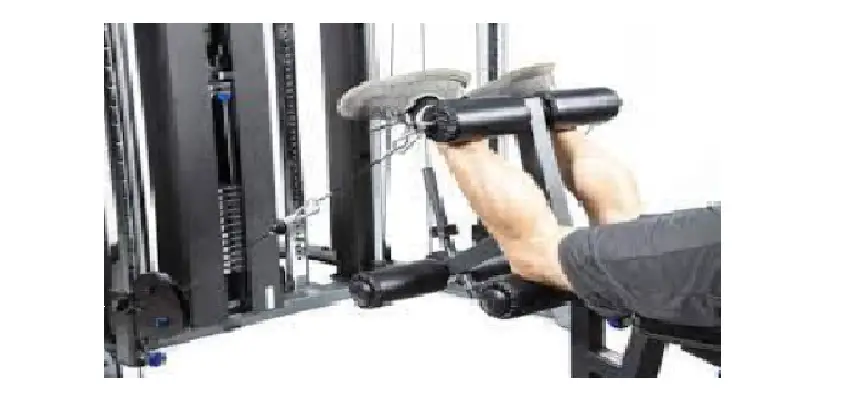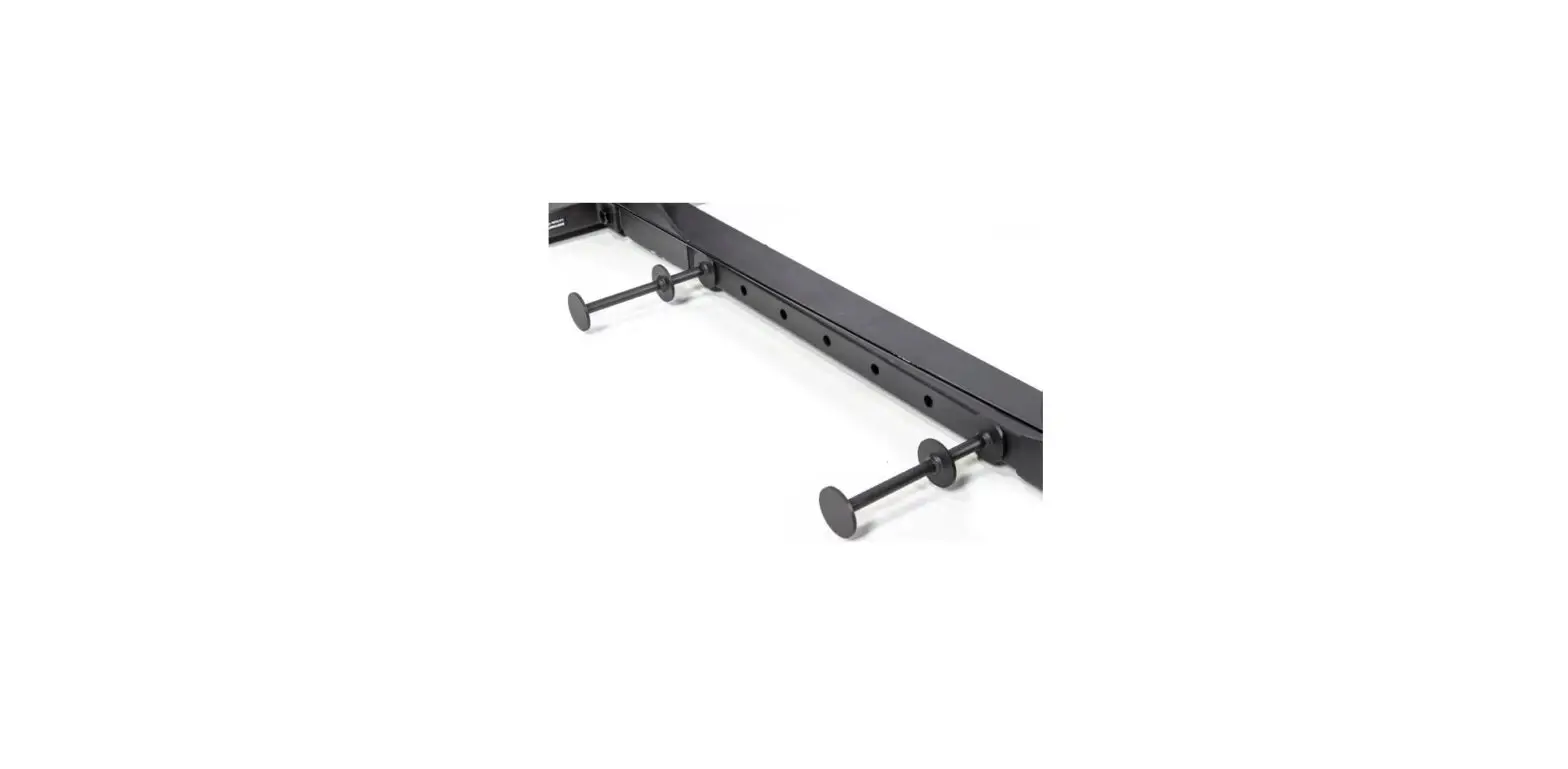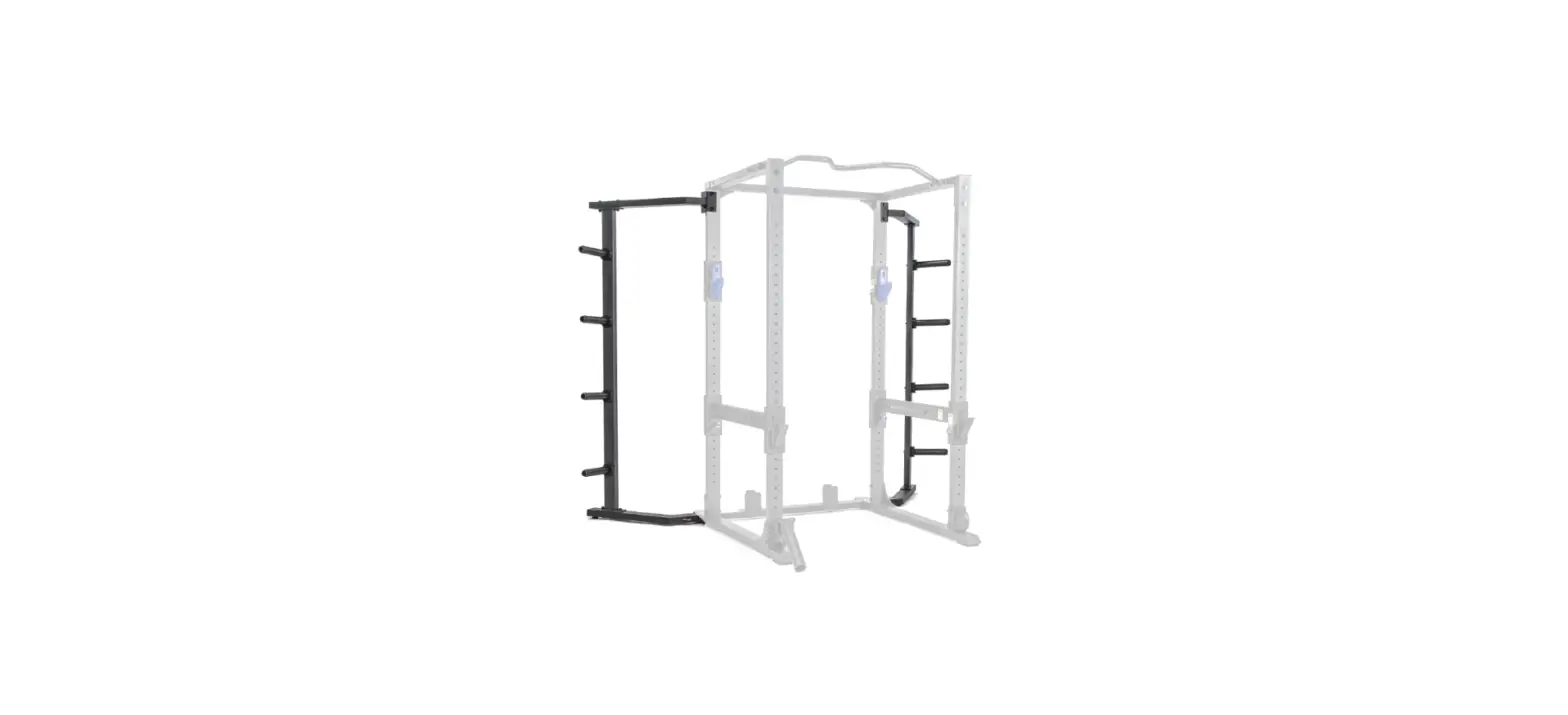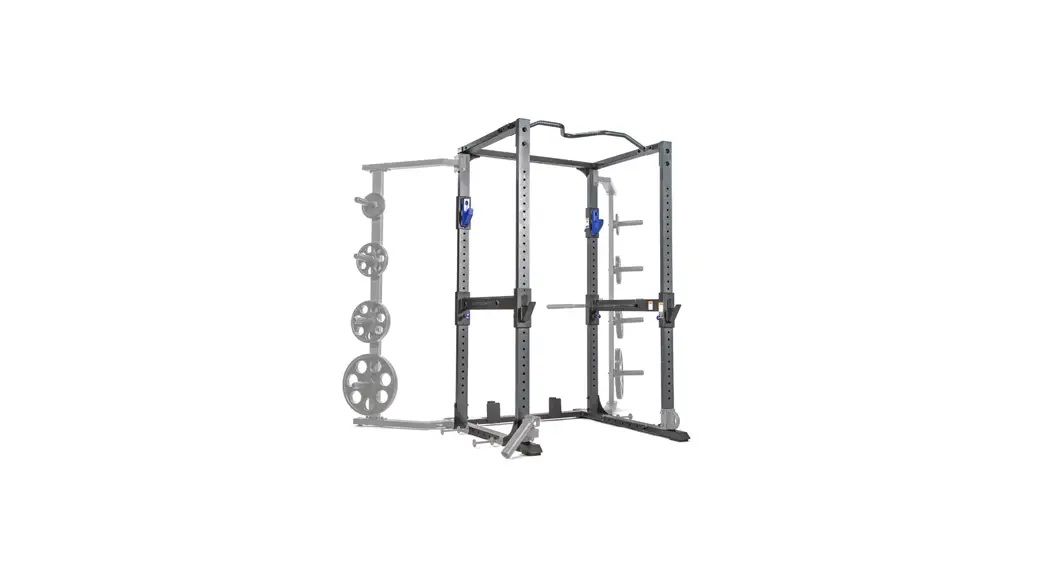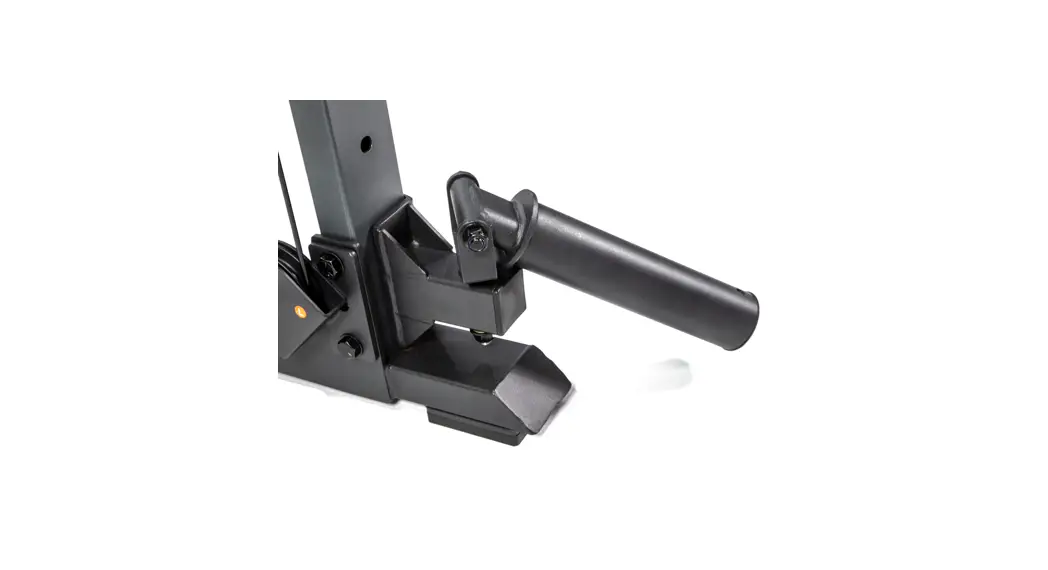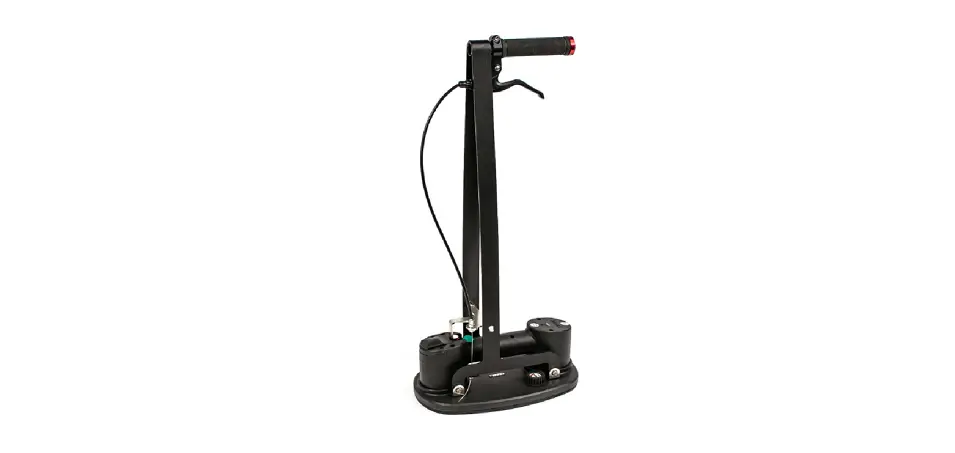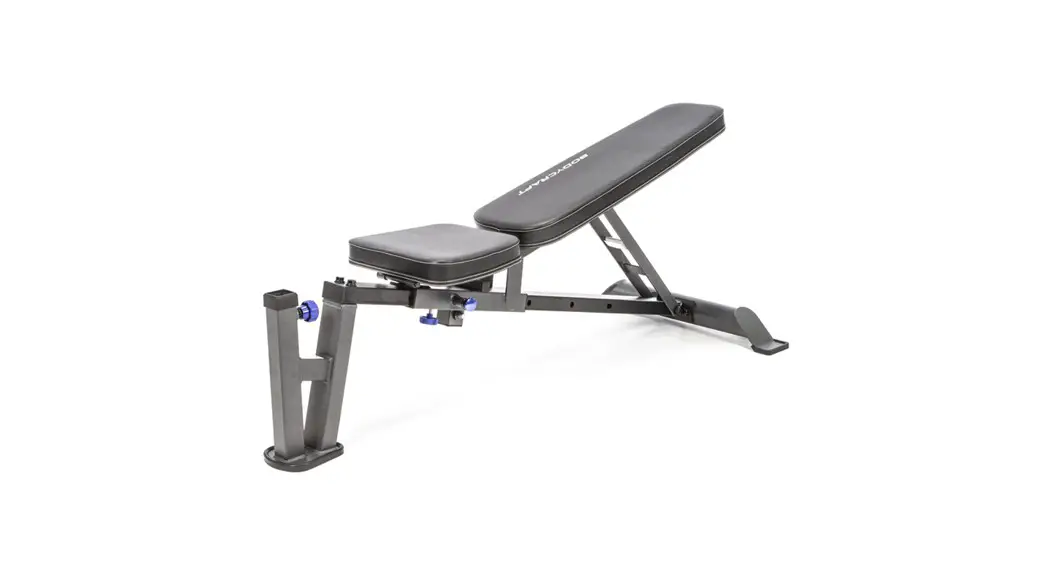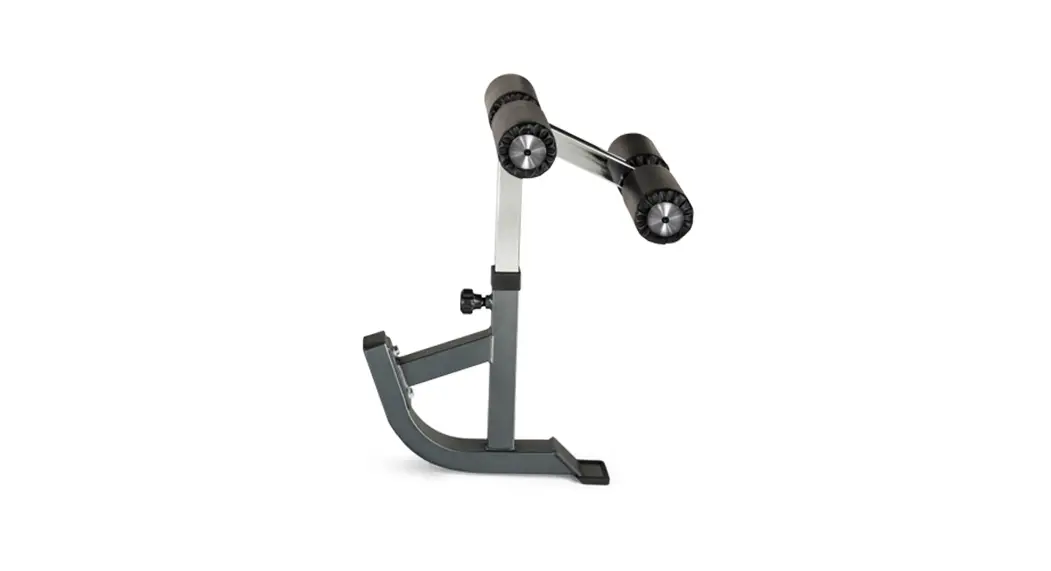
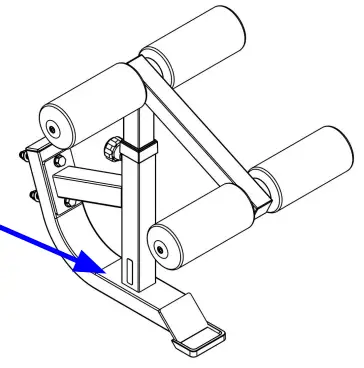
 F715 Hold Down / Attachment Kit Option
Owner’s Manual
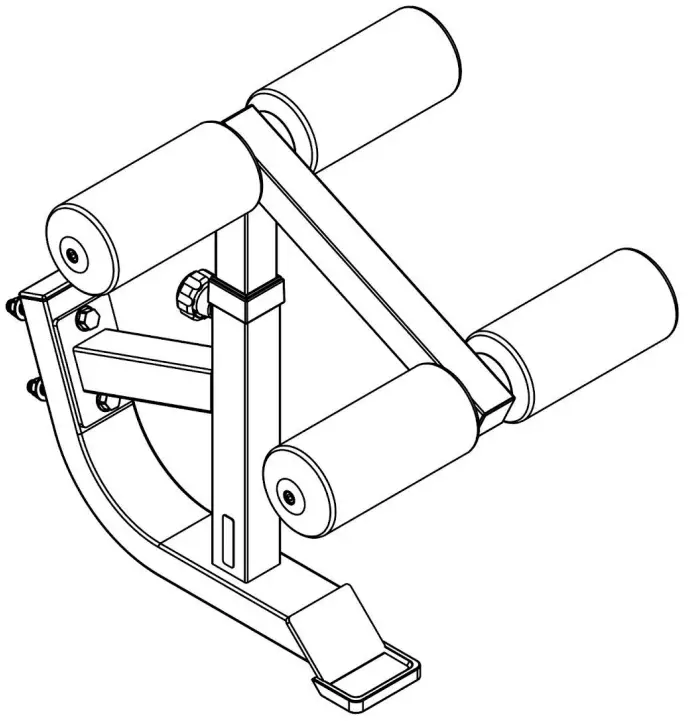
F715 Hold Down Attachment Kit Option
To see in
FULL COLOR
& additional information, scan this QR code.
www.bodycraft.com/F715-qr.html

Base Lot Number: _ _ _ _ _ _ _ _ _ _ _ _ _
Purchased Date: ___ / ___ / ______
Dealer’s Name:__________________________
Please register your products at:
https://www.bodycraft.com/product-registration/
Assembled Parts List
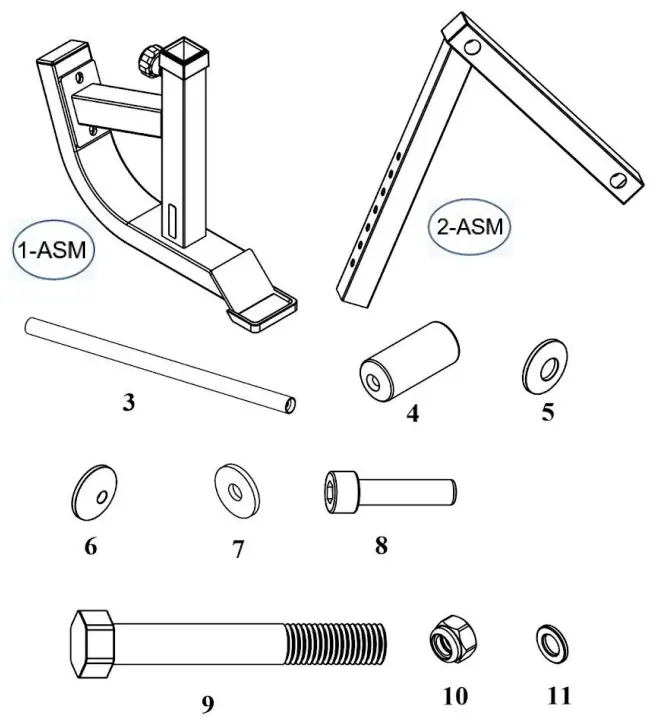
| Part # | Assembly Parts list | QTY |
| F715-001-ASM | LEG WEIGHT HOLDER – Assembly | 1 |
| F715-002-ASM | ADJUST TUBE – Assembly | 1 |
| F715-003 | FOAM ROLLER HOLDER | 2 |
| F715-004 | FOAM ROLLER | 4 |
| F715-005 | END CAP, LARGER | 4 |
| F715-006 | END CAP, SMALLER | 4 |
| Part # | Assembly Hardware | QTY |
| F715-007 | BIG WASHER, φ8 – BLACK | 4 |
| F715-008 | HEX RECESSED HEAD BOLT, 5/16″ x 1-1/4″ – BLK | 4 |
| F715-009 | HEX BOLT, 1/2″ x 4-1/4″ – BLACK | 2 |
| F715-010 | NYLON LOCK NUT, 1/2″ – BLACK | 2 |
| F715-011 | FLAT WASHER, 1/2″ – BLACK | 4 |
THE FOLLOWING TOOLS ARE RECOMMENDED FOR ASSEMBLY:
 | |||
| SOCKET SET 3/8 DRIVE WITH 6” EXT for 3/4 SAE | OPEN & CLOSED WRENCH for 3/4 SAE | ALLEN WRENCH SET 1/16” thu 3/8″ SAE | TORQUE WRENCH 3/8 DRIVE w/ 7/32 Allen |
Product Assembly
Place all parts from the box in a cleared area and position them on the floor in front of you. Remove all packing materials from your area and place them back into the box. Do not dispose of the packing materials until assembly is completed.
Read each step carefully before beginning.
STEP 1a: Foam Roller Holders
Insert FOAM ROLLER HOLDERS (3) into the ADJUST
TUBE – Assembly (2-ASM).
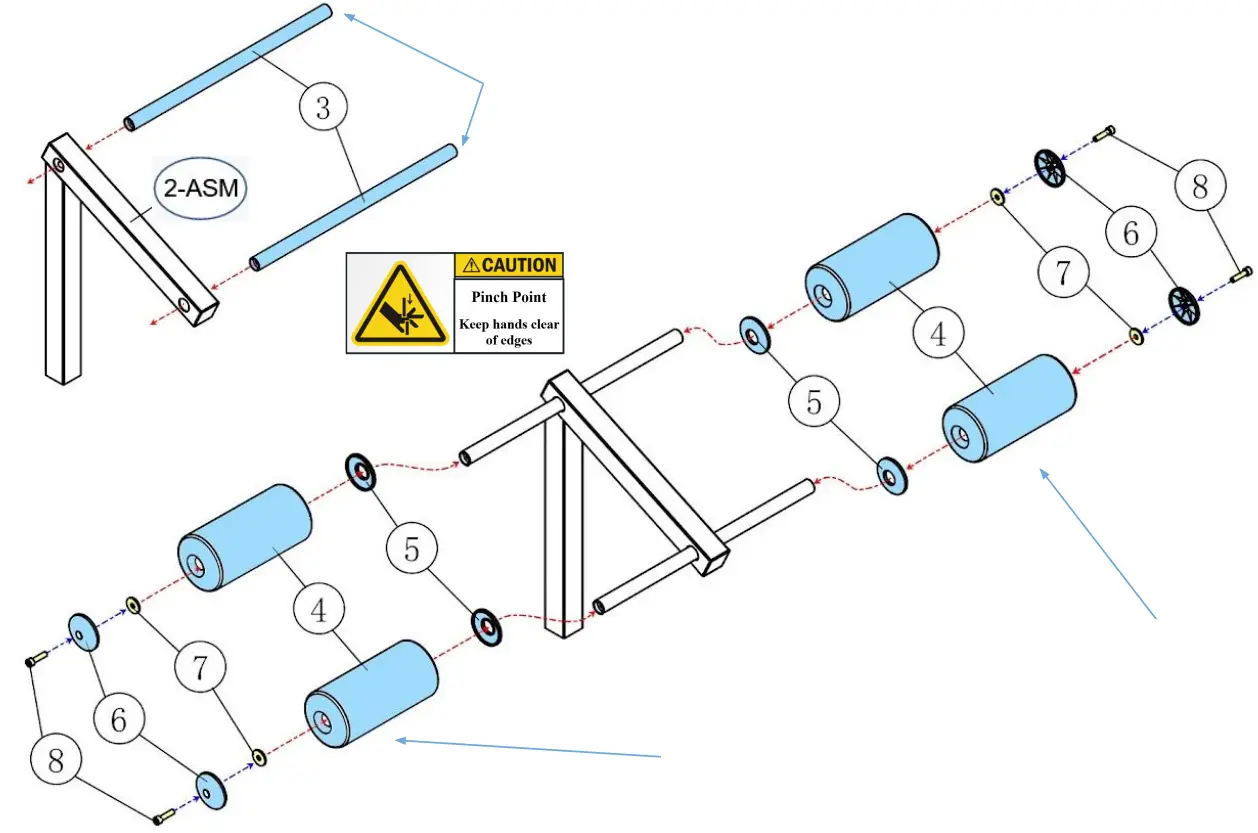
STEP 1b: Install Foam Rollers
Slide END CAP, LARGER (5) then the FOAM
ROLLER (4) onto each side of FOAM ROLLER
HOLDERS (3), one bar post at a time.
NOTE: Confirm centered with equal distance on both Right & Left Sides.
STEP 1c: Secure Foam Rollers
Then slide a HEX RECESSED HEAD BOLT, 5/16″ x 1-1/4″ (8) through the END CAP, SMALLER (6) and the BIG WASHER, φ8 (7). Hand tighten at this time with an 7/32 Allen Wrench.
STEP 2a: Adjustment Tube Holder
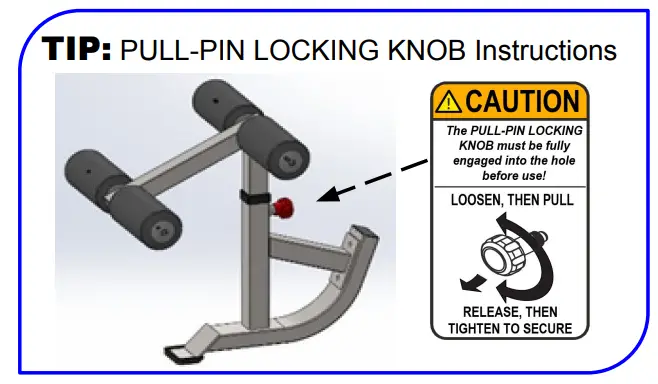
Insert the preassembled ADJUST TUBE – Assembly (2-ASM) from STEPS 1a-c, by pulling out on the PULL-PIN LOCKING KNOB (13) and slowly lowering onto the LEG WEIGHT HOLDER – Assembly (1-ASM).
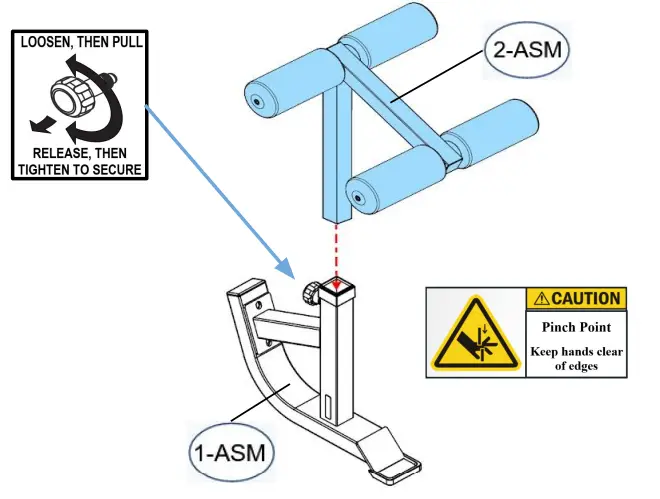
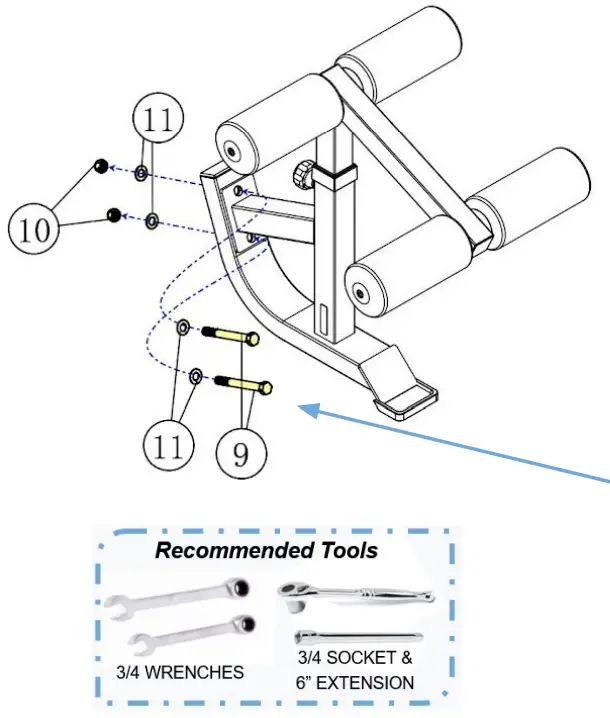
STEP 2b: Install Hold Down / Attachment Kit Option
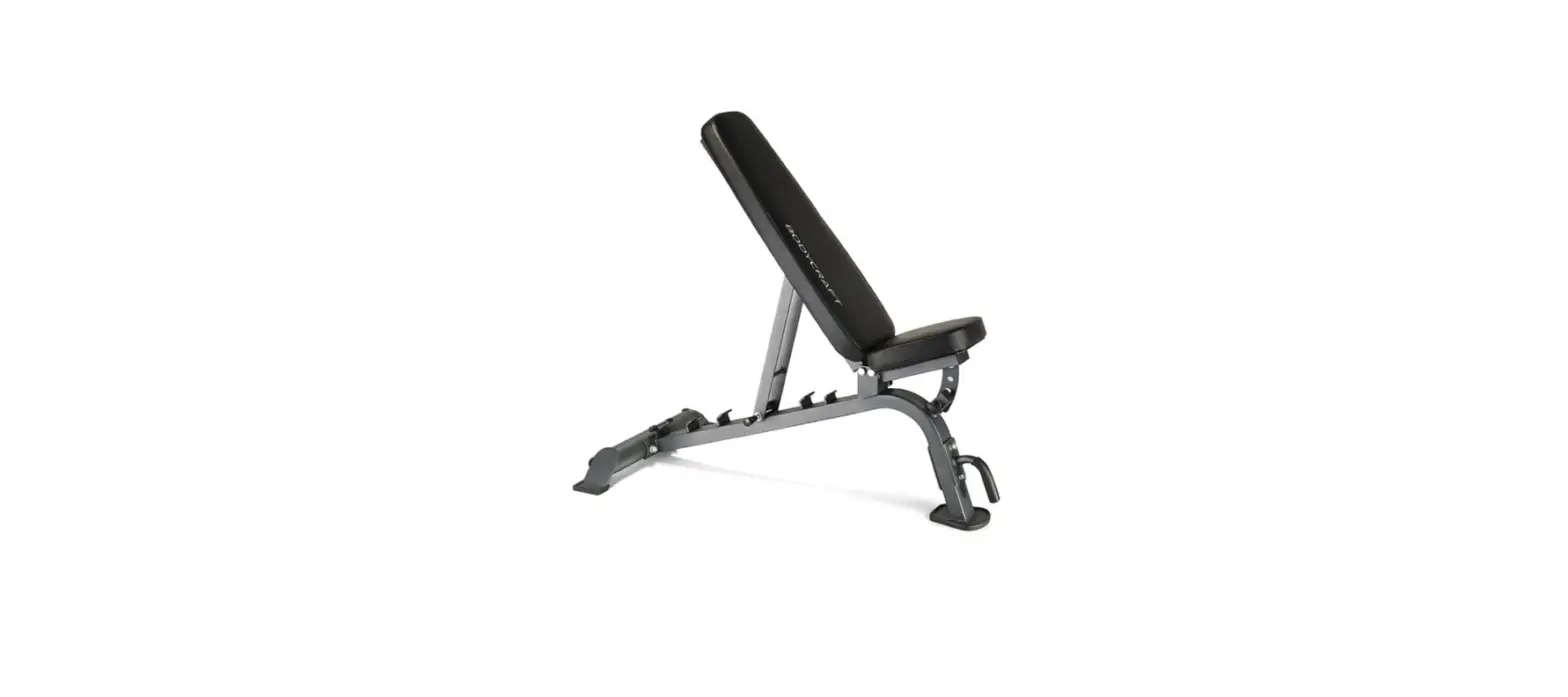
Attach the HOLD DOWN / ATTACHMENT KIT (F715) to a Body Craft bench of choice, either an F601, F605, F705 or F708. Use the following hardware:
- Two HEX BOLTS, 1/2″ x 4-1/4″ (9)
- Four FLAT WASHER, 1/2″ (11)
- Two NYLON LOCK NUT, 1/2″ (10)
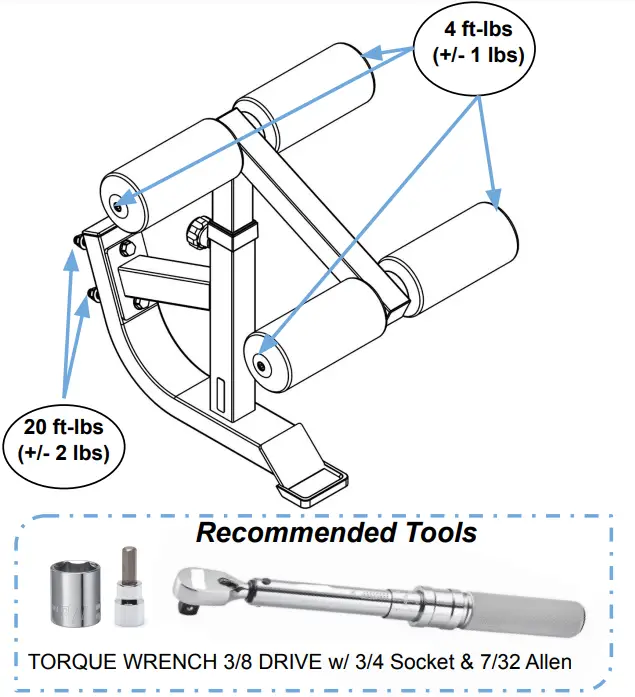
STEP 2c: “Torque Time”
Tighten all Bolts at this time to the Recommended Torque Specs, as shown in the diagram to the right.
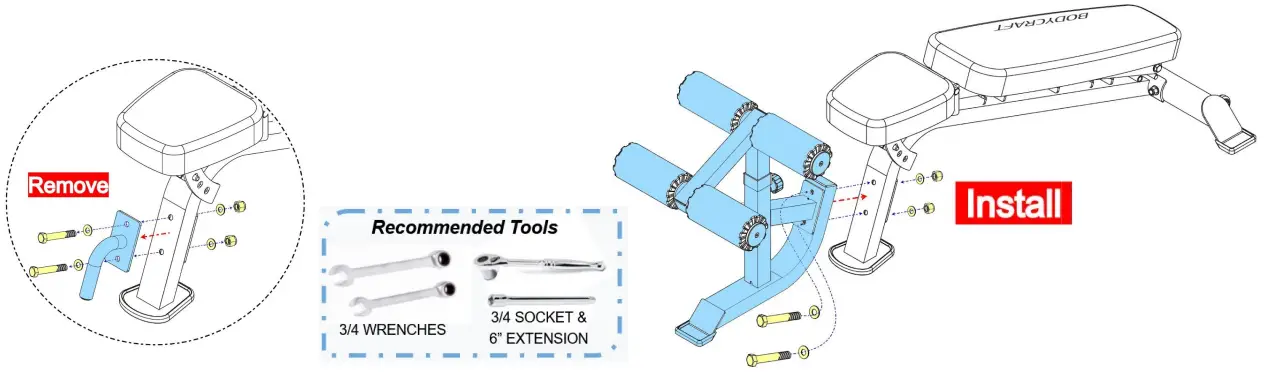
STEP 3: Installation Example
Remove handle from bench, then Install the preassembled Hold Down / Attachment Kit to a Body Craft bench.
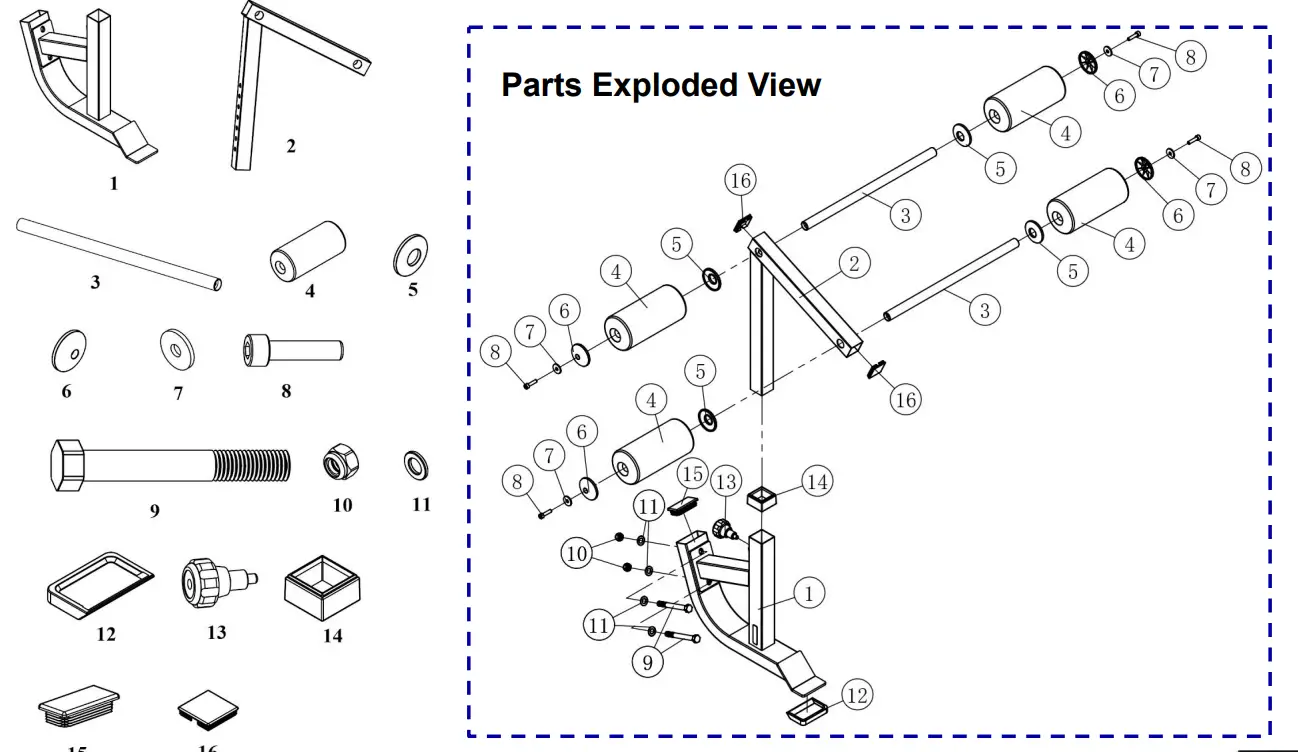
Detailed Parts List & Parts Exploded View
| Part # | Detailed Parts list | QTY |
| F715-001 | LEG WEIGHT HOLDER | 1 |
| F715-002 | ADJUST TUBE | 1 |
| F715-003 | FOAM ROLLER HOLDER | 2 |
| F715-004 | FOAM ROLLER | 4 |
| F715-005 | END CAP, LARGER | 4 |
| F715-006 | END CAP, SMALLER | 4 |
| F715-007 | BIG WASHER, φ8 – BLACK | 4 |
| F715-008 | HEX RECESSED HEAD BOLT, 5/16″ x 1-1/4″ – BLK | 4 |
| F715-009 | HEX BOLT, 1/2″ x 4-1/4″ – BLACK | 2 |
| F715-010 | NYLON LOCK NUT, 1/2″ – BLACK | 2 |
| F715-011 | FLAT WASHER, 1/2″ – BLACK | 4 |
| F715-012 | BRACKET, SMALL RUBBER | 1 |
| F715-013 | PULL-PIN LOCKING KNOB | 1 |
| F715-014 | SPACE CAP | 1 |
| F715-015 | END PLUG, RECT. | 1 |
| F715-016 | END PLUG, 45 x 45mm SQ. | 2 |
 WWW.BODYCRAFT.COM
 800-990-5556
 [email protected]
 Home page - BODYCRAFT