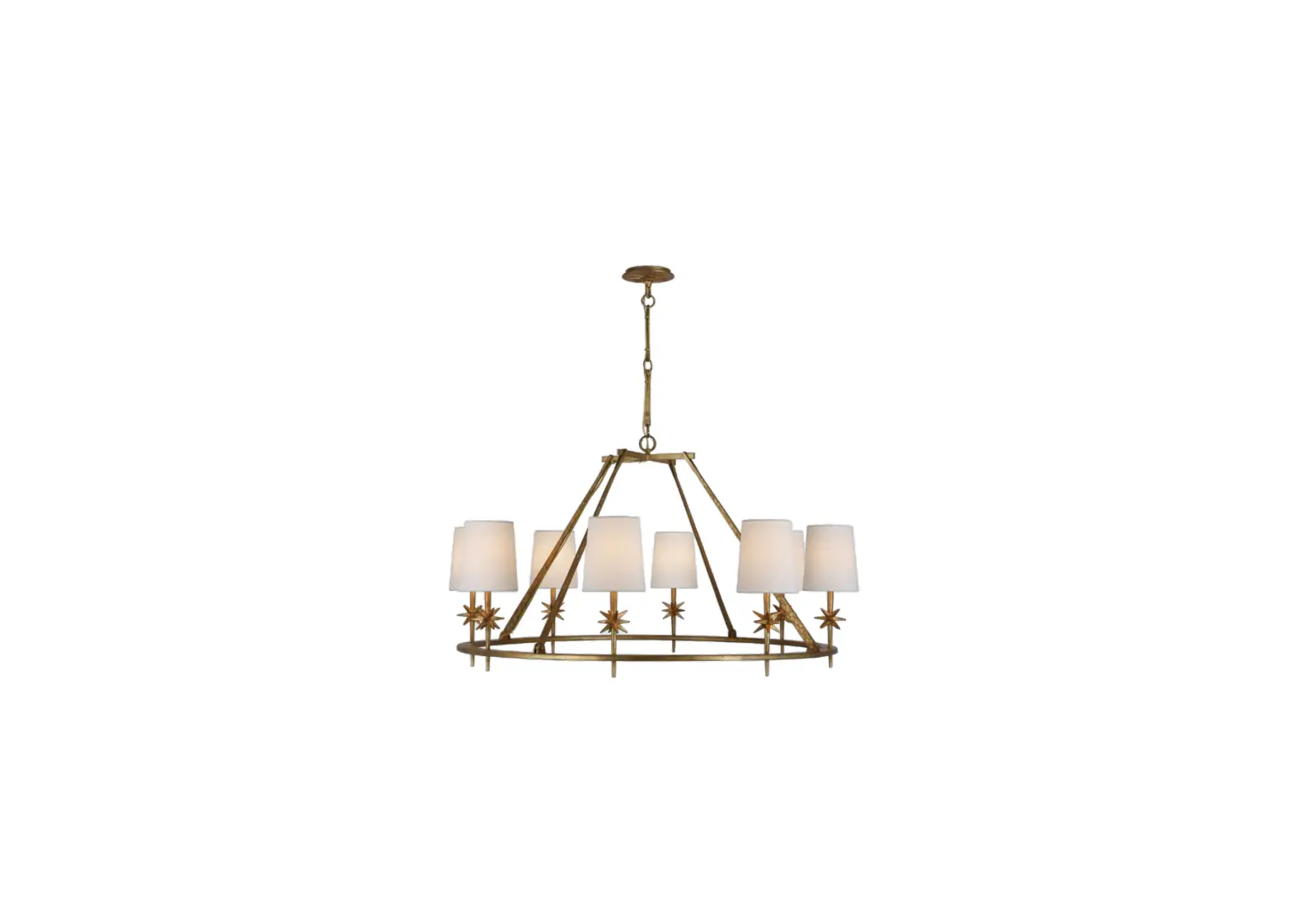
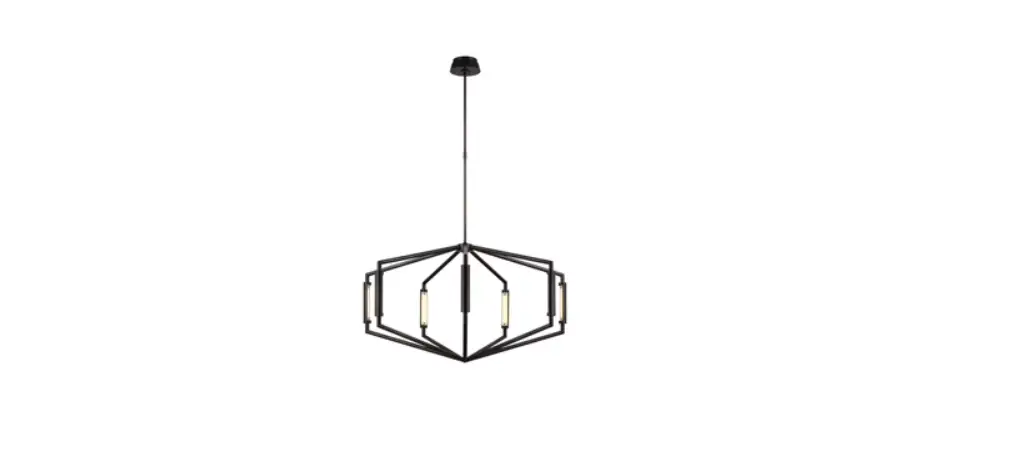
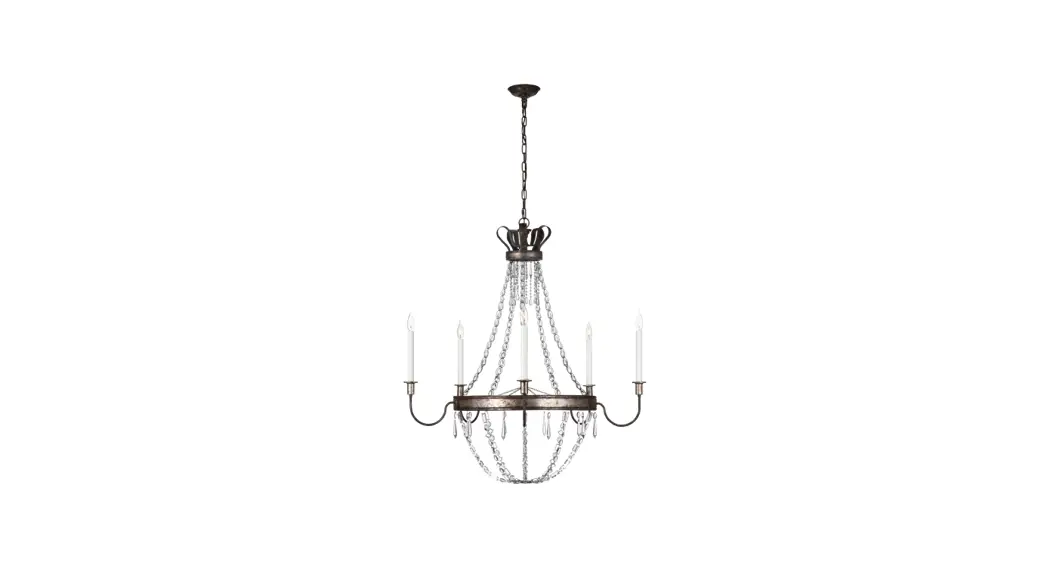
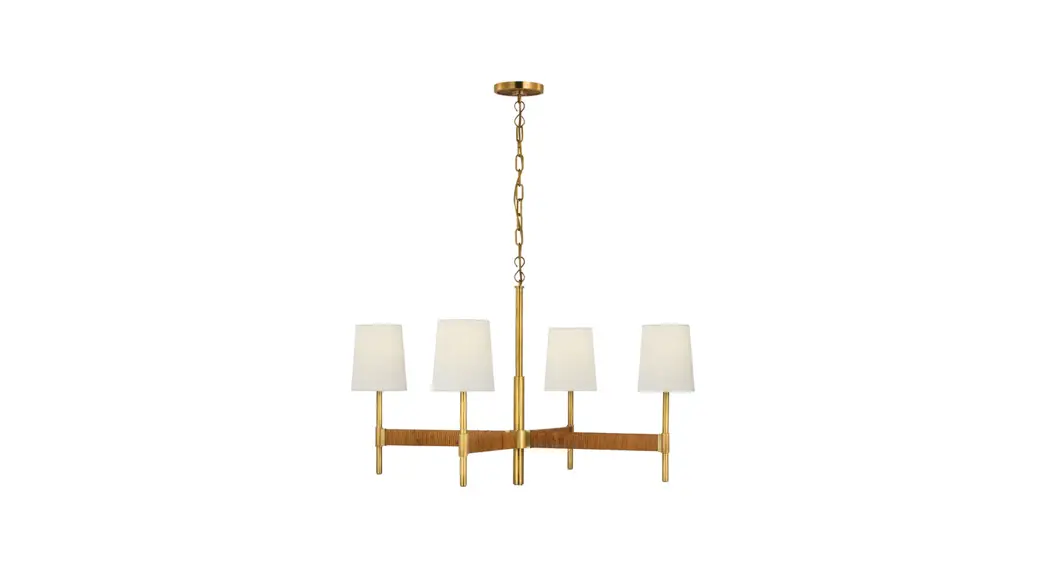
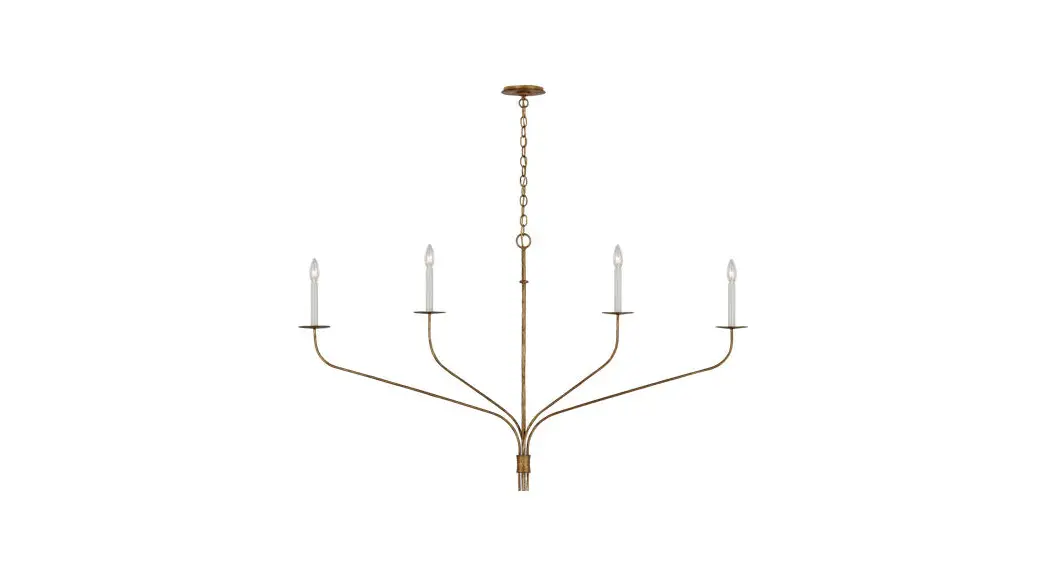
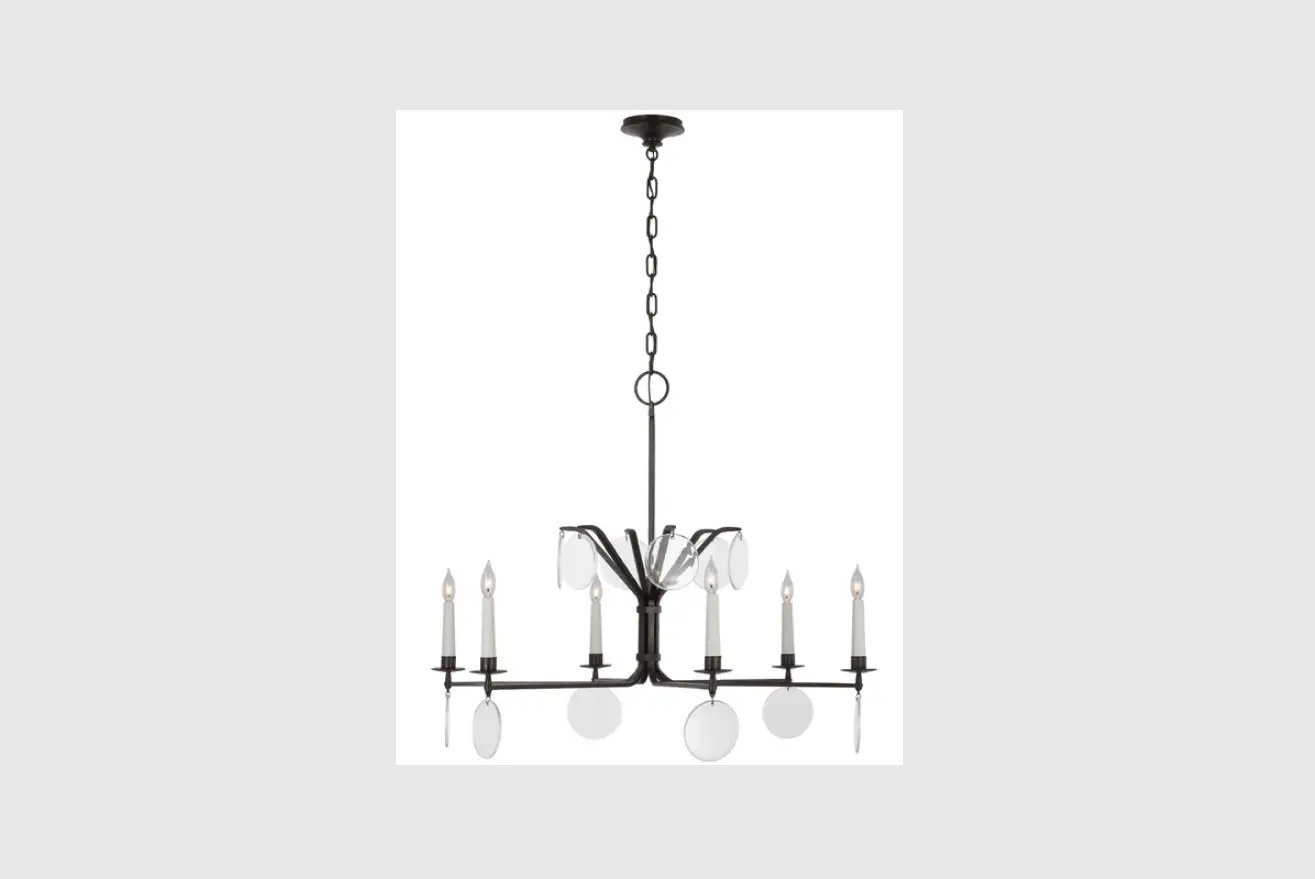
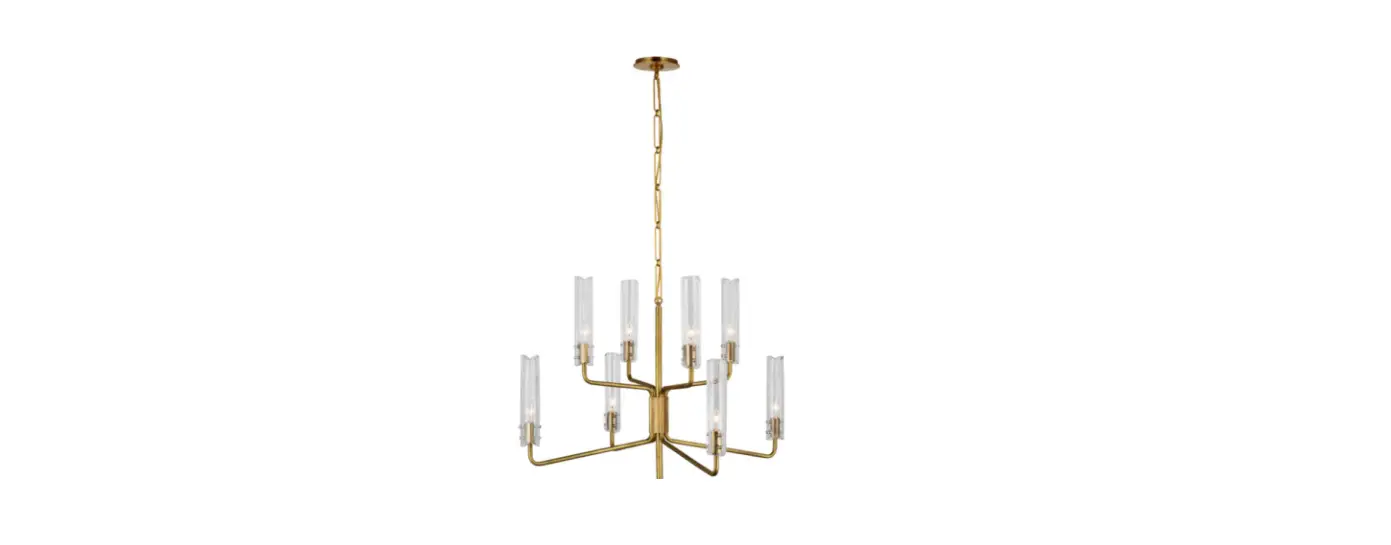
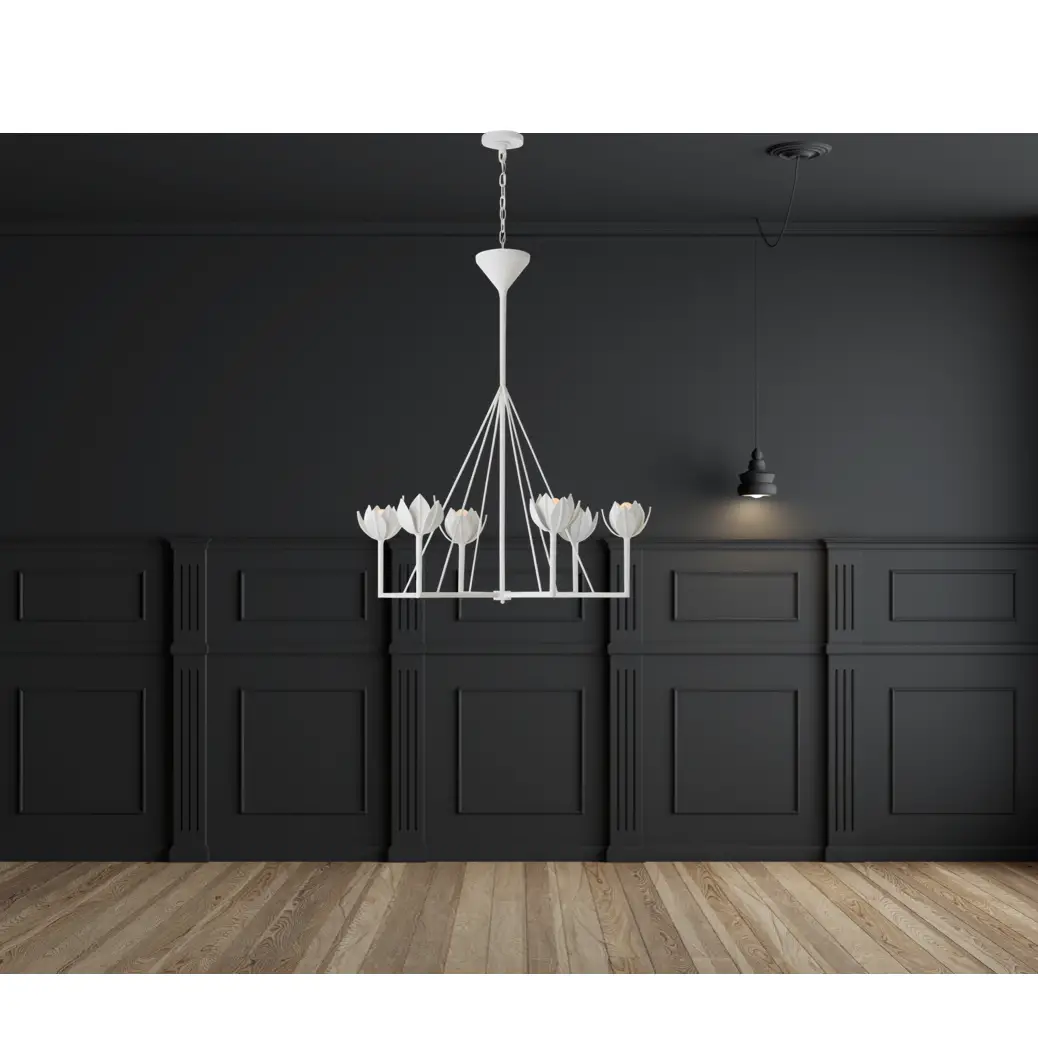
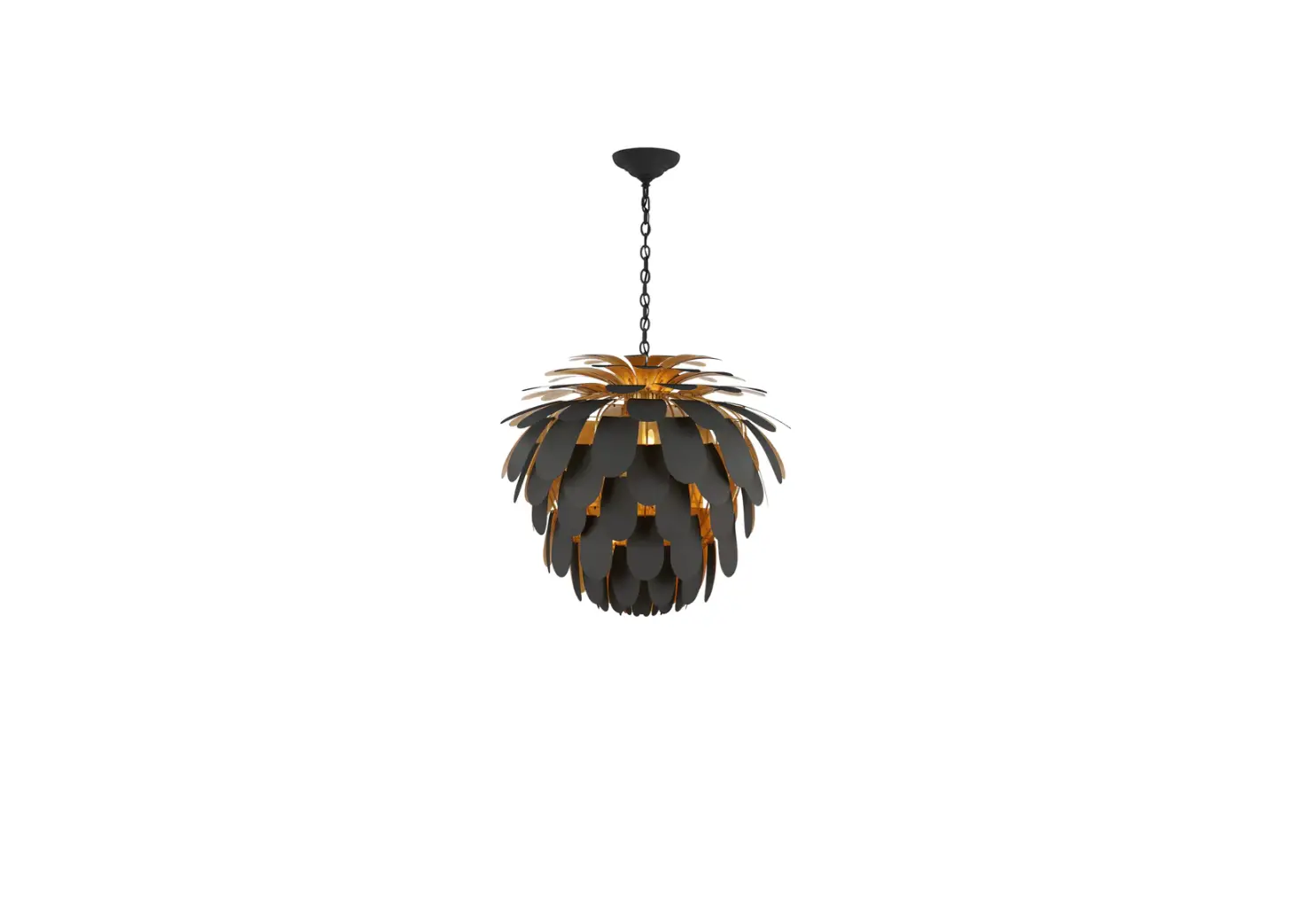
KW 5521 Pertica 24 Inch Eight Light Chandelier
Product Information
The Pertica 24 Eight Light Chandelier, Item # KW 5521, is a
stylish and elegant light fixture that adds a touch of
sophistication to any space. It features eight LED bulbs (Q) and
shades (O) that create a warm and inviting ambiance. The chandelier
is available in two installation options: Canopy Mounted Driver and
Ceiling Mounted Driver.
Canopy Mounted Driver
In this option, the driver housing (H) and canopy (I) are
mounted on the ceiling canopy using the tall mounting plate (B).
The fixture is connected to the driver (E) using electrical wires,
and the LED bulbs (Q) and shades (O) are threaded onto the fixture
(N).
Ceiling Mounted Driver
In this option, the driver housing (P) is mounted on the
ceiling, and the fixture is connected to the driver (P) using
electrical wires. The LED bulbs (R) and shades (O) are threaded
onto the fixture (N).
It is important to note that the installation of this light
fixture should be done in accordance with all applicable local
installation codes. It should be performed by a person familiar
with the construction and operation of the fixture, as well as the
hazards involved.
Product Usage Instructions
- Carefully remove all parts from the box and place them on a
clean, soft surface. - For Canopy Mounted Driver:
- Remove the tall mounting plate (B) from the driver housing (H)
and canopy (I) by removing the collar ring (J). - Install the tall mounting plate (B) to the junction box using
the mounting screws (F). - Feed the electrical wires through the bottom rod (M), middle
rod (L), collar ring (J), canopy (I), driver housing (H), and top
rod (K). - Connect the fixture neutral wire (black) to the driver output
wire (black) using the wire nut (A). - Connect the fixture hot wire (red) to the driver output wire
(red) using the wire nut (A). Make sure not to reverse the hot and
neutral connections. - Connect the driver input neutral wire (white) to the supply
neutral wire (usually white) using the wire nut (A). - Connect the driver input hot wire (black) to the supply hot
wire (usually black) using the wire nut (A). Make sure not to
reverse the hot and neutral connections. - Tightly secure all wire connections and tuck them into the
junction box. - Insert the driver (E) into the center of the tall mounting
plate (B). - Install the driver housing (H) and canopy (I) to the tall
mounting plate (B) and secure them with the collar ring (J). - Remove the protective caps (R) from the fixture (N) and thread
the LED bulbs (Q) onto the fixture (N). Ensure all light sources
are installed before testing power. - Thread the shades (O) onto the fixture (N). Do not over-tighten
to avoid damaging the shades.
- Remove the tall mounting plate (B) from the driver housing (H)
- For Ceiling Mounted Driver:
- Feed the electrical wires through the fixture and connect them
to the driver as described in steps 4-7 of the Canopy Mounted
Driver option. - Install the driver housing (P) on the ceiling and connect it to
the fixture using the provided instructions. - Thread the LED bulbs (R) onto the fixture (N) and then thread
the shades (O) onto the fixture (N). Do not over-tighten the
shades.
- Feed the electrical wires through the fixture and connect them
After installation, ensure that all wire connections are
securely tightened and that the fixture is properly mounted. The
light fixture should only be cleaned with a soft dry cloth or
feather duster. Avoid using abrasive or chemical agents.
ASSEMBLY INSTRUCTIONS
Option 1: Canopy Mounted Driver
Diagram 2
C D
G Diagram 1
A B
E
F
A
DC
G
H
I J K
L
M
N
R Q O
Pertica 24″ Eight Light Chandelier
Item # KW 5521
NOTICE:
This light fixture should be installed in accordance with all applicable, local installation codes, and by a person familiar with the construction and operation of it, as well as the hazards involved. Inspect item and contents carefully. If any damage or defect is found, do not install. Retain all packaging material until installation is complete and approved.
TOOLS REQUIRED (NOT INCLUDED):
Phillips Screwdriver Wire Strippers
Slotted Screwdriver Slip-joint pliers
Wire Cutters
1. Carefully remove all parts from the box. Place on a clean, soft surface. 2. Remove tall mounting plate (B) from driver housing (H) and canopy (I)
by removing collar ring (J). 3. Install tall mounting plate (B) to the junction box and secure with
mounting screws (F). 4. Feed electrical wires through bottom rod (M) and thread to
fixture (N). Repeat for middle rod (L), connecting to bottom rod (M). 5. Continue feeding wires through collar ring (J), canopy (I), driver
housing (H) and top rod (K). 6. Holding fixture upright, slide collar ring (J), canopy (I), driver
housing (H) down rods and rest on fixture (N). Then connect top rod (K) to middle rod (L). NOTE: Slide components down slowly to avoid damages. 7. Hang fixture swivel ball (G) to center of tall mounting plate (B) and secure with set screw (C) using provided screwdriver (D). See diagram 1. 8. Cut excess wires, being sure to leave enough to reach the junction box. Separate wires, and strip insulation on each 5/8″. 9. Wrap supply ground wire (usually green or bare copper) around the green grounding screw (see diagram 2). Tighten. NOTE: It is imperative that the fixture is grounded.
M
LI ST ED
US
ASSEMBLY INSTRUCTIONS
Option 1: Canopy Mounted Driver
Diagram 2
C D
G Diagram 1
A B
E
F
A
DC
G
H
I J K
L
M
N
R Q O
Pertica 24″ Eight Light Chandelier
Item # KW 5521
NOTICE: This light fixture should be installed in accordance with all applicable, local installation codes, and by a person familiar with the construction and operation of it, as well as the hazards involved. Inspect item and contents carefully. If any damage or defect is found, do not install. Retain all packaging material until installation is complete and approved.
10. Connect fixture neutral wire (black) to driver (E) output wire (black) using wire nut (A).
11. Connect fixture hot wire (red) to driver (E) output wire (red) using wire nut (A). CAUTION: Do not reverse the hot and neutral connections.
12. Connect driver (E) input neutral wire (white) to the supply neutral wire (usually white) using wire nut (A).
13. Connect driver (E) input hot wire (black) to the supply hot wire (usually black) using wire nut (A). CAUTION: Do not reverse the hot and neutral connections.
14. Make sure all wire connections are tight, then carefully tuck into the junction box.
15. Insert driver (E) into center of tall mounting plate (B). 16. Install driver housing (H) and canopy (I) to tall mounting plate (B) and
secure with collar ring (J). 17. Remove protective caps (R) from fixture (N), then thread LED
bulbs (Q) to fixture (N). NOTE: Confirm all light sources are installed before testing power. 18. Thread shades (O) to fixture (N). NOTE: Do not over-tighten otherwise shade could become damaged.
Care Instructions: Clean only with a soft dry cloth or feather duster. Do not use abrasive or chemical agents.
M
LI ST ED
US
ASSEMBLY INSTRUCTIONS
Option 2: Ceiling Mounted Driver
Diagram 2 C
D Diagram 1
C D
E
A P F G I J K
L
M
N
R Q O
Pertica 24″ Eight Light Chandelier
Item # KW 5521
NOTICE:
This light fixture should be installed in accordance with all applicable, local installation codes, and by a person familiar with the construction and operation of it, as well as the hazards involved. Inspect item and contents carefully. If any damage or defect is found, do not install. Retain all packaging material until installation is complete and approved.
TOOLS REQUIRED (NOT INCLUDED):
Phillips Screwdriver Wire Strippers
Slotted Screwdriver Slip-joint pliers
Wire Cutters
1. Carefully remove all parts from the box. Place on a clean, soft surface.
2. Place driver (E) into ceiling and route all wires through one of the
knockouts in the junction box. 2. Remove tall mounting plate (B) from driver housing (H) and canopy (I)
by removing collar ring (J). NOTE: Driver housing (H) will be not be used for ceiling mounted assembly. Keep part and store for future use. 3. Install short mounting plate (P) to the junction box and secure with mounting screws (F). 4. Feed electrical wires through bottom rod (M) and thread to fixture (N). Repeat for middle rod (L), connecting to bottom rod (M). 5. Continue feeding wires through collar ring (J), canopy (I) and top rod (K). 6. Holding fixture upright, slide collar ring (J), canopy (I) down rods and rest on fixture (N). Then connect top rod (K) to middle rod (L). NOTE: Slide components down slowly to avoid damages. 7. Hang fixture swivel ball (G) to center of tall mounting plate (B) and secure with set screw (C) using provided screwdriver (D). See diagram 1. 8. Cut excess wires, being sure to leave enough to reach the junction box. Separate wires, and strip insulation on each 5/8″.
M
LI ST ED
US
ASSEMBLY INSTRUCTIONS
Option 2: Ceiling Mounted Driver
Diagram 2 C
D Diagram 1
C D
E
A P F G I J K
L
M
N
R Q O
Pertica 24″ Eight Light Chandelier
Item # KW 5521
NOTICE: This light fixture should be installed in accordance with all applicable, local installation codes, and by a person familiar with the construction and operation of it, as well as the hazards involved. Inspect item and contents carefully. If any damage or defect is found, do not install. Retain all packaging material until installation is complete and approved.
9. Wrap supply ground wire (usually green or bare copper) around the green grounding screw (see diagram 2). Tighten. NOTE: It is imperative that the fixture is grounded.
10. Connect fixture neutral wire (black) to driver (E) output wire (black) using wire nut (A).
11. Connect fixture hot wire (red) to driver (E) output wire (red) using wire nut (A). CAUTION: Do not reverse the hot and neutral connections.
12. Connect driver (E) input neutral wire (white) to the supply neutral wire (usually white) using wire nut (A).
13. Connect driver (E) input hot wire (black) to the supply hot wire (usually black) using wire nut (A). CAUTION: Do not reverse the hot and neutral connections.
14. Make sure all wire connections are tight, then carefully tuck into the junction box.
16. Install canopy (I) to short mounting plate (P) and secure with collar ring (J).
17. Remove protective caps (R) from fixture (N), then thread LED bulbs (Q) to fixture (N). NOTE: Confirm all light sources are installed before testing power.
18. Thread shades (O) to fixture (N). NOTE: Do not over-tighten otherwise shade could become damaged.
Care Instructions: Clean only with a soft dry cloth or feather duster. Do not use abrasive or chemical agents.
M
LI ST ED
US
UNPACKING NOTICE
Pertica 24″ Eight Light Chandelier Item # KW 5521
NOTICE: Please follow instructions below to avoid possible damages caused by improper removal.
1. Open box and remove top layer of packaging. 2. Evenly lift shade in areas indicated by arrows (see diagram) until
clear of packaging. Place on clean, soft surface. NOTE: Remove slowly to avoid damages.