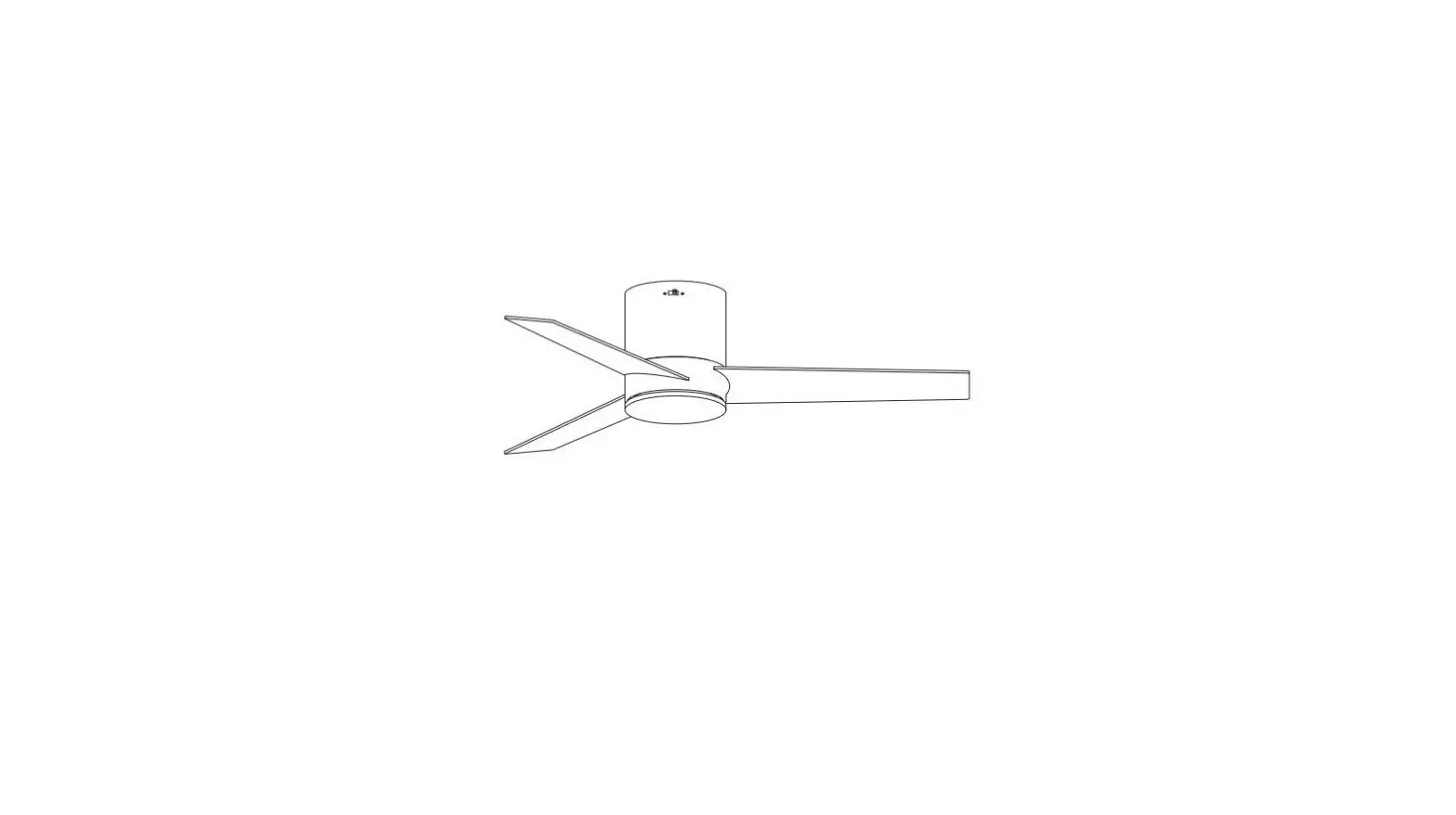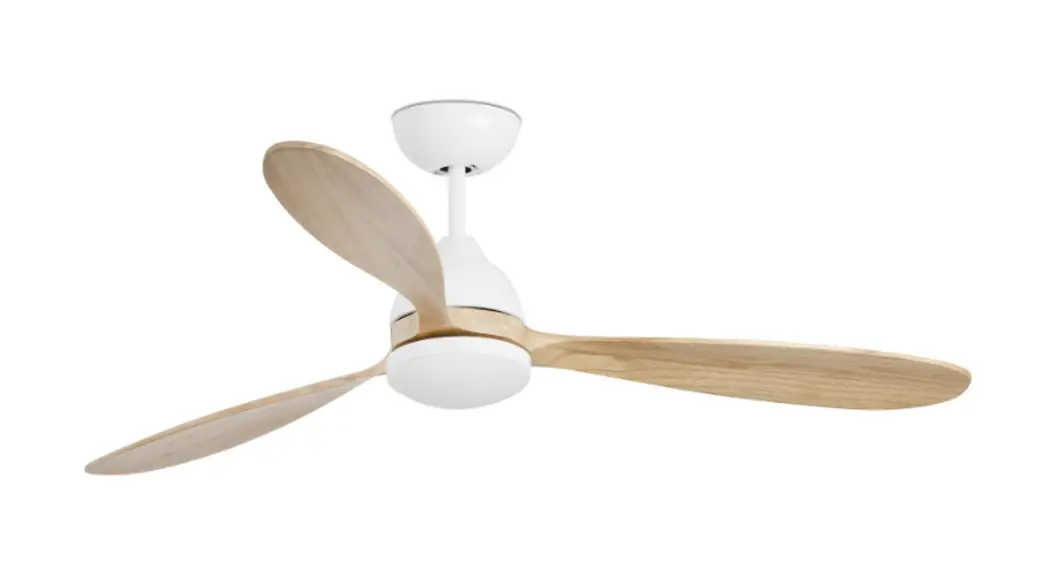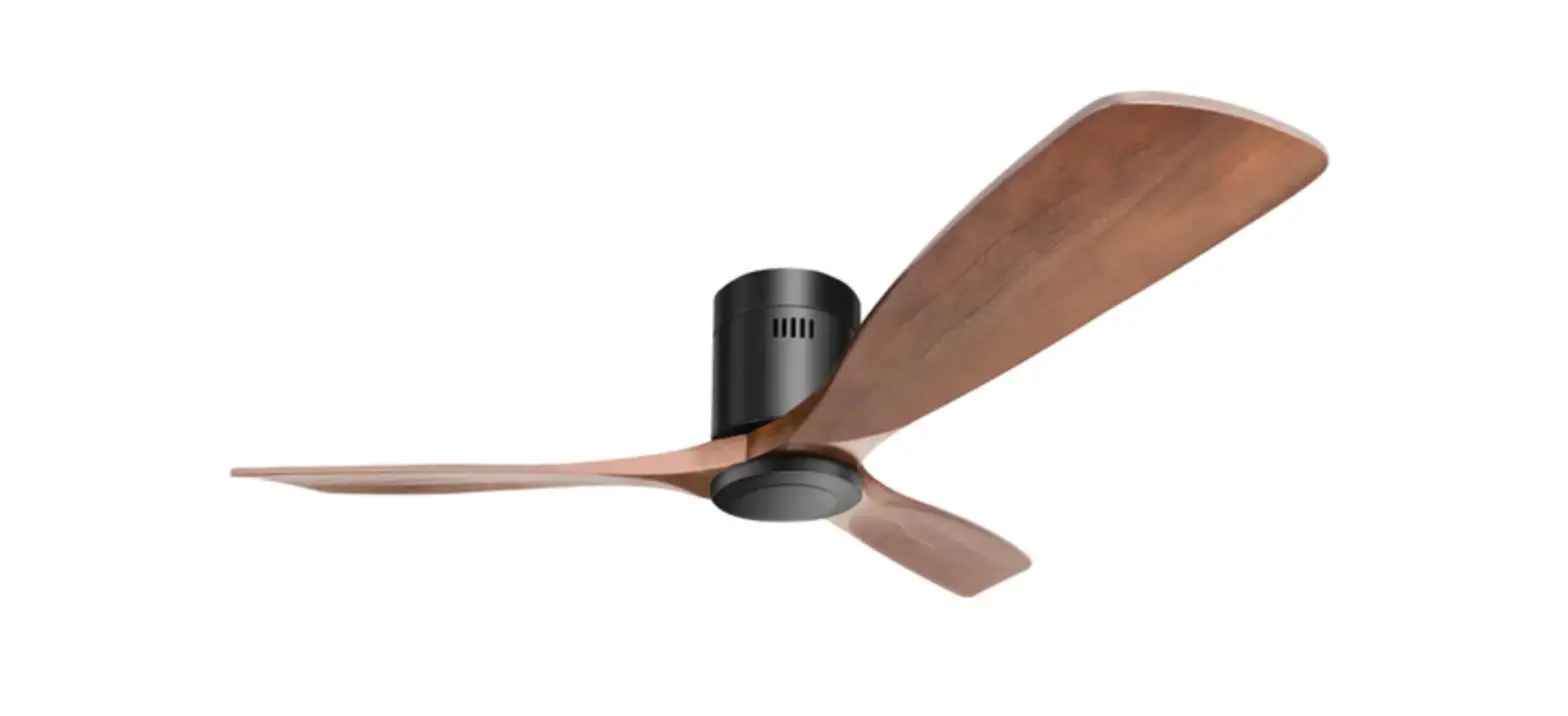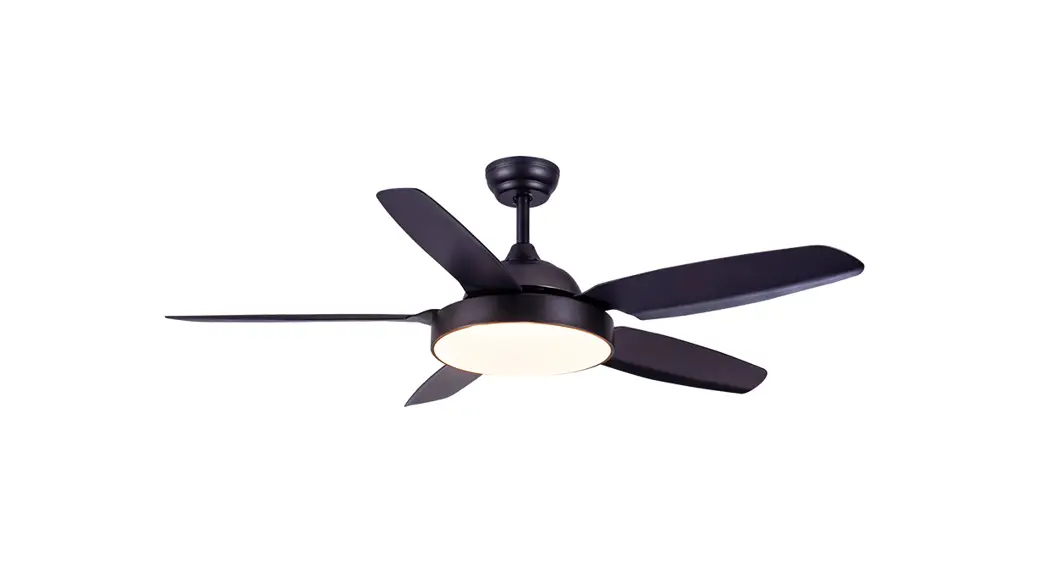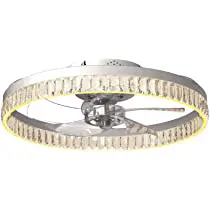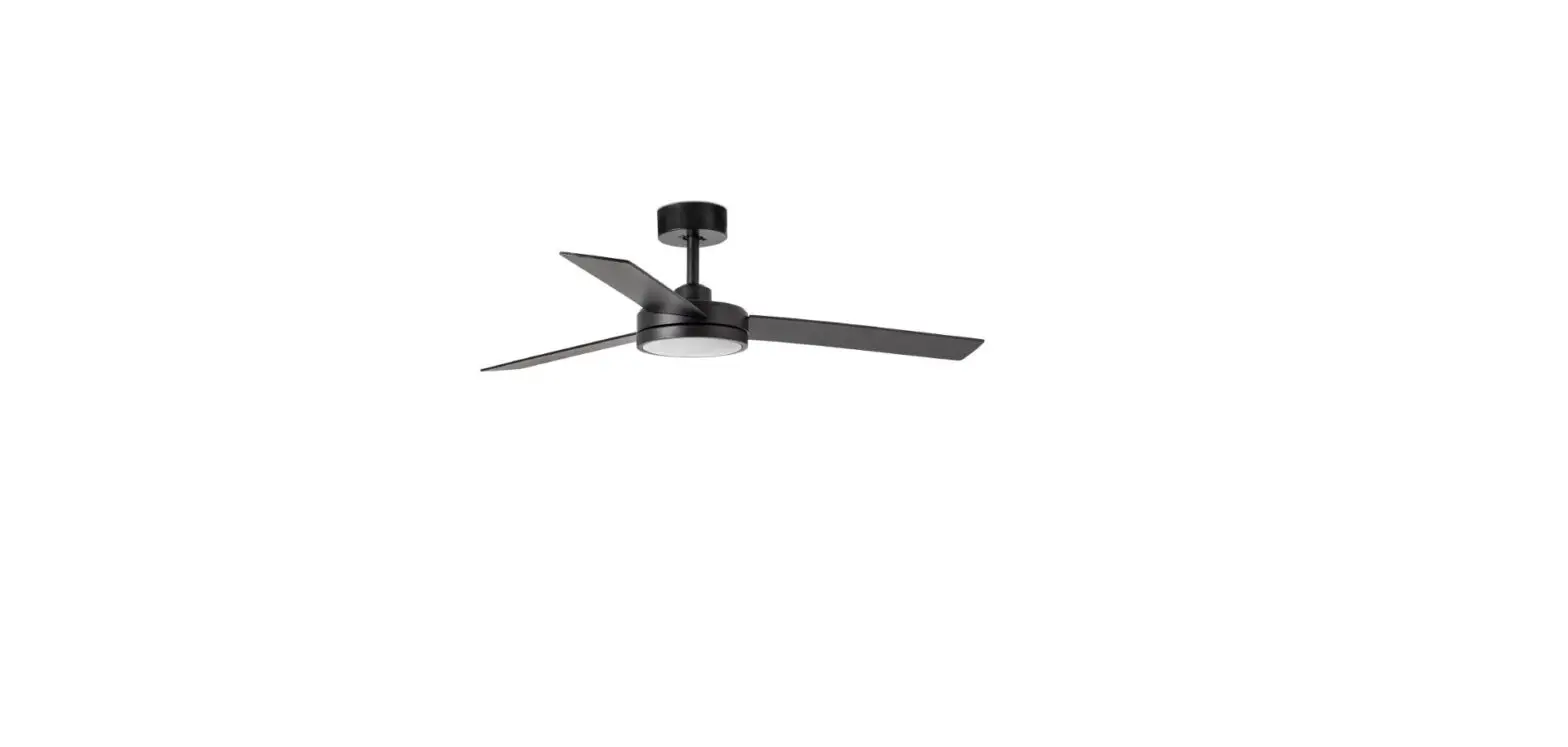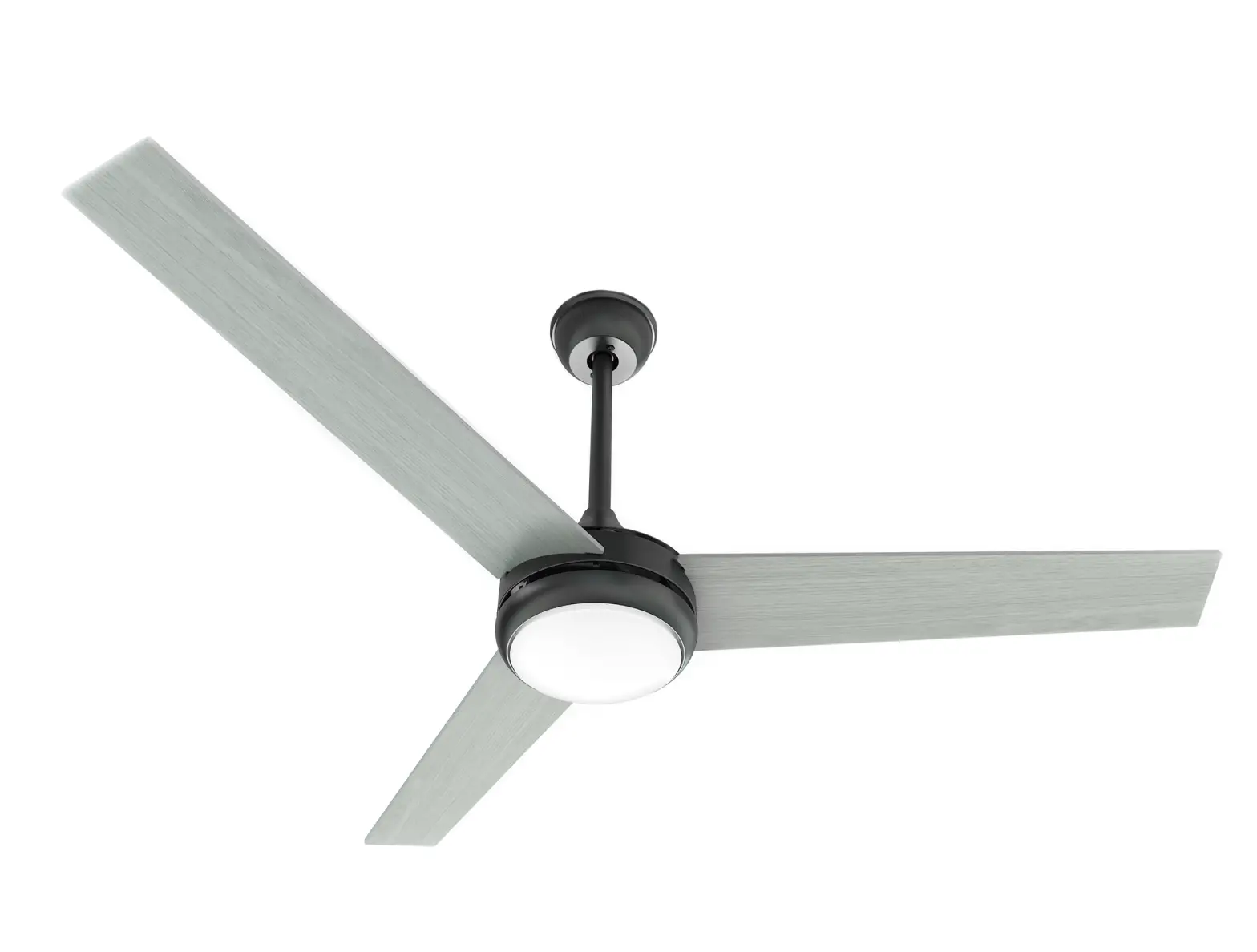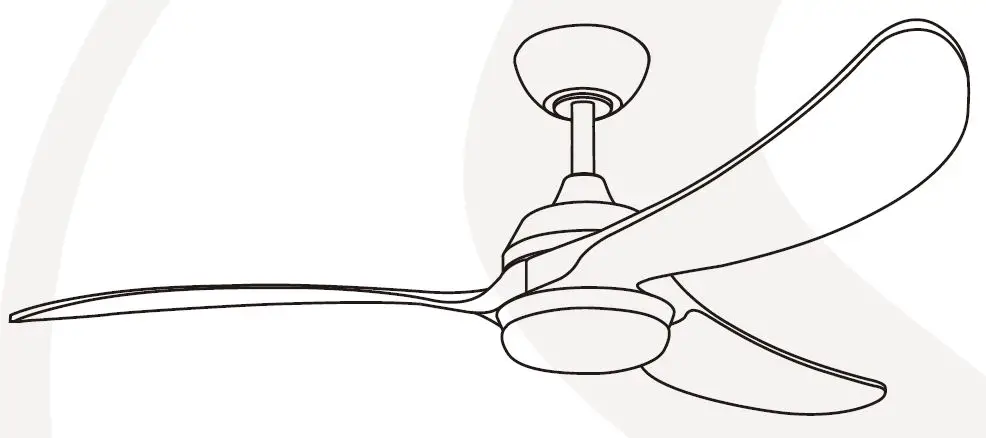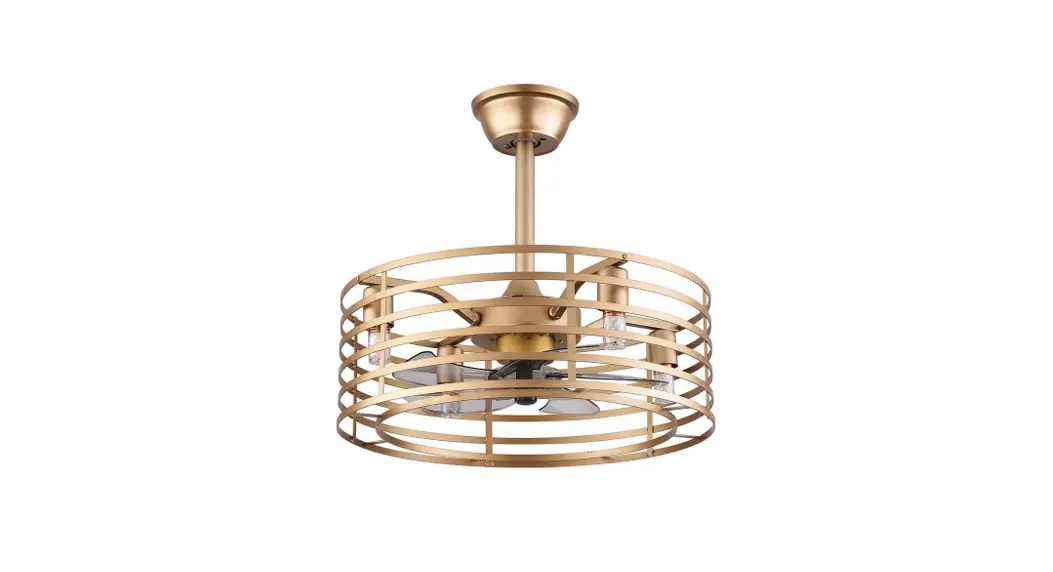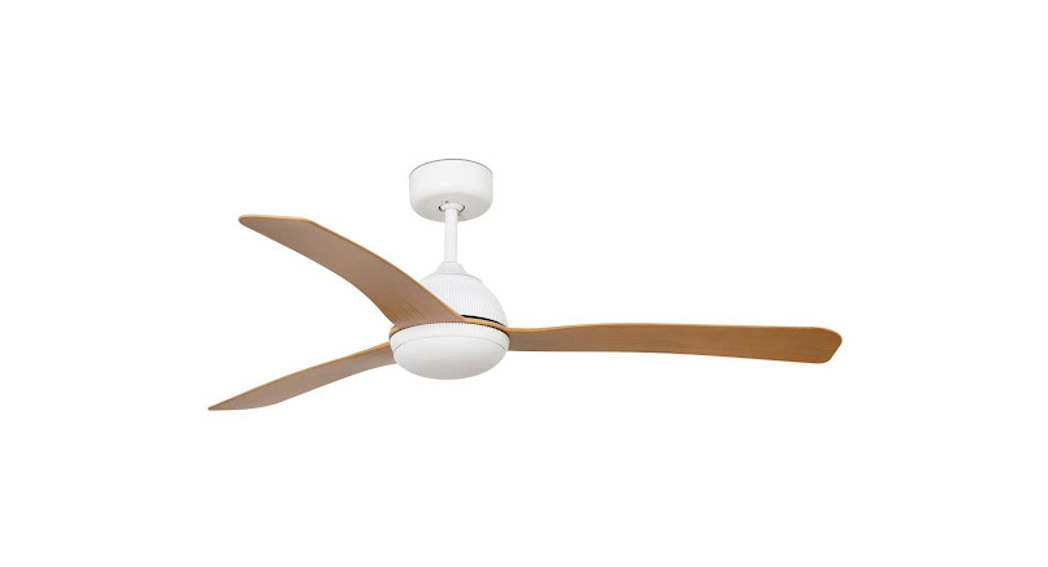
 Smart Fan
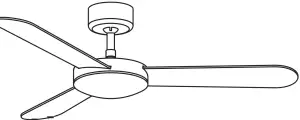
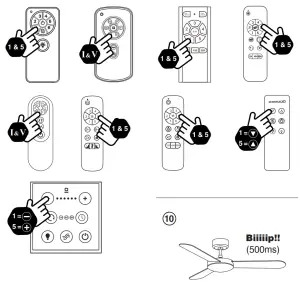
Pair the remote control with the receiver
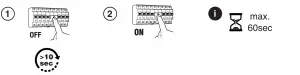
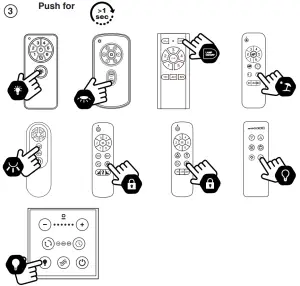
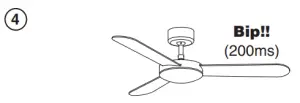
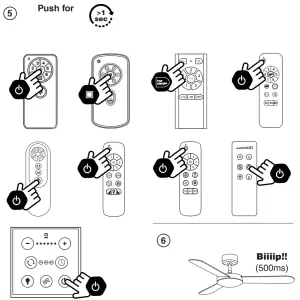
Set up the ceiling fan
To set up your ceiling fan
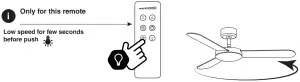
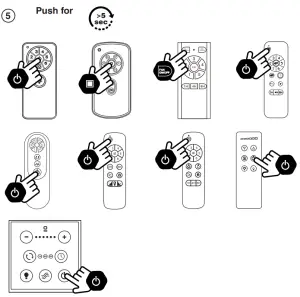
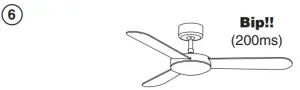
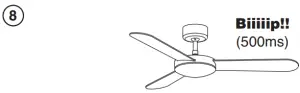
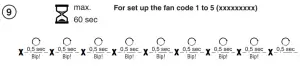
| Model | Code |
| Attos | 151511111 |
| Century | 511111511 |
| Cies | 515551551 |
| Cocos | 511511155 |
| Copper fan | 115111555 |
| Deco fan | 115111555 |
| Eterfan | 115111555 |
| 1 Fraser | 511555155 |
| Gotland | 111115555 |
| Grid | 155155111 |
| (slot | 515151511 |
| Izaro | 111551515 |
| Just Fan | 115111555 |
| Model | Code |
| Just Fan XL | 155155515 |
| Just Fan XS | 551151151 |
| Kauai | 151551511 |
| Leyte | 151511551 |
| Milos | 151511515 |
| Mini Eterfan | 115111555 |
| Mini Tube fan | 115111555 |
| Morea | 151555155 |
| Nassau | 151111555 |
| Nuu | 515555151 |
| Polaris | 551111111 |
| Polea | 511515151 |
| Poros | 555151111 |
| Model | Code |
| Rodas | 155511151 |
| Samos | 515515515 |
| Saona | 151151515 |
| Sioux | 551515515 |
| Siros | 155551111 |
| Tonic | 111115511 |
| Tube fan | 115111555 |
| Typhoon | 151551555 |
| Typhoon UL | 551511555 |
| Winche UL | 111515111 |
| Vulcano | 515551111 |
| Winche | 515511555 |
Additional information


 It works with WiFi
 Compatible
Alexa, Google & Siri Same features as a remote control

WHERE ARE WE
Dinarnica N° I
Pol. Ind.Santa Rita
08755 Castellbisbal Barcelona, Spain
WHERE ARE WE
Ph +34 918 315 425 Fax +34 937 720 018

DOWNLOAD
[email protected]
www.faro.es

FOLLOW US

Control your fan with app
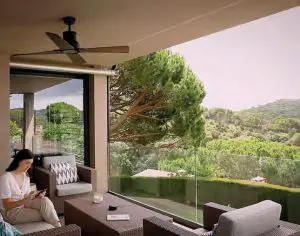
All fans identified *Smart Fan can be controlled with this technology.
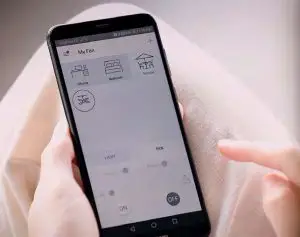
It works with WiFiCompatible
Alexa, Google & Siri
Same features as a remote control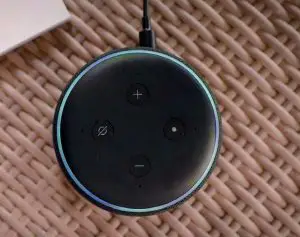
1.
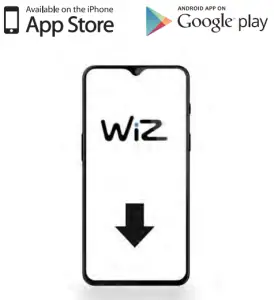
Find the APP Wizz in: App Store and Google Play
2.
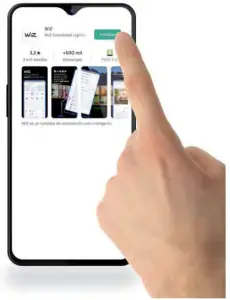
Install it and follow the steps
3.
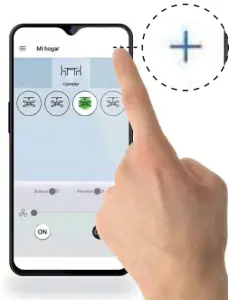
Tap on adding a new device. At the top right, the plus button
4.
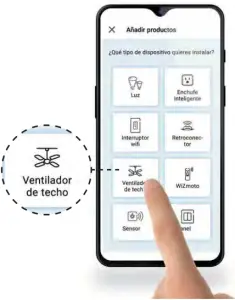
Install it and follow the steps
5.
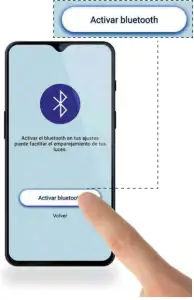
Activate Bluetooth
6.
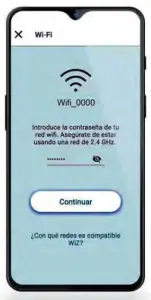
Find your Wifi and add your password
7.
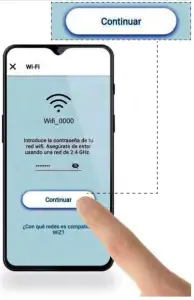
Click “Continue”
8.
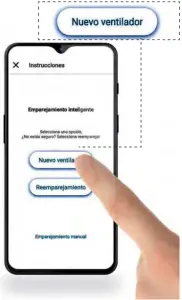
Select “New Fan”
9.
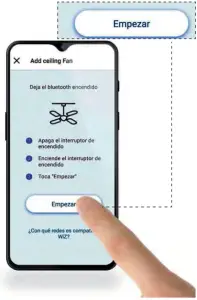
Select “Start”
10.
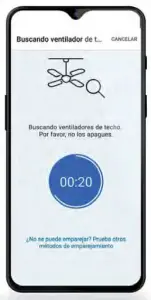
Wait until Wizz finds your ceiling fan. If it doesn’t work go straight to page 8
11.
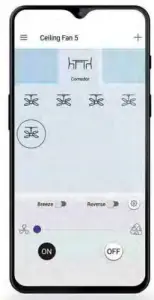
Using fan functions: On, Off, Speeds, Reverse, Breeze12.
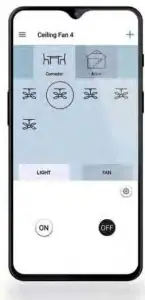
Using light kit functions: On, Off, Dimmer
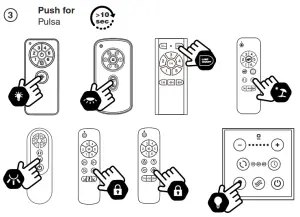
Manual Pairing Emparejamiento manual
1.
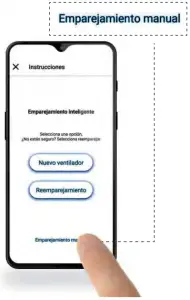
Go to step 8 and select the manual pairing
2.
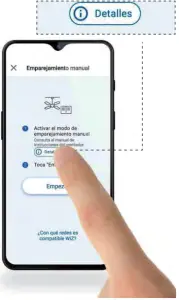
Select “Details”
3.
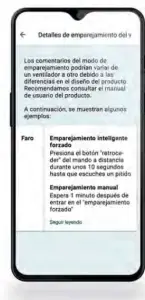
Follow “manual repair” information
4.
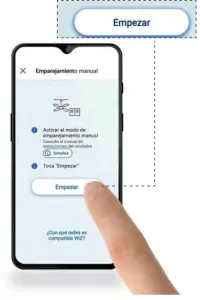
Select “Start”
5.
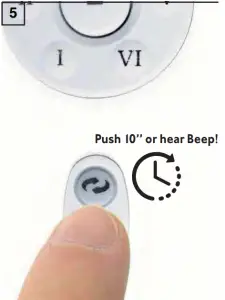
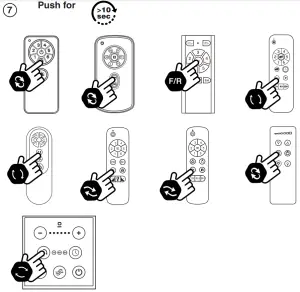
Push 10 seconds “reverse function” in your remote control or until you hear “beep”
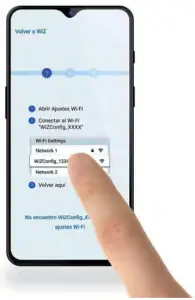
Select your Wifi
 Together we take care of the planet
Together we take care of the planet. This is why we reduce paper consumption. Please refer to the safety, maintenance and warranty instructions at www.faro.es. If you cannot access it, call us at +34 937 723 965 or write to [email protected].
LOREFAR, SL
Dinàmica nº1 Pol. Ind. Santa Rita
08755 Castellbisbal Barcelona, Spain
www.faro.es