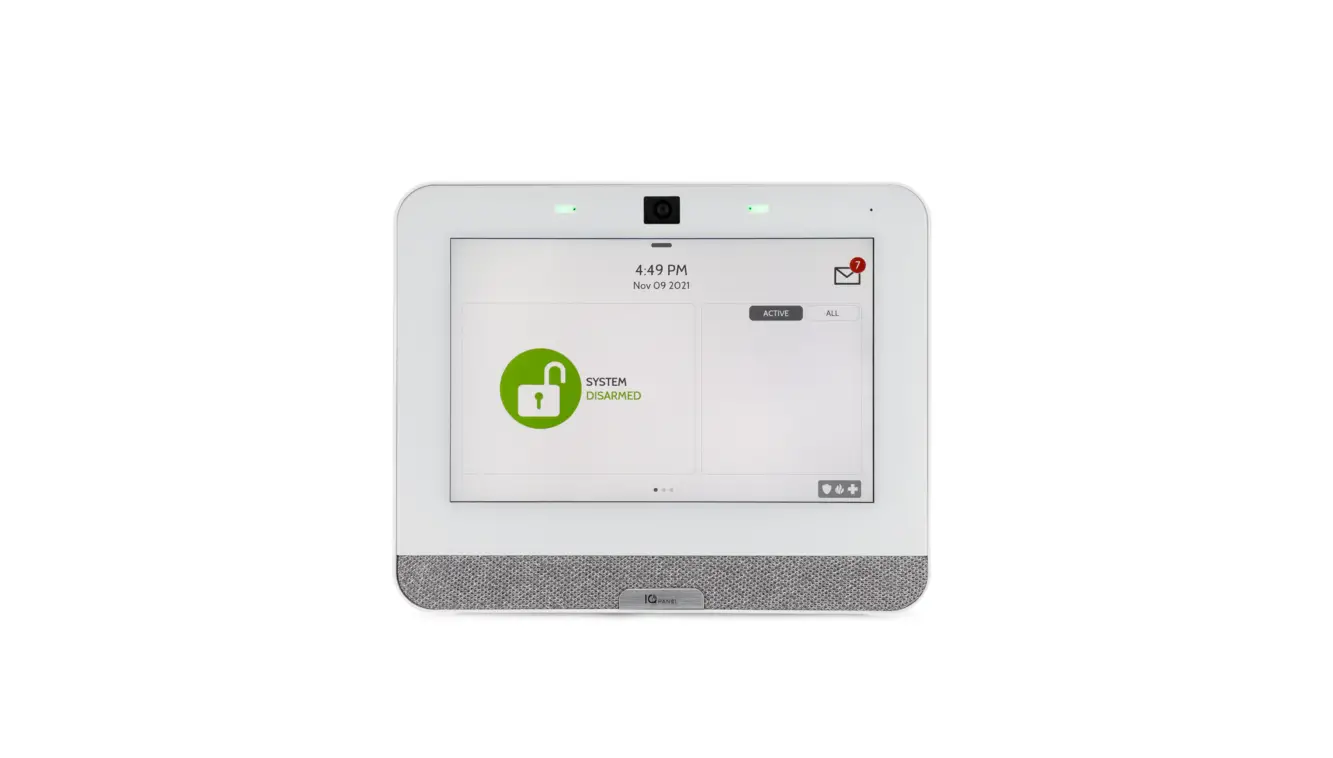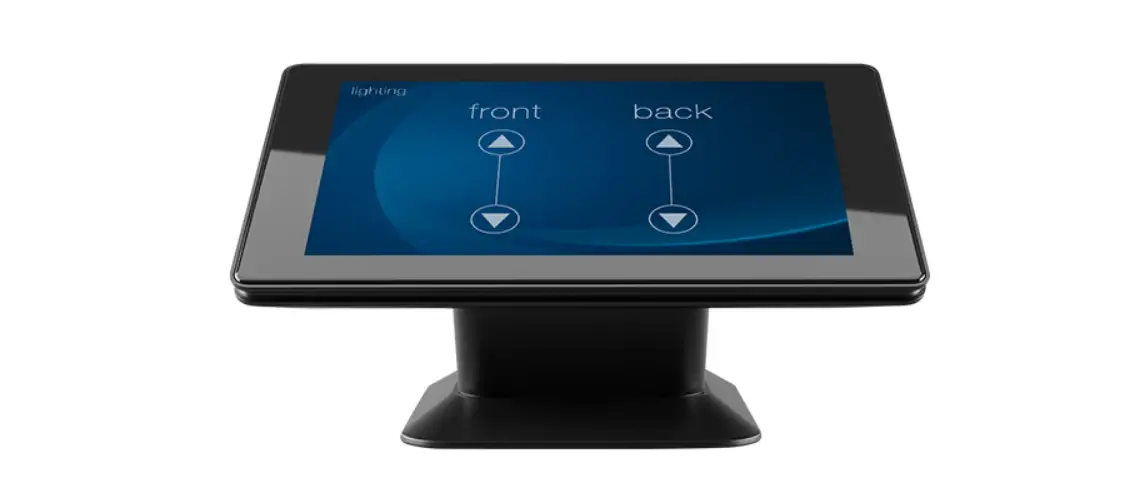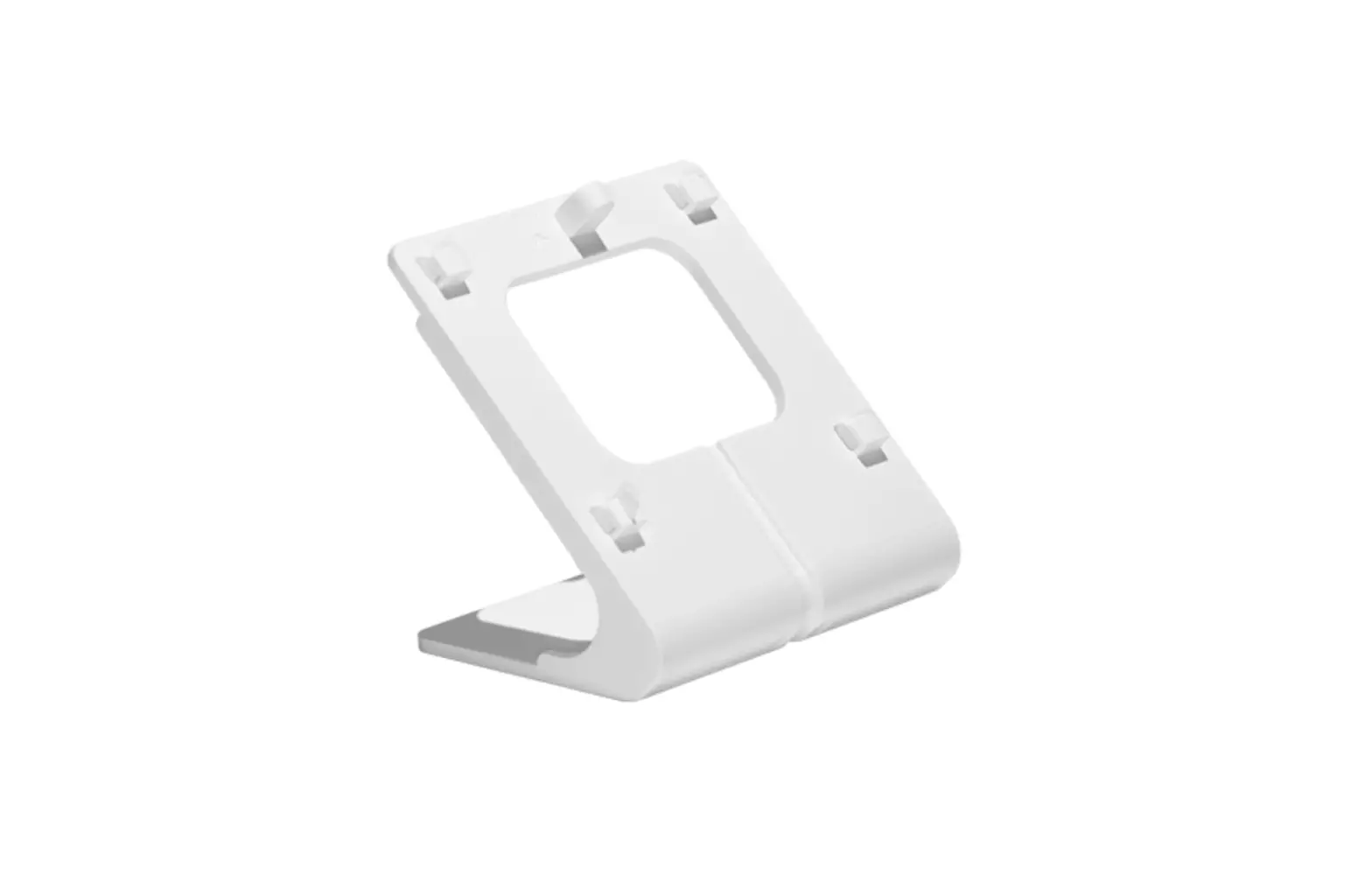
Johnson Controls Qr0096-840 Qolsys Iq Wireless Control Panel Desk Mount Stand User Guide

Johnson Controls Qr0096-840 Qolsys Iq Wireless Control Panel Desk Mount Stand User Guide

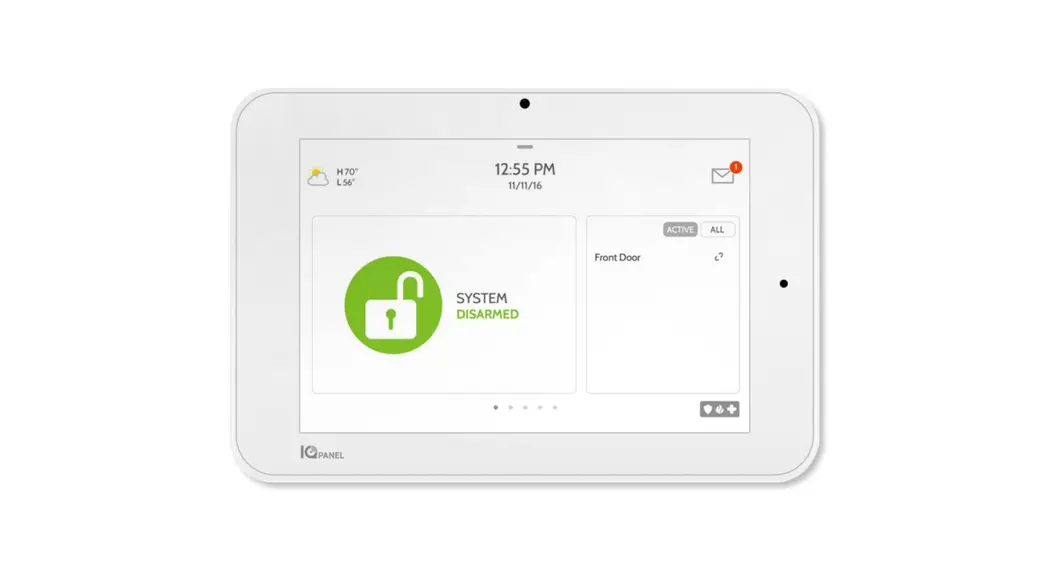
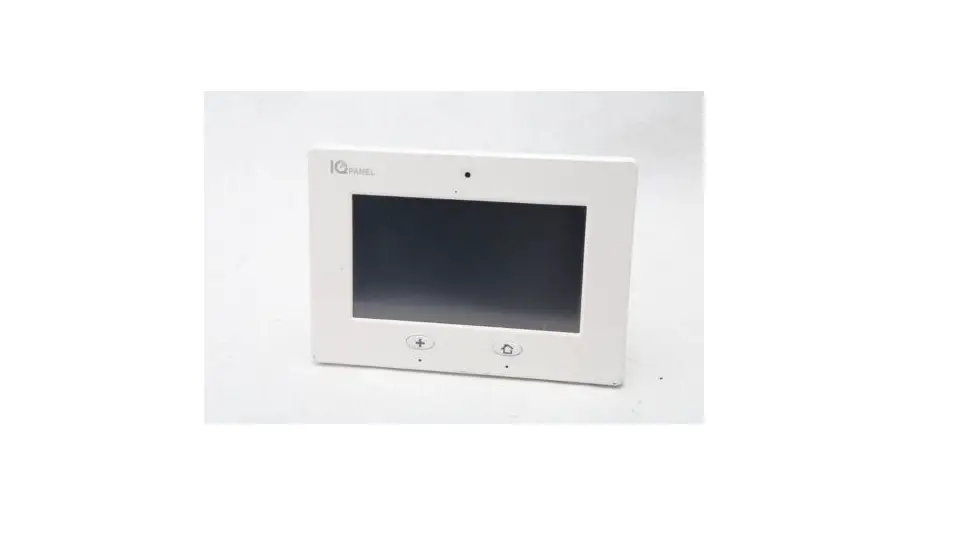
Johnson Controls QR0096-840 Qolsys IQ Wireless Control Panel Desk Mount Stand

INSTALLATION INSTRUCTIONS

Do not use for UL2610 or EN Grade 2 or equivalent installations

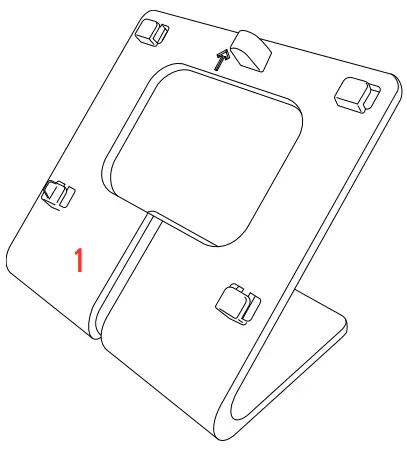
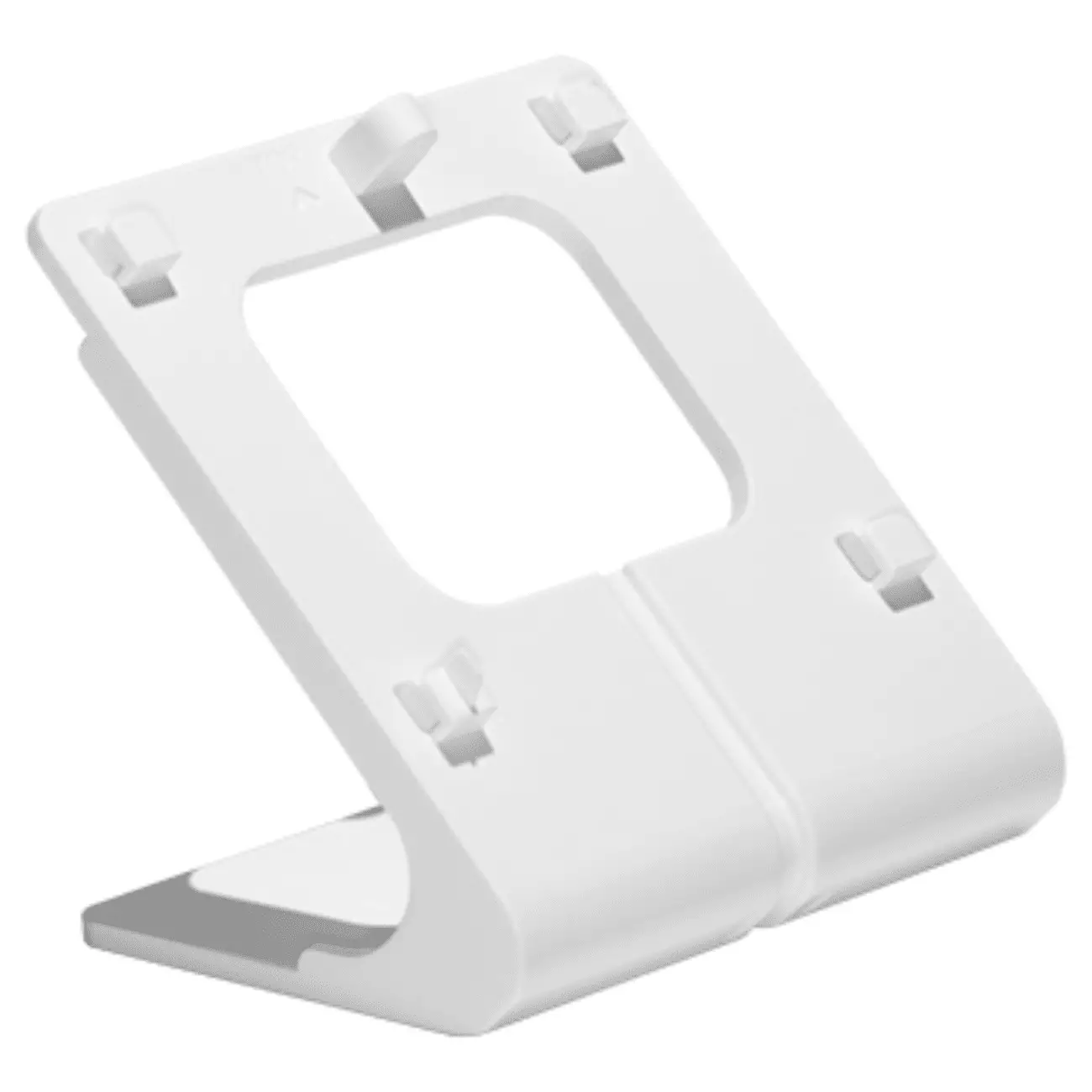
  1. Locate the optional table stand.
    INSTALLATION INSTRUCTIONS
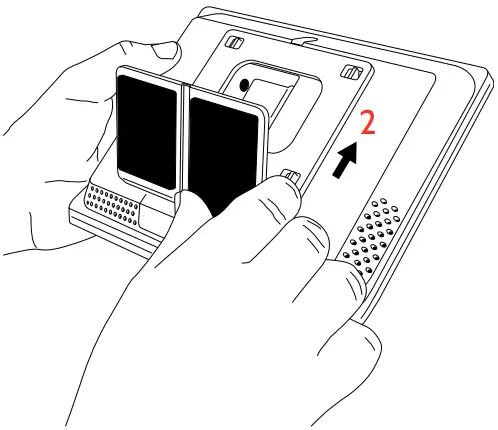
  2. Position the table stand onto the back of the panel and then slide up, making sure that all 4 tabs hook into the back of the panel.
    INSTALLATION INSTRUCTIONS
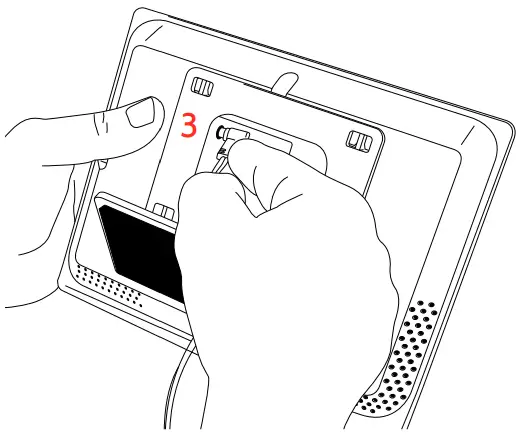
  3. Insert the barrel from the power supply into the barrel jack in the back of the panel.
    INSTALLATION INSTRUCTIONS
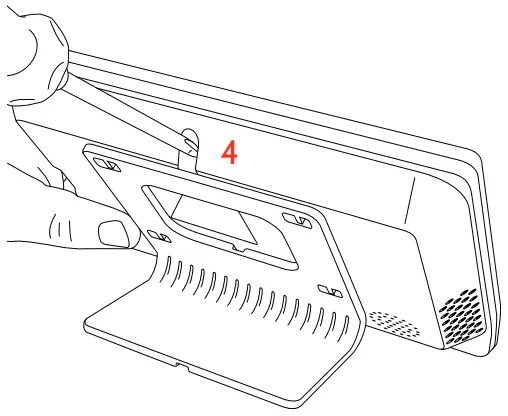
  4. Secure with the top screw so that the panel cannot be removed from the table stand.
    INSTALLATION INSTRUCTIONS

GOT QUESTIONS?

[email protected]

Johnson Controls

Documents / Resouces

Download manual
Here you can download full pdf version of manual, it may contain additional safety instructions, warranty information, FCC rules, etc.


Related Manuals