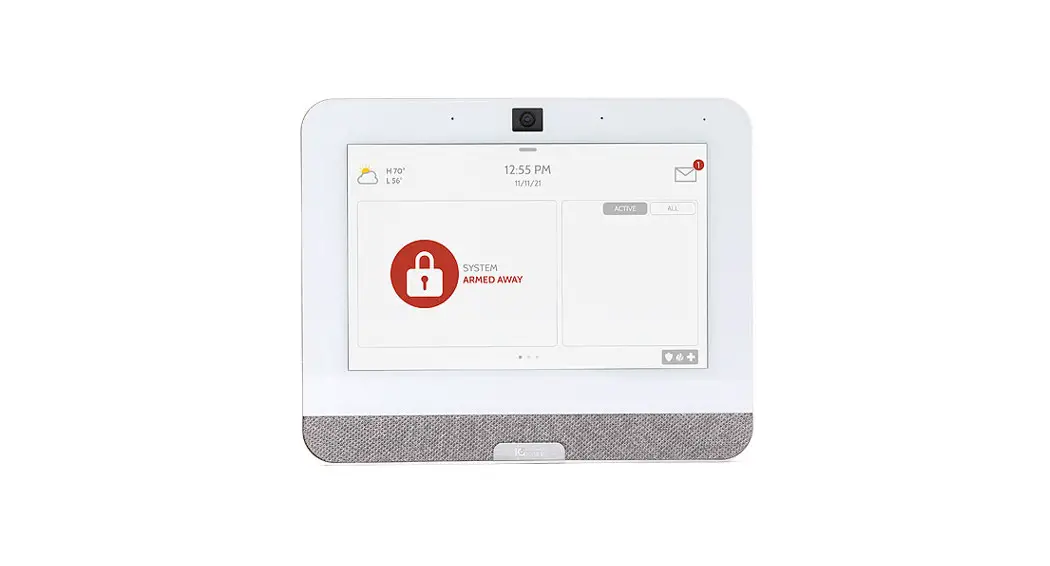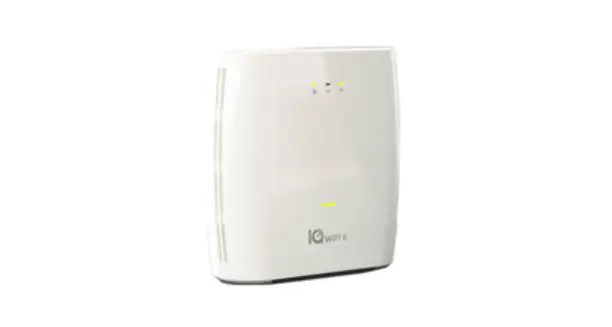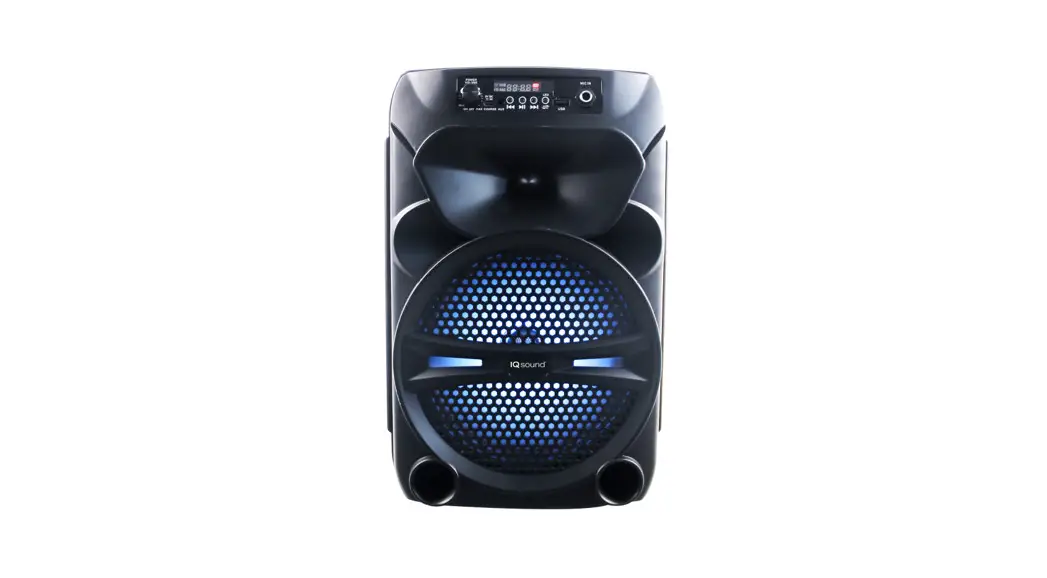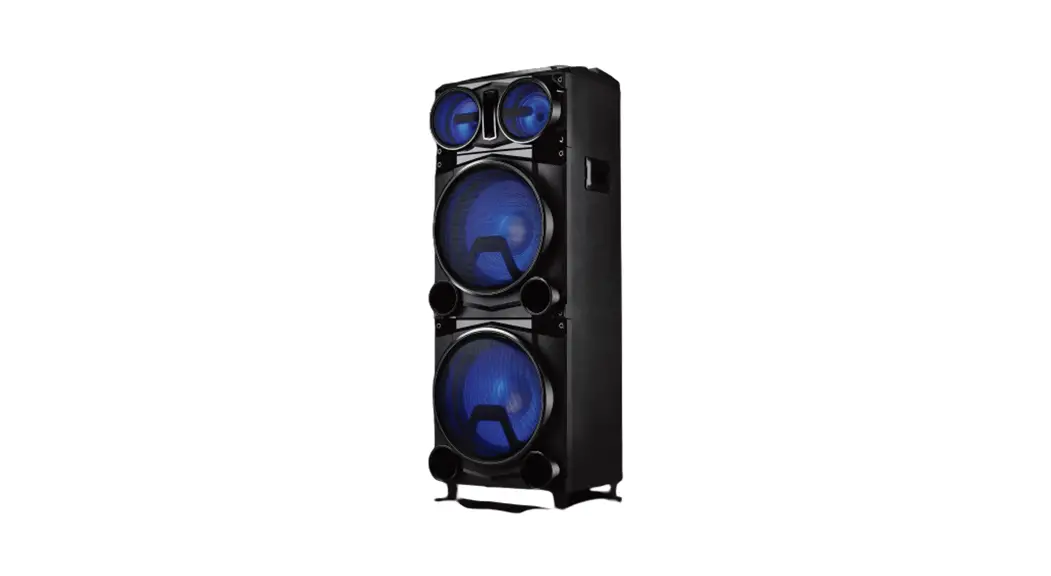

Johnson Controls IQBASE-GRY IQ Panel 4 Bluetooth Music Streaming Base
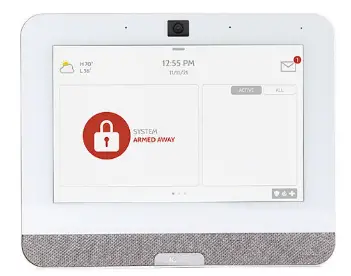
IQ BASE QUICK INSTALL GUIDE
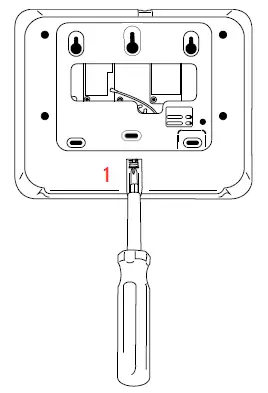
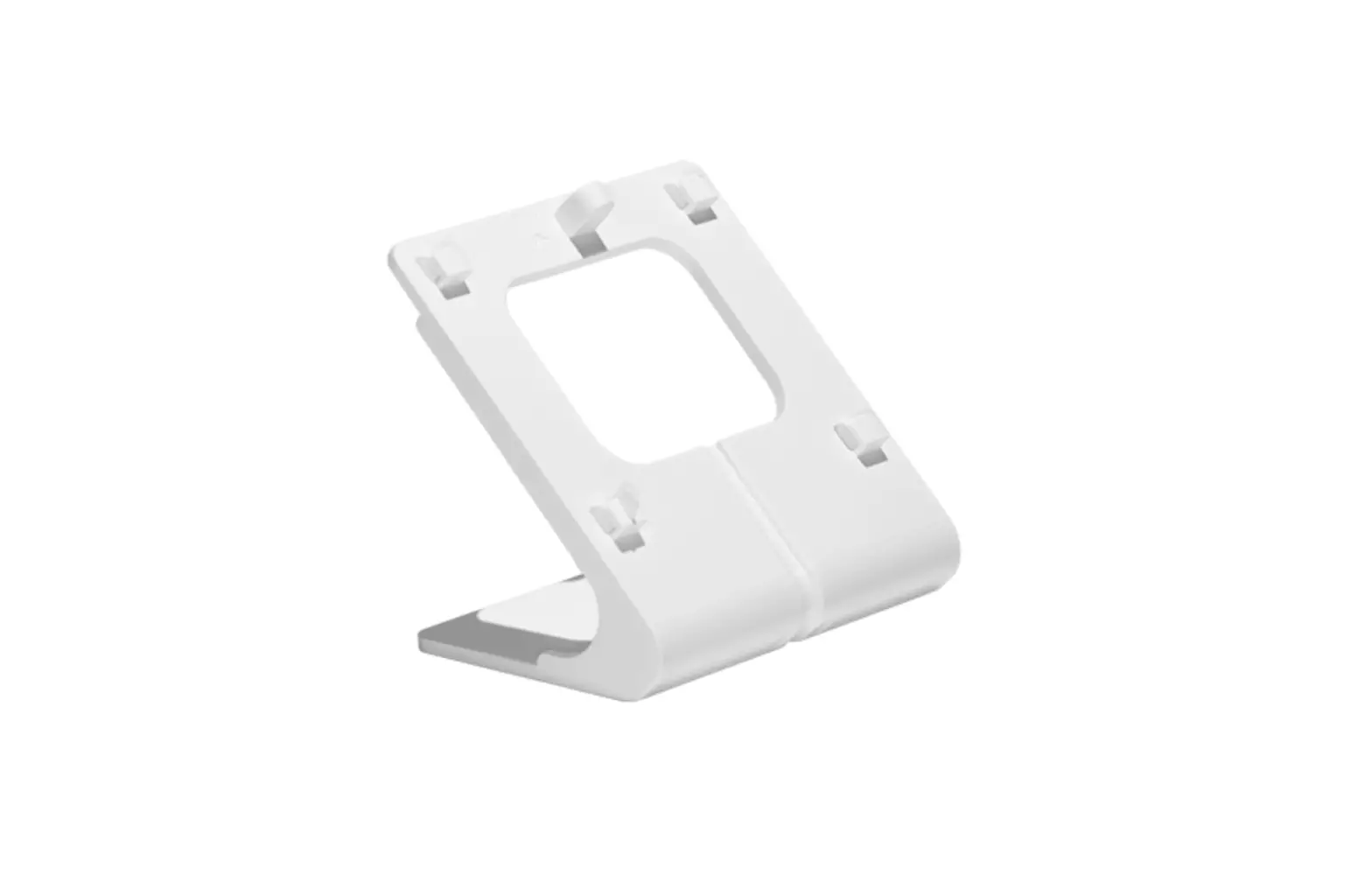
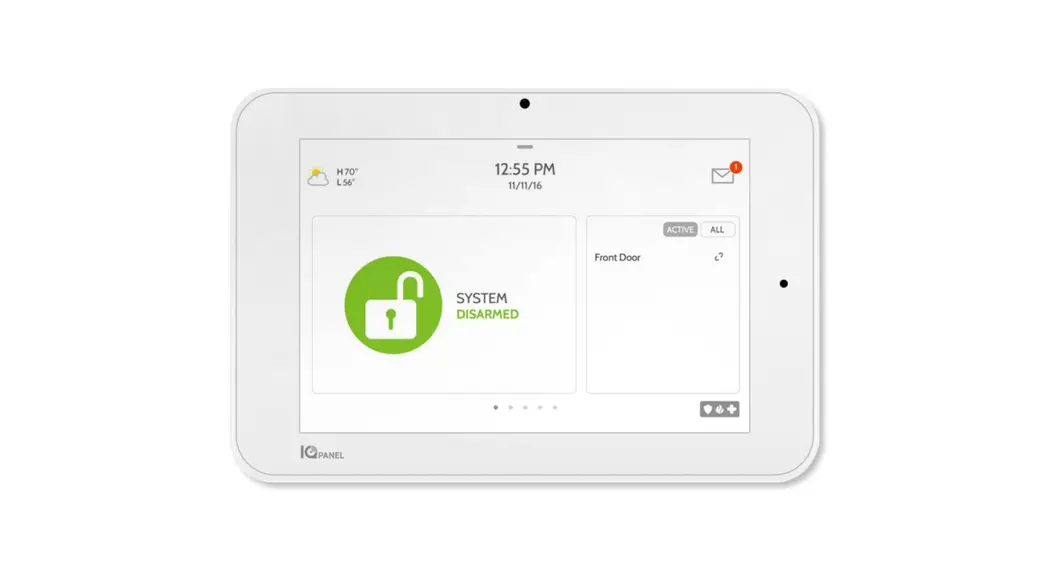
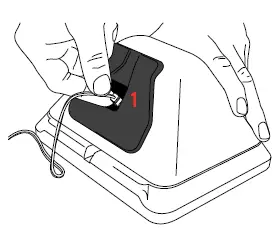
- With a small Phillips screwdriver, undo the locking screw from the back of the panel, remove the SmartMount backplate and discard.

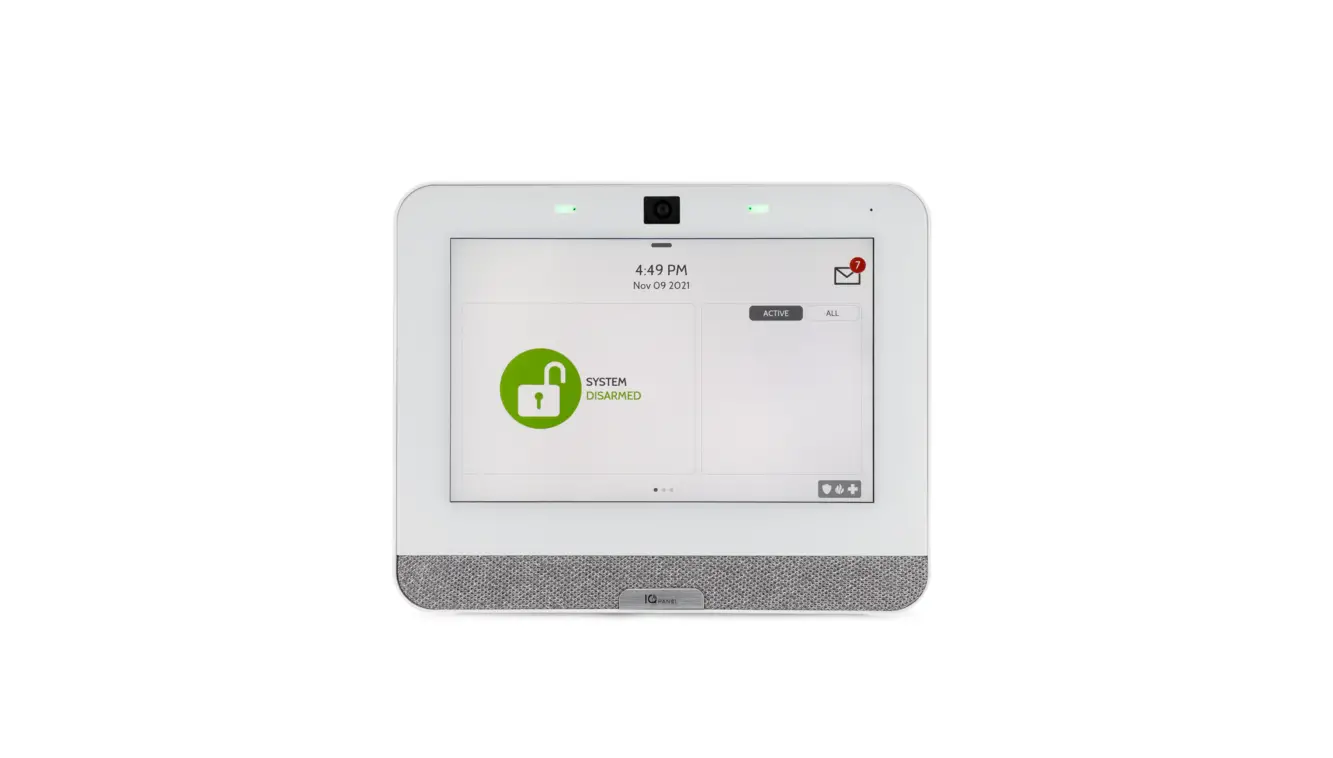
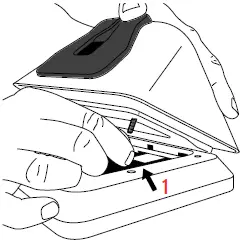
- Locate the IQ Base with SmartMount and connect the power cable from the IQ Base into the BLACK connector inside the IQ Panel 4. Insert the top hooks into the back of the panel, then swing down and press into place.

- With a small phillips screwdriver, screw in the locking screw from the bottom of the panel to secure it to the IQ Base.

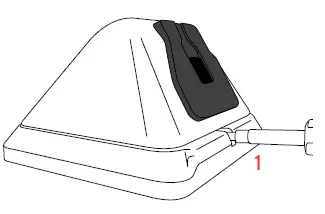
- With the included power supply and cable, plug the barrel connector into the barrel jack on the bottom of the IQ Base as shown above. Be sure the barrel is pushed all the way in.
Document#: IQBASE-QG-02-22 Qolsys Product #: IQBASE-GRY IQBASE-BLK GOT QUESTIONS? [email protected]
 📧
📧