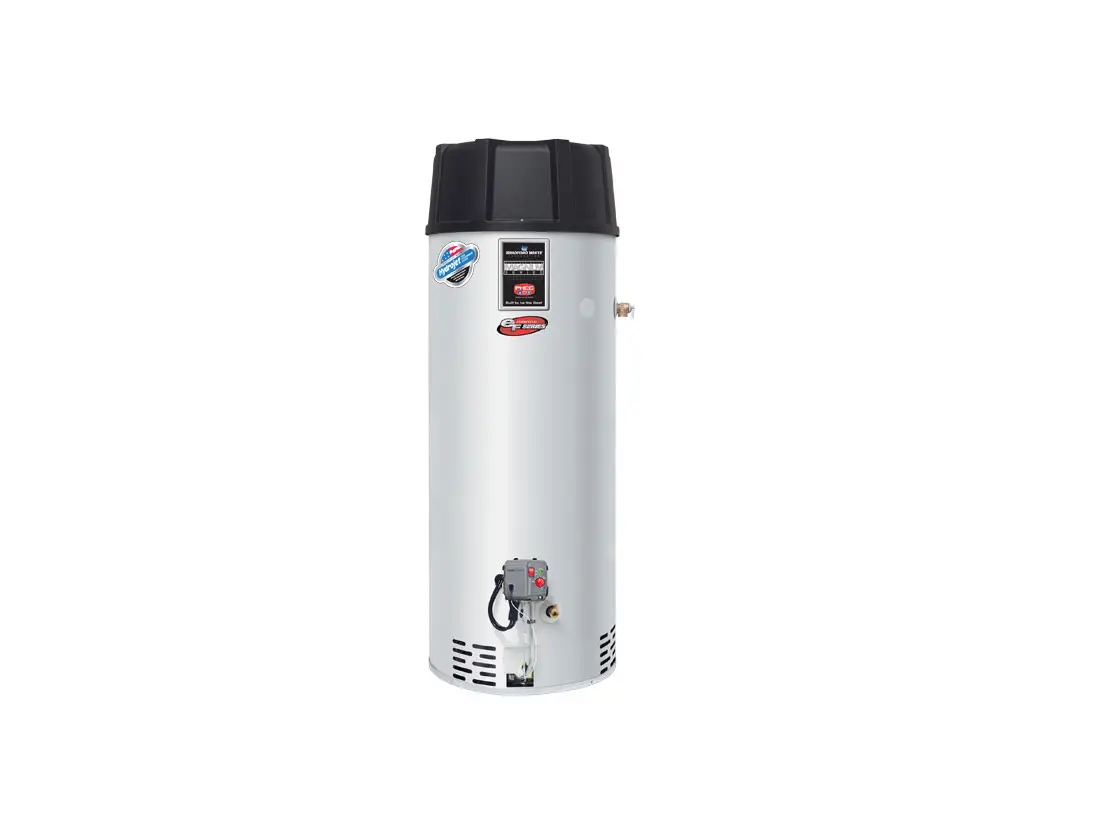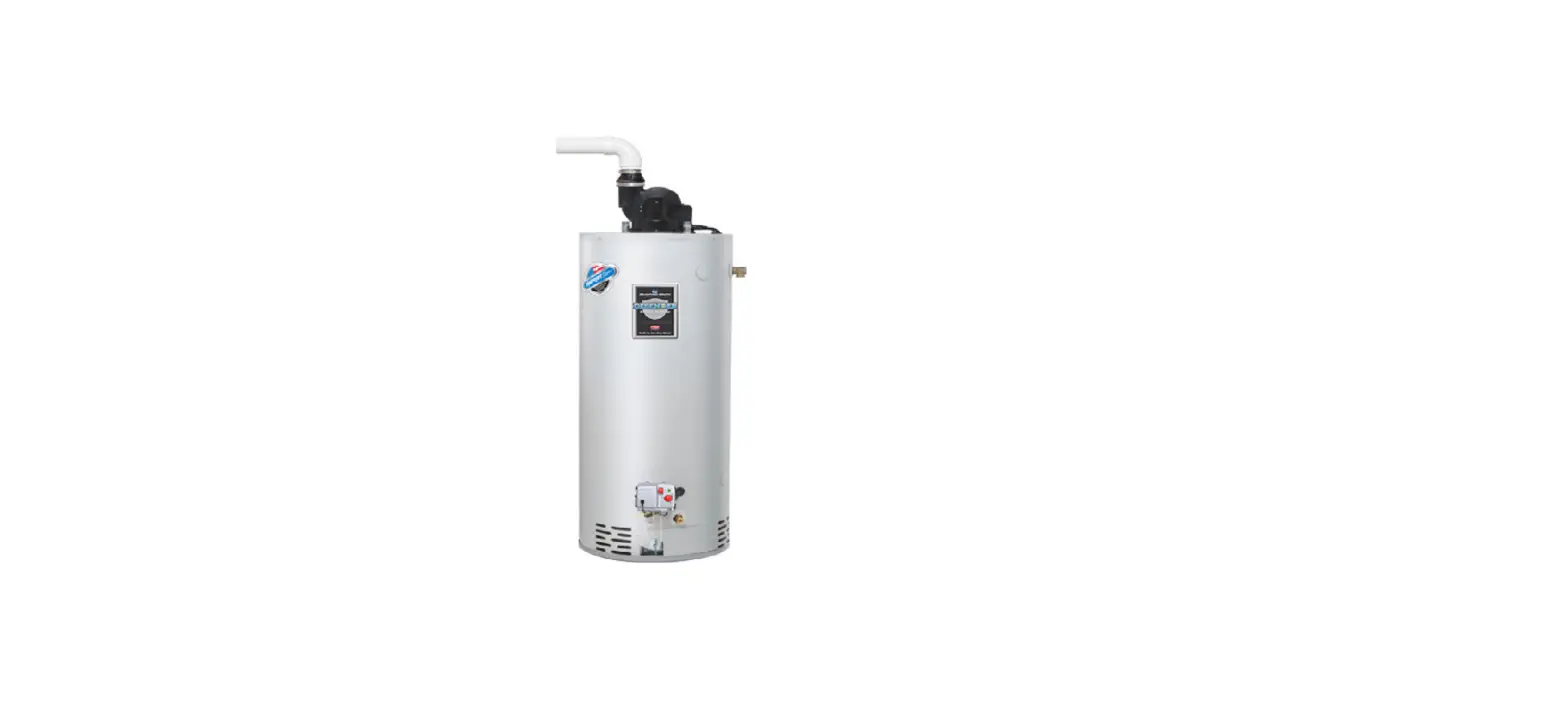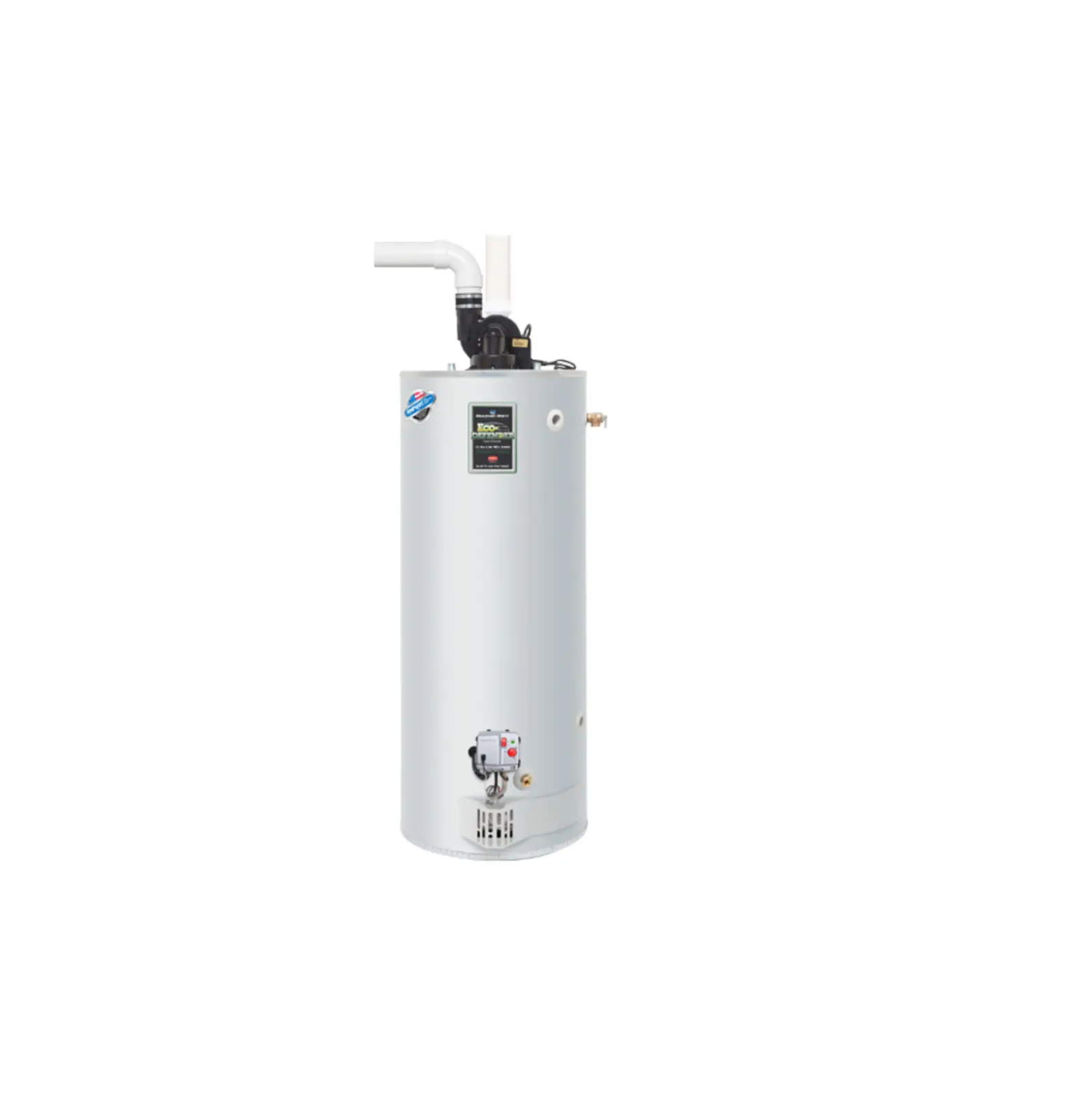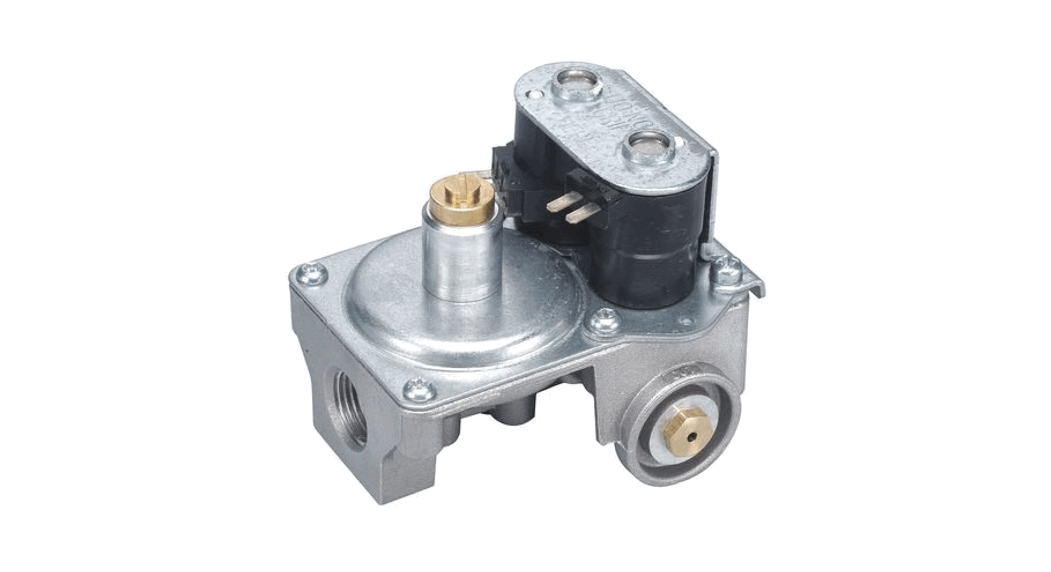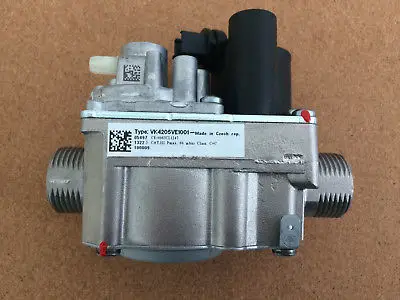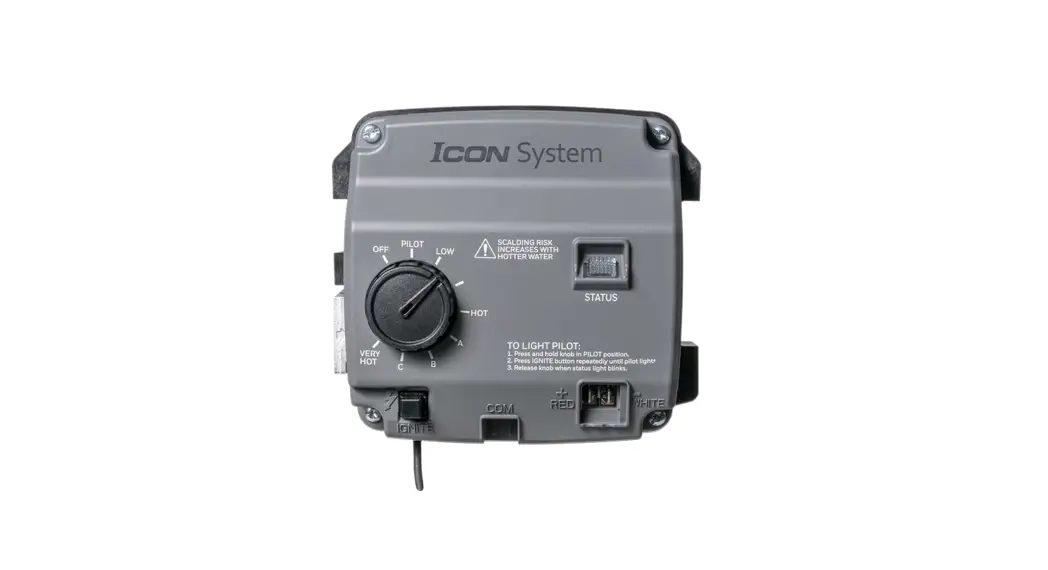

 ICON Gas Valve
User Guide
Atmospheric Vent – ICON System® Electronic
Operation Overview
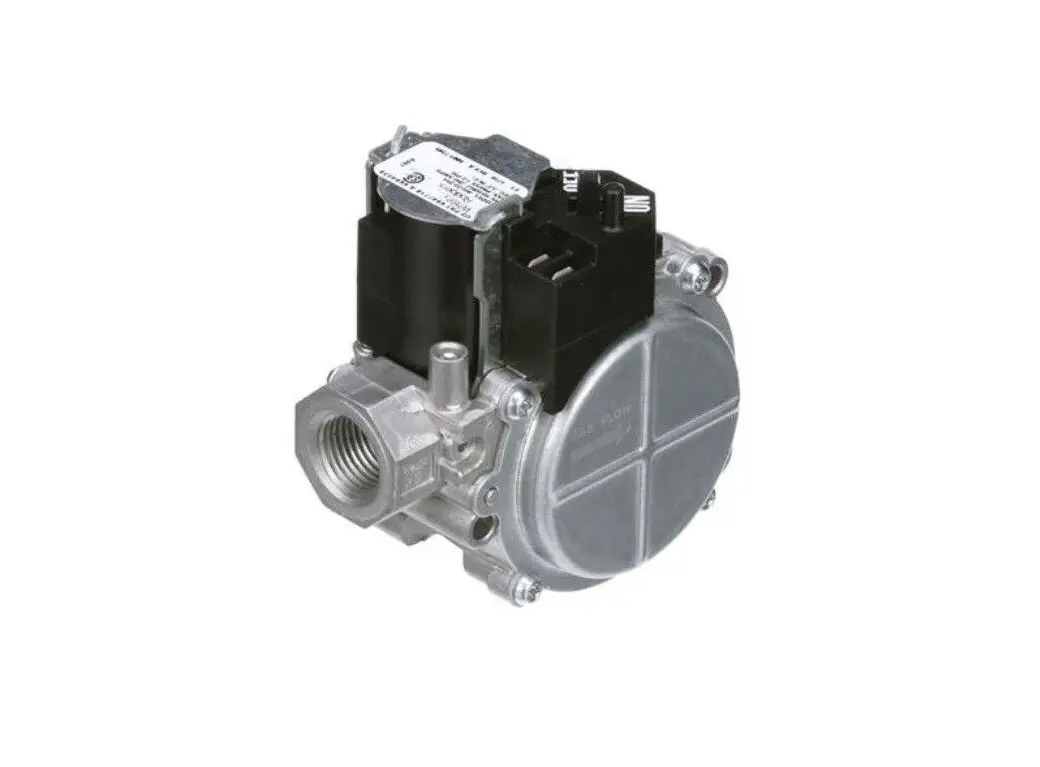
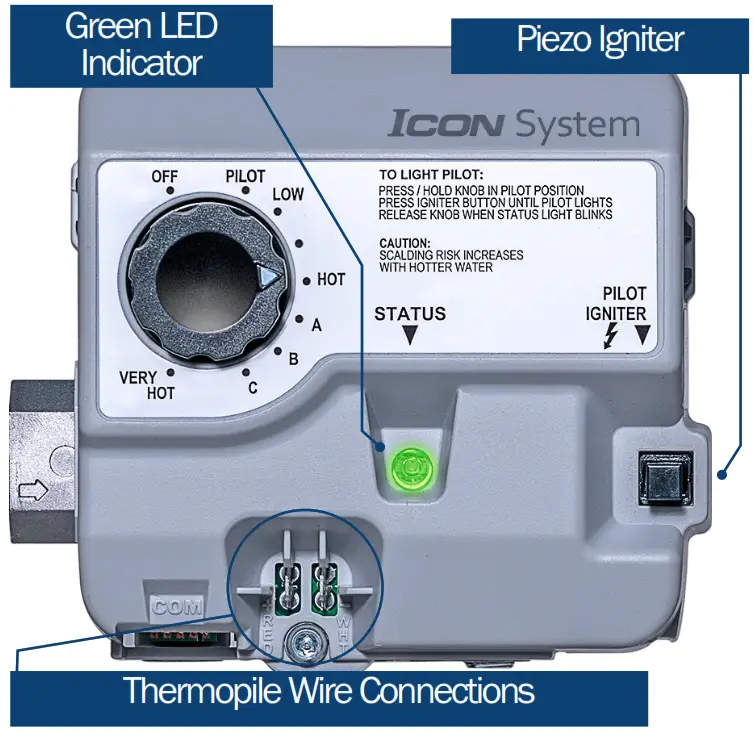
This ICON System® Electronic Gas Valve is powered by millivolt (mV) output, from a thermopile heated by the standing pilot flame. No external power or battery is required to run the control. During normal operation the LED status indicator will flash once every second on a call for heat. When the setpoint knob is turned to pilot, or the control is in standby, the LED will flash once every four seconds.
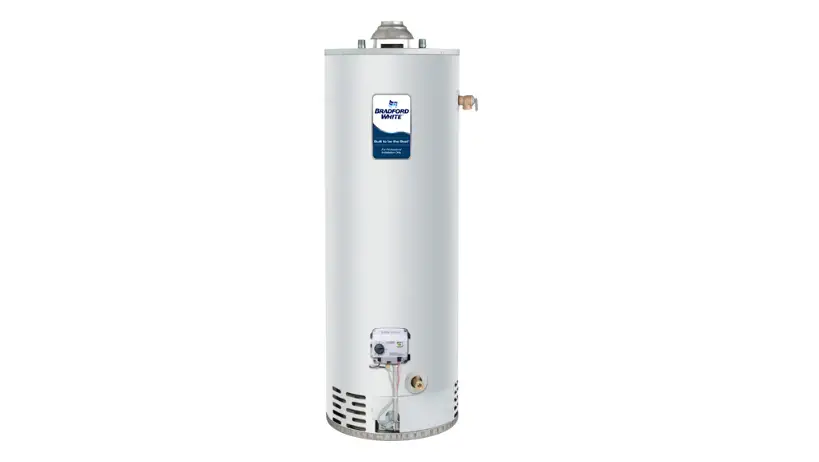
Be sure the water heater is full of water before lighting the pilot.
Measuring Thermopile Output
Using a voltmeter, touch each lead to the wires plugged into the front of the control; if necessary fold open the tabs to expose the connections.
Typical readings are as follows:
When the pilot is lit voltage will steadily climb to approximately 300500 mV.
Immediately after the LED blinks, the voltage will drop approximately 100-150 mV then stabilize. This is normal operation.
Pilot Lighting Checklist
WARNING: Read ALL safety information on the operating instruction label of the water heater before proceeding. Smell for gas around the heater, including near the floor. If you smell gas, follow the safety information on the label.
 Press and hold the setpoint knob in. Click the piezo igniter up to ten times, rapidly. With the pilot lit, hold the setpoint knob in, until the LED blinks—this can take up to 90 seconds. Increase pressure on the knob to ensure the pilot valve engages. Wait until the third LED blink before releasing the knob. Turn the setpoint knob to the desired temperature setting. The recommended setting is the “Hot” position, approximately 120° (or to the temperature required by the local code). The LED will blink once every second to indicate a call for heat.
 Release the knob if there is no blink after 90 seconds. Wait five minutes before trying to relight. On the first heat cycle, the control waits several seconds to light the burner. This is normal operation.
| LED Status | Definition | Service Action | Possible Parts Needed |
| No LED | No pilot light/heater not in operation | Follow lighting instructions on the water heater | 1) None |
| One flash & four second pause | Knob in pilot position or thermostat satisfied | None | 1) None |
| One flash every second | Thermostat calling for heat | None | 1) None |
| Two flashes & three second pause | Weak pilot signal detected | Verify pilot is lit Check thermopile voltage output Check wire connections at gas valve | 1) Pilot assembly 2) Gas valve |
| Four flashes & three second pause | High tank temperature | Check if tank temperature exceeds setpoint Check operation of control Verify no heat migration in plumbing system | 1) Gas valve |
| Five flashes & three second pause | Gas valve fault | Turn to off, wait for LED to go out, relight – Turn knob to setpoint If burner fires code will clear after 5 minutes If problem persists, replace gas valve | 1) Gas valve |
| Solid ON | Not an error-indicates that the control is shutting down Control knob turned to the off position | None; wait until LED goes out before attempting to relight | 1) None |
NOTE:
Check all wire connections
Check gas inlet and manifold gas pressure
Check for grounding connections
Technical Support
800-334-3393
www.bradfordwhite.com
CQSG-AV-SIT-0322
 Water Heaters for Residential, Commercial & Industrial Applications | Bradford White