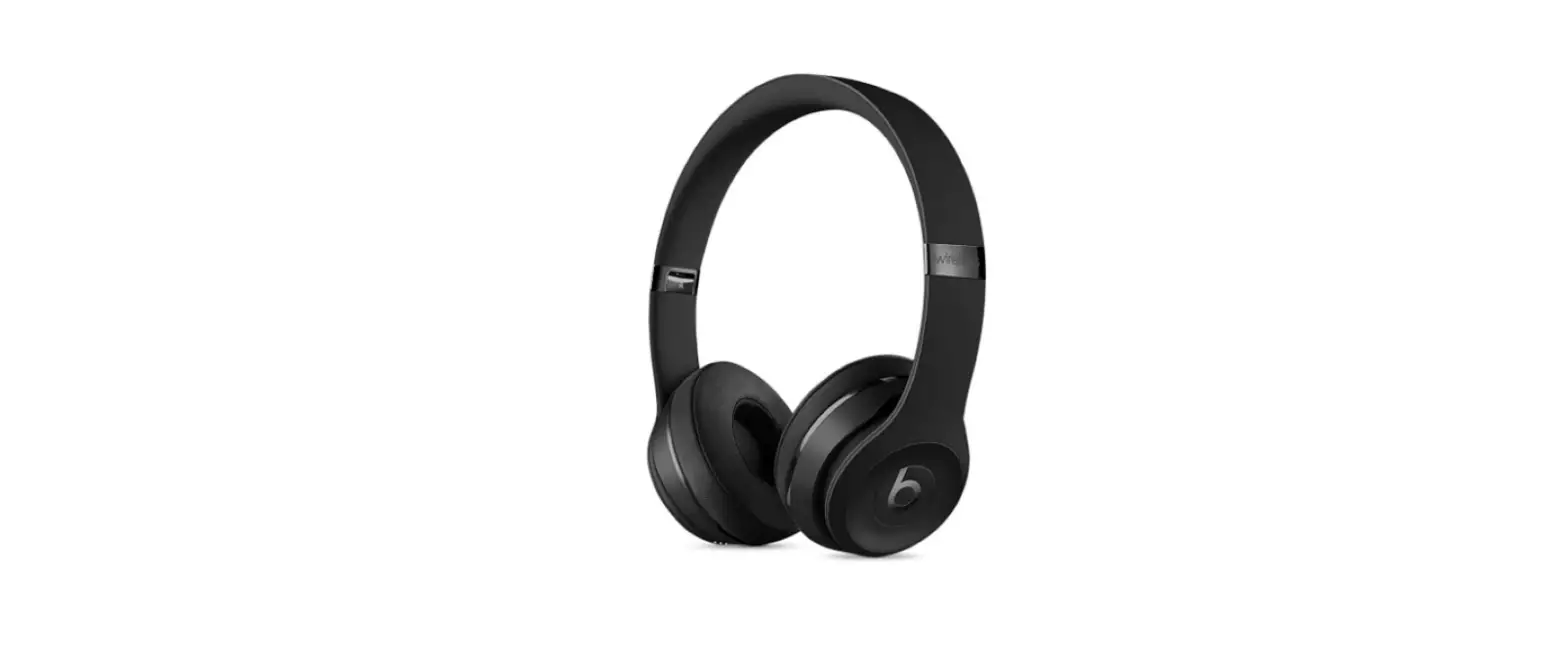
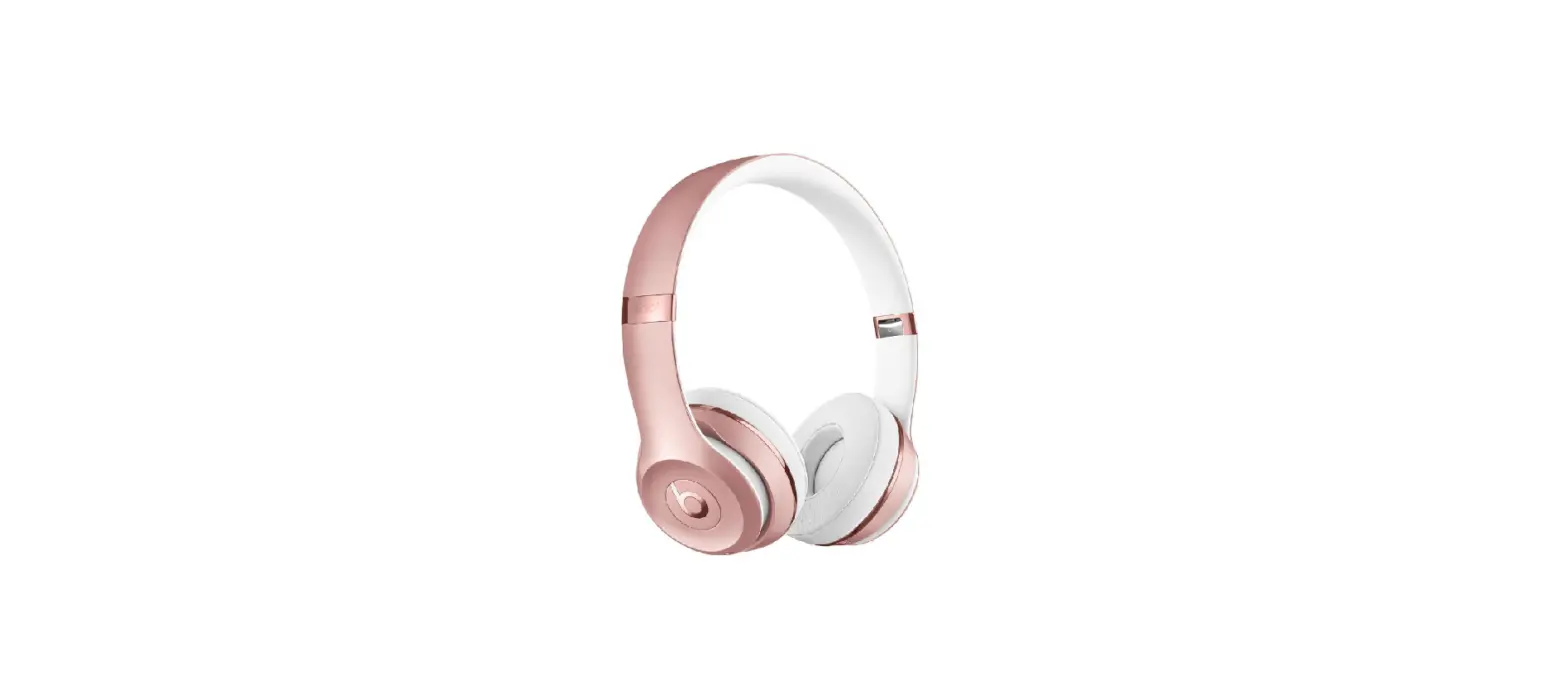
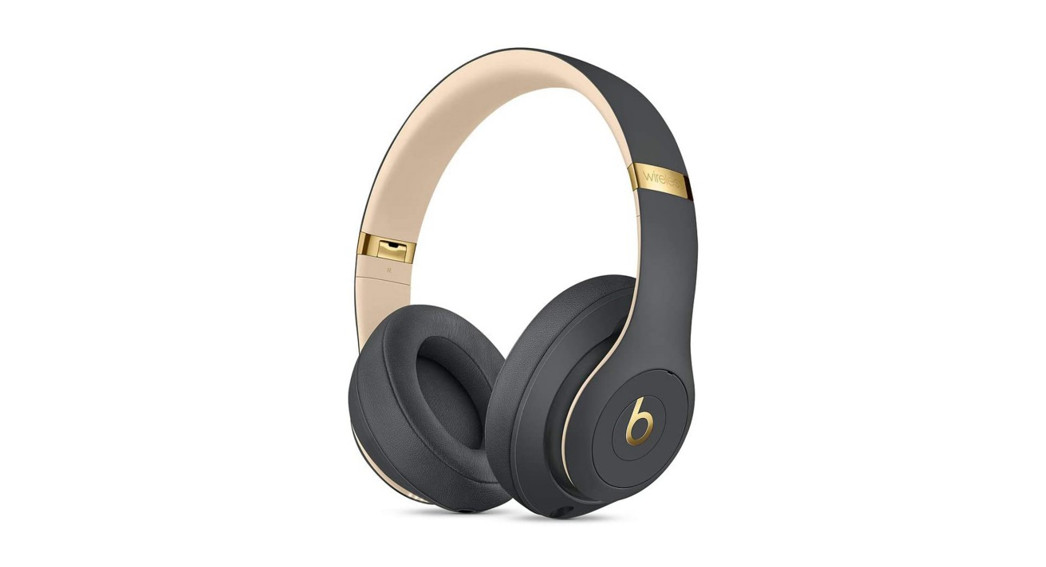
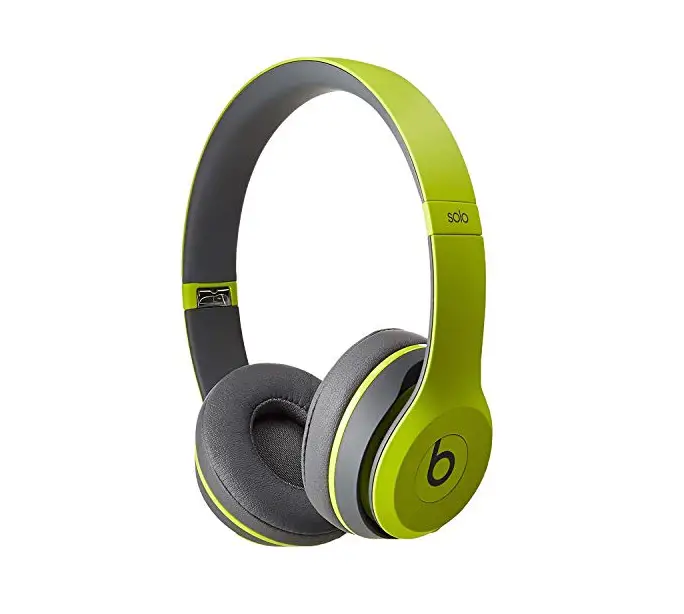
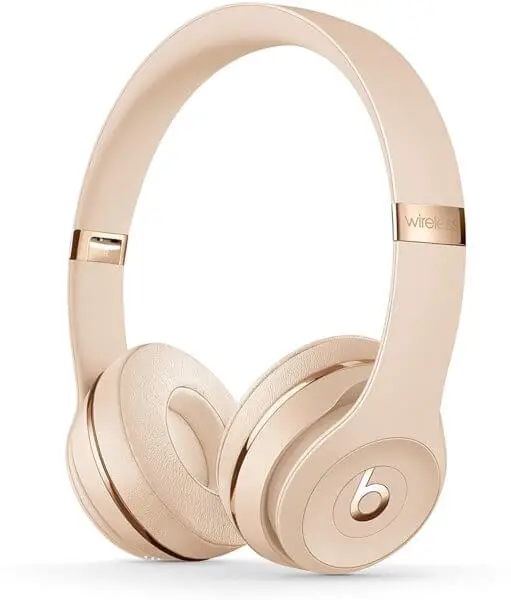
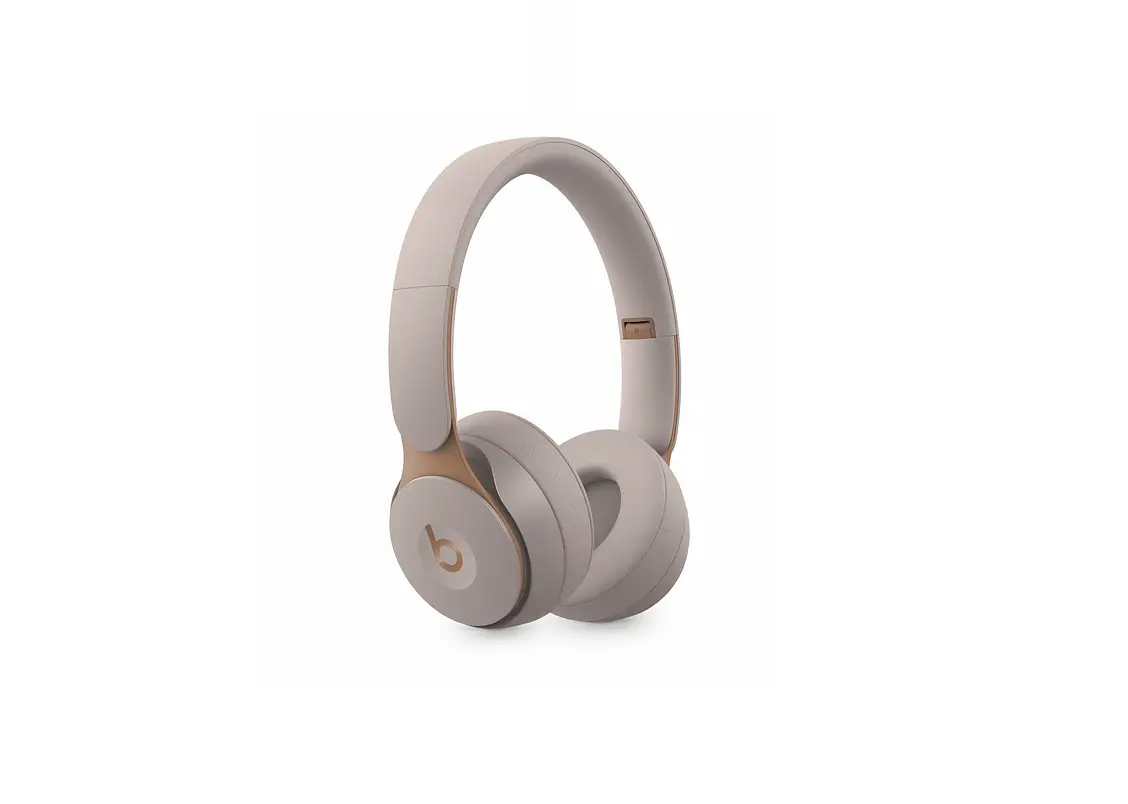
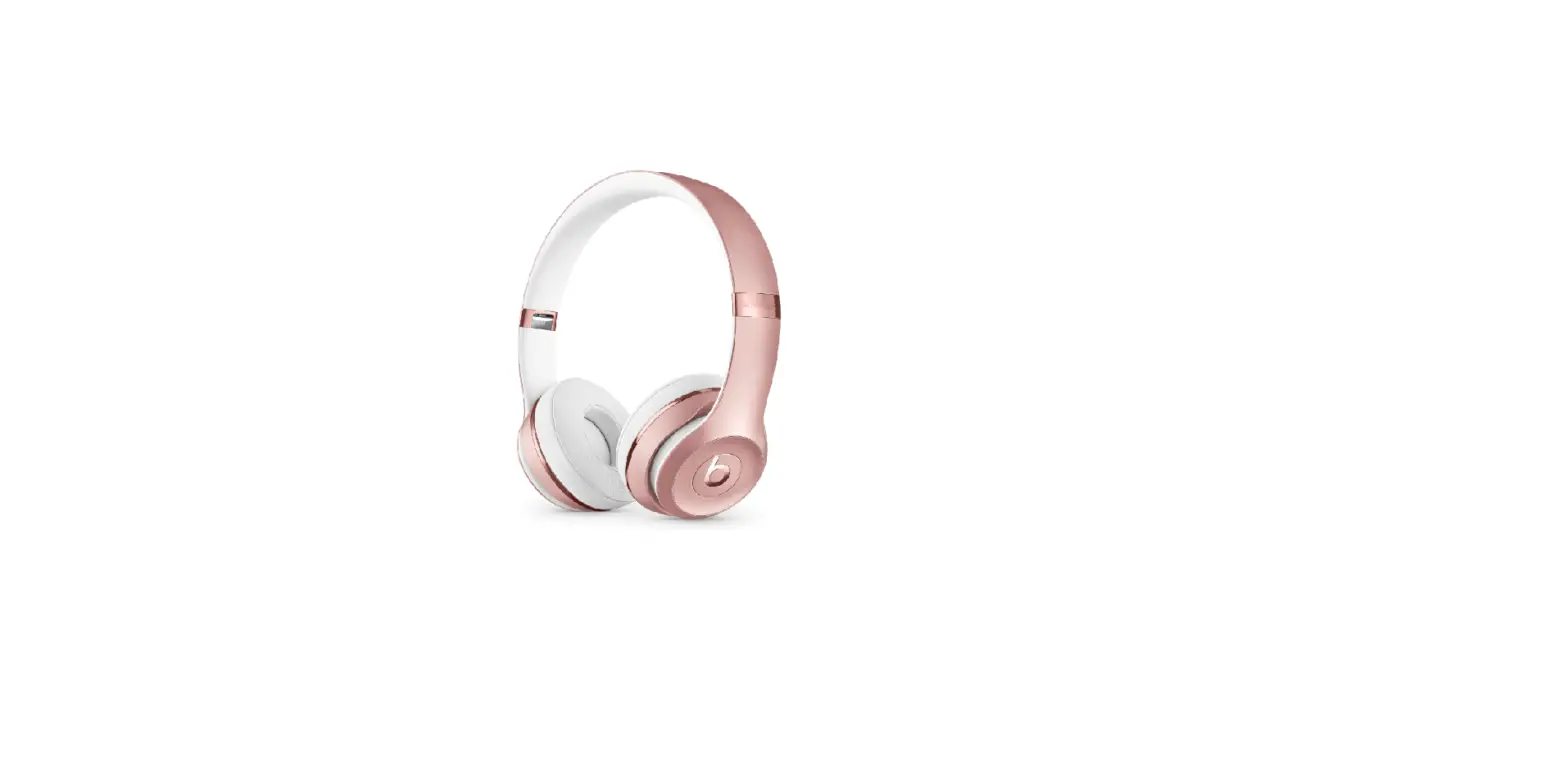
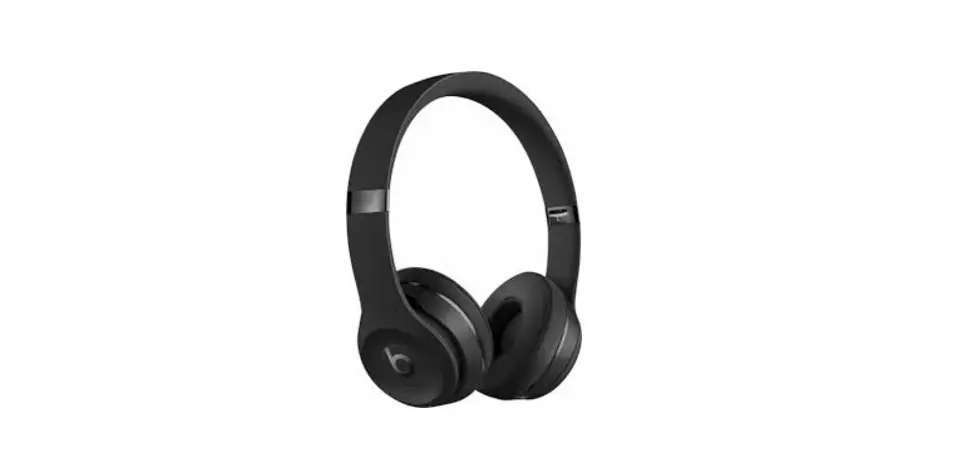
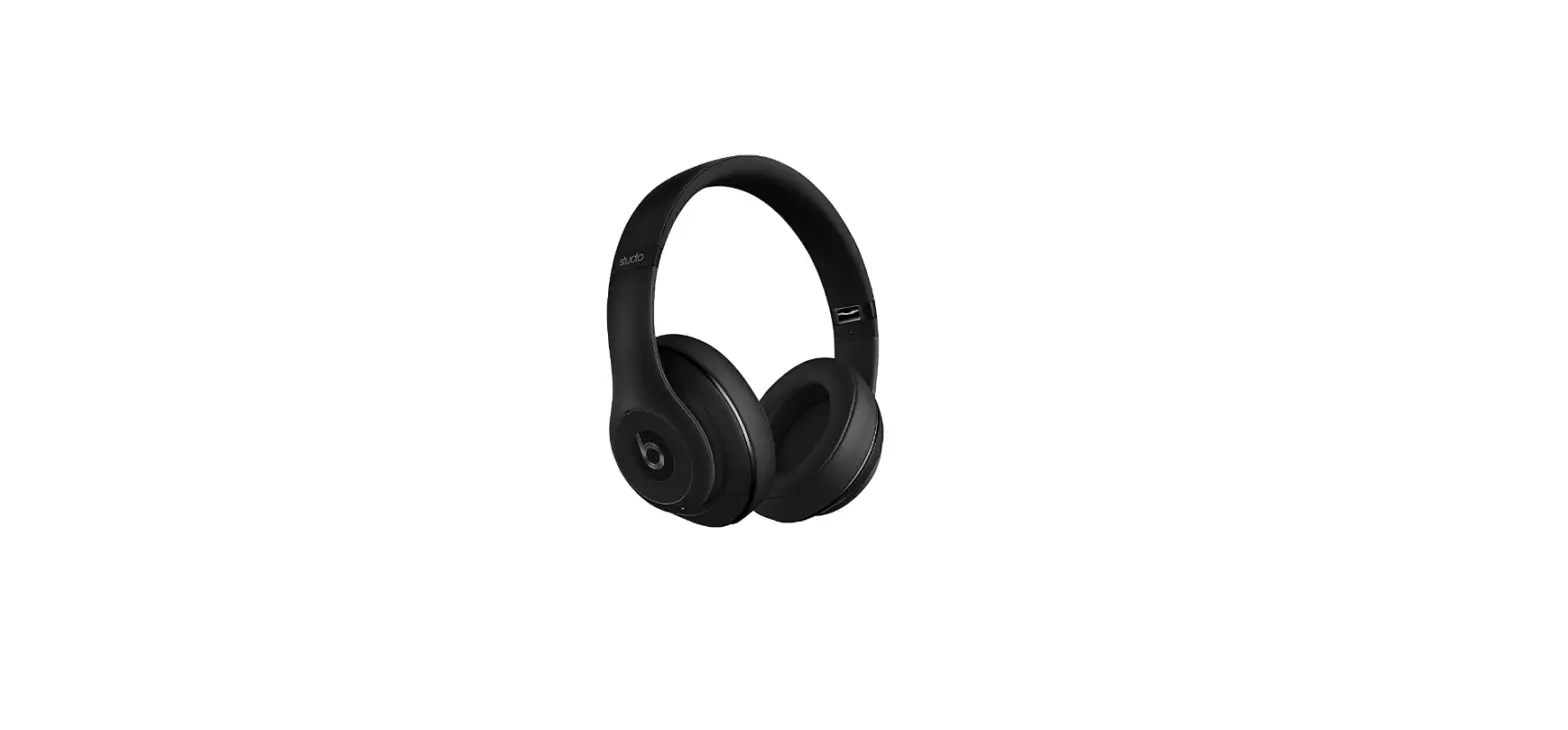
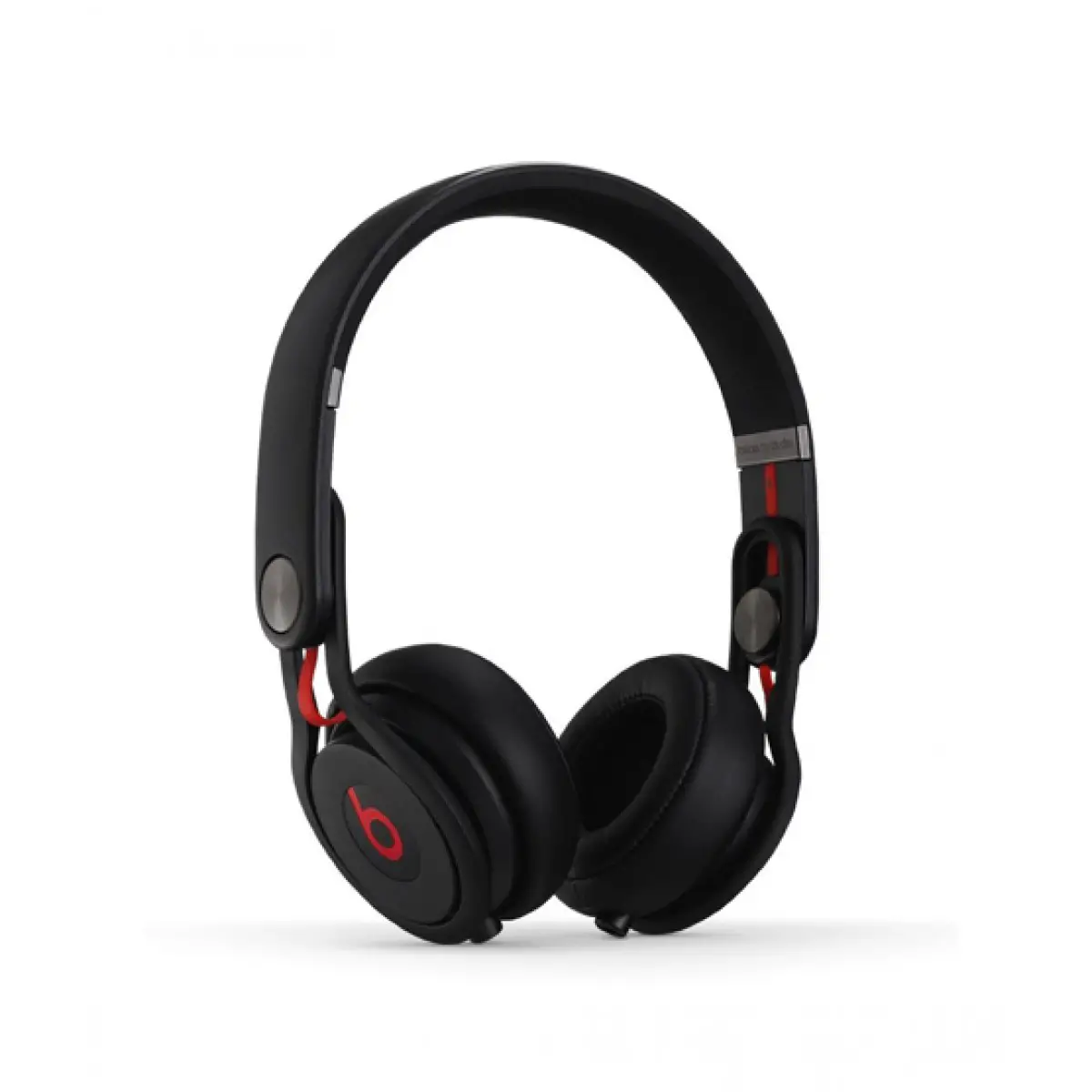
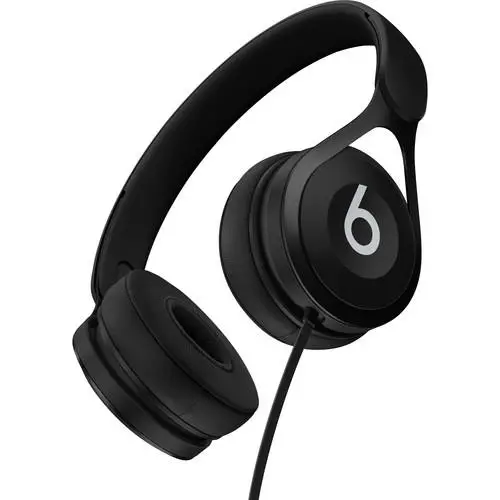
Solo3 Wireless On-Ear Headphones
Product Information
The product is the Beats Solo3 Wireless headphones. It is
compatible with iOS 10 and iPhone 1-3. It also works with watchOS
3, macOS Sierra, and other devices signed into iCloud.
The headphones have wireless controls and can be used with other
Apple devices. They also have wired playback capability using the
RemoteTalk cable. The headphones can be charged using a micro USB
cable.
Product Usage Instructions
- To connect the Solo3 Wireless headphones to an iPhone:
- Press the power button for 1 second.
- Hold the headphones near an unlocked iPhone.
- Follow the onscreen instructions to complete the
connection.
- Your Solo3 Wireless headphones are now connected and ready to
use.
- Select Beats Solo3 in Control Center (iOS) or menu bar
(macOS).
- Use the b button on the headphones.
- Adjust the volume above and below the b button.
- Plug in the RemoteTalk cable to conserve battery or when the
battery is depleted.
mode:
- Use the RemoteTalk cable.
- Use a micro USB cable to plug in the headphones.
To connect to iPhone with iOS 10 or later follow steps 13. For all other devices see the back of this guide.
iOS 10 iPhone 1-3
iOS 10 iPhone 1-3
Untuk terhubung ke iPhone dengan iOS 10 atau lebih baru, ikuti langkah 13 berikut. Untuk semua perangkat lain, lihat bagian belakang dari panduan ini.
iOS 10iPhone13
iOS 10iPhone13
iPhone iOS 10 1-3
kt ni vi iPhone chy iOS 10 tr lên, làm theo các bc 13.i vi tt c các thit b khác, xem mt sau ca hng dn này.
1
TURN ON BLUETOOTH®
Swipe up from the bottom of the screen and tap the Bluetooth® icon. Bluetooth® Bluetooth® Usap dari bawah layar dan ketuk ikon Bluetooth®. Bluetooth® Bluetooth® Vut t áy màn hình lên và chm vào biu tng Bluetooth®.
~ 2 in ~ 5 cm
1 sec
2
CONNECT SOLO3 WIRELESS
Press power button for 1 second. Hold near unlocked iPhone, then follow onscreen instructions.
1 iPhone
1 iPhone
Tekan tombol daya selama 1 detik. Tahan dekat iPhone yang tidak terkunci, lalu ikuti petunjuk di layar.
iPhone
1iPhone
/1 iPhone
Nhn nút ngun trong 1 giây. Gi gn iPhone ã m khóa, ri làm theo hng dn trên màn hình.
3
START LISTENING
Your Solo3 Wireless is now connected and ready to use.
Solo3 Wireless
Solo3 Wireless
Solo3 Wireless Anda sekarang terhubung dan siap digunakan.
Solo3
Solo3Wireless
Solo3 Wireless Solo3 Wireless ca bn hin ã c kt ni và sn sàng s dng.
watchOS 3 iOS 10
macOS Sierra
USE WITH YOUR OTHER APPLE DEVICES
Solo3 Wireless now works with your other devices signed into iCloud. Select Beats Solo3 in Control Center (iOS) or menu bar (macOS).
Solo3 Wireless iCloud “”(iOS) “” (macOS) Beats Solo3
Solo3 Wireless iCloud (iOS) (macOS) Beats Solo3
Solo3 Wireless sekarang akan berfungsi dengan perangkat yang masuk ke iCloud. Pilih Beats Solo3 di Pusat Kontrol (iOS) atau bilah menu (macOS).
Solo3 iCloud (iOS) (macOS)<Beats Solo3>
Solo3 WirelessJ$MPVE Control Center(iOS) (macOS)Beats Solo3
Solo3 Wireless iCloud Beats Solo3 (iOS) (macOS)
T gi, Solo3 Wireless s hot ng vi các thit b khác ã ng nhp vào iCloud. Chn Beats Solo3 trong Trung Tâm Kim Soát (iOS) hoc thanh Menu (macOS).
WIRELESS CONTROLS
During wireless use, control music and manage calls with the “b” button. Adjust volume above and below the “b” button.
“b” “b”
“b” “b”
Selama penggunaan nirkabel, kontrol musik dan kelola panggilan dengan tombol “b”. Sesuaikan volume di atas dan di bawah tombol “b”.
“b” “b”
“b” “b”
“b” “b”
Trong khi s dng không dây, iu khin nhc và qun lý cuc gi bng nút ch “b”. iu chnh âm lng phía trên và di nút ch “b”.
WIRELESS SETUP FOR OTHER DEVICES*
Press power button for 5 seconds. On your device, go to Bluetooth® settings and choose Beats Solo3.
5 Bluetooth® Beats Solo3
5 Bluetooth® Beats Solo3
Tekan tombol daya selama 5 detik. Di perangkat Anda, buka pengaturan Bluetooth® dan pilih Beats Solo3.
5 Bluetooth®<Beats Solo3>
5Bluetooth® Beats Solo3
/ 5 Beats Solo3
Nhn nút ngun trong 5 giây. Trên thit b ca bn, vào cài t Bluetooth® và chn Beats Solo3.
*iOS 9 or earlier, AndroidTM and other Bluetooth®
enabled devices. / iOS 9 AndroidTM
Bluetooth® / iOS 9 AndroidTM
Bluetooth® /iOS 9 atau lebih
awal, AndroidTM dan perangkat lain yang diaktifkan
dengan Bluetooth®. / iOS 9 AndroidTM
5 sec
Bluetooth® / iOS 9
AndroidTMBluetooth®/ iOS 9
AndroidTM /
iOS 9 hoc các phiên bn trc, AndroidTM và các thit b h
tr Bluetooth® khác.
WIRED PLAYBACK
Plug in RemoteTalk cable for wired mode to conserve battery or when battery is depleted.
RemoteTalk
RemoteTalk
Colokkan kabel RemoteTalk untuk mode berkabel untuk menghemat baterai atau saat daya baterai akan habis.
RemoteTalk
RemoteTalk
RemoteTalk
Cm cáp RemoteTalk s dng ch có dây tit kim pin hoc khi pin cn.
WIRED CONTROLS
Control music, manage calls and adjust volume with RemoteTalk cable*.
RemoteTalk *
RemoteTalk *
Kontrol musik, kelola panggilan, dan sesuaikan volume dengan kabel RemoteTalk.*
RemoteTalk
RemoteTalk
RemoteTalk* iu khin nhc, qun lý cuc gi và iu chnh âm lng bng cáp RemoteTalk.*
*Functionality may vary on non-Apple devices. / Apple / Apple / Fungsi dapat berbeda pada perangkat non-Apple. / Apple/ Apple/ Apple / Chc nng có th khác nhau trên các thit b không phi Apple. /
CHARGE
Using a micro USB cable, plug in headphones to charge.
micro USB
micro USB
Dengan menggunakan kabel micro USB, colokkan headphone untuk mengisi daya.
USB
micro USB
micro USB
S dng cáp micro USB, cm tai nghe sc.”
Fuel gauge = battery status / = / = / Pengukur daya = status baterai / / / = / Mc pin = trng thái pin /
Charged / / / Terisi daya / / / / ã sc /
Charging / / / Sedang mengisi daya / / / / ang sc /
beatsbydre
@beatsbydre
beatsbydre
@beatsbydre
© 2016 Apple Inc. All rights reserved. Model: A1796. PA034-01424.
The b logo, beats, beats solo, remotetalk and solo are trademarks of Beats Electronics, LLC. Apple, iPhone, macOS and watchOS are trademarks of Apple Inc., registered in the U.S. and other countries. Android is a trademark of Google Inc. The Bluetooth® word mark and logos are registered trademarks owned by Bluetooth SIG, Inc. and are used under license. IOS is a trademark of Cisco and is used under license.
b beatsbeats soloremotetalk solo Beats Electronics, LLC. AppleiPhonemacOS watchOS Apple Inc. Android Google Inc. (Bluetooth®) Bluetooth SIG, Inc. IOS Cisco
b beatsbeats soloremotetalk solo Beats Electronics, LLC. AppleiPhonemacOS watchOS Apple Inc. Android Google Inc. (Bluetooth®) Bluetooth SIG, Inc. IOS Cisco
Logo b, beats, beats solo, remotetalk, dan solo adalah merek dagang dari Beats Electronics, LLC. Apple, iPhone, macOS, dan watchOS adalah merek dagang dari Apple Inc., yang terdaftar di AS dan negara lain. Android adalah merek dagang dari Google Inc. Tanda kata dan logo Bluetooth® adalah merek dagang terdaftar yang dimiliki oleh Bluetooth SIG, Inc. dan penggunaannya di bawah lisensi. IOS adalah merek dagang dari Cisco dan digunakan di bawah lisensi.
bbeatsbeats soloremotetalksoloBeats Electronics, LLC.AppleiPhonemac OSwatchOSApple IncAndroidGoogle Inc. The Bluetooth®Bluetooth SIG, Inc. IOS Cisco
b
beats
beats solo
remotetalksoloBeats Electronics, LLC.Apple
iPhone
macOS watchOSApple Inc.AndroidGoogle IncBluetooth® Bluetooth SIG, Inc.iOSCisco b, beats, beats solo, remotetalk solo Beats Electronics, LLC. Apple, iPhone, macOS watchOS Apple Inc. Android Google Inc. Bluetooth® Bluetooth SIG, Inc. IOS Cisco
Logo ch b, beats, beats solo, remotetalk và solo là các nhãn hiu ca Beats Electronics, LLC. Apple, iPhone, macOS và watchOS là các nhãn hiu ca Apple Inc., c ng ký Hoa K và các quc gia khác. Android là nhãn hiu ca Google Inc. Nhãn hiu và logo Bluetooth® là các nhãn hiu ã ng ký thuc s hu ca Bluetooth SIG, Inc. và c s dng theo giy phép. IOS là nhãn hiu ca Cisco và c s dng theo giy phép.