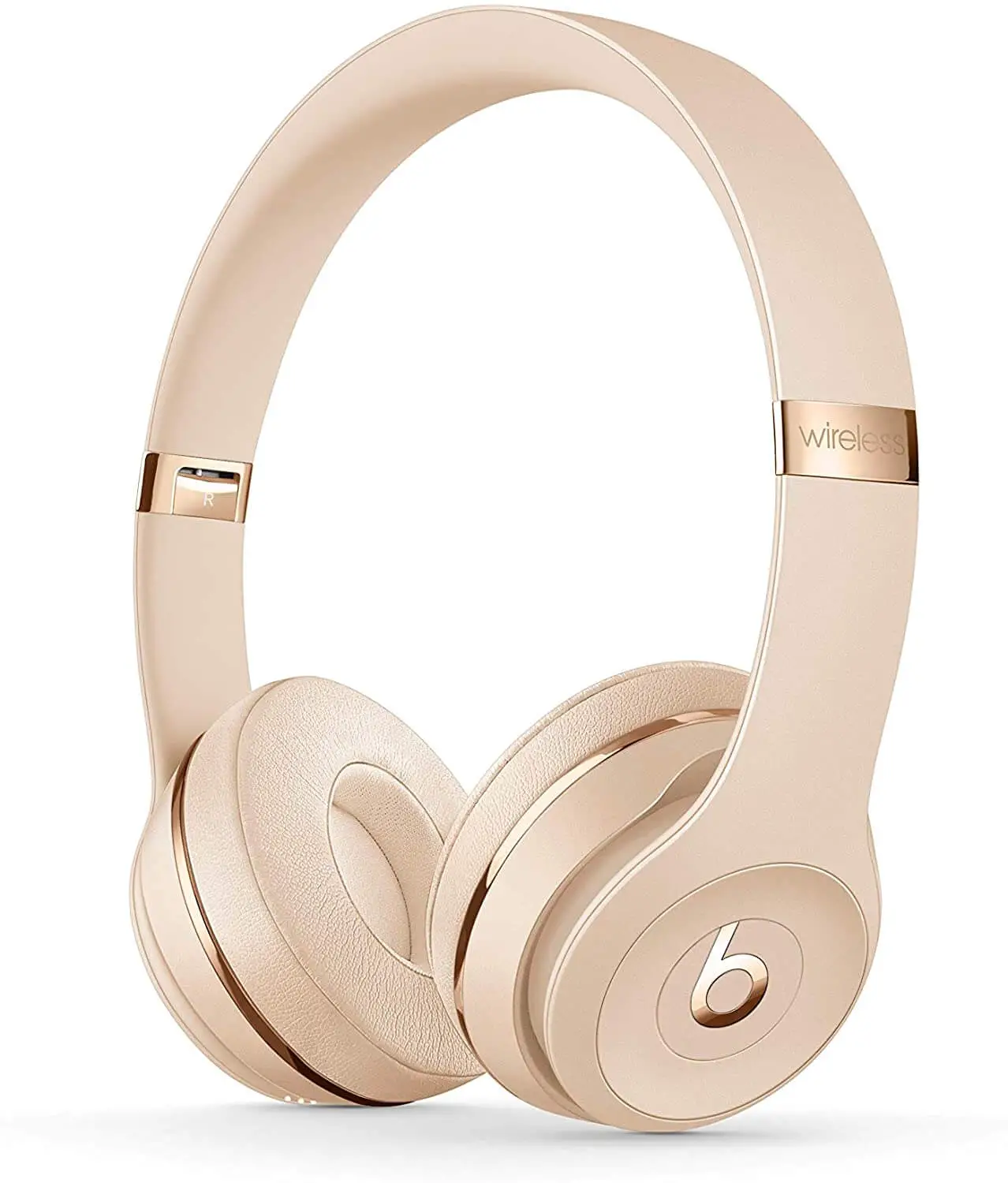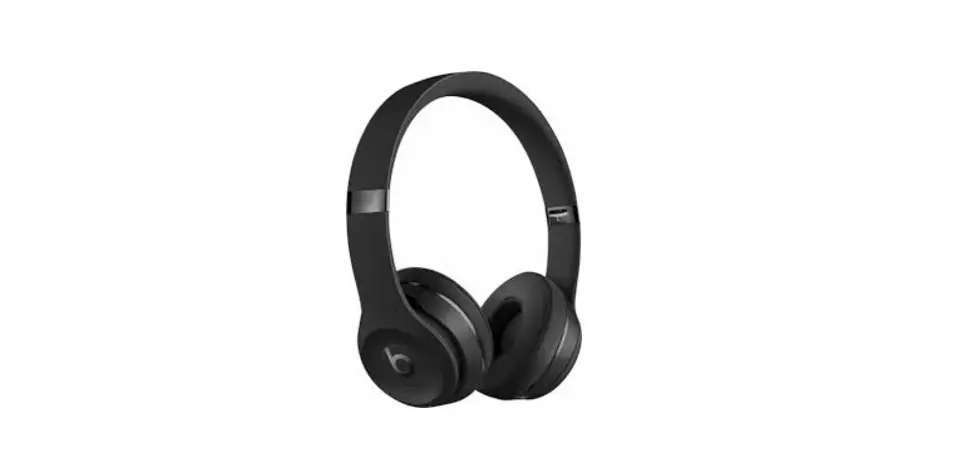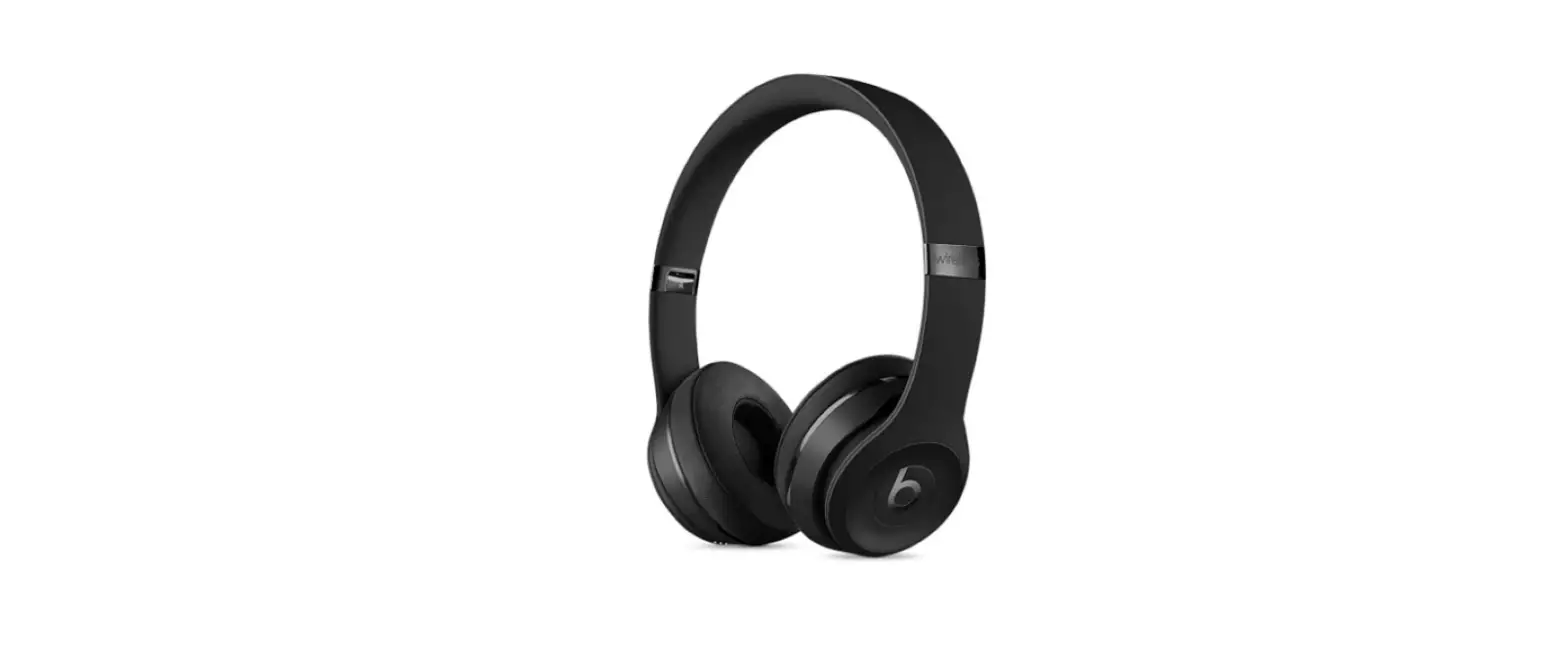

Beats Solo3 Wireless On-Ear Headphones
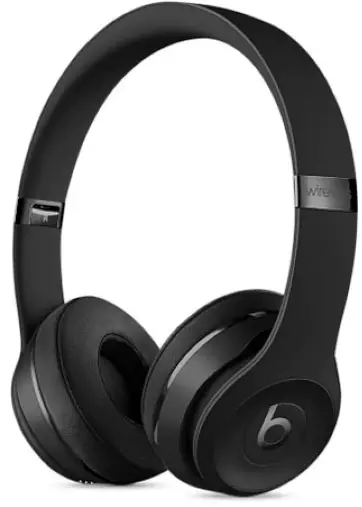
overview
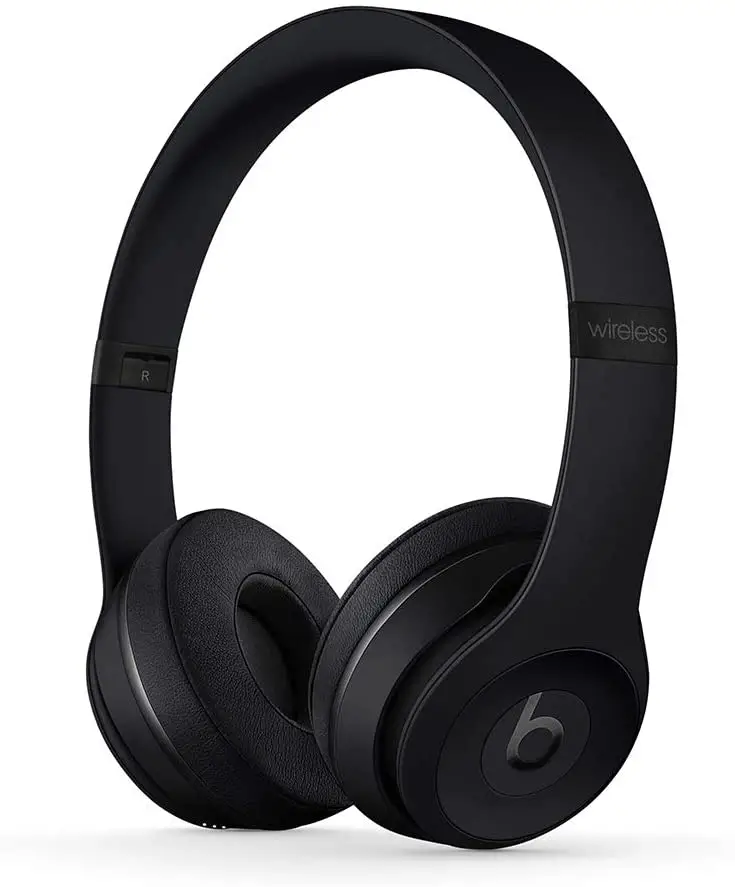
Specifications
- Earpiece Design
Closed-Back On-Ear (Supra-Aural) - Battery
Lithium-Ion 40 hours runtime - Dimensions
7.8″ / 19.8 cm - Weight
7.5 oz / 213 g - Acoustic design
Closed - Connectivity
Wired and wireless
Frequency range: 20, 20000 Hz - Manufacturer
Beats by Dre
Dr. Dre’s Beats (Beats) is a well-known audio company. Beats has exposed an altogether new generation to the possibilities of high sound enjoyment with its exceptional range of premium consumer headphones, earphones, and speakers. The brand’s continuous success contributes to bringing the intensity, emotion, and excitement of recording studio playback back to the listening experience for music fans all around the world. The name “Beats” is derived from the music that plays through the speakers. It’s a brand that’s all about music. It’s a company that values musical purity and creates solutions that allow customers to engage with this form of art. The brand’s fascinating and inventive items have earned it notoriety. When these sleek and stylish headphones were originally released, they changed people’s lives. They’re still going strong.
Product Description
Design
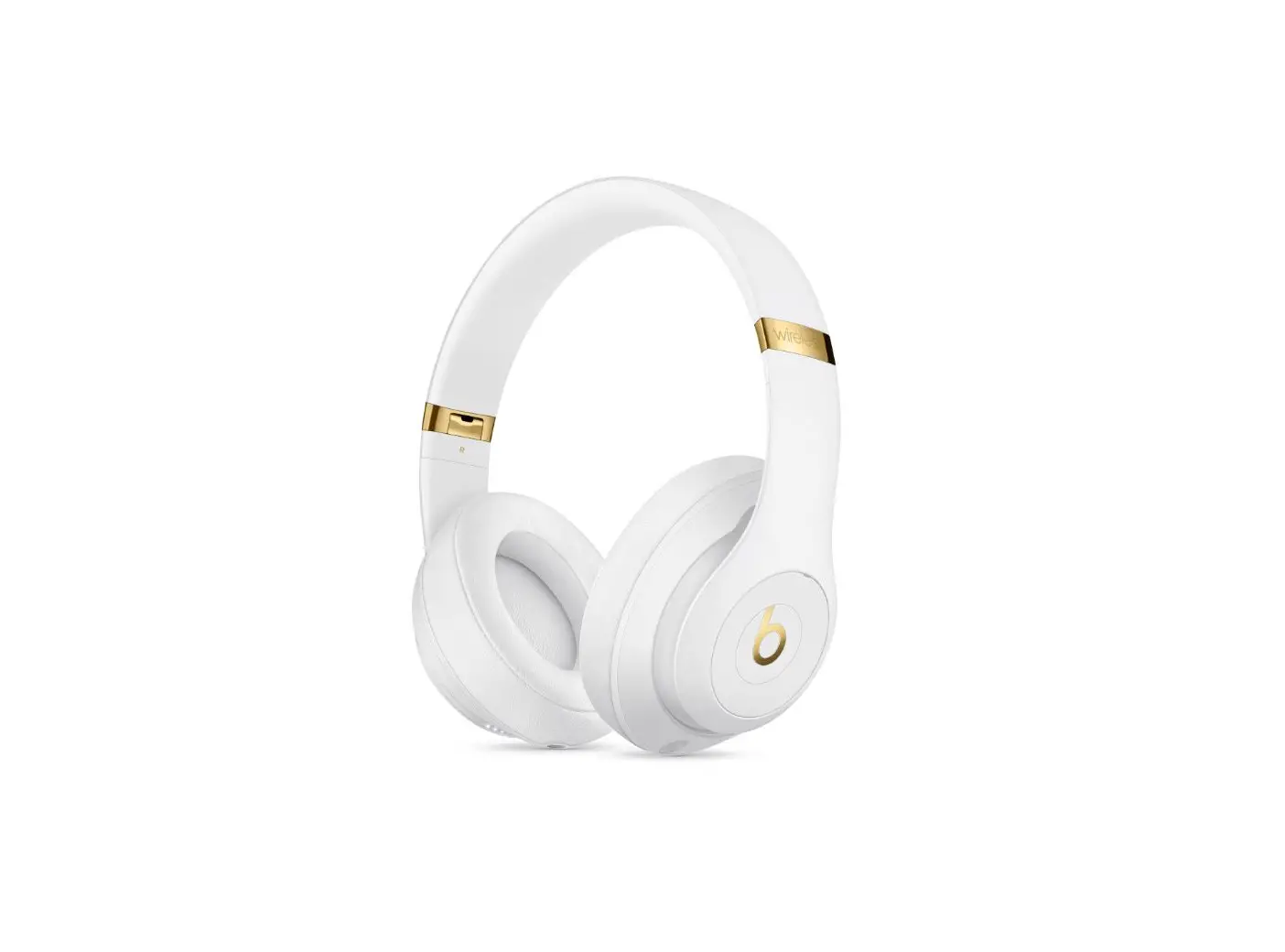
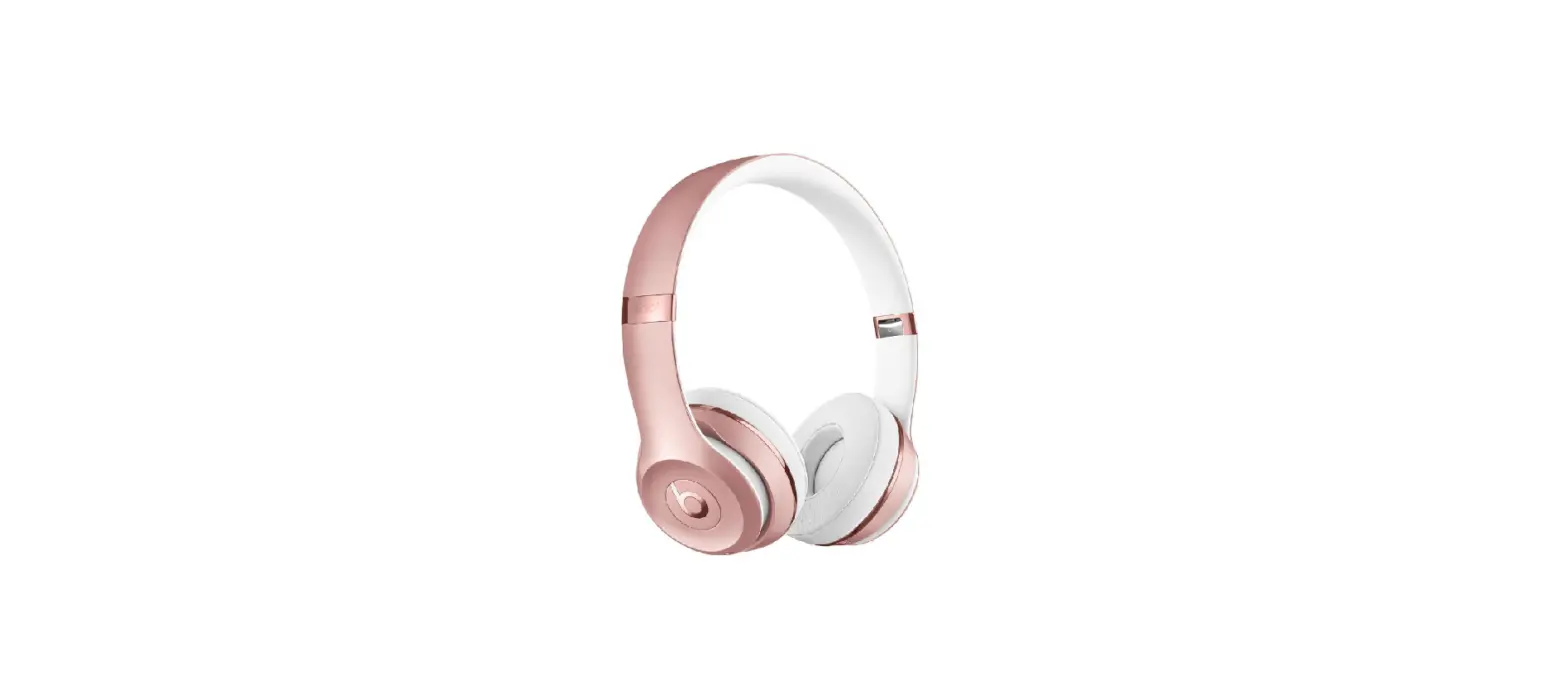
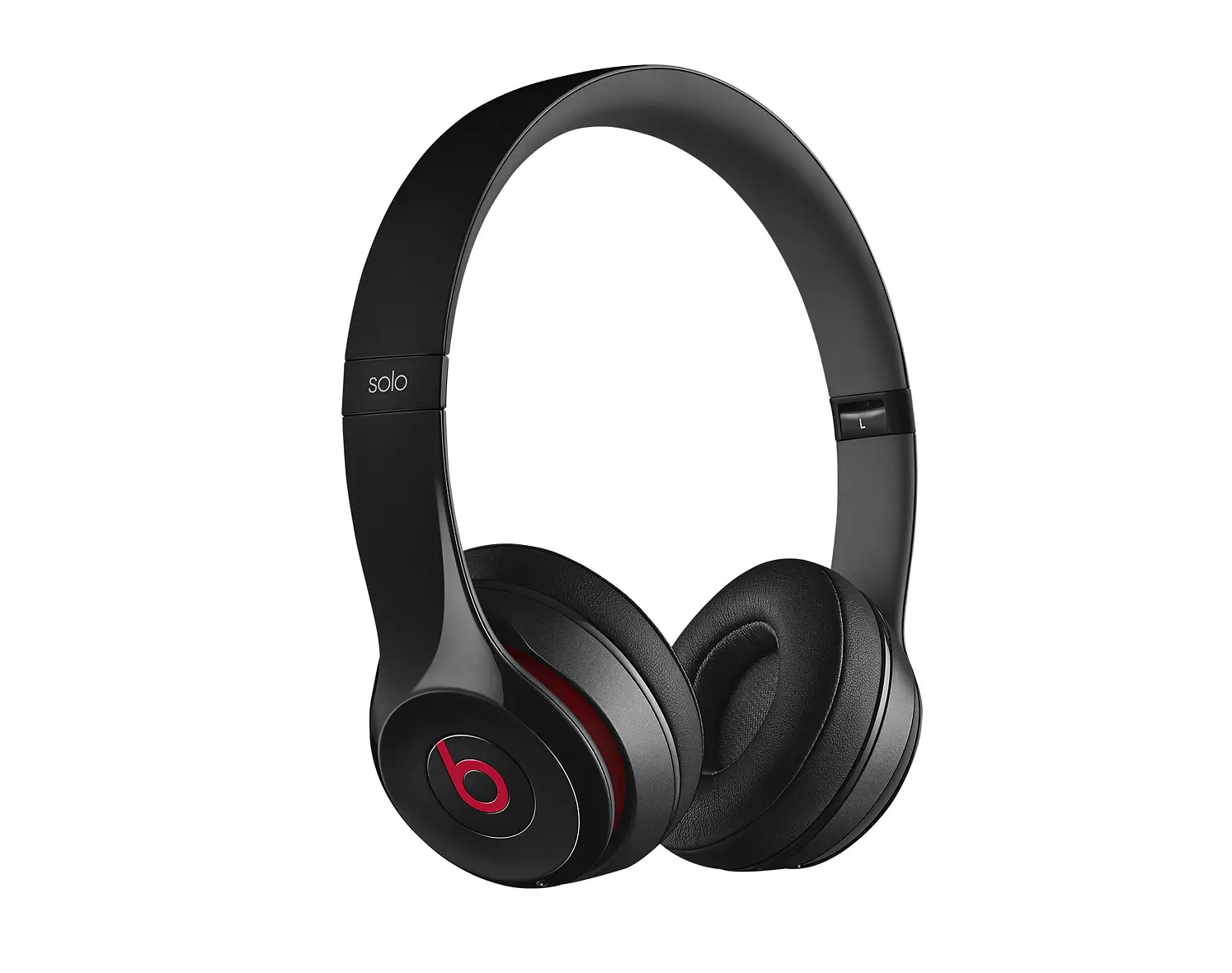
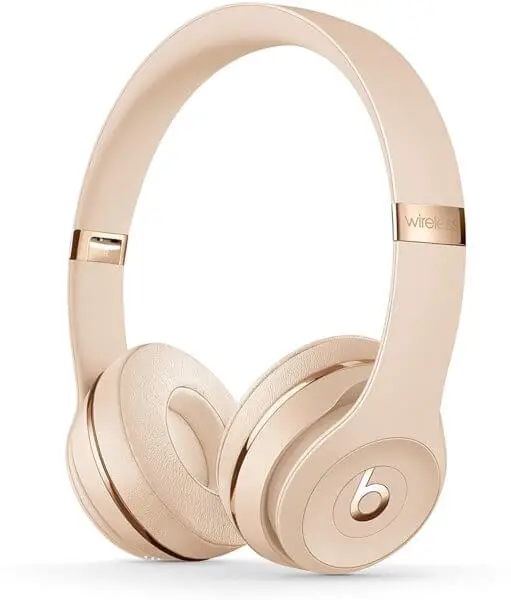
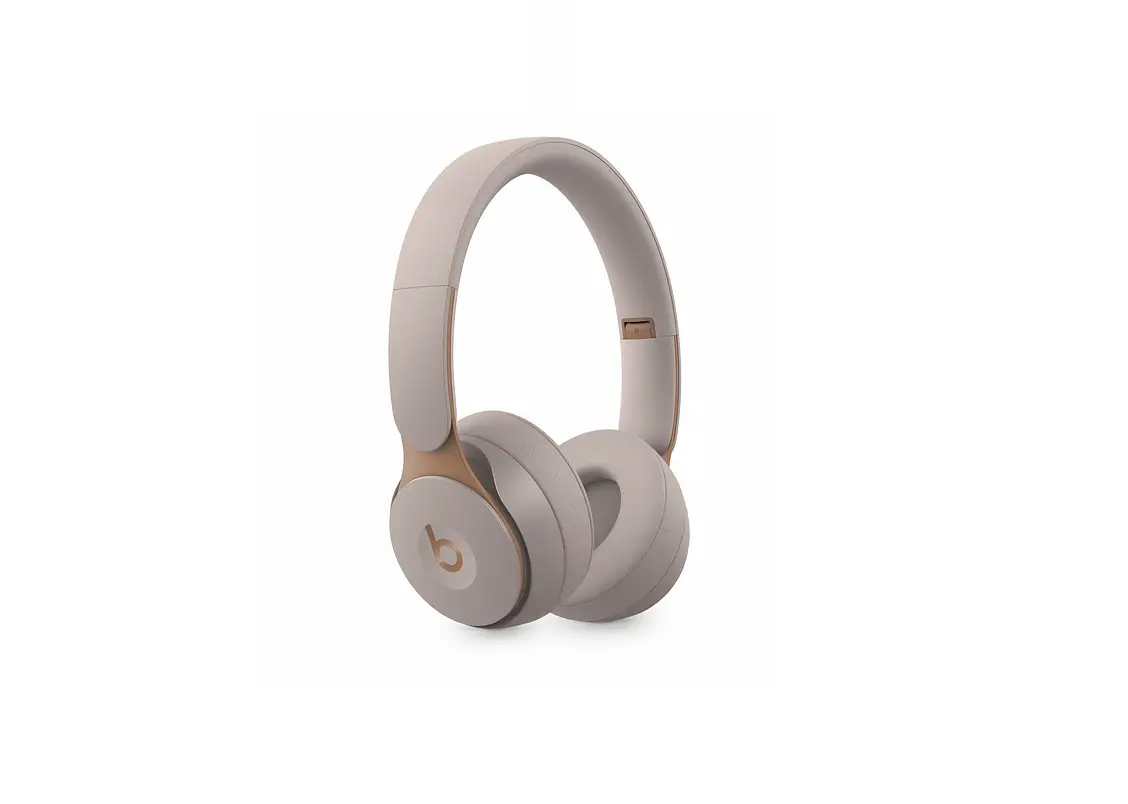
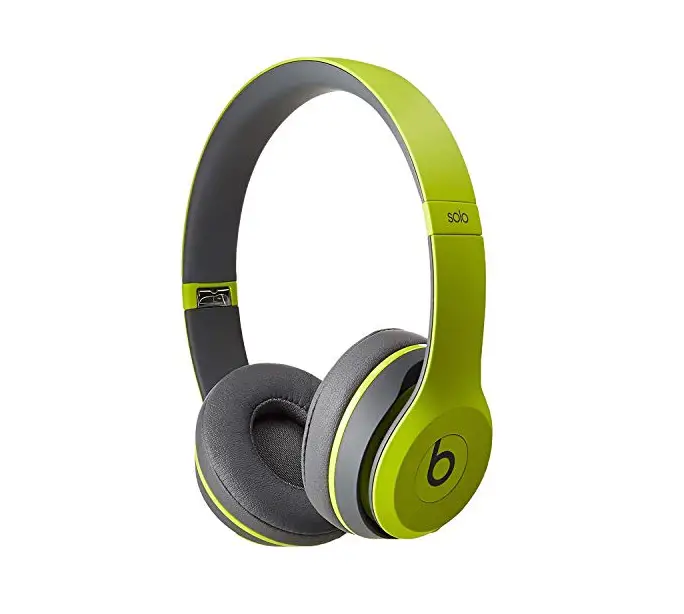
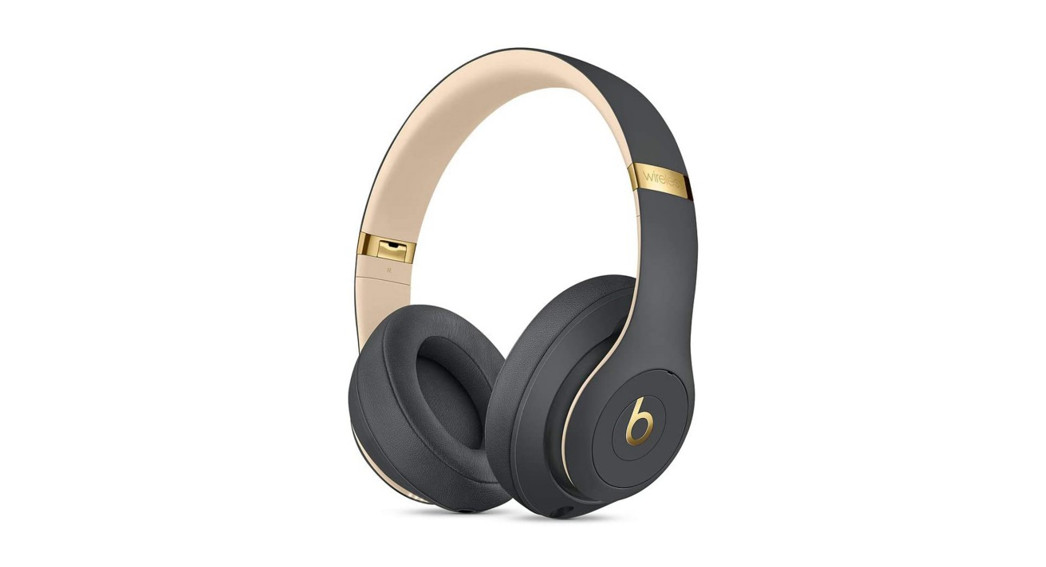
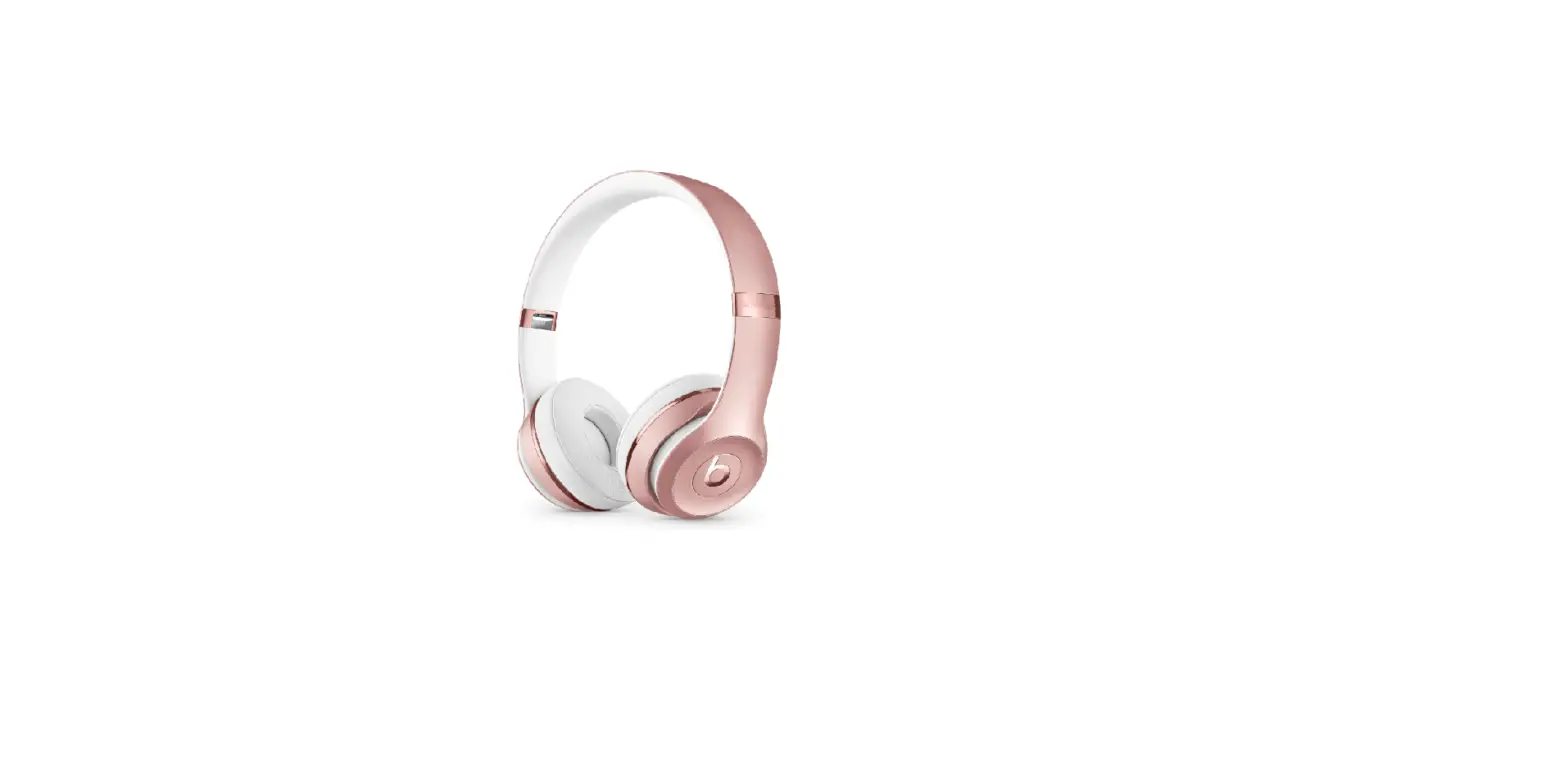
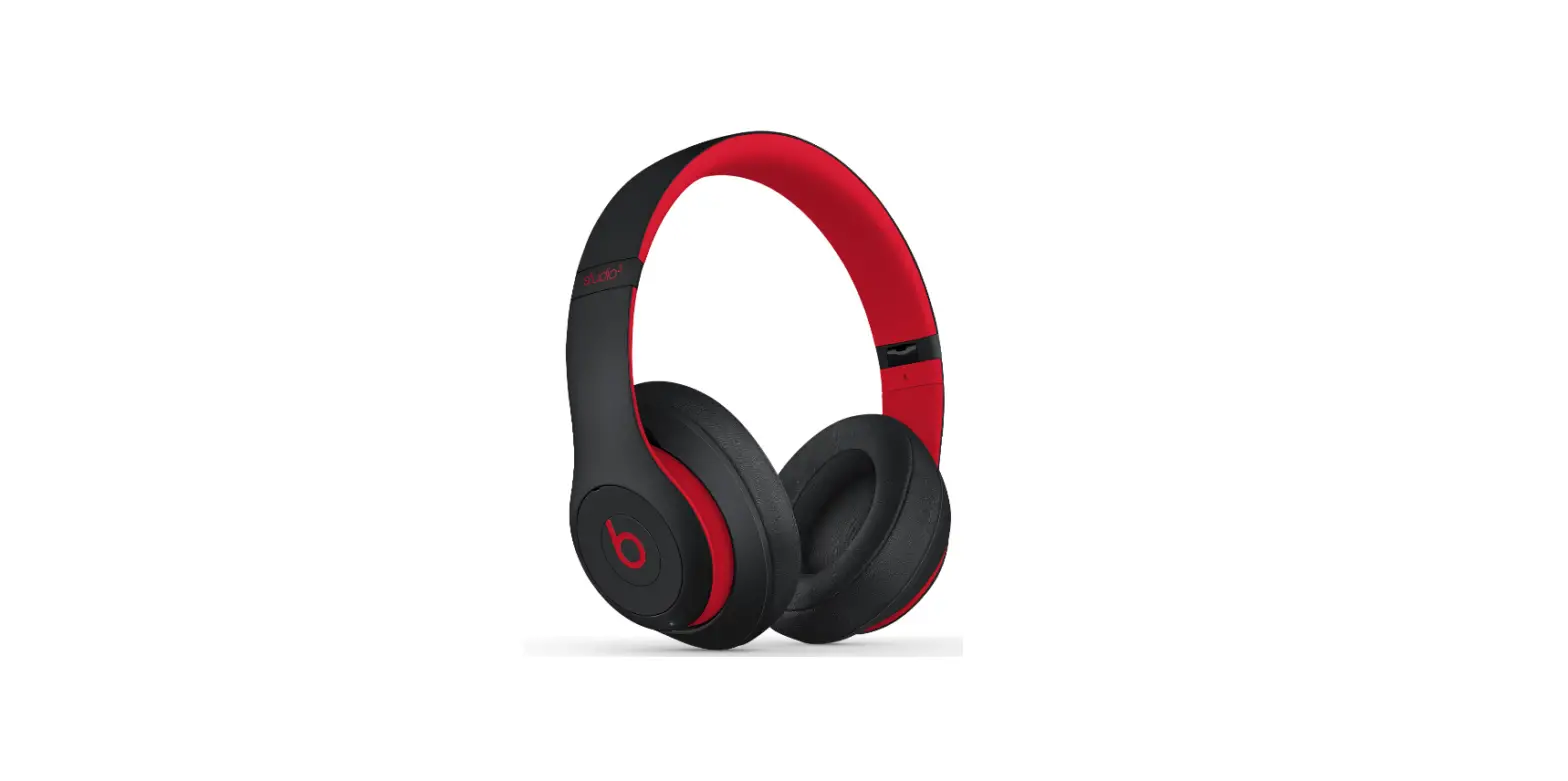
The bold bright red “B” logo used to be on all Beats headphones. The Beats Solo3 2018 Wireless and the Beats Solo2 Wireless are virtually indistinguishable. Even with closer inspection, it’s difficult to tell them apart. The only difference is in the colour schemes that are available: the Solo2 has a few more. If you loved the previous generation, the sleek appearance and compact, spherical, and well-padded ear cups of the Solo3 will be familiar. They’ll still stick out in a crowd, especially if you go with one of the more vibrant color schemes.
Battery life
Beats solo provides excellence battery life of about 40 hours for your unending listening to podcasts, radio. tiring working weeks. Solo 3 bring forth the feature of fast charging that even five minute of fast charging can give you listening time of about 3 hour
Sound quality
Placements with well-known musicians and athletes have aided in propelling the brand to a level of prominence that few other headphone brands have attained. The Solo 3s retain the same premise as the Solo 2 Wireless, despite these game-changing wireless enhancements. It’s not that the sound is horrible; they’re far superior to the Beats headphones of a few years ago, but they lack delicacy and refinement for all they provide us in terms of full-bodied sound and passion.
Bluetooth pairing
Beats solo 3 comes with W1 Chip that makes Bluetooth pairing convenient. It uses regular Bluetooth that gives you ease to connect instantly iPhone, Apple Watch and Mac
Breathability
Beats solo 3 offers good breathability. Their on-ear design doesn’t fully cover your ears But they can make you sweat a bit during intense work but less as compared to those of closed-back over-ear designs.
Stable fit
These headphones provide you a stable fit with ease and comfort hand in hand. They come with an adjustable strap that allow you to adjust it according to your desired fit .
Verdict
On its own, the sound quality may make you question the pricing, but Beats has never been about sound. You’ll also receive a long battery life and Apple’s new wireless audio technology, which is exclusive and simple to use. But it’s the sound that counts, and it’s not up to par for the price. While the Solo 3 Wireless have plenty of energy and strong bass, the flat mid-range makes them seem less complex and engrossing than other cheaper sets, especially if you listen to music rather than regard it as a background soundtrack to your life.
To connect your iPhone with iOS 10 you have to follow the following steps
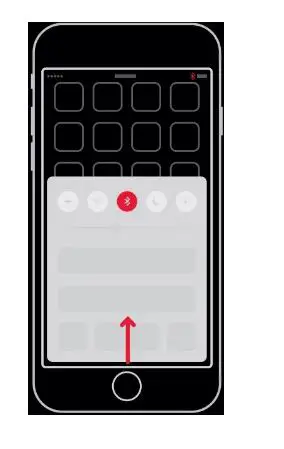
- STEP 1: Turn on your BLUETOOTH
Swipe up from the bottom of the screen and tap the Bluetooth® icon.
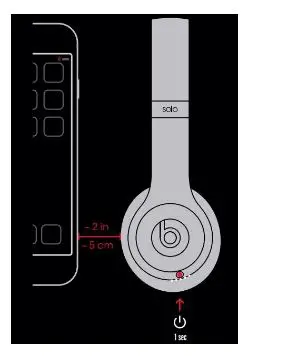
- STEP 2: CONNECT your Beats SOLO3
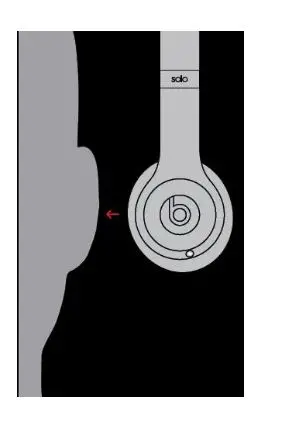
Press power button for 1 second. Hold near unlocked iPhone, then follow onscreen instructions.
- STEP 3: START LISTENING to music
Your Solo3 Wireless is now connected and ready to use.
To connect WITH YOUR OTHER APPLE DEVICES
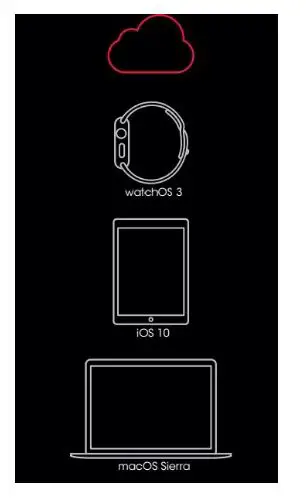
Solo3 Wireless now works with your other devices signed into iCloud. Select Beats Solo3 in Control Center (iOS) or menu bar (macOS).
WIRELESS Command
During wireless use, control music and manage calls with the “b” button. Adjust volume above and below the “b” button.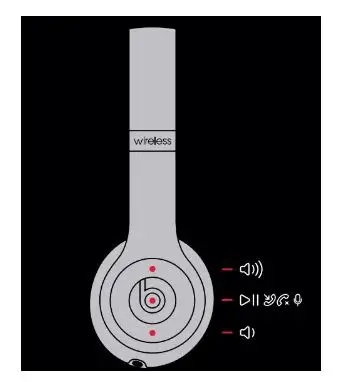
Bluetooth connectivity FOR OTHER DEVICES
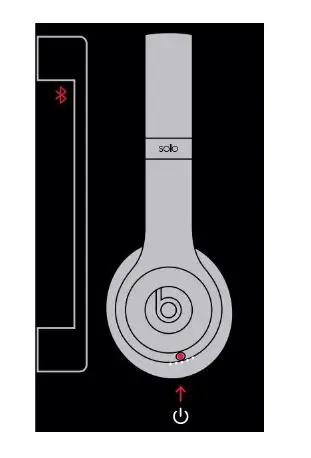
Press the power button for 5 seconds. On your device, go to Bluetooth® settings and choose Beats Solo3
WIRED connectivity
Plug in Remote Talk cable for wired mode to conserve battery or when battery is depleted.
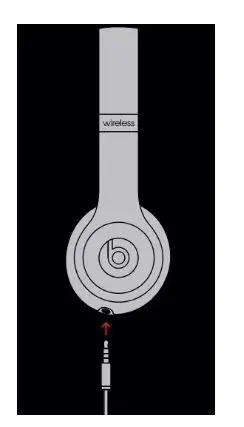
WIRED guide
Control music, manage calls and adjust volume with RemoteTalk cable.
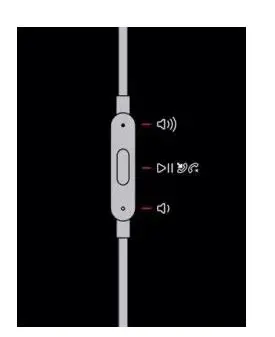
Functionality may vary on non-Apple devices.
Charging guide
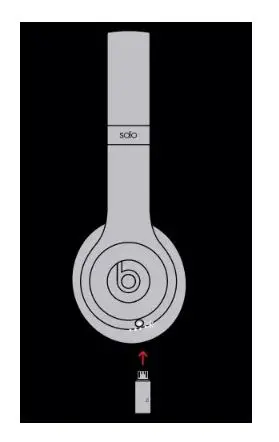
Using a micro USB cable, plug in headphones to charge.
PROS
- Wireless
- Good sound quality
- Adjustable band
- Lightweight and comfortable
- Sleek design
- Excellent battery life
CONS
- Quite expensive
- Plastic body
Frequently asked questions
- Do they have noise-canceling?
Active Noise Cancellation is not available on the Solo3 (ANC). In a similar design, Solo Pro supports both ANC and Transparency mode. - How do I charge them?
The provided micro-USB cable can be plugged into the slot on the bottom of the right ear cup to charge your Solo3. - How do you turn them on and off?
By pressing the power button on the right ear cup for 1 second, you can turn the Solo3 on or off. - How long does the battery last?
Solo3 last upto 40 hours from a full charge. - Do they have a microphone?
Beats Solo3 has a built-in microphone for a phone call and voice assistant usage