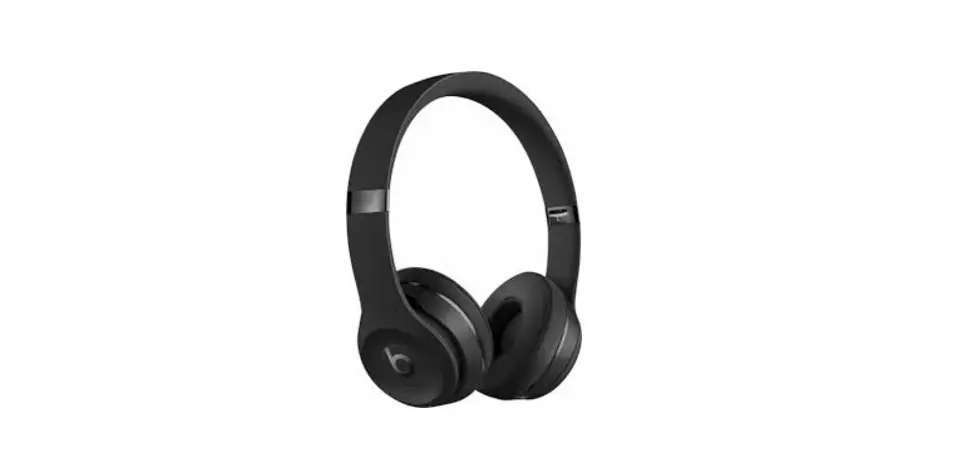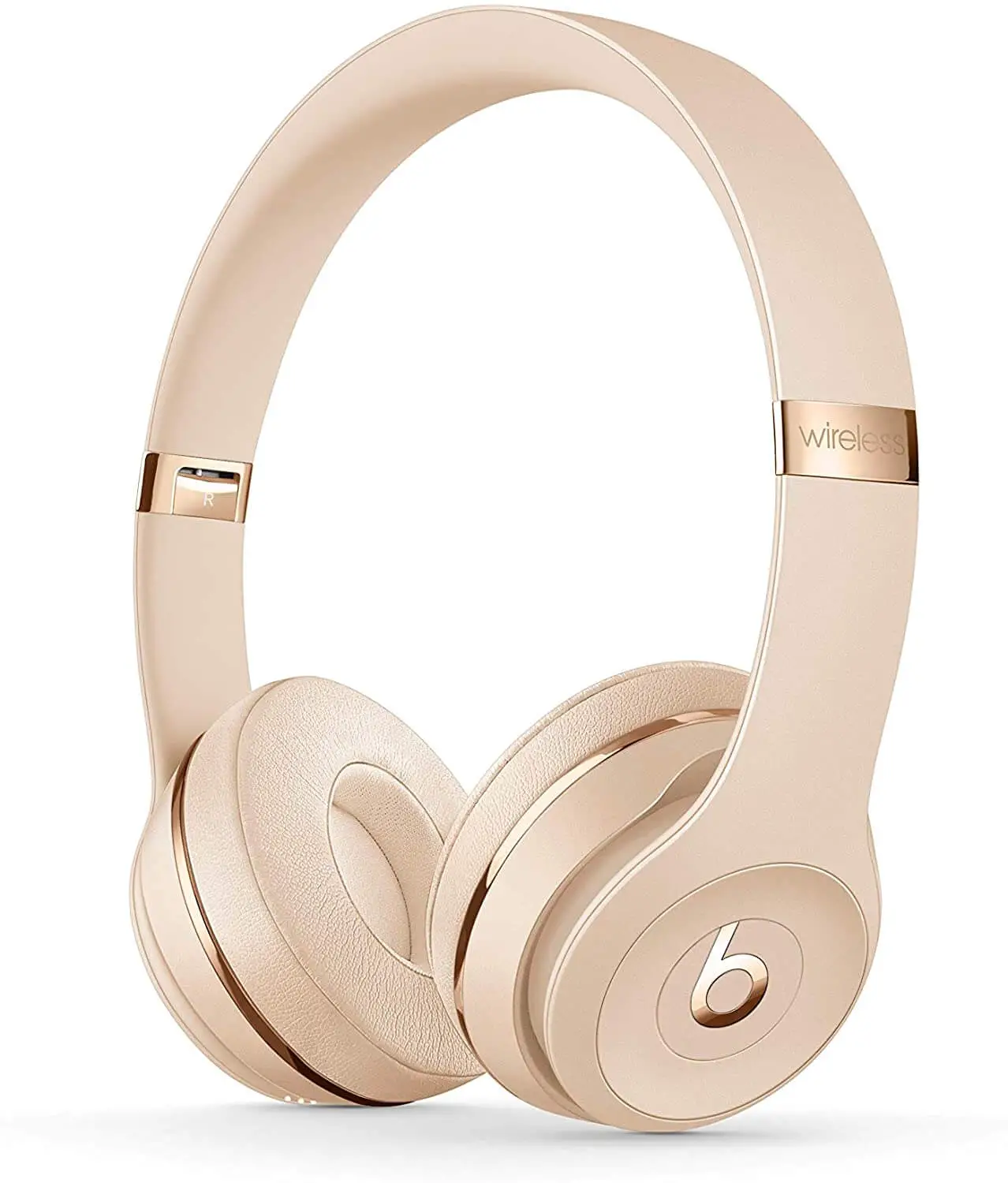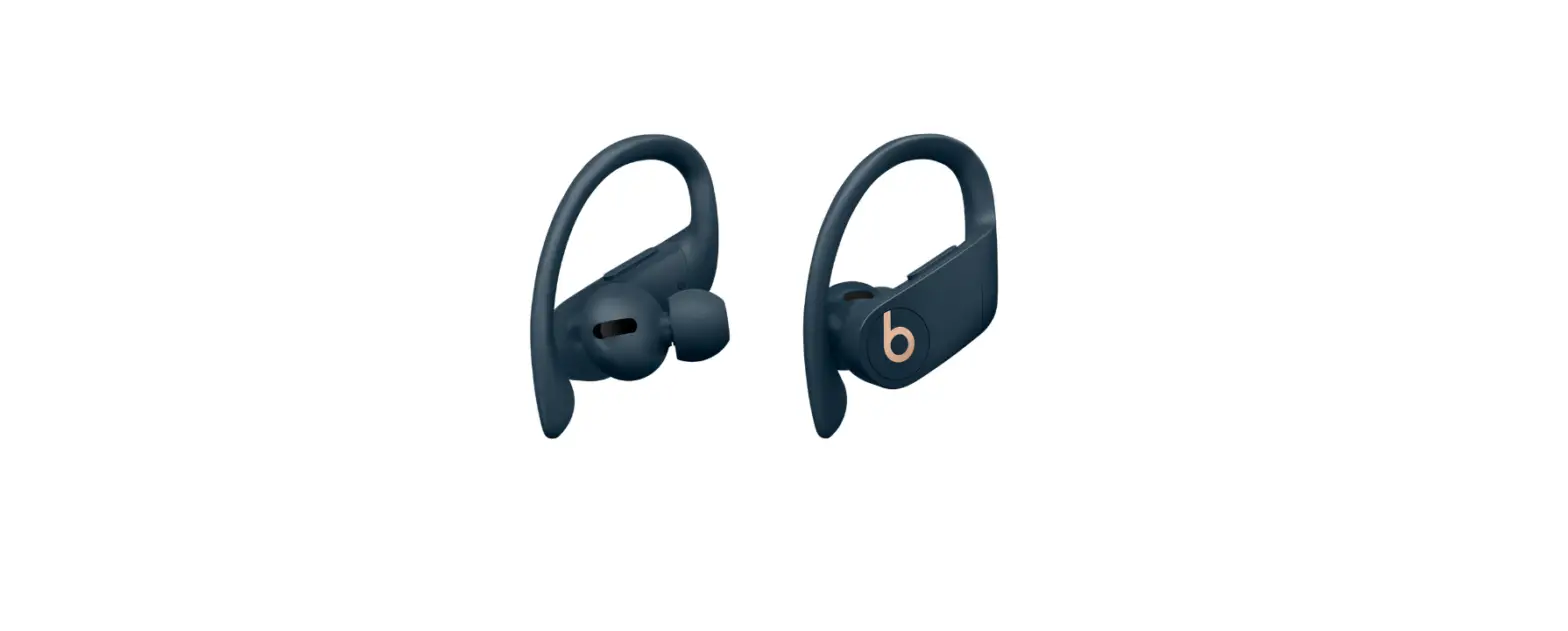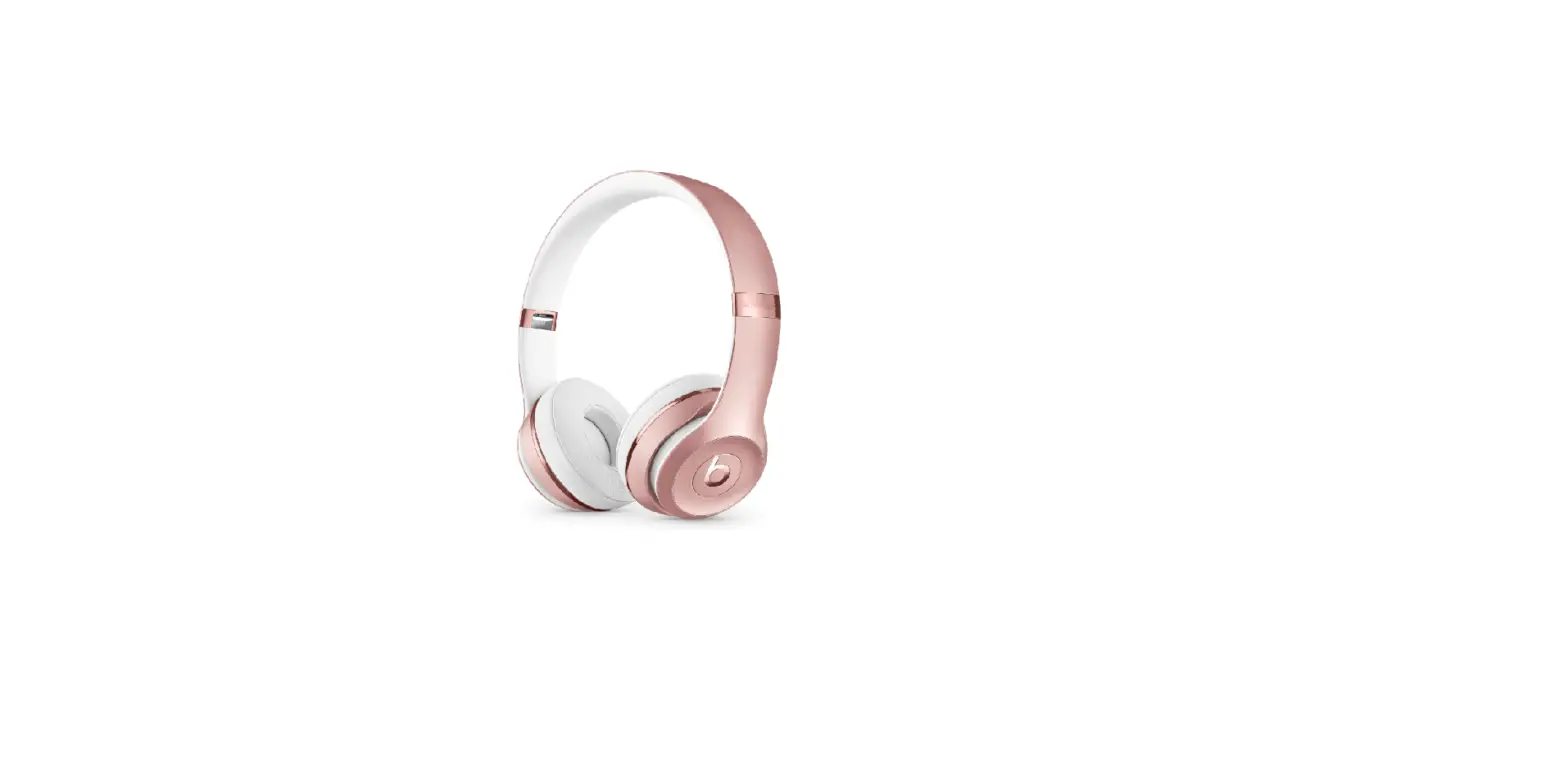
1. Introduction: Beats Solo 3: Basic Setup
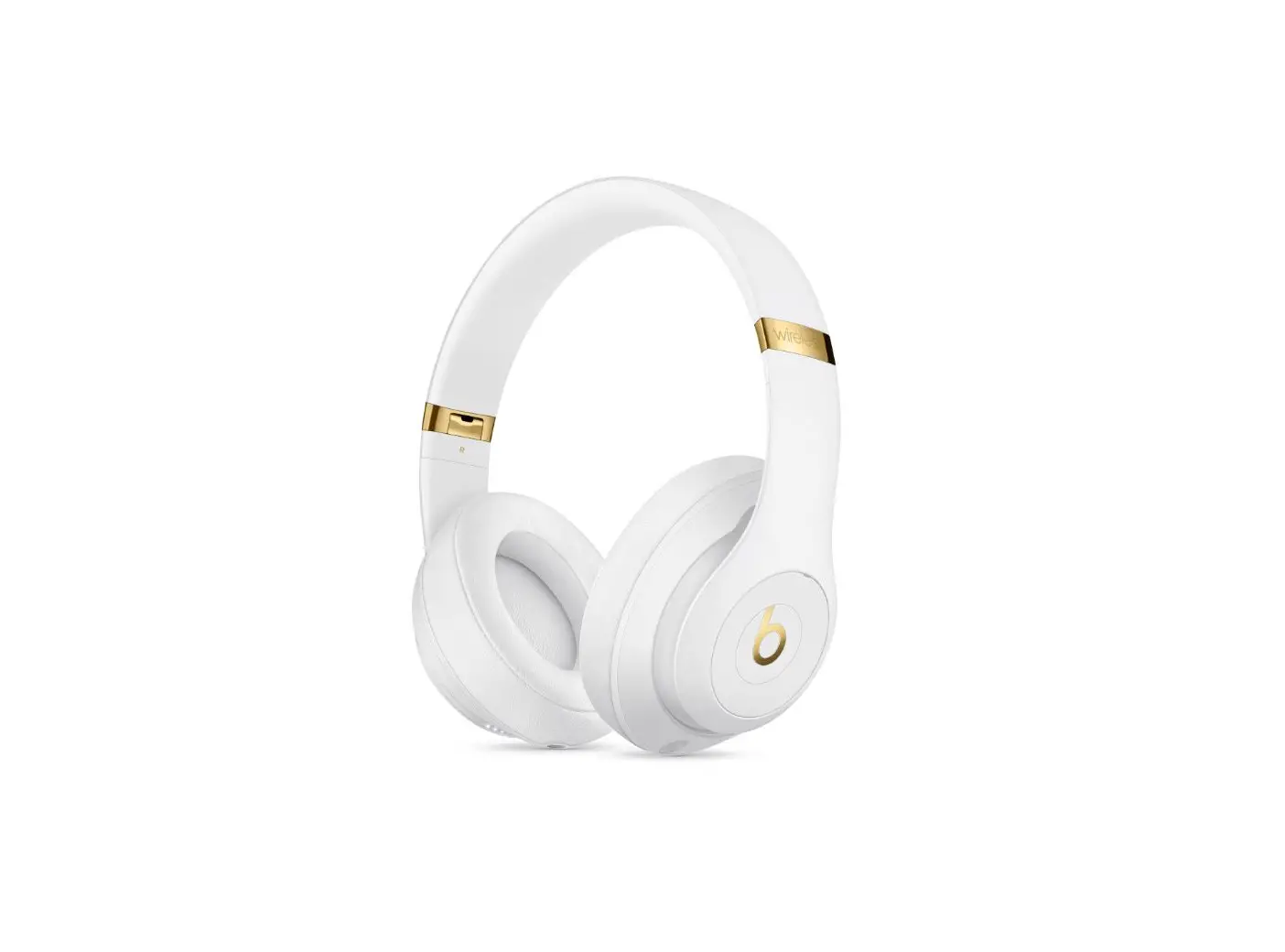
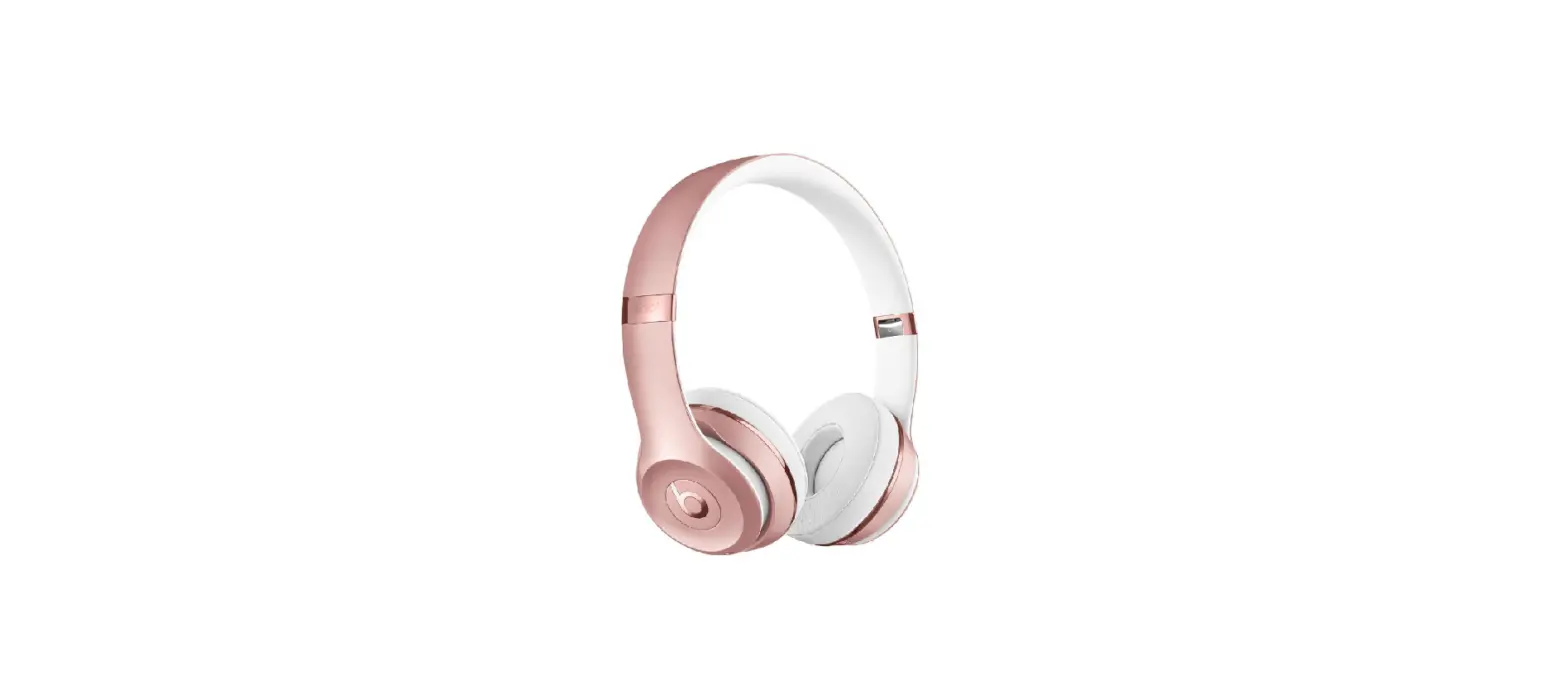
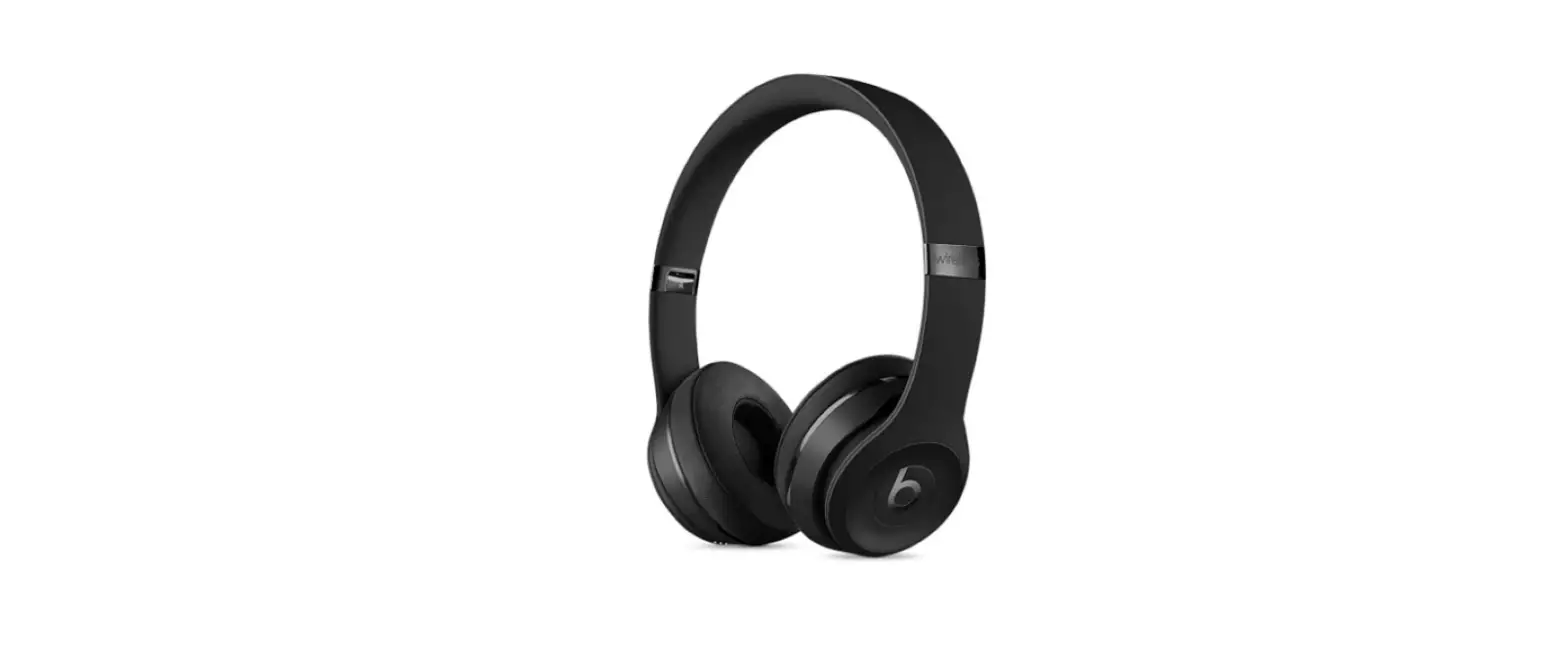
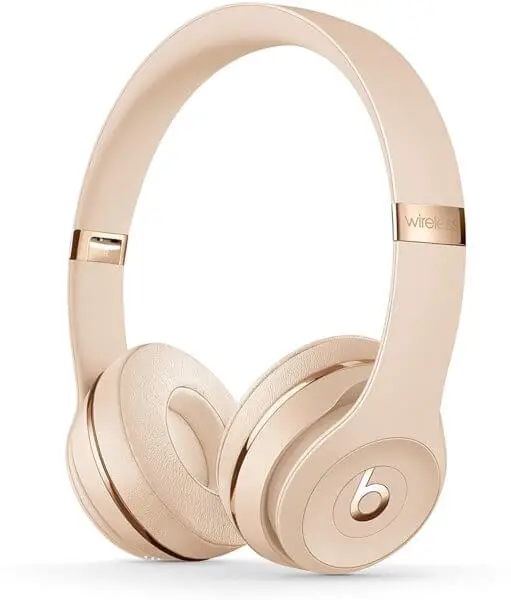
This guide will walk you through the basic setup for your Beats Solo 3 Headphones.
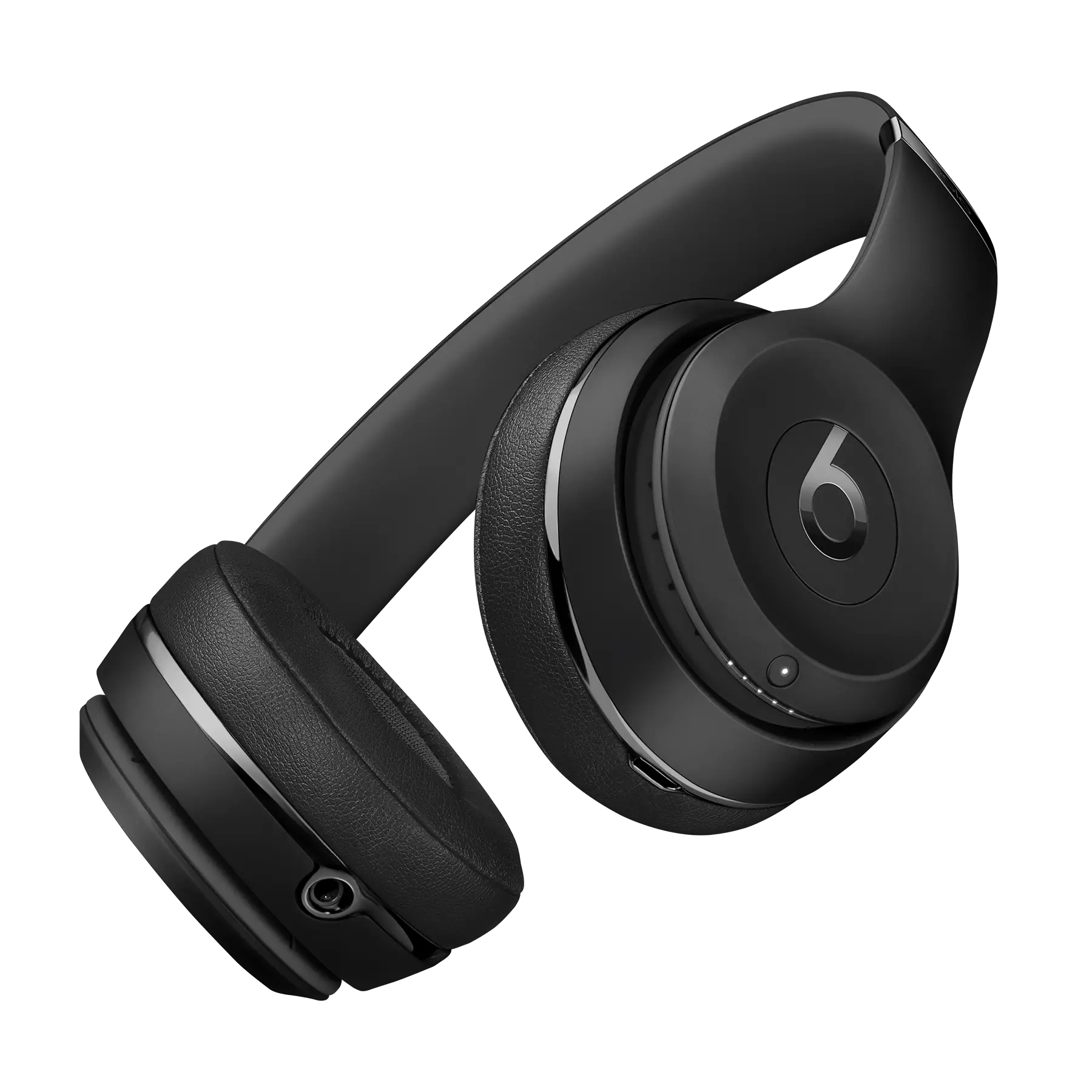
2. Beats Solo 3: Charge
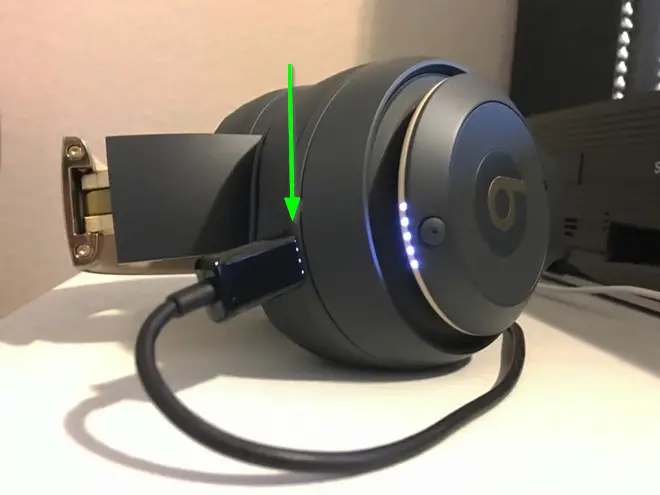
- Plug the micro-USB into your headphones.

- Your Beats Solo 3 will begin to charge.
3. Next: Are you pairing with an iOS or Android Device?
Beats W1: Pair with iOS
- Bring your Beats headphones close to your iOS or macOS device.
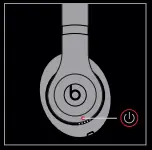
- Press the Power button on your headphones.

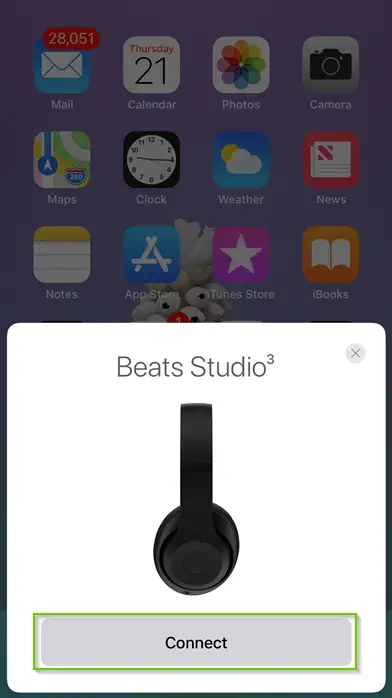
- Your device will pop up a connect prompt. Select Connect.

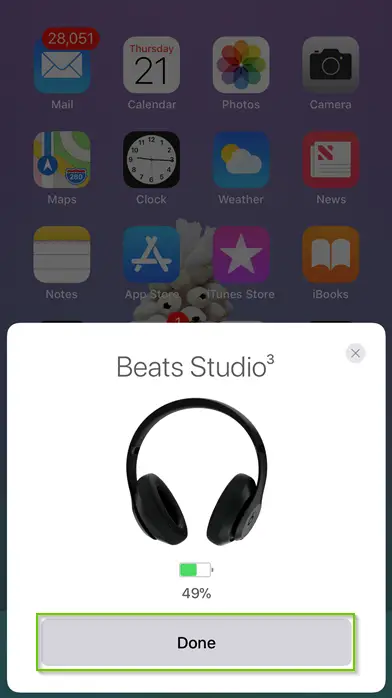
- The headphones will connect. Tap Done.
Beats: Pair with Android
- Bring your Beats headphones close to your Android device.
- Press the Power button on your headphones.
- Swipe down on your device.
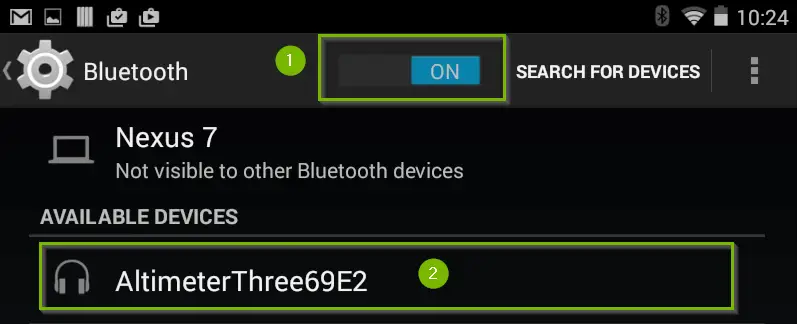
- Press and hold the Bluetooth icon.

- Make sure Bluetooth is on and select the headphones.