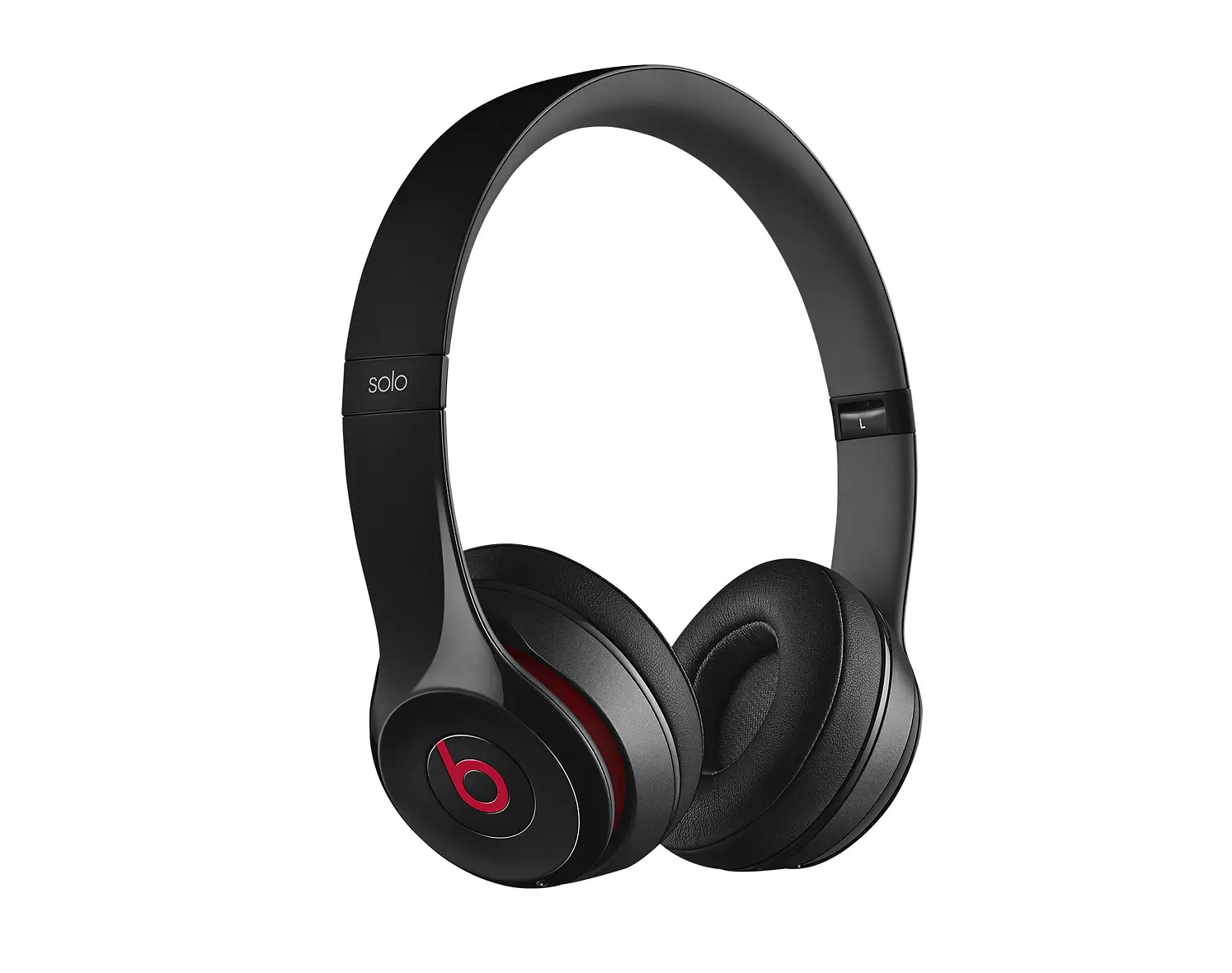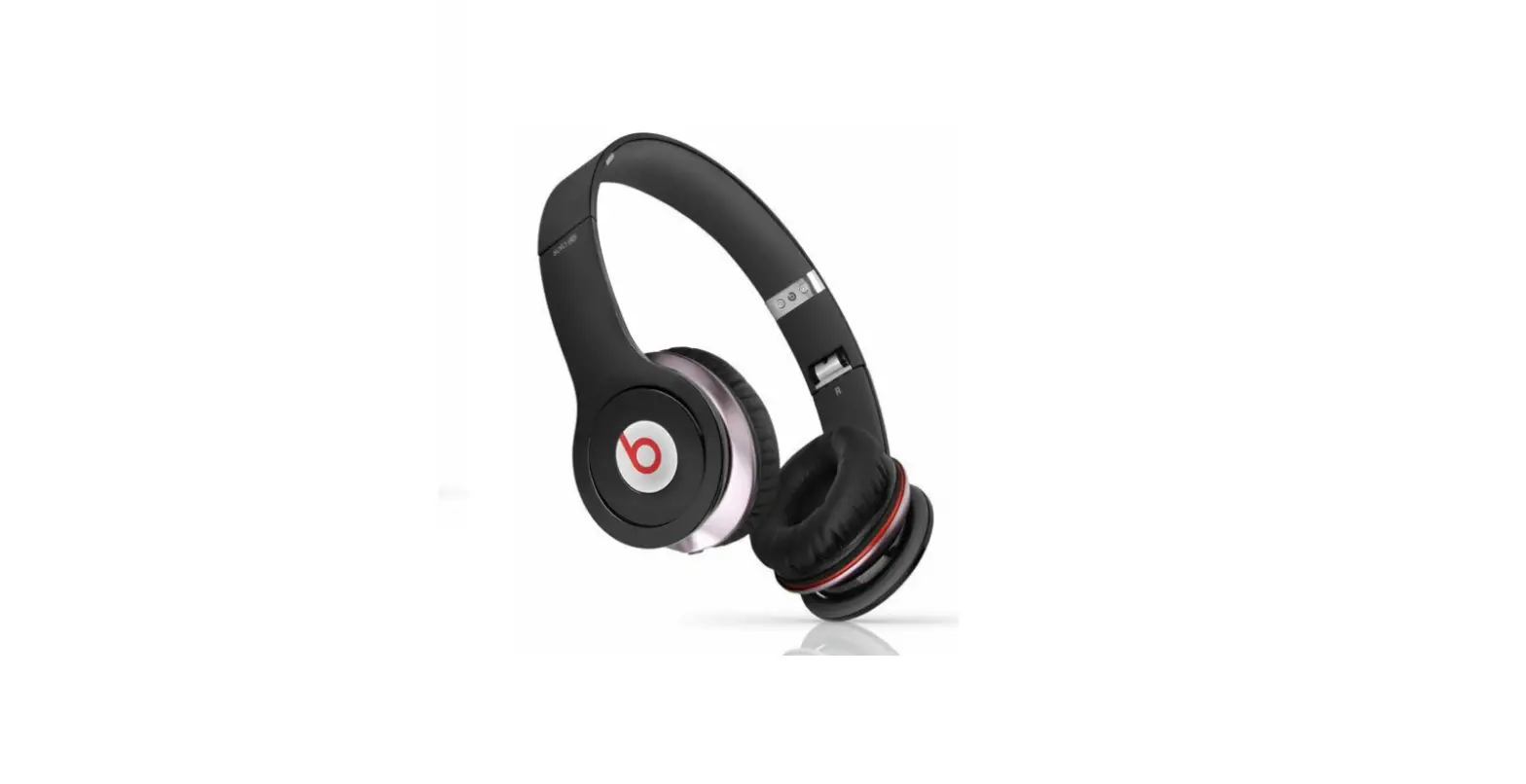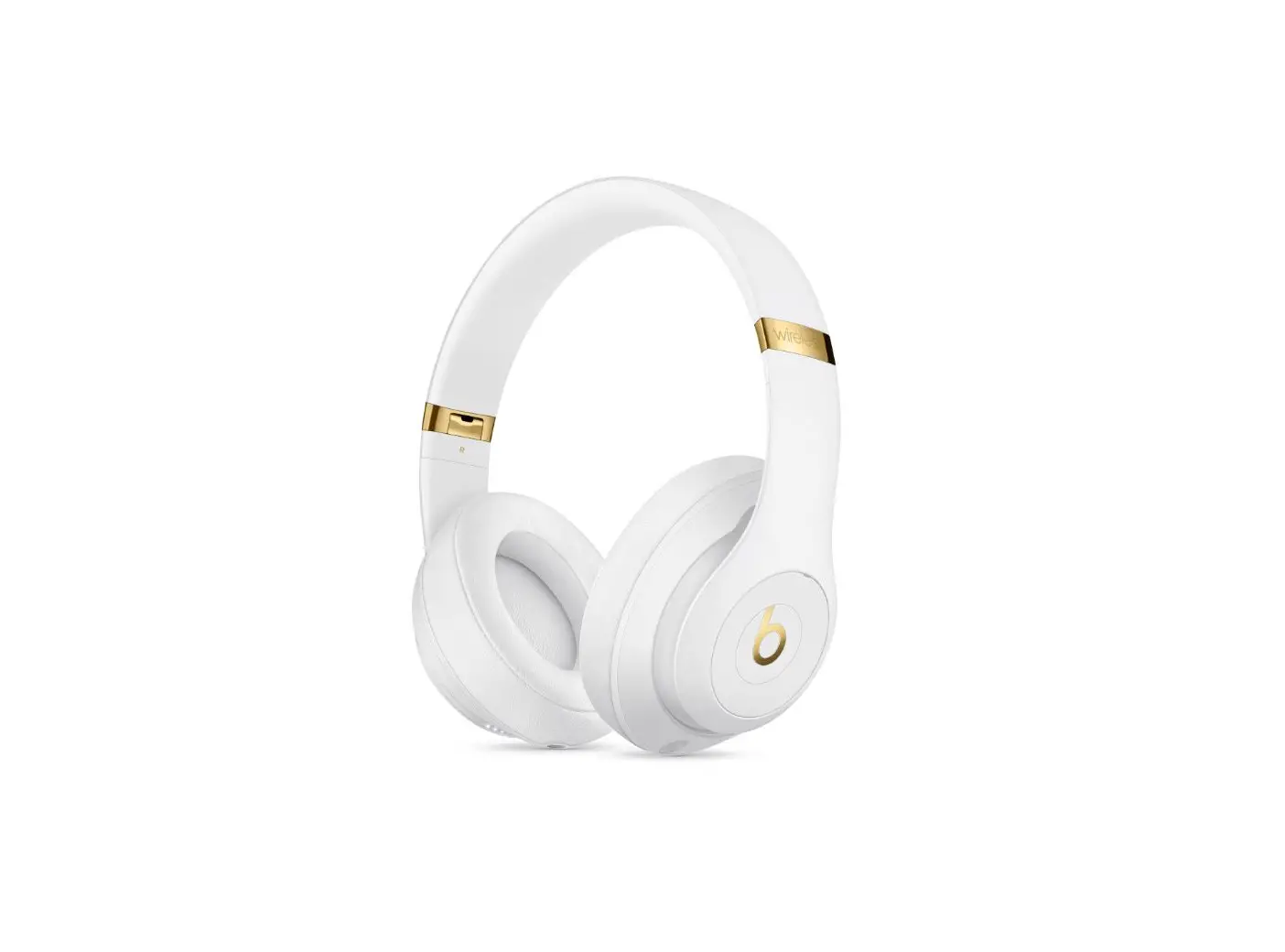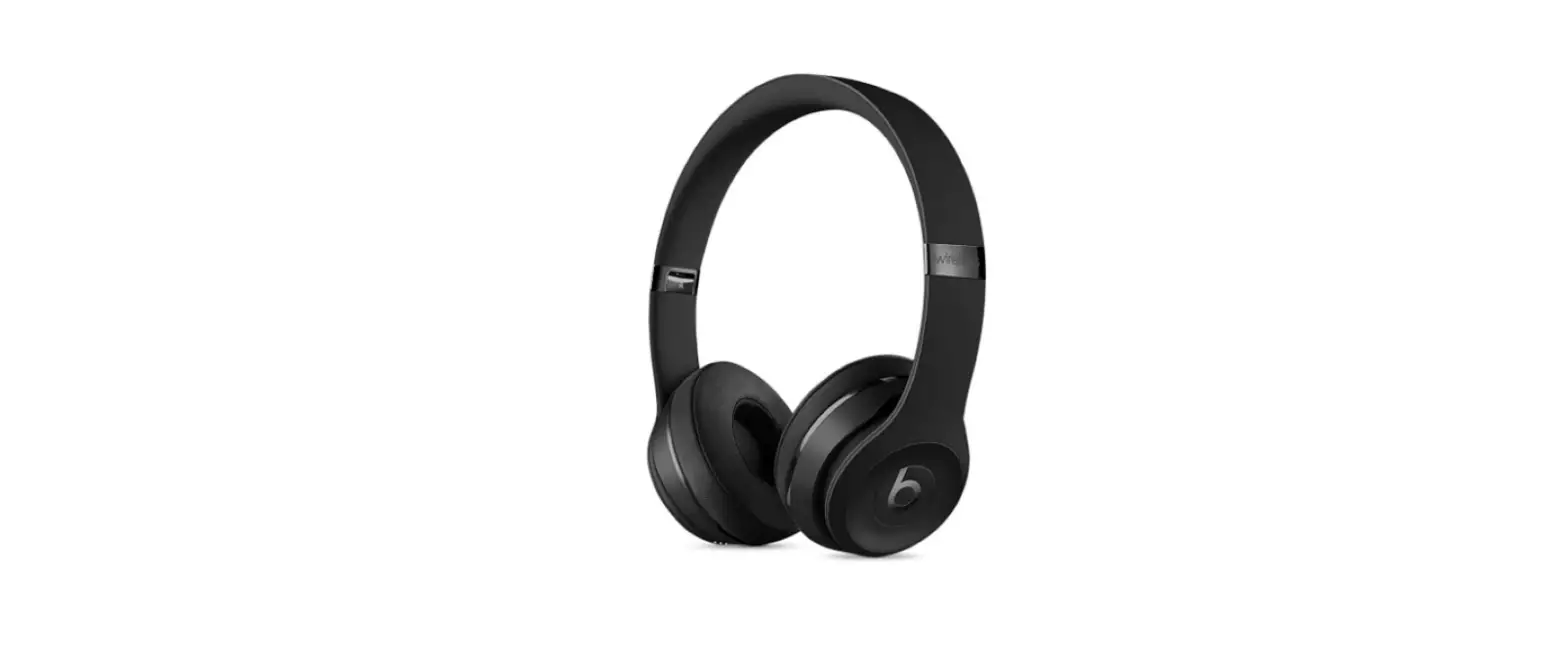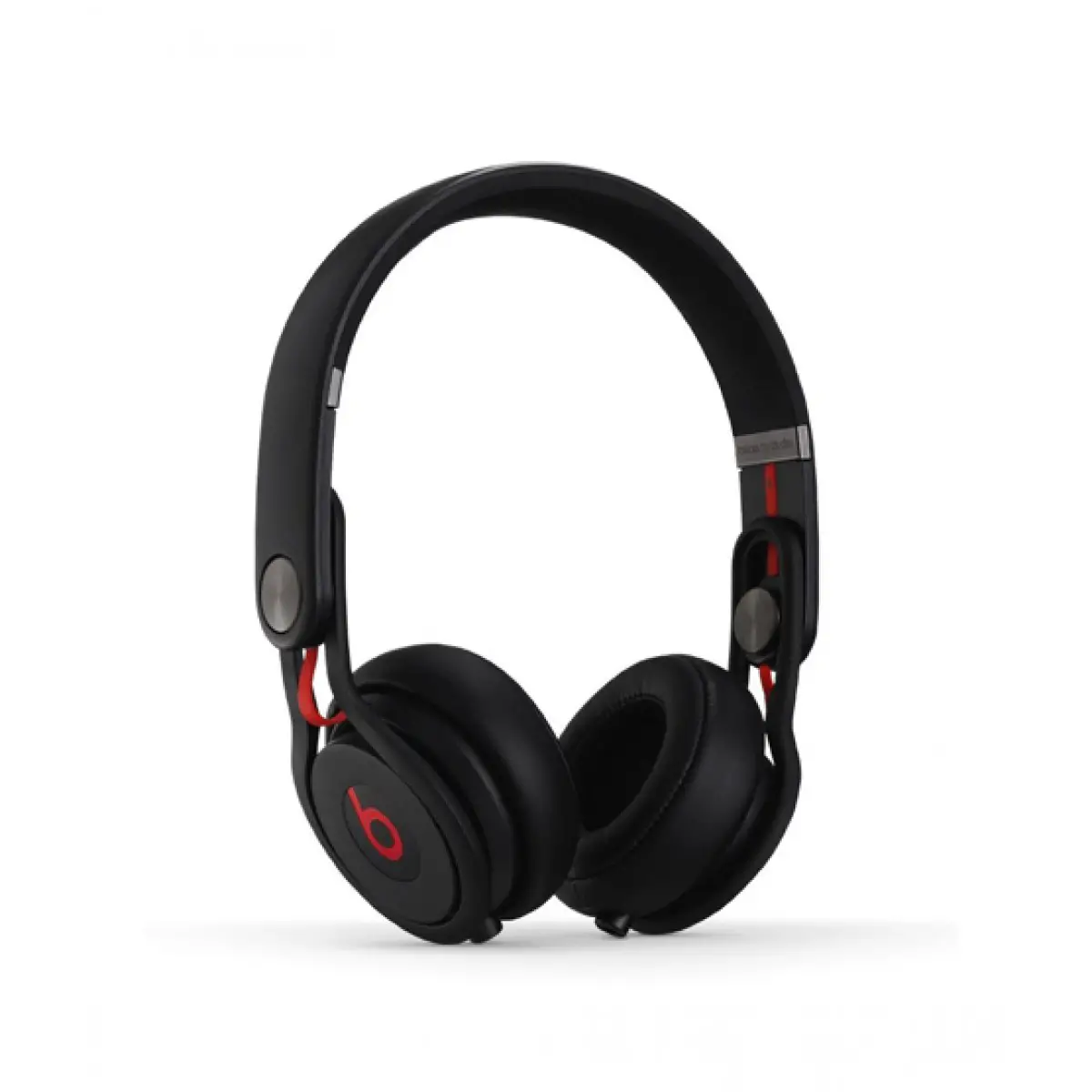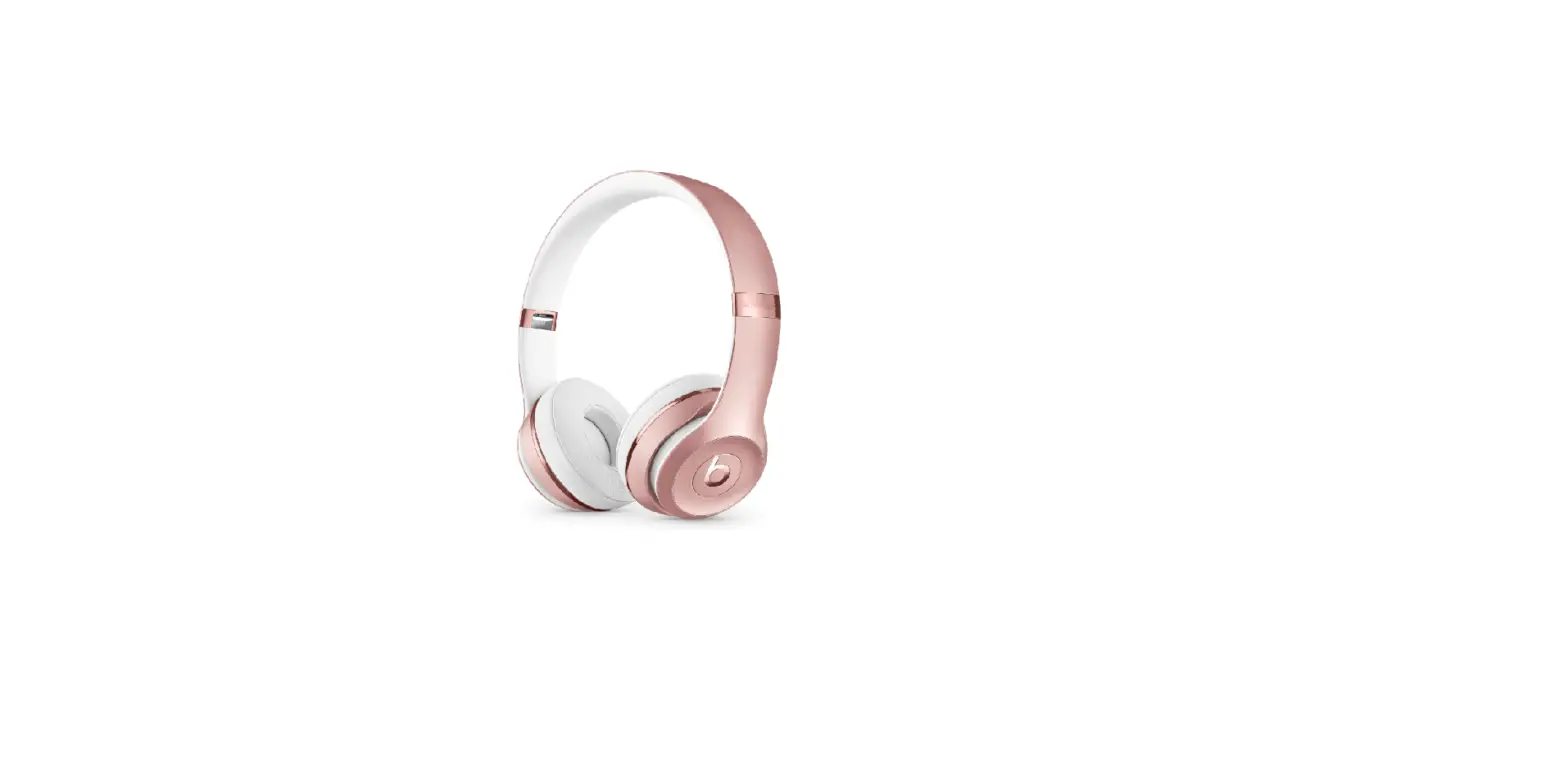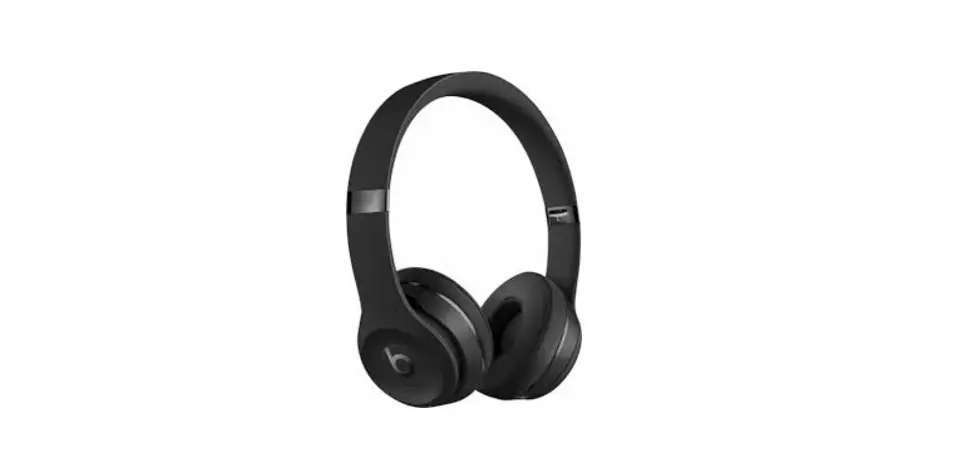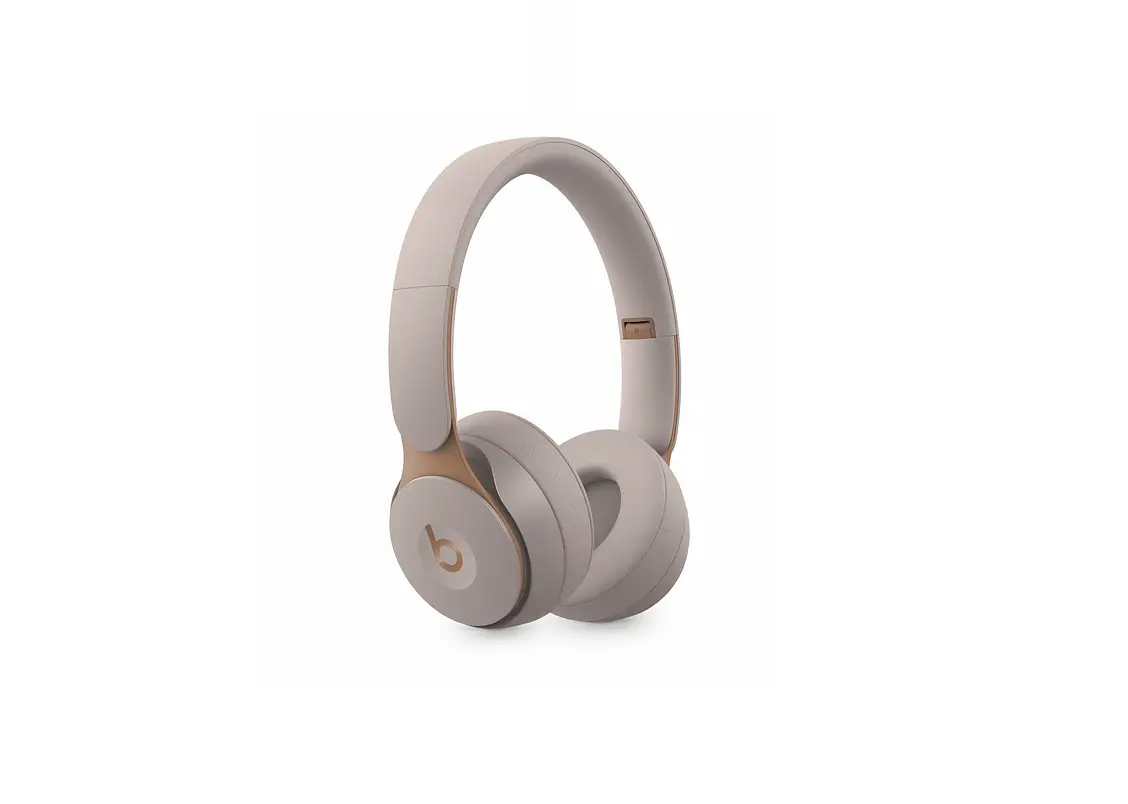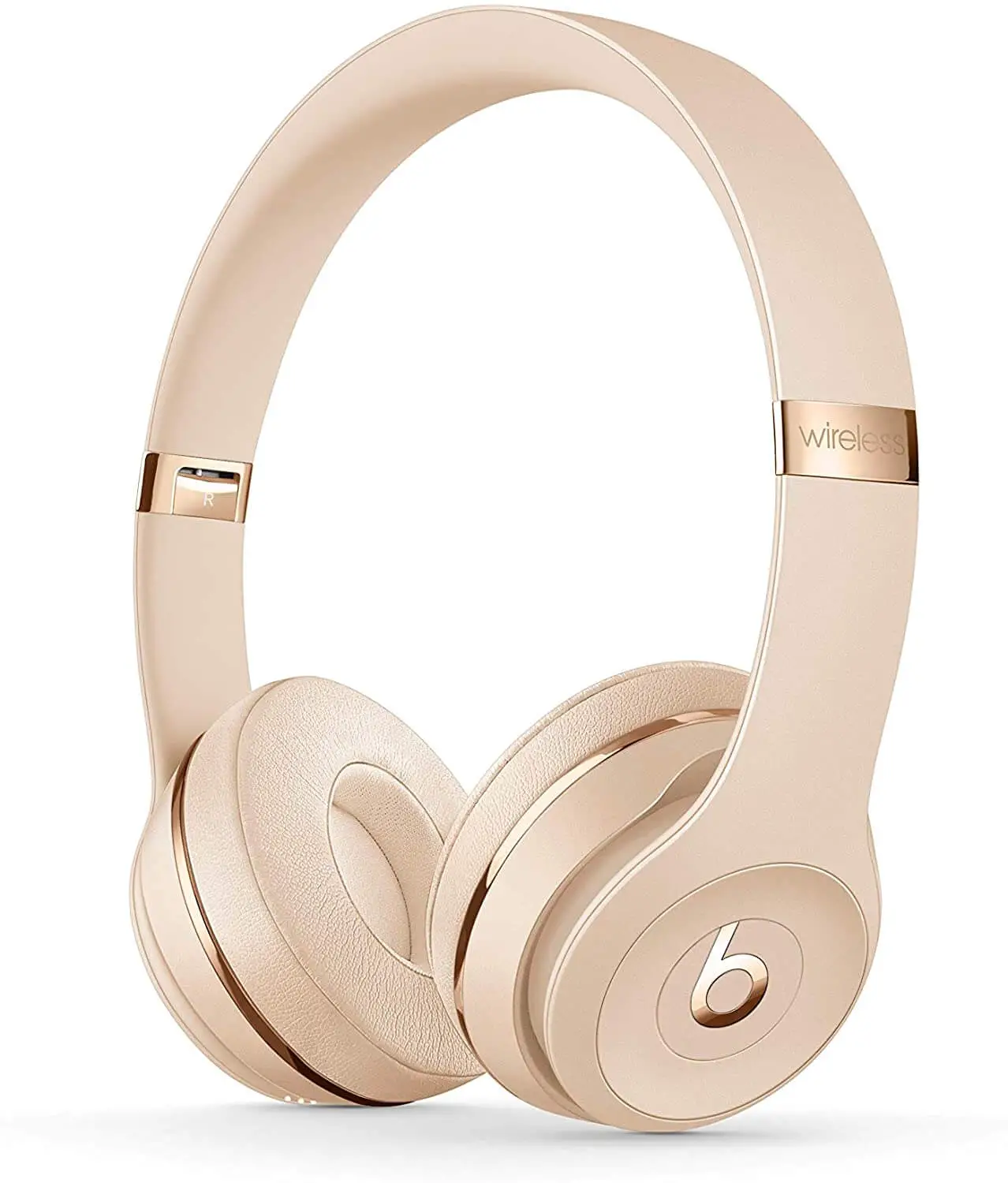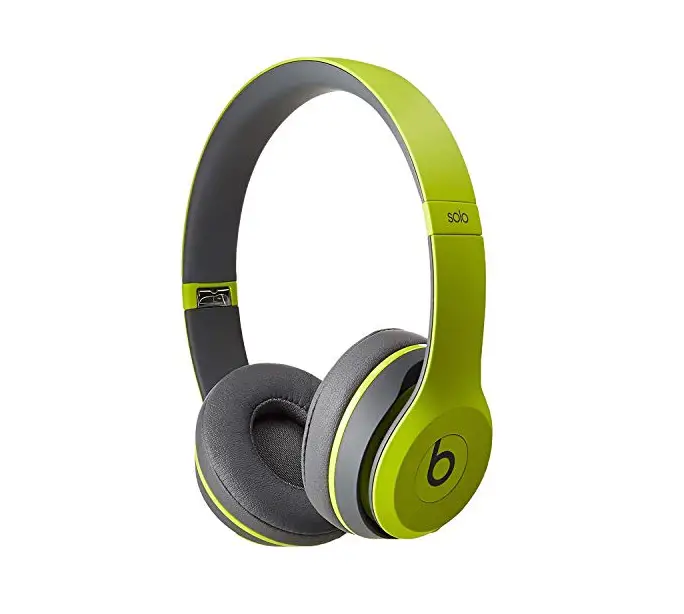
Beats Solo2 On-Ear Headphones

FOLD + FIT
Expand earcups to play.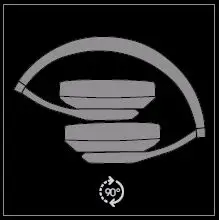
Slide earcups up and down to adjust ft.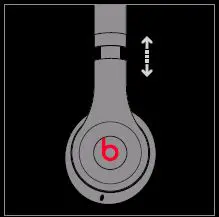
GETTING STARTED
Plug in audio cable to earcup.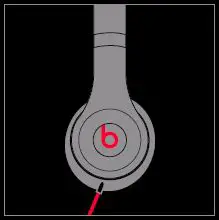
Plug in other end of audio cable to audio source.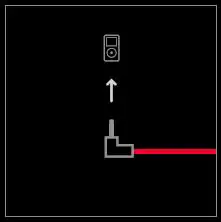
STORING + TRAVEL
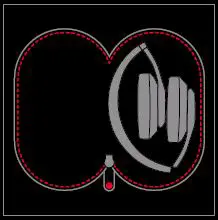
To store headphones, collapse both earcups and place in case.
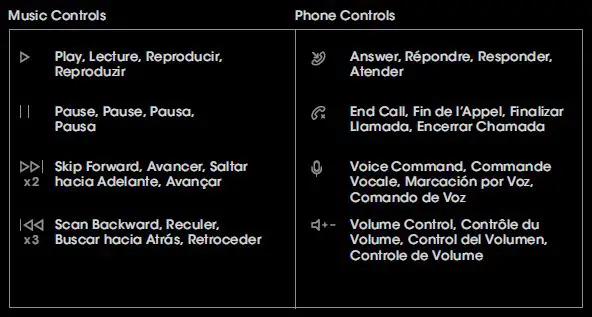
REMOTETALK™ CONTROL
iPod®, iPhone® and iPad®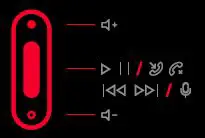
Android™, Windows® and BlackBerry®
*Functionality may vary by device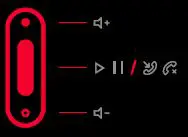
NEED MORE INFORMATION?
Visit beatsbydre.com/support
Call 1-800-442-4000
6am to 7pm PST
- Product Care
- Product Registration
- User Guide
- Knowledge Base
“iPod”, “iPhone” and “iPad” are trademarks of Apple Inc., registered in the U.S. and other countries. “Android” is a trademark of Google Inc. “Windows” is a registered trademark of Microsoft Corporation in the United States and other countries.
Blackberry® is the property of Research In Motion Limited and is registered and/or used in the U.S. and countries around the world. Used under license from Research In Motion Limited. “solo” and “RemoteTalk” are trademarks of Beats Electronics.
Beats Solo2 On-Ear Headphones User Manual – Download [optimized]
Beats Solo2 On-Ear Headphones User Manual – Download