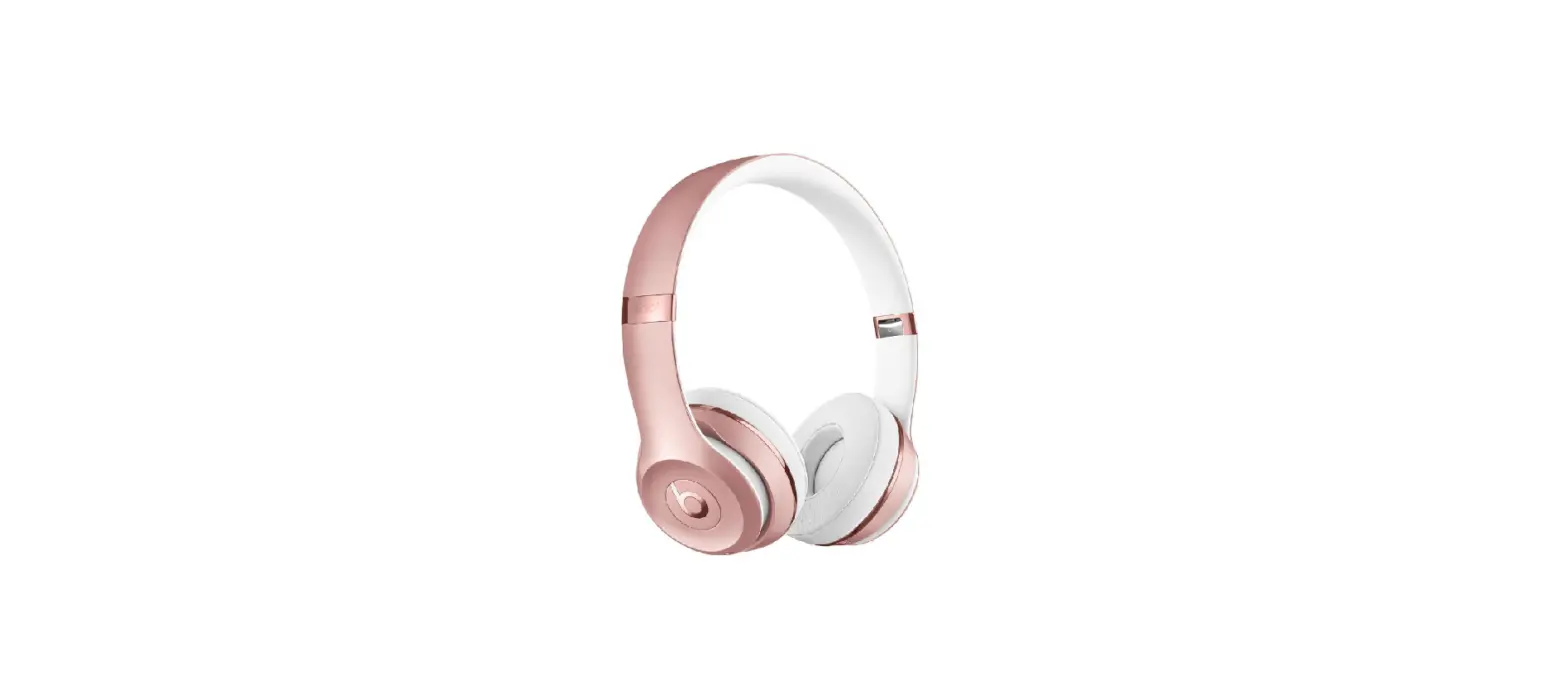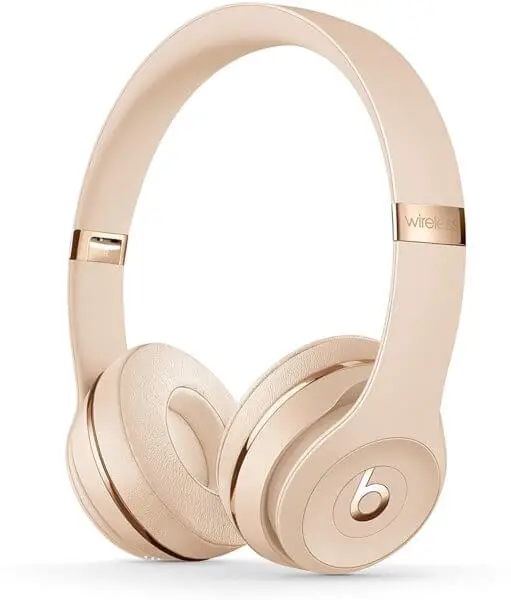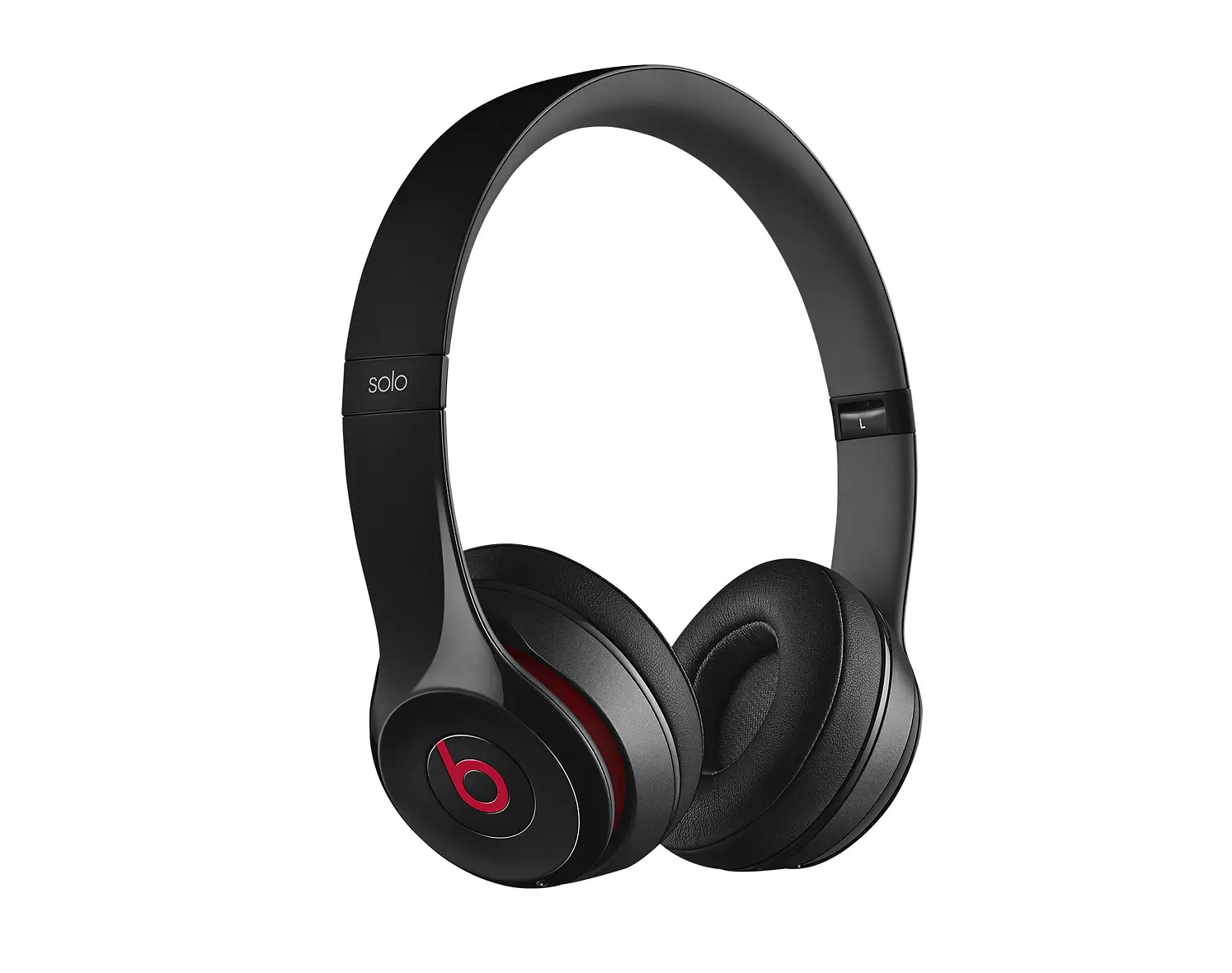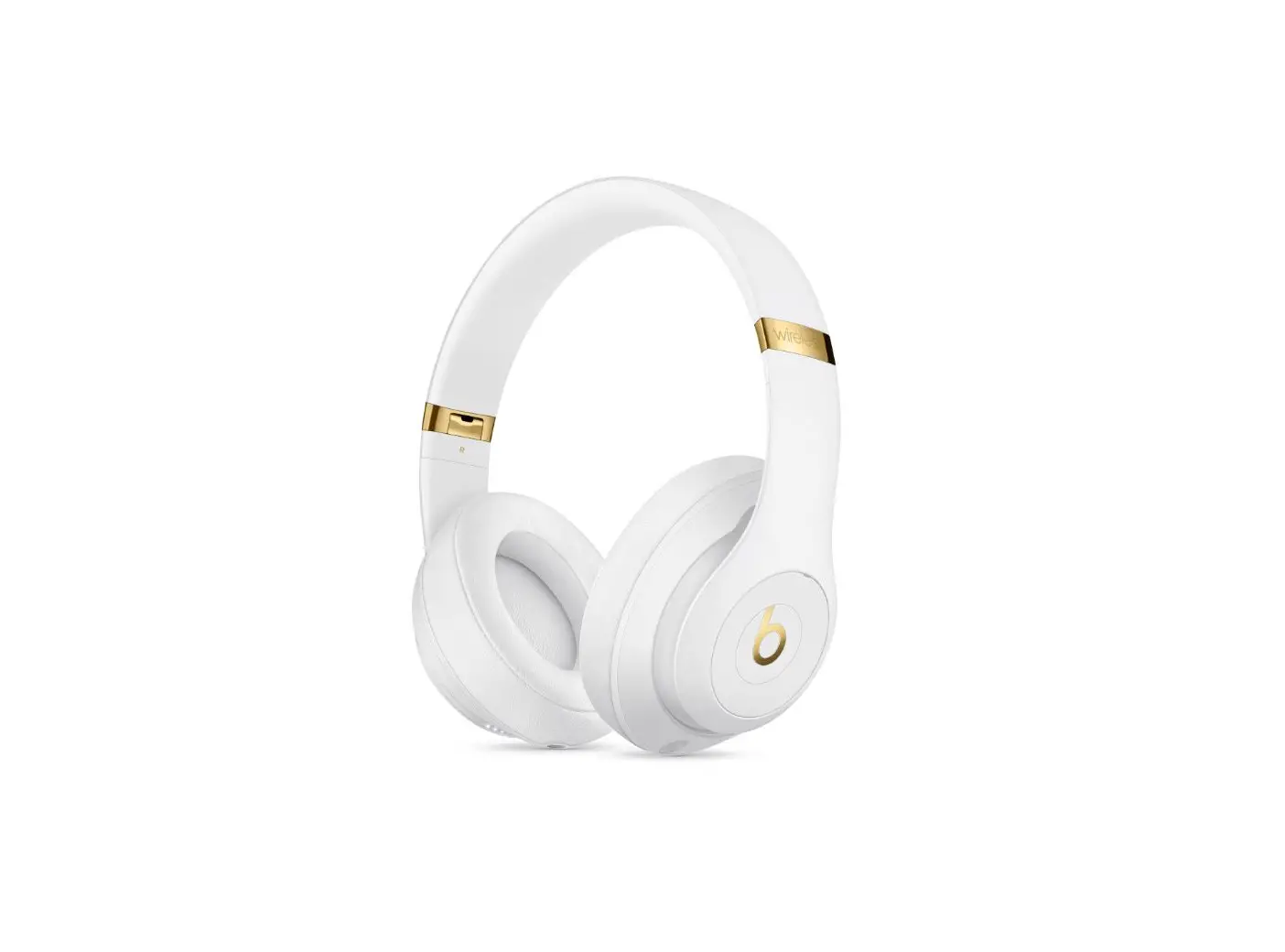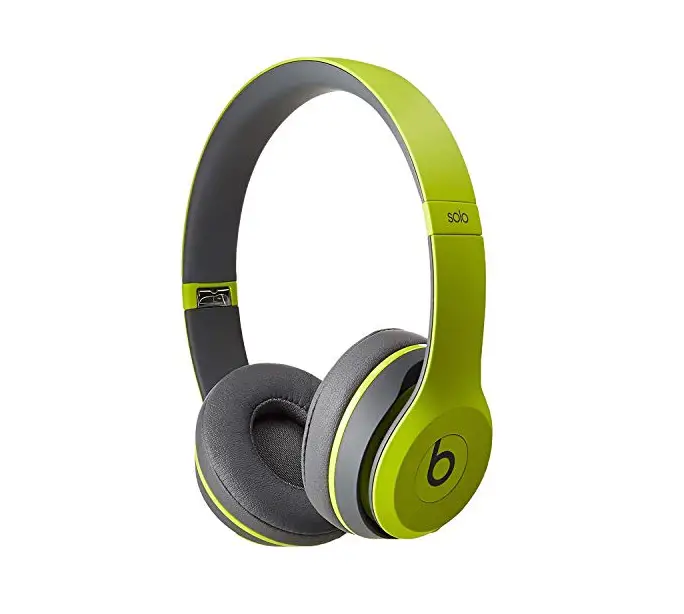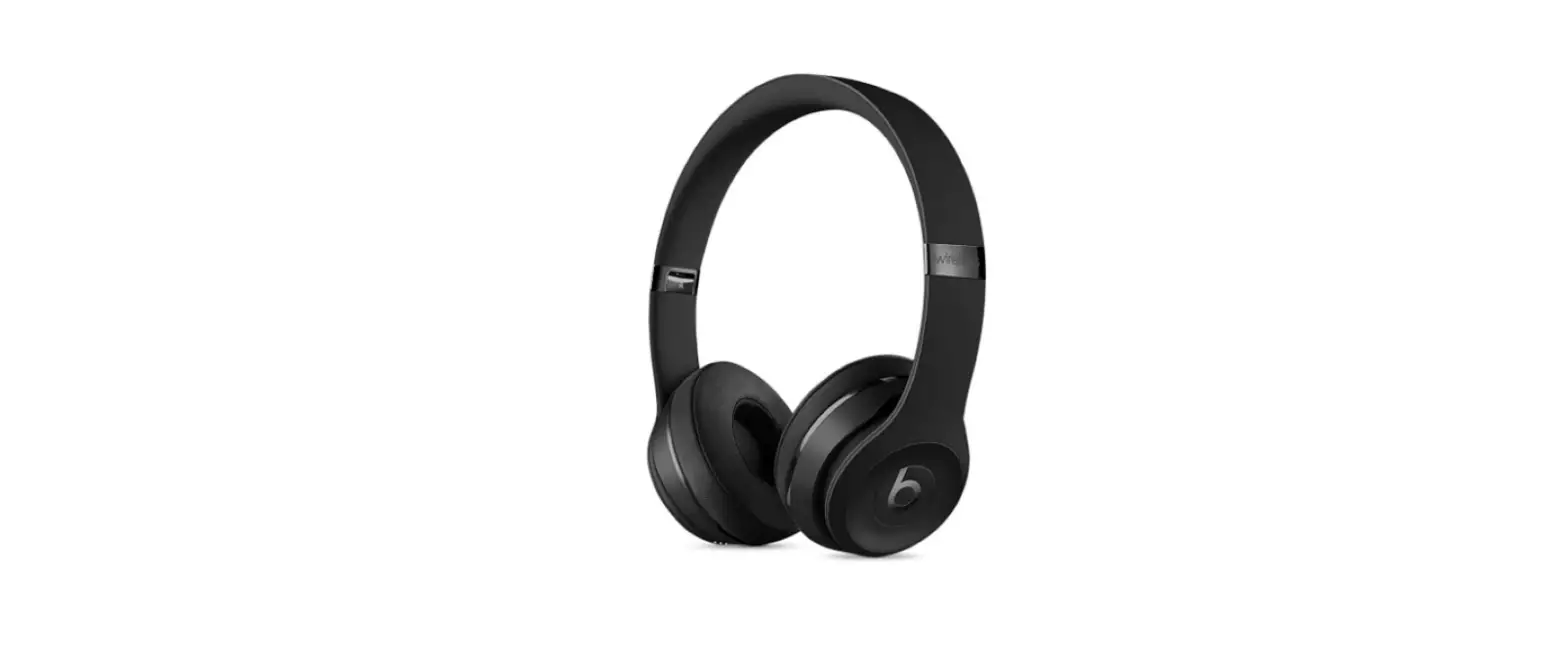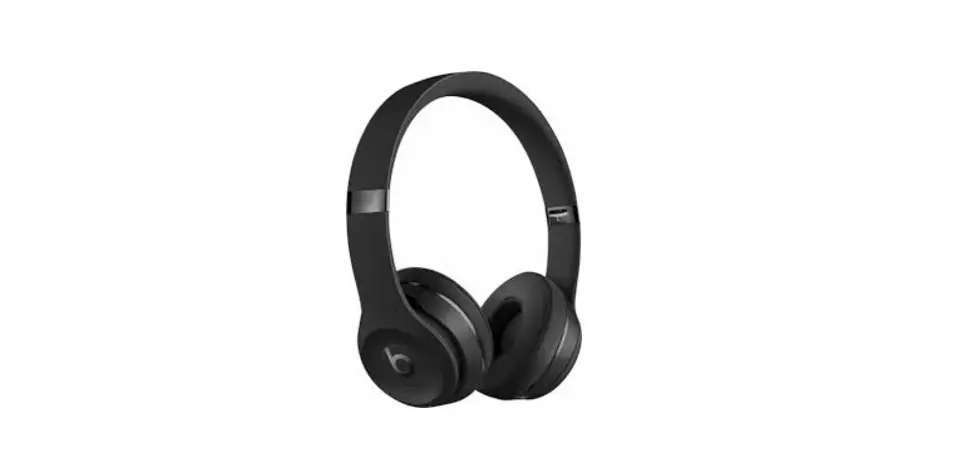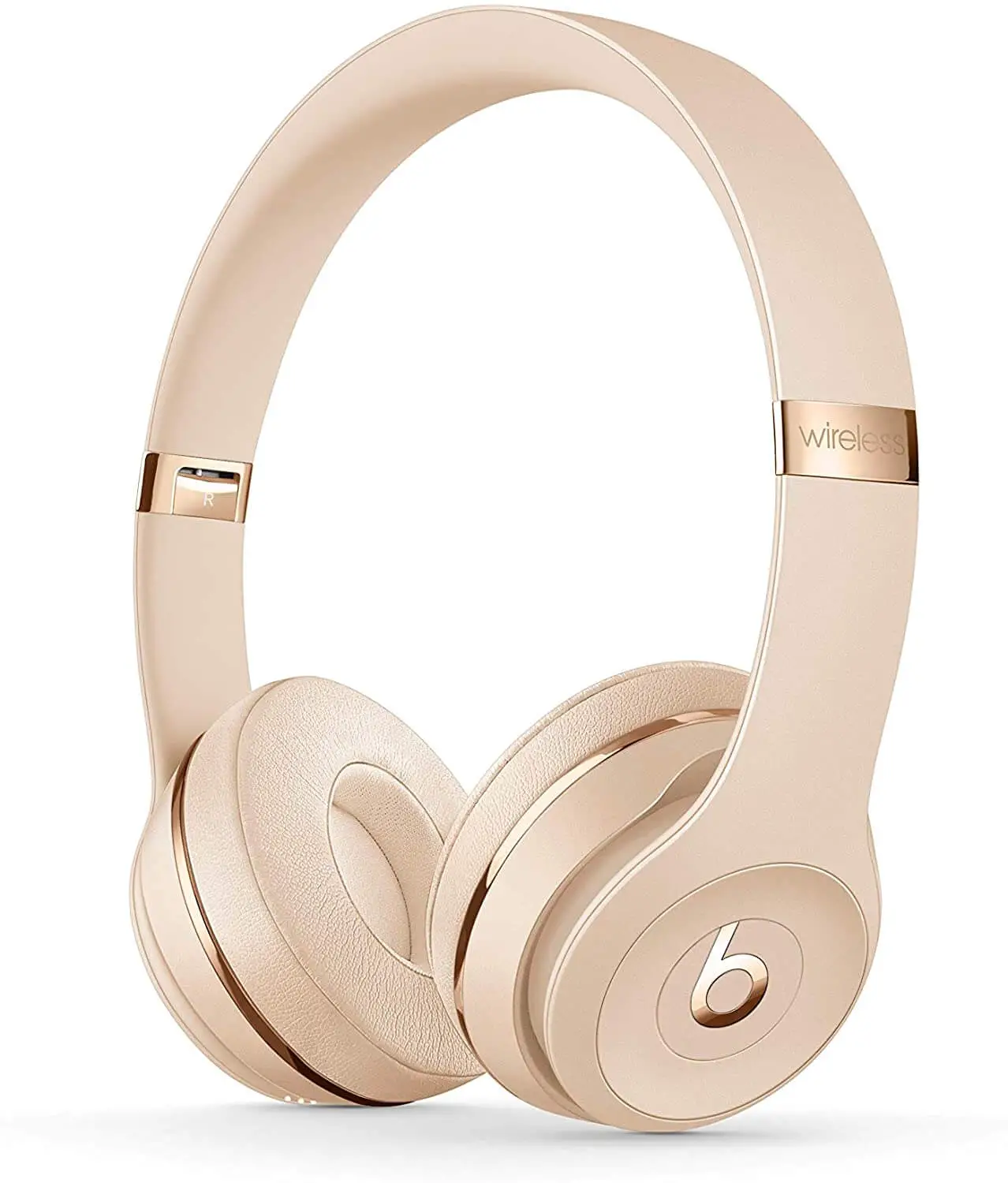
Beats Solo3 Wireless Headphones
To connect to iPhone with iOS 10 or later follow steps 1–3.
For all other devices see the back of this guide.
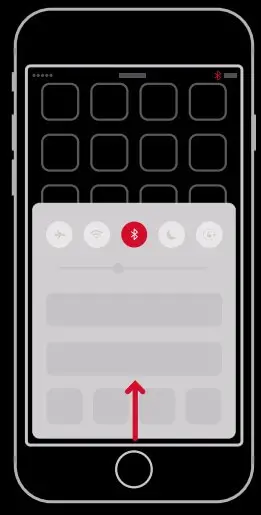
STEP 1: TURN ON BLUETOOTH®
Swipe up from the bottom of the screen and tap the Bluetooth® icon.
STEP 2: CONNECT SOLO3 WIRELESS
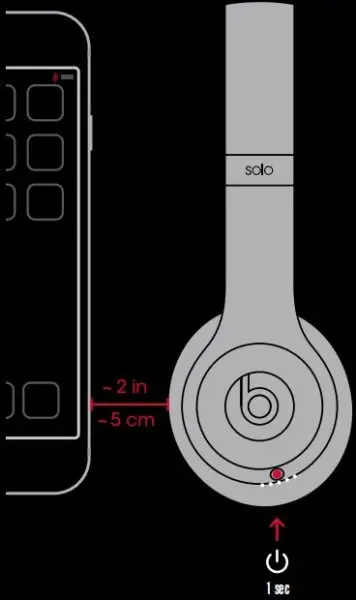
Press power button for 1 second. Hold near unlocked iPhone, then follow onscreen instructions.
STEP 3: START LISTENING
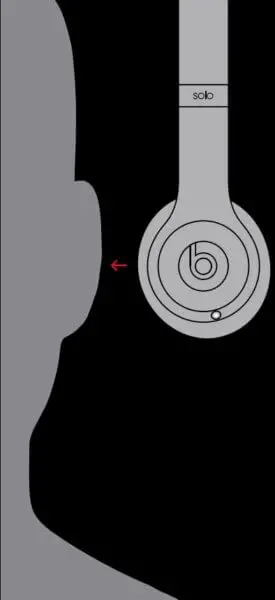
Your Solo3 Wireless is now connected and ready to use.
USE WITH YOUR OTHER APPLE DEVICES
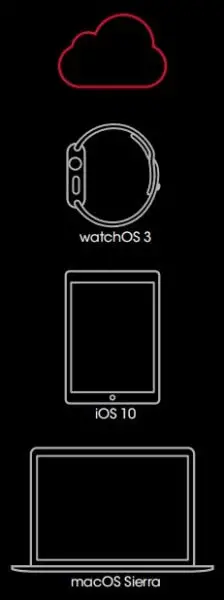
Solo3 Wireless now works with your other devices signed into iCloud. Select Beats Solo3 in Control Center (iOS) or menu bar (macOS).
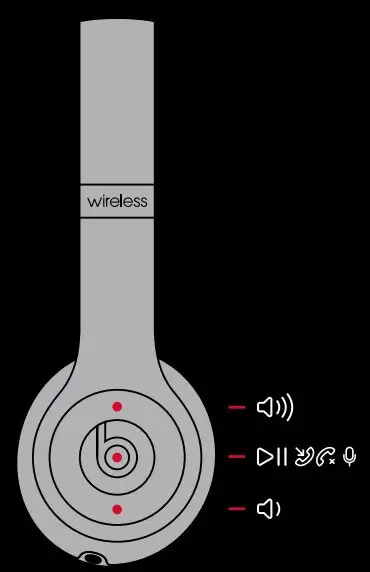
WIRELESS CONTROLS
During wireless use, control music and manage calls with the “b” button. Adjust volume above and below the “b” button.
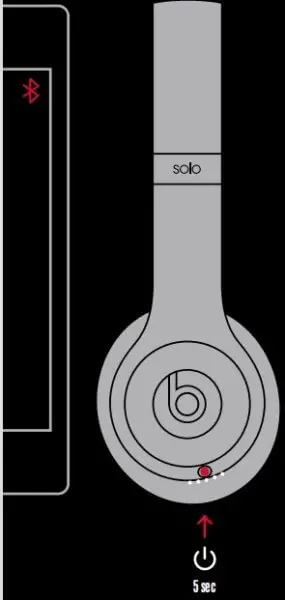
WIRELESS SETUP FOR OTHER DEVICES*
Press power button for 5 seconds. On your device, go to Bluetooth® settings and choose Beats Solo3.
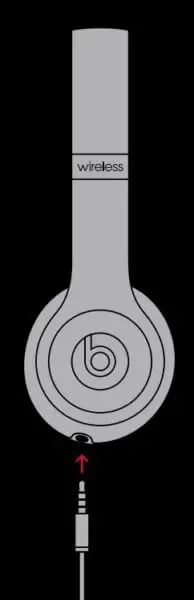
WIRED PLAYBACK
Plug in RemoteTalk cable for wired mode to conserve battery or when battery is depleted.
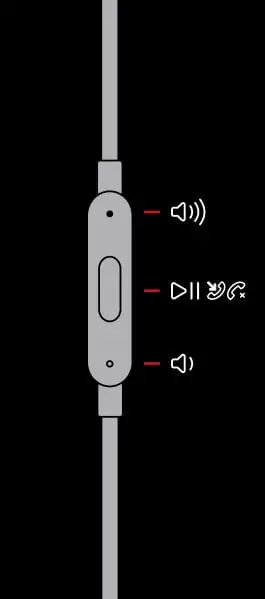
WIRED CONTROLS
Control music, manage calls and adjust volume with RemoteTalk cable*.
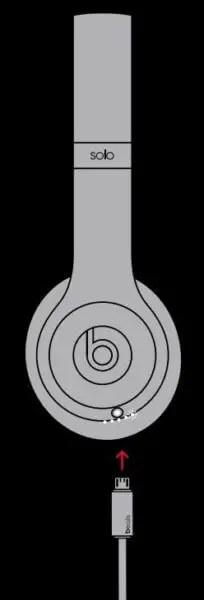
CHARGE
Using a micro USB cable, plug in headphones to charge.