
vMix Quick Start Guide
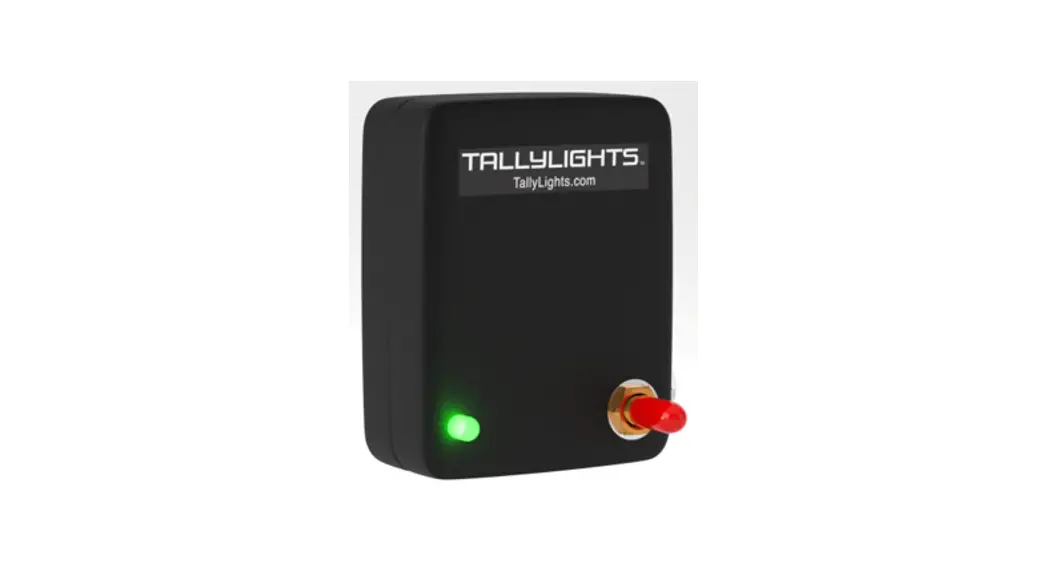
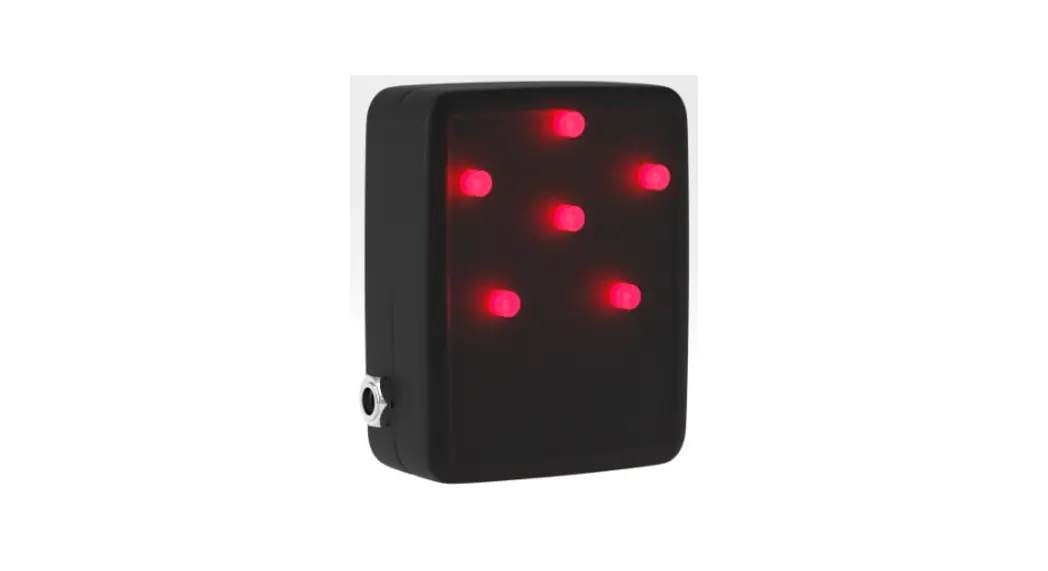
Thank you for using the Professional TallyLights™ Controller. This guide introduces the Installation, and operation of the TallyLights™ Controller and vMix software. Prior to installation and usage, please read the manual thoroughly. If you have any questions about the capabilities of the product, email our support team at [email protected] or call (484) 593-2584
vMix Controller Installation
- Use the included USB A-B cable to connect the TallyLights™ Controller to your computer.
- Download the vMix TallyLights™ Controller software.
- Install the software using the wizard.
- By default, the install wizard creates the following folder when utilizing the vMix software video mixer program. a) “C:\Program files(x86)\Tally Lights LLC” (most software video mixers)
Controller Configuration
- Open the mixing software on your computer.
- Add the cameras to the first 8 inputs of your vMix software video mixer.
a) The cameras must be set to the first 1-8 sources to ensure compatibility with the controller. - Setup is complete. The emitters will now trigger when set to Program and Preview through the mixing software.
TallyLights.com
[email protected]
(484) 593-2584 (9am-5pm EST)
WWW.TALLYLIGHTS.COM
 TallyLights - Know when you are live on air