
Wirecast Quick Start Guide
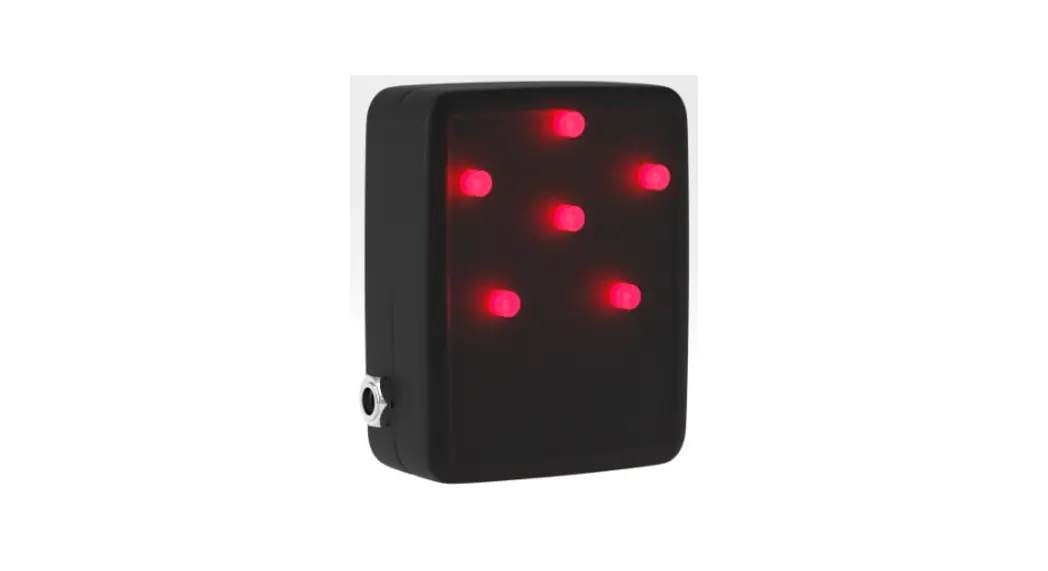
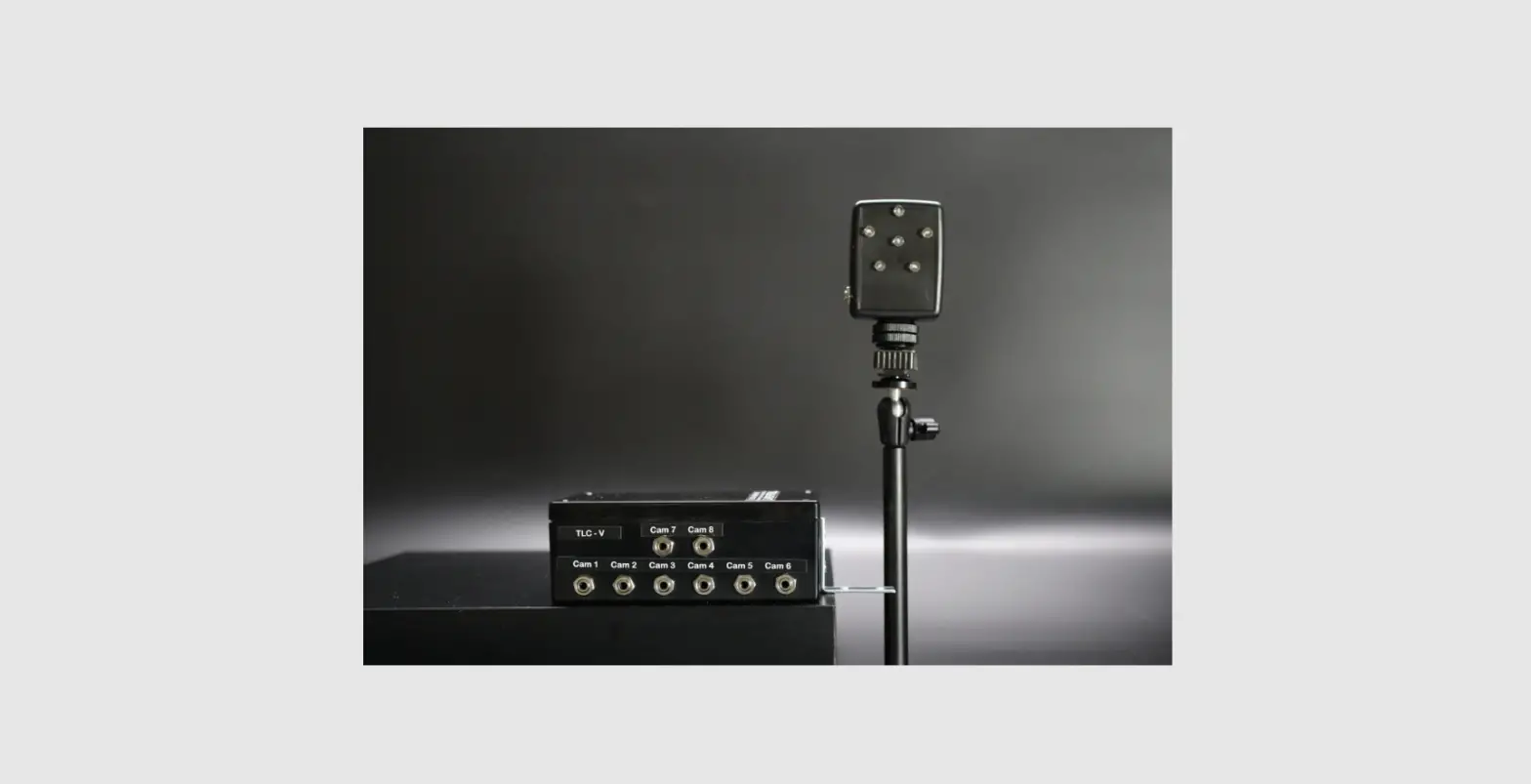
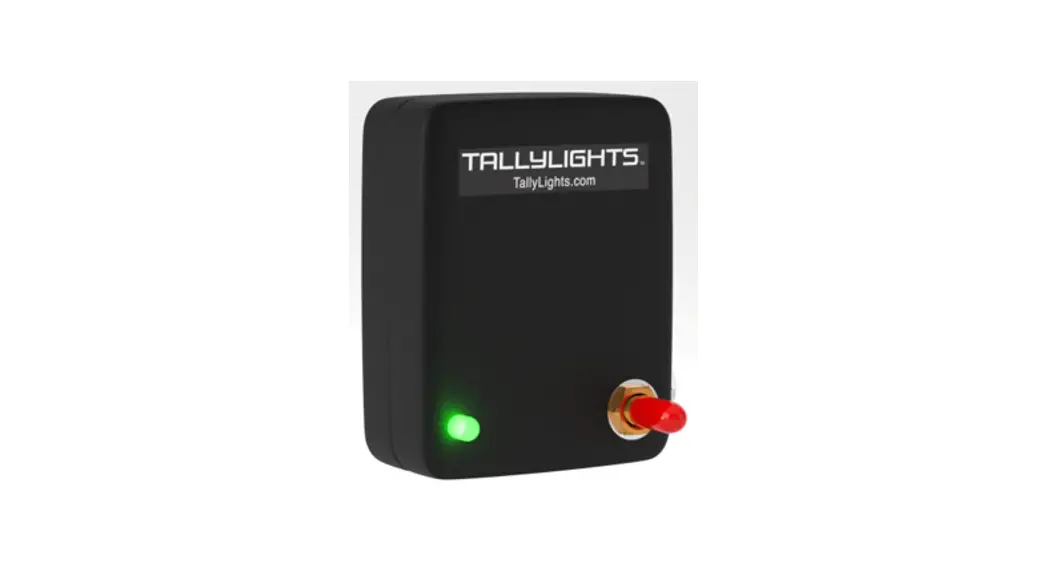
Thank you for using the Professional TallyLights™ Controller. This guide introduces the Installation, and operation of the TallyLights™ Controller and Wirecast software. Prior to installation and usage, please read the manual thoroughly. If you have any questions about the capabilities of the product, email our support team at [email protected] or call (484) 593-2584
Wirecast Installation (Windows)
- Use the included USB A-B cable to connect the TallyLights™ Controller to your computer.
- Download the Wirecast for Windows TallyLights™ Controller software.
- Install the software using the wizard.
Wirecast Installation (Mac)
- Use the included USB A-B cable to connect the TallyLights™ Controller to your computer.
- Download the Wirecast for Mac TallyLights™ Controller software.
- Install the software by dragging the Tally-Lights 1.0 application to the Applications folder.
Wirecast Configuration
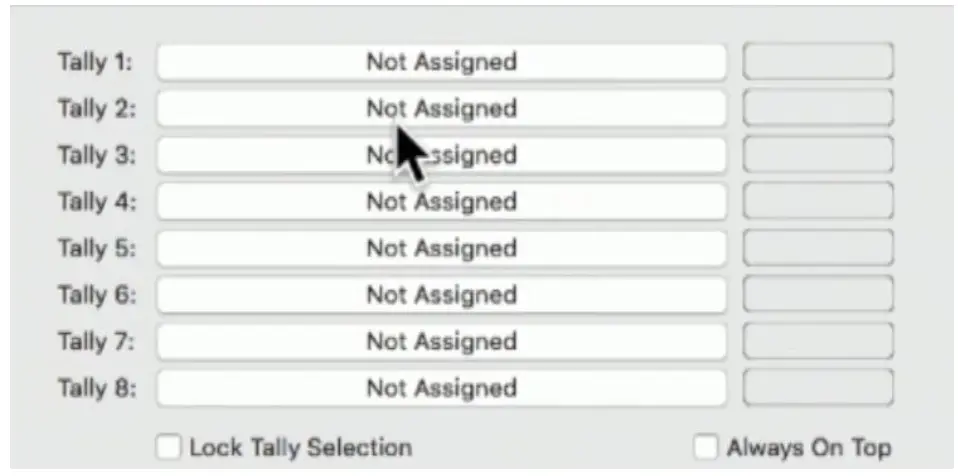
- Start up the Wirecast TallyLights™ Controller software.
- Use the configuration matrix to map the camera sources to the tally light output.
- The setup is complete. The emitters will now trigger when set to Program and Preview through Wirecast.
TallyLights.com
[email protected]
(484) 593-2584 (9am-5pm EST)
WWW.TALLYLIGHTS.COM
 TallyLights - Know when you are live on air