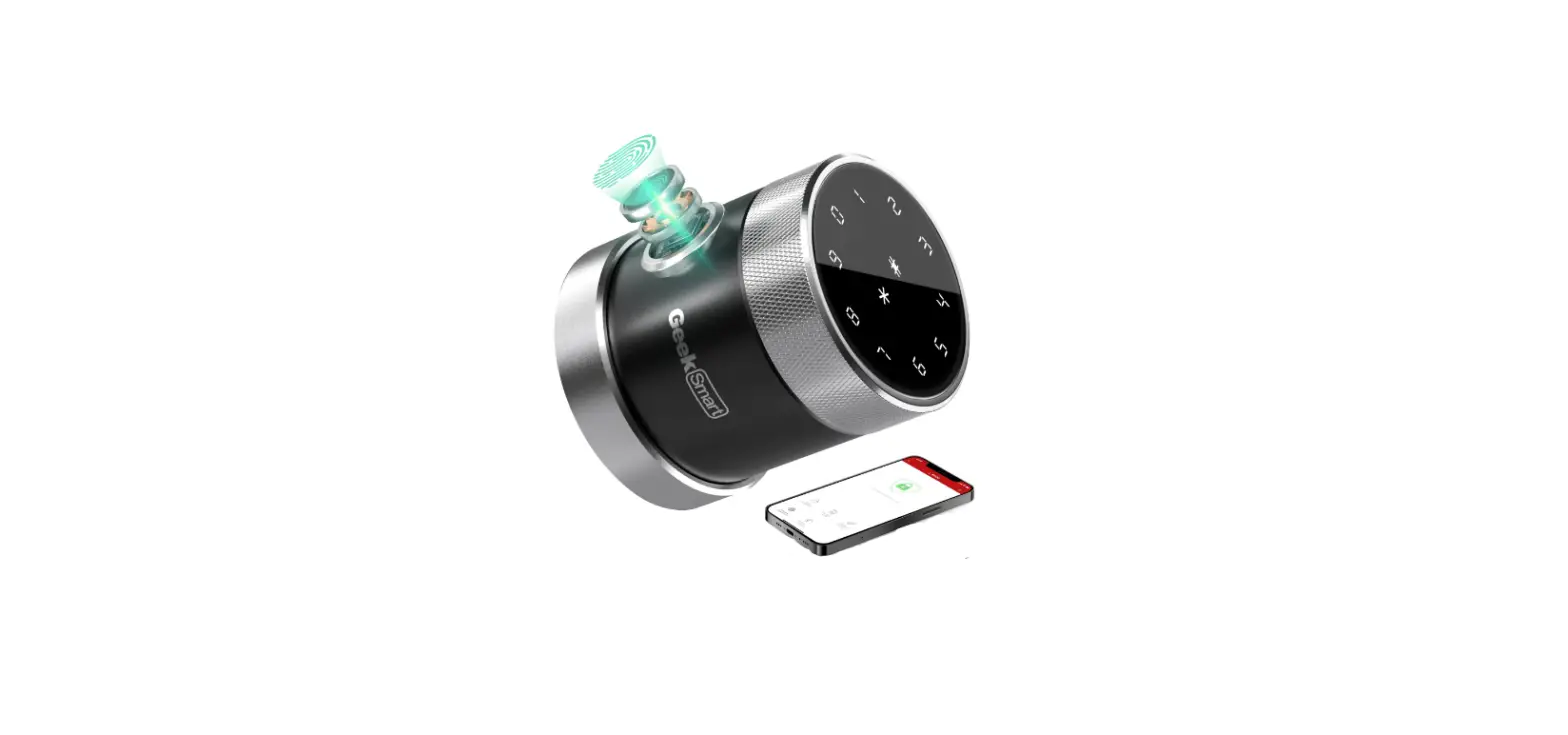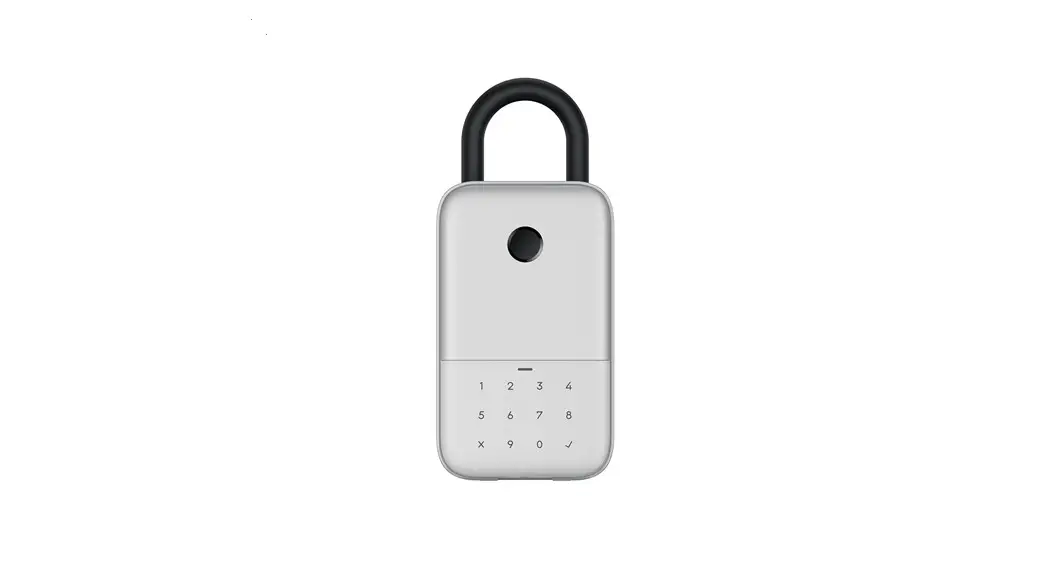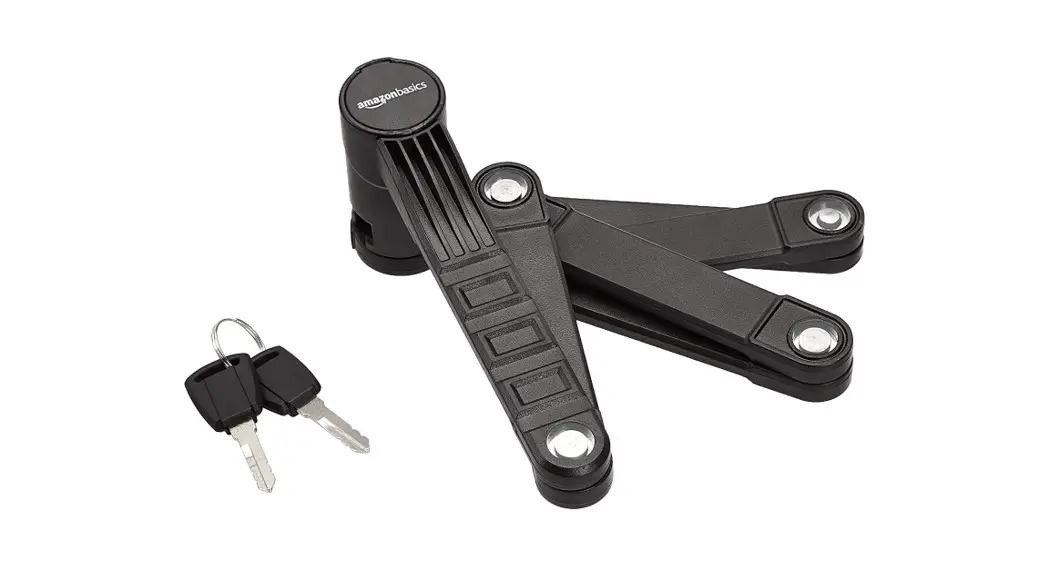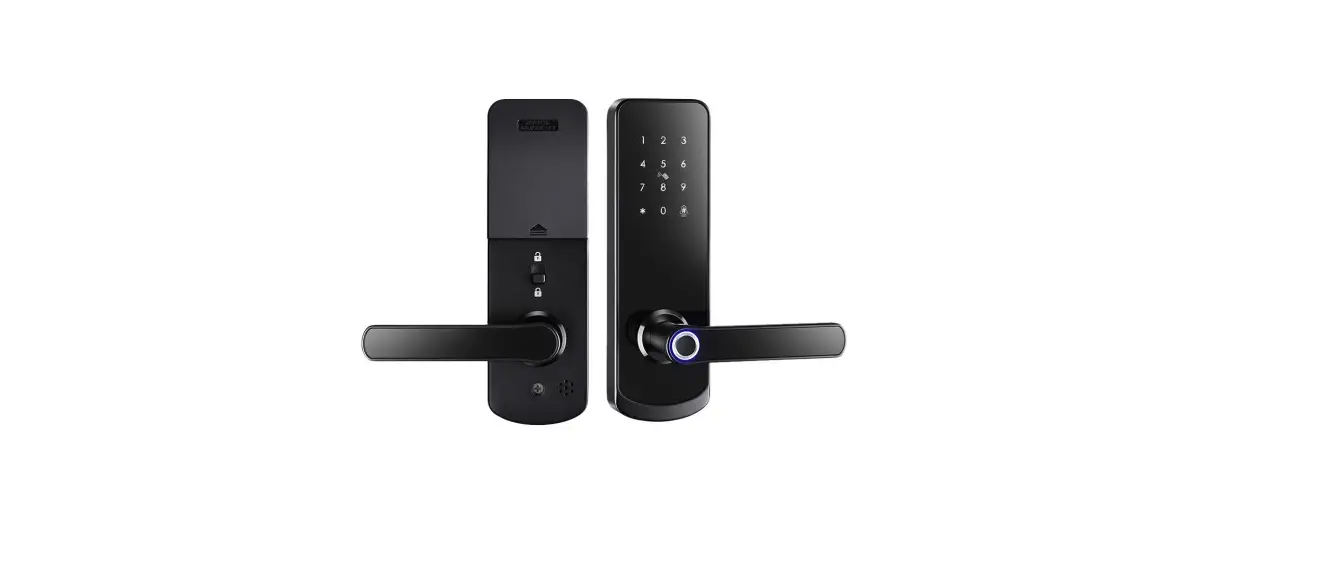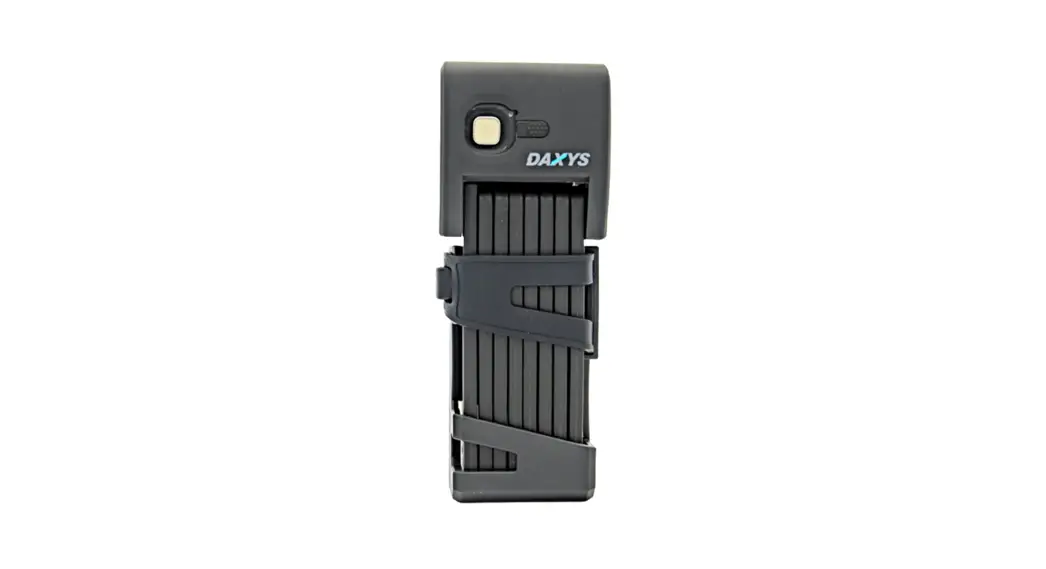
 Model:
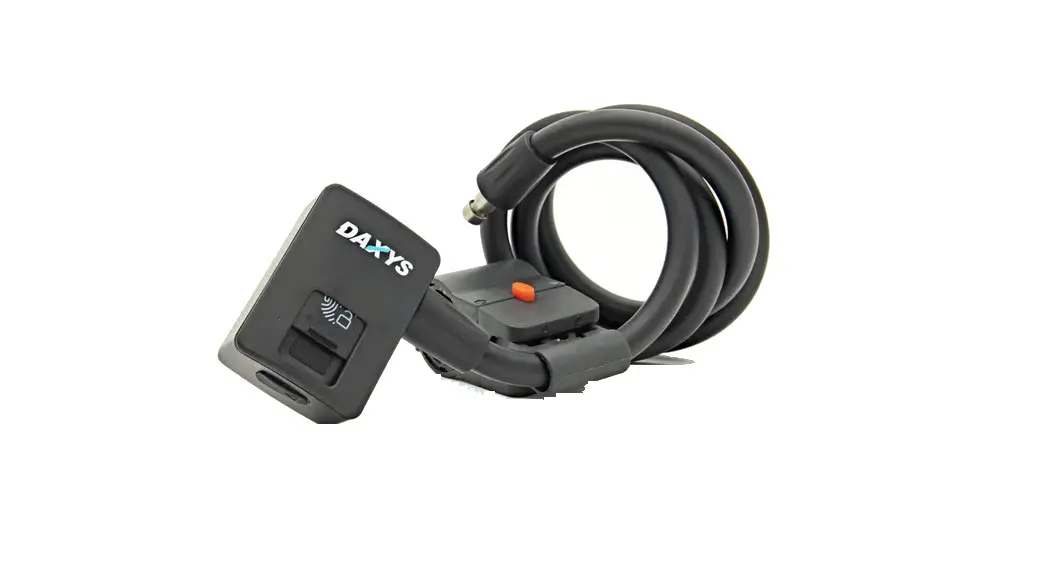
Daxys Smart Folding Lock
USER MANUAL
Specification
| Communication Technology | Bluetooth Low Energy |
| Unlock Method | 1. Bluetooth App 2. Fingerprint 3. Key |
| Response Time | <2s |
| Support Equipment | At least 1057.0 & Android 4.3 |
| Bluetooth Chip | Nordic nRF52 series |
| Bluetooth Working Wave Band | 2.4G |
| Bluetooth Receive Sensitivity | -96dbm |
| Bluetooth Security Encryption | AES |
| Bluetooth Version | Bluetooth 4.2/Bluetooth 5.0 |
| Fingerprint False Accepted Rate | <0.001% |
| Fingerprint False Reject Rate | <1.5% |
| Fingerprint Quantity | 10 fingerprints |
| Fingerprint Recognition Technology | Support 360° recognition technology |
| Fingerprint Image Feature Extraction Time | <300ms |
| Fingerprint Image Feature Matching | <30ms |
| Battery Type | Lithium battery |
| Battery Capacity | 3.7V/500mAh |
| Working Voltage | 2.8V-5.5V |
| Charging Port | Type-C USB (5V) |
| Battery Using Time After Full Charge | Standby time: 3 months; Repeating unlock 2000 times |
| Working Temperature | -15°C-60°C |
| Working Humidity | 5%-95% |
Download the App “SmartLock-Gold” from the App store (IOS) or Google→Android market.

Add the Lock on Your Phone Via Bluetooth and App
Step 1. Turn on Bluetooth on your phone.
Step 2. Touch fingerprint panel on the lock to wake up the lock.
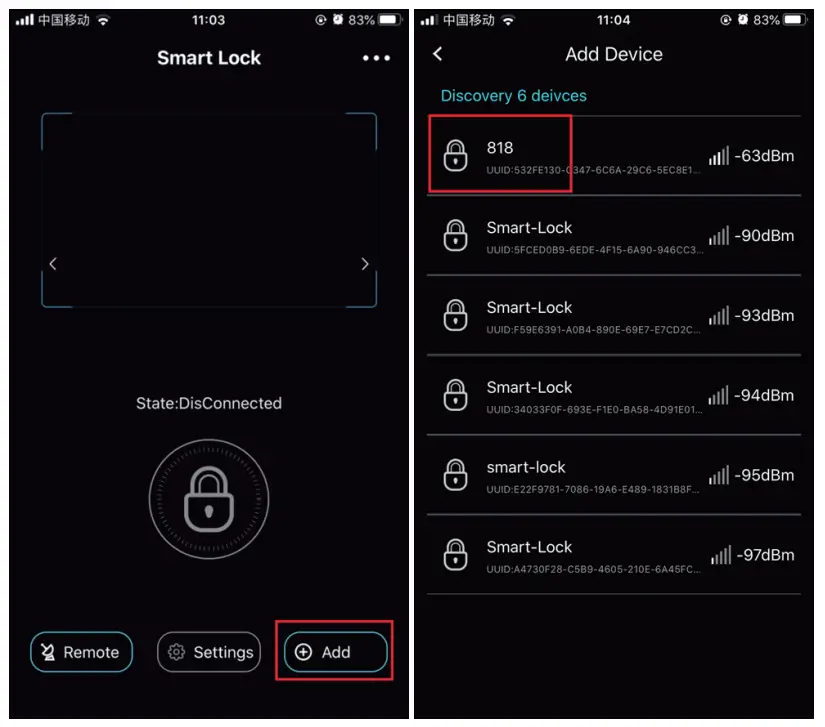
Step 3. Open App “SmartLock-Gold”→Click “Add”→Find the Lock
→Click the lock name→Connected.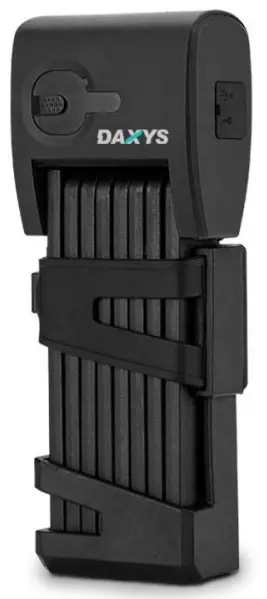
Unlock by App
Step 1. Turn on Bluetooth on your phone.
Step 2. Touch fingerprint panel on the lock to wake up the lock.
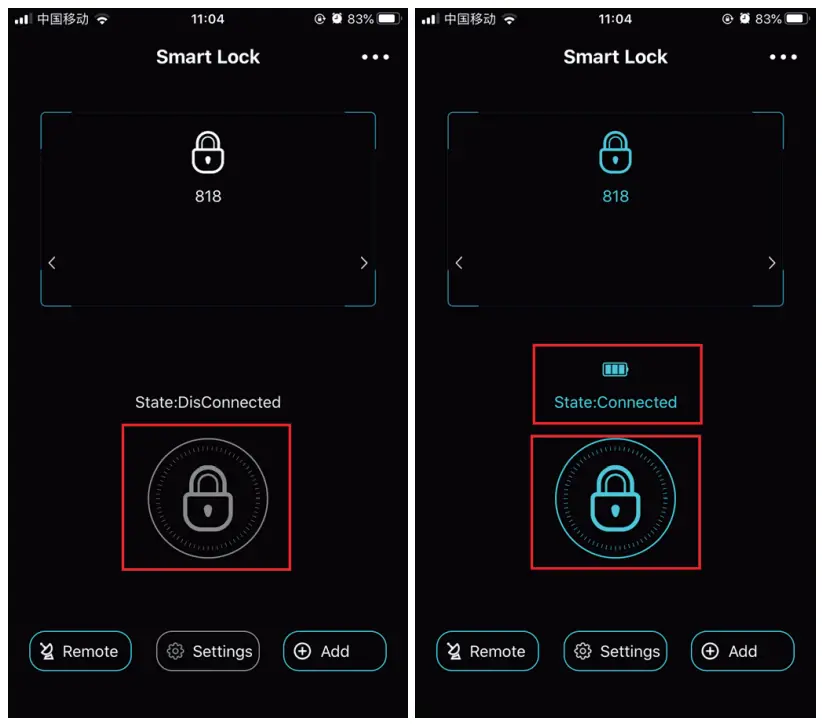
Step 3. Click the lock icon to connect the lock. After it is connected the battery status will appear. (When the lock is on low power charge it)
Step 4. Click the lock icon →put in the password to open the lock. Only put in a password for initial use. Original password is 88888.
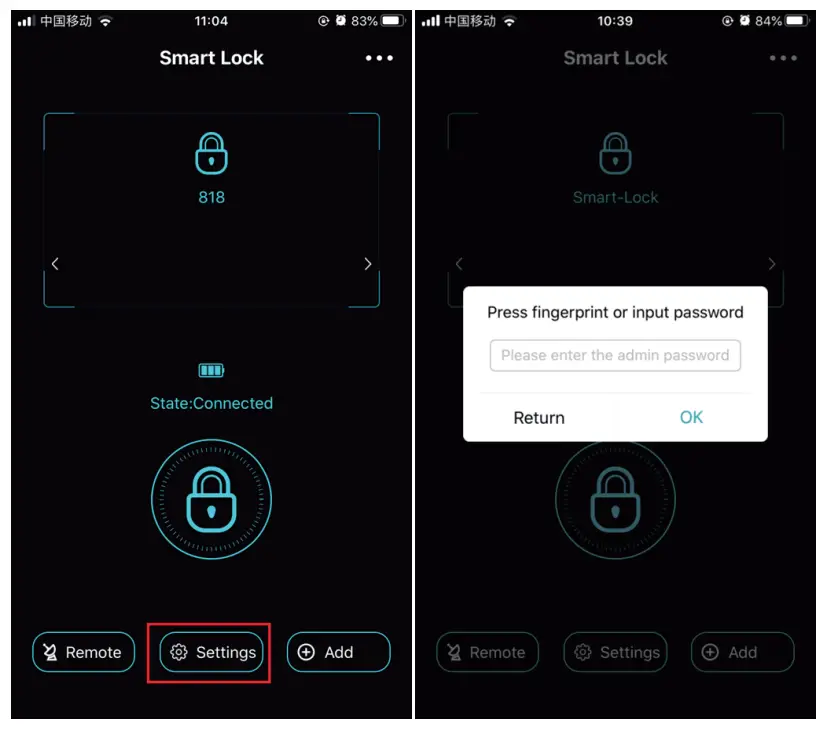
Procedure Before Settings
Step 1. Turn on Bluetooth on your phone.
Step 2. Touch fingerprint panel on the lock to wake up the lock.
Step 3. Click the lock icon to connect the lock→Settings→Enter the admin password(Original admin password is 666666.)→Click “OK”.
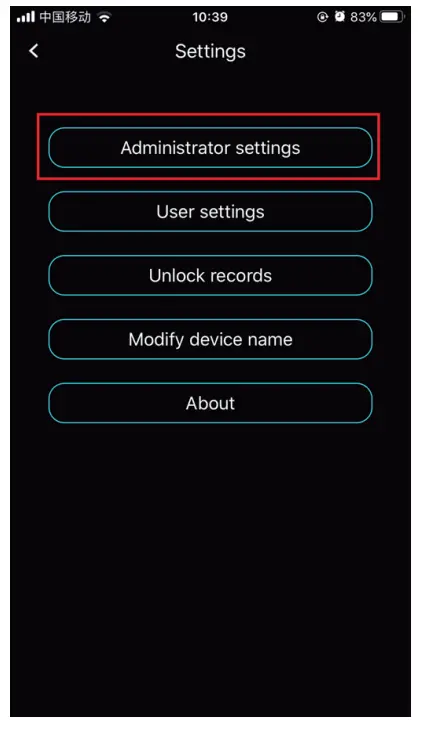
Modify Administrator Information
Step 1. Click “Administrator settings”.
Step 2. Click “Administrator password settings” to reset the administrator password. (Remember the new password.)
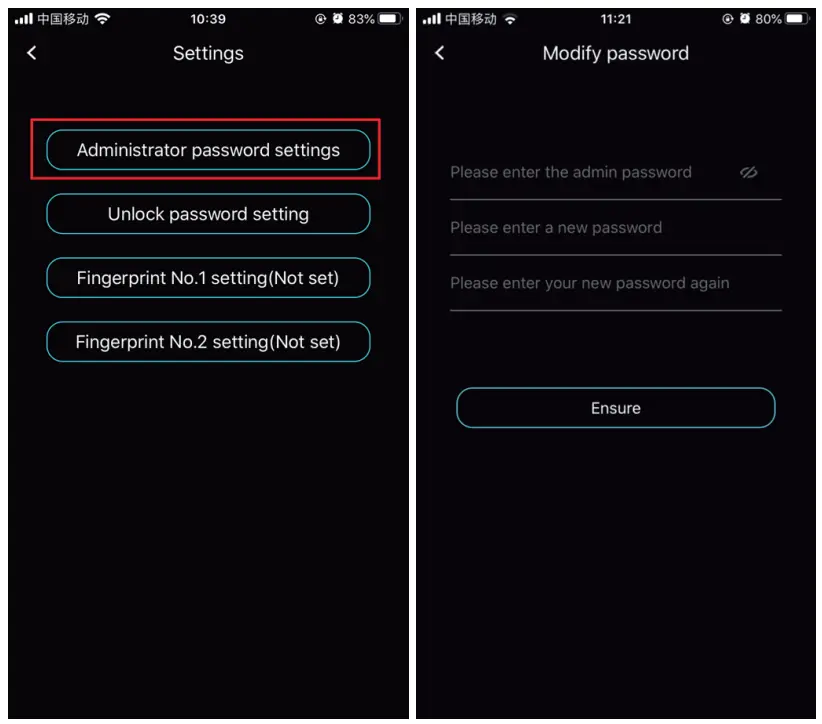
Step 3. Click “Unlock password setting” to set unlock the password.
Please enter the admin password→Please enter a new password
→Please enter your new password again→Ensure. (Remember the new password.)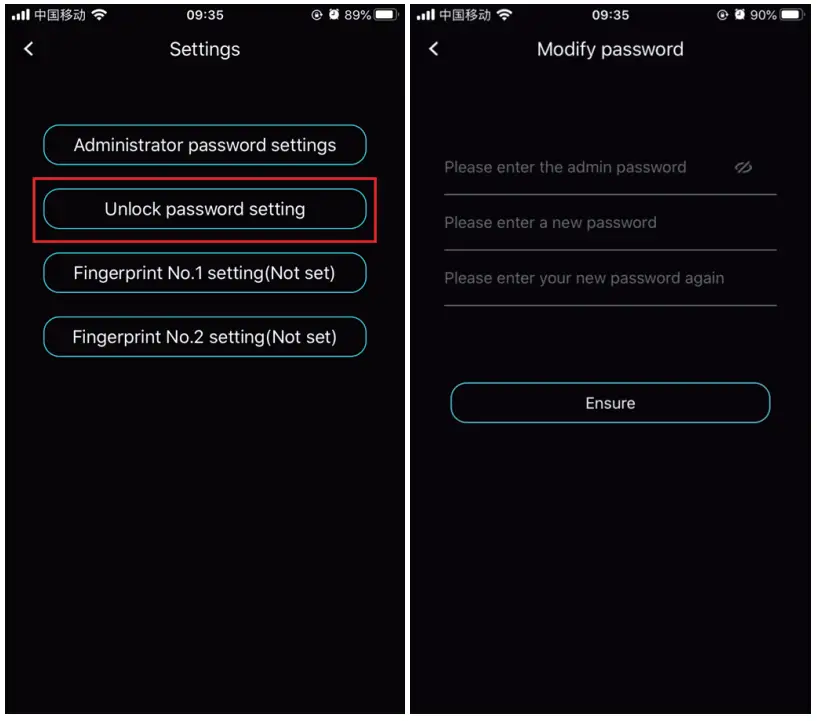 Step 4. Click “Fingerprint No.1 setting” to set the administrator’s fingerprint.
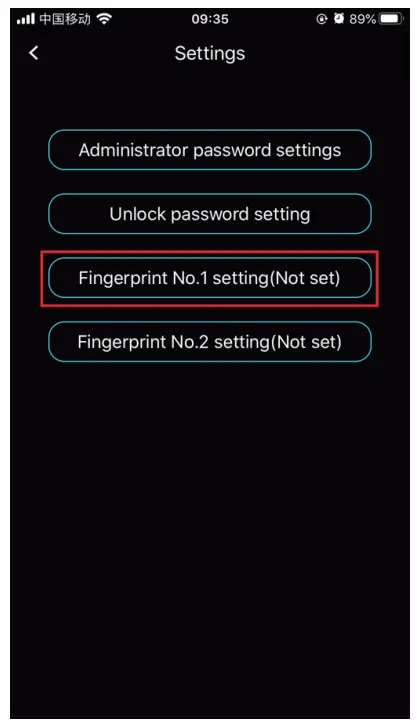
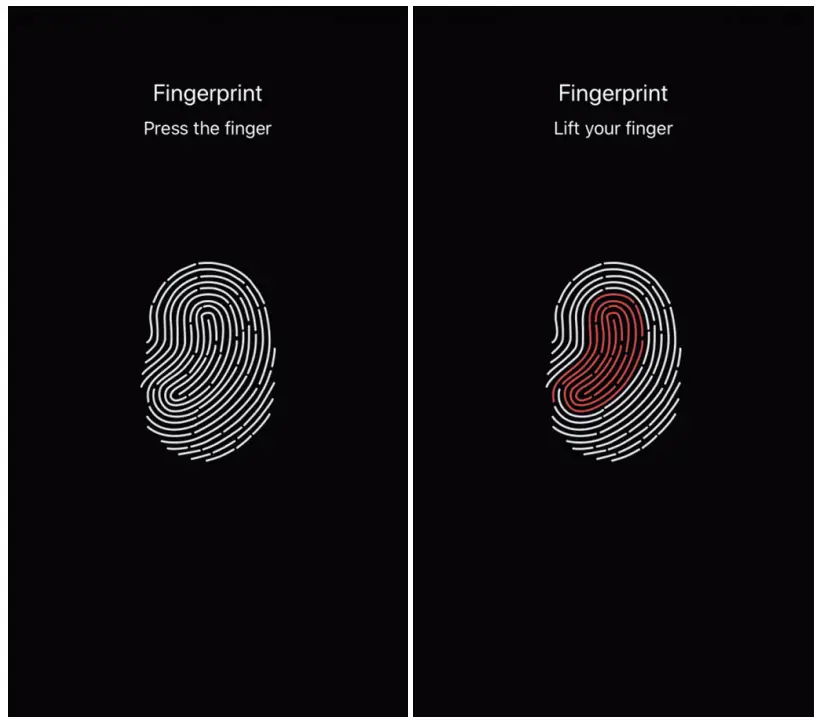
Press and lift your finger on fingerprint panel of the lock according to the instructions on the phone.
Model:
Daxys Smart Folding Lock