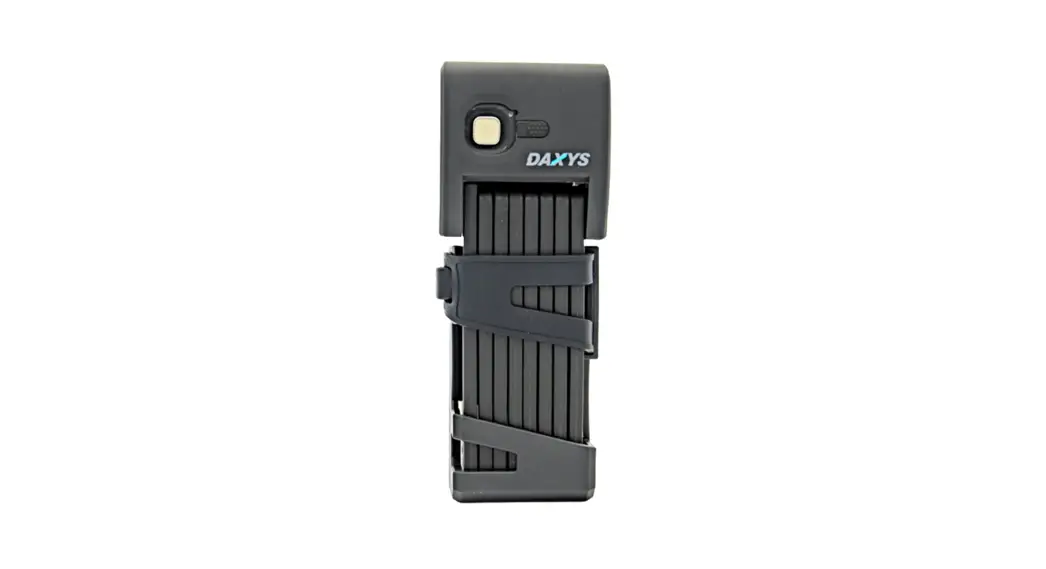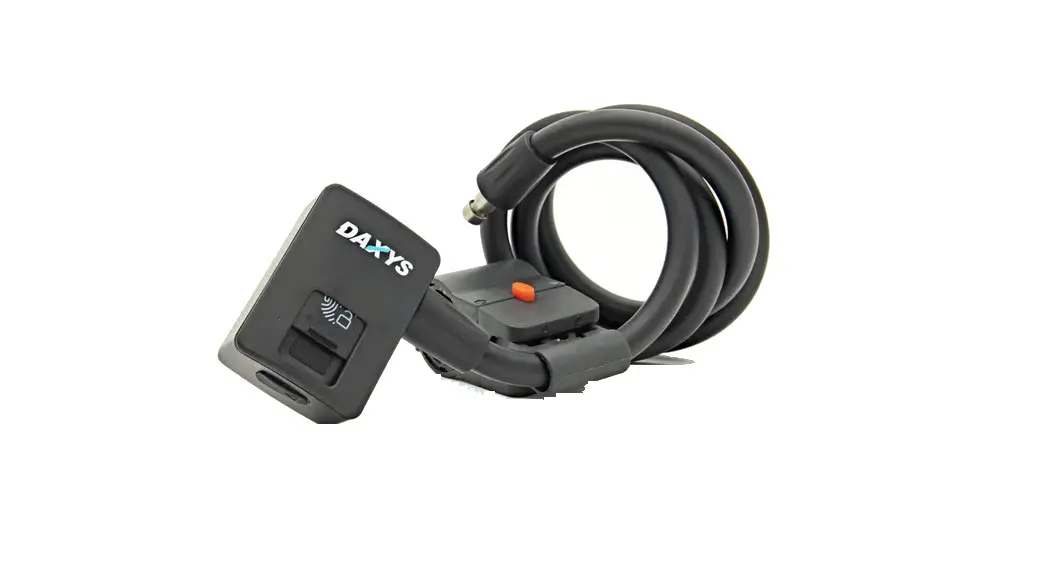
 Daxys Fingerprint Cable Lock
User Manual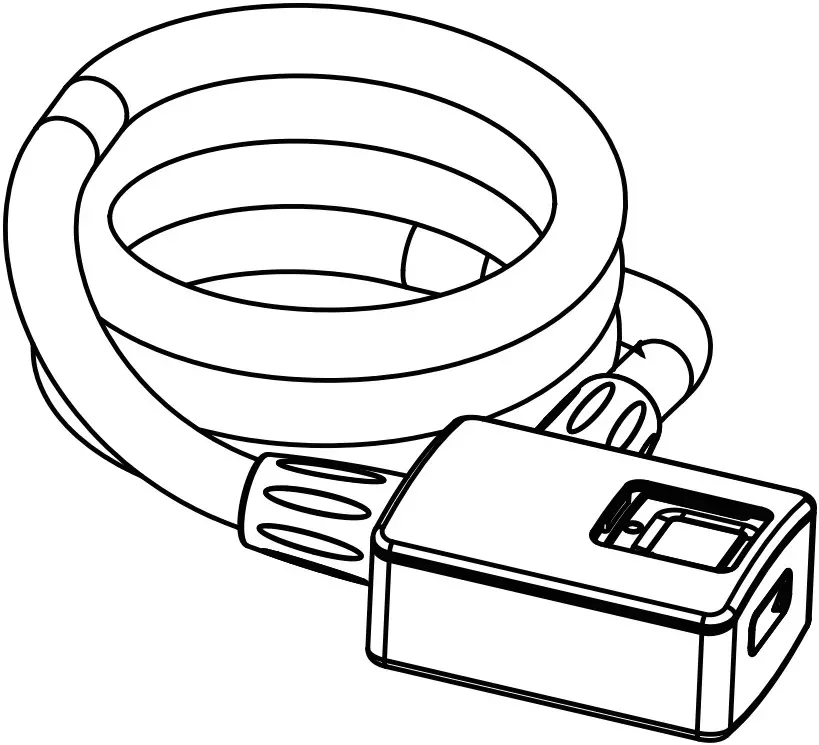
Your finger is the key
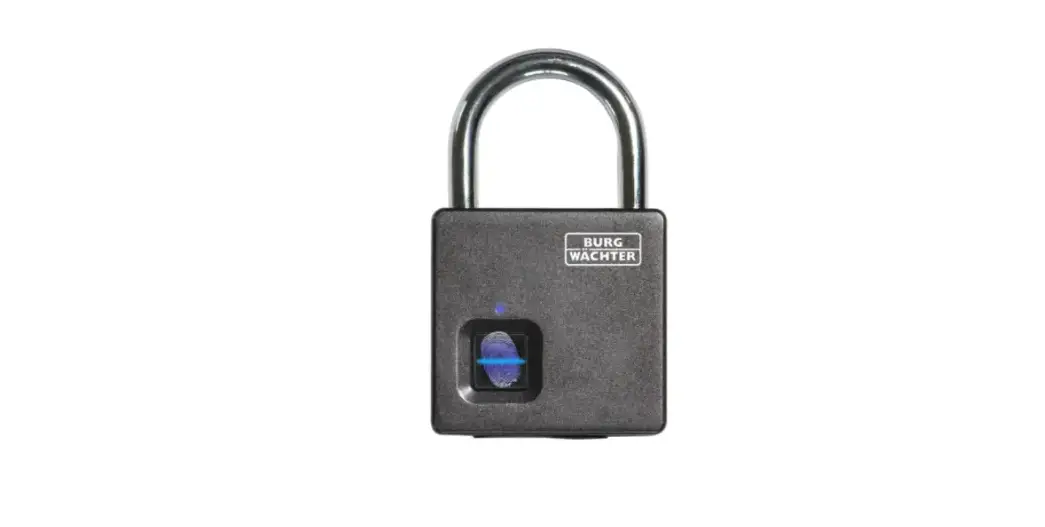
Part name
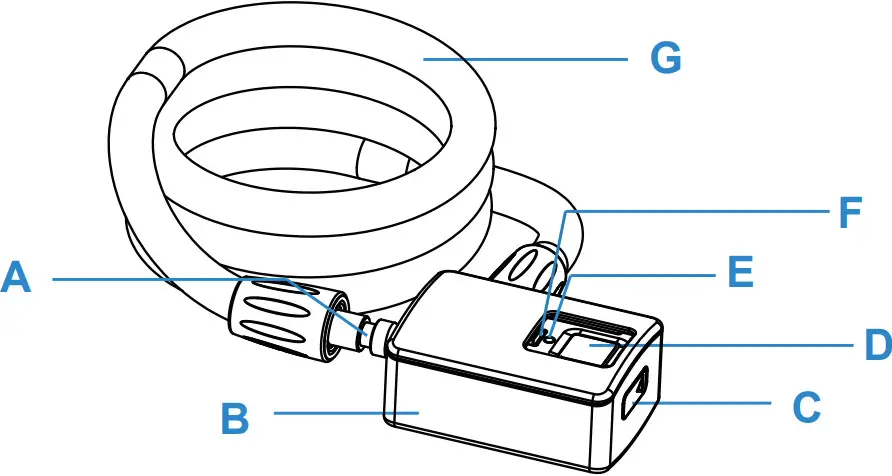
A. Locking Hole
B. Plastic Lock Body
C. Type-C Charging Port
D. Fingerprint Panel
E. Status Indication
F. Slip Cover
G. Steel wire φ11X1000mm
Set administrator account for the first time
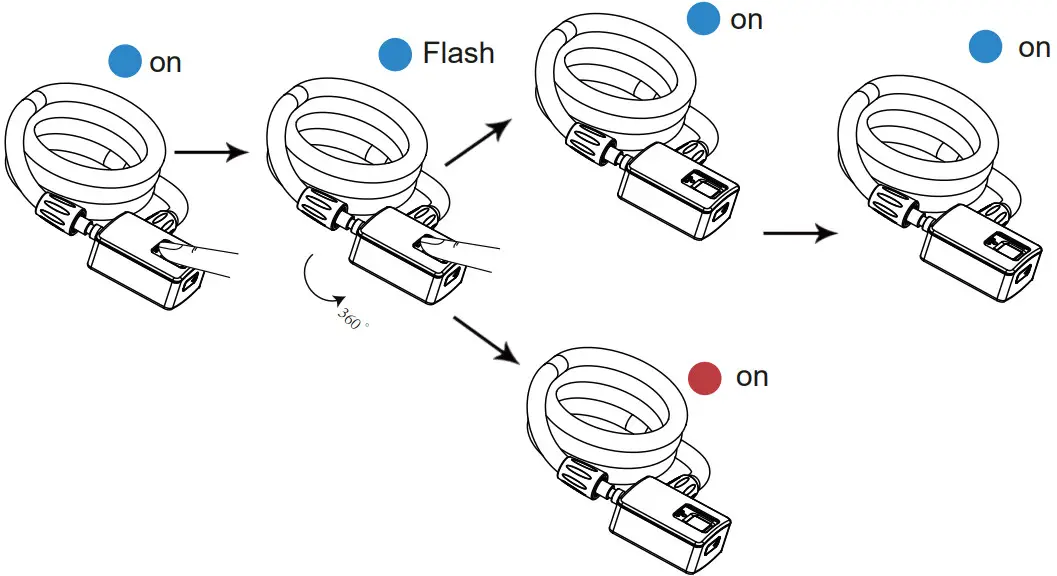
- Press the panel for 3 seconds until the blue light is on
- The same finger was collected 5 times and collected from a different direction
- The blue light is on, and the setting is successful. The red light is on, setting failed
- Fingerprints were collected 5 times successfully. When the blue light is on with a long beep. The administrator account setting is successful.
Second to fortieth user fingerprint entry
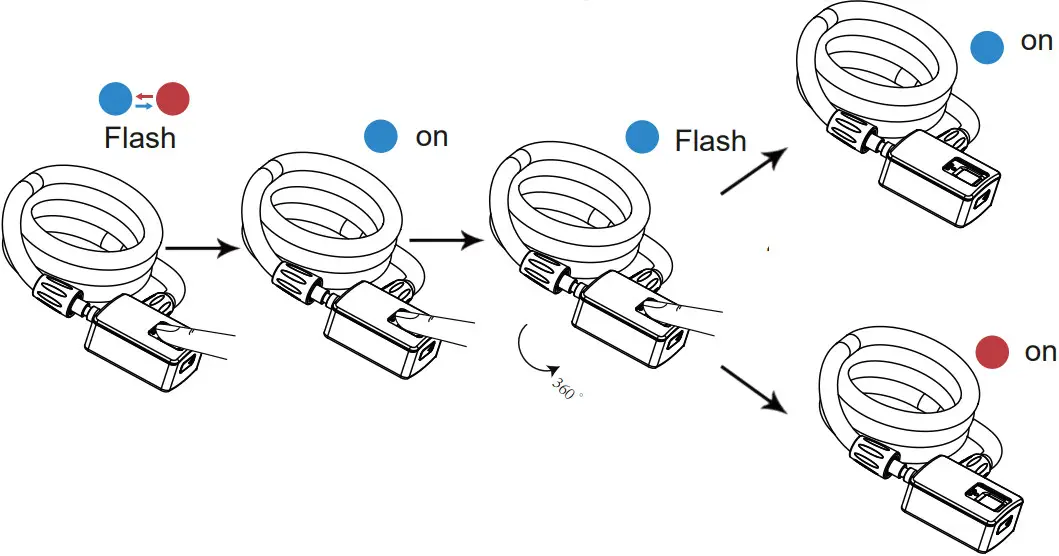
- Press the panel for 3 seconds, the blue and red lights flashing
- Identify the administrator’s finger and blue light is on
- The same finger of the user was collected 5 times and collected from a different direction
- The blue light is on, setting successful The red light is on, setting failed
- Fingerprints were collected 5 times successfully. When the blue light is on with a long beep.The user account setting is successful.
Delete
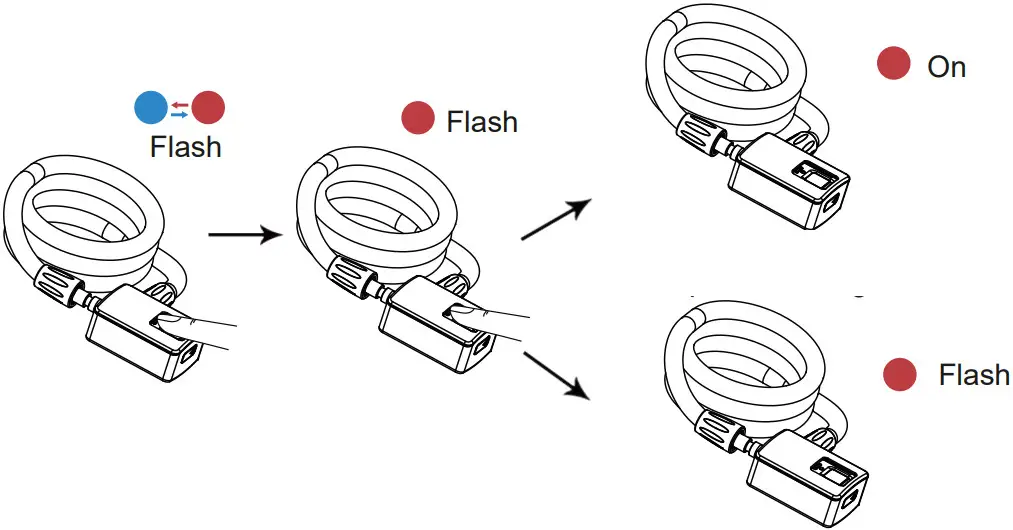
- Press the panel for 6 to 10 seconds
- Red light flashing, identify administrator’s finger
- The red light is on with a long beep, and the deleting is successful. The red light flashed, and delete failed. Please identify the correct administrator fingerprint or start over again
Remarks
- When you get the lock, please charge it if there is no battery.
- The default first fingerprint is the administrator’s account.
- The second to fortieth fingerprint is the user account, which needs the administrator’s confirmation.
- When collecting fingerprints, one user collects as many sets of fingerprints as possible
Warm Reminder
- When you use the fingerprint lock, please slide the slipcover in time to prevent dust from entering
- After using the USB charging interface, please put the rubber cover over to avoid rain/water getting on the product.
- The green light flashes when you press the fingerprint sensor, the voltage is low so please charge it.
Low power
- If the green light is flashing when you press the fingerprint sensor, the voltage is low so please charge it.
Specification
| Model Name | Daxys Fingerprint Cable Lock |
| USB type-C input | 5V/200mA |
| Battery | 260mAh 3.7V |
| The ratio of rejecting real | <1% |
| The ratio of recognizing false | <0.002% |
| Groups of fingerprint | 40 |
| Dimension | 1060*46*28mm |
| Net Weight | 320g |
| Length of steel wire | 1000mm |
Model:
Daxys Fingerprint Cable Lock