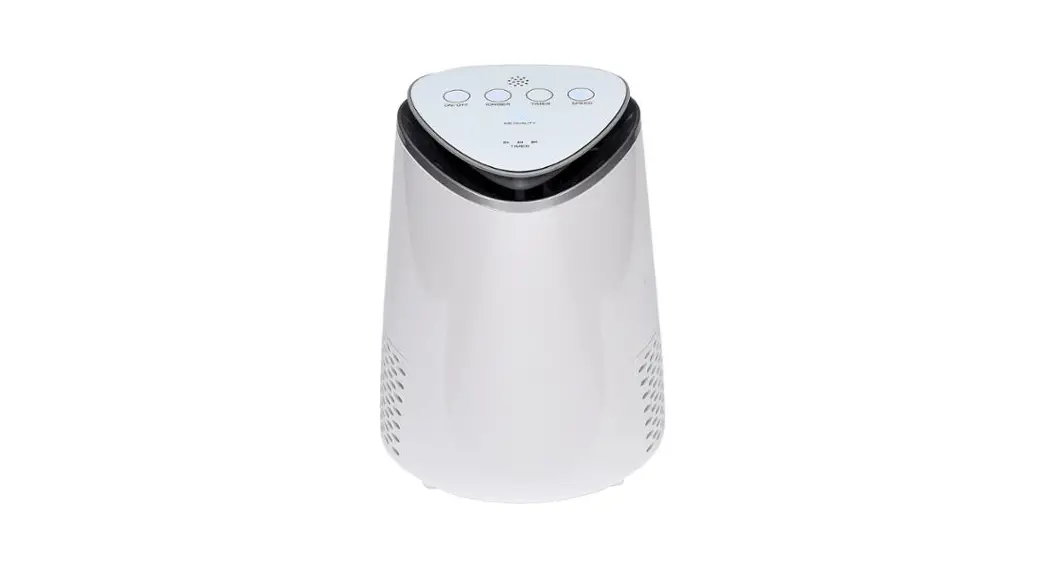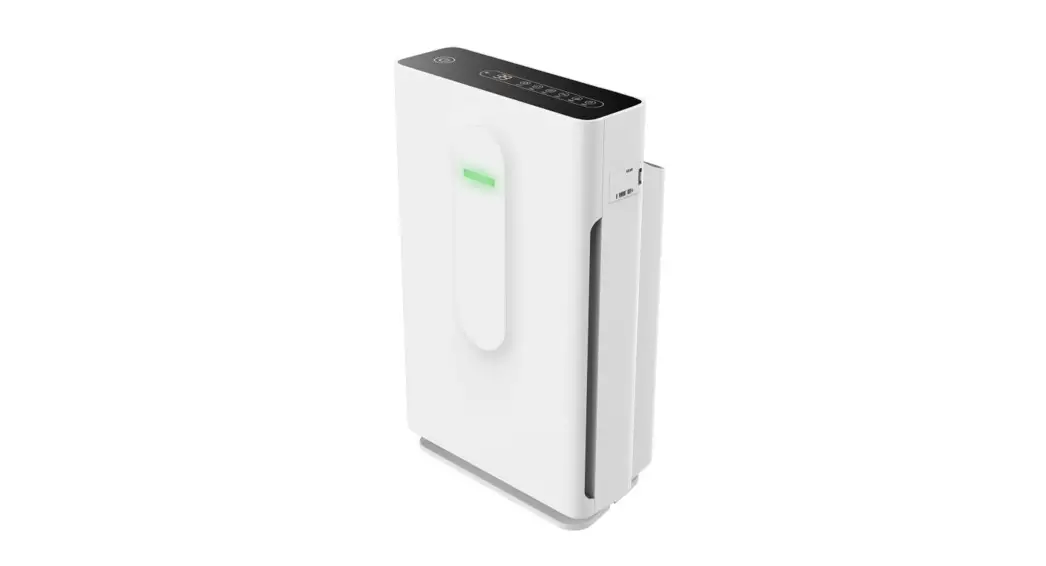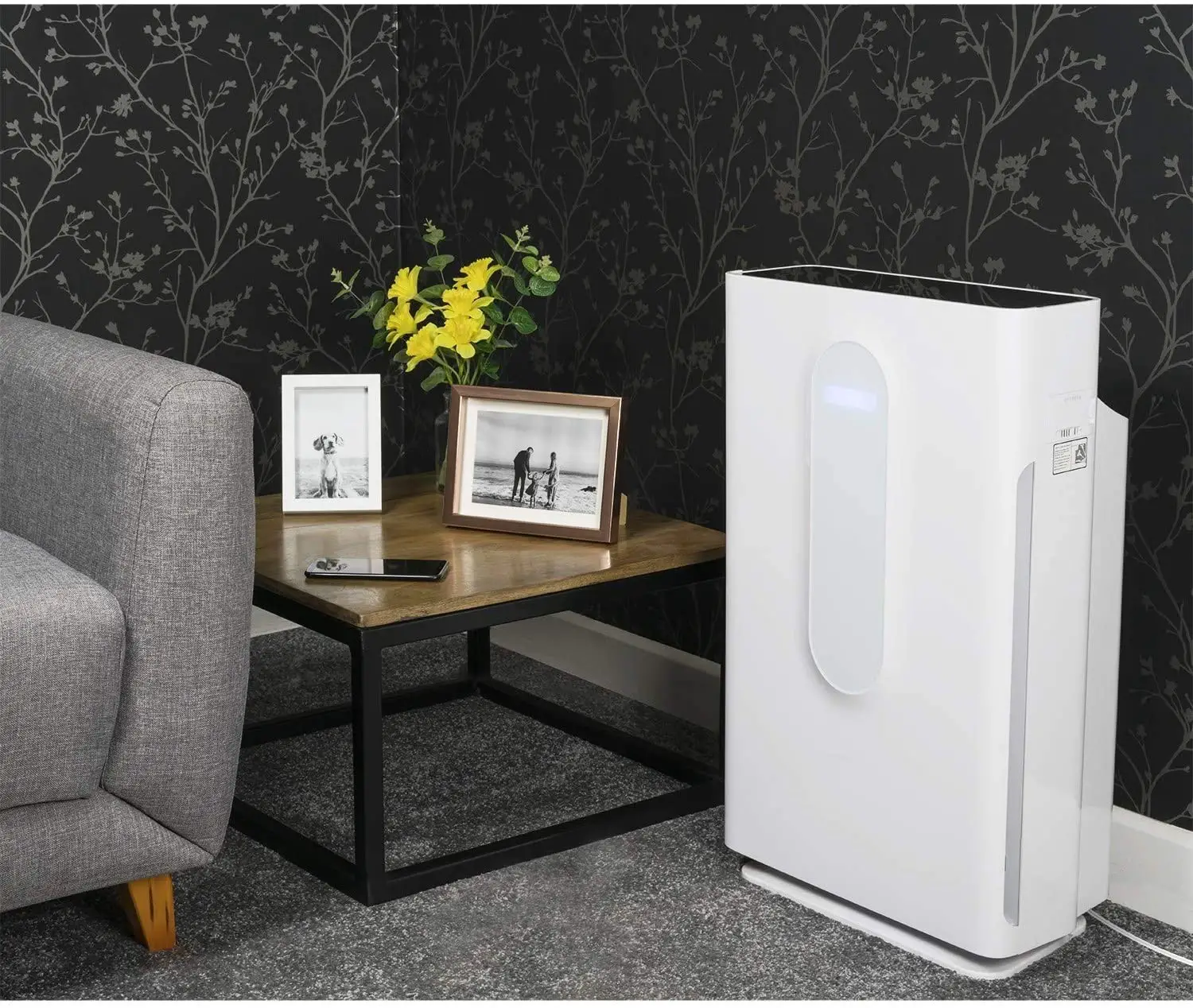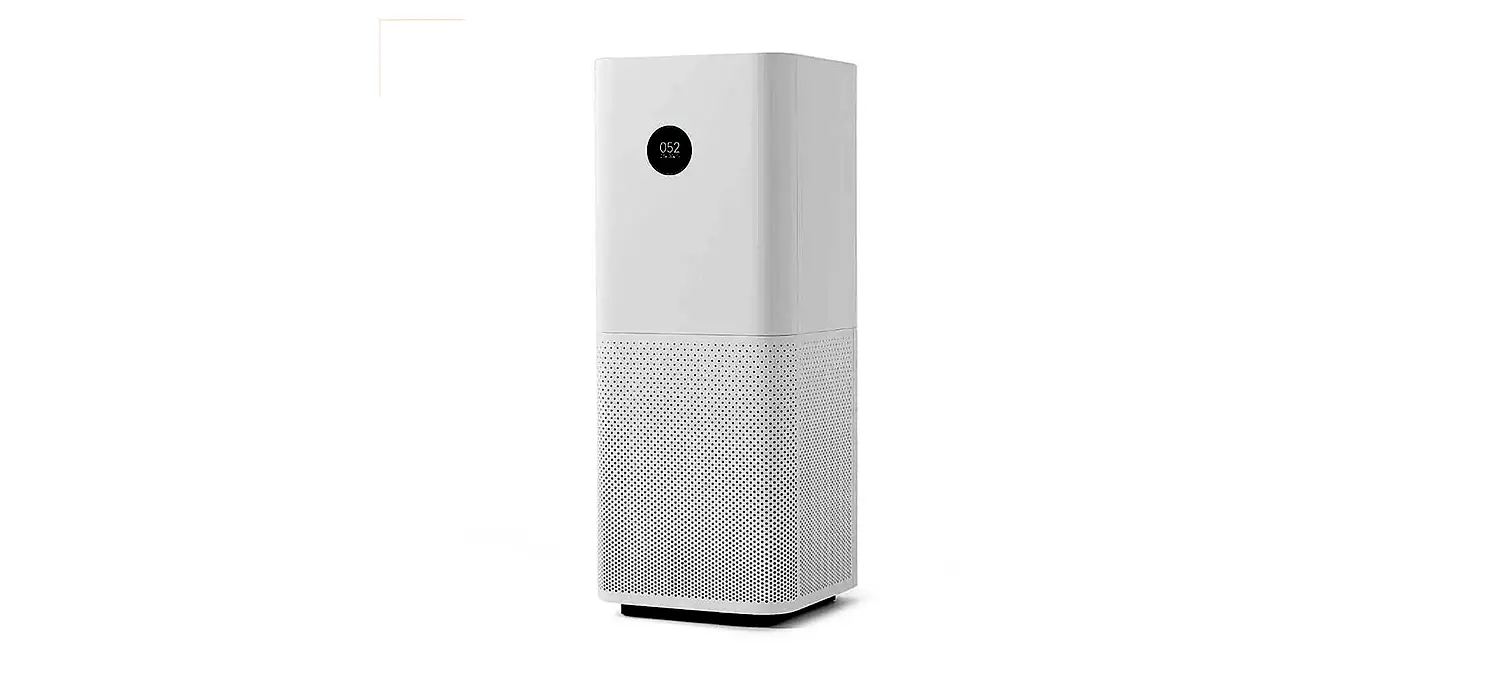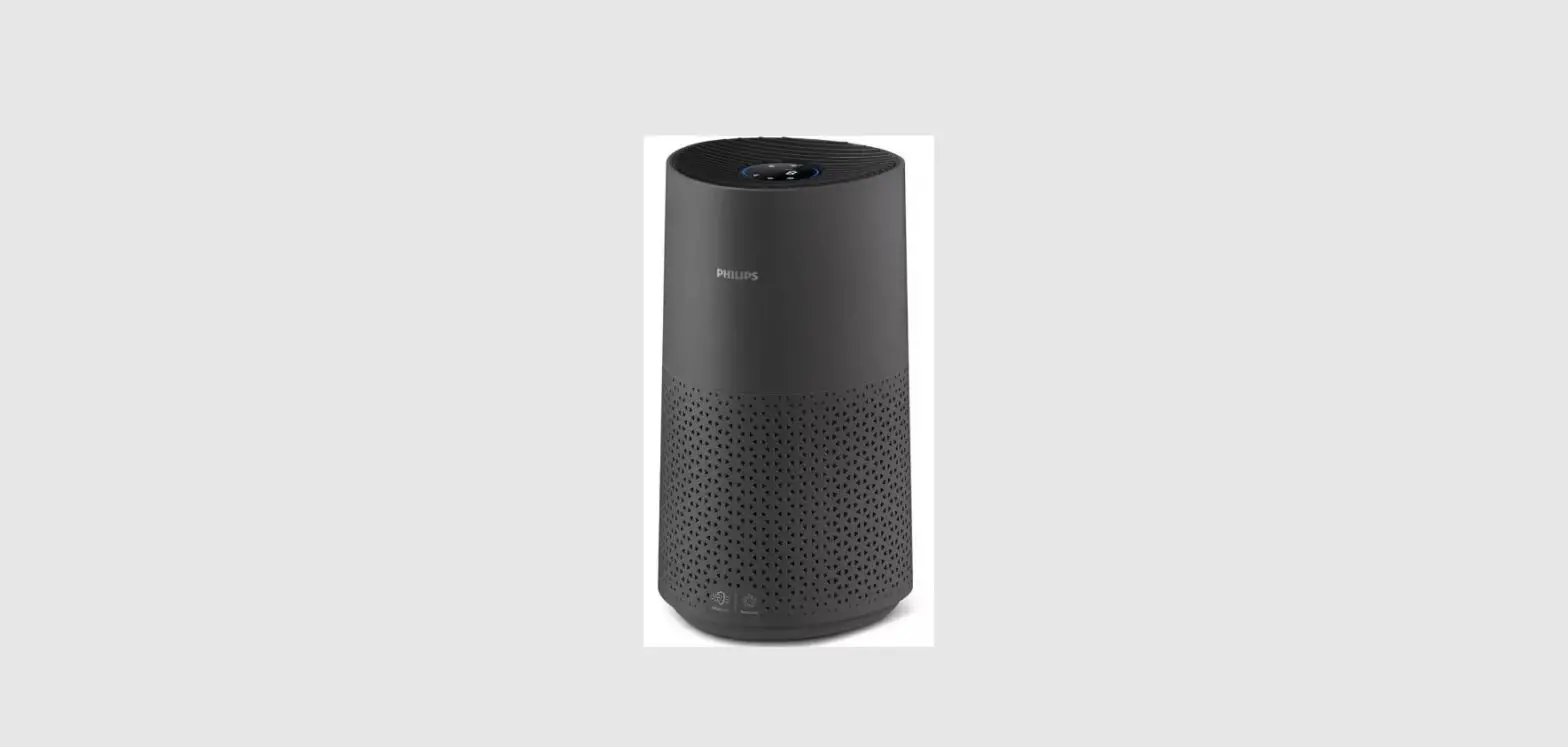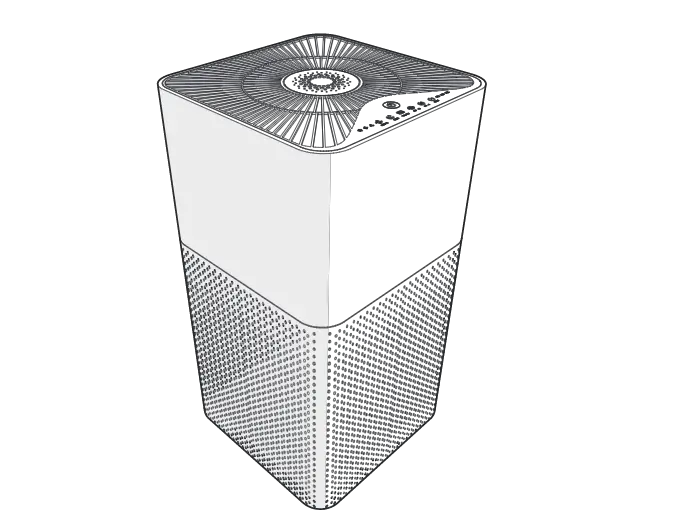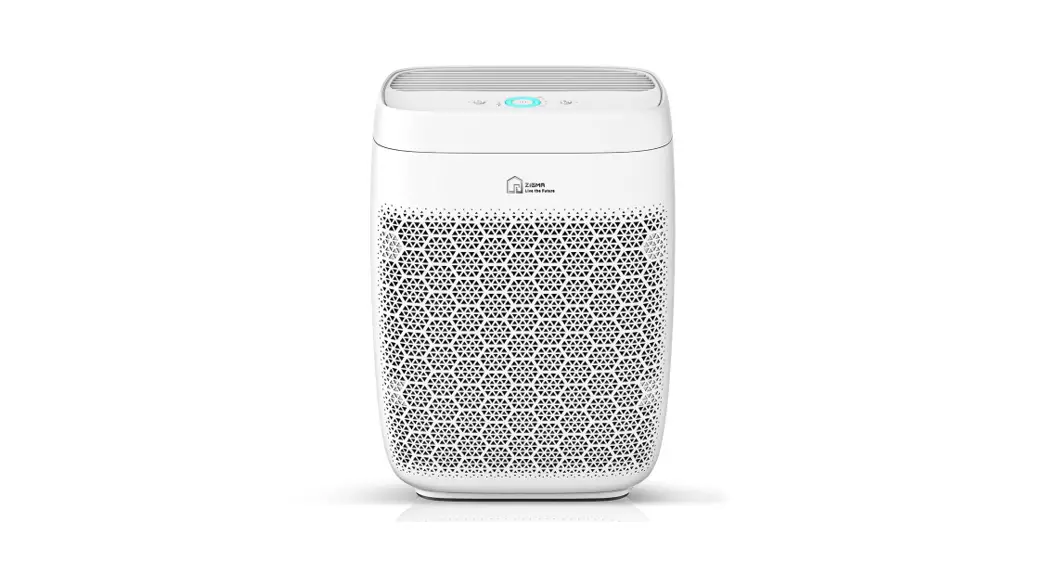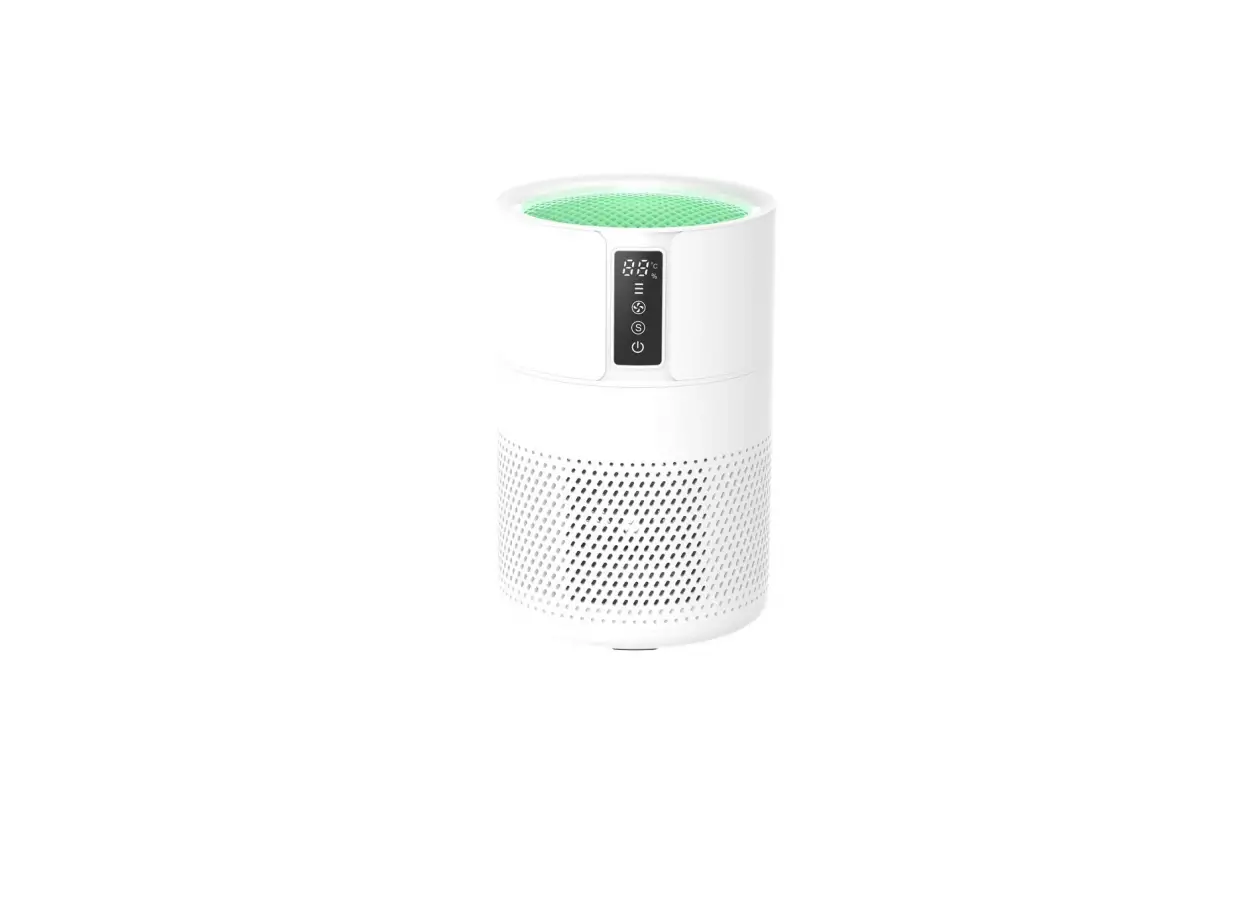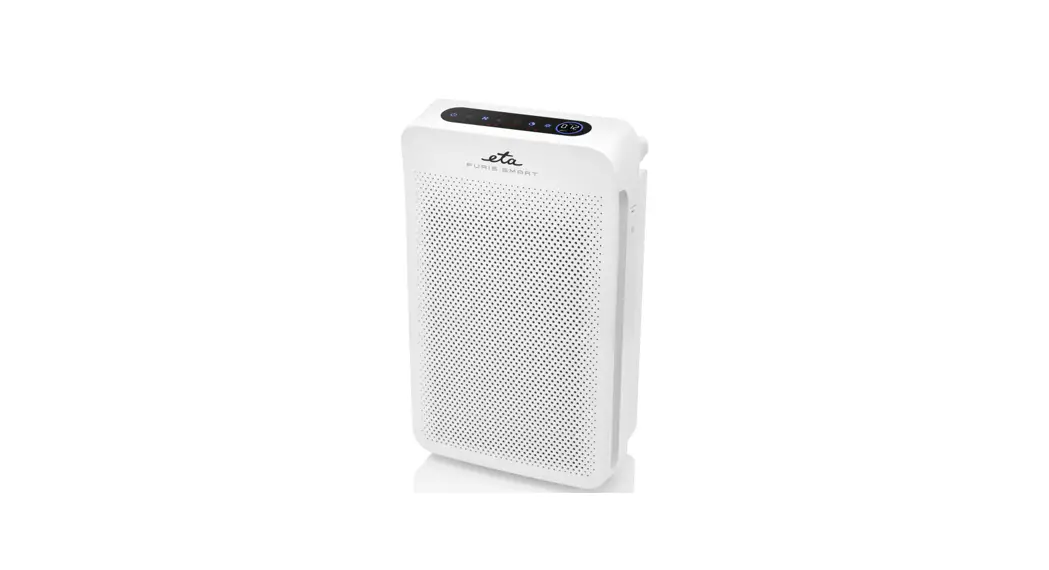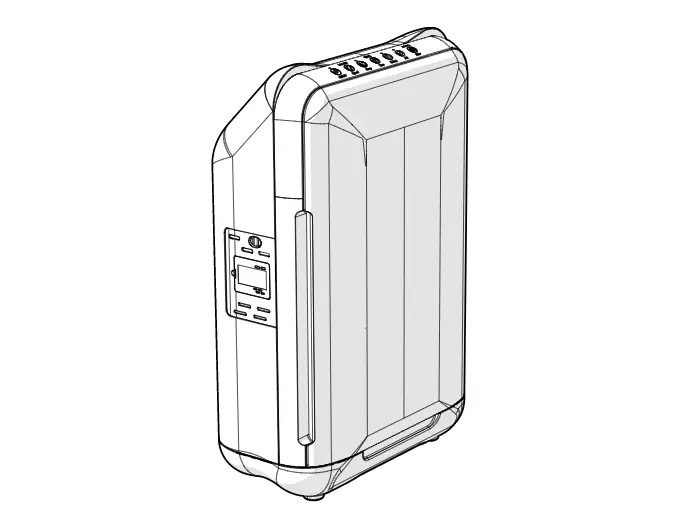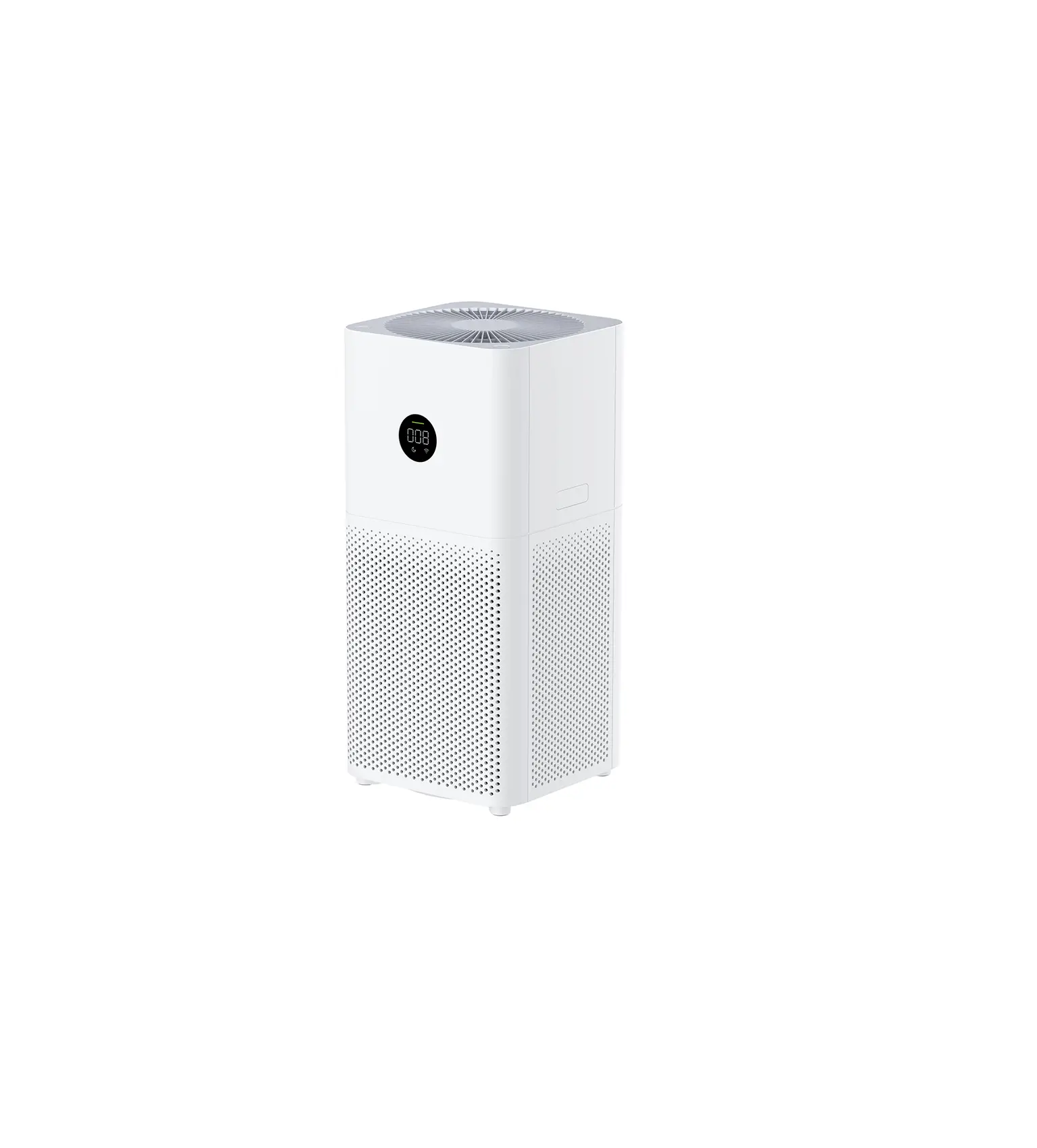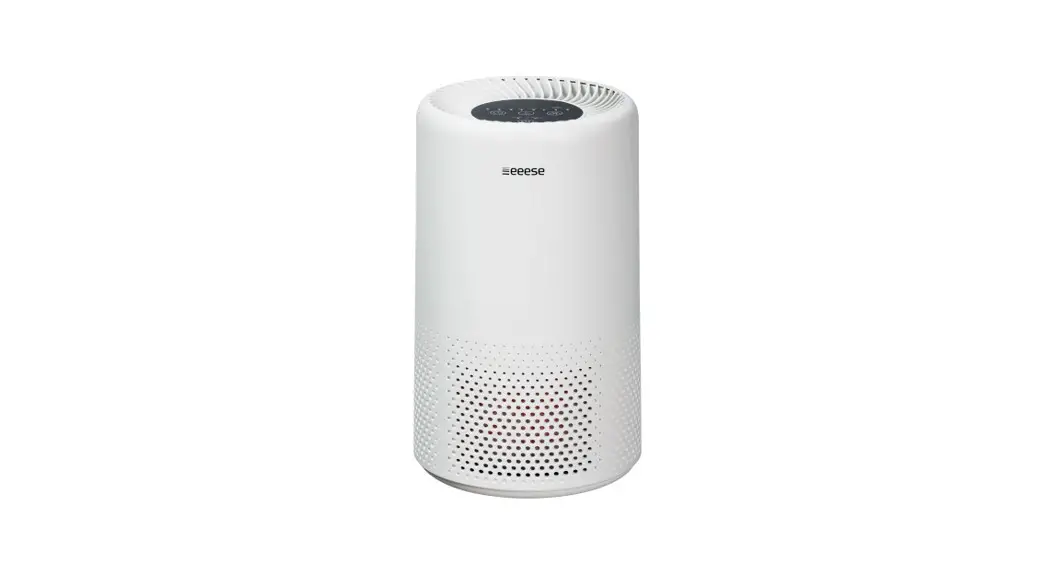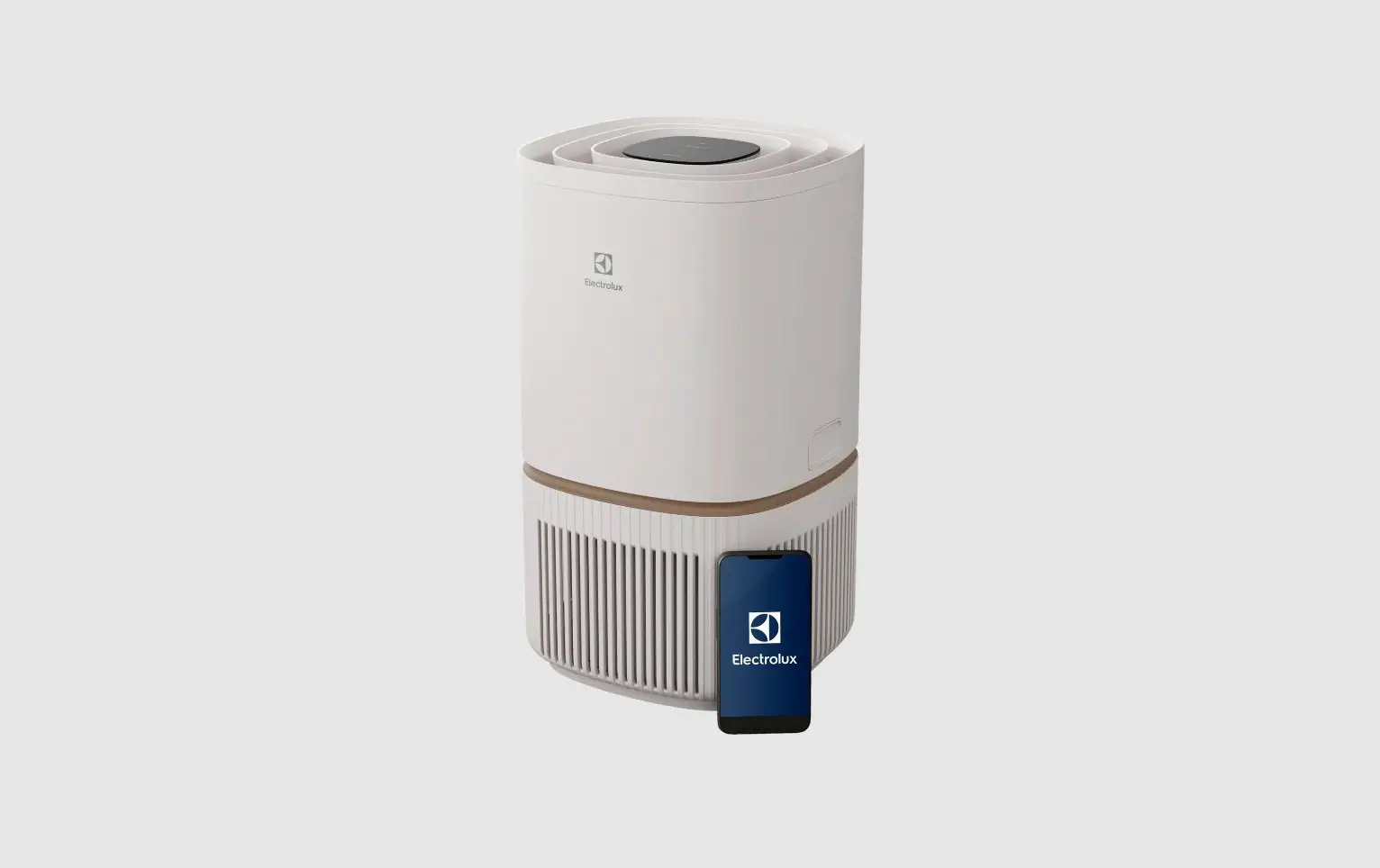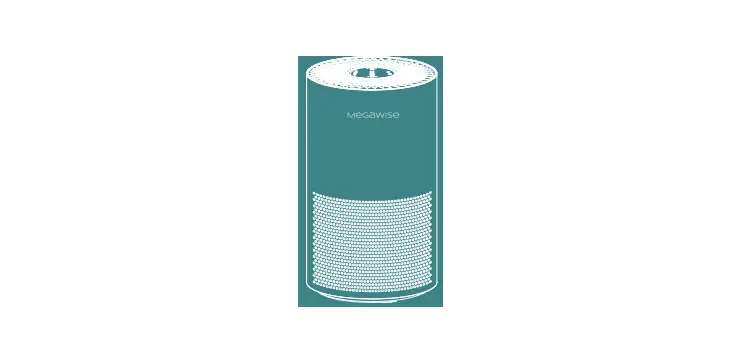

MegaWise EPI235A Air Purifier

WARRANTY
- Mega Wise warrants the included hardware product and accessories for 72 months from the original date of retail purchase. If you want to extend your warranty for 72 more months, please do not hesitate to contact us.
- Become a Mega Wise member and get access to exclusive benefits, such as updates about the latest Mega Wise products.
Share your experience by leaving an honest review.

CONTACT US
Please scan the QR-code to start chatting (Live chat).

Please read this user manual carefully before use, and keep it in a safe place for future reference. Refer to cautions section for important information.
STANDARD PARTS
- One air purifier
- One instruction manual
TECHNICAL DATA
| Rated voltage | AC720V |
| Rated power | sow |
| Filtering efficiency | 99.97% |
| Unit dimensions | 238x238x470mm |
| Unit weight | 3.5 KG |
CAUTIONS
- Do not shake the appliance or use it in unstable locations where the purifier can easily fall over, as it may cause the electric shocks, fire, or other damage.
- The unit is intended for indoor use only.
- Do not use the appliance in wet surroundings or surroundings with high ambient temperatures.
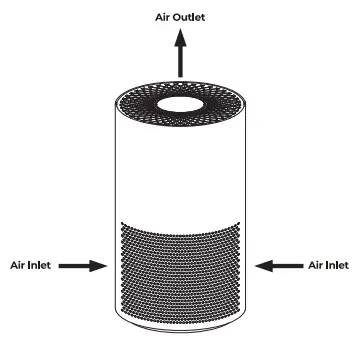
- Do not block the air inlet and outlet.
- Ensure that foreign objects do not fall into the appliance through the air outlet.
- Please switch off and unplug the appliance when it is not in use for a long time.
- The purifier disassembly should be performed by a qualified technician only.
USER INTERFACE
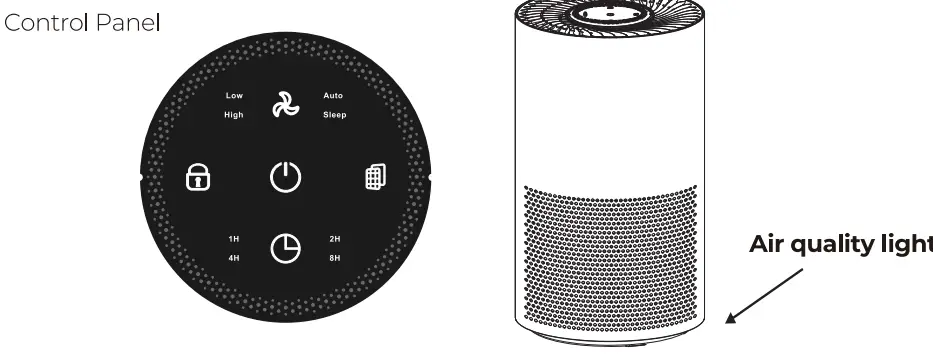
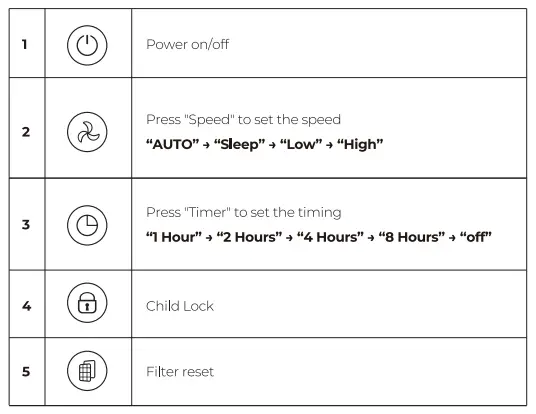
HOW TO USE
- Standby
Connect the power cord. The buzzing sound indicates the appliance is connected to the power source. All the indicators light up. Standby mode is set in 3 seconds, an air purifier is ready to operate. - Turn ON/OFF
Press the Power button to turn on the purifier. Press the Power button again to turn the purifier off.
 - Set the fan speed
There are several fan speeds available. You can choose the Auto/Sleep/Low/High speed mode by pressing the Speed button.
Automatic
Set the fan speed to Auto. The air purifier sets the fan speed by itself according to the ambient air quality in the operating area. The air quality sensor measures the air quality and selects the indicator light color automatically.- If the air quality in the operating area is bad, the indicator turns red color and a purifier sets the High fan speed.
- If the air quality in the operating area is good, the indicator turns yellow color and a purifier sets the Low fan speed.
- If the air quality in the operating area is very high, the indicator turns green color and a purifier sets the Sleep mode.
- Child lock
Press and hold the Child Lock button for S seconds to turn the child lock on. Short “beep” sound indicates that the function has been activated. When the child lock is on, all the other buttons are not active. Press and hold the Child Lock button for S seconds to deactivate the child lock.
 - Timer
Set the required number of hours you need the appliance to operate. Press the Timer button repeatedly to set 1/2/4/8/0ff.
 - Filter Reset
Once the purifier counts 2000 hours, Filter Reset button starts to flash.
Replace the filter and press the Filter Resetbutton to reset the filter lifetime counter.
Note: do not forget to cleanse your hands after the filter replacement - Sleep mode
Set the Sleep mode by pressing the Speed button. Power and Speed buttons will be dimmed, all other lights are off. Press any button to quit the Sleep mode.
 button to turn on the purifier. Press the Power
  button.
 button for S seconds to turn the child lock on. Short “beep” sound indicates that the function has been activated. When the child lock is on, all the other buttons are not active. Press and hold the Child Lock
  button repeatedly to set 1/2/4/8/0ff.
 button starts to flash.
PRODUCT FEATURES
- Pre-filter, HEPA filter with carbon coating
- Particle sensor
- Three color air quality indicator
- Four timer presets
- Adjustable fan speed, Sleep mode
- Filter change reminder
AIR PURIFIER SYSTEM
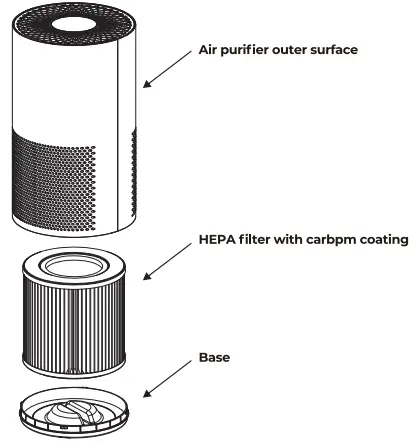
PRODUCT OVERVIEW
MAINTENANCE & REPAIR
TROUBLESHOOTING
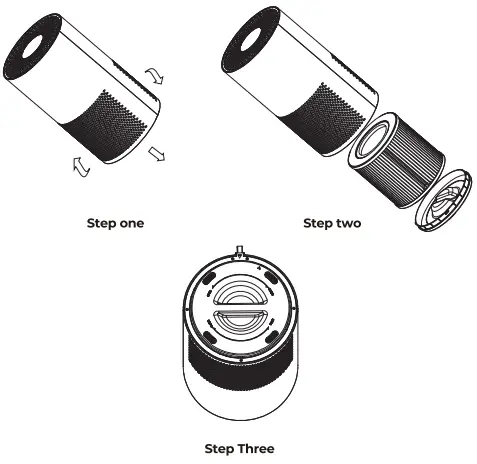
- Rotate the base counterclockwise till the very end, remove the base, take the HEPA filter out to clean, or to replace it with the new one.
- Rotate the product clockwise to assemble it.
- An indicator at the control panel notifies you if the filter needs to be replaced.
| Problem | Possible Cause | Solution |
|
The appliance does not work |
Power is supplied faulty or the front cover is loose | Remove and reattach the front panel. Ensure if the voltage indicated on the appliance cor responds to the loc al power voltage |
| Odor can’t be removed | The filter is dirty | Clean or replace the filter |
CUSTOMER SERVICE
Our customer service team is standing by to assist you if you have any questions or concerns.