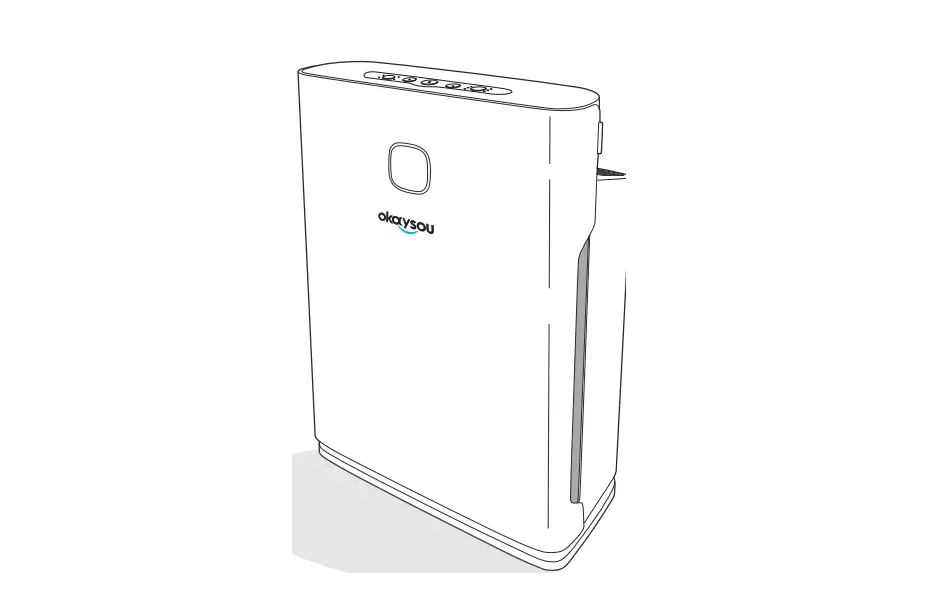
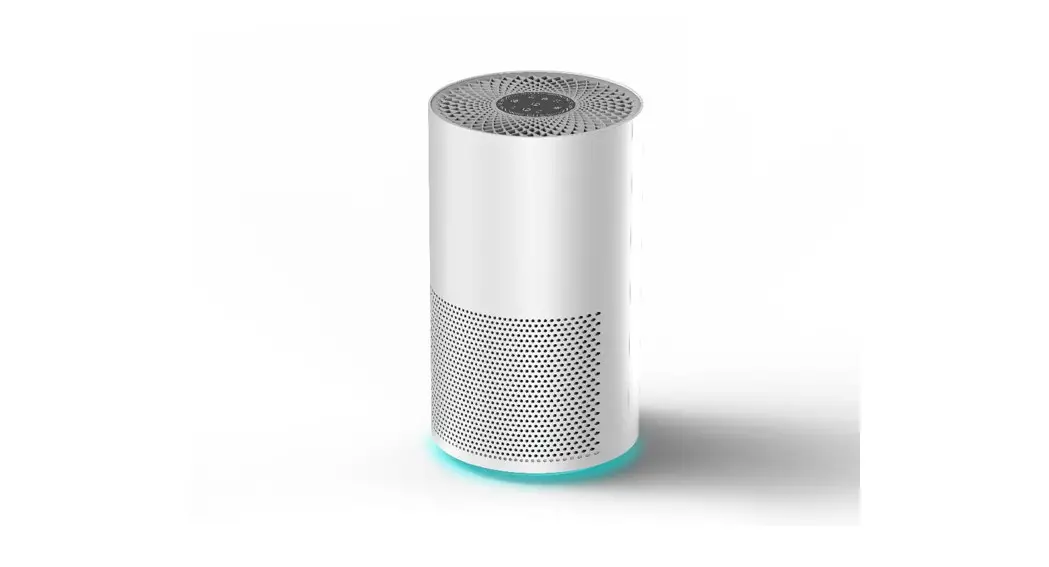
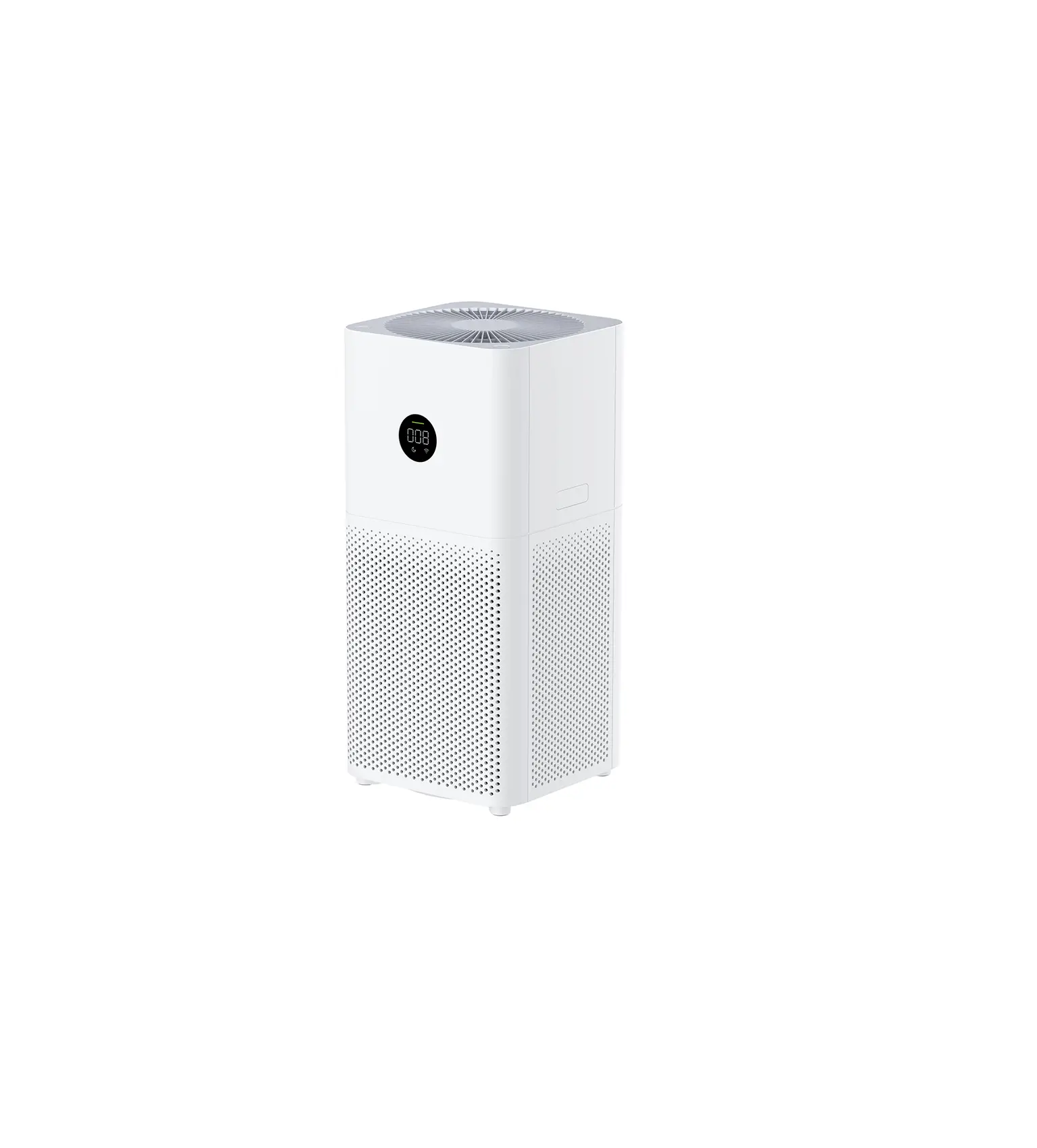
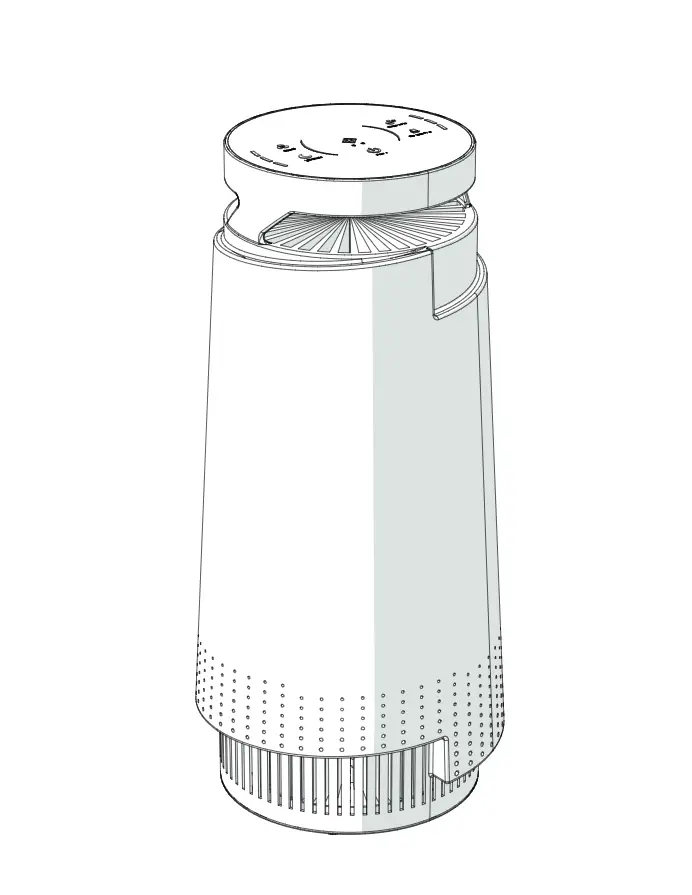
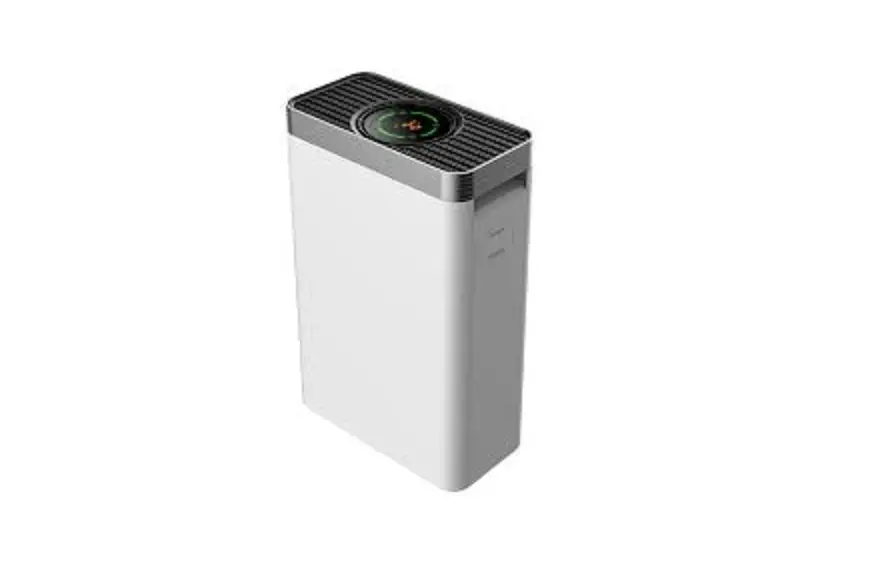
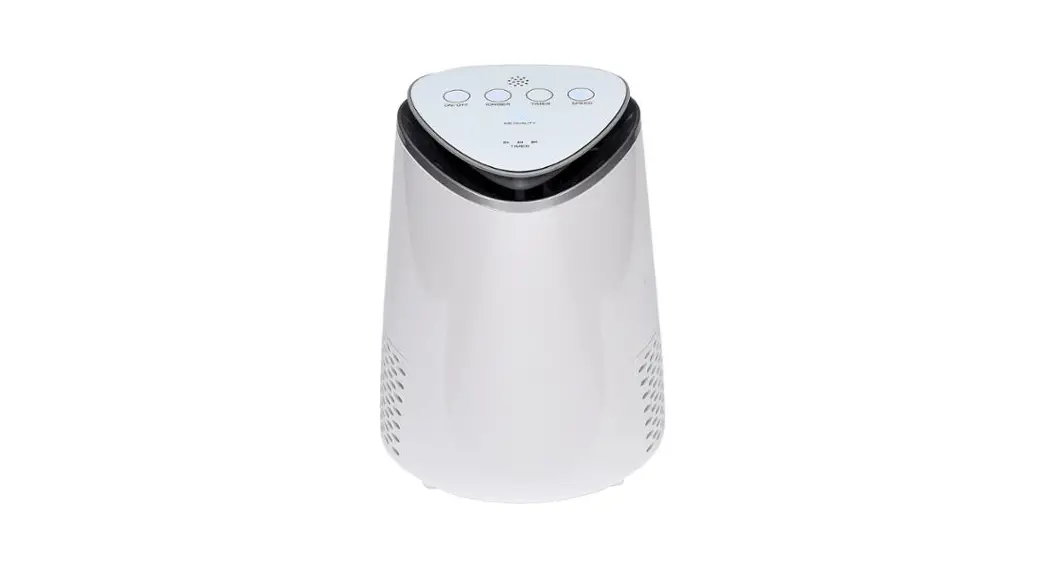
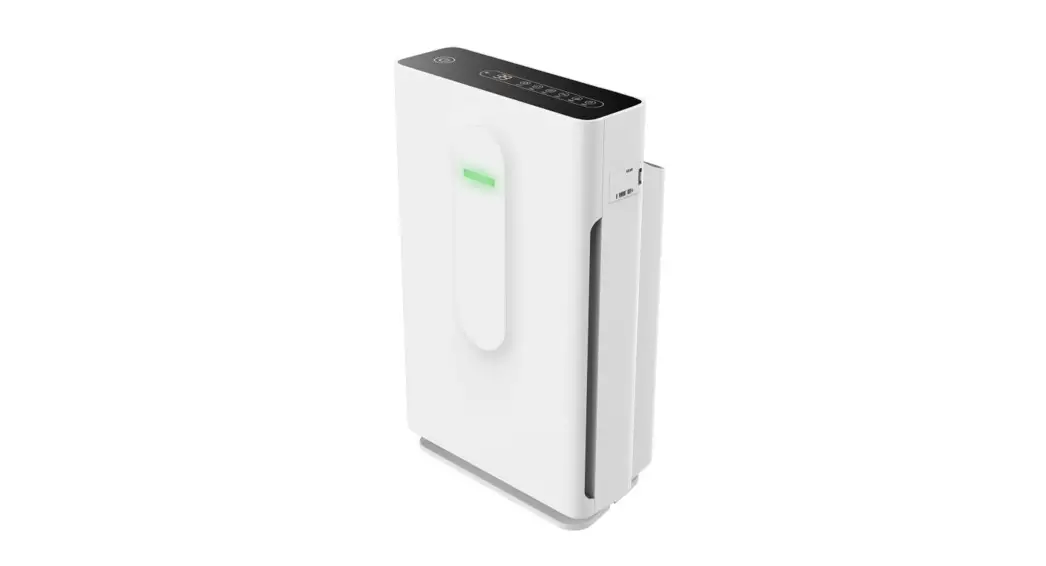
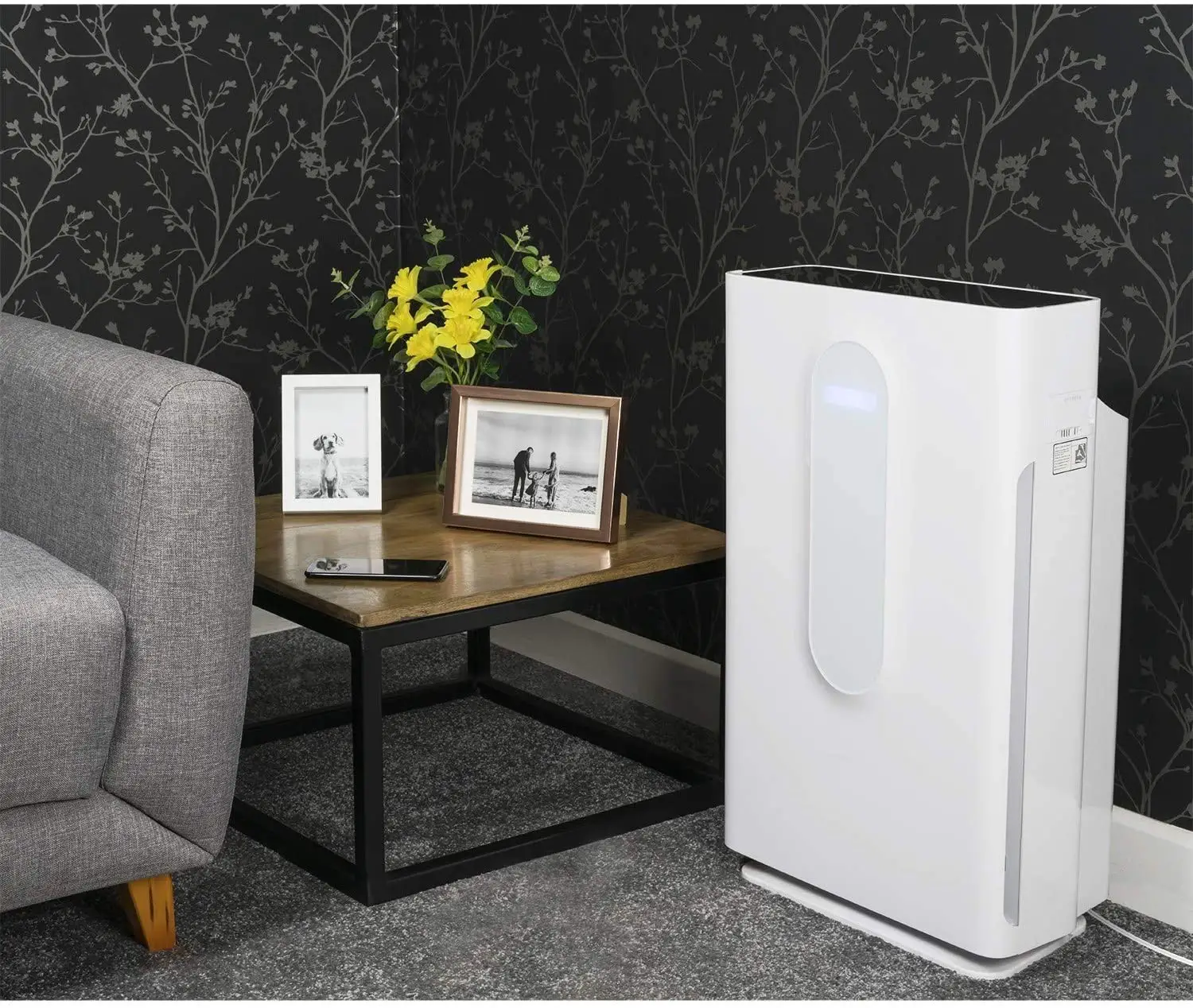
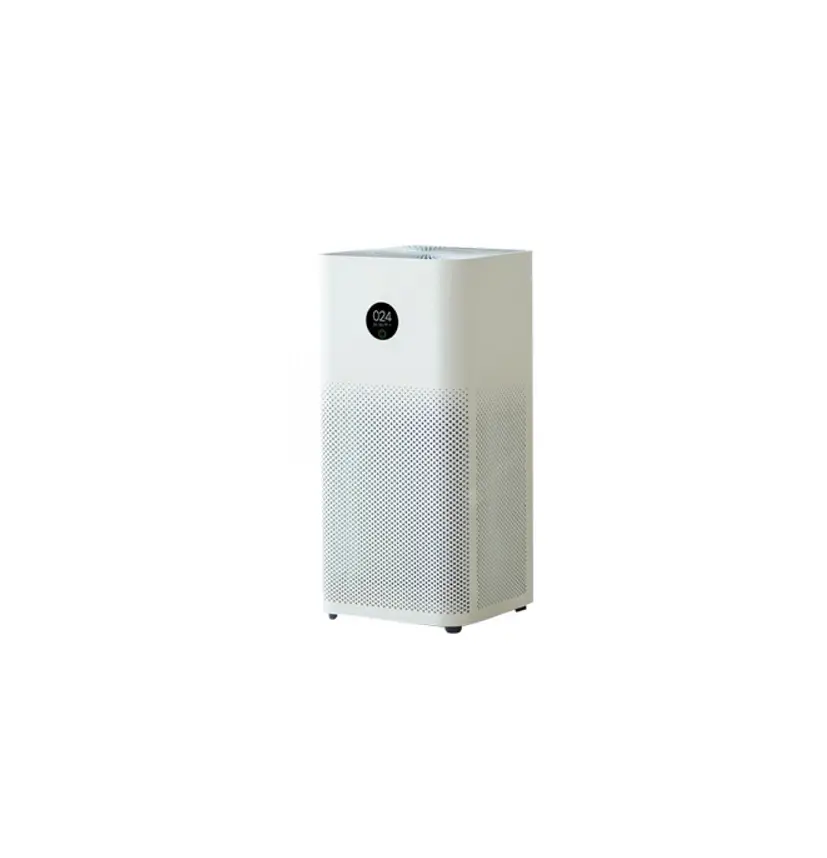
 AirMax 8L
User Manual
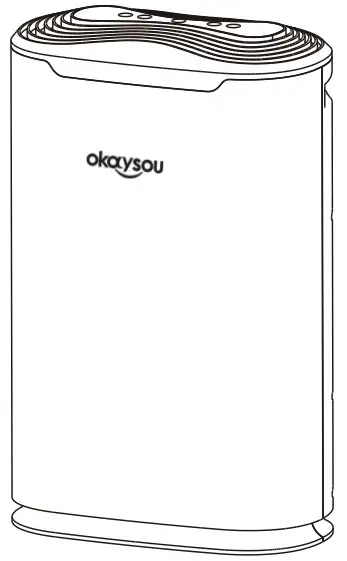
Please read the user manual carefully before use. And please keep it properly after reading for checking in the future.
Specifications
Model: AirMax BL
Power Supply: AC110V,60Hz,50W
Effective Range: 237 sq. ft. (22m芍
Noise Level: s59dB
CADR: 160CFM(180m3/h )
Size:12.9X7.1X19.4 in
Package contents
1 x User manual
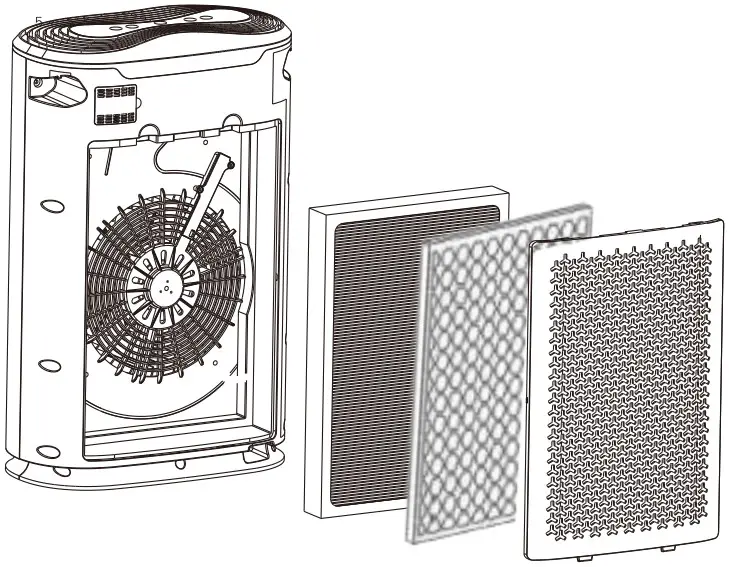
1 x Premium HEPA & Antimicrobial Filter A
1 x Premium Carbon & Catalyst Filter B
1 x AirMax 8L
Safety Precautions
 WARNING
 Do not touch the power plug with wet hands, or it may cause electric shock.
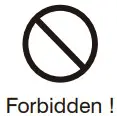 Do not use a power supply beyond a specified value.
Overheating and fire accidents may occur if you use universal sockets or devices beyond specified value.
• Only can use 110V~alternating current (AC) power supply.
 Do not bind wires when using the machine to avoid electric shock, short circuits, and fire accidents.
• Any cutting, scratching, refitting, over distorting, twisting, screwing, and pulling of lines are all forbidden.
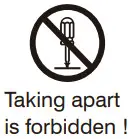 Do not attempt to repair this device in any way or use any replacement components or parts to modify this unit.
• Doing so may cause electric shock, malfunction or fire accidents. Contact Customer Support immediately.
Do not clean this unit when it is working.
• Regularly clean the power plug to avoid the accumulation of dust which may cause damage to the insulation part of the plug.
 Do not use a damaged plug or loose power socket.
Please make sure the plug is completely plugged before starting the device. If not, It may cause electric shock or overheat.
• Do not put any heavy products on wires or sockets.
 Regularly clean power plug
If dust accumulating on the power plug, the dampness will make damage the insulation part of the plug, thus causing a fire accident.
• Pull out the power plug and then clean with a dry cloth(do not use a wet cloth).
• If the machine will be of no use for a long time, please unplug it.
Do not put bars or metal products nearby the air outlets or openings.
• These items may touch the internal parts of the appliance and cause an electric shock or damage.
Please turn off the power immediately in case of any of the following situations and contact
Customer Support immediately:
- Malfunction of any switch.
- Circuit breaker worked or fuse burned.
- Abnormal heating of wires or plugs.
- Any burnt smell, abnormal sound, or shock.
NOTICE
Do not use solvents like benzene, diluent to clean the machine, keep it away from wasp spray.
• Doing so may cause damages to this appliance.
Do not use air purifier in the situation of greasy particles.
• This machine should not be used as ventilating or air evacuating equipment.
Do not use the air purifier in the room with fumigation-type pesticides.
The chemical residue could be accumulated inside the machine and then release from the outlet to make harm to health.
• The room should keep ventilated thoroughly after using the insecticide and then start to use an air purifier.
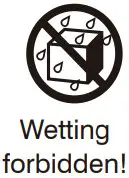 Do not use the air purifier in wet or humid environments.
Or else it may cause electric shock or fire accident because of short circuit.
Hold the plug when taking out the power plug and do not pull wires to avoid fire accidents and electric shock.
Do not place the air purifier near sources of heat, such as stove tops, ovens, radiators or computers.
• The air purifier cannot clear off carbon monoxide.
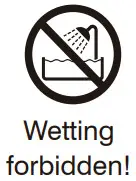 Do not use this unit in high temperature and humid conditions, like bathroom, because it may cause current leakage to lead to electric shock or fire accidents.
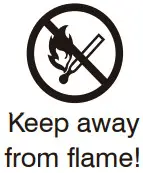 Do not place the machine near volatile substances or flammable items, such as tobacco and sparks.
Product Description
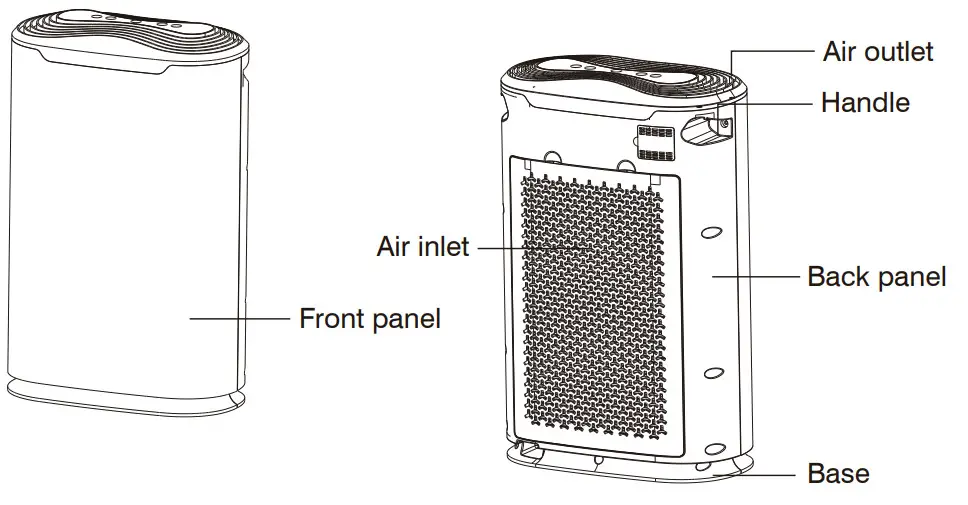
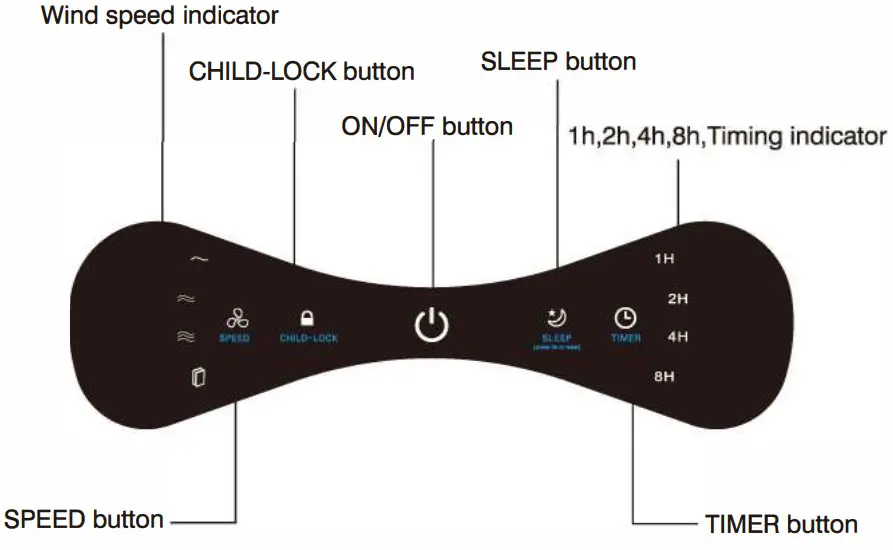
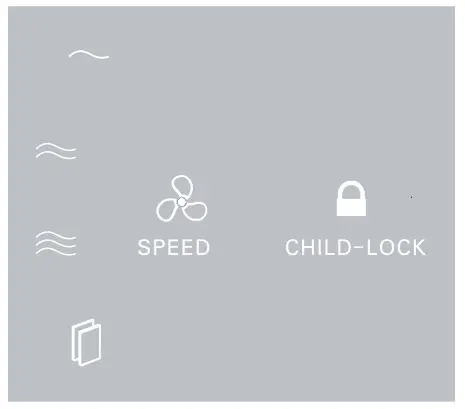
Control panel
Getting Started
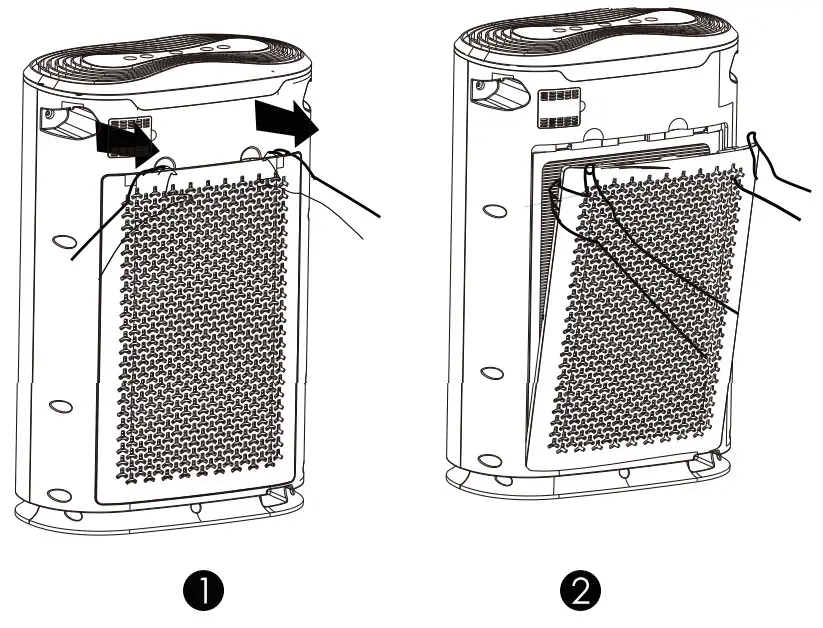
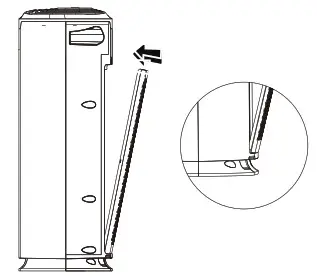
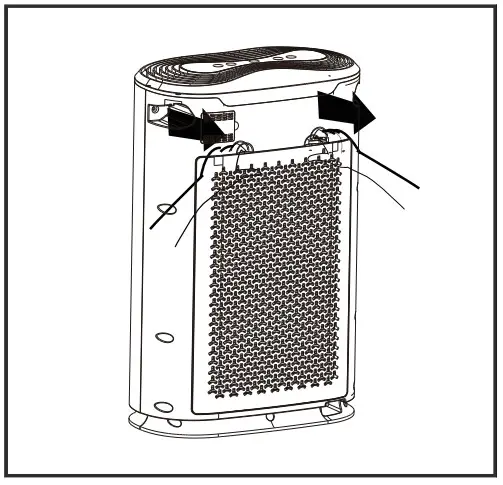
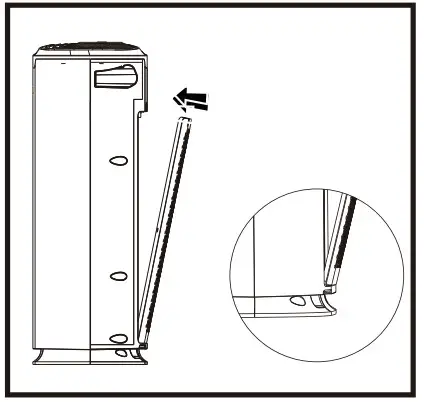
- Press the play button in the back cover and pull the cover, then you can lift the back cover and pull out slightly.

- To reinstall the back cover, please align at the fixed groove and insert the cover into the groove, making the play button and frame withhold.

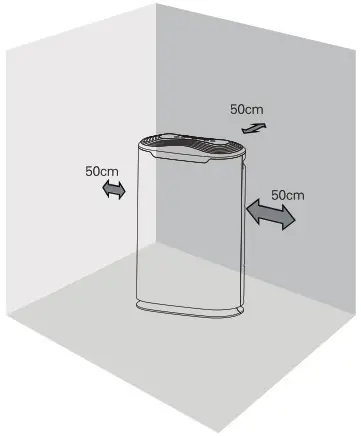
- To make sure good air circulation effect, please ensure at least 50 cm distance between air inlet and wall or curtain.
The distance to air outlet is also at least 50 cm. Please keep 1 m or more distance from the TV, Radio.
Note
Please do not use the same socket with tv, radio, and other appliances. Doing so may cause picture flutter or noise.
Do not obstruct air inlet and outlet, ensuing enough ventilation and high efficiency.
Install the air filters
Important:
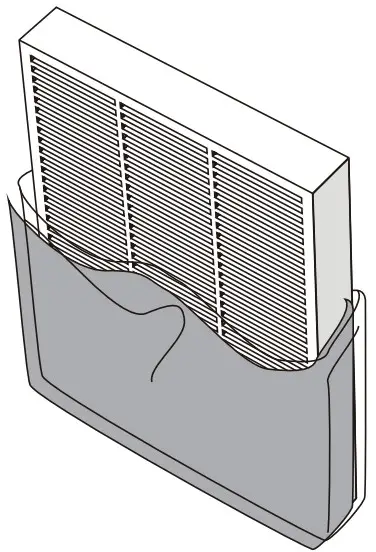
Please remove all the packages of the filter before use. Please disassemble and reinstall filters according to the following instructions.
- Place the air purifier in a dry, smooth and flat surface.

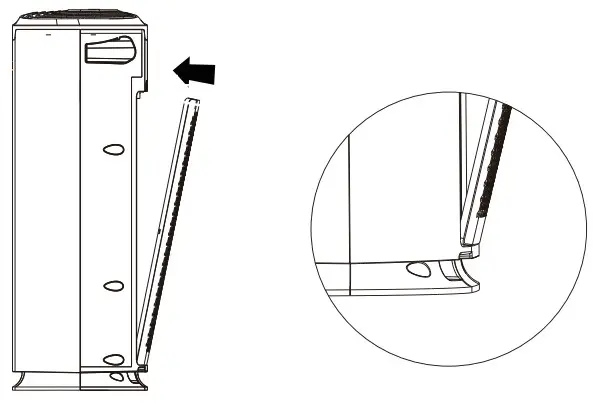
- Press play button in the back cover and pull the cover, then lift and pull out the cover slightly.
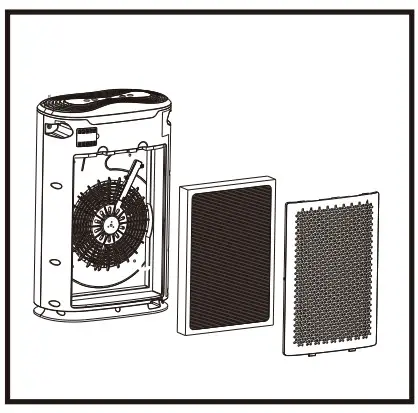
- Disassemble all the filters.

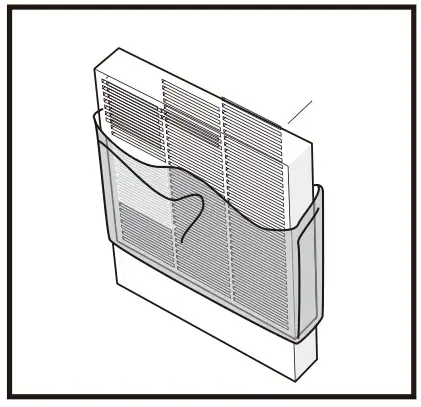
- Remove all packages of the filters.

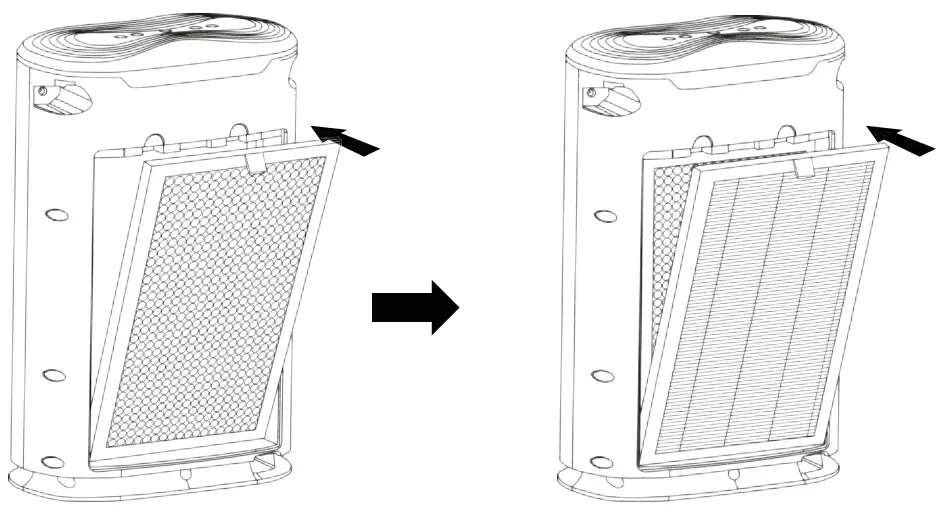
- Replace the filters into the air purifier.

- Reinstall the back cover.
 Note
Note
Please make sure the plug is outage when installation, maintenance, or transportation.
Please do not use the machine without a filter.
 Note
NoteStages Purification
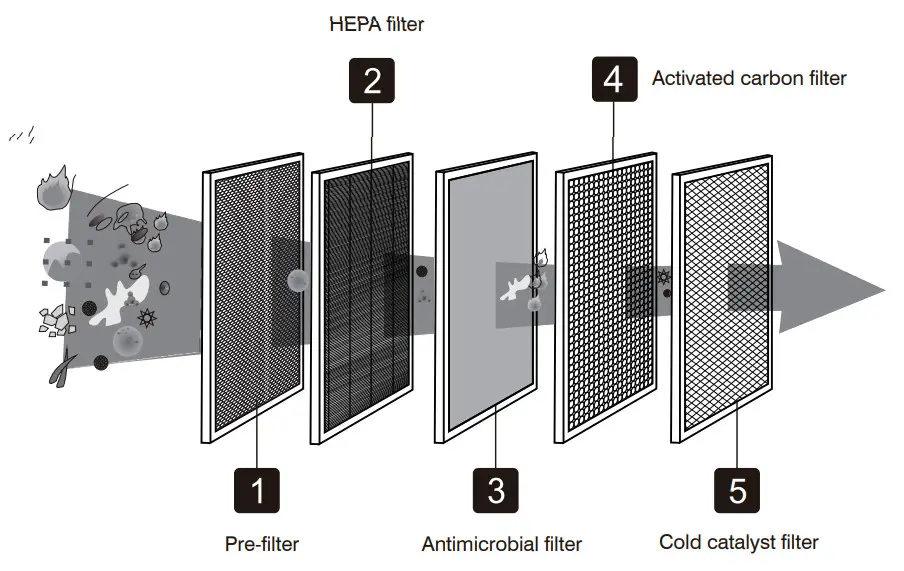
5 steps filter purification
First step: Pre-filter
Second step: HEPA filter
Third step: Antimicrobial filter
Fourth step: Activated carbon filter
Fifth step: Cold catalyst filter
First step: Pre-filter
Captures large particles such as pet dander, household dust and pollen.
Second step: HEPA filter
Removes 99.97% of particles as small as 0.25 microns.
Third step: Antimicrobial filter
Inhibits various bacteria and the sterilization rate reaches 99.9%.
Fourth step: Activated carbon filter
Absorbs volatile organic compounds and further removes toxic substances such as formaldehyde and other household odors.
Fifth step: Cold catalyst filter
Decomposes and captures ammonia, aves, hydrogen, etc.
How to Use
Plug in
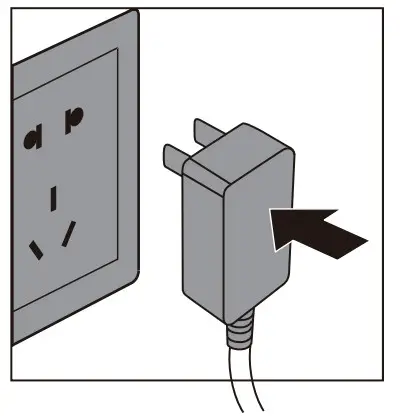
Plug the air purifier into a powered electrical outlet.
The unit will set out a sound and all the indicators will be on. Then the power light will flash to enter the standby mode.
ON/OFF button
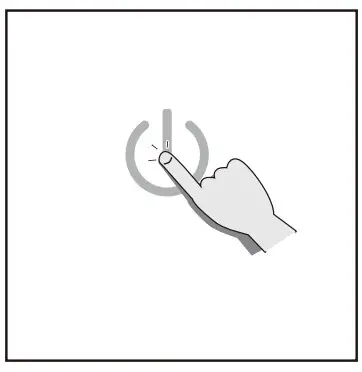
Press ON/OFF button to start producing fresh air on fan level 1.
SPEED mode
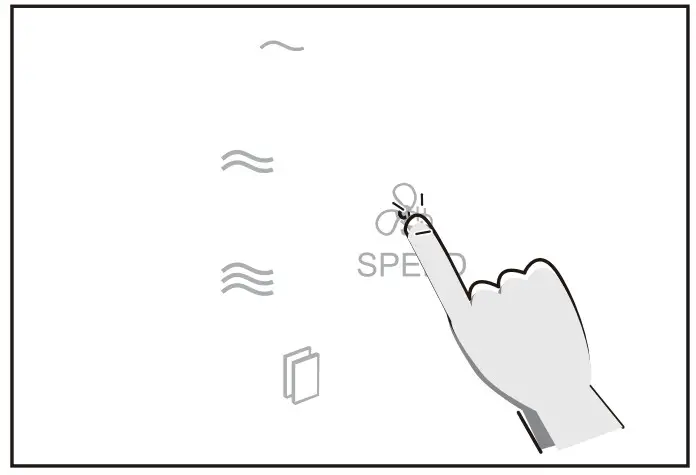
(Optional) Tap SPEED button to change fan speed from 1 to 3.
TIMER mode
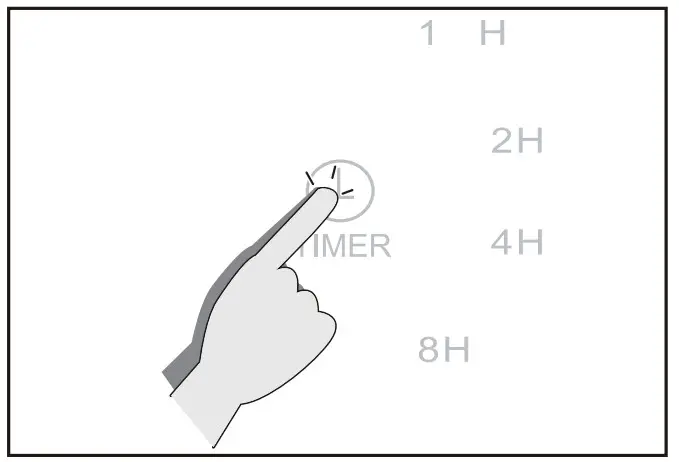
(Optional) Press the TIMER button to customize the working time, 1h, 2h, 4h, 8h, and no timer.
SLEEP mode
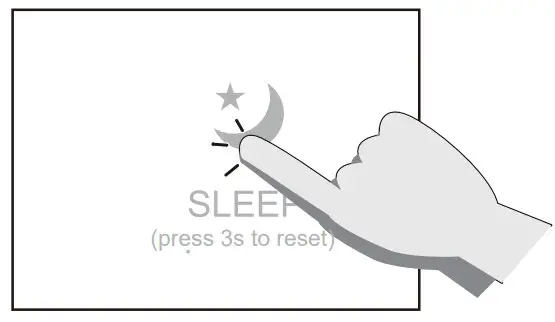
(Optional) Tap the SLEEP button to enter sleep mode. In this mode, the indicator light of SLEEP will be on and the fan will work at the lowest speed. All the other indicator lights will be off and 10s later, the indicator light of SLEEP will be off. Press the ON/OFF button to turn off the machine directly.
Note: Press the SPEED, CHILD-LOCK, SLEEP, or TIMER button while in sleep mode, the air purifier will exit the sleep mode.
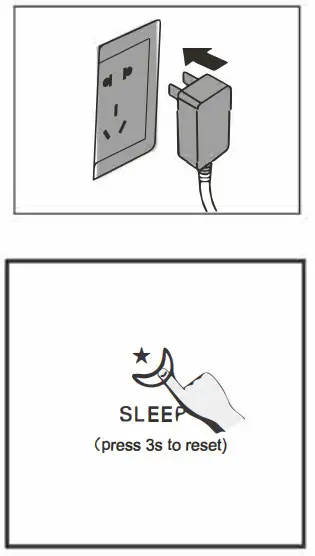
The filter reset button will light up when the filters need to be replaced. Press the SLEEP button for 3s to reset after changing filters.
If you want to set a time in SLEEP mode, please press the TIMER button to choose 1.
If you want to set a time in SLEEP mode, please press the TIMER button to choose 1h, 2h, 4h or 8h, then press the SLEEP mode button.
CHILD-LOCK mode
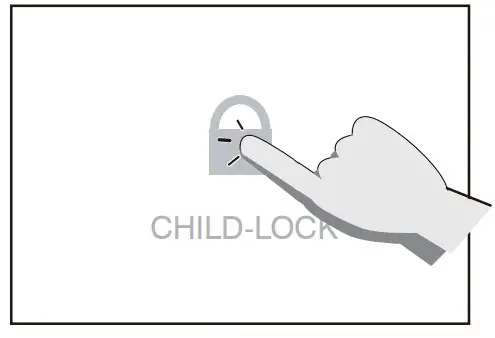
(Optional) Press the CHILD-LOCK button for 3s, the indicator light of the CHILD-LOCK will be on.
In this condition, the air purifier won’t be activated when pressing any key; Press another 3s to exit the CHILD-LOCK mode.
Maintenance and Cleaning
General maintenance
Please make sure to pull out the power plug before cleaning the unit.
Do not immerse the purifier in water or liquid detergents.
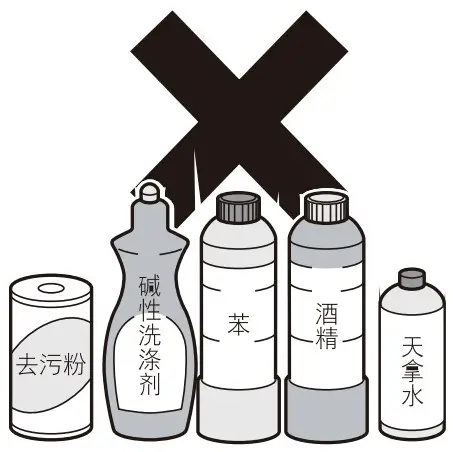
Do not use any detergent with abrasiveness, corrosive or inflammability, such as bleach or alcohol to clean any parts of the machine.
The filters cannot be a wash.
Cleaning
Clean the air purifier regularly to prevent dust accumulation.
Use a soft and dry cloth to remove the dust from the air purifier.
Use a soft and dry cloth to clean the outlet and the inlet of the machine.
Change filter
- The filter replacement indicator light will be on to remind you to change the filters.

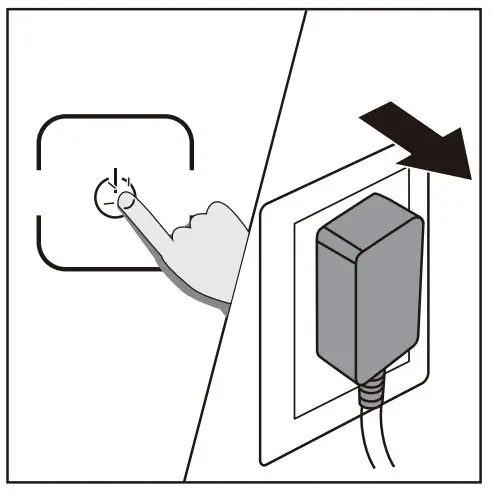
- Turn off the power and pull out the plug.

- Press play button in the back cove to pull out the cover slightly.

- Remove all the filters.

- Remove all packages of filters, then install the new ones into the air purifier orderly.

- To reinstall the back cover, please align at the fixed groove and insert the cover into the groove, making the play button and frame withhold.

- Plug in and turn on the air purifier.
Press the SLEEP button for 3s to reset the machine.
Long term idling
Pull out the power plug if you do not use the air purifier.
Keep the purifier inside dry thoroughly, or else it may cause malfunction because of rust.
Place the purifier in a dry and ventilating place.
Do not place flat or upside down to avoid malfunction.
When the purifier runs for 1500 hours, the air purifier will send a siren and the indicator light of filter replacement will light up to remind you to change the filter. At this condition, the machine can still work normally.
Troubleshooting
The following problems may appear in daily use. Please contact Customer Support immediately if you could not find a solution in this chart.
| Problem | Possible reason | Solution |
| An air purifier cannot work | Unit is not plugged into an electric outlet | Connect the plug to a powered electric outlet |
| Power plug or wire is damaged | Contact customer support immediately | |
| The fan does not work | The unit does not turn on | Plugin and turn on |
| The motor is defective or loose | Contact customer support immediately | |
| Foreign particles come inside | Contact customer support immediately | |
| Filter packing is not removed | Remove packages of every filter | |
| The machine is on uneven ground | Move to even and flat ground | |
| Bad performance | The filter needs to be replaced | Replace the filter |
| Machine inlet or outlet blocked | Contact customer support immediately | |
| Filter plastic package is not removed | Remove all the packages and then use | |
| Not enough space | Please ensure there is a 50 cm distance between the two-side air inlet, and the distance to the air outlet is not less than 50 cm | |
| Lack of filter or the filer is not properly placed | Make sure all the filters are placed orderly in accordance with instructions | |
| Exceed the effective range | Check whether the room areas are within the effective cover area |
Warranty Information
Okay so warrants all products to be of the highest quality in material, craftsmanship, and service, effective starting from the date of purchase.
Okay so will replace any product found to be defective due to manufacturer flaws based on eligibility. Refunds are available within the first 30 days of purchase.
Refunds are only available to the original purchaser of the product.
This warranty does not apply to the following:
- Damage due to abuse, accident, alteration, misuse, tampering, or vandalism.
- Improper or inadequate maintenance.
- Damage in return transit.
2-year warranty
Please enter www.okaysou.com/warranty to complete the warranty application to enjoy your 2-year warranty with more confidence.
You could also enjoy more discounts and giveaway activities!
If you have any questions or concerns about your product, please feel free to contact our Customer Support.
Email: [email protected]
Website: www.okaysou.com
 Okaysou.com | Online Shopping for Air Purifiers