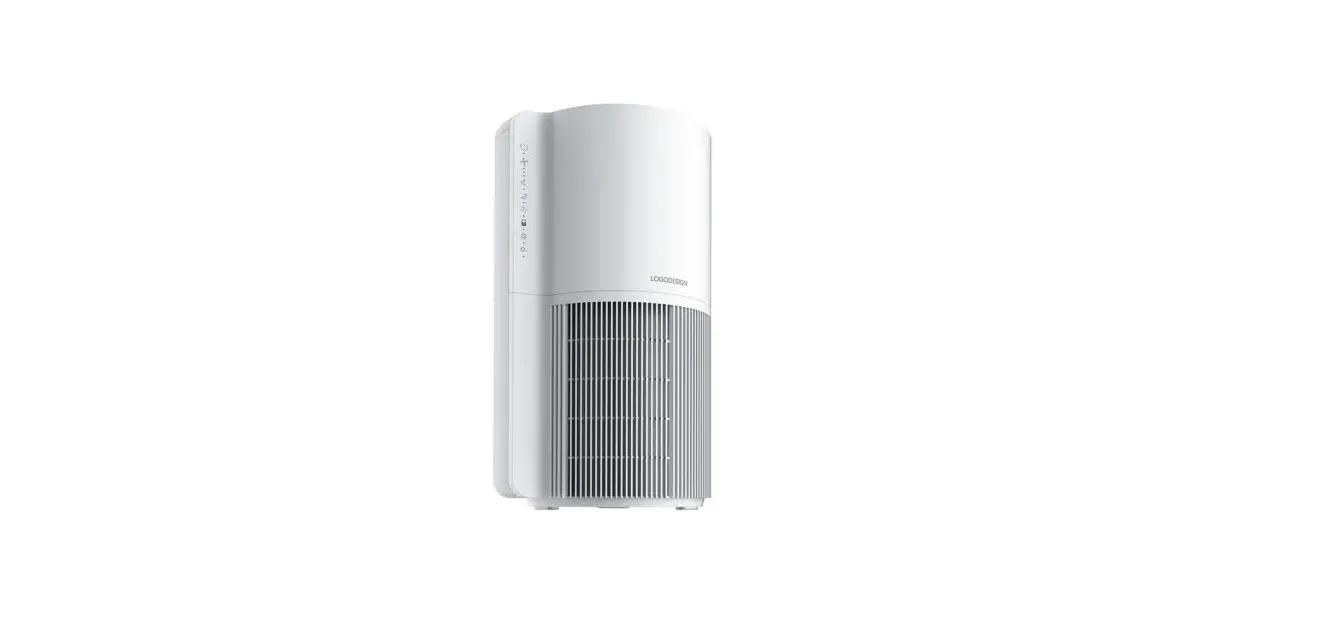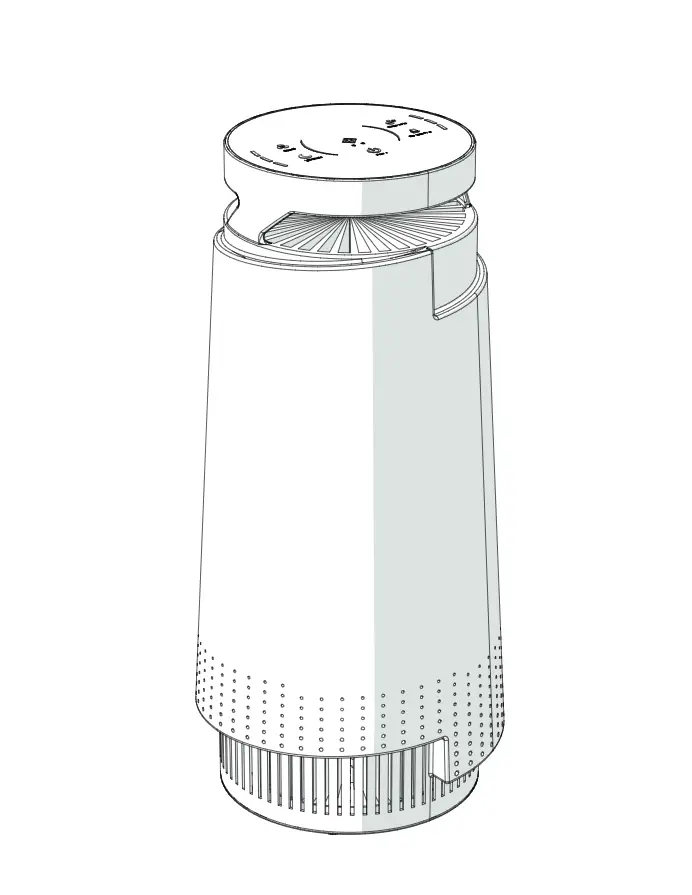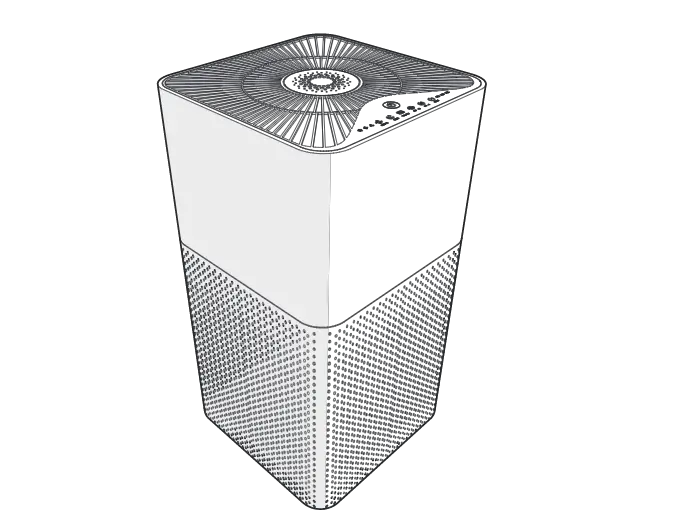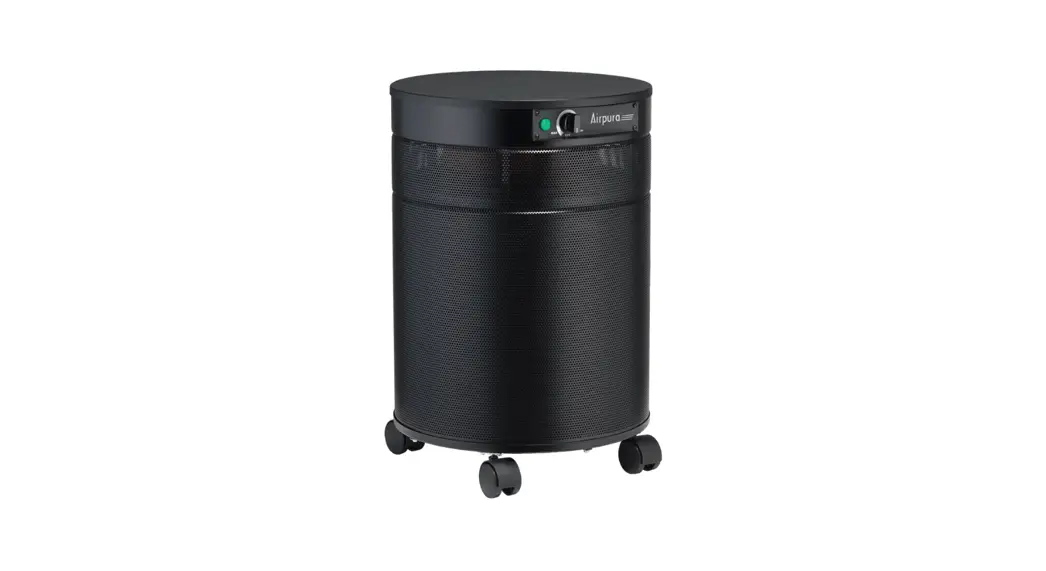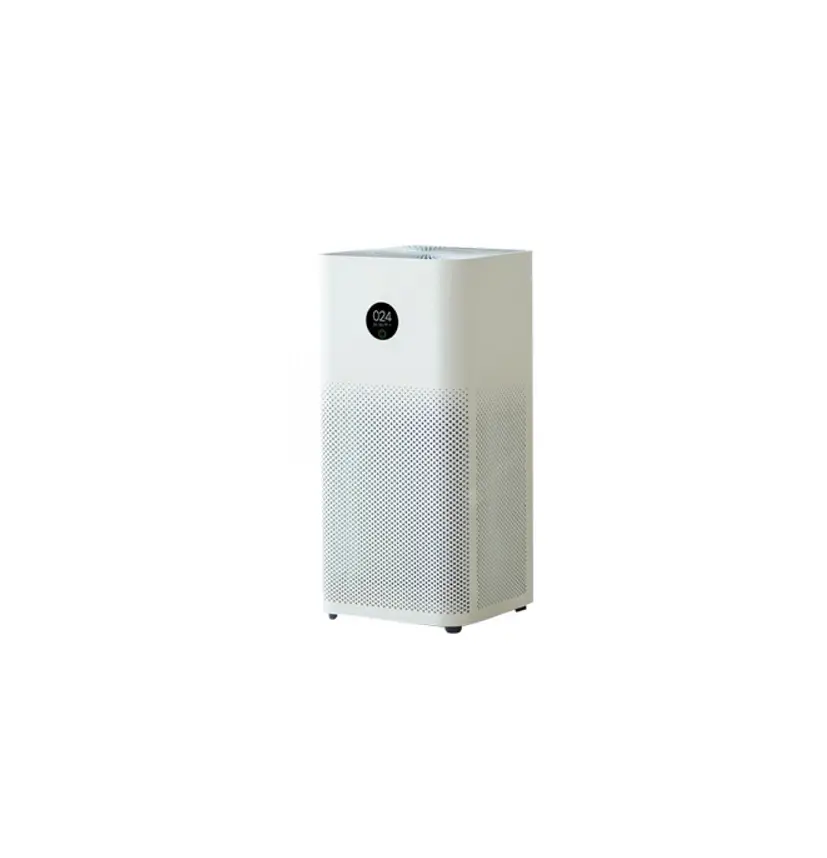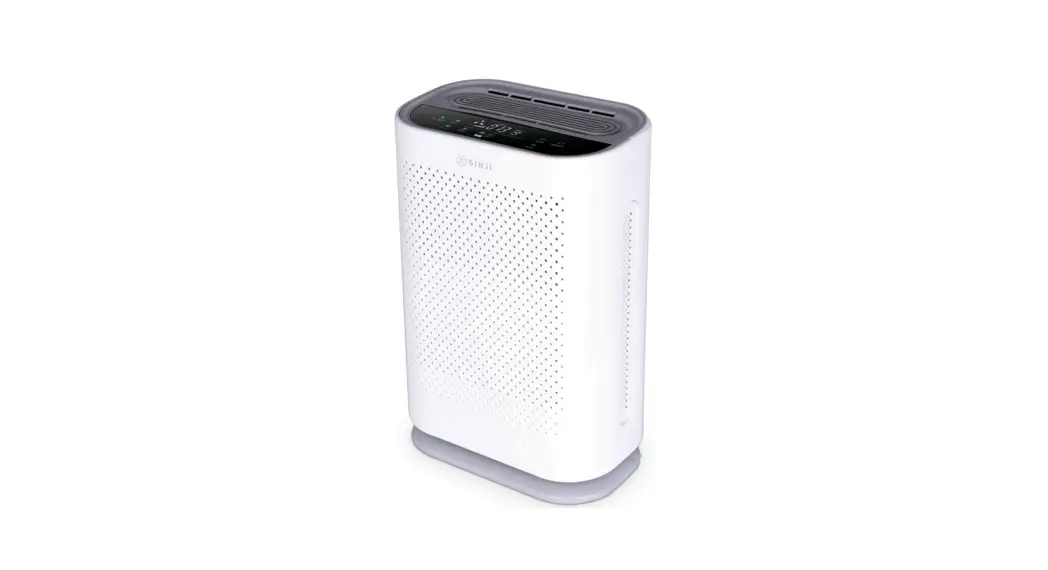

597664 Air Purifier
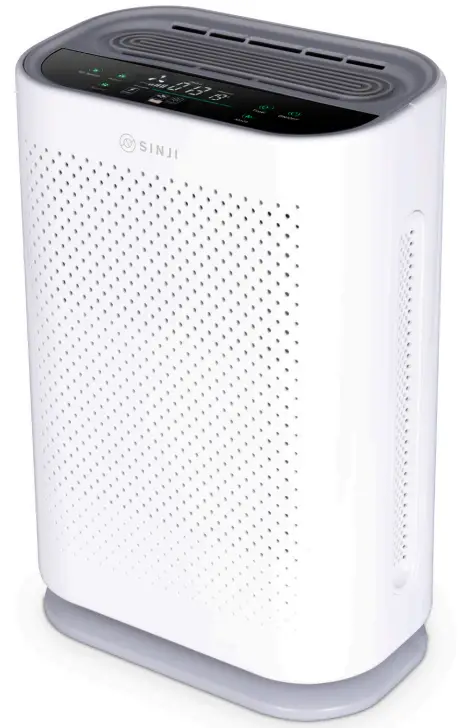
User manual
 FILTER UPKEEP
- The Filter is non-washable
- The lifetime will vary depending on the hours of usage, air quality, and location of the air purifier. Normally the filter will need not be replaced every 8-12 months.
- Clean up any dust and contaminants with a vacuum cleaner or hair dryer (cool air) after 1-2 months of usage, and dry it out in the sun for 3 hours to maintain the best purifying effect.
WARNINGS
- Turn off the air purifier, and pull out the power cord before filter replacing, cleaning and maintenance.
- Do not clean the body with a chemical solvent, or strong acid cleaning agent.
- Turn off the air purifier, and pull out the power cord before moving the device.
- Keep the inlet 20cm or farther from the wall, or any objects.
- Do not plug into a power outlet with unmatched AC power.
- Do not place heavy objects on the air purifier
SPECIFICATIONS
| Pruduct name | Air Purifier |
| Voltage | 220 V |
| Rated power | 40W |
| CADR | 220 m3/h |
| Anion Concentrations | 8 million |
| Usable area | 20 m² —40 m² |
| Working humidity | Less than 85% |
| Warranty | 1 year |
| Filter | PP Pre Filter+HEPA+Carbon Filter+Anion Filter |
| Electric motor | Copper |
| Material | ABS |
| Machine | 330*220*505mm |
| Product N.W. | 5.4KG |
| G.W. | 6.5 KG |
| Accessories | Remote control, user manual |
DETAILS
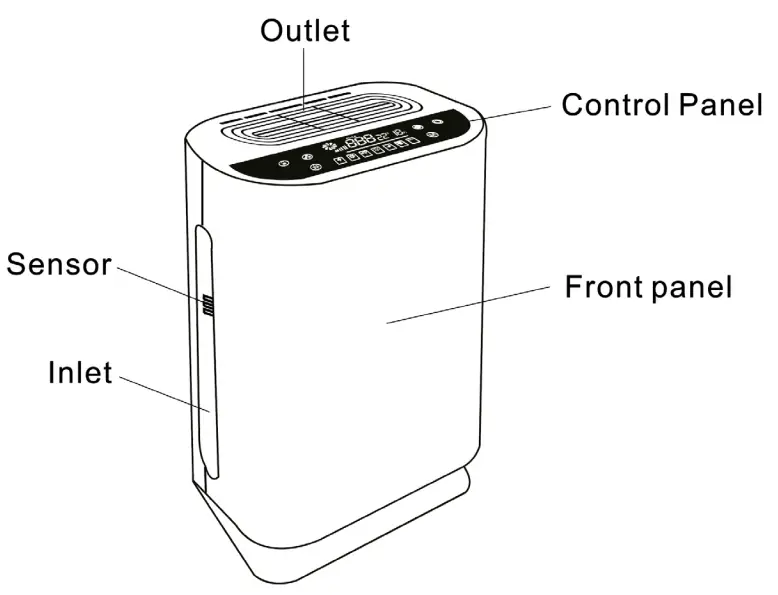
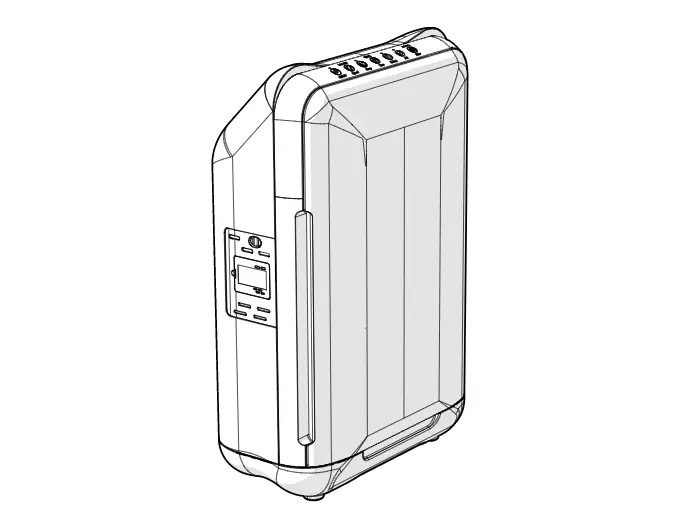
2.1 Control panel
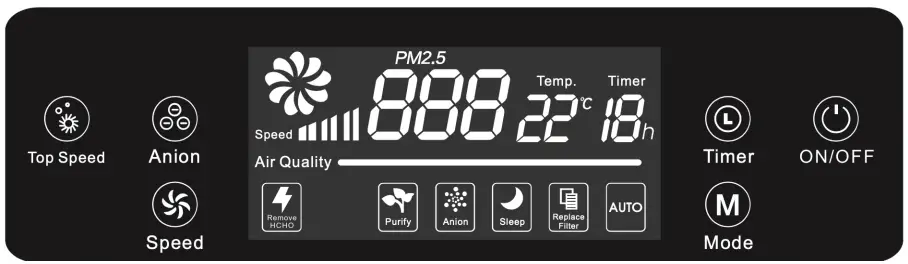
On/Off
The icon flashes after plugging the power cord into a socket. The default mode is “Top Speed” mode when the air purifier turns on.
Timer
To set a shutdown timer: 1-12H
Mode
To switch work mode: Auto-Sleep-Manual
Auto mode: fan speed varies depending on air quality.
Sleep mode: the light of the display screen turns off except for “Sleep”.
Speed
Fan speed setting: 1-2-3
Anion
To turn on/off the anion function.
Replace filter
The air purifier calculates the filter lifetime according to the running time status. The indicator light is on when the filter needs replacing. After the old filter has been replaced with the new one, press the “filter reset” button on the remote to reset the filter lifetime calculation.
Air quality indication
The light flashes after the air purifier tuns on, which means the sensor is warming up.
Green: Good — Orange: Normal — Red: Poor
2.2 Remote
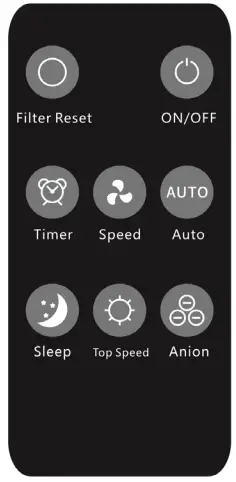
Signals can only be received in one direction.
Please aim at the screen when using.
FILTER INSTALLATION
Turn off the air purifier and pull the power cord out of the socket before installing the filter.
- Take out the front panel
- Take the filter out of the packaging bag and insert it.
- Put the front panel back
TROUBLESHOOTING
| Not working | Check if the power cord is connected correctly |
| The air quality indicator is always red | The sensor may be influenced by water vapor, fumes, or sprays. Test air purifier in another clean environment. |
| Abnormal smell | 1. Check if the filter is disabled or if there are absorbed pollutants releasing smells. 2. Clean the filter according to our instructions on page 3 |
| Abnormal sound | 1. Make sure the package of the filter has been removed. 2. Make sure there isn’t any substance nearby the inlet or outlet. |
| Working louder | 1. Check if the filter is disabled. 2. Clean the filter according to our instructions on page 3 |