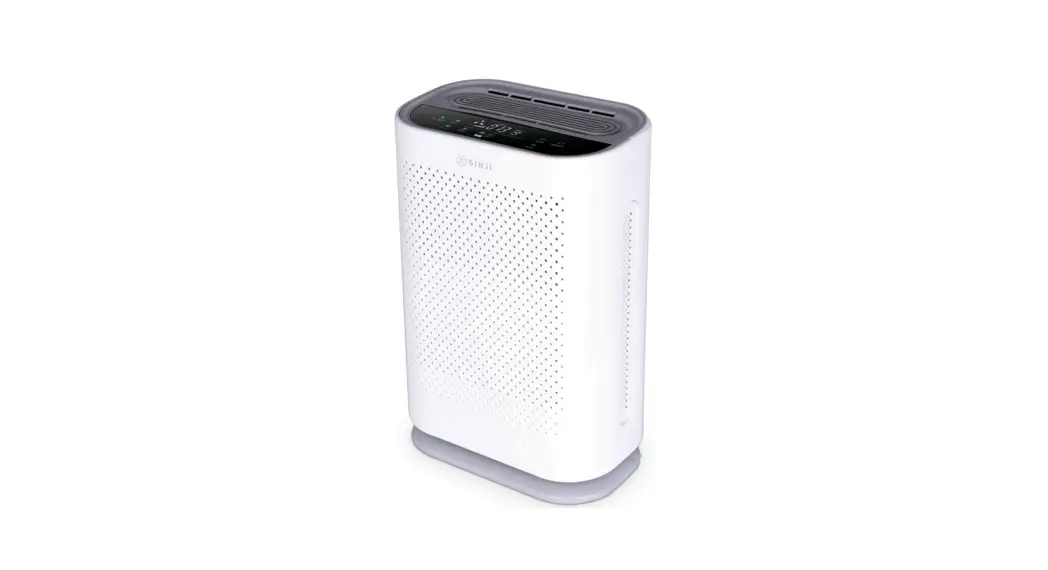
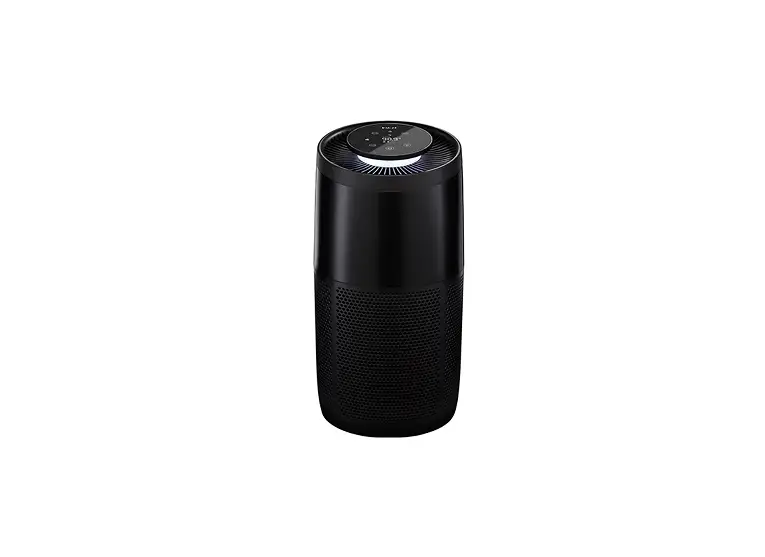
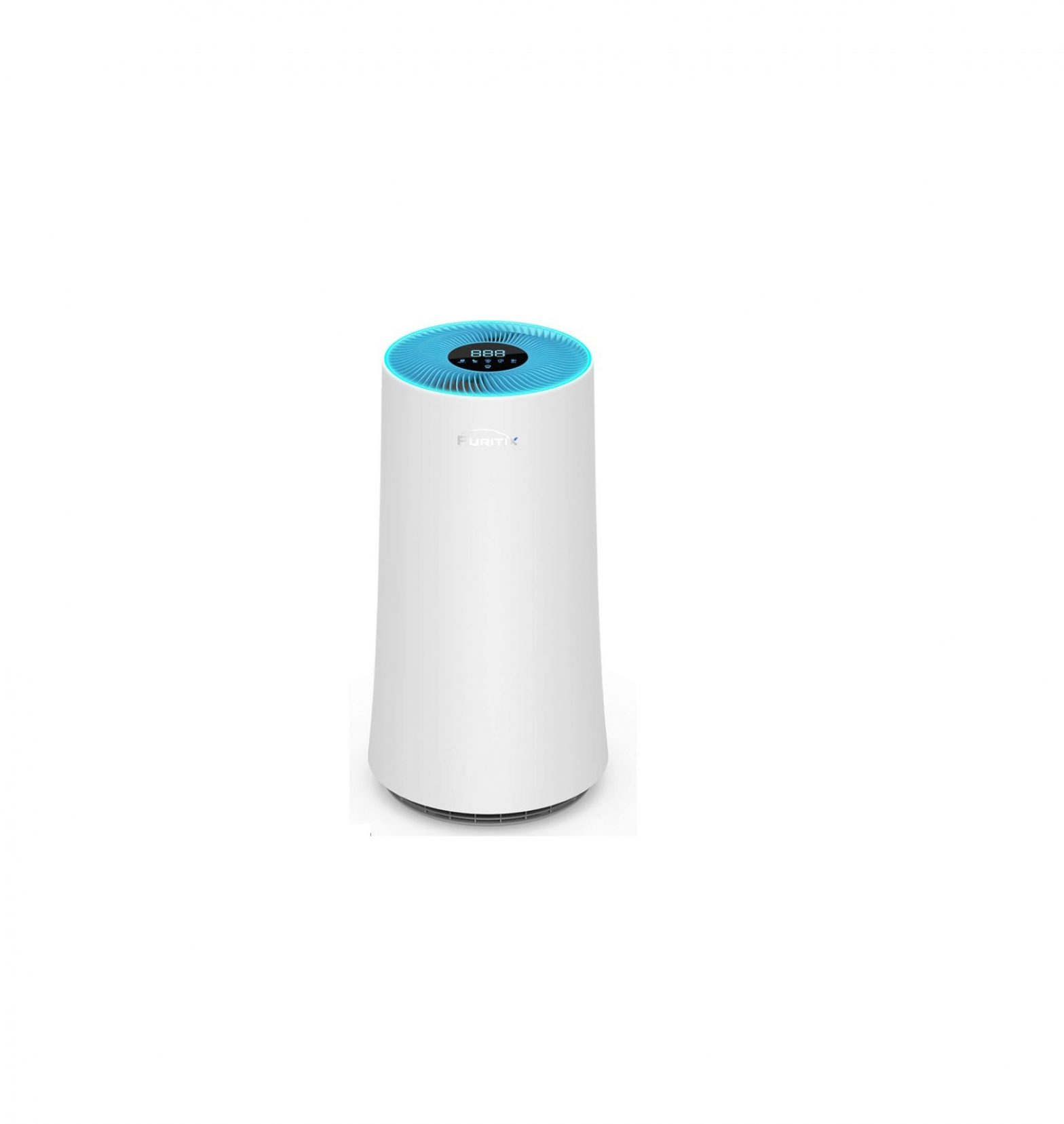
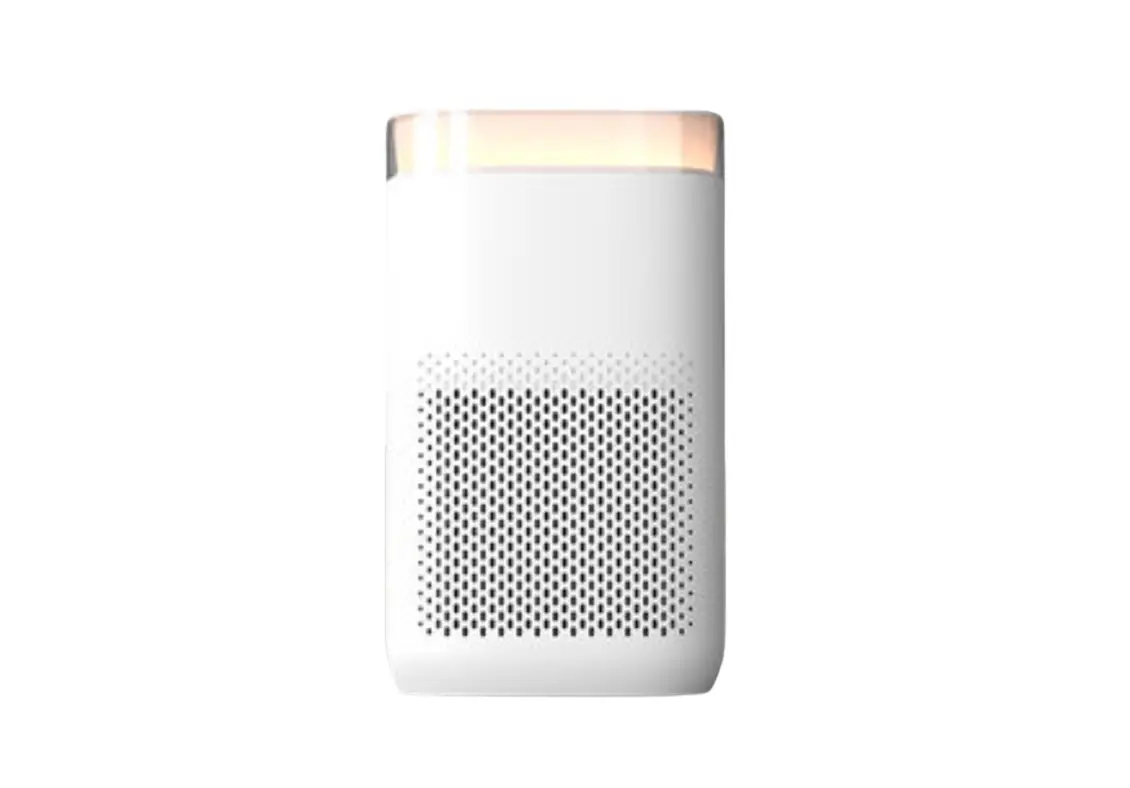
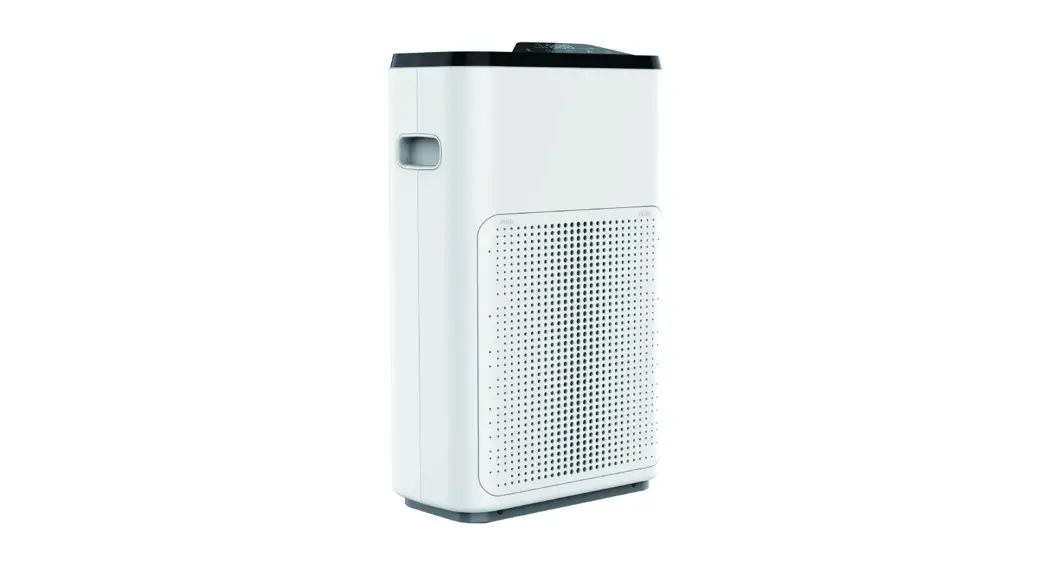
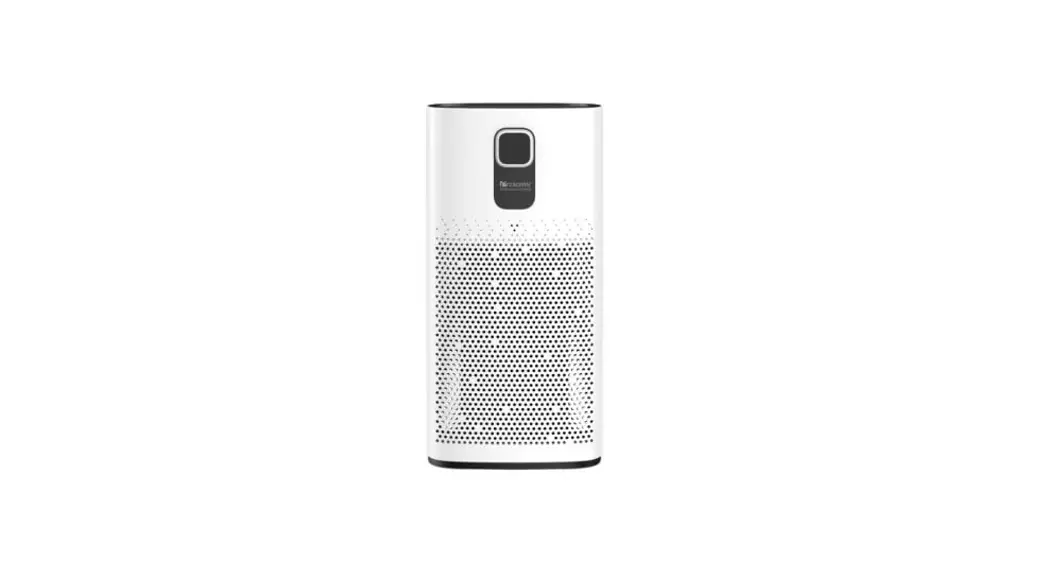
Nedis AIPU300CWT Air Purifier
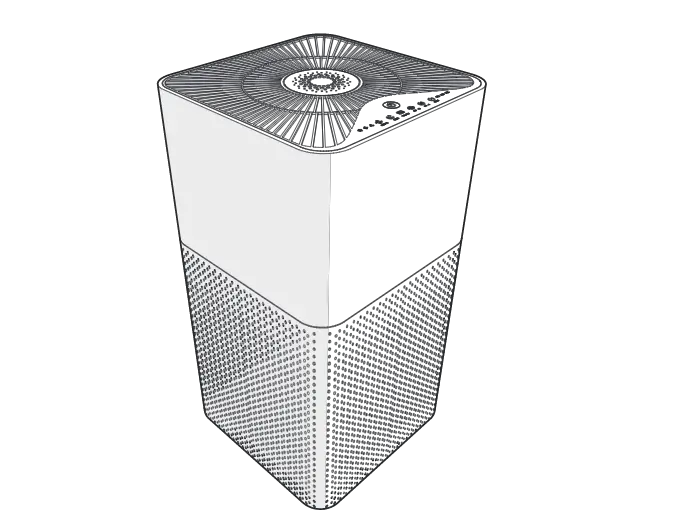
User Manual
Preface
Thank you for purchasing the Nedis AIPU300CWT.
This document is the user manual and contains all the information for correct, efficient and safe use of the product.
This user manual is addressed to the end user. Read this information carefully before installing or using the product.
Always store this information with the product for use in the future.
Product description
Intended use
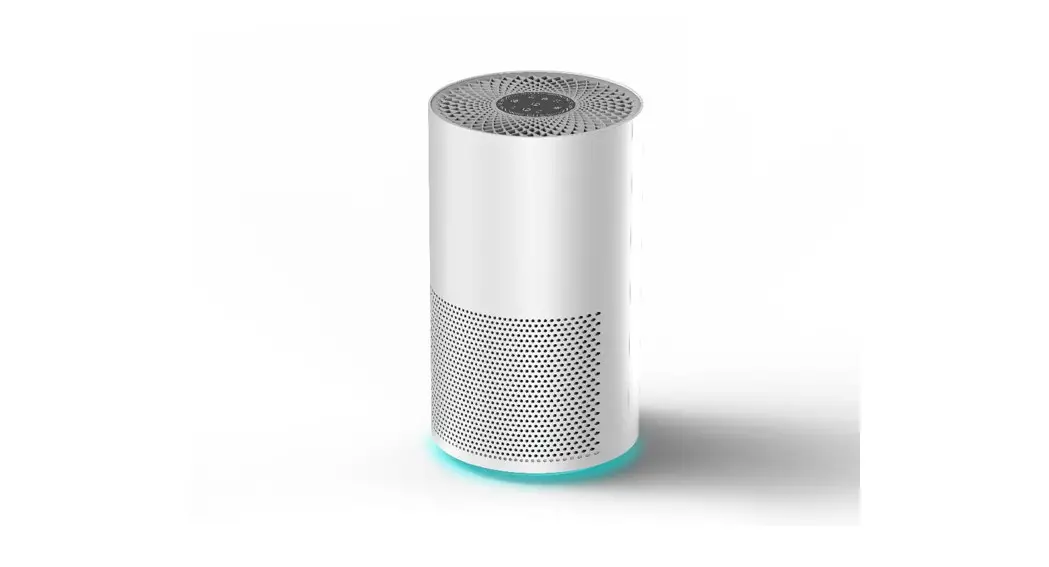
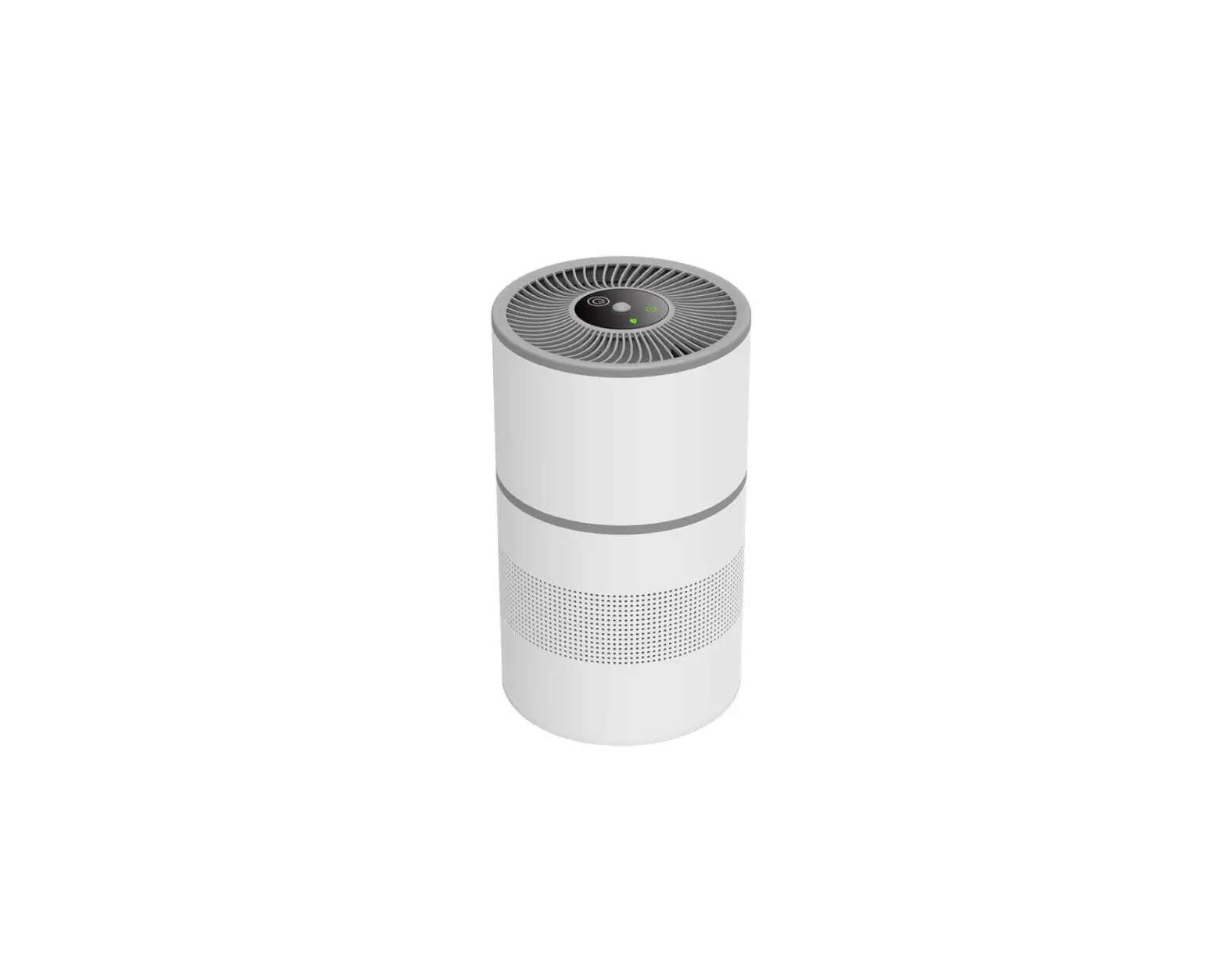
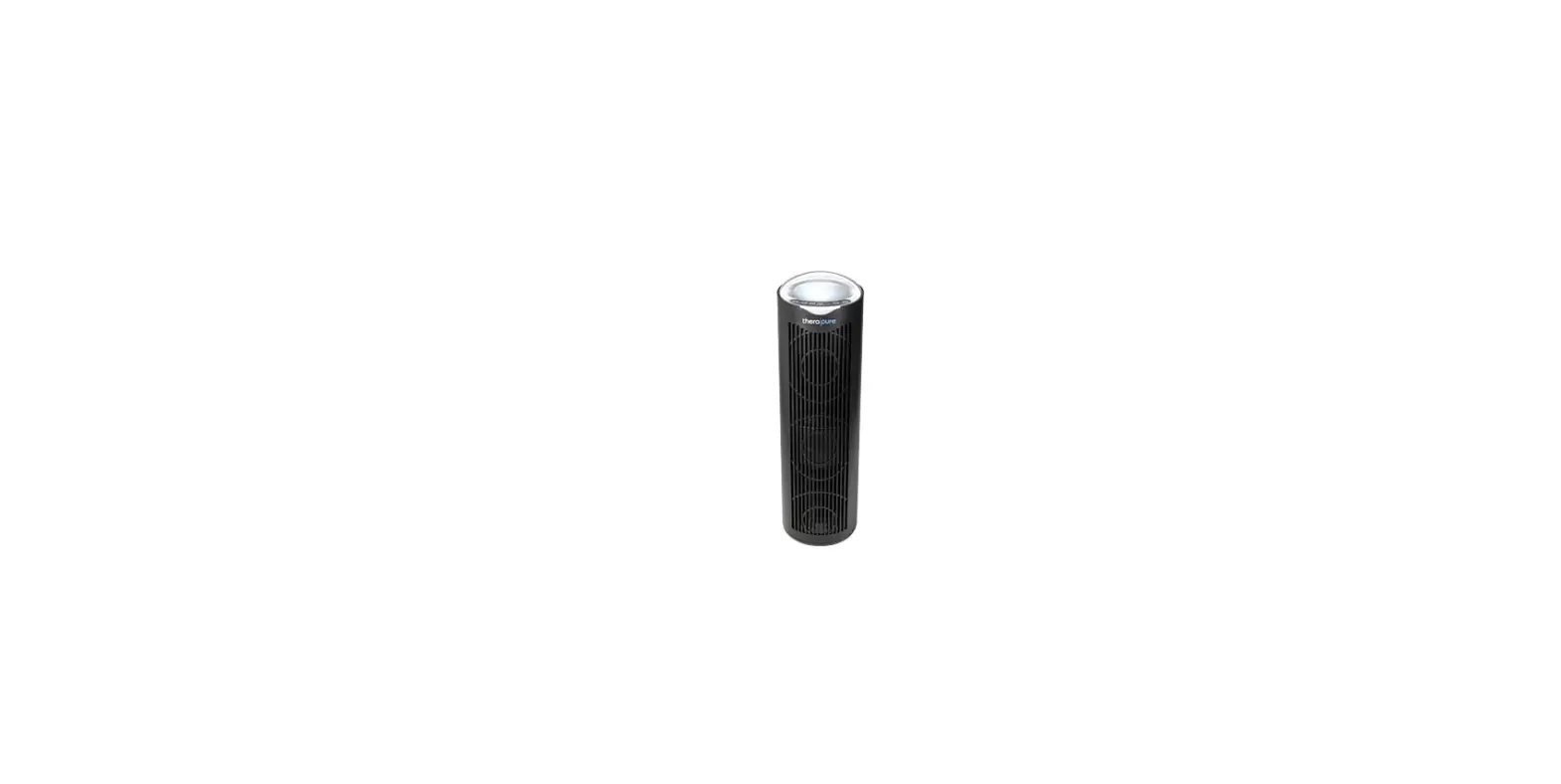
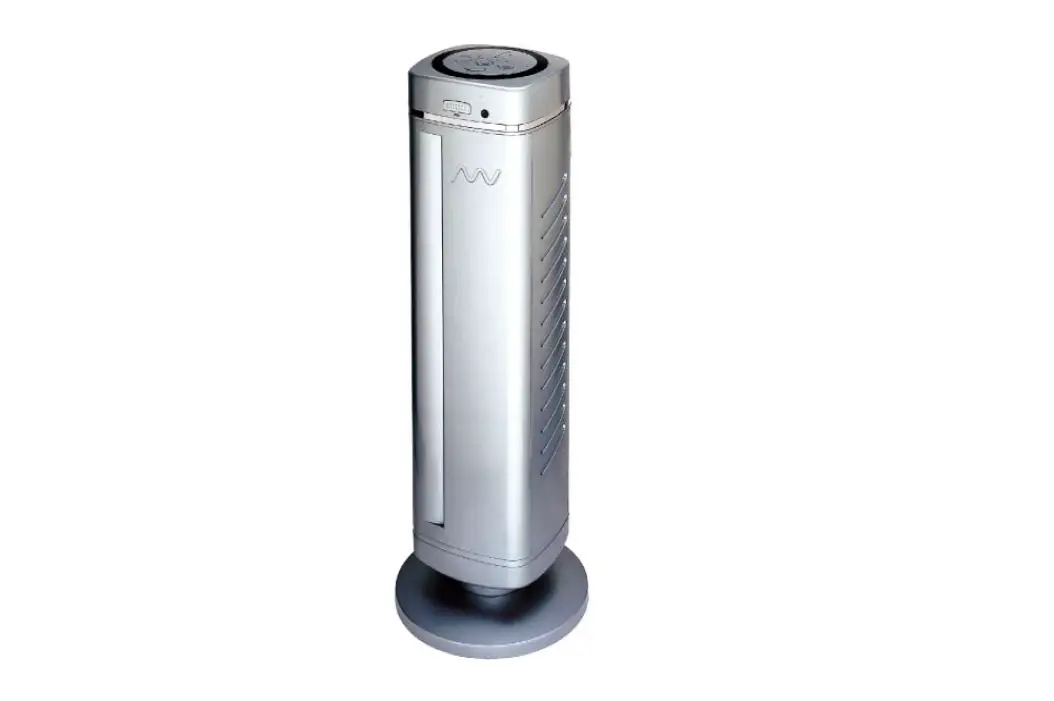
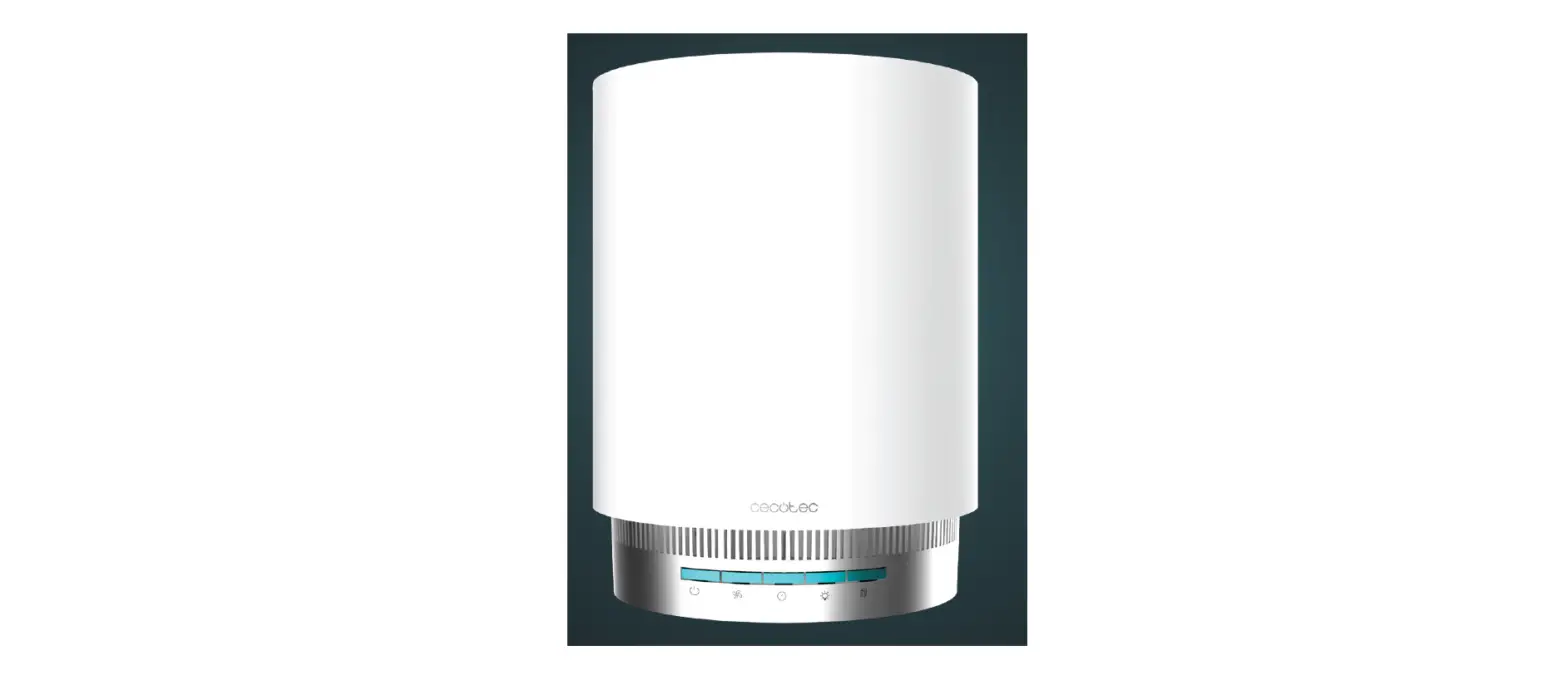
The Nedis AIPU300CWT is an air purifier with a display, an air quality indicator and changeable filters.
The product is intended to purify the air in a room.
The purifier can filter the air in a room up to 45m2.
Any modification of the product may have consequences for safety, warranty and proper functioning.
Specifications
Product | Air purifier |
Article number | AIPU300CWT |
Dimensions (l x w x h) | 285 x 285 x 550 mm |
Applicable area | < 45 m2 |
Clean air delivery rate | 350 m3 / h |
Noise level | < 54 dB |
Operating temperature | -10 °C – 40 °C |
Operating humidity | < 95 % RH |
Power supply | 220 – 240 V ~ 50/60 Hz |
Rated power | 40 W |
Standby power | < 0.5 W |
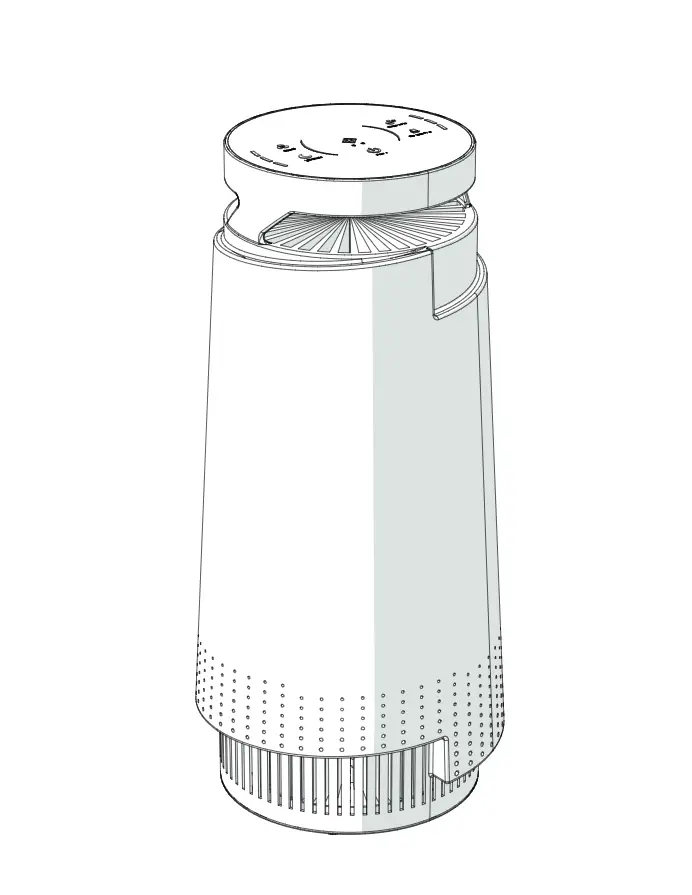
Main parts (image A)
 |
A
1. LED display
2. Air quality indicator
3. Air outlet
4. Air inlet
5. Sensor
6. Sensor cover
7. Pull tabs
8. Safety trigger
9. Filter cover
10. Air filter
11. Power plug
Interface (image B)
 |
B
1. On/off button
2. Timer indicator
3. Timer button
4. Auto mode button
5. Check filter indicator
6. Display on/off button
7. Sleep mode button
8. Fan speed button
9. Fan speed indicator
Safety instructions
WARNING
- Ensure you have fully read and understood the instructions in this document before you install or use the product. Keep the packaging and this document for future reference.
- Only use the product as described in this manual.
- Do not use a damaged product.
- Do not connect a bound cable to the power outlet.
- Only use the product indoors.
- Do not use the product in wet or damp environments.
- Do not place the product near gas, an electric burner or a heated oven.
- Do not cover ventilation openings.
- Do not insert any objects into the product.
- Do not place items on top of the product.
- Do not let the power cable touch hot surfaces.
- Do not use the power cable to carry the device.
- Do not unplug the product by pulling on the cable. Always grasp the plug and pull.
- This product may only be serviced by a qualified technician for maintenance to reduce the risk of electric shock.
Installation
- Check the contents of the package
- Check that all parts are present and that no damage is visible on the parts. If parts are missing or damaged, contact the Nedis B.V. service desk via the website: www.nedis.com.
Before first use
1. Open A9.
2. Take out A10.
3. Remove the packaging and reinstall A10.
- Make sure A7 is facing towards A8.
4. Close A9.
- A8 magnetically locks A9.
- When A8 is not connected properly, the product does not work.
5. Do not place the product within 40 cm of the wall to ensure proper operation.
6. Plug A11 in a power outlet.
- The product automatically shuts off when A9 is removed.
Use
Using the product
1. Press B1 to switch on the product.
2. Press B8 to increase / decrease the fan speed.
- B9 indicates the selected fan speed.
- For optimal functioning run the product for 15 – 20 minutes at maximum speed.
3. Optionally, choose one of the following:
B2 to select ‘timer’.
B4 to select ‘auto’.
B7 to select ‘sleep’.
Keep the windows closed while the product is switched on.
Air quality indicator
Colour | Air quality |
Red | Bad |
Yellow | Moderate |
Green | Good |
Blue | Very good |
- A2 shows the air quality using colours.
- After 30 seconds, A2 changes colour based on the current air quality.
- Change the brightness of A2 by pressing A2 using the palm of your hand.
Set timer
1. Press B3 to set the timer.
2. Press B3 to increase / decrease the time.
- B2 shows the selected time.
- Time options: 2 hours, 4 hours, 8 hours.
3. To cancel the timer, restart the product.
Set auto mode
1. Press B4 to select auto mode.
- The sensor indicates the air quality and adjust the speed of the fan if necessary.
2. Press B7 or B8 to exit this mode.
Set sleep mode
1. Press B7 to select sleep mode.
- In sleep mode, the product operates as quiet as possible.
2. Press B4 or B8 to exit this mode.
Memory function
- The product remembers the latest settings when switched off.
- The product resumes with these settings when switched back on.
Troubleshooting
Problem | Solution |
The product does not switch on. | Connect to a power outlet. Check if the power cord is damaged. Make sure A8 is closed. |
The product is making strange noises. | Make sure A10 is placed in the correct way. The air purifier may be damaged, or a foreign object may be inside. Stop using the air purifier and contact your Nedis dealer. Replace A10. |
Poor purification quality. | Do not block ventilation openings and make sure that there is enough space around the product. Make sure A10 is placed in the right way. Make sure the room is smaller than 45 m2. Replace A10. |
The product spreads an unpleasant odour. | Make sure the room has a relative humidity below 85 %. (The average standard indoor humidity is 30 – 50%.) Replace A10. |
A5 illuminates after replacing A10. | Press and hold B5 for 3 seconds to reset. |
Maintenance
- Clean the product regularly with a soft, clean, dry cloth. Avoid abrasives that can damage the surface.
- Do not use aggressive chemical cleaning agents such as ammonia, acid or acetone when cleaning the product.
- To clean the product:
- Unplug the product before servicing.
- Clean A10 at least once a month with a vacuum cleaner.
- Do not clean with water or other liquids.
Check filter indicator
1. When B5 illuminates, check A10.
2. When dusty, clean as described in ‘To clean the product’.
Replace the filter
- Replace the filter every 6 – 8 months.
- The correct replacing filter is the product with article number AIPU300AF.
- See ‘Removing the packaging’ for information on how to remove and place A10.
Warranty
Any changes and/or modifications to the product will void the warranty. We accept no liability for damage caused by improper use of the product.
This product is designed for private use (normal domestic use) only. Nedis is not responsible for wear, defect and/or damages caused by commercial use of the product.
Disclaimer
Designs and specifications are subject to change without notice. All logos, brands and product names are trademarks or registered trademarks of their respective owners and are hereby recognized as such.
Disposal
 | This symbol indicates that this product should not be thrown away with other household waste throughout the EU. To prevent possible harm to the environment or human health by uncontrolled waste disposal, you are responsible for recycling it so that it can promote the sustainable reuse of raw materials. To return your used product, you can use the regular return and collection systems or contact the store where the product was purchased. They can recycle this product for the environment. |