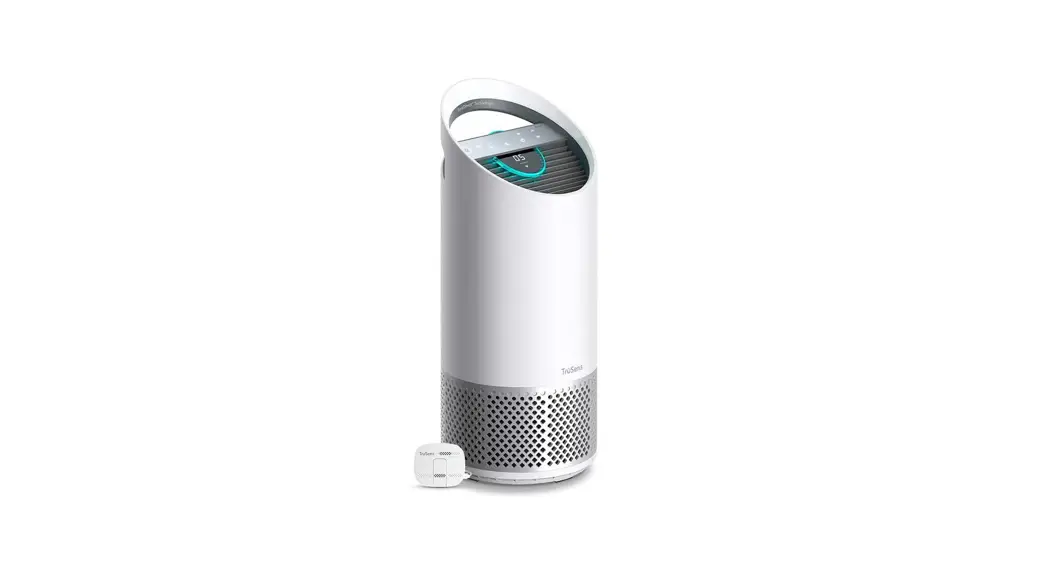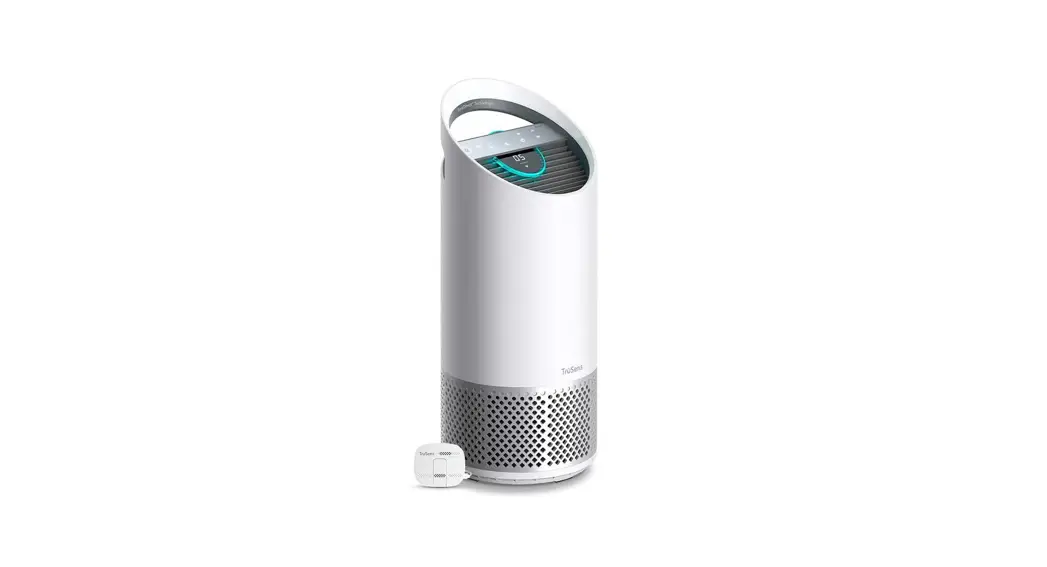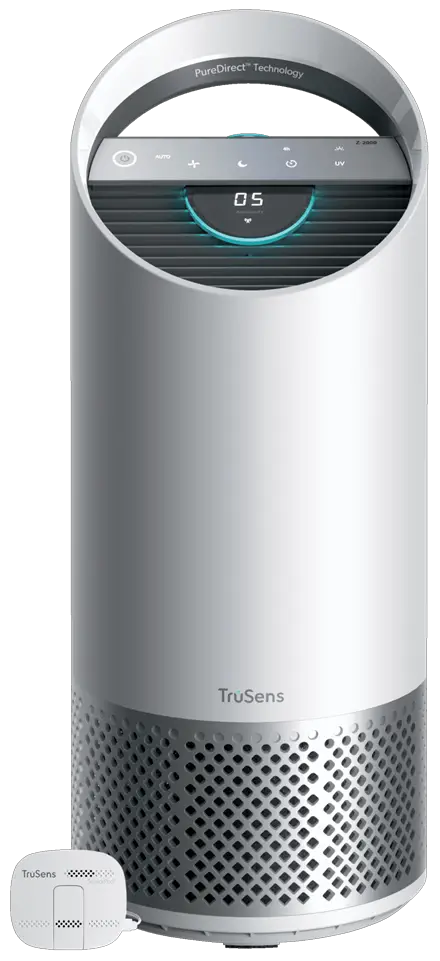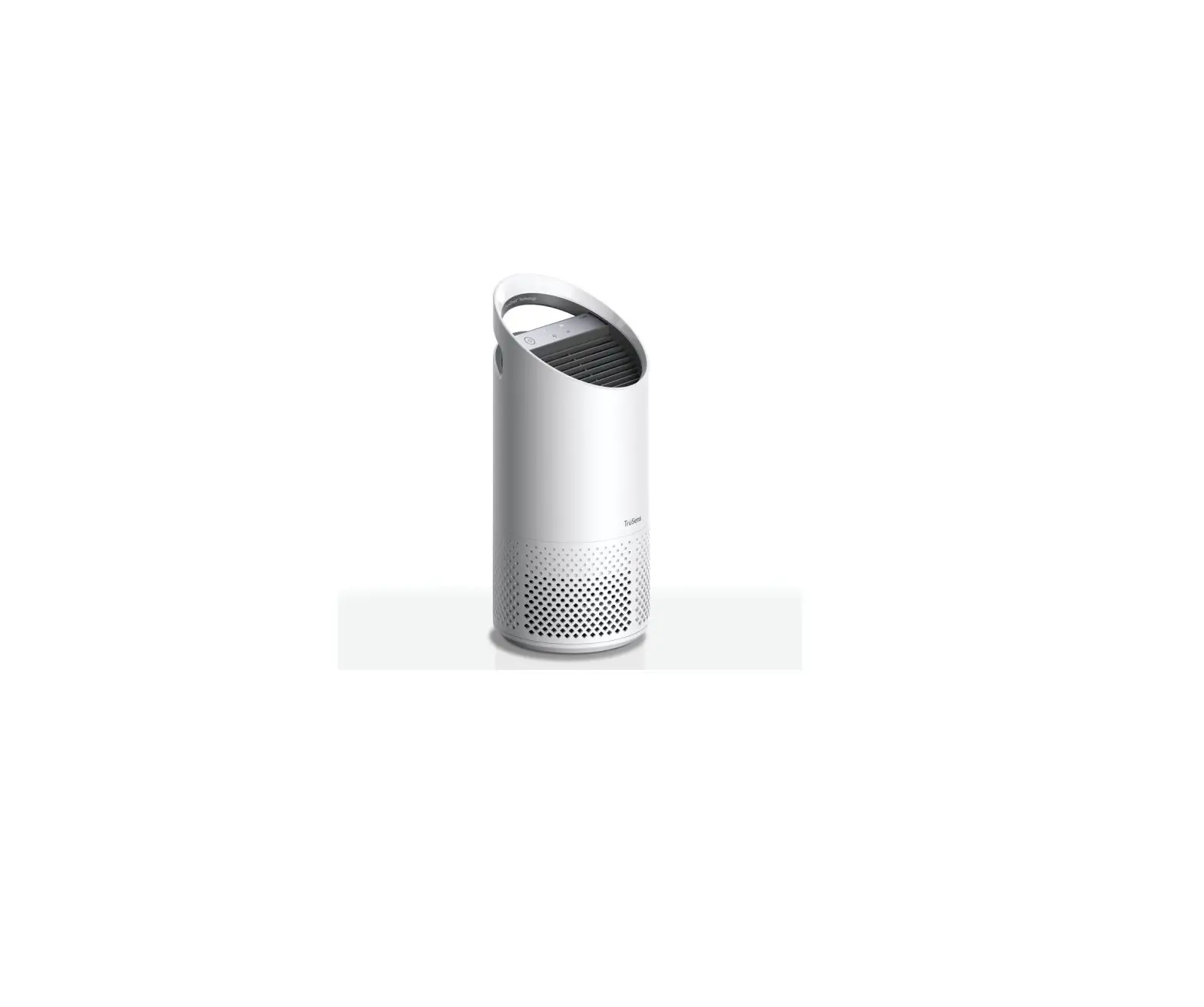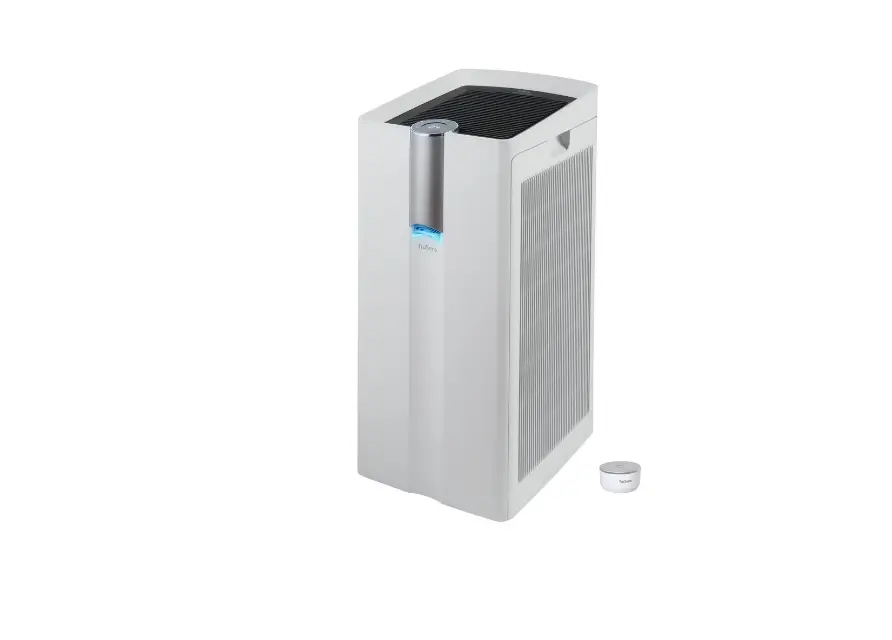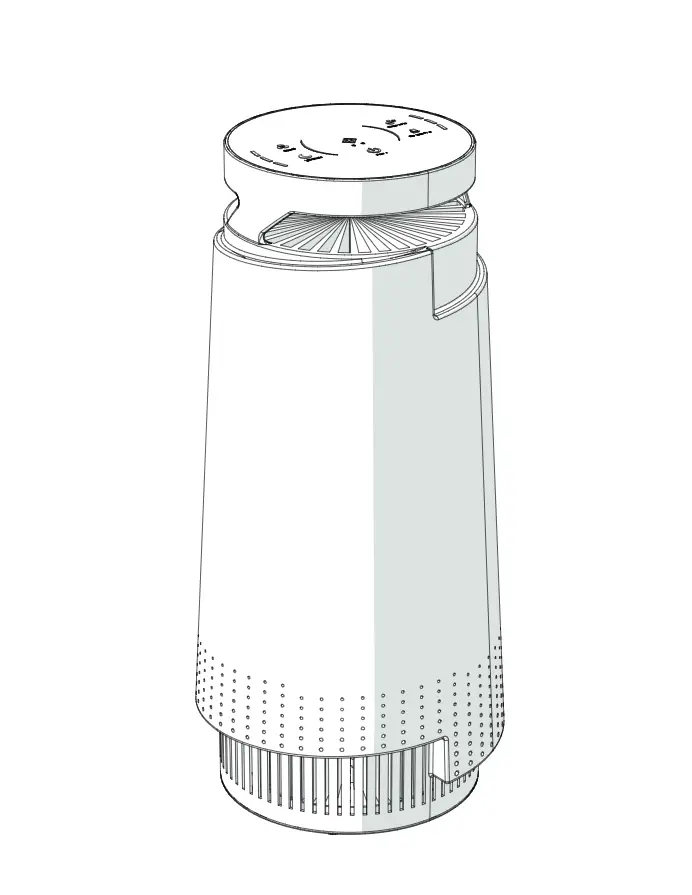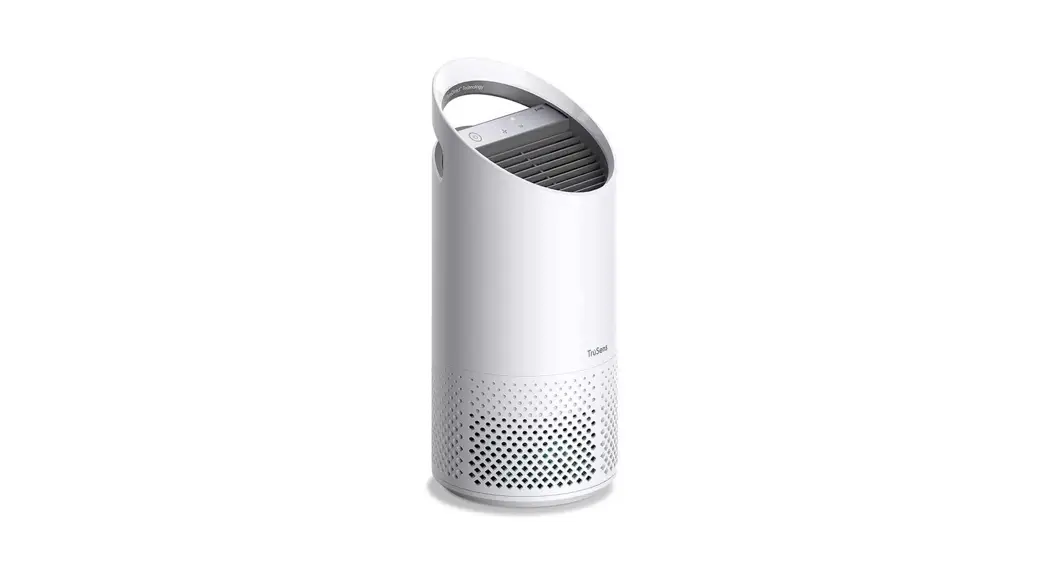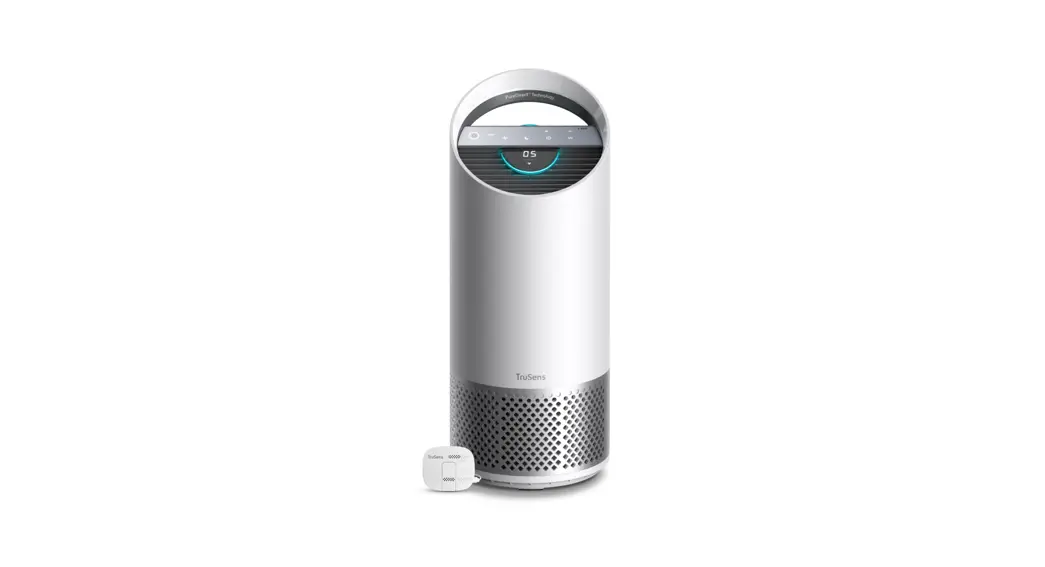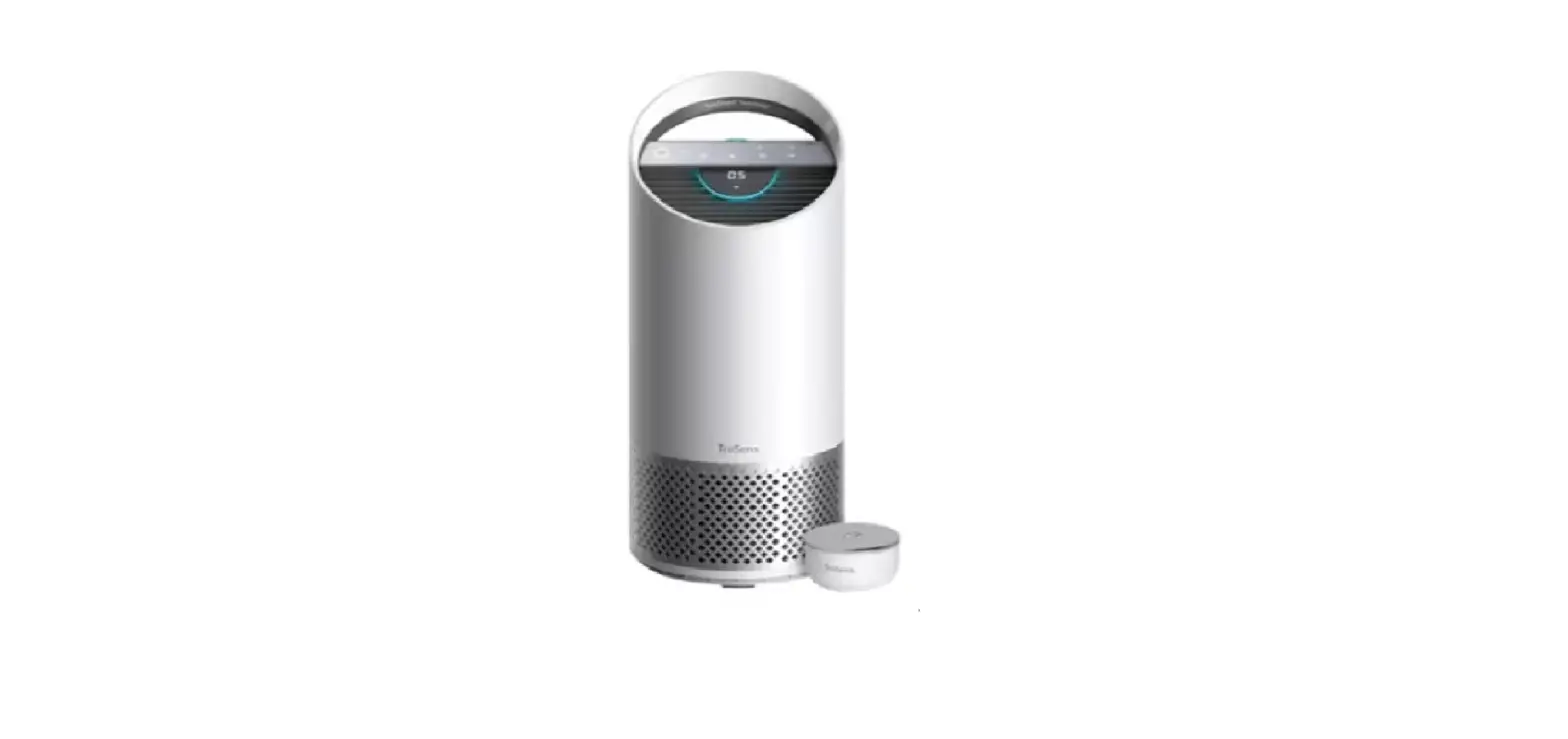

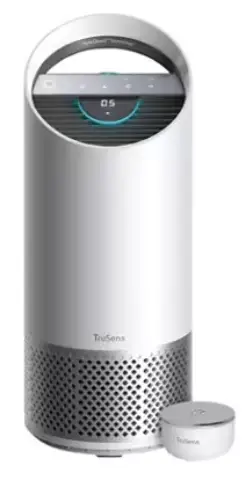
TruSens Z-2500 Air Purifier
WELCOME TO CLEANER AIR.
SensorPod™, PureDirect™ Technology, and HEPA Filtration ensure that the whole room benefits from cleaner air. You’re always in control with Alexa device voice commands and the TruSens App remote functions.
IMPORTANT:
Before operation, follow these steps and read our TruSens Owner’s Manual at www.trusens.com/support/owners-manuals
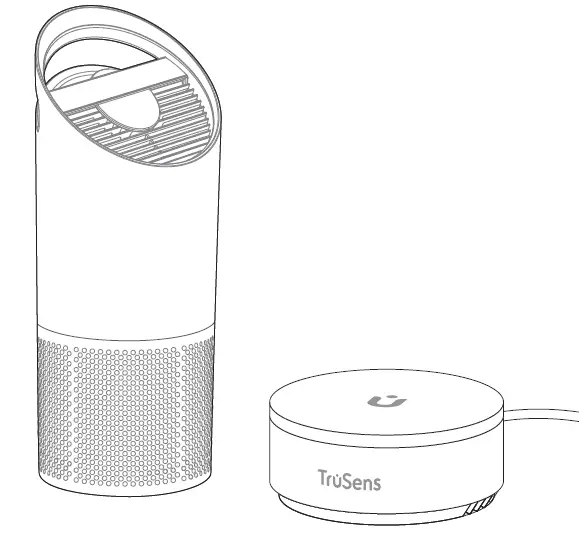
Included in your box
- 1 Air Purifier + Power Cord
- 1 SensorPod + Power Cord
Directions for use
- Remove plastic bag from filter
 Unscrew knob, loosen bottom cover, and remove plastic bag from filter.
 - Re-attach filter
 Unscrew knob, loosen bottom cover, and remove plastic bag from filter.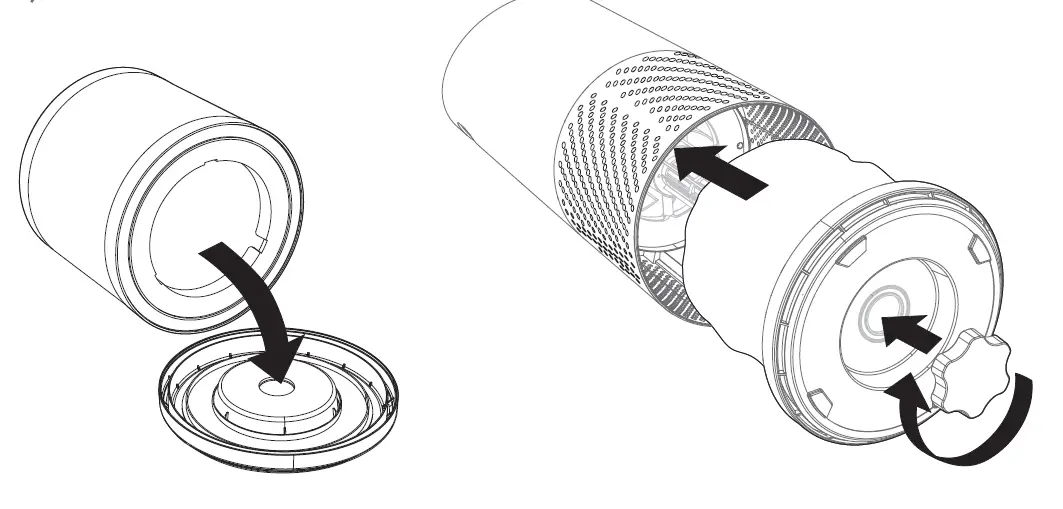
Secure filter on bottom cover, slide both into purifier, and reattach knob.
Set up
- Plug in your air purifier unit and power on.
- Plug in your SensorPod.
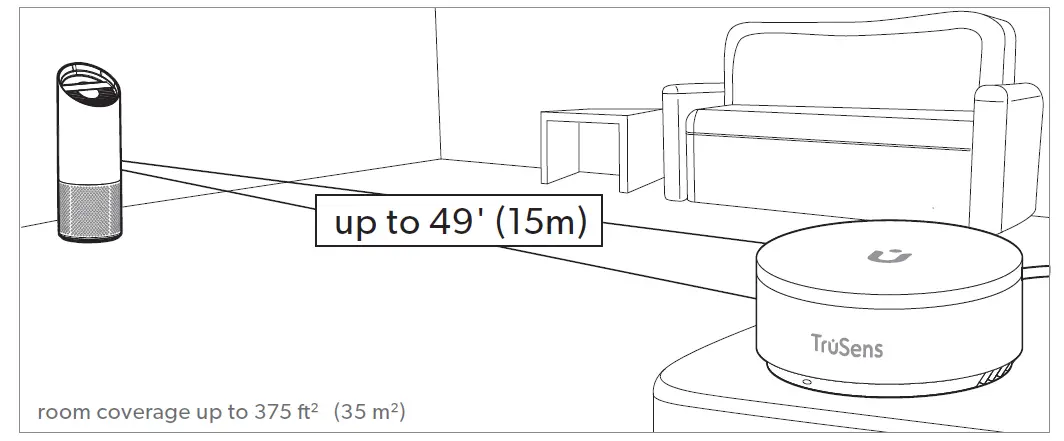
- For optimal results, place SensorPod on tabletop or counter across the room, within sight of the purifier.
- Signal strength may vary by location.
Download the TruSens app and follow the instructions to connect a smart device to your purifier.
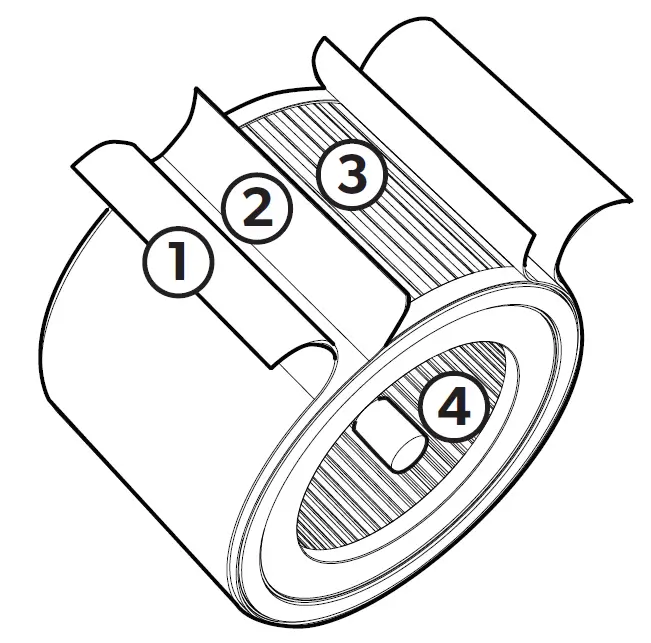
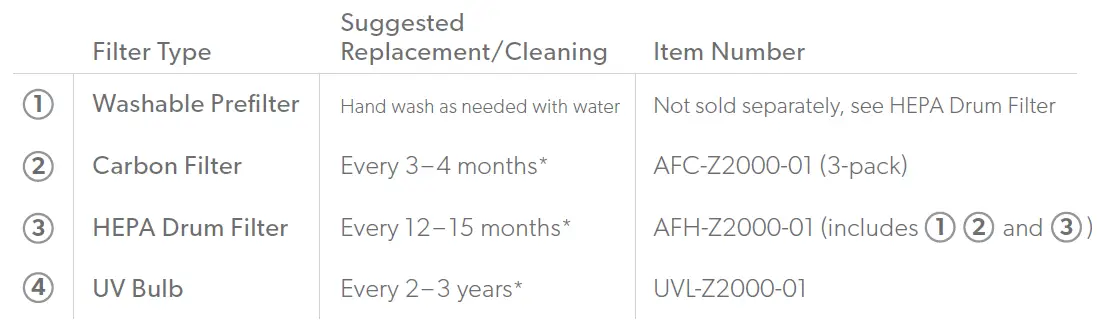
Filter Replacement
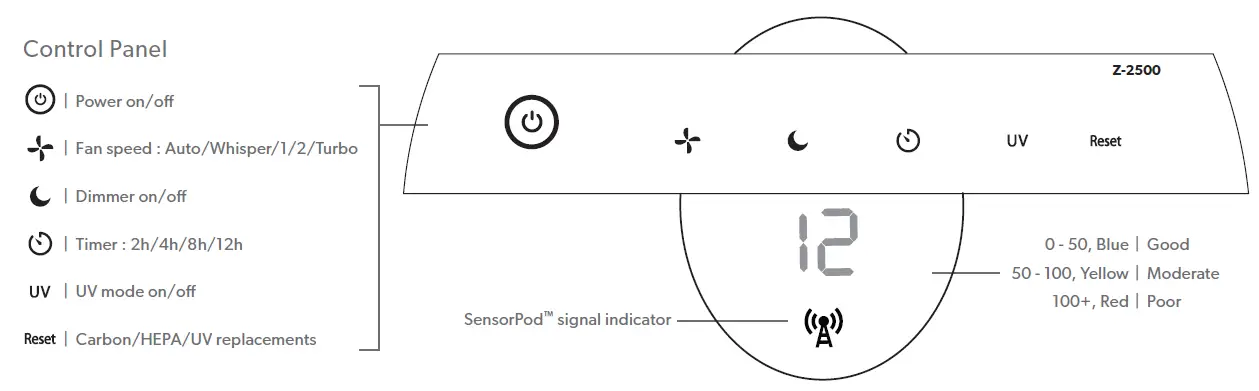
Control Panel
[email protected] | 1-833-TRUSENS (1-833-878-7367)
Support and Warranty Terms at www.trusens.com
 TruSens | Air Purifiers for Cleaner Indoor Air