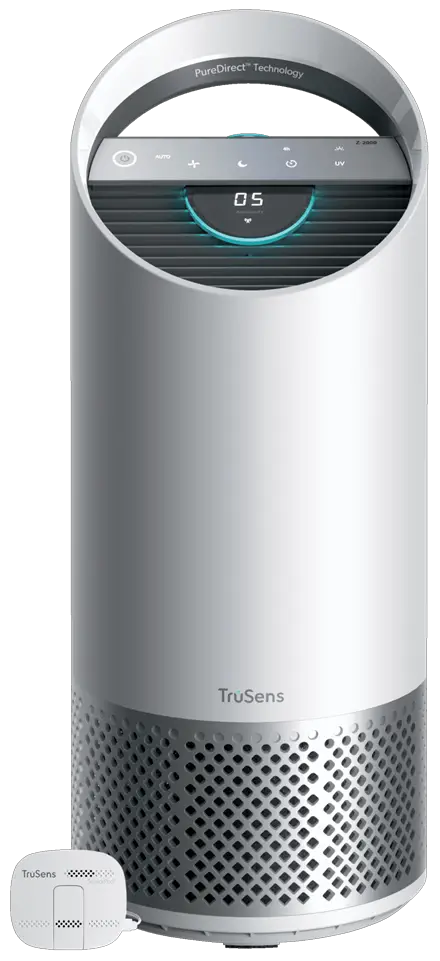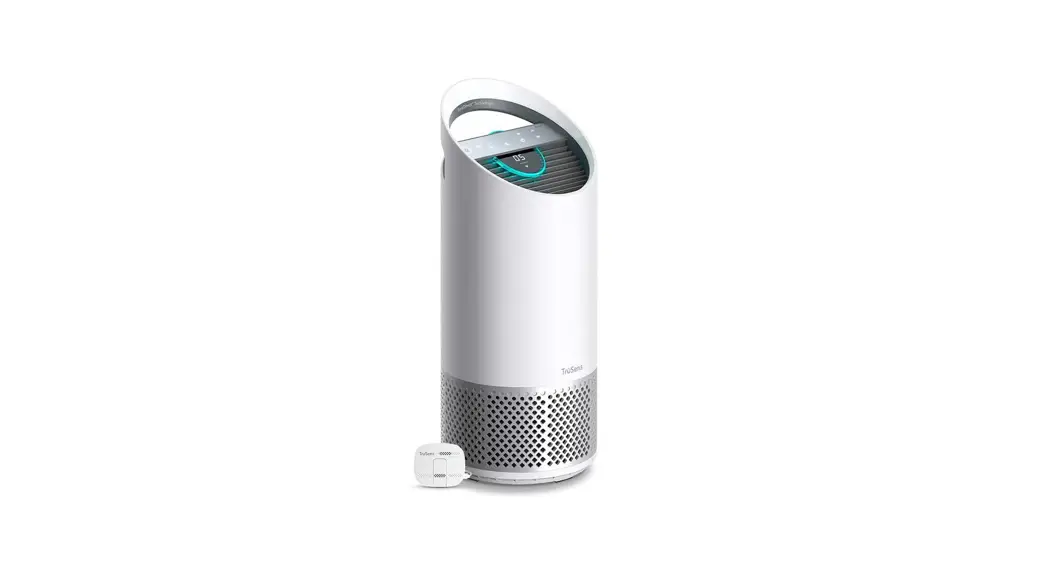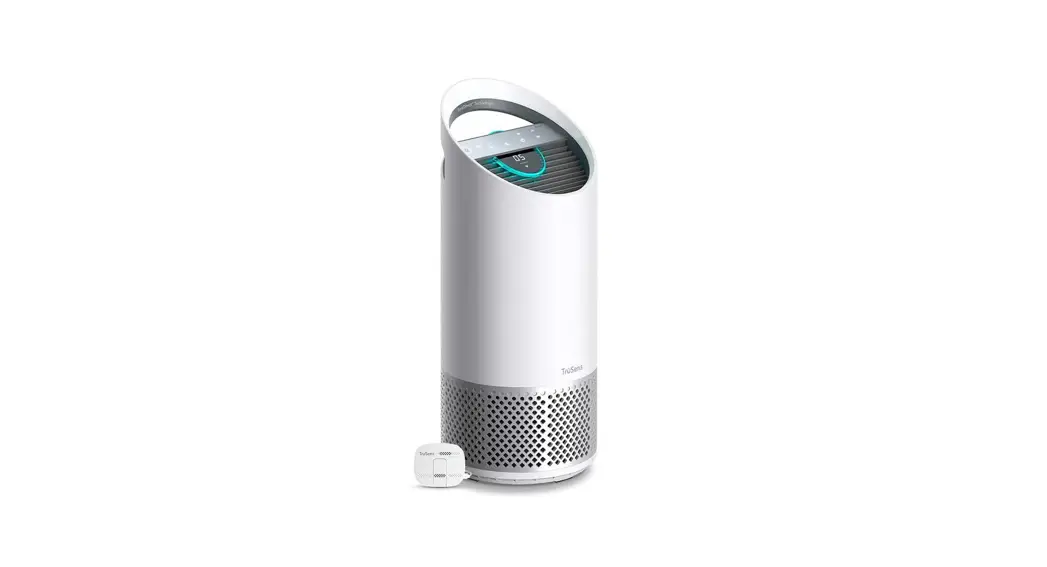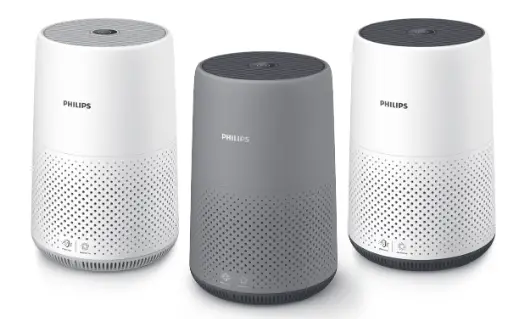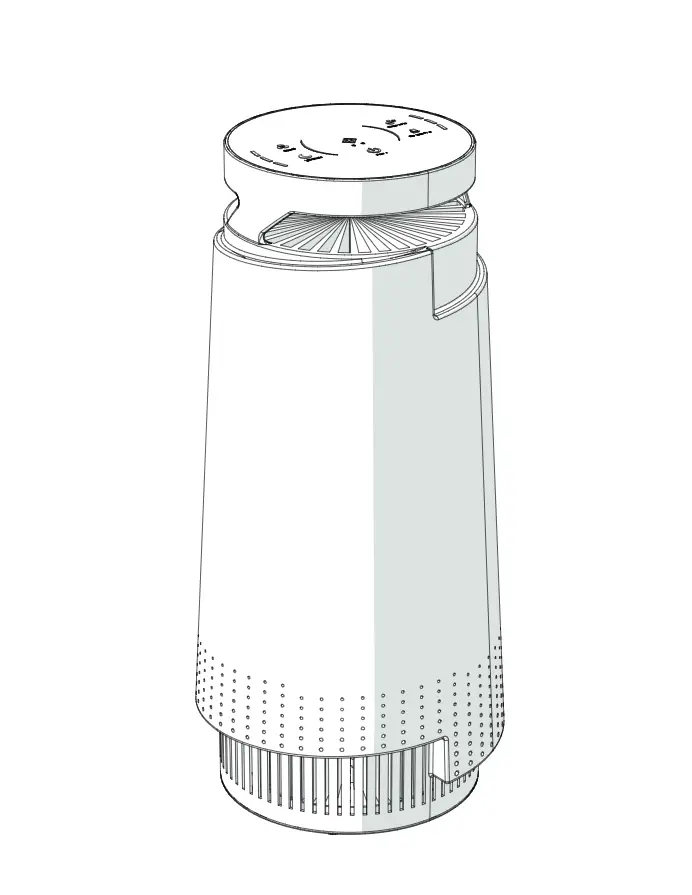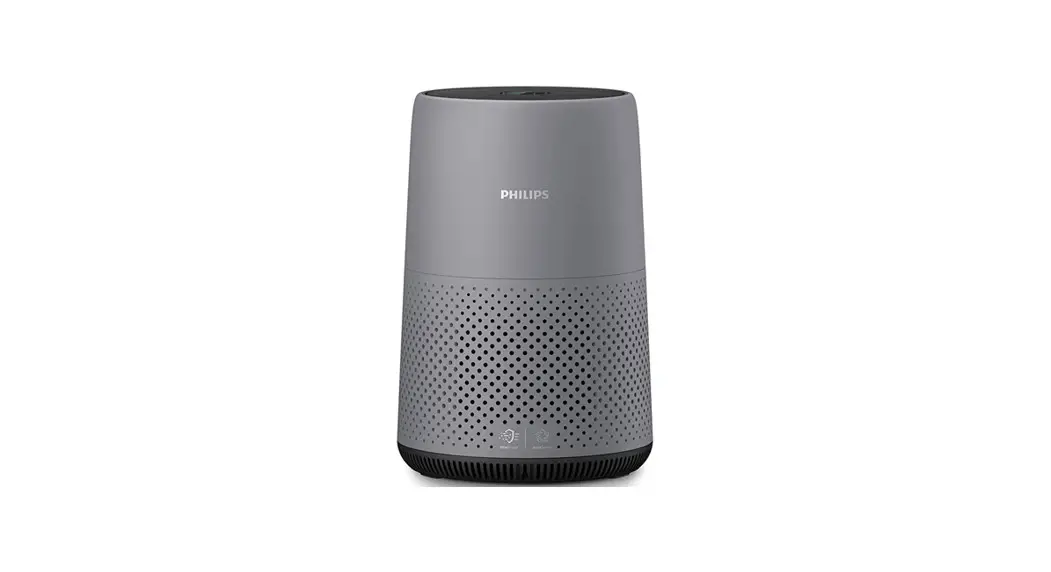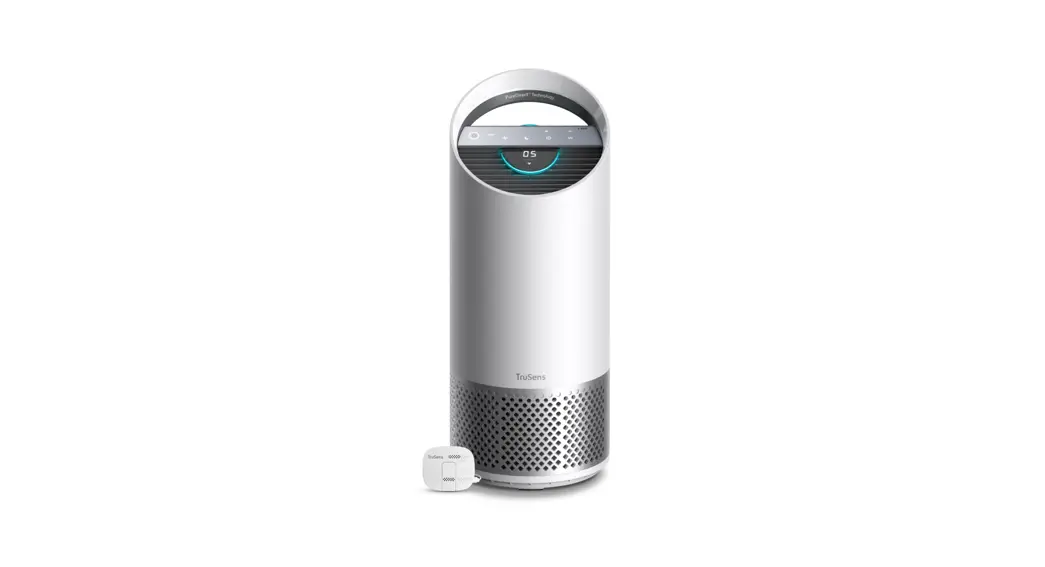
 BRANDS Z-2000 Air Purifier
User Manual
Z-2000 Air Purifier
 |  |
 IMPORTANT: Before operation of the purifier, follow the steps and read our Tru Sens Owners Guide at: www.trusens.com/Z-2000
Set up
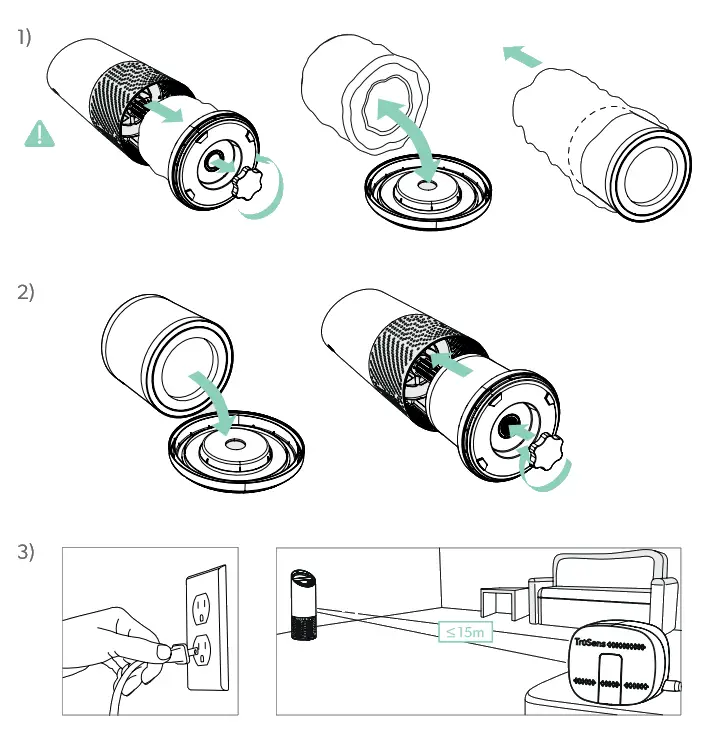
Fig. 1)
Unscrew bottom cover and remove plastic bag from filter
Fig. 2)
Secure filter on bottom cover and replace inside the purifier
Fig. 3)
Plug-in your purifier and power on Plug-in your Sensor Pod™
For optimal results, place Sensor Pod™
on tabletop or counter across the room, within line sight of the purifier Signal strength may vary by location Room coverage up to 35 m²
Control panel
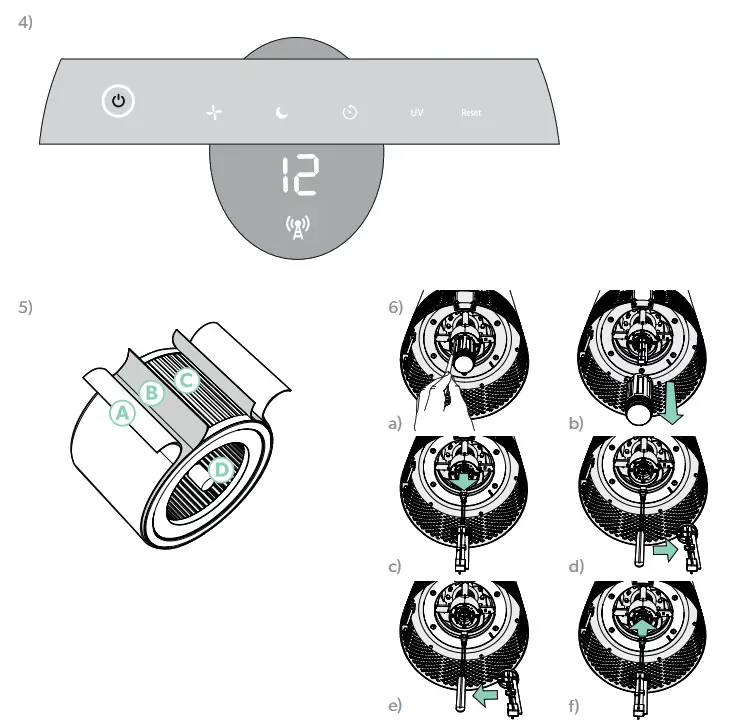
Fig. 4) Power on/off
 Fan speed Auto/Whisper/1/2/Turbo
 Dimmer on/off
 Timer: 2h/4h/8h/12h
UV UV mode on/off
Reset Carbon/HEPA/UV replacements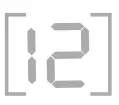 0 – 50, Blue/Good50 – 100, Yellow / Moderate100+, Red/Poor
 Sensor Pod indicator
Filter Replacement
| Filter type | Suggested emplacement / Cleaning | Item Number | |
| A. | Washable Refilter | Washable Refilter | Not sold separately, see HEPA Drum Filt |
| B. | Carbon filter | Carbon filter | 2415106 (3-pack) |
| C. | HEPA Drum Filter | HEPA Drum Filter | 2415107 (includes A, B & C) |
| D. | UV Bulb | UV Bulb | 2415108 |
*Replacements indicator will glow red on control panel to notify you to change.
See Fig. 6) Use caution when using a screwdriver to remove the UV housing when replacing the UV-C emitter.
 www.trusens.com
 ©2019 ACCO Brands. All rights reserved. 21081P017
 TruSens | Air Purifiers for Cleaner Indoor Air