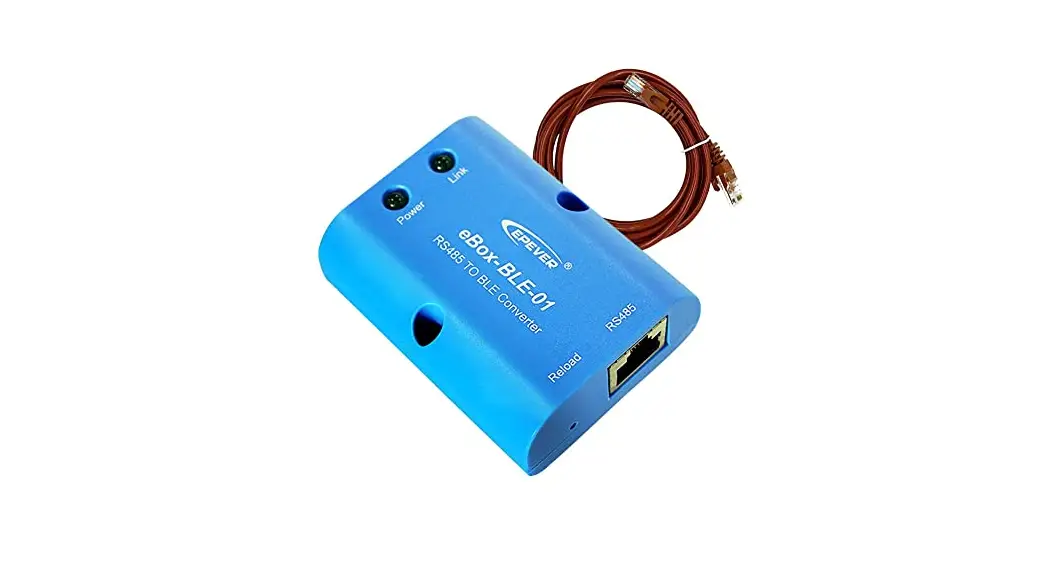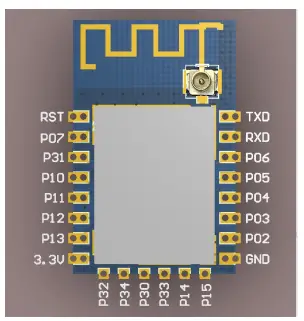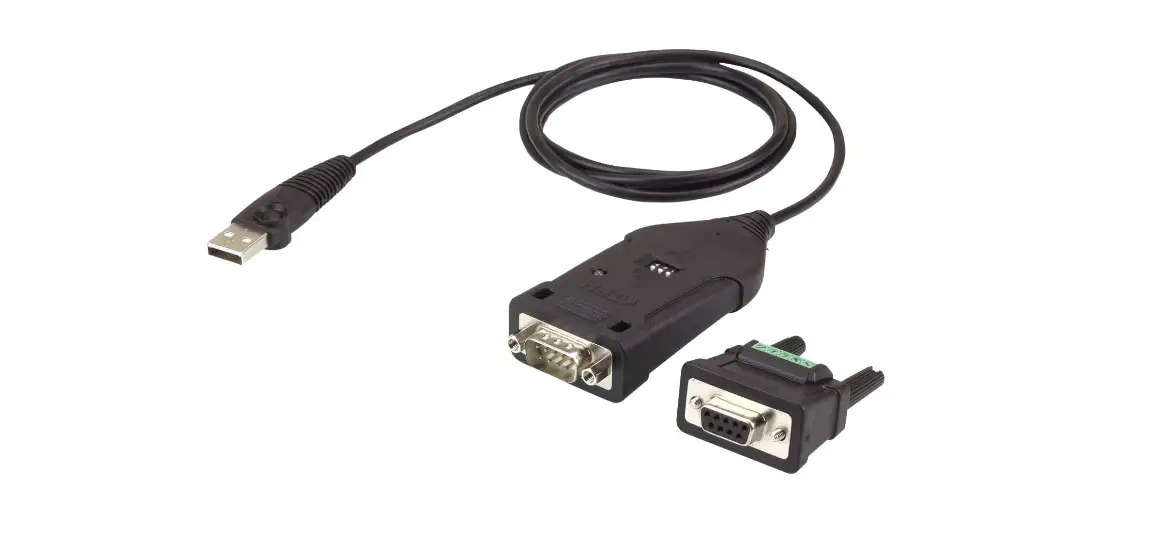
CABLEMATIC Bluetooth V4.2 BLE RS-422/485 Serial Adapter User Manual
Package content
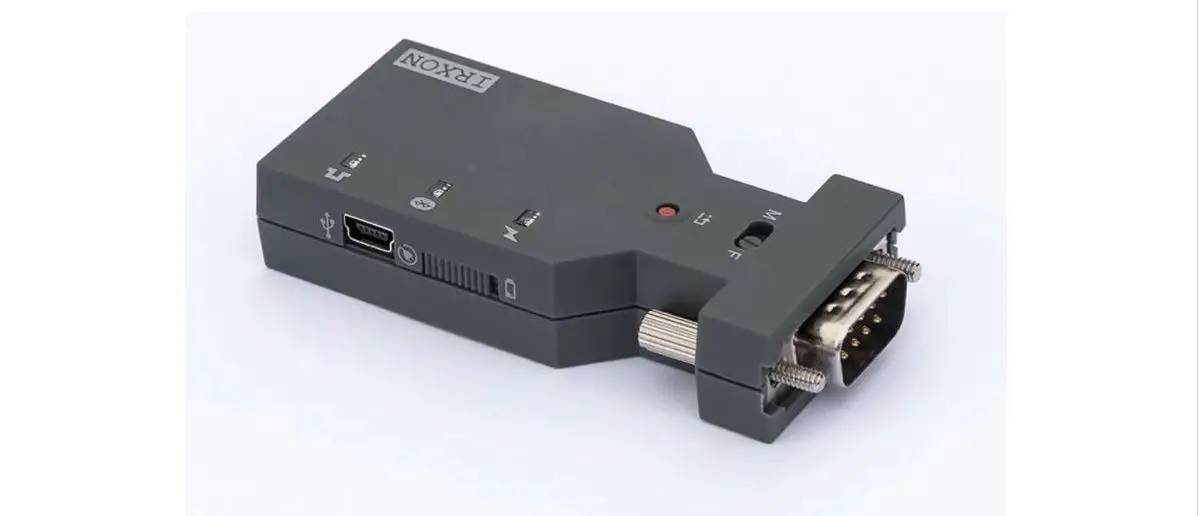
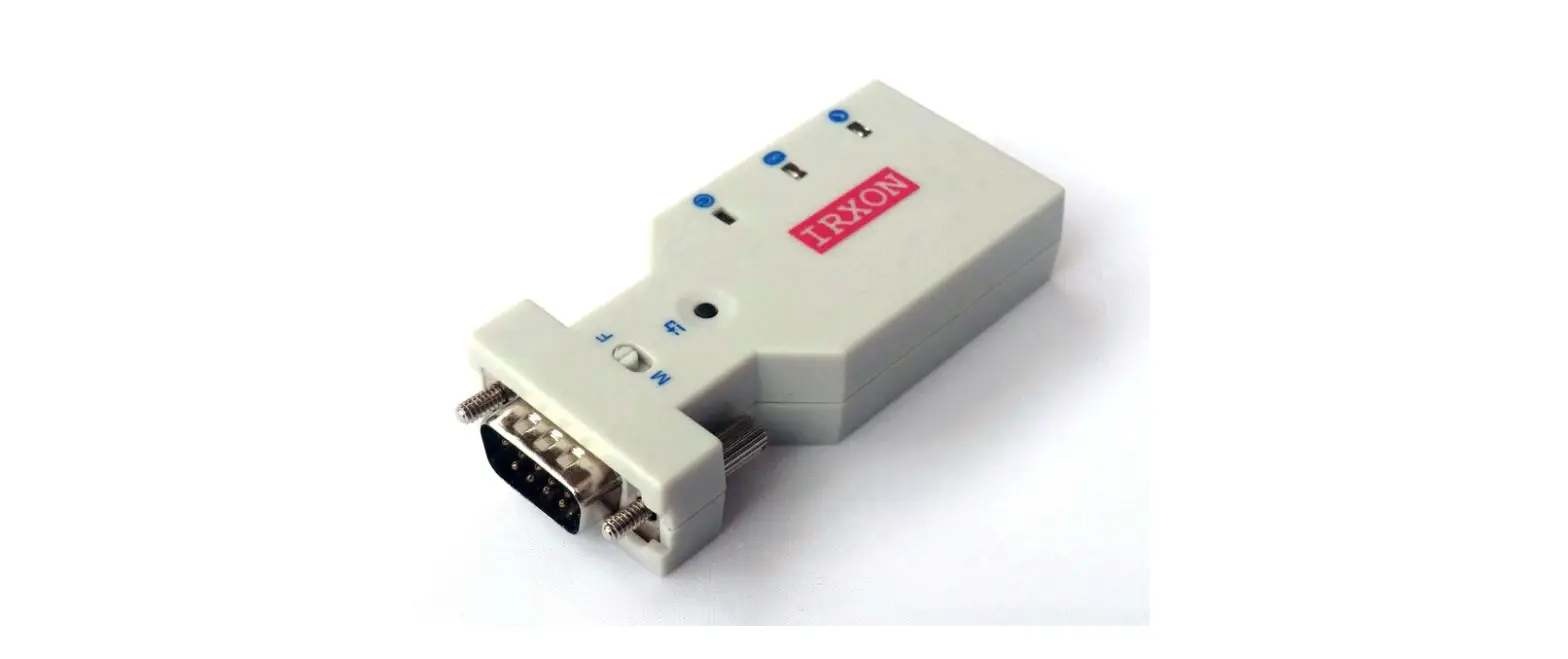
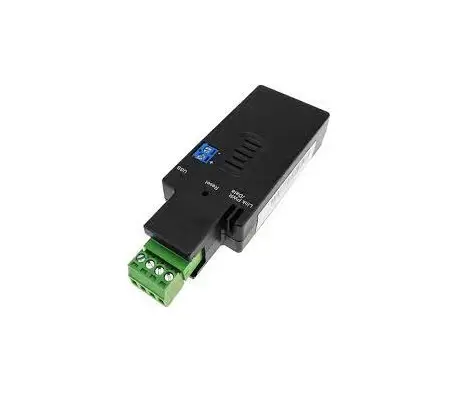
BLE RS-422/485 adapter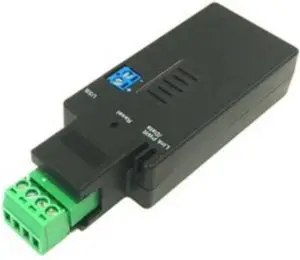
White Box Dimension: 11 x 6 x 5 (cm)
Total Package Weight: 105 g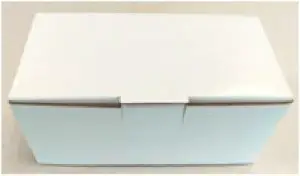
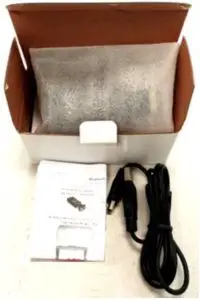
- BLE 422/485 adapter x 1
- A4 User manual x 1
- Mini USB Cable x 1

Profile
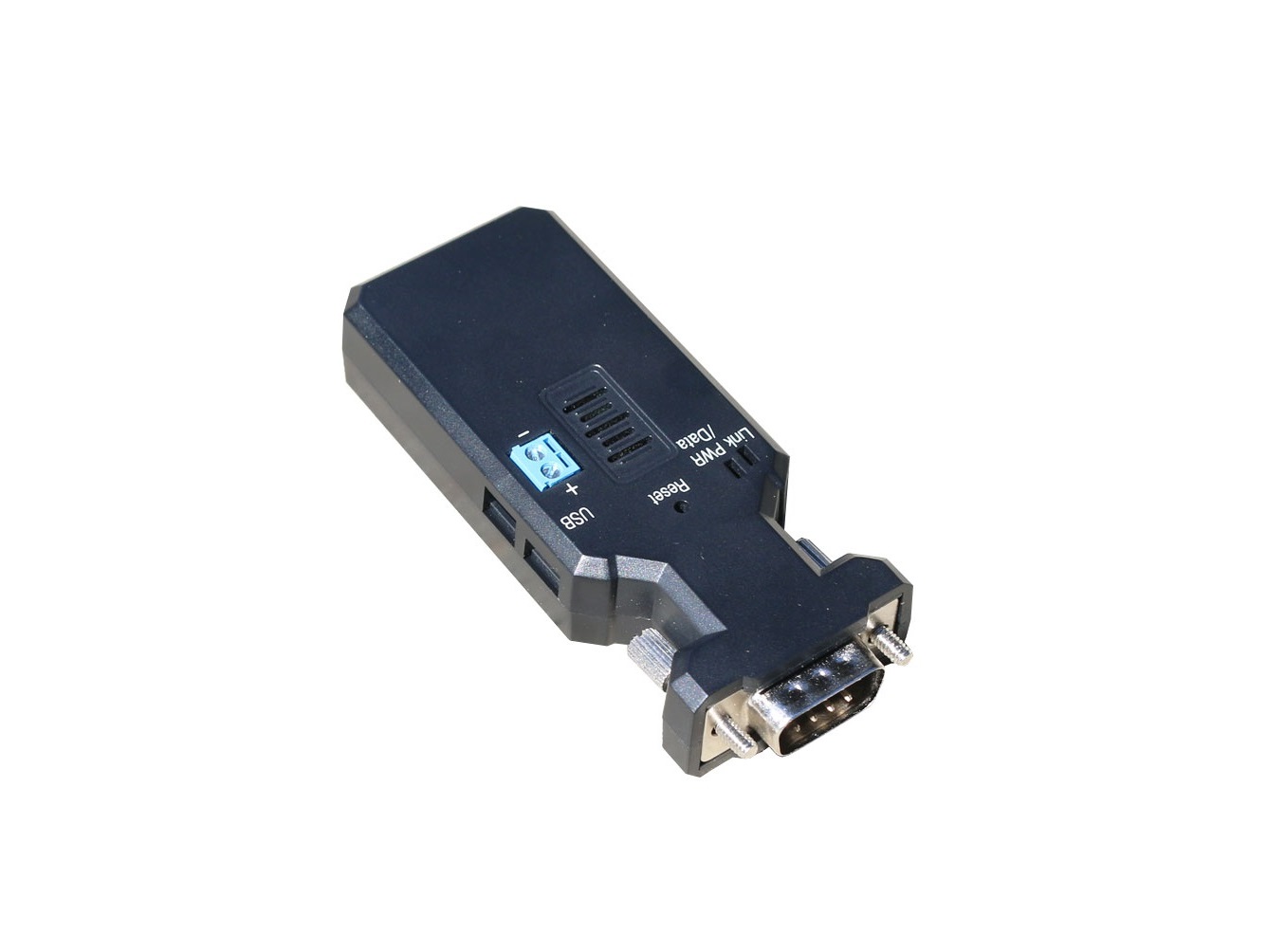
Top view:
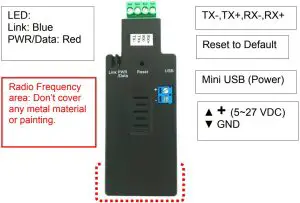
| LED Status | Description |
| Data LED flash | Data transmission |
| Data LED solid on | No data transmission |
| Link LED solid on | BLE Link |
| Link LED flash | No Link |
| Data & Link LED solid on | OTA Mode |
Rear view:
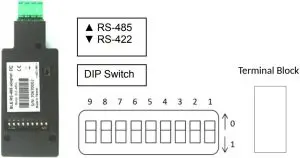
| Setup | Modbus | Stop Bit | Parity | Role | Baud Rate |
| DIP9 | DIP8 | DIP7 | DIP6 DIP5 | DIP4 | DIP3 DIP2 DIP1 |
| 0: Switch 1: Command | 0: Normal 1: Add CRC RS485 only | 0: 1 1: 2 | 00: None 01: Odd 10: Odd 11: Even | 0:Slave | 110:2400 111:4800 000:9600 001:19200 010:38400 011:57600 100:115200 101:230400 |
Remark:
- 000000000 by default, in red bold character
- The GATT service and AT command will support more settings than the DIP switch, please check the section 5 and section 6.
Power supply
- Voltage: 5~27 VDC, Don’t exceed the limit.
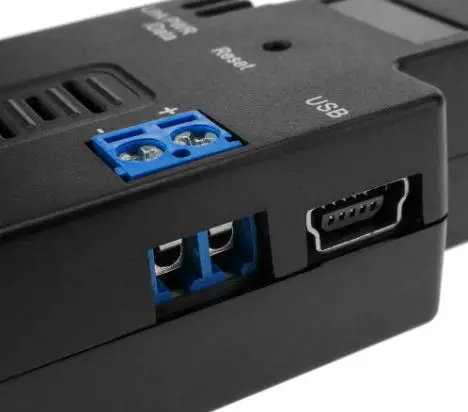
- There’re 3 ways to power the adapter: Mini USB, Terminal Block and pin9 of DB9,
please choose one. Don’t power the adapter by more than two sources. - The mini USB cable is inside the standard package.
Specifications:
- Default value: (BLE Peripheral)
- Baud rate: 9,600 bps
- Data bit: 8
- Parity: none
- Stop bit: 1
- Flow control: none
- Device Name: BLE 485
- COM port:
- Baud Rate: 1.2/2.4/4.8/9.6/19.2/38.4/57.6/115.2/ 30.4/460.8/921.6 Kbps
- Parity: none/even/odd
- Stop bit: 1/1.5/2
- Data bit: 7/8
Remark: The GATT service and AT command will support all the functions, please check the section 5 and section 6.
- Range: max. 50 m in open space
- TX Power: Max. 3 dBm
- RX Sensitivity: -89 dBm typical
- TX current consumption of 15.6 mA (radio only, 0 dbm)
- Operation Temperature: –40 °C to +70 °C
- Dimensions: 81.6 mm (L) x 31.75 mm (W) x 17 mm (H)
- Antenna Gain: max. 2 dB
Remark: All contents are subject to change without notice.
GATT Service
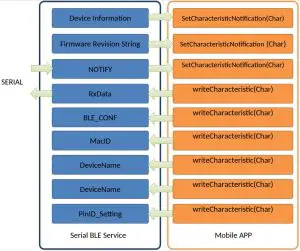
- Architecture:

- Programming Interfaces:
GATT UUID UUID_Device Information 0000180A-0000-1000-8000-00805F9B34FB UUID_Firmware Revision String 00002A26-0000-1000-8000-00805F9B34FB UUID_NOTIFY (~20 bytes) 00031234-0000-1000-8000-00805F9B0130 UUID_RxData (~20 bytes) 00031234-0000-1000-8000-00805F9B0131 UUID_MacID (6 bytes) 00031234-0000-1000-8000-00805F9B0133 UUID_DeviceName (15 bytes) 00031234-0000-1000-8000-00805F9B0134 UUID_Reboot (1 bytes) 00031234-0000-1000-8000-00805F9B0135 UUID_PinID_Setting (6 bytes) 00031234-0000-1000-8000-00805F9B0136 UUID_BLE_CONF (7 bytes) 00031234-0000-1000-8000-00805F9B0132 Byte0 Byte1 Byte2 Byte3 Data bit RS-485 CRC Stop Bit Parity Bit 7,8 0x01:on 0x00:off
2:1 3:1.5
4:2
0x02 : No Parity 0x01 : Odd Parity
0x00 : Even ParityByte4 Byte5 Byte6 Baud Rate Device Mode Reset To Default 00:9600 0x00: Peripheral 0x01: Reset 01:19200 02:38400 03:57600 04:115200 05:230400 06:2400 07:4800 08:1200 09:460800 10:921600
Command set via COM port
| Command | Value | Description |
| AT | Check the connection status between control terminal and the RS-232 adapter. Response: “OK” when the connection is ok. Response: “ERROR” when the connection is not ok. | |
| AT | Test the RS-232 status when first connect the adapter with the controller. | |
| (Default) | N | The command will disable the auto link function. |
| ? | Inquire the current setting. | |
| BAUD= | This command is used to specify the baud rate of COM port. The command will need 200 ms delay. | |
| 1200 | 1200 bps | |
| 2400 | 2400 bps | |
| 4800 | 4800 bps | |
| 9600 | 9600 bps | |
| (Default) | 19200 | 19200 bps |
| 38400 | 38400 bps | |
| 57600 | 57600 bps | |
| 115200 | 115200 bps | |
| 230400 | 230400 bps | |
| 460800 | 460800 bps | |
| 921600 | 921600 bps | |
| ? | Inquire the current baud rate. | |
| BIT= | ||
| 7 | 7 data bit | |
| 8 | 8 data bit | |
| ? | Inquire the current data bit |
| DEFAULT= | This command is used to restore the default settings and originate a warm start. | |
| Y | Restore the default settings (e.g. 19200 bps). The command will re-start the system for 1 second. | |
| DFU= | Device Firmware Upgrade via PC software. OTA (Over the air) is available to upgrade the firmware by APP | |
| Y | ||
| ECHO= | This command is used to specify whether the adaptor echoes characters received from the UART back to the DTE/DCE. | |
| N | Command characters received from the UART are not echoed back to the DTE/DCE. | |
| (Default) | Y | Command characters received from the UART are echoed back to the DTE/DCE. |
| ? | Inquire the current setting. | |
| FLOW= | This command enable or disable flow control signals (CTS/RTS) of the UART port. Note, the setting is not affected by DEFAULT. The command will need 1 second delay. | |
| (Default) | N | Disable flow control. |
| Y | Enable flow control. | |
| ? | Inquire the current setting | |
| NAME= | This command is used to specify a device name for the adaptor. You can specify a friendly name using 0 to 9, A to Z, a to z, space and –, which are all valid characters. Note that “first space or -, last space or – isn’t permitted”. The default name is “Serial Adaptor”. | |
| (Default) | BLE232 | Default device name |
| xx….xx | “xx….xx” is a character string with the length from 2 to 30. | |
| R | Restore the default settings name=“BLE Serial”. | |
| ? | Inquire the name of the local adaptor. | |
| PARITY= | This command is used to specify parity bit setting of COM port. The command will need 200 ms delay. | |
| (Default) | N | None parity bit |
| O | Odd parity | |
| E | Even parity | |
| ? | Inquire the current setting. | |
| PIN= | This command is used to specify a PIN code. The default PIN is “123456”. Paired adaptors should have a same PIN. This command is used to specify a PIN. | |
| (Default) | 123456 | |
| xx….xx | “xx….xx” is a 6 number 0~9 | |
| ? | Inquire the current PIN. | |
| PROMPT= | The command is used to decide whether result messages are prompted when Setup commands are executed. The result messages are: OK/ERROR for command execution. | |
| (Default) | Y | Prompt result messages. |
| N | Not prompt result messages. | |
| ? | Inquire the current setting. | |
| STOP= | This command is used to specify one or two stop bits of COM port. |
| The command will need 200ms delay. | ||
| (Default) | 1 | One stop bit. |
| 2 | Two stop bits. | |
| ? | Inquire the current setting. | |
| VERSION= | This command is used to inquiry the firmware version. | |
| ? | Inquire the version codes. |
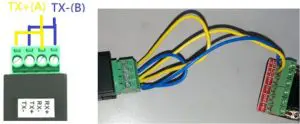
RS-485 Wire connection

APP Download
Android:
iOS:
APP Sample code: Please contact the supplier for the test sample code.
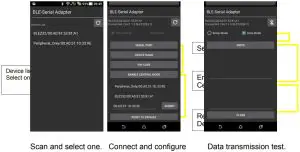
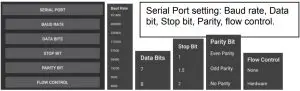
The APP is used for the configuration and the data transmission test.