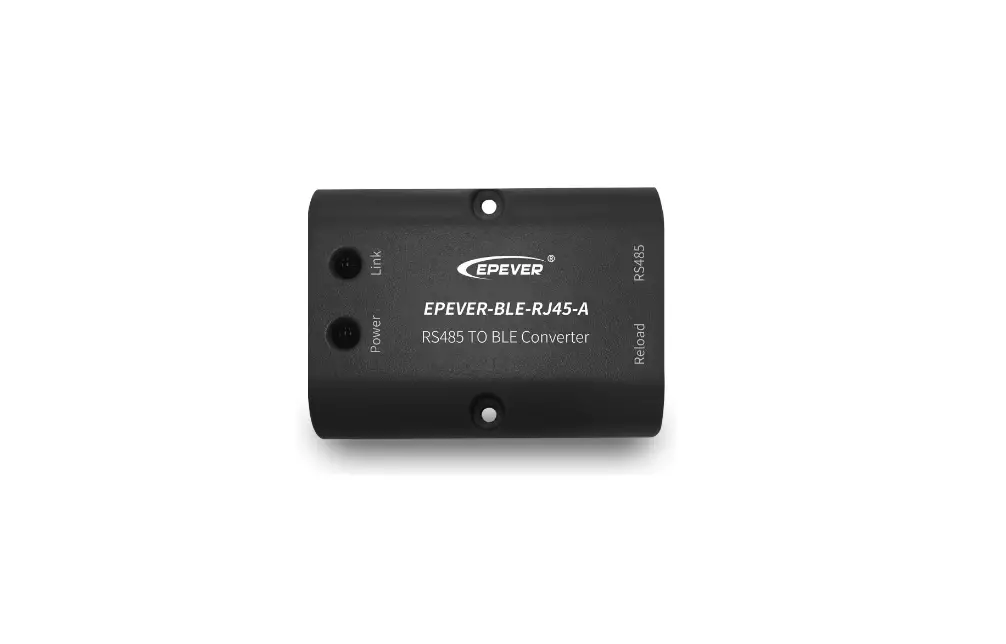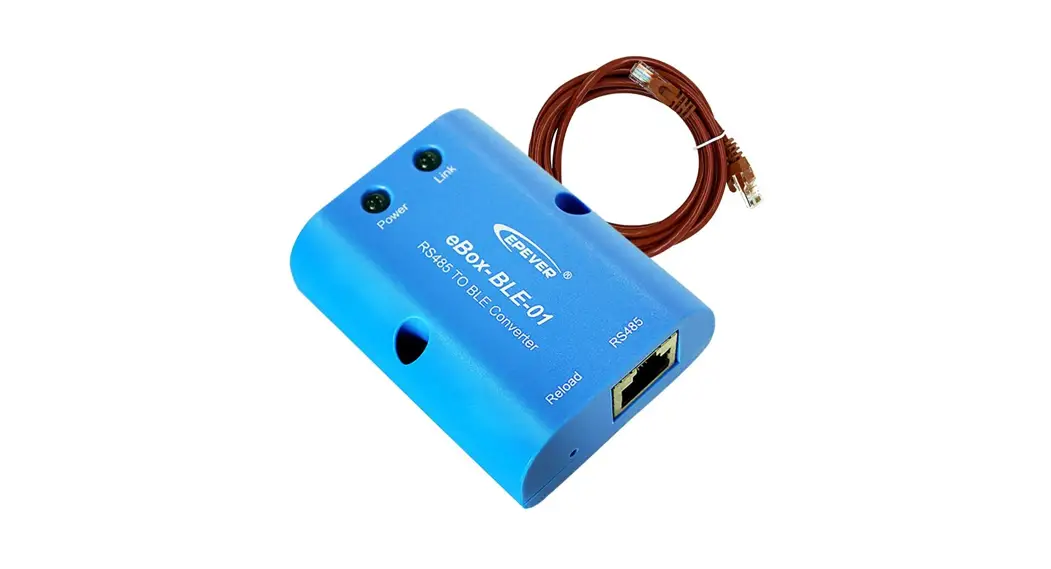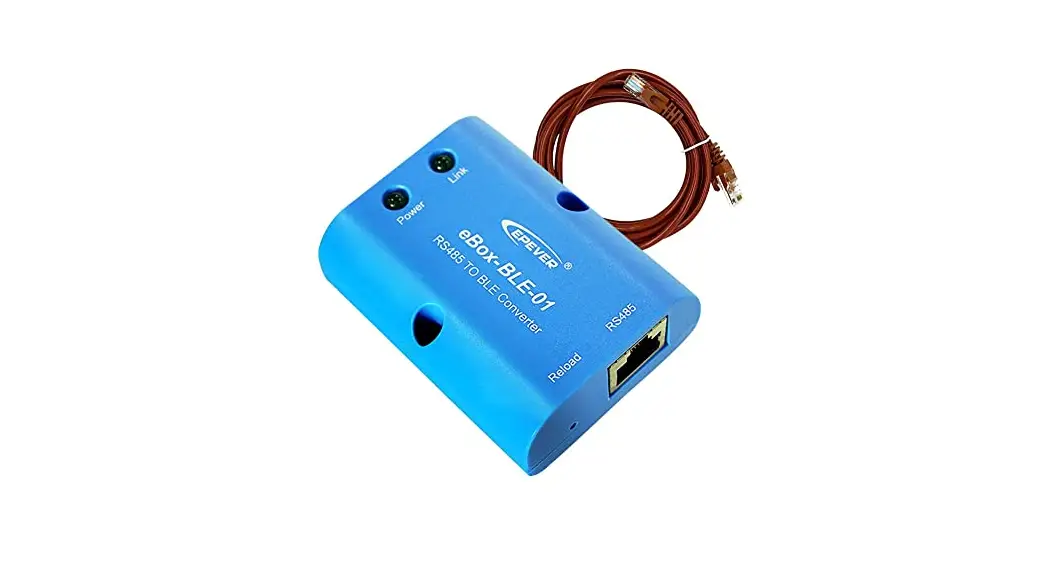
 Bluetooth adapter
EVER BLE RJ45 A
※ Thanks for selecting the EPEVER BLE RJ45 A Bluetooth module. Please read this manual carefully before using the product.
※ Please keep this manual for future reference.
Overview
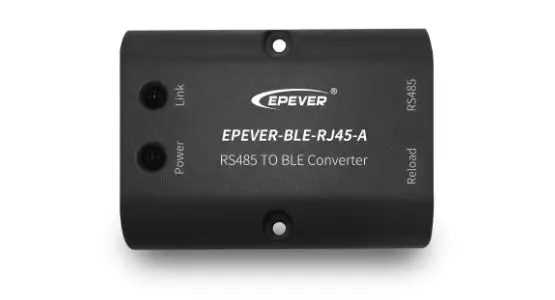
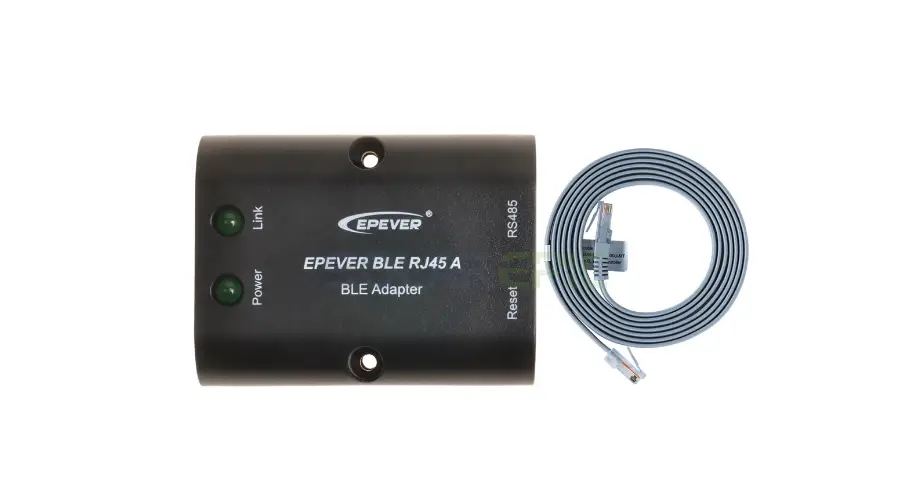
EPEVER BLE RJ45 A is a new Bluetooth adapter suitable for EPEVER solar controller, inverter, and inverter/charger. Adopting the Bluetooth 5.0 transmission and BLE (Bluetooth Low Energy) technology, EPEVER BLE RJ45 A enables data collection, communication, and wireless monitoring of connected devices.
Features:
- Support communication by APP
- Support data encryption
- Use immediately after connecting, easy and convenient operation
- Feature fast communication and strong anti-interference ability
- Directly powered by the communication port
- Up to 30 meters communication distance
Appearance
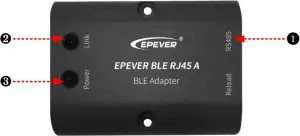
- Ports Instruction
| No. | Name | Instruction |
| 2 | RJ45 port | To connect the solar controller, inverter/charger |
| 2 | Link indicator | Display communication status |
| 3 | Power indicator | Display power status |
- Indicator
| Indicator | Status | Instruction |
| Link indicator | ON solid in green | Connect to Bluetooth successfully. |
| OFF | Not connect to Bluetooth. | |
| Fast flashing in green | Restore the factory setting. | |
| Power Indicator | ON solid in green | Normal power on |
| OFF | No power on |
Working processes
Step1: Connect the RJ45 port of the Bluetooth module to the EPEVER controller, inverter, or inverter/charger. Take the inverter/charger connection as an example.
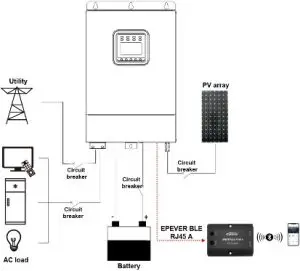
Note: The Bluetooth module only supports one-to-one communication (i.e., a Bluetooth module can only connect one controller, inverter, or inverter/charger). Detail connection cable refers to the connected device accessories list.
Step2: Turn on the Bluetooth switch on your phone, and open the EPEVER Pair APP. Click the “Local” icon on the home page to enter the BLE connection page.
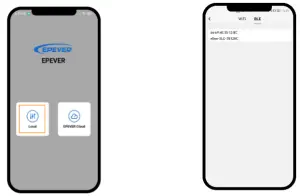
Step3: After connecting successfully, remote monitor the device connected to the Bluetooth module by the phone APP.
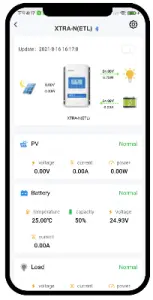
Note:
- The phone and the Bluetooth module can’t be placed more than 10 meters away.
- The Bluetooth module only supports the “Local” function of the APP and does not support the “Wifi on cloud” function.
Specifications
| Model/Parameter | EVER BLE RJ45 A |
| Input voltage | 5V± 0.5V(Powered by RS485 corn. port) |
| Power consumption | 5V@30mA |
| Communication distance | 5 10m |
| Serial port baud rate | 2400 – 115200bps (default 115200bps ) |
| Communication method | RS485 to Bluetooth |
| Connection port | RJ45 port |
| Connection cable | Standard network cable (parallel line) |
| Bluetooth protocol | Bluetooth 5.0. compatible with Bluetooth 4.0 |
| Dimension | 51 x 67 x 24.5mm |
| Mounting dimension | 41.2, Φ3.2 |
| Working temperature | -20 ~ 70°C |
| Enclosure | IP30 |
| Net Weight | 37.9g |
Disclaimers
The warranty does not apply to the following conditions:
- Damage caused by improper use or inappropriate environment.
- The parameter setting exceeds the Bluetooth module’s limit.
- Damage caused by working temperature exceeds the rated range.
- Unauthorized dismantling or attempted repairs.
- Damage caused by force majeure.
- Damage occurred during transportation or handling.
Any changes without prior notice!
Version number: V1.2
HUIZHOU EPEVER TECHNOLOGY CO., LTD
TEL: +86-10-82894896/82894112/+86-752-3889706
Website: www.epever.com
 SolarV| Hochwertiges Solarmodul für Stromversorgung, Laderegler, Spannungswandler, Batterien, Wechselrichter und Zubehör. | enjoysolar®–Hochwertige Solarmodule von 5Wp bis 300 Wp Mono ,Poly oder Flexibel Module. Laderegler oder Wechselrichter mit optionale