ATEN UC485 USB to RS-422-485 Adapter User Manual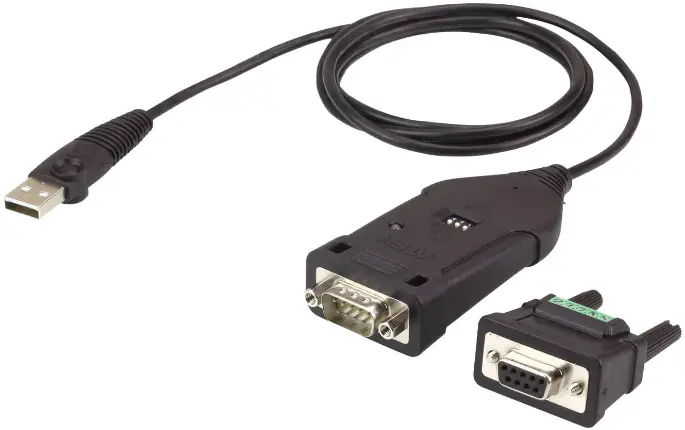
Compliance Statements
FEDERAL COMMUNICATIONS COMMISSION INTERFERENCE STATEMENT
This equipment has been tested and found to comply with the limits for a Class A digital device, pursuant to Part 15 of the FCC Rules. These limits are designed to provide reasonable protection against harmful interference when the equipment is operated in a commercial environment. This equipment generates, uses, and can radiate radio frequency energy and, if not installed and used in accordance with the instruction manual, may cause harmful interference to radio communications.
Operation of this equipment in a residential area is likely to cause harmful interference in which case the user will be required to correct the interference at his own expense.
The device complies with Part 15 of the FCC Rules. Operation is subject to the following two conditions: (1) this device may not cause harmful interference, and (2) this device must accept any interference received, including interference that may cause undesired operation.
FCC Caution
Any changes or modifications not expressly approved by the party responsible for compliance could void the user’s authority to operate this equipment.
Warning
Operation of this equipment in a residential environment could cause radio interference.

KCC Statement
Industry Canada Statement
This Class A digital apparatus complies with Canadian ICES003.
CAN ICES-003 (A) / NMB-003 (A)
RoHS
This product is RoHS compliant.
Online Registration
- International: http://eservice.aten.com
Telephone Support
For telephone support, call this number:
| International | 886-2-8692-6959 |
| China | 86-400-810-0-810 |
| Japan | 81-3-5615-5811 |
| Korea | 82-2-467-6789 |
| North America | 1-888-999-ATEN ext 4988 1-949-428-1111 |
Technical Support
- For international online technical support – including troubleshooting, documentation, and software updates: http://eservice.aten.com
- For North American technical support:
| Email Support | [email protected] | |
| Online Technical Support | Troubleshooting Documentation Software Updates | http://support.aten.com |
| Telephone Support | 1-888-999-ATEN ext 4998 | |
Package Contents
Check to make sure that all the components are in working order.
If you encounter any problem, please contact your dealer.
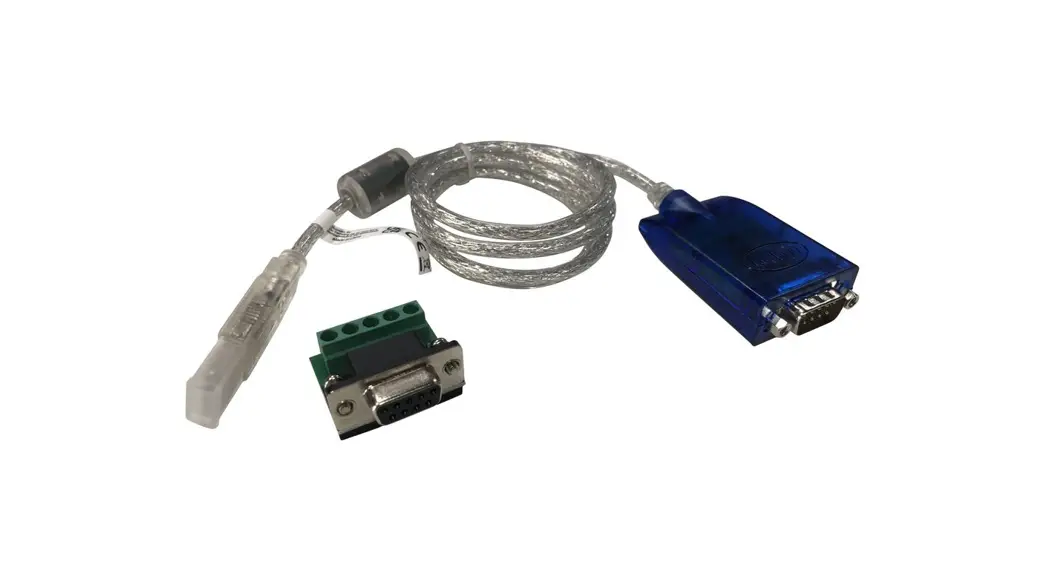
The UC485 USB to RS-422/485 Adapter package contains the
following items:
- 1 UC485 USB to RS-422/485 Adapter
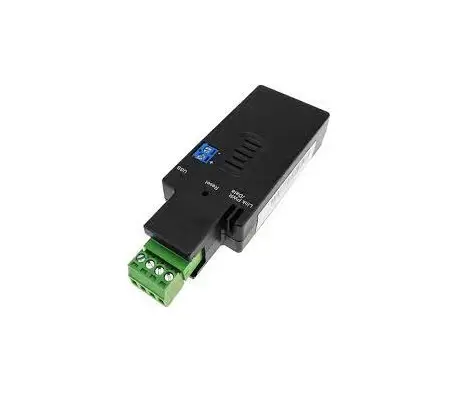
- 1 Terminal Adapter
- 1 User Instructions*
Note:
- Read this manual thoroughly and follow the installation and operation procedures carefully to prevent any damage to the unit or any connected devices.
- The product may be updated, with features and functions added, improved or removed since the release of this manual. For an up-to-date user manual, visit http://www.aten.com/global/en/
Overview
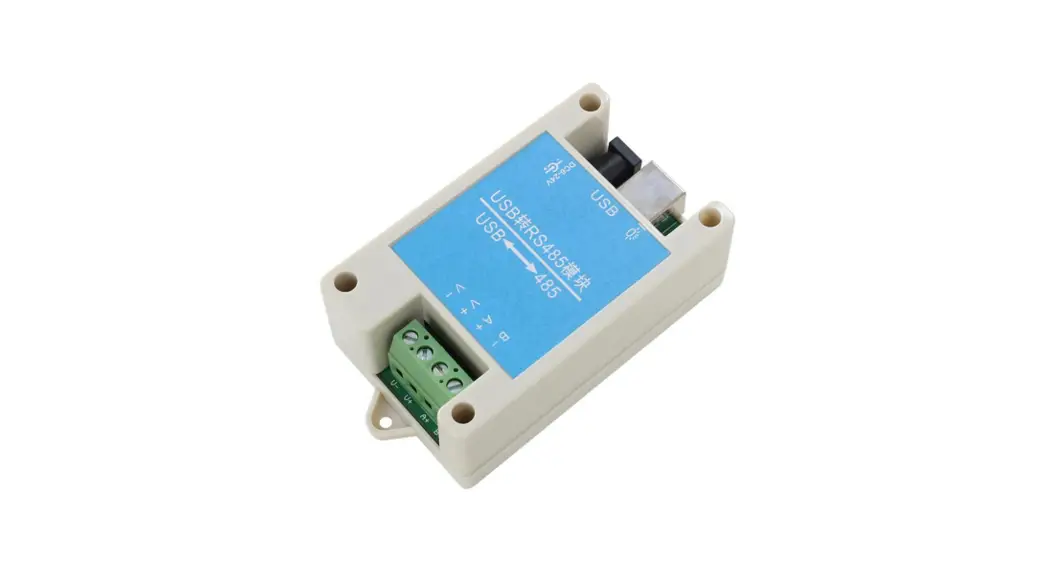
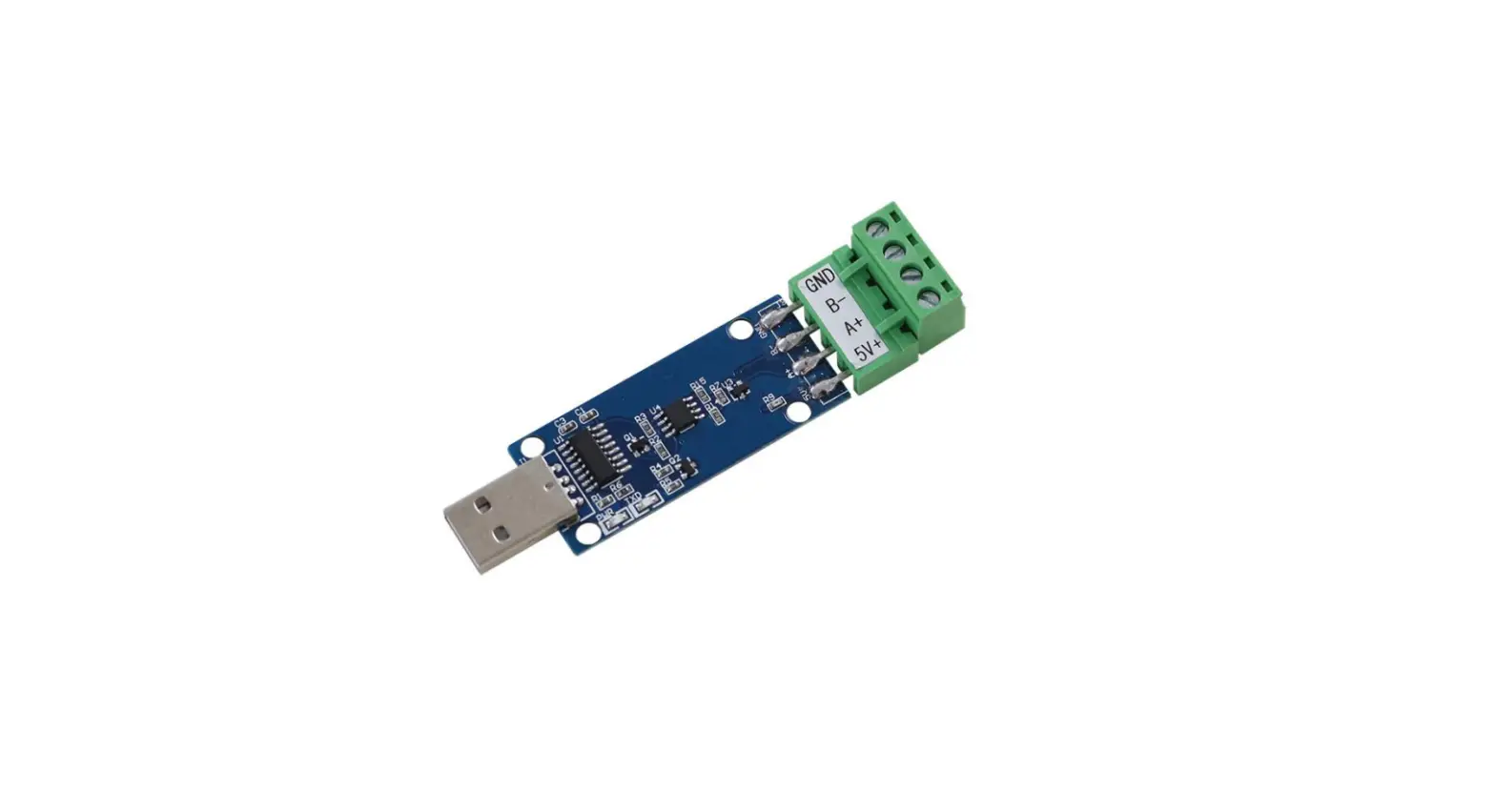
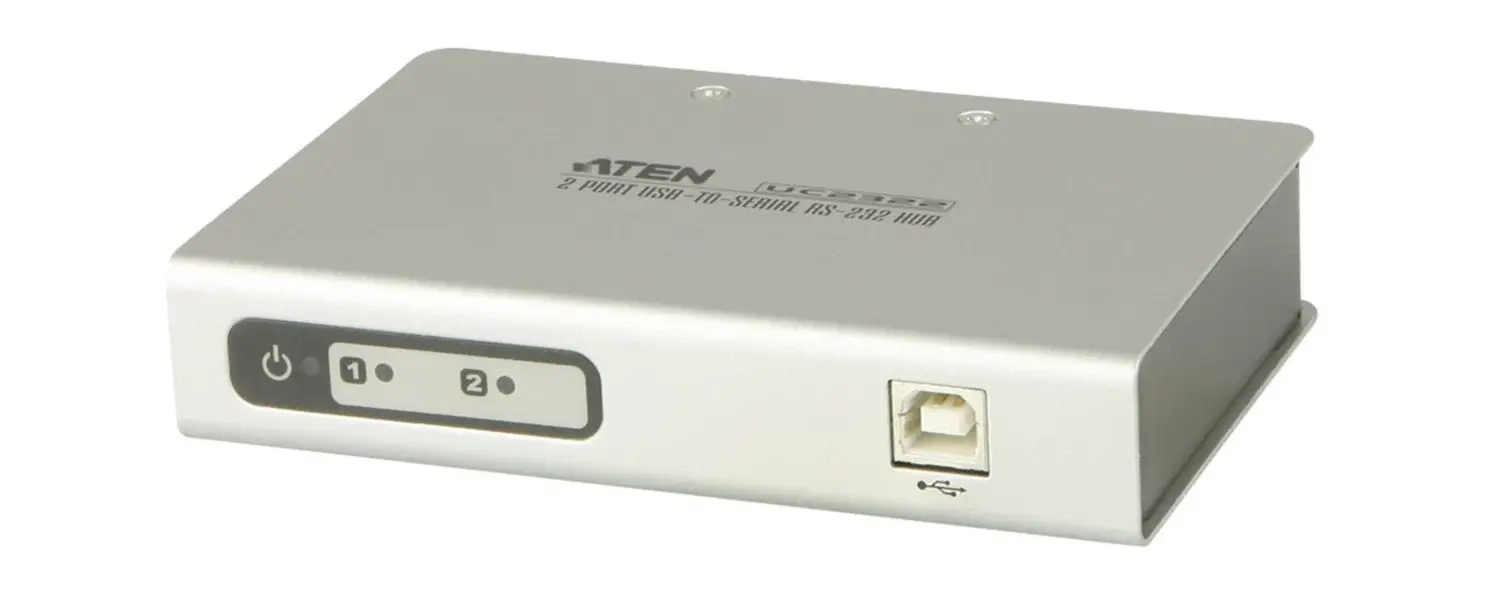
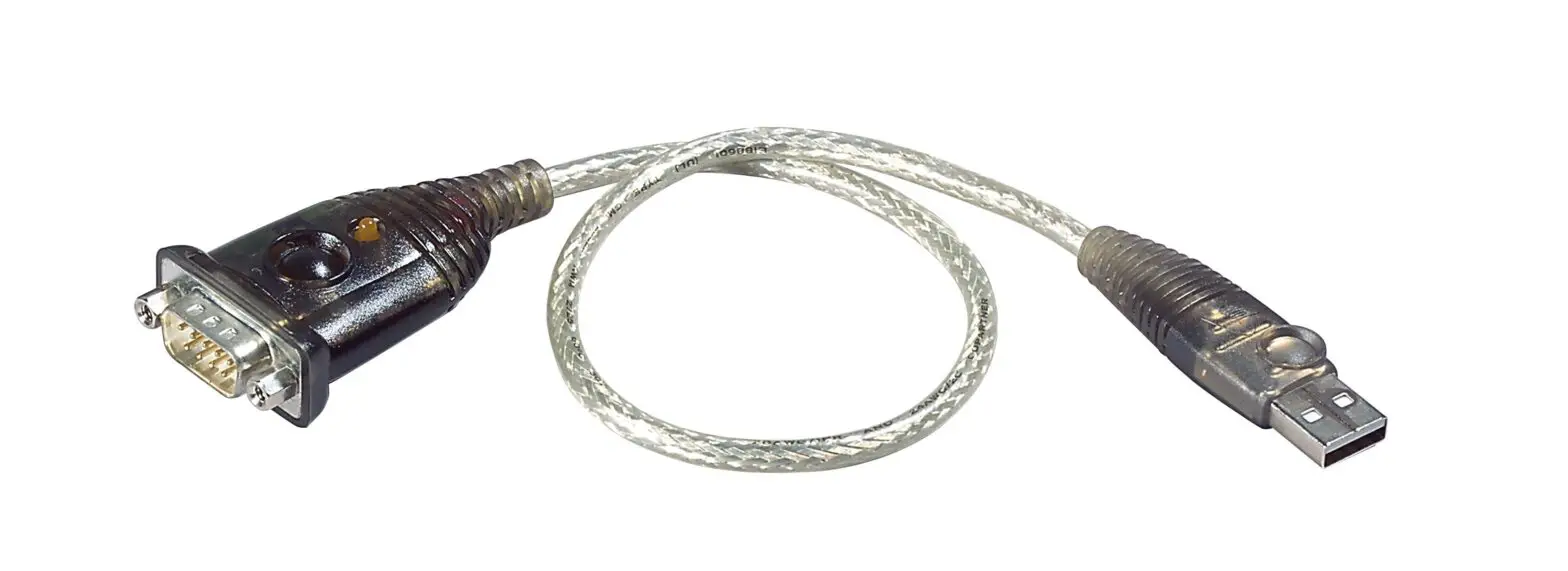
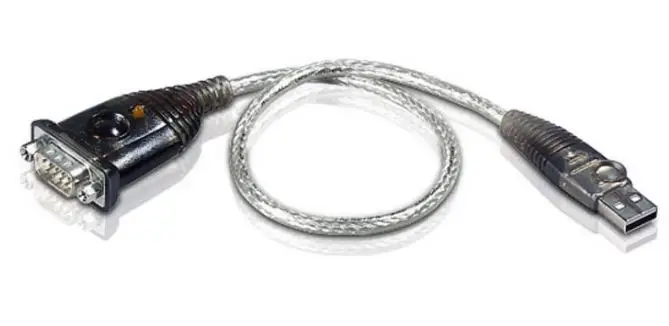
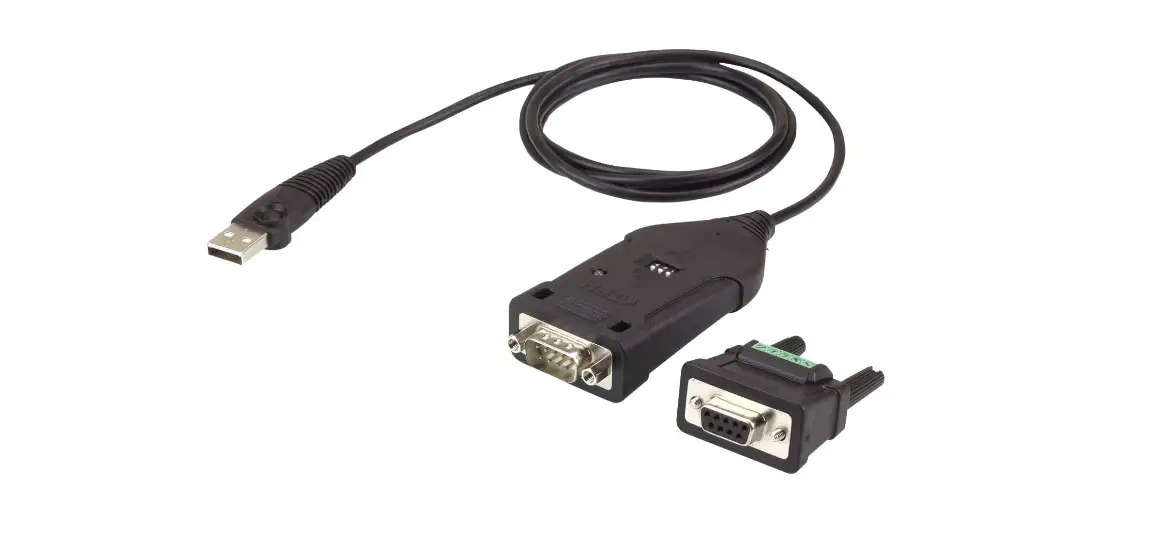
The ATEN UC485 USB to RS-422/485 Adapter is a high quality industrial adapter cable designed to instantly add an RS-422 / RS-485 port to your PC or laptop via a USB port. The adapter is powered via the USB connection, therefore an external power supply is not needed.
The UC485 adapter lets you use a single USB connection to create plug-and-play serial transfers without additional cables or complicated device installations. It lets you connect any RS-485 or RS-422 device to your computer’s USB port without experiencing computer lock-ups, I/O or driver problems. It is the ideal solution for connecting industrial devices such as laboratory machines, measuring equipment, automated systems, monitoring devices, and many more – where mission-critical applications are required.
Features
- Converts a USB port to a Legacy COM port
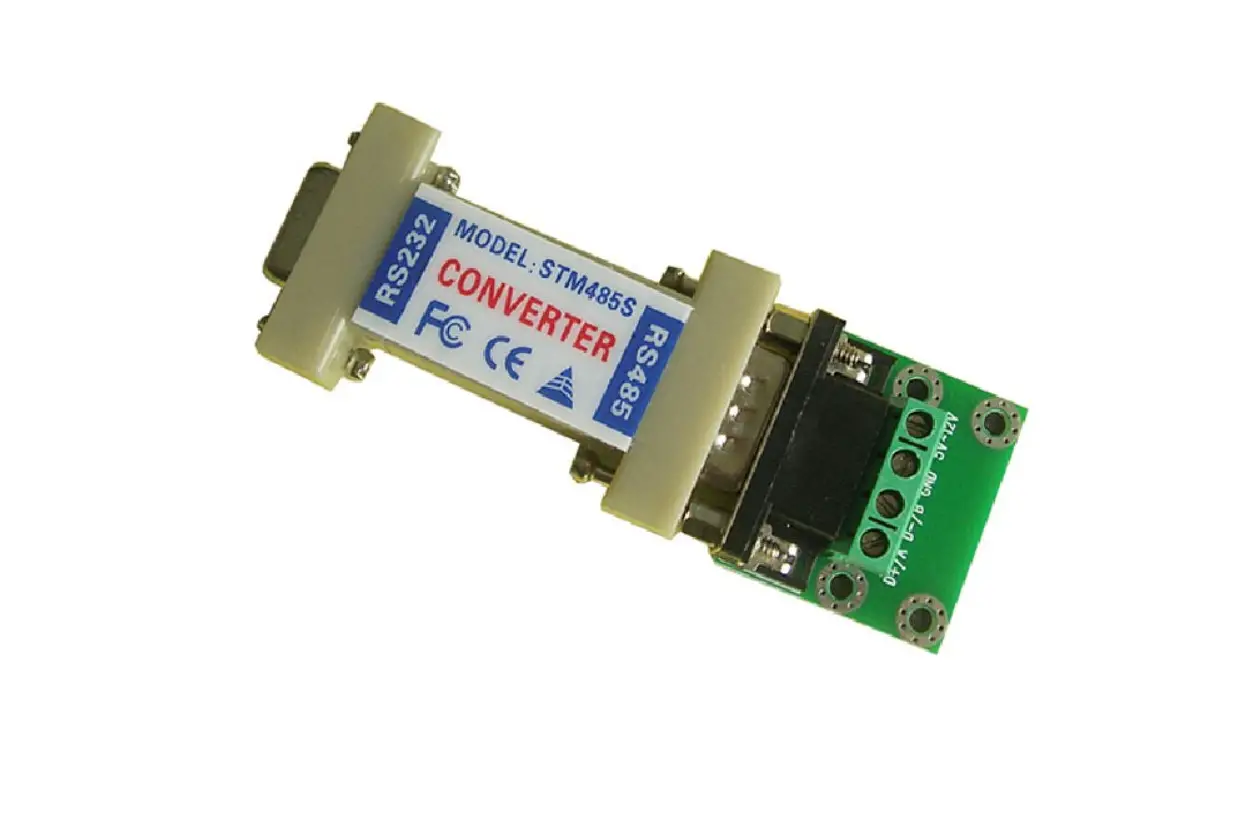
- DB-9 female to terminal block adapter for easy wiring
- Fast COM Port Transmission – up to 921.6 Kbps per serial port
- Windows Vista, 7, 8, 8.1, 10 or above, Mac and Linux
- LEDs for indicating RS-422 (Orange) or RS-485 (Green)
- Supports Terminal/ECHO setting by switch
- Plug-and-Play – no power supply needed
- Supports USB hot-plugging
System Requirements
Hardware
- 1 USB enabled computer
Software
- Windows Vista, 7, 8, 8.1, 10 or above, Mac and Linux
If your Linux kernel is between v2.6.15 ~ v5.4 and your device has a new chipset version, please update the Linux driver from our product web page. This driver works with 2021 or later chipset version device only.
Use the link below to identify which chipset version your device is. http://eservice.aten.com/eServiceCx/Common/FAQ/view.do?id=18695
Components
UC485
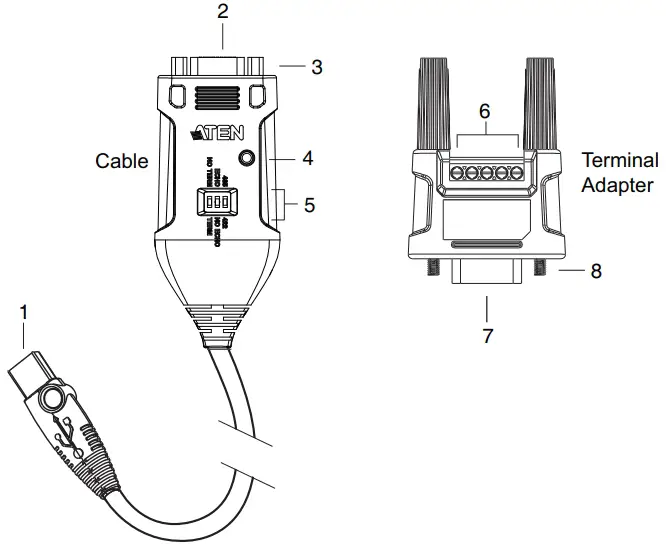
| No. | Component | Description |
| 1 | USB connector | This connector plugs in a USB enabled computer. |
| 2 | DB-9 connector | Connect this end of the cable to an RS-422 or RS-485 serial device. |
| 3 | connector nut | This nut provides an inlet for the connector screws on the Terminal Adapter (included with this package). |
| 4 | power LED | This LED lights Orange (RS-422) or Green (RS-485) to indicate the adapter is connected and powering a device from the computer’s USB port. |
| 5 | mode selector | These three DIP switches allow you to configure the Terminator, Echo, and device settings. |
| 6 | terminal connectors | These five terminal blocks provide a wired connection to the serial device. |
| 7 | DB-9 connector (Female) | The terminal adapter plug connects to the cable’s DB-9 connector. |
| 8 | connector screws | These two screws go into the connector nuts on the cable’s DB-9 connector. |
Installation
- Make sure that the power to any device that you connect to the installation has been turned off.
- Make sure that all devices you will be installing are properly grounded.
Hardware
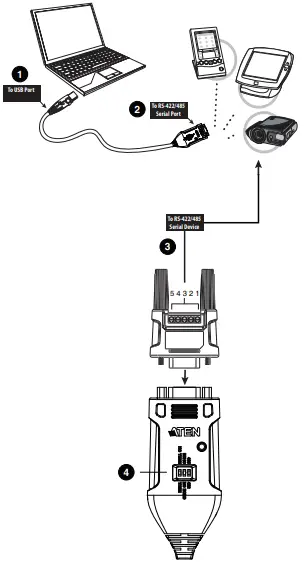
To setup the UC485, use the diagram on the next page (the numbers in the diagram correspond with the numbered instructions below), and do the following:
- Plug the USB connector to the computer and allow the drivers to install.*
- Plug the DB-9 connector to an RS-422/RS-485 serial device.
- (Optional) If you are using the terminal connectors, plug the terminal adapter included with this package into the DB-9 connector, secure the connector screws, and then use the terminal blocks to wire a device to the UC485 (SEE PAGE).
- Use the mode selector to configure the DIP switch settings for the connection type (SEE PAGE).
- Power on the serial devices.
Note: If you are using an older computer that doesn’t contain the drivers for this device, please go to our website to download the UC485 drivers and install them before setting up the hardware.
Configuration and Settings
Terminal Block
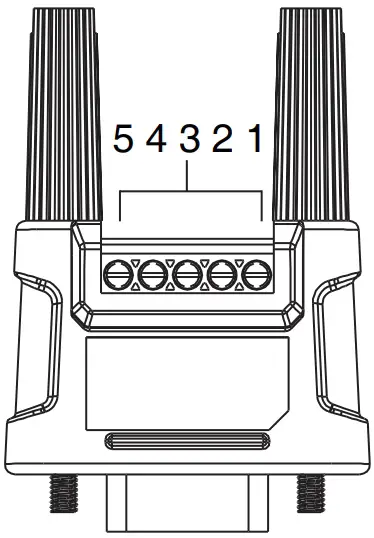
| PIN | RS-422 (4-Wire) | RS-485 (2-Wire) |
| 1 | TxD-(A) | Data-(A) |
| 2 | TxD+(B) | Data+(B) |
| 3 | RxD+(B) | |
| 4 | RxD-(A) | |
| 5 | GND | GND |
DIP Switch
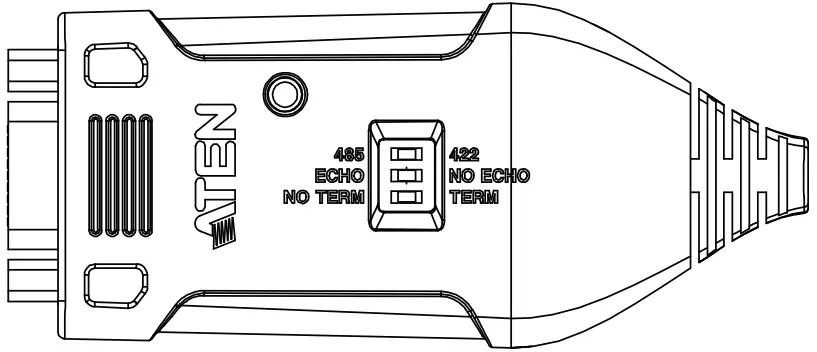
| Switch | Name | Position | Description |
| 1 | Term / No Term | No Term (default) | The terminator resistor is disabled. |
| Term | The terminator resistor is enabled. | ||
| 2 | Echo / No Echo | Echo | The data transmitted is echoed back. |
| No Echo (default) | No data is echoed back. | ||
| 3 | 485 / 422 | 485 (default) | RS-485 2-wire mode |
| 422 | RS-422 4-wire mode |
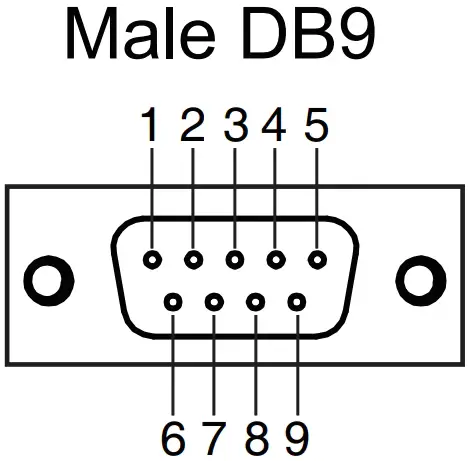
DB9 Pin Assignment
| PIN | RS-422 (4-Wire) | RS-485 (2-Wire) |
| 1 | TxD-(A) | Data- |
| 2 | TxD+(B) | Data+ |
| 3 | RxD+(B) | |
| 4 | RxD-(A) | |
| 5 | GND | GND |
| 6 | RTS- | |
| 7 | RTS+ | |
| 8 | CTS+ | |
| 9 | CTS- |
Specifications
| Function | UC485 |
| Device Connections | 1 |
| Connectors | |
| Serial Port | 1 x DB-9 Male (Silver) |
| USB Port | 1 x USB Type-A Male (White) |
| LED | |
| Power Status | RS-422 (Orange) / RS-485 (Green) |
| Interface | |
| RS-485 | Baud Rate: 75bps~921.6 Kbps |
| Flow Control | |
| RTS/CTS, XON/XOFF | Stop Bit: 1, 1.5, 2 |
| FIFO | |
| 64 Bytes | Parity: Even, Odd, None, Mark, Space |
| Power | |
| Consumption | DC5V, 0.228W |
| Environmental | |
| Operating Temperature | 0–40º C |
| Storage Temperature | -20–60º C |
| Humidity | 0–80% RH, Non-condensing |
| Physical Properties | |
| Housing | Plastic |
| Weight | 0.09 kg |
| Dimensions (L x W x H) | 9.53 x 4.10 x 2.20 cm |
Limited Warranty
ATEN warrants its hardware in the country of purchase against flaws in materials and workmanship for a Warranty Period of two [2] years (warranty period may vary in certain regions/countries) commencing on the date of original purchase. This warranty period includes the LCD panel of ATEN LCD KVM switches. Select products are warranted for an additional year (see A+ Warranty for further details). Cables and accessories are not covered by the Standard Warranty.
What is covered by the Limited Hardware Warranty
ATEN will provide a repair service, without charge, during the Warranty Period. If a product is detective, ATEN will, at its discretion, have the option to (1) repair said product with new or repaired components, or (2) replace the entire product with an identical product or with a similar product which fulfills the same function as the defective product. Replaced products assume the warranty of the original product for the remaining period or a period of 90 days, whichever is longer. When the products or components are replaced, the replacing articles shall become customer property and the replaced articles shall become the property of ATEN.
To learn more about our warranty policies, please visit our website: http://www.aten.com/global/en/legal/policies/warranty-policy/
Copyright 2022 ATEN® International Co., Ltd.
Released: 2022-08-04
ATEN and the ATEN logo are registered trademarks of ATEN International Co., Ltd.
All rights reserved. All other brand names and trademarks are the registered property of their respective owners.
 eService System
 USA Location information - USA.com
 ATEN - Simply Better Connections | ATEN Corporate Headquarters